

ASUS ZenScreen OLED MQ16FC 16-Inch Portable Monitor
Product description
What it is
The ASUS ZenScreen OLED MQ16FC is a 16-inch, 16:10 portable monitor that uses an OLED panel with a 1920x1200 resolution. It’s designed to extend or mirror a laptop or other device on the go, offering a compact way to gain a larger, color-rich workspace without committing to a full desktop setup.
Why you’d consider it
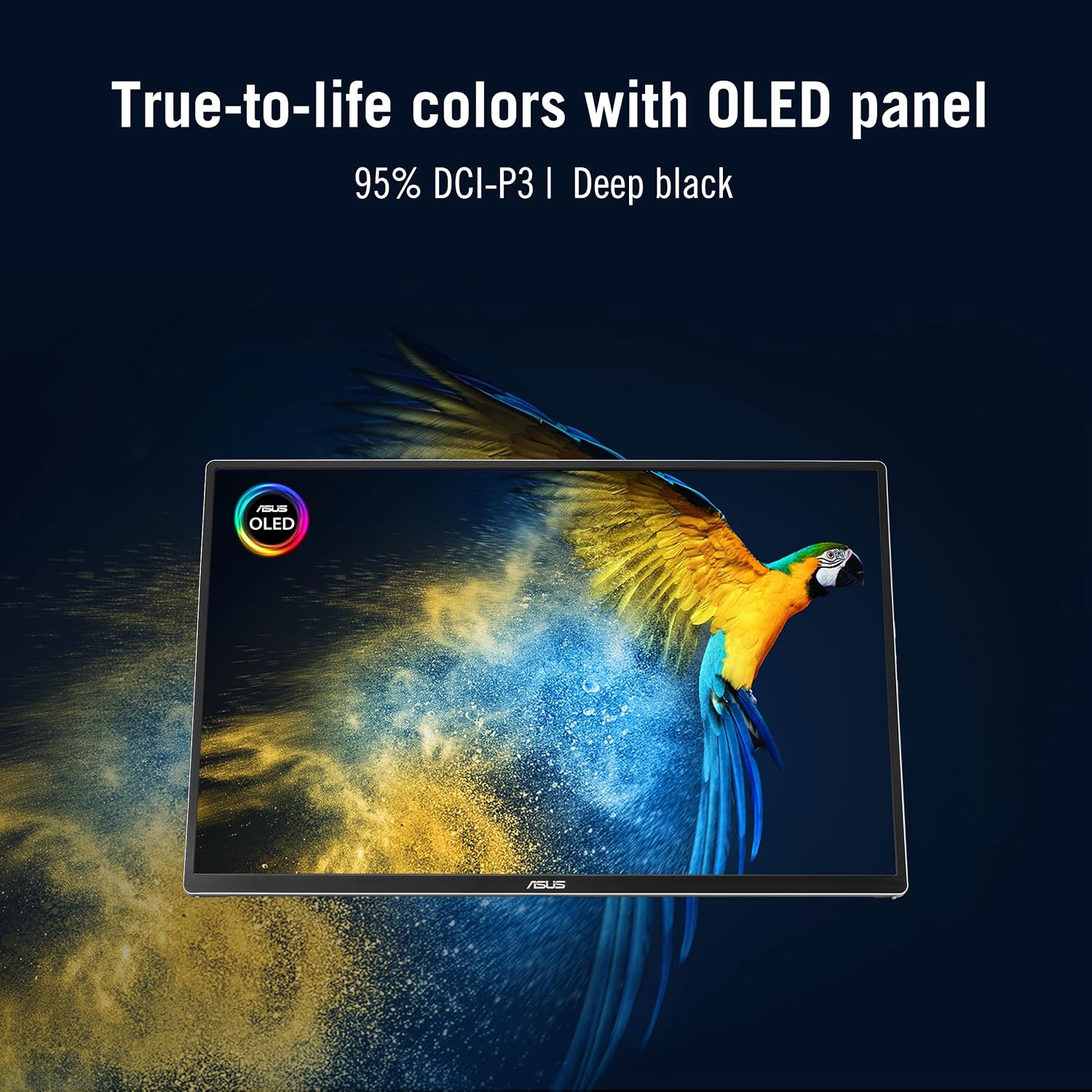
On paper, it stands out for color and contrast: OLED with 95% DCI-P3 coverage, deep blacks, and fast 1 ms response. If you’re juggling photos, video edits, or code with visual context, this panel can make details pop and motion feel snappy. The panel also features Flicker-Free and Low Blue Light technology certified by TÜV Rheinland, which can help reduce eye fatigue during long sessions.
How it powers and connects
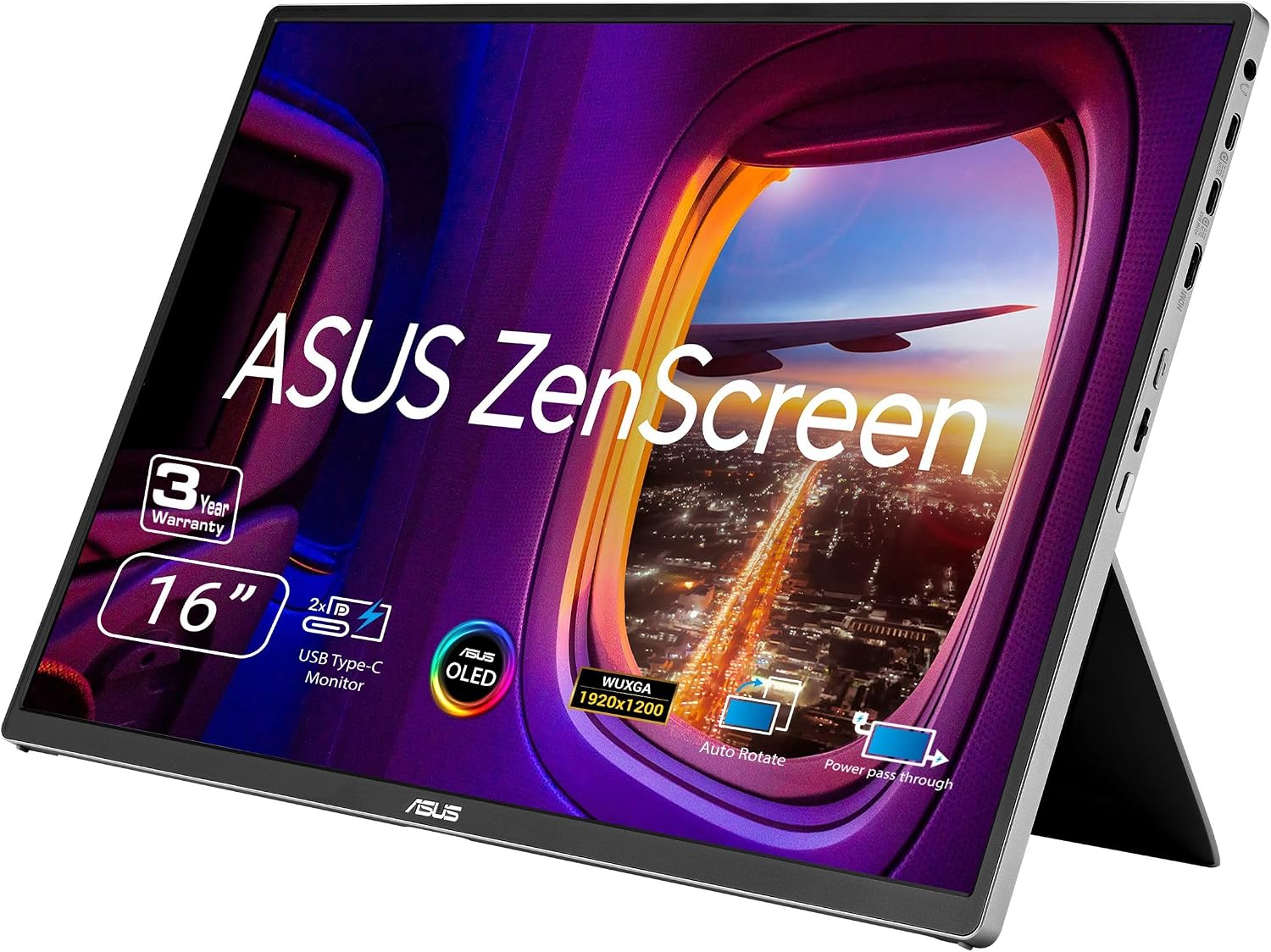
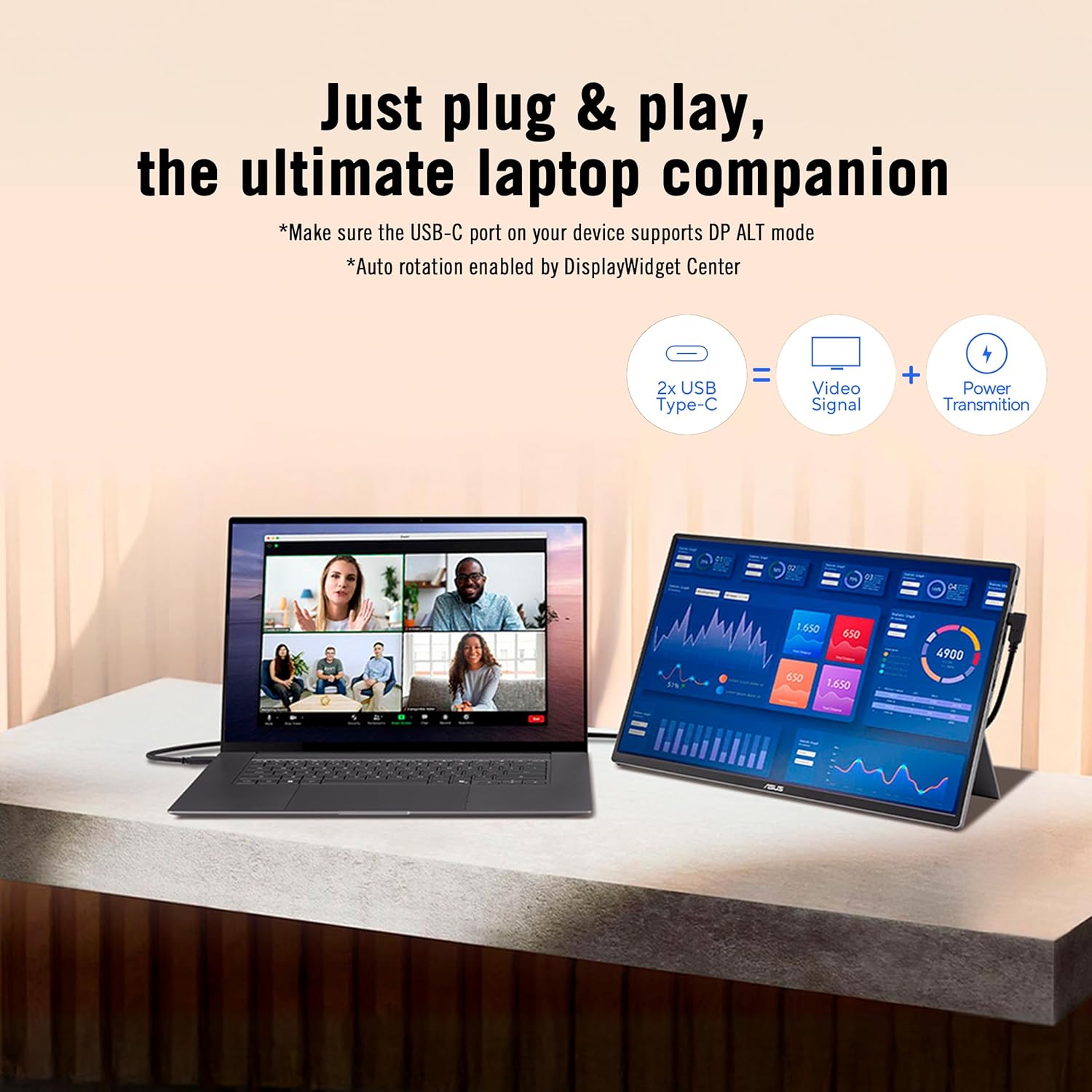
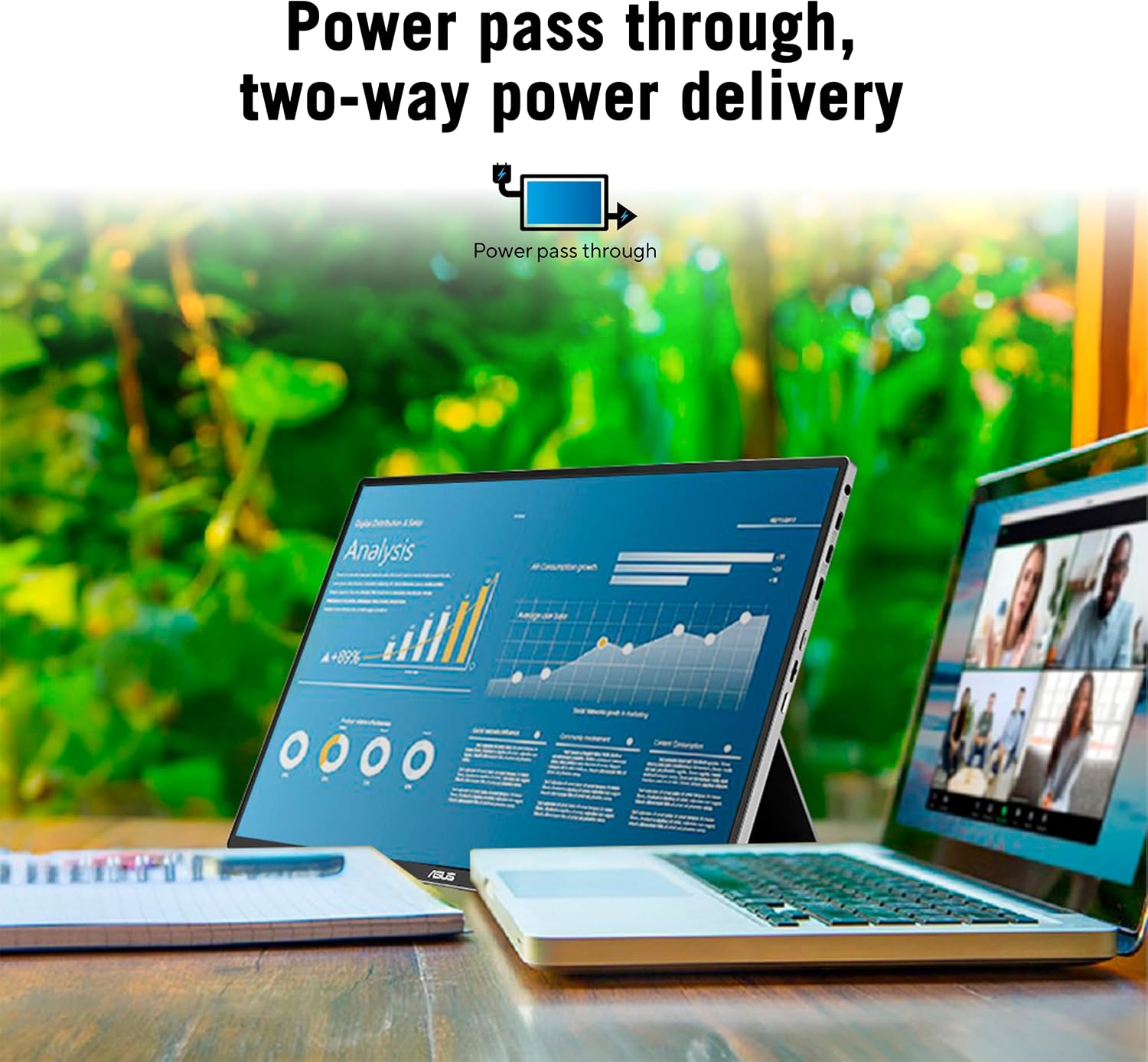
Power and data travel through USB-C, and there’s Power Pass Through, so you can power a laptop or pass power along to a connected device. Two full-function USB-C ports plus a Mini-HDMI input provide flexible setups—perfect if you’re using it as a secondary display in a laptop bag, studio desk, or travel rig. The MQ16FC can auto-rotate, switching between landscape and portrait via the DisplayWidget Center software, which can be handy for tasks like reading long docs or editing vertical content.
Build and setup notes you’ll care about
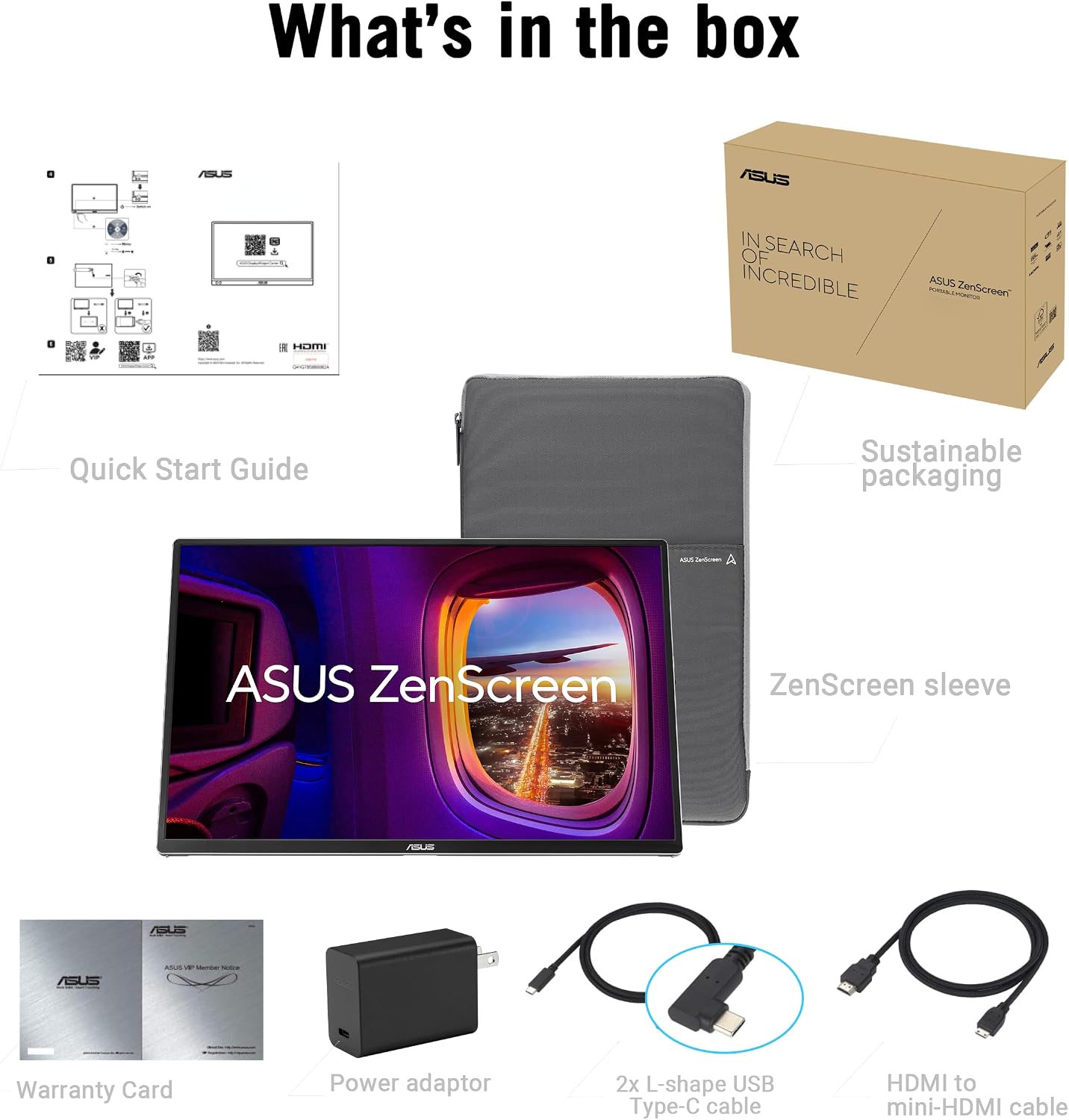
The kit includes two USB-C cables, a Mini HDMI to HDMI cable, and a tripod socket kit (MTS02D), plus a sleeve, cleaning cloth, quick start guide, and warranty card. If you rely on a portable workflow, the tripod option helps you off-load the screen onto a stable surface for presentations or review sessions without balancing the display on your lap.
Strengths you’ll notice in daily use
- OLED color accuracy and 16:10 aspect ratio offer a roomy, cinema-like workspace with plenty of vertical space for documents and timelines.
- Power Pass Through reduces the number of adapters you need when traveling, which simplifies a compact setup.
- Auto-rotation and DisplayWidget Center support keep your workflow flexible, whether you’re drafting in landscape or reviewing in portrait.
- TÜV Rheinland Flicker-Free and Low Blue Light tech makes extended sessions more comfortable for eyes that stare at screens all day.
- The package includes practical extras (tripod kit, both USB-C cables, microfiber cloth), which lowers the need to hunt for add-ons when you’re ready to hit the road.
What could be less compelling
- It’s not designed as a primary monitor for intense gaming or color-critical professional work where you’d want confirmation from hardware calibration tools. The information provided doesn’t specify calibration options beyond the color gamut, you may want to verify your own color workflow expectations.
- Being a portable OLED panel, you might trade peak brightness for the on-device benefits of OLED, especially in bright environments where screen glare is a factor. If you’re often outdoors in bright sun, you may need shading or a darker environment to maximize readability.
- The reliance on USB-C power and pass-through means you’ll want to ensure compatible hosts or power sources to avoid surprises on the road.
Who it’s for
This monitor fits creative professionals, students, and remote workers who want a high-contrast, color-rich portable display that can accompany a laptop on the go. It’s particularly appealing if you value deep blacks, fast responses, and a wider 16:10 workspace for editing, reviewing, or multi-document workflows.
Who it’s not for
If you primarily need a rugged, bright outdoor panel for daytime use, or if you require a display with a proven factory color calibration workflow for strict production standards, you might find other options more suitable. Also, if your portable power strategy doesn’t align with USB-C pass-through, you could encounter setup friction when traveling.
When it makes sense to buy
- You want a true portable OLED panel with a cinematic color range and fast response for creative work or media review.
- You value a flexible orientation workflow (auto-rotate) and the convenience of USB-C power delivery and pass-through.
- You need an included tripod-ready kit and a compact footprint for travel or small workspaces.
Before you buy, check these notes
- Confirm your devices support USB-C power delivery and the pass-through behavior you expect (laptop charging versus powering the monitor).
- Consider your typical lighting environment, OLED offers superb contrast but can look different in very bright settings.
- Think about whether you’ll frequently use portrait mode, the software-based auto-rotate relies on compatible software and drivers.
Practical usage example
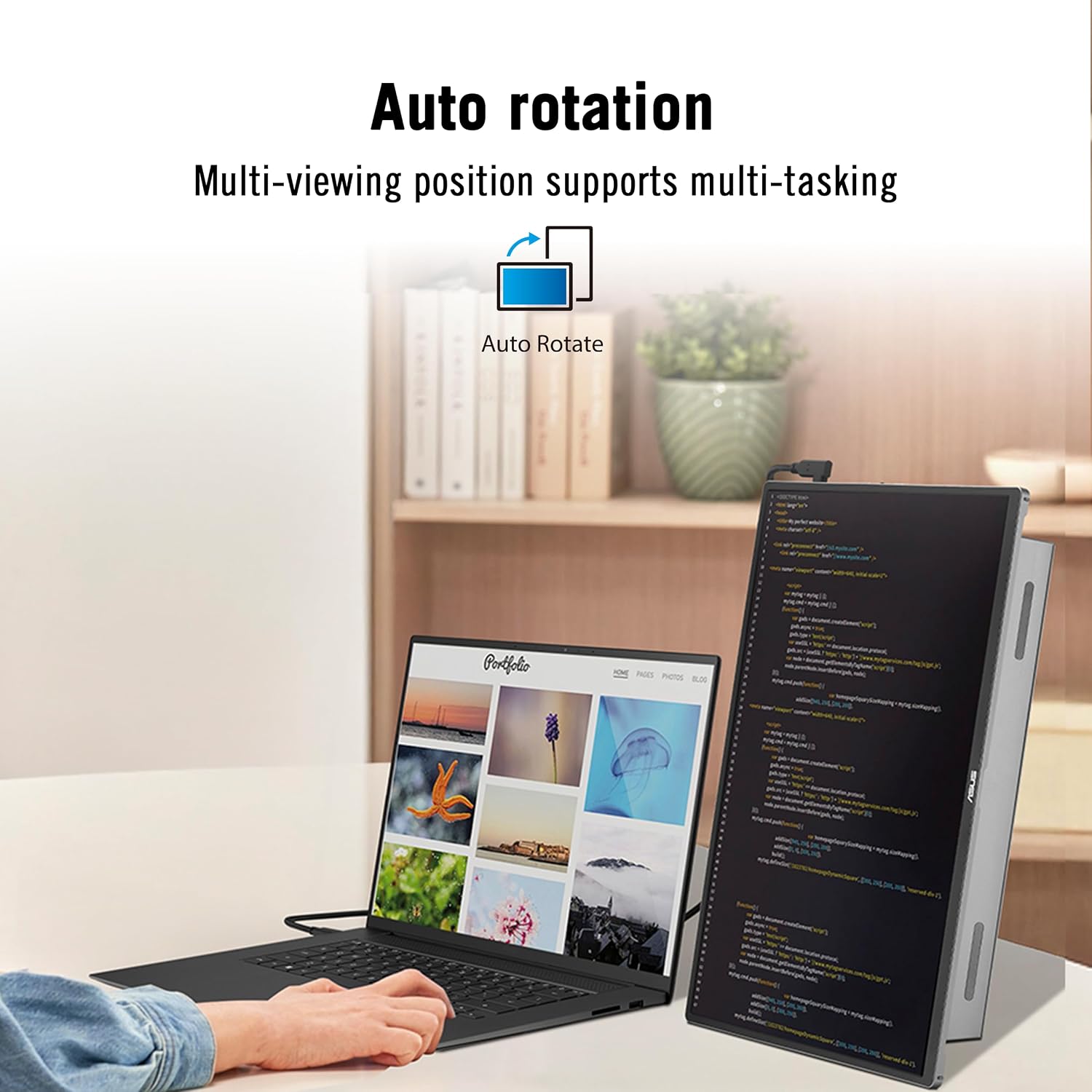
Imagine editing a photo portfolio on a flight: you connect the MQ16FC to your laptop via USB-C, extend your screen for a wider editing canvas, and switch to portrait when reviewing tall mobile layouts. The built-in tripod kit lets you prop the screen on the tray table for a stable review session without needing extra stands.
Tech specs at a glance
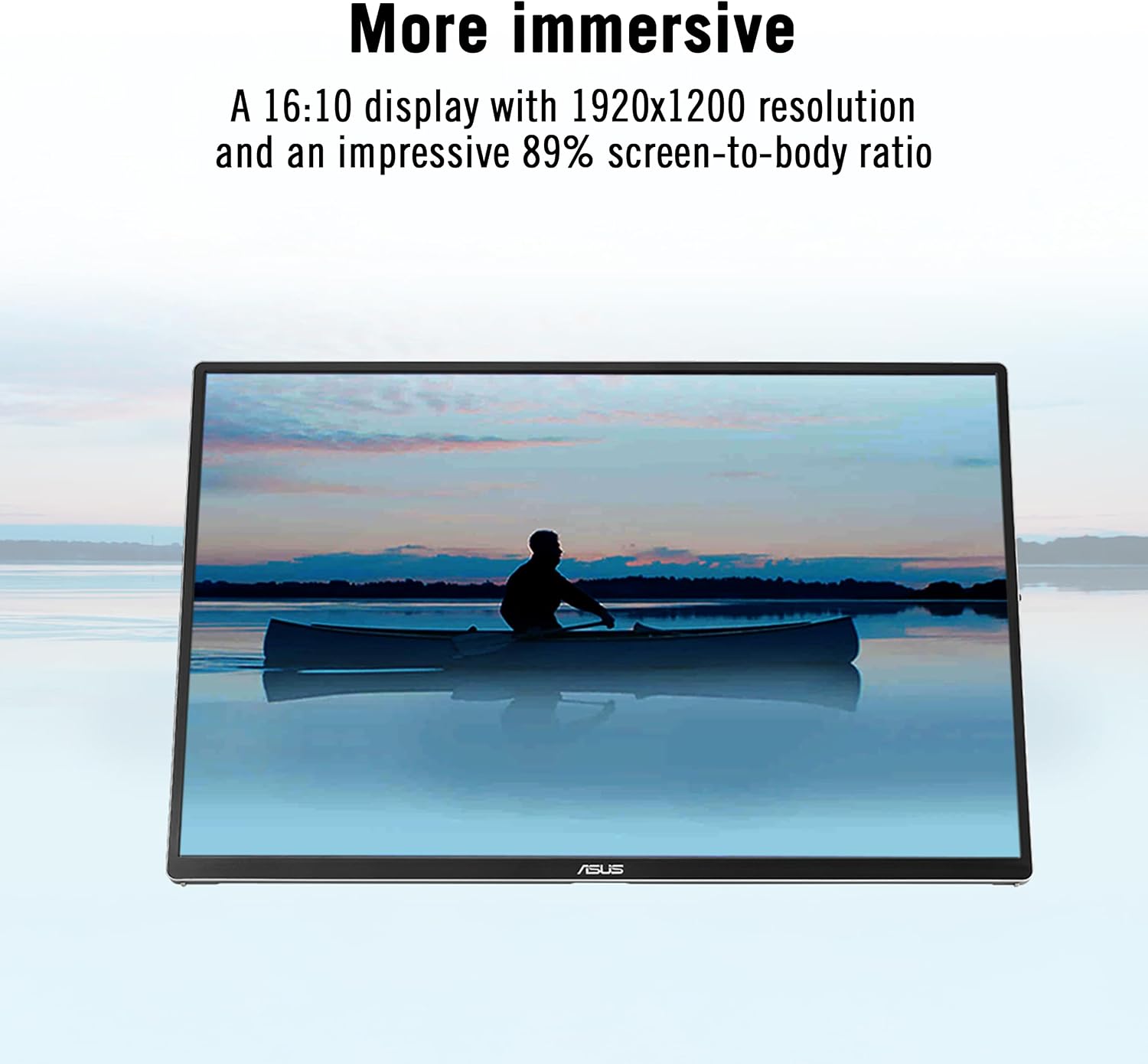
- Screen: 16-inch OLED, 16:10, 1920x1200 (WUXGA)
- Color: 95% DCI-P3
- Response: 1 ms
- Ports: 2x USB-C, 1x Mini-HDMI
- Power: Power Pass Through
- Features: Auto Rotate, DisplayWidget Center compatibility, Flicker-Free, Low Blue Light
- Accessories: USB-C cables (x2), Mini HDMI to HDMI, tripod socket kit, sleeve, cleaning cloth, quick start guide, warranty card
- Warranty: 3 years
What matters most
If you prioritize image quality, color range, and a portable form factor for mixed workloads, the MQ16FC delivers a compelling blend of OLED contrast, a roomy 16:10 canvas, and flexible connectivity that supports a sleek on-the-road or in-cafe workflow.
Is it worth it?
Final verdict: The ASUS ZenScreen OLED MQ16FC is a strong choice for portable creative setups where color accuracy and contrast matter, and where you benefit from pass-through power and orientation flexibility. It’s not a blanket solution for every use case—if you need peak brightness outdoors or strict professional calibration out of the box, you may want to assess alternatives. Still, for a travel-friendly, color-conscious secondary display, this model just makes sense.
FAQ
- Q: Can I use it with a laptop that doesn’t USB-C power deliver? A: It supports USB-C and pass-through power, verify your host’s capabilities to ensure smooth operation.
- Q: Does the auto-rotate require special software? A: It uses DisplayWidget Center software to switch orientation automatically.
- Q: Is it good for long editing sessions? A: Yes, thanks to Flicker-Free and Low Blue Light tech, but OLED can be highly reflective in bright environments, consider lighting conditions.