

KOORUI 34-inch Curved Gaming Monitor
Product description
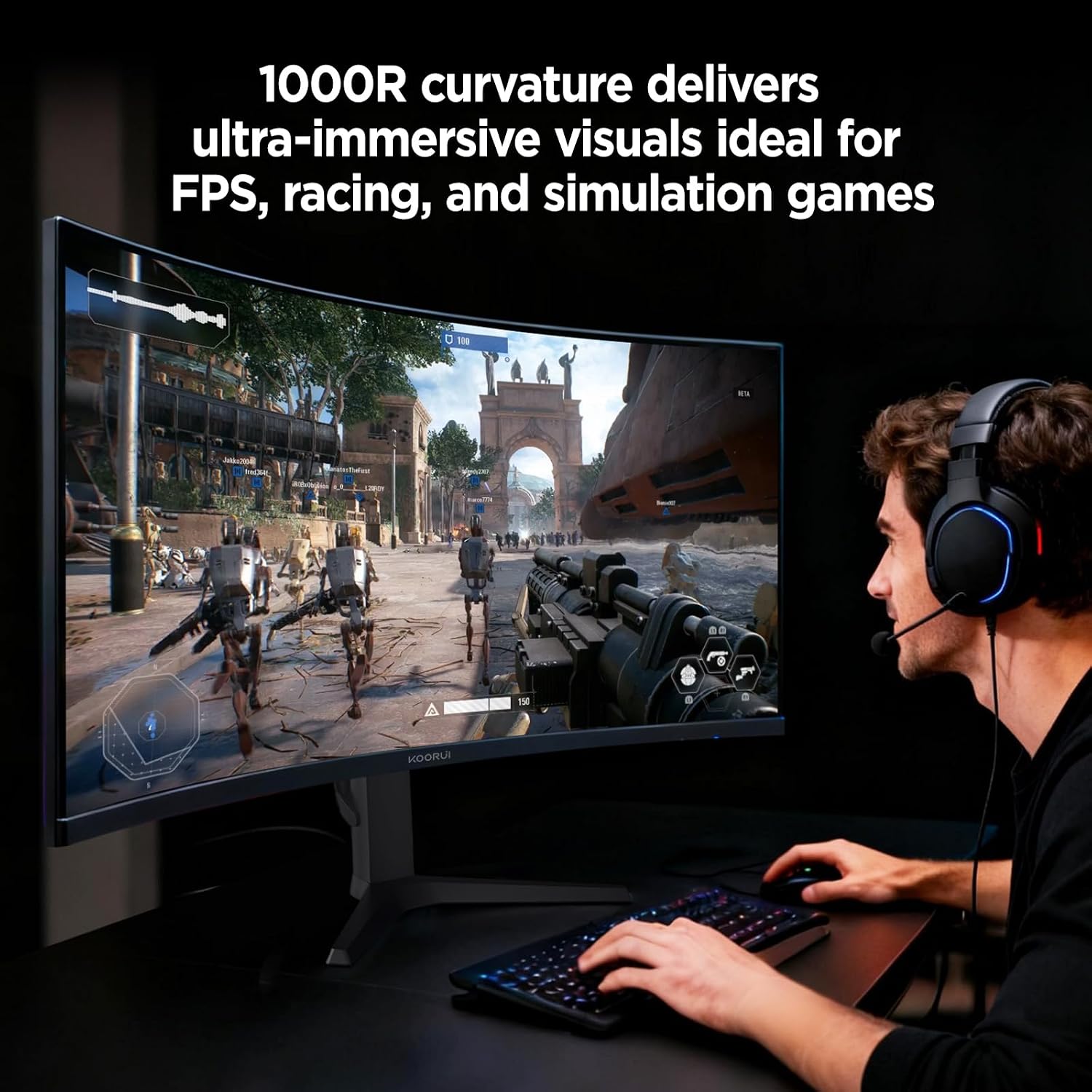
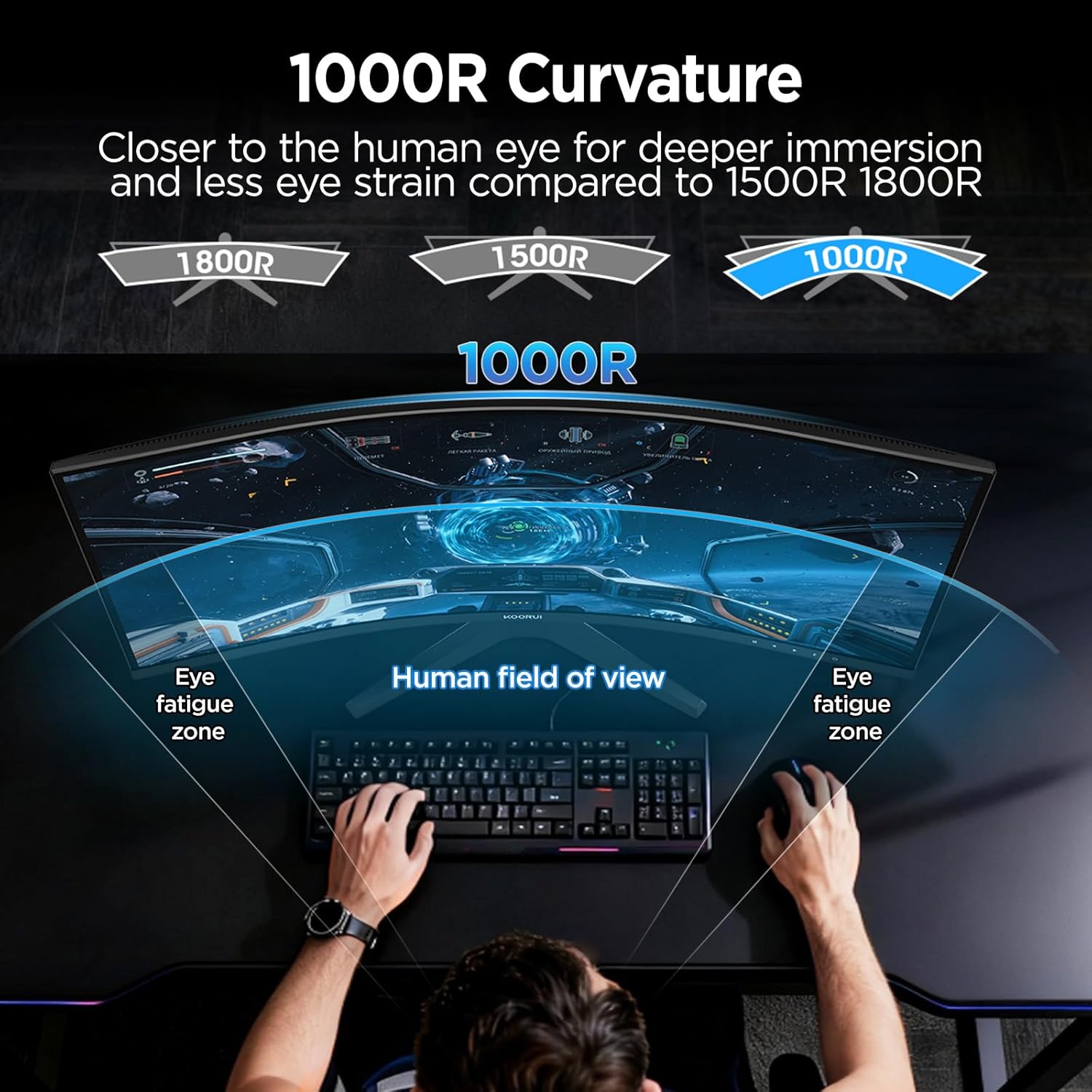
This KOORUI 34-inch curved gaming monitor delivers an immersive visual experience with its 21:9 ultrawide display and 1000R curvature, ideal for gamers and professionals who value expansive screen real estate and natural field of view. Designed for high-performance gaming and multitasking, it balances responsiveness, color accuracy, and ergonomic design to support both competitive play and productivity tasks.
Key Points
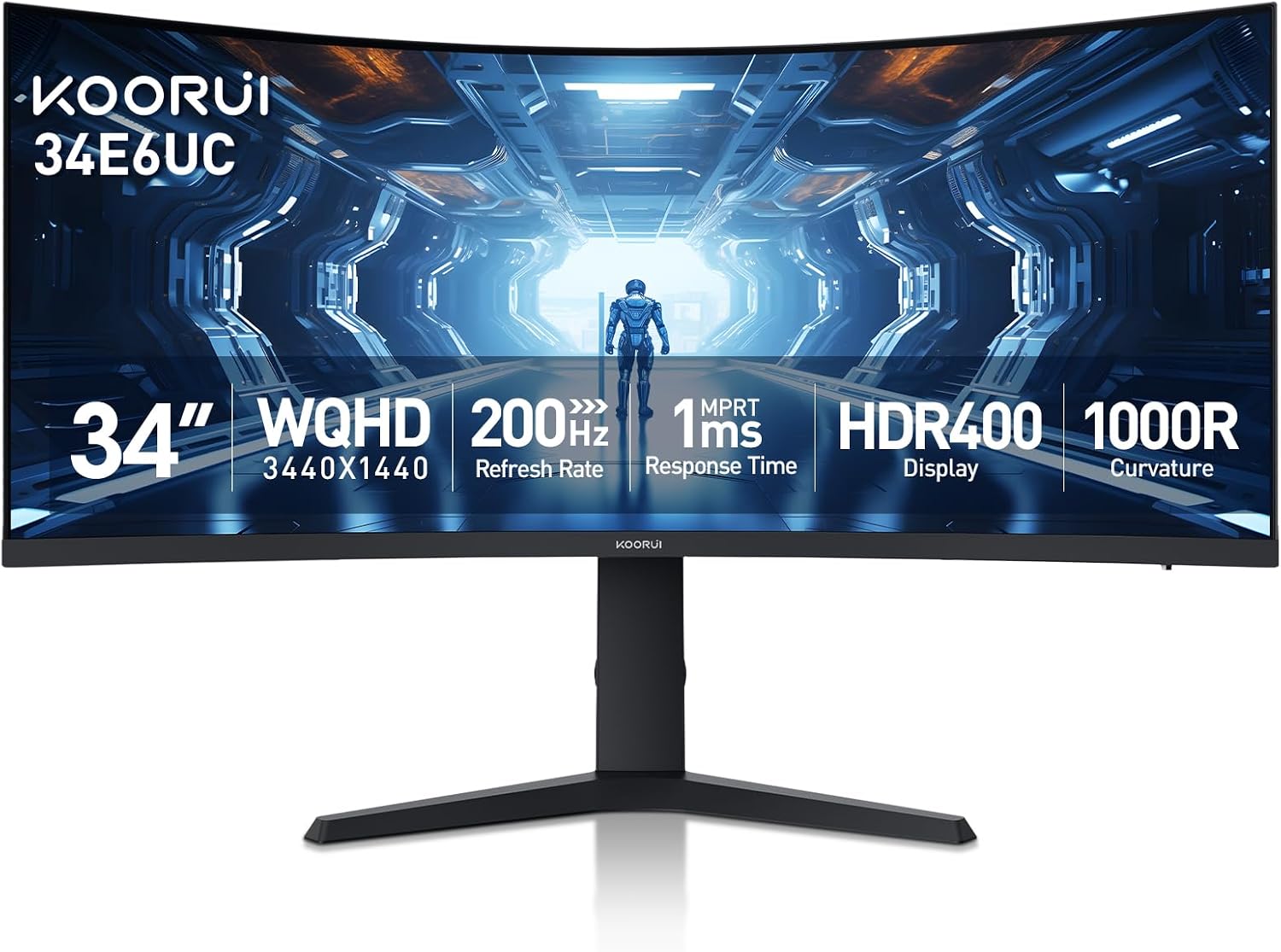
The KOORUI 34e6uc stands out with a 34-inch ultrawide screen that offers a broader view than standard monitors, making it perfect for fast-paced games or working with multiple windows. It features a 125% sRGB color coverage and a DCI-P3 95% gamut, ensuring vibrant and true-to-life colors. With a 400-nit brightness and 4000:1 contrast ratio, it performs well in both bright and dark environments. The monitor supports up to 180Hz refresh rates via DisplayPort 1.4, delivering smooth motion and reduced lag. A 5-way joystick lets users quickly adjust settings during gameplay, while FreeSync and G-Sync technologies help prevent screen tearing.
Technical Specifications
Brand + model: KOORUI 34e6uc
Screen size: 34 inches
Resolution: 3440×1440
Aspect ratio: 21:9
Brightness: 400 nits
Contrast ratio: 4000:1
Color gamut: DCI-P3 95%, sRGB 125%
Refresh rate: Up to 180Hz (via DisplayPort 1.4)
Input interfaces: HDMI 2.0, DisplayPort 1.4
Response time: 1ms (MPRT)
Stand design: Ergonomic with tilt (-5° to 20°), swivel (-15° to 15°), and height adjustment up to 110mm
VESA mount: 75x75 mm
Benefits
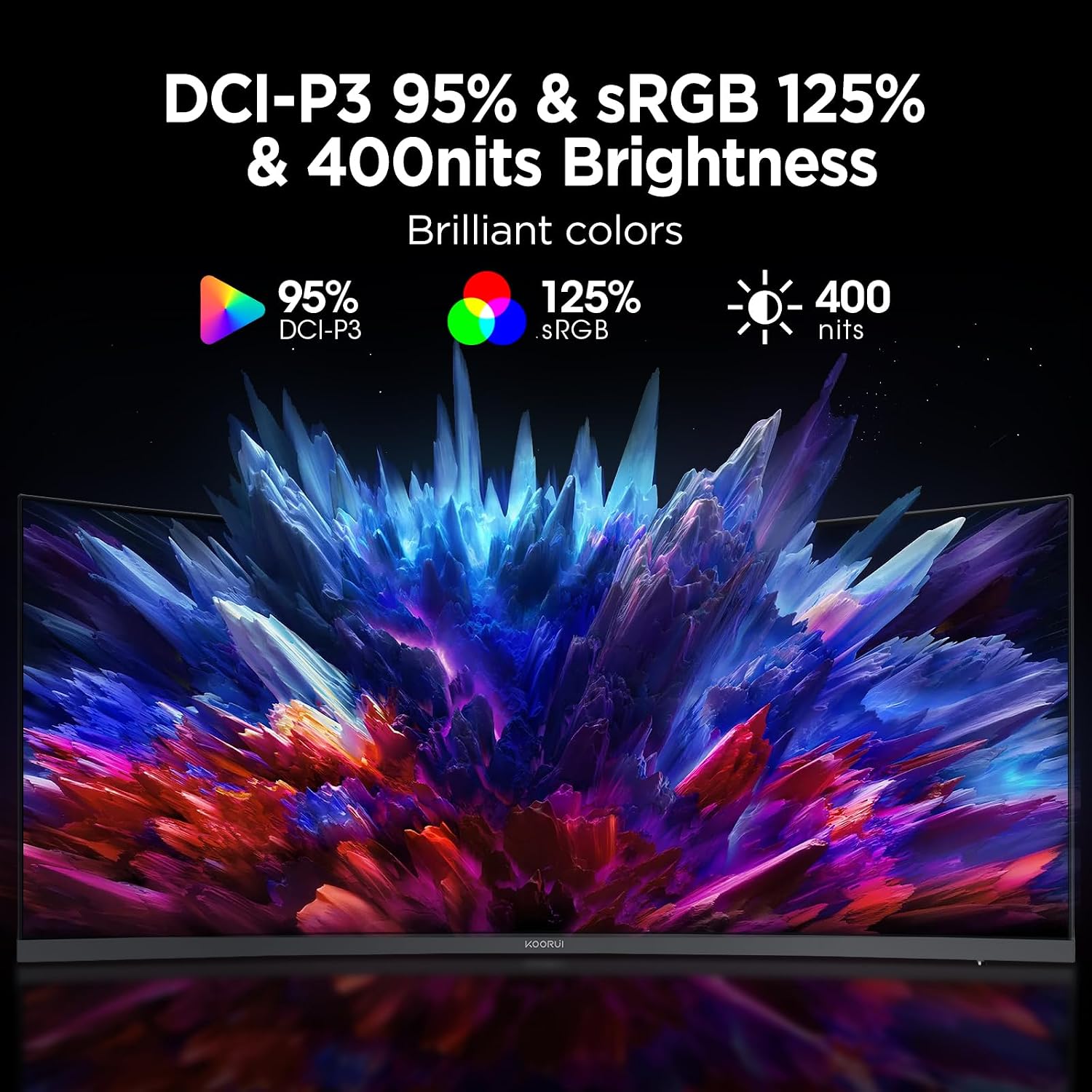
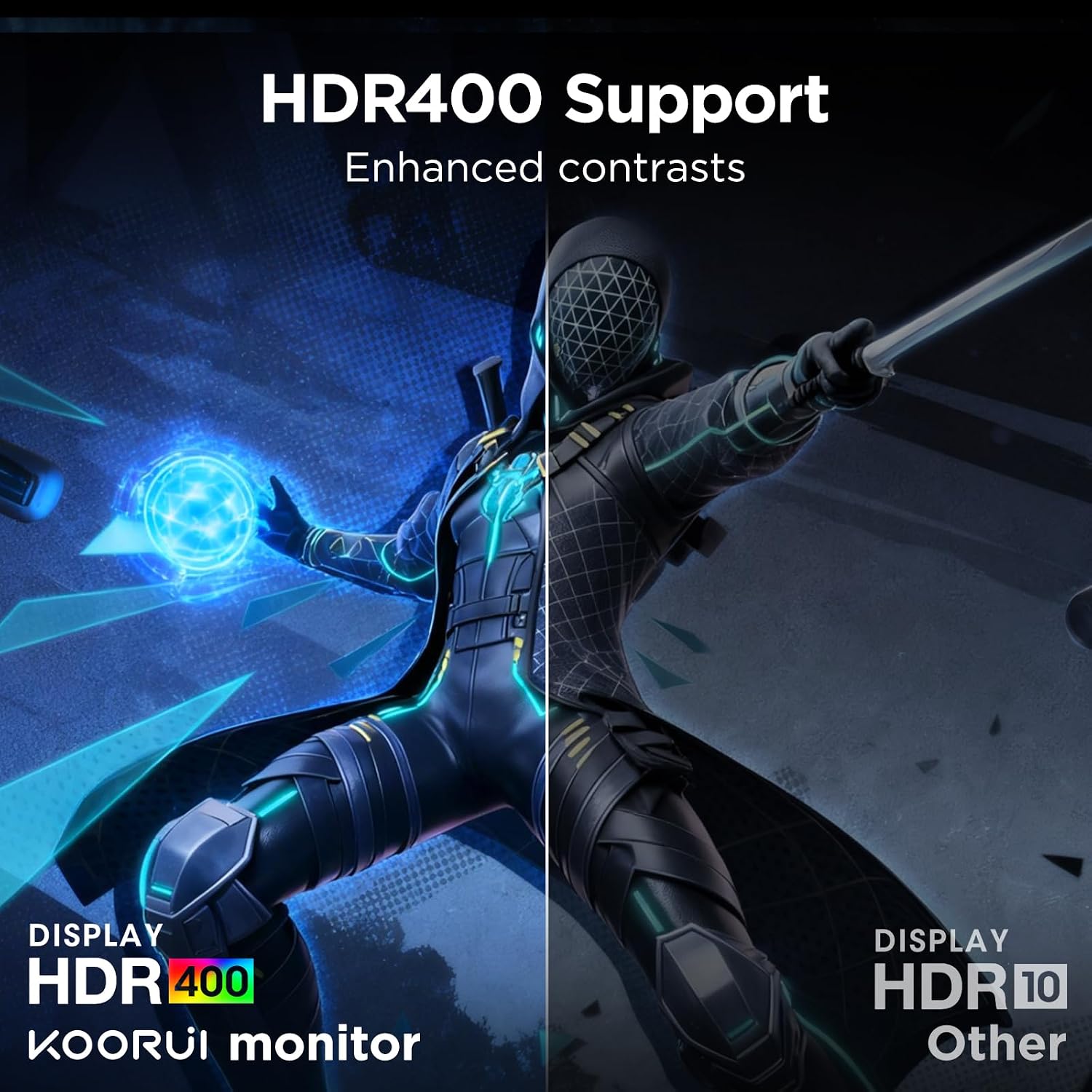
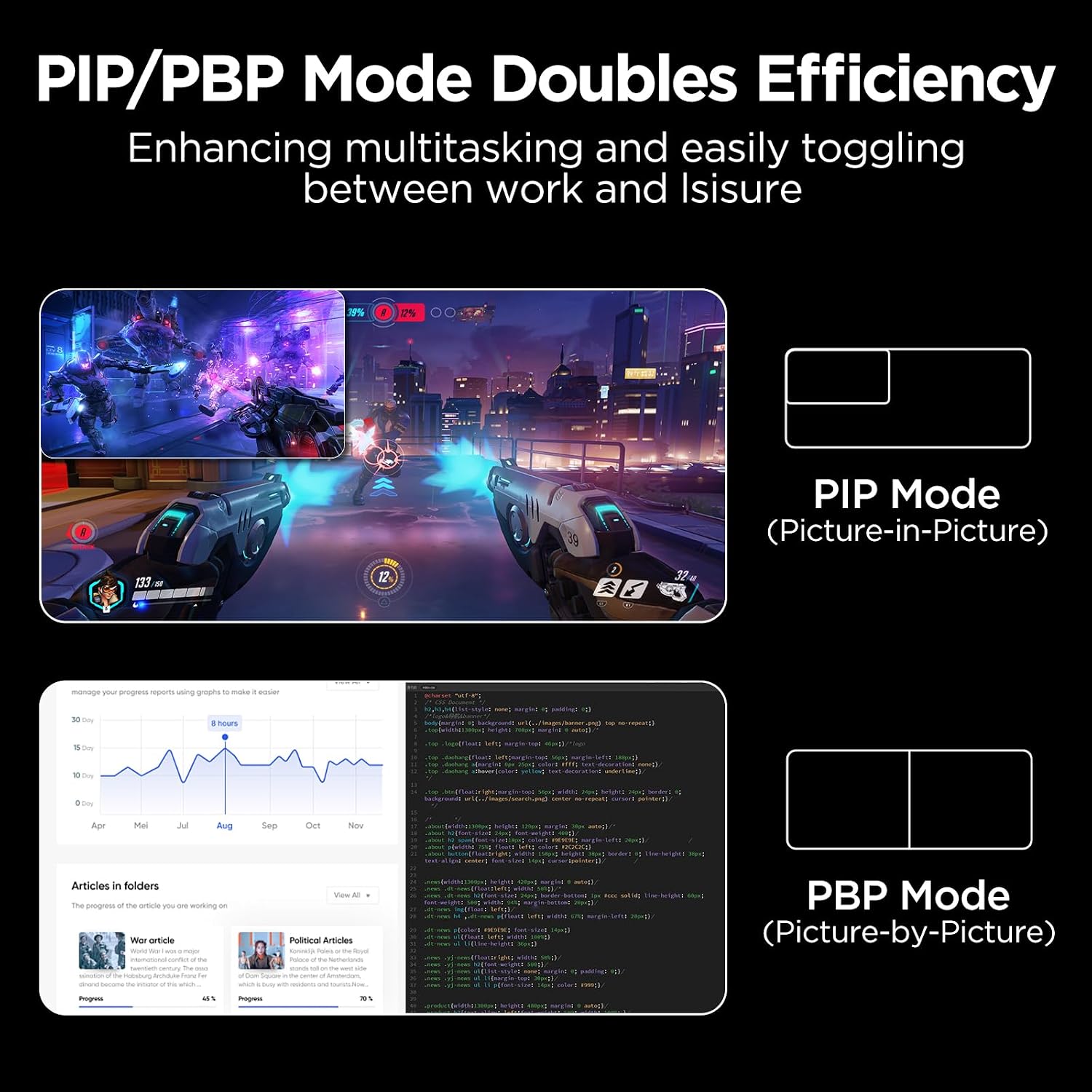
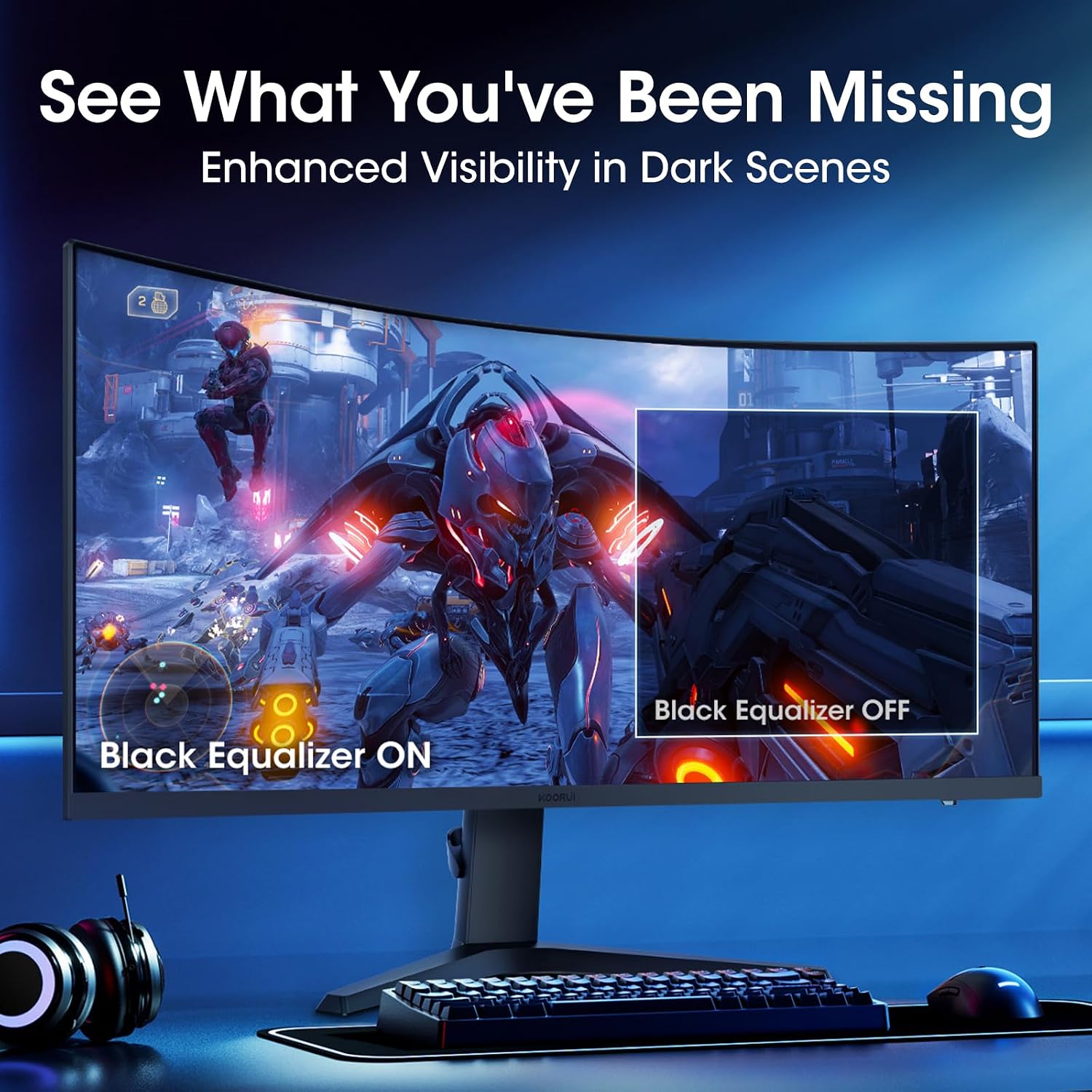
The curved design enhances depth perception and reduces eye strain during long gaming sessions. The wide color range ensures accurate representation of digital content, which matters for both gaming and creative work. The monitor’s high refresh rate and low response time make it responsive during fast action scenes. Picture-in-picture and picture-by-picture modes allow users to monitor multiple apps or video feeds simultaneously. The black equalizer improves visibility in dark scenes, which is helpful in night-time gaming or low-light settings.
Usage Recommendations
Place the monitor at a comfortable height and angle to reduce neck strain. Use the 5-way joystick to fine-tune settings like brightness or contrast during gameplay. For competitive titles, enable FreeSync or G-Sync to avoid screen tearing. Avoid prolonged use in very bright rooms, as the monitor’s brightness may cause glare. The 1000R curvature works best when seated at a moderate distance, typically between 20 to 30 inches from the screen.