

domyfan 14" Laptop Monitor Extender FHD 1080P
Product description
This 14-inch portable monitor extender turns a single laptop screen into a practical dual-display setup for work and play. If you need a portable dual monitor for laptop use, this model increases visible workspace and helps keep documents, code, or game guides visible while you work on the main screen. The lightweight design and flexible mounting make it easy to set up for meetings, remote work, or travel.
Key Points
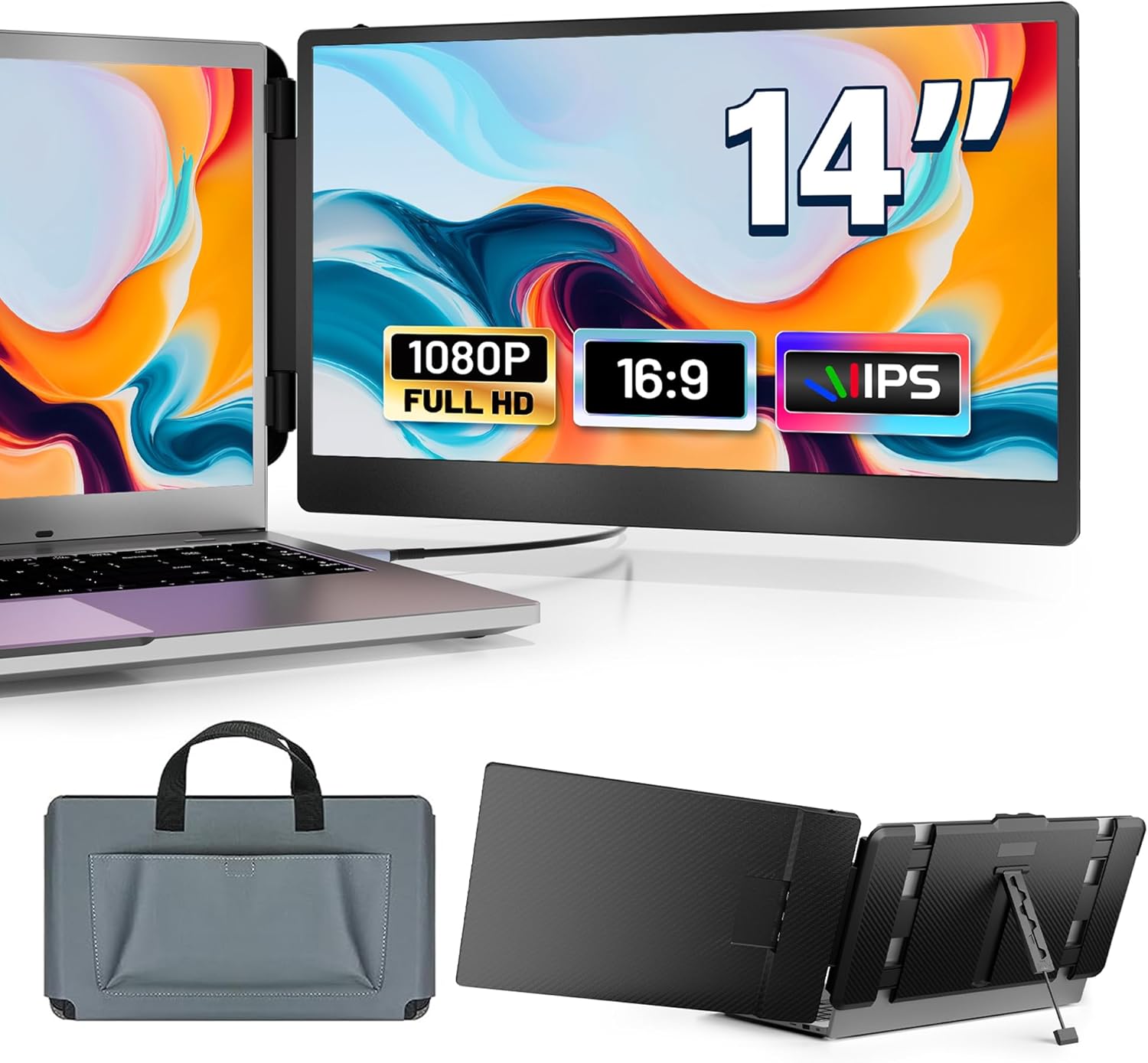
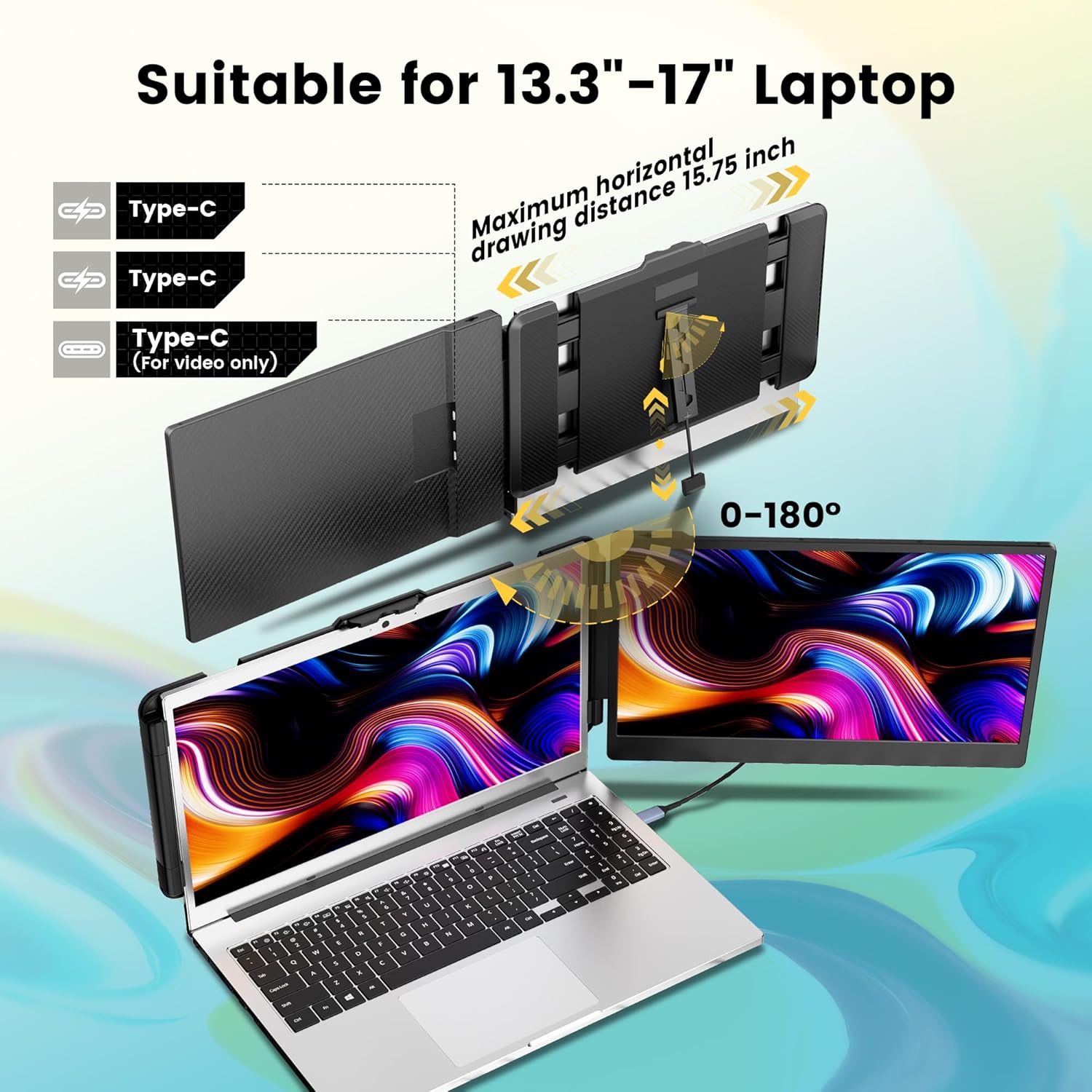
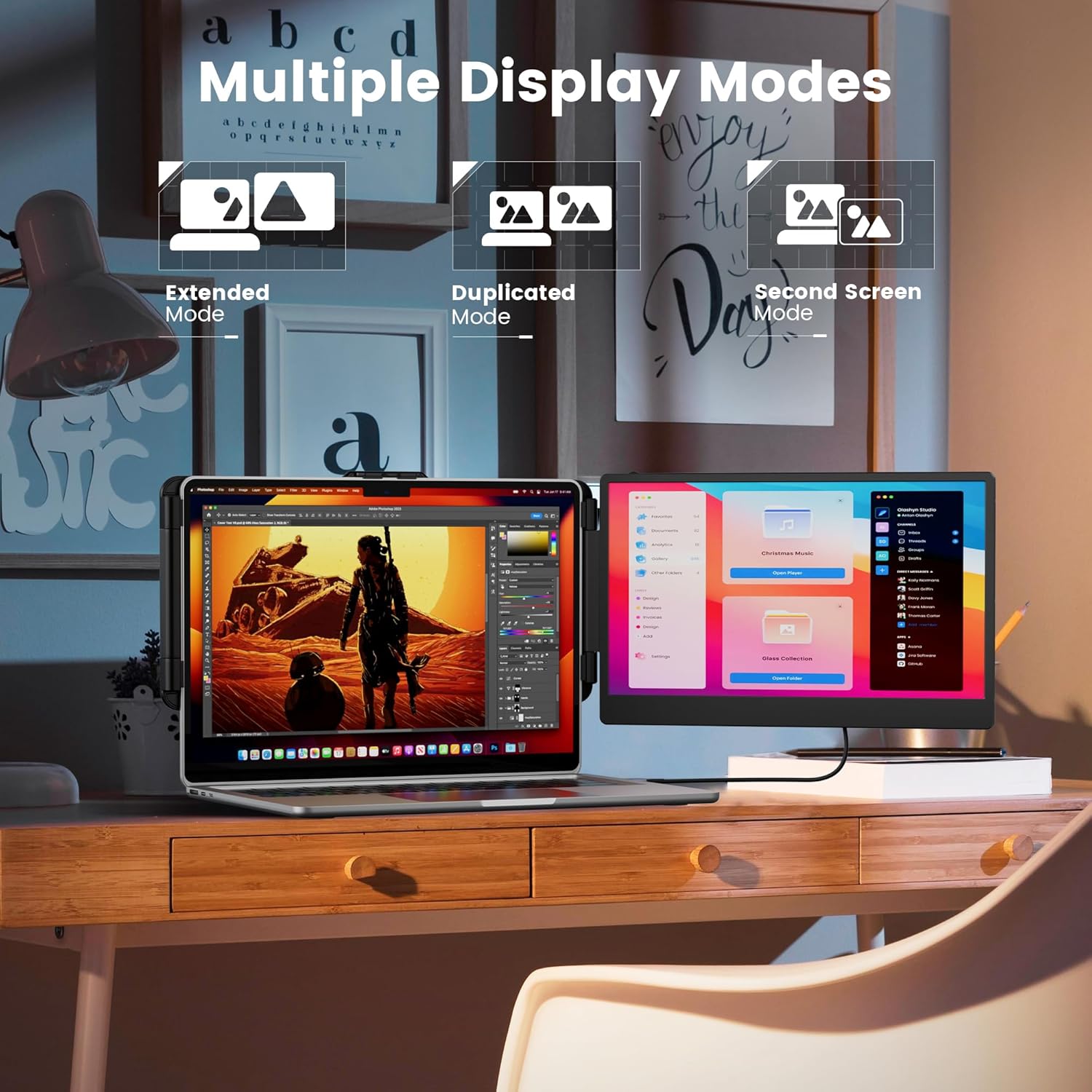
The screen uses an IPS panel with Full HD 1080p resolution, offering wide viewing angles and more accurate colors compared with basic panels. Brightness, contrast and volume can be adjusted independently, and the hinge allows up to 180 degrees of rotation so you can find the best viewing angle for presentations or collaborative sessions. It supports three display modes: extended, duplicated and second screen, which makes switching between multitasking and mirroring straightforward. ⚙️
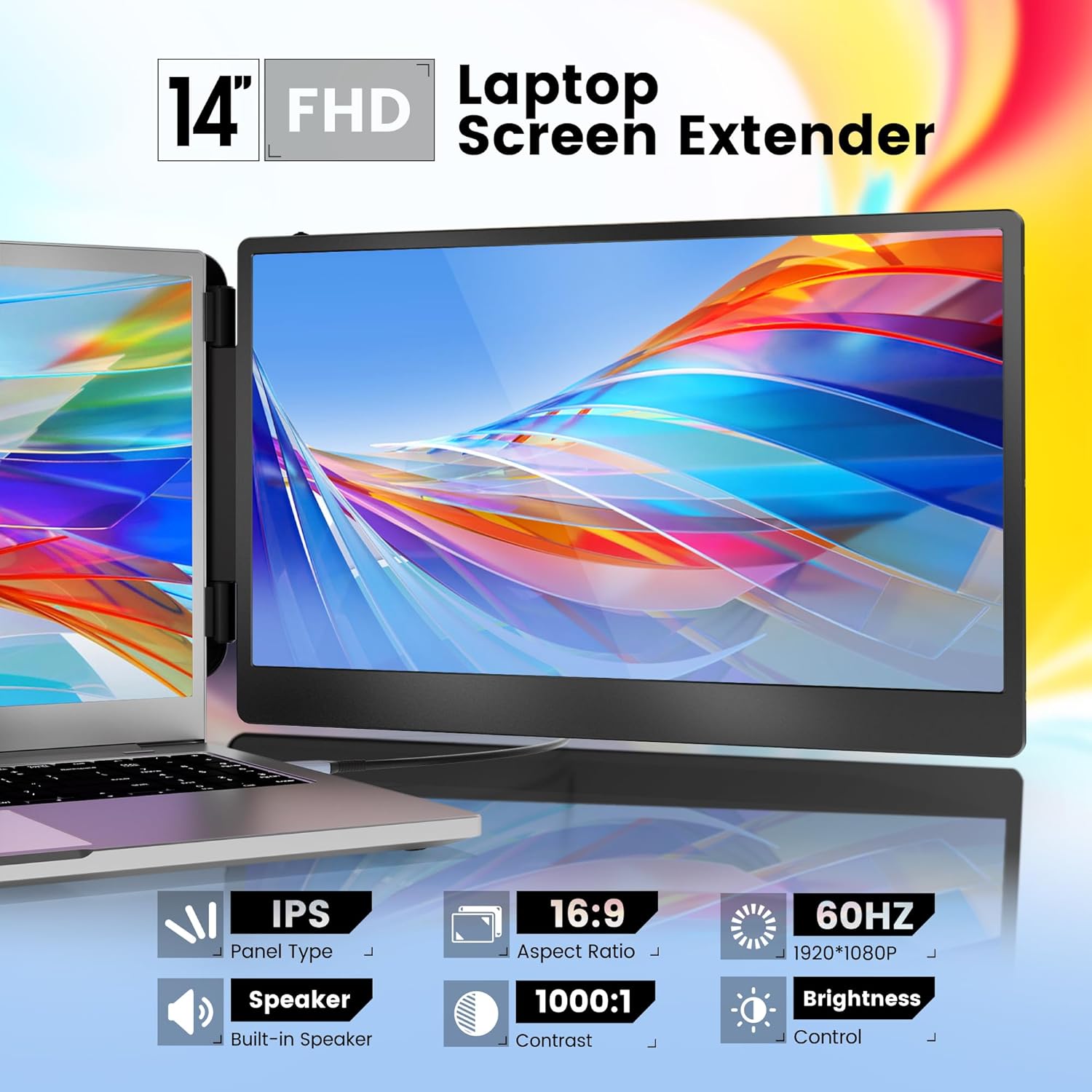
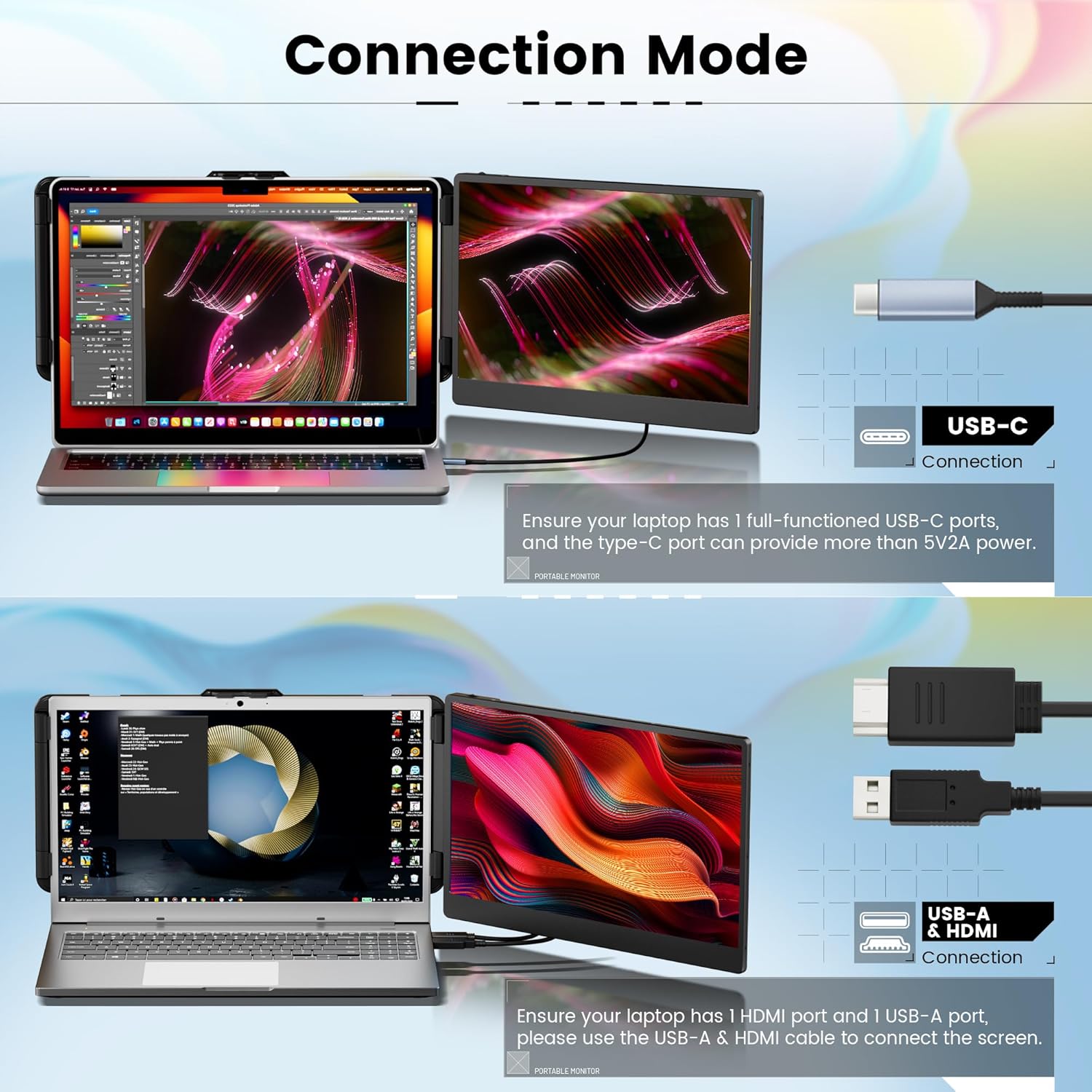
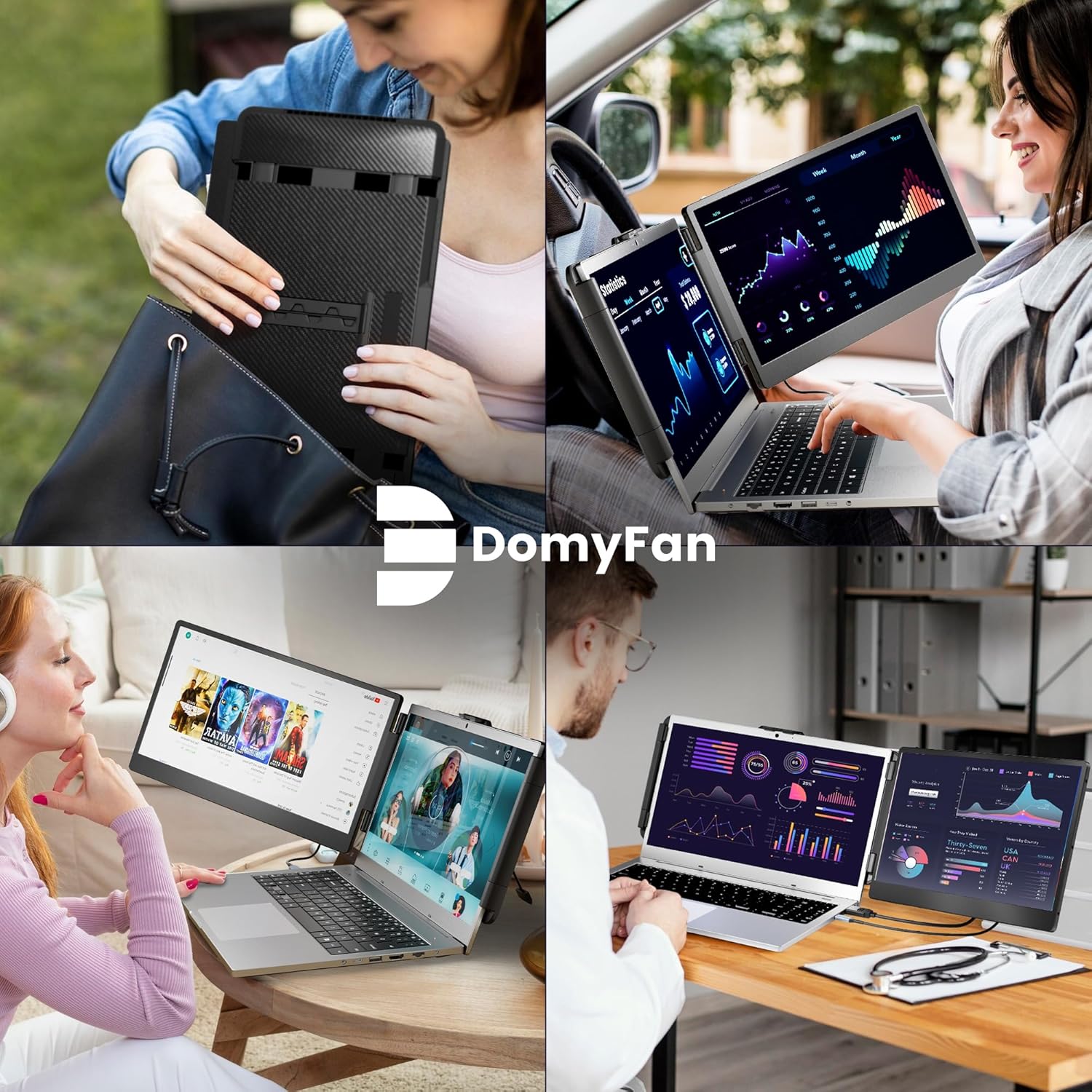
Portability is a clear focus here. The monitor weighs 2.33 lbs and folds flat for the included travel pouch, making it easy to carry in a laptop bag for business trips or remote work days. Setup is simple and mostly plug and play with a single cable in many cases, though some laptops need HDMI plus USB-A if the USB-C port only supplies power. 🧳
Technical Specifications
- Name: domyfan 14" Laptop Monitor Extender
- Screen size: 14 inches
- Resolution: 1920 x 1080 (FHD) IPS
- Contrast ratio: 1000:1
- Weight: 2.33 lbs
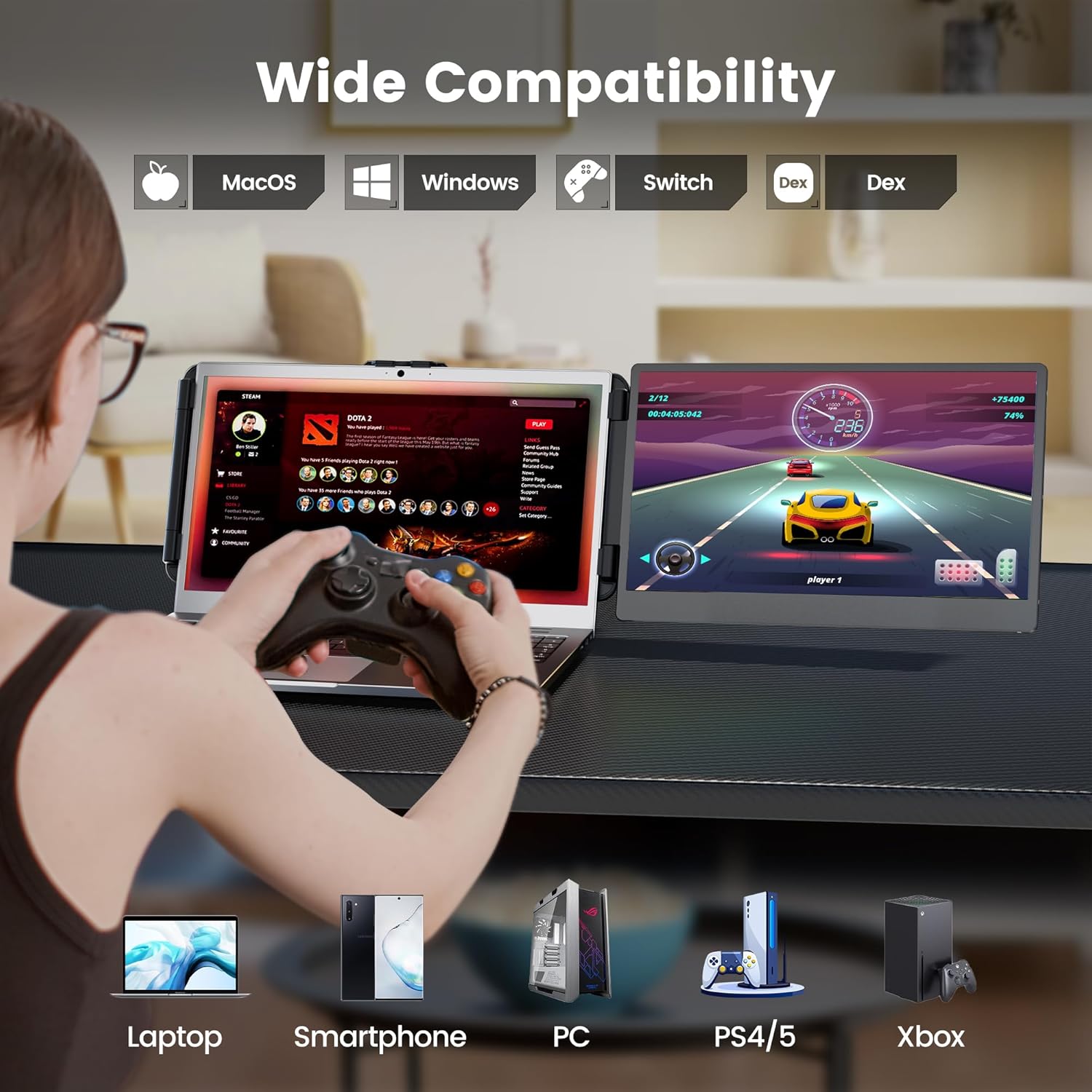
- Compatibility: Windows, Mac, Chrome, Android, Xbox, Switch, PS5; fits 13.3"–17" laptops
Benefits
This extender helps increase productivity by allowing simultaneous viewing of emails, reference materials and active work without constantly switching windows. For creative tasks and spreadsheet work, the additional screen space reduces the need to tile windows and makes comparisons easier. Gamers can use the secondary screen for chats or system stats while playing on the main display. The built-in stereo speaker provides basic audio so you do not always need external speakers during casual use.
One limitation to note is that not all laptops provide full video output over every USB-C port. If the monitor shows no signal after connecting via USB-C, you may need to connect an HDMI cable for video while using the USB cable for power and control. This makes the unit versatile but may require carrying an additional cable for some systems.
Usage Recommendations
Mount the extender on the top edge of a 13.3" to 17" laptop display and tighten the clamp until secure, then rotate the screen to the desired angle for presentation or private viewing. For plug and play setup, try the USB-C connection first if your laptop has a full-featured port. If that fails, connect HDMI plus the included USB-A to USB-C cable for video and power. For travel, fold the monitor flat into the provided pouch and place it alongside your laptop to keep setup times quick at remote work locations. 🎒.