


Sceptre 32-inch 4K UHD Monitor (U325W-UPT Series) with DisplayPort x2, HDMI x2, and Built-In Speakers
Product description
The essentials
If you’re shopping for a 32-inch 4K UHD monitor, the Sceptre U325W-UPT Series is built around one big idea: sharp, high-resolution viewing paired with practical connectivity and desk-friendly audio. On paper, the 4K (3840 x 2160) resolution is the headline—4x the pixels of standard FHD—so text, spreadsheets, and detailed game scenes can look more refined without having to cram multiple windows.
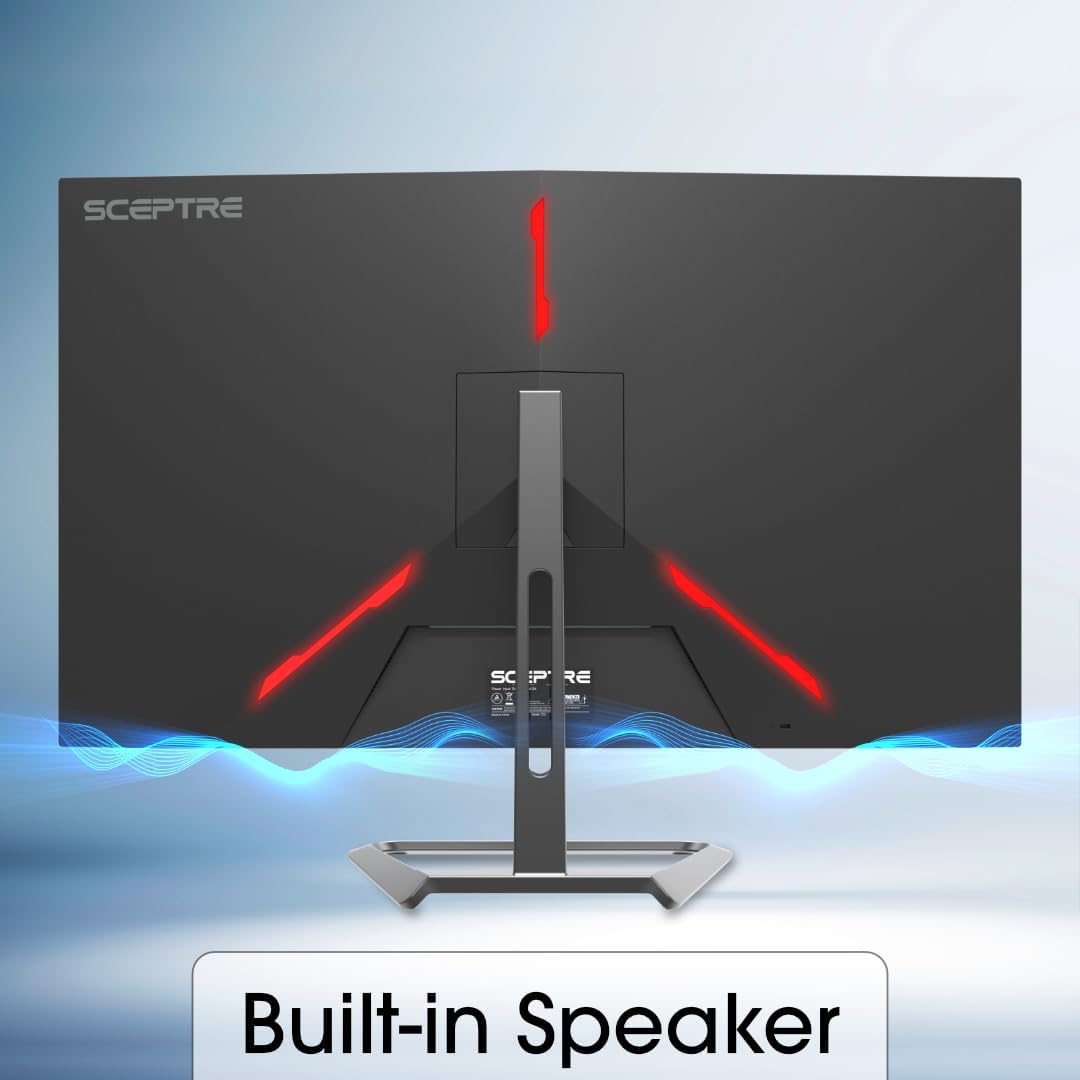
It also targets day-to-day convenience. Built-in speakers are included, which can help you simplify a workstation (fewer external devices taking up space). And for motion-heavy content, it lists a up to 70Hz refresh rate, aiming for smoother visuals than standard settings, with less screen tearing as the pitch suggests.
Still, it’s not perfect for everyone. A 70Hz ceiling may feel limiting if you’re the type who chases very high refresh rates for competitive play. And the entry-level “4K + speakers + extra ports” combo is great for many uses, but you’ll want to double-check your exact workflow needs before committing.
What you’ll notice day to day
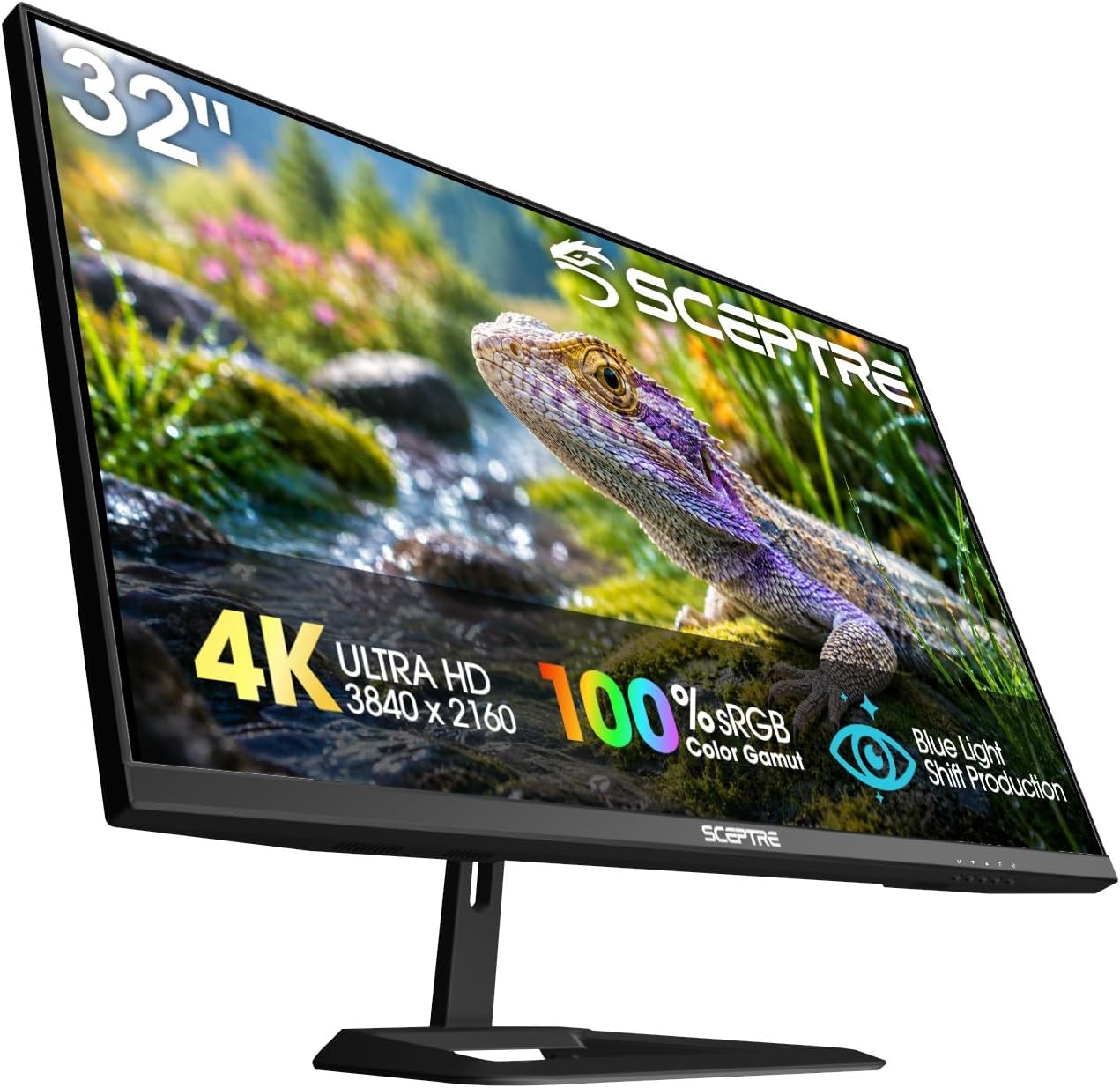
The 4K UHD resolution (3840 x 2160) changes the way a large screen feels. At 32 inches, you get more room to spread out: research with side-by-side documents, creative reference material next to your workspace, or a game display with less visual crowding. The base description emphasizes how 4K delivers strong clarity and contrast, which is the right direction if you want the monitor to feel like more than just a bigger TV—especially for desktop use.
The “landscape of color variation” and contrast/clarity language suggests the manufacturer is aiming for a realistic picture. That matters most when your content relies on detail—text clarity, gradients, and subtle visuals—rather than just brightness.
And the built-in speakers aren’t a gimmick on a desk. If you mainly work or game in the same spot, you may appreciate having basic sound without needing speakers or a headset all the time. It can be a nice “plug it in and go” setup.
Where it shines and where it may fall short
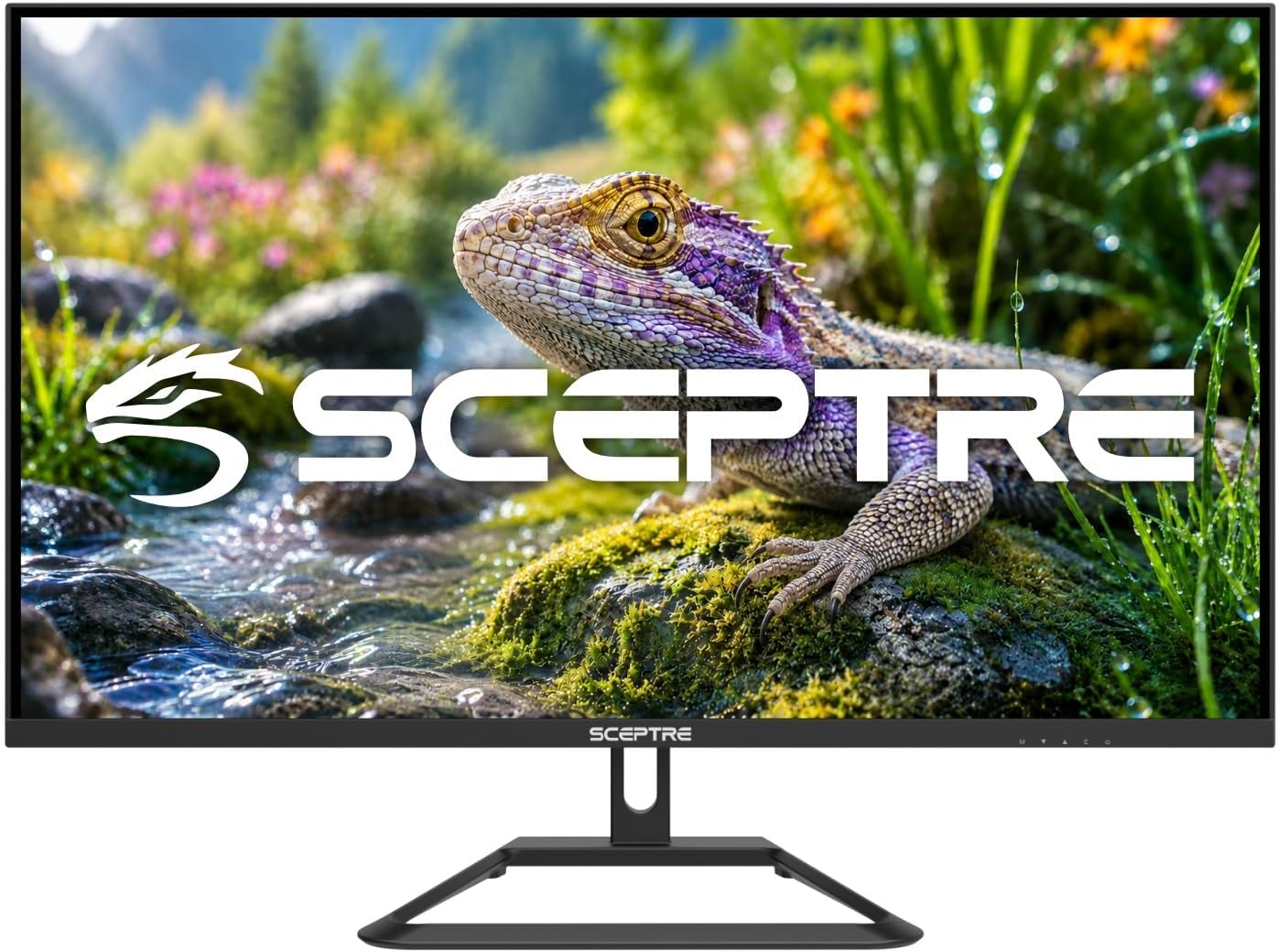
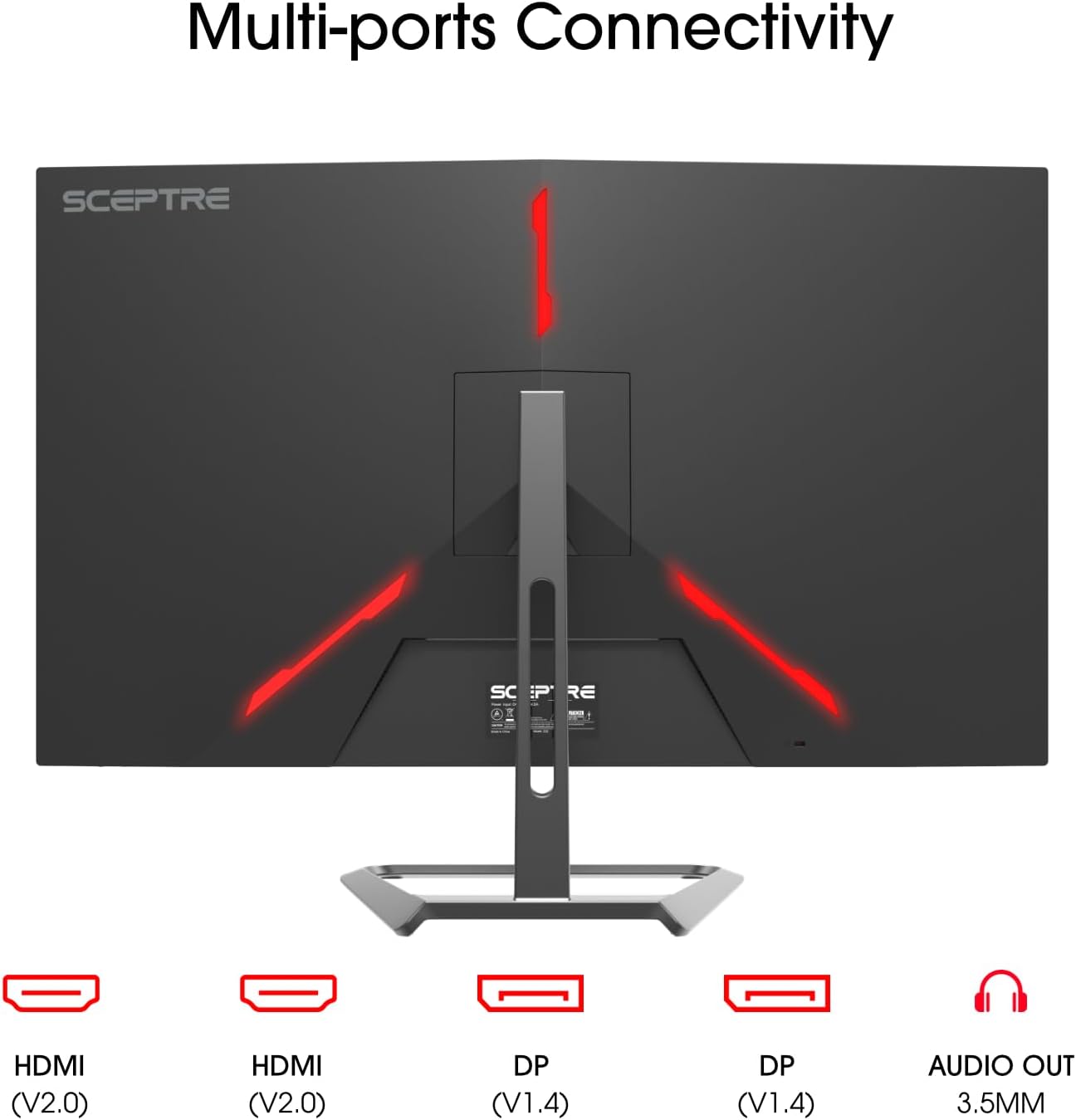
This monitor makes the most sense if you want a straightforward 4K upgrade with enough inputs for a typical home setup. DisplayPort x2 and HDMI x2 mean you can connect multiple devices without constantly unplugging—think PC plus a console, or a PC plus a streaming device.
The up to 70Hz refresh rate is also a meaningful practical spec. It’s positioned as smoother than standard refresh rates, and the description specifically mentions reducing screen tearing. That’s useful if you play games occasionally or watch fast-moving action content.
But here’s the limitation to keep in mind: 70Hz (even “up to”) isn’t the same league as very high refresh monitors. If your priority is competitive esports performance where higher refresh rates can matter, this could feel like a compromise. It also may be better suited for balanced play and daily use rather than “turn every setting for maximum smoothness” expectations.
Key specifications
- Resolution: 4K UHD (3840 x 2160)
- Refresh rate: up to 70Hz
- Inputs: DisplayPort x2, HDMI x2
- Built-in speakers: Yes
- Color support claim: 99% sRGB
Getting the most from it
Before buying, it’s worth thinking about how you’ll actually use the screen. A 32-inch 4K display tends to be most comfortable when you’re running content at resolutions that take advantage of the pixel density (especially for reading and multi-window work). If you’ll spend hours on documents, web research, or data-heavy tasks, the extra sharpness can be the difference between “fine” and “pleasant.”

For a simple setup example: connect your main device via HDMI or DisplayPort, then use the built-in speakers for quick audio while you work. If you later want silence (or more immersion), you can add headphones or external speakers—though whether you’ll prefer that depends on your space and preferences.
Also, make sure your devices actually match what the monitor offers. With DisplayPort x2 and HDMI x2, you have flexibility, but you still want to confirm your source outputs align.
Buying verdict
This Sceptre 32-inch 4K UHD monitor is a solid pick if you want a larger, sharper screen for work and gaming without building a complicated audio setup. The combination of 4K clarity, built-in speakers, and multiple DisplayPort/HDMI inputs is the kind of “keep it simple” approach that often earns a place on a desk.
You may want to skip it if you’re specifically chasing ultra-high refresh performance for competitive gaming, since the refresh rate listed is up to 70Hz. It’s also worth being cautious if your priority is a very premium color/processing experience beyond what the general sRGB and picture-quality claims suggest.
For most shoppers, it comes down to whether you’re upgrading to 4K for more detail and whether 70Hz is enough for your gaming style. If that matches your expectations, it’s likely to feel like a practical upgrade.
Quick FAQ
Quick FAQ

Quick FAQ
Does it include built-in speakers?
Yes. The product description specifically mentions built-in speakers for work and gaming setups.
How many video inputs does it have?
It lists DisplayPort x2 and HDMI x2.
What does “4K UHD” mean here?
It refers to a resolution of 3840 x 2160.
Is 70Hz good for gaming?
It should be smoother than a standard refresh rate setup according to the description, with an emphasis on reducing screen tearing. It may not satisfy people who require much higher refresh rates.
Is it good for color work?
The listing claims 99% sRGB, which is relevant if you care about standard color space accuracy—but your needs may vary depending on how color-critical your work is.