

EVICIV Portable Monitor Touchscreen 15.6” (IPS, 1080P, 10-Point Touch) with Case & VESA
Product description
The essentials
A second screen while traveling sounds like a luxury—until you actually need it for spreadsheets, a slide deck, or keeping a game/menu visible while you work. The EVICIV Portable Monitor Touchscreen 15.6” is built for that “bring it with you” reality: a thin, lightweight 15.6-inch IPS display with 10-point capacitive touch and multiple connection options (mini HDMI and dual C-ports). It’s not positioned as a flagship workstation panel, but for a travel-friendly setup, it checks a lot of practical boxes.
Key features that matter day to day
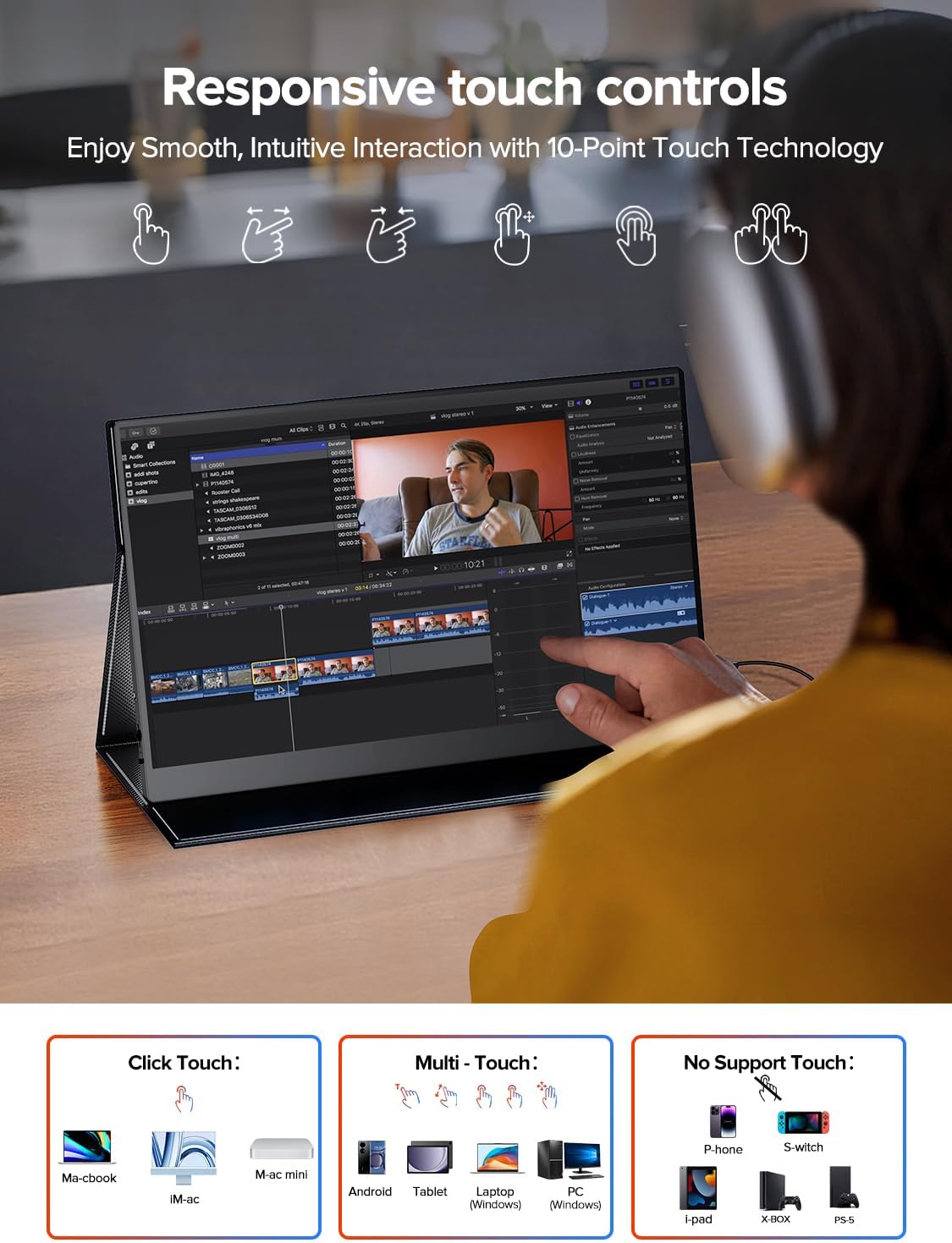
The headline is the touch experience. With a 10-point capacitive touchscreen, you can switch, slide, or zoom directly on the display—useful for quick navigation, resizing content, or interacting with what’s on-screen without constantly reaching for a mouse. This kind of control can feel smoother in real-life workflows than purely using keyboard/mouse, especially when you’re on the move.
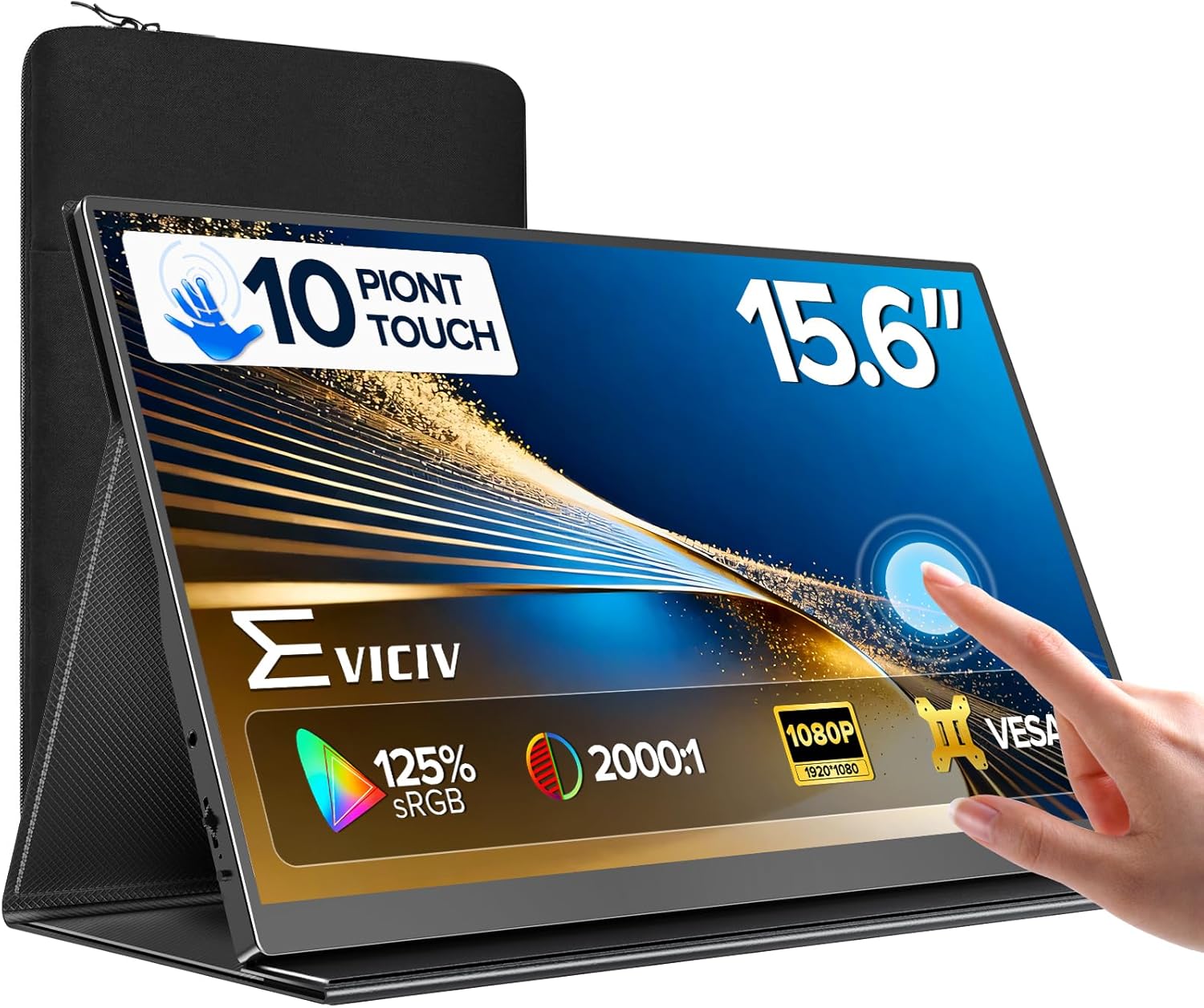
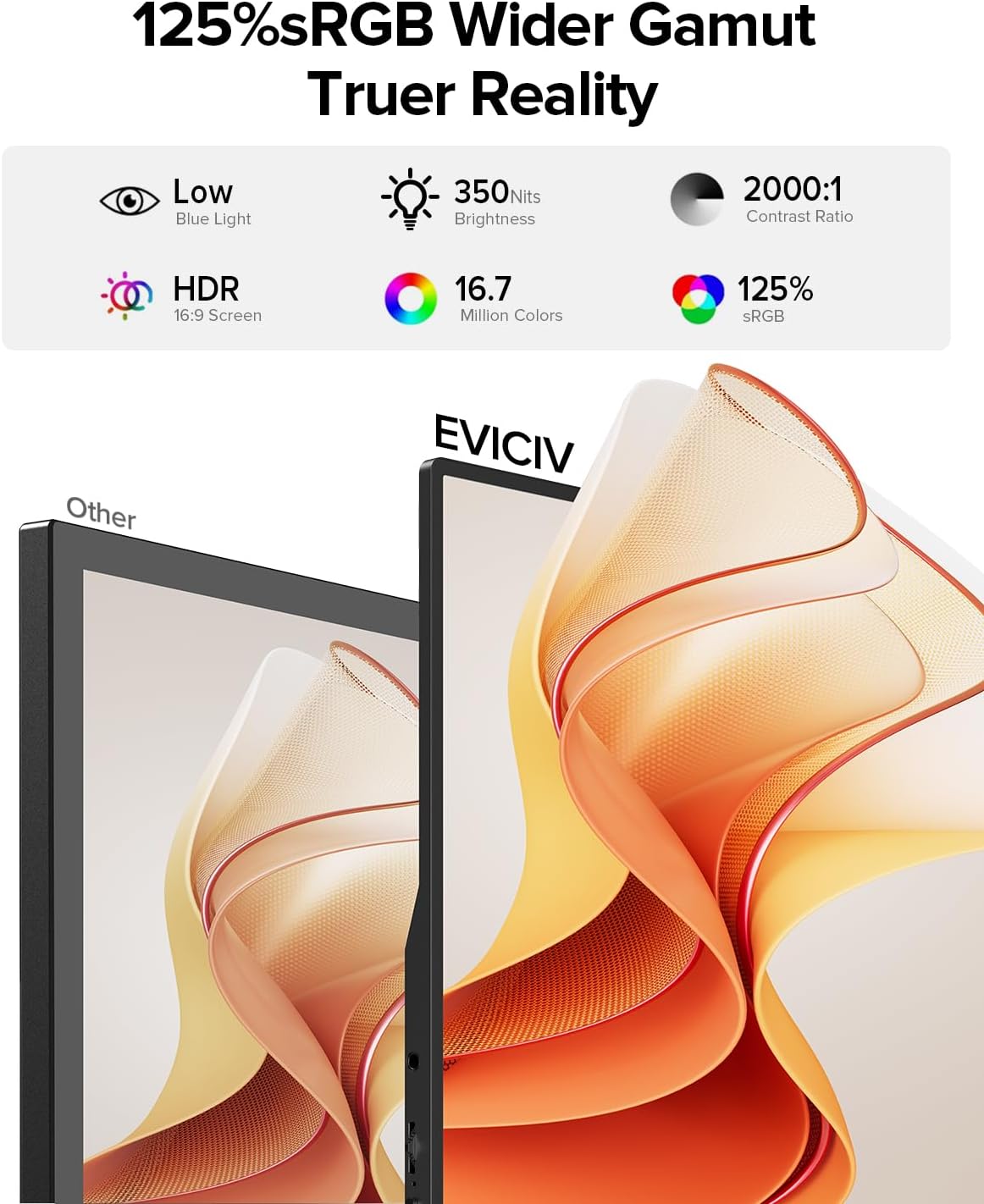
On the visuals side, the monitor uses a 15.6-inch IPS panel with 1920 x 1080 full HD resolution and a 125% sRGB claim. The included specs also list 350 nits brightness and a 2000:1 contrast ratio, plus “HDR technology.” In plain terms: if you want a portable display that looks more “clear and consistent” than cheaper off-brand screens, the IPS + brightness combo is the direction you’d expect.
What it can connect to (and how that affects buying)
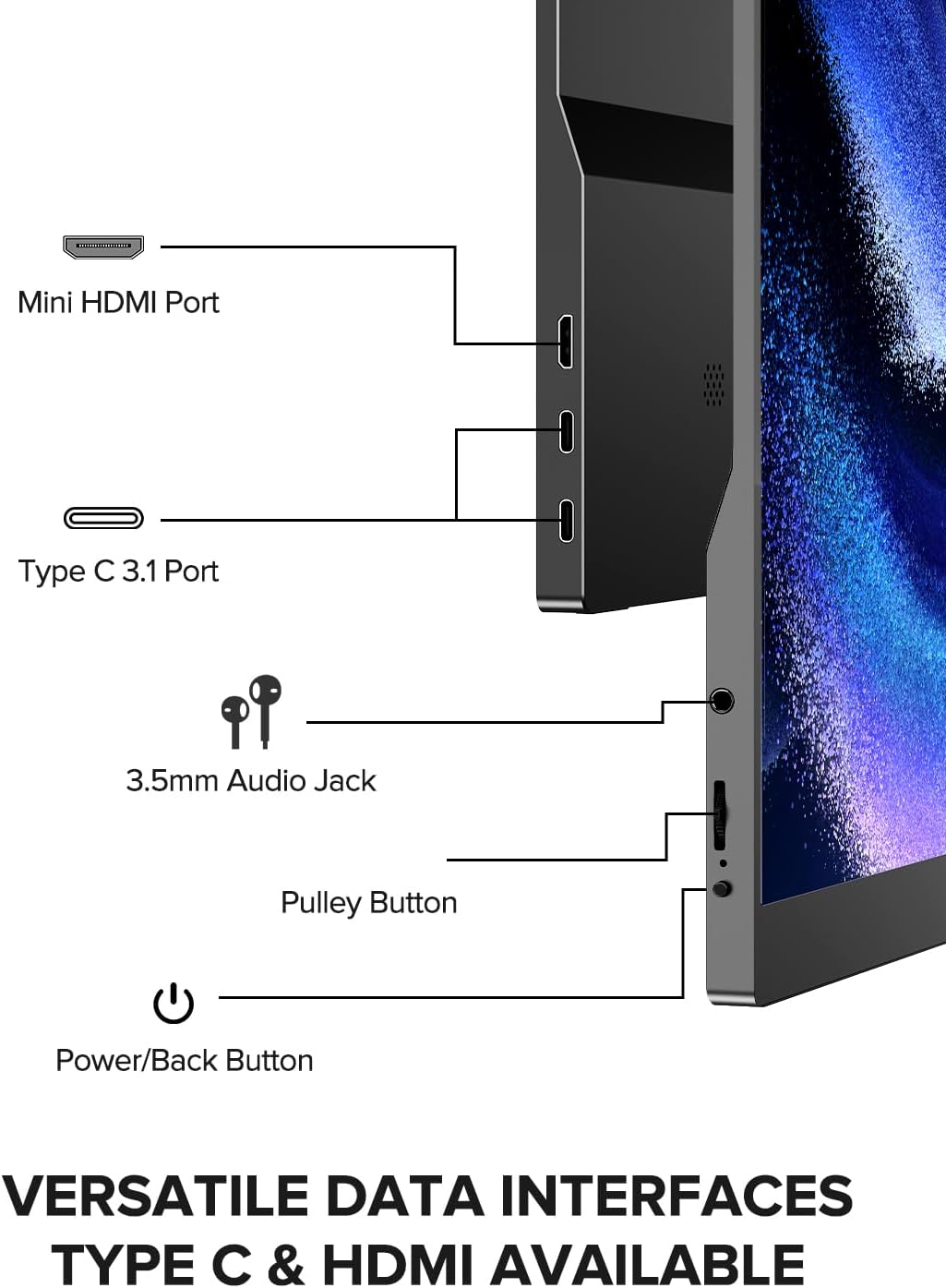
This model is designed around wide compatibility without driver setup (“plug in to use,” per the description). It includes: - 2 fully functional C-ports - 1 mini HDMI port - an OTG interface
That matters because your devices might not all use the same video out. If you have a laptop and also want to occasionally use it with a phone, computer, or even a game console, the presence of multiple ports gives you more flexibility than a single-input travel monitor.
One nuance to keep in mind: the description specifically notes that you need to connect the power supply for use, and to use a fully functional cable when connecting. That’s the kind of detail that can make or break the experience—so it’s worth verifying you have the right power/cable situation before you rely on it on the go.
Design for travel: thin, light, and protected
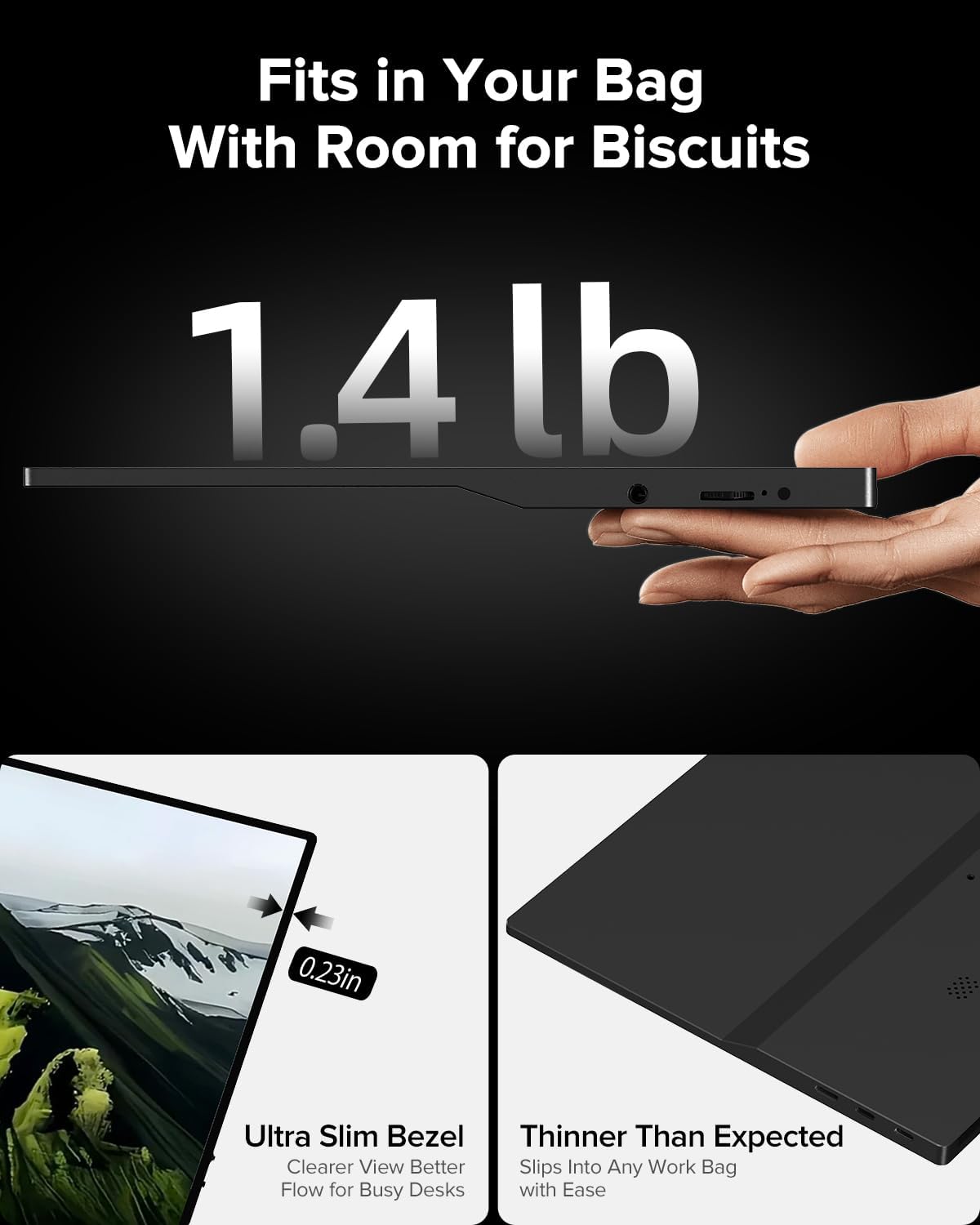
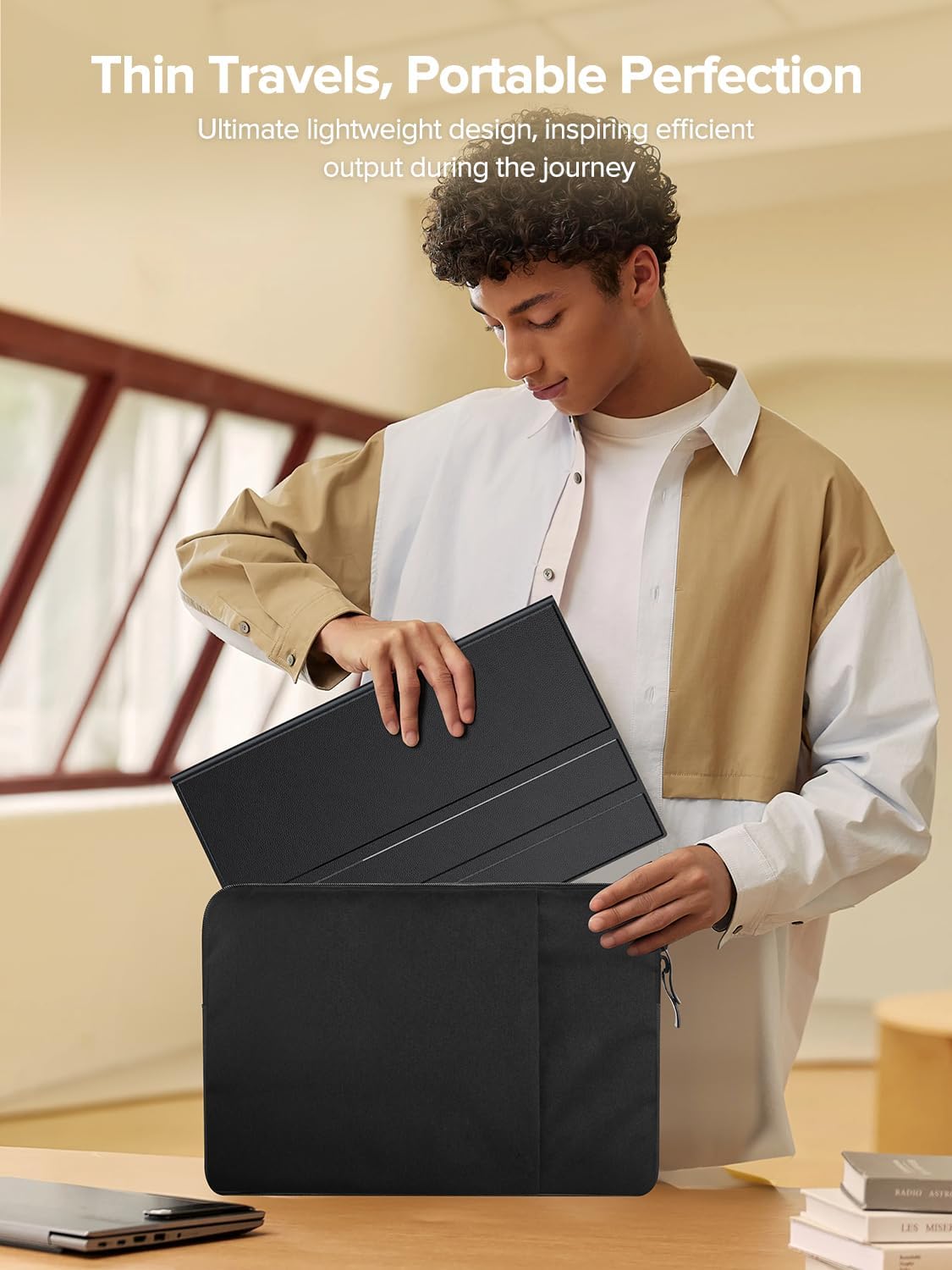
At 0.4 inches ultra-thin and about 1.5 pounds, it’s meant to ride in a backpack without turning into dead weight. The design also uses a narrow edged layout, and it comes with a scratch-resistant shell made of synthetic leather that can serve as a stable support and provide protection.
If you’ve ever tried to balance a fragile portable screen on a cramped café table, the “case as support” angle is more than marketing. It’s one of those features you appreciate right away when you’re setting up quickly.
Where it shines vs. where it may fall short
This is a solid second-screen travel monitor: touch control, IPS panel, and workable connectivity make it a practical choice for laptops, desk add-ons on business trips, and casual media or gaming sessions.
But it may not be the best fit if you’re trying to “replace” a higher-end main monitor for demanding color-critical creative work or if you need a super-smooth experience that matches top-tier displays. On paper it targets travel usability and everyday clarity more than it targets premium-level performance.
It might also feel limited if your setup depends on a very specific port/cable behavior—because the description calls out that you must connect the power supply and use a fully functional cable.
Should you buy it?
It’s worth considering if you want a touchscreen portable monitor that’s easy to carry, quick to set up, and versatile about how you connect it. The touch control and IPS 1080P design are especially compelling for people who use a second display for work tasks (notes, dashboards, writing, quick editing) while traveling.
You may want to skip it if you don’t want to deal with the power/cable requirements, or if you expect “main-monitor” performance at the level of higher-end panels. If your goal is strictly a dependable travel screen for basic multitasking and occasional media/game use, this EVICIV option aligns with that intent.
Practical questions (quick FAQ)
What is the main advantage of a touchscreen portable monitor here?
The 10-point capacitive touch is built for direct on-screen control—sliding, zooming, and switching without relying entirely on mouse/keyboard.
Does it require drivers?
The description states no driver is required—just plug in to use.
What connections does it support?
It lists 2 fully functional C-ports, 1 mini HDMI port, and an OTG interface.
Do I need the power supply?
Yes—there’s an explicit note that you must connect the power supply for use.
Is it a good travel setup monitor?
Given the ultra-thin build (0.4 inches), light weight (1.5 pounds), and protective/scratch-resistant case that can support the display, it’s clearly aimed at travel and second-screen convenience.
Final verdict
If you’re shopping for a travel-ready second screen with a touchscreen and flexible ports, EVICIV’s 15.6” portable monitor makes a lot of sense on paper. Just be sure you’re comfortable with the power/cable requirements and that you’re buying it for the role it’s meant to play: a practical, portable companion for work, media, and lighter gaming—rather than a replacement for a top-tier desk monitor.