

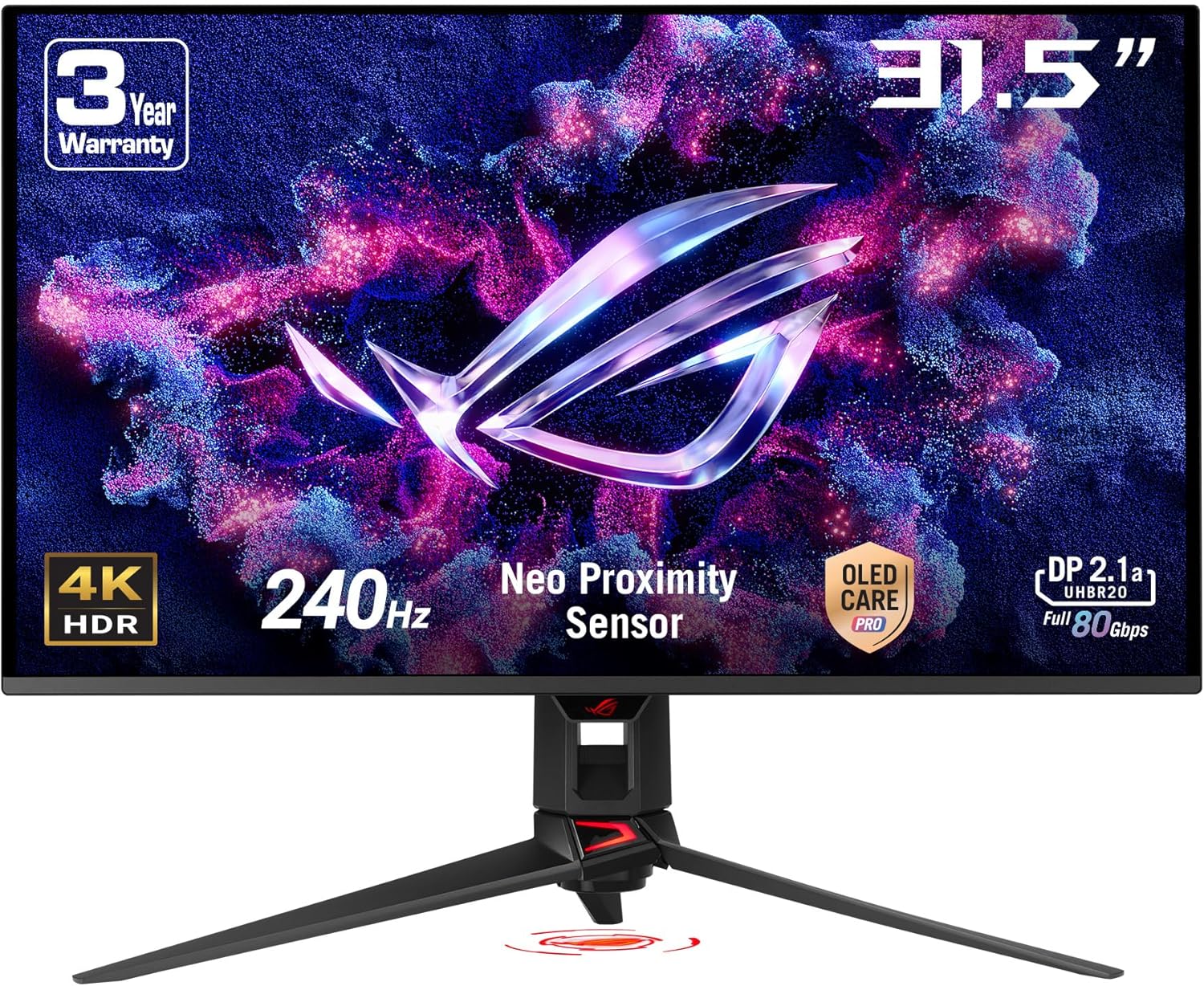
ASUS ROG Swift 32” 4K OLED Gaming Monitor (PG32UCDMR) Review
Product description
What it is and who it’s for
The ASUS ROG Swift PG32UCDMR is a 32-inch 4K OLED gaming monitor designed for players who want top-tier image quality and swift motion handling. With a 3840 x 2160 resolution, a 240 Hz refresh rate, and a 0.03 ms GTG response time, it aims to deliver smooth, responsive gameplay. It’s also positioned for creators who value true color and HDR performance, thanks to OLED technology, 99% DCI-P3 coverage, true 10-bit color, and Delta E < 2 color accuracy. If you’re after a high-end panel for fast-paced games and occasional color-critical work, this model ticks a lot of boxes.
Why it matters on paper
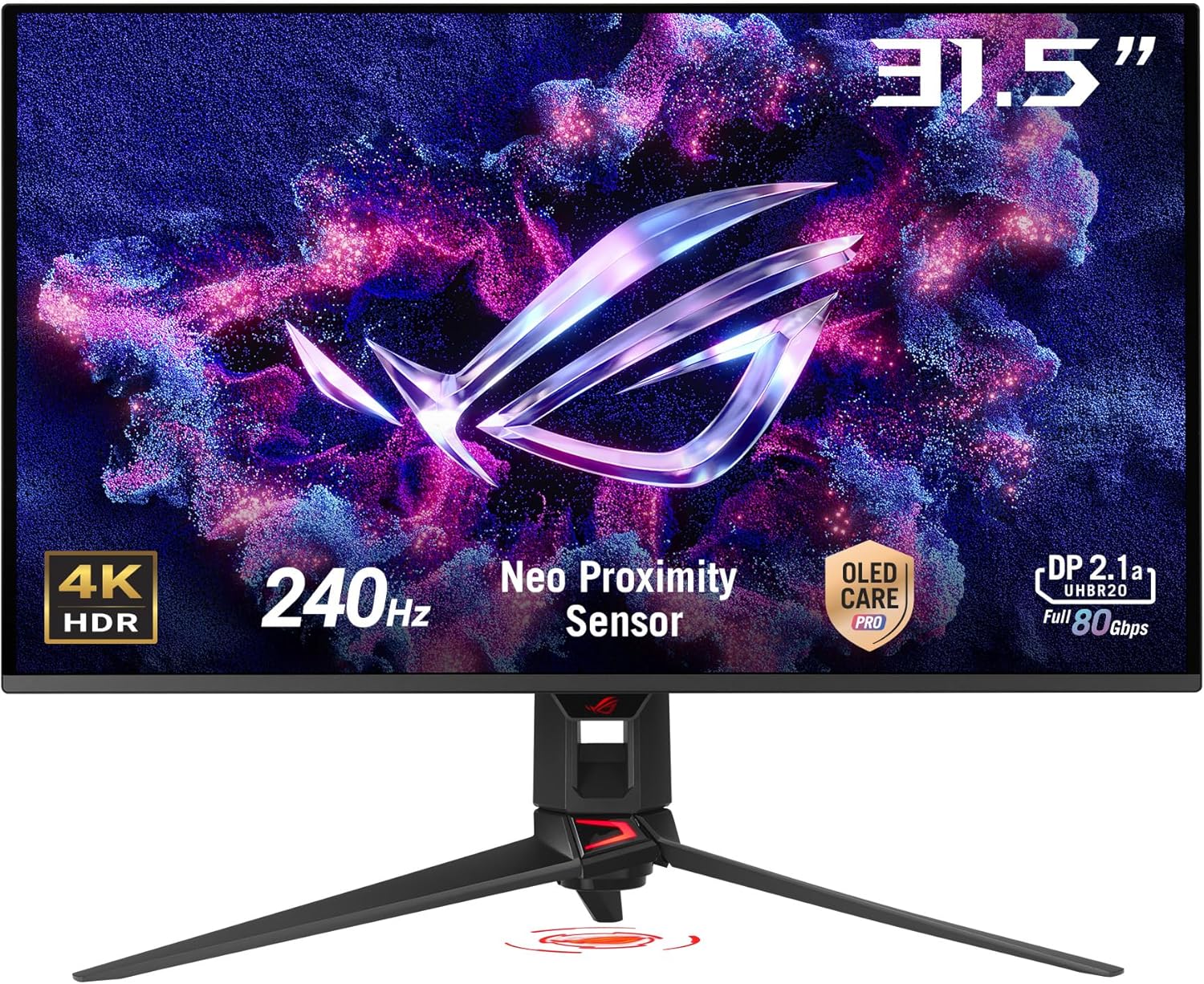
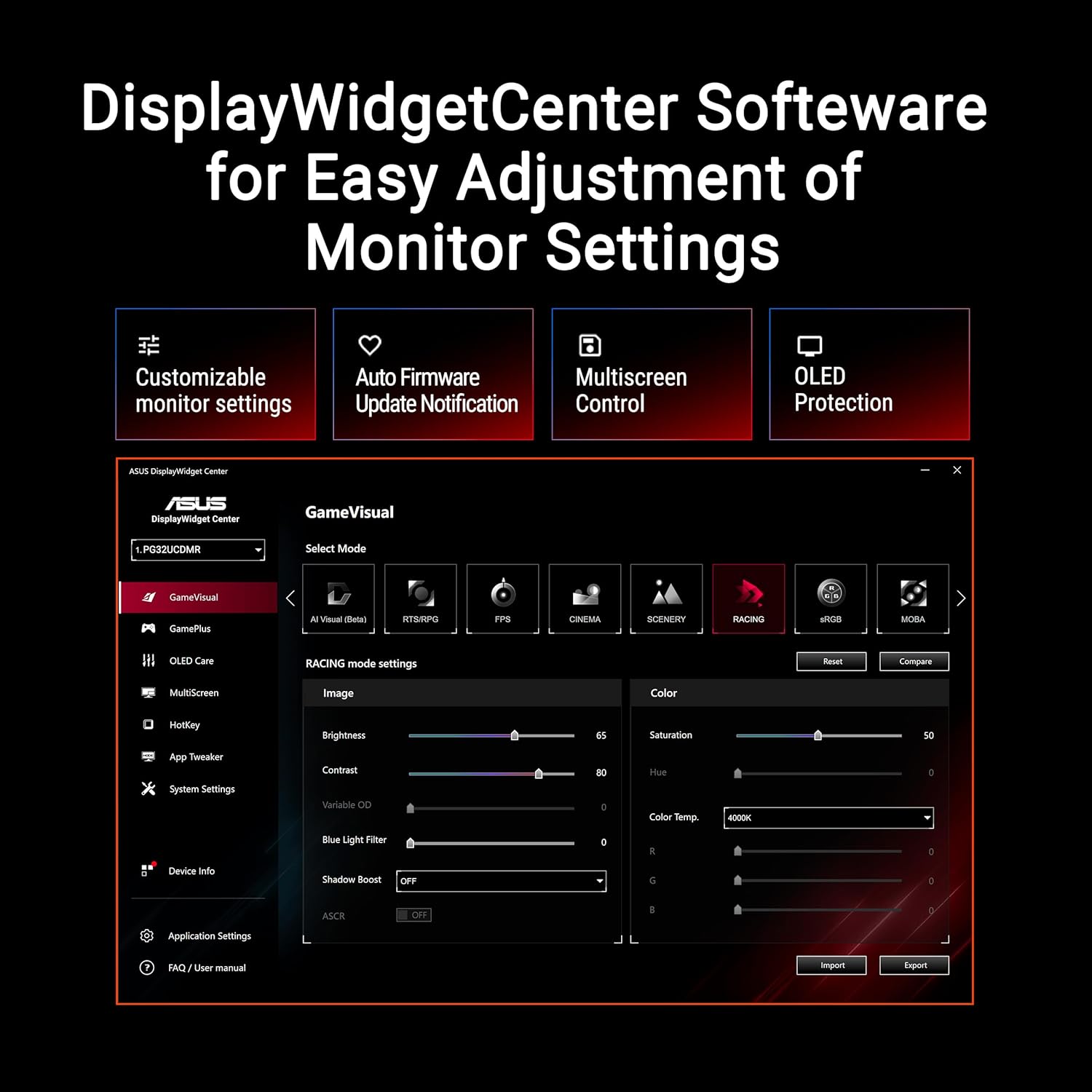
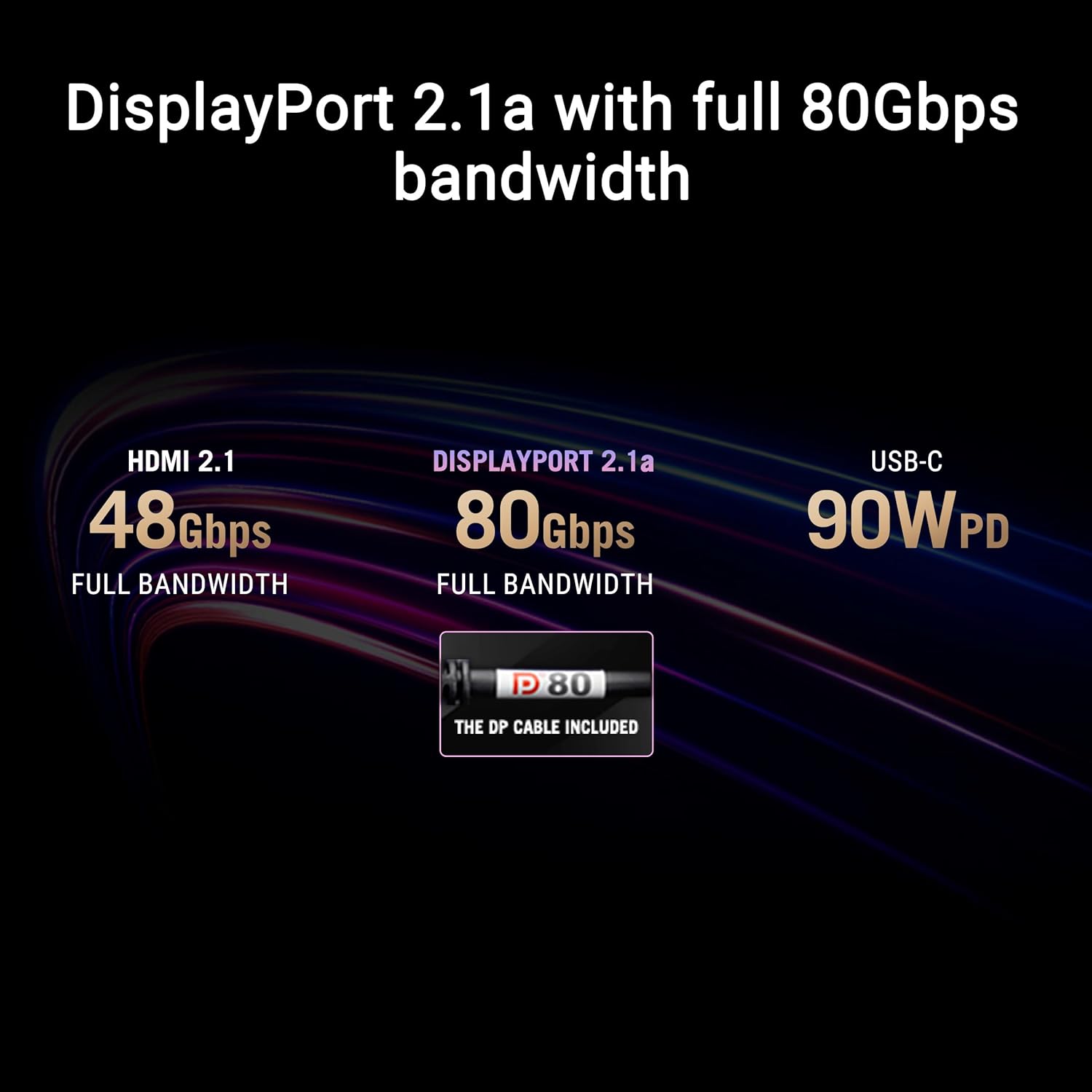
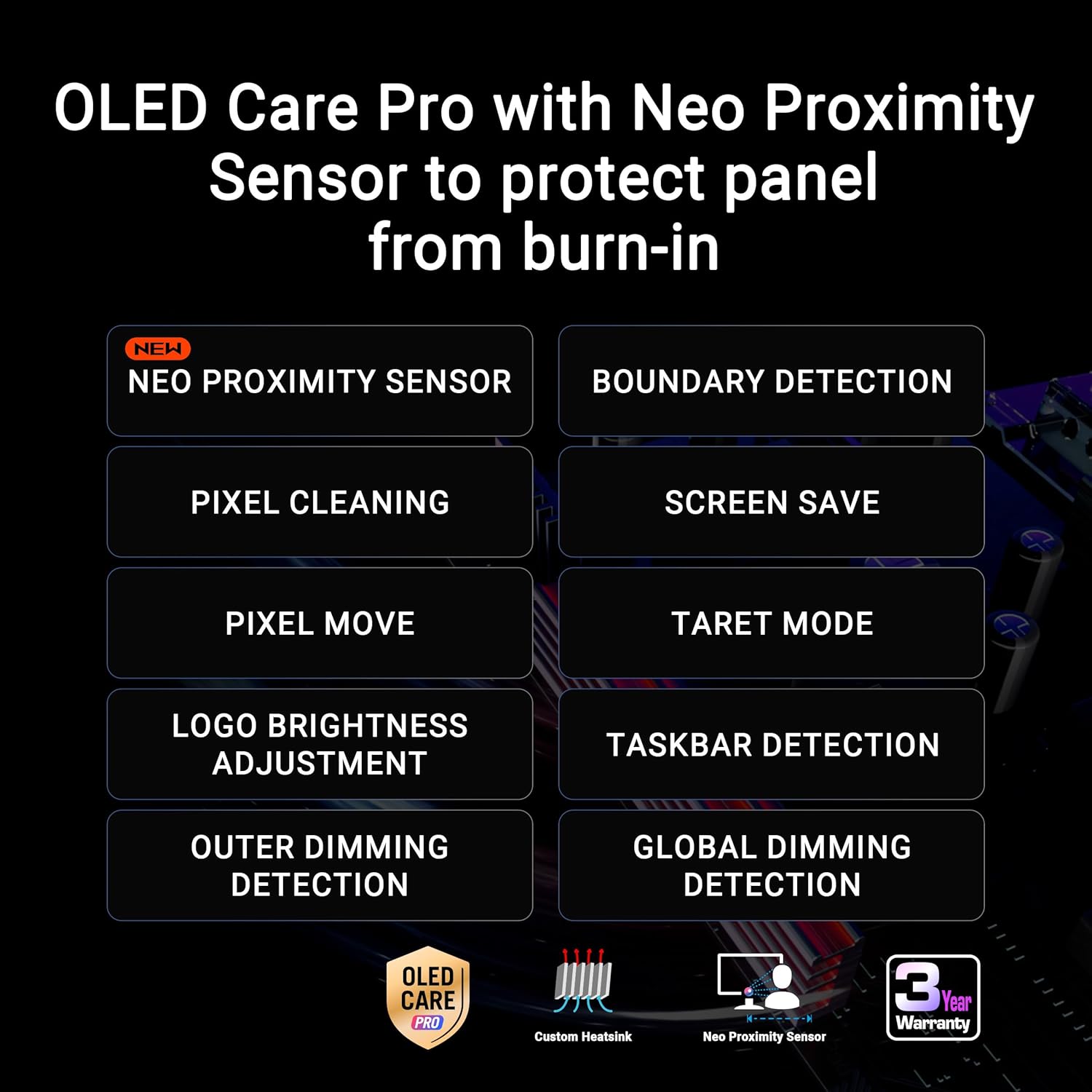
OLED panels bring true blacks and high contrast, which can make games pop in HDR and cinematic scenes. The 240 Hz refresh rate and ultra-low response time are aimed at reducing motion blur during fast action. Features like DisplayWidget Center simplify on-screen adjustments, and the Neo Proximity Sensor-powered OLED Care Pro helps minimize burn-in by detecting when you’re away from the desk. The inclusion of DisplayPort 2.1, HDMI 2.1, and USB-C with 90 W Power Delivery broadens connectivity for modern GPUs, consoles, and laptops.
What stands out in performance
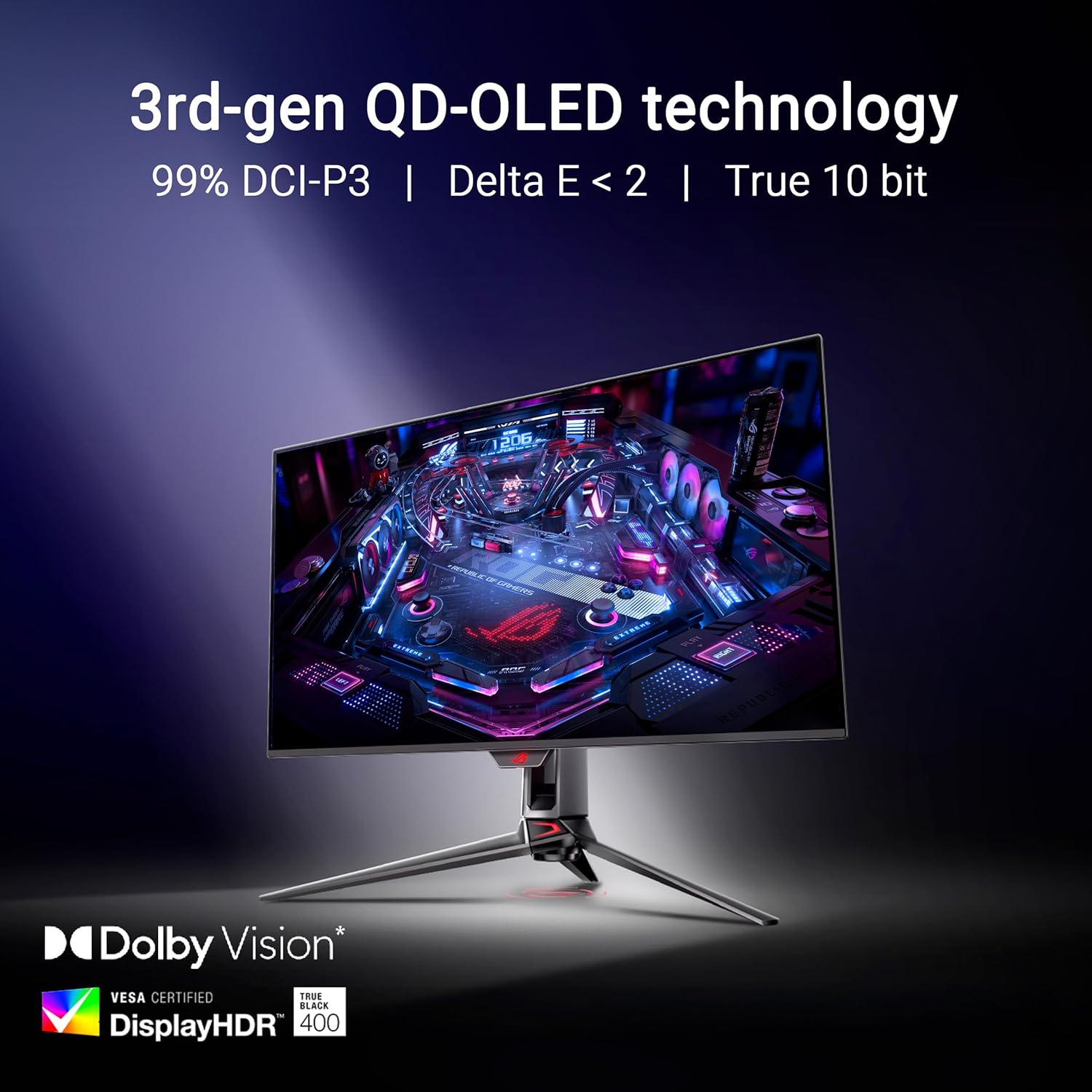
On the gaming front, the combination of 4K resolution with a 240 Hz panel is ambitious. The 0.03 ms response time addresses fast-twitch gameplay where every millisecond matters. G-SYNC compatibility promises tear-free play, while the broad color gamut (99% DCI-P3) supports vibrant HDR content. The 10-bit color depth and tight color accuracy (Delta E < 2) are relevant for photo and video work, making it a credible option for hybrid use beyond pure gaming.
Strengths worth noting
- OLED tech with strong HDR and color fidelity, useful for both gaming and creative work.
- Very fast panel response and high refresh rate aimed at competitive titles and immersive sims.
- Wide connectivity (DisplayPort 2.1, HDMI 2.1, USB-C 90 W) for versatile setups and power delivery.
- Built-in care features (OLED Care Pro with proximity sensing) to mitigate burn-in risk and extend panel life.
- Robust warranty (3 years) adds peace of mind for a premium monitor.
Limitations and caveats
- OLED burn-in risk remains a consideration for static UI elements or long sessions with the same HUD, the proximity sensor helps, but it’s not a guaranteed fix.
- At 32 inches and 4K, you’ll want a strong GPU and a capable system to maintain high frame rates at max quality across newer titles.
- The high-end feature set comes at a premium, if you primarily play eSports titles at lower resolutions or on a budget, it might feel excessive.
Who this is for
- Gamers who want extreme detail at 4K with high frame rates and smooth motion.
- Creators who require accurate color, broad HDR capability, and a large, immersive screen.
- Setups that can leverage DisplayPort 2.1 or HDMI 2.1 for high bandwidth and 90 W USB-C power delivery.
What to check before buying
- Ensure you have a GPU and PC capable of delivering 4K at high refresh rates in your favorite titles.
- Consider your desk space and viewing distance, 32 inches at 4K is immersive but may require eye-friendly scaling settings.
- Review your content needs: the 99% DCI-P3 and true 10-bit color are beneficial for color-critical work but verify you actually leverage HDR modes consistently.
- Think about run-time software and features: OLED Care Pro and DisplayWidget can help, but you’ll spend time learning the controls to get the most value.
Practical use case: what it feels like in use
Imagine loading a prestige title with ray-traced lighting. The game looks incredibly detailed, with deep blacks and bright highlights that pop without washing out. In fast shooters, your aim feels razor-sharp thanks to the quick response and high refresh, while the UI elements stay readable thanks to the panel’s color accuracy. For content work, grading a live-action scene benefits from the wide color gamut and true blacks, though you might need to adjust your workflow to account for OLED-specific handling of static elements.
What this means compared to other approaches
If you’re deciding between a high-refresh 4K LCD and OLED, the OLED option here prioritizes contrast and color depth, with the trade-off of burn-in considerations. For those who want OLED-grade visuals without sacrificing gaming smoothness, this monitor aims to balance both. If your priority is maximum brightness and no burn-in concerns, a high-end LCD could be a more conservative choice, if you’re after the most cinematic HDR with top-tier motion, OLED like this PG32UCDMR stands out.
Is it worth it?
Buying verdict
It makes sense if you want a 32-inch, 4K OLED screen with ultra-fast response and a broad feature set for both gaming and creative tasks, and you have a setup that can keep up with 4K120–4K240 benchmarks. It may not be the best fit if burn-in risk is a hard no for you or if you’re budget-constrained and primarily play competitive titles at lower settings.
FAQ
- How does OLED care help in daily use?
- What kind of content benefits most from 99% DCI-P3 and 10-bit color?
- Do I need DisplayPort 2.1 to unlock its top capabilities?