


InnoView 16" Portable Monitor (2K 2560x1600, 240Hz) with Type-C and HDMI
Product description
If you’re tired of squinting at a laptop screen on the go, the InnoView 16" portable monitor is built for that “extra real estate” moment—without giving up smooth motion when you want to game or just move around fast in apps.
On paper, it’s a strong combo: a 2K resolution panel (2560x1600) paired with a high 240Hz refresh rate. It also leans into color and flexibility, with an IPS display and a wide color claim of 100% sRGB. Add built-in speakers, and it becomes one of those setups where you can stay productive or entertained with fewer extras.
That said, it’s still a portable monitor, so it may not be the best match if you’re chasing the absolute highest-end color calibration or the most feature-rich desktop replacement. It’s more “grab-and-go screen extender” than full workstation flagship.
Key takeaways
The InnoView 16" portable monitor focuses on three things: sharper visuals than standard Full HD, smoother updates at up to 240Hz, and real-world portability with Type-C and HDMI connections.
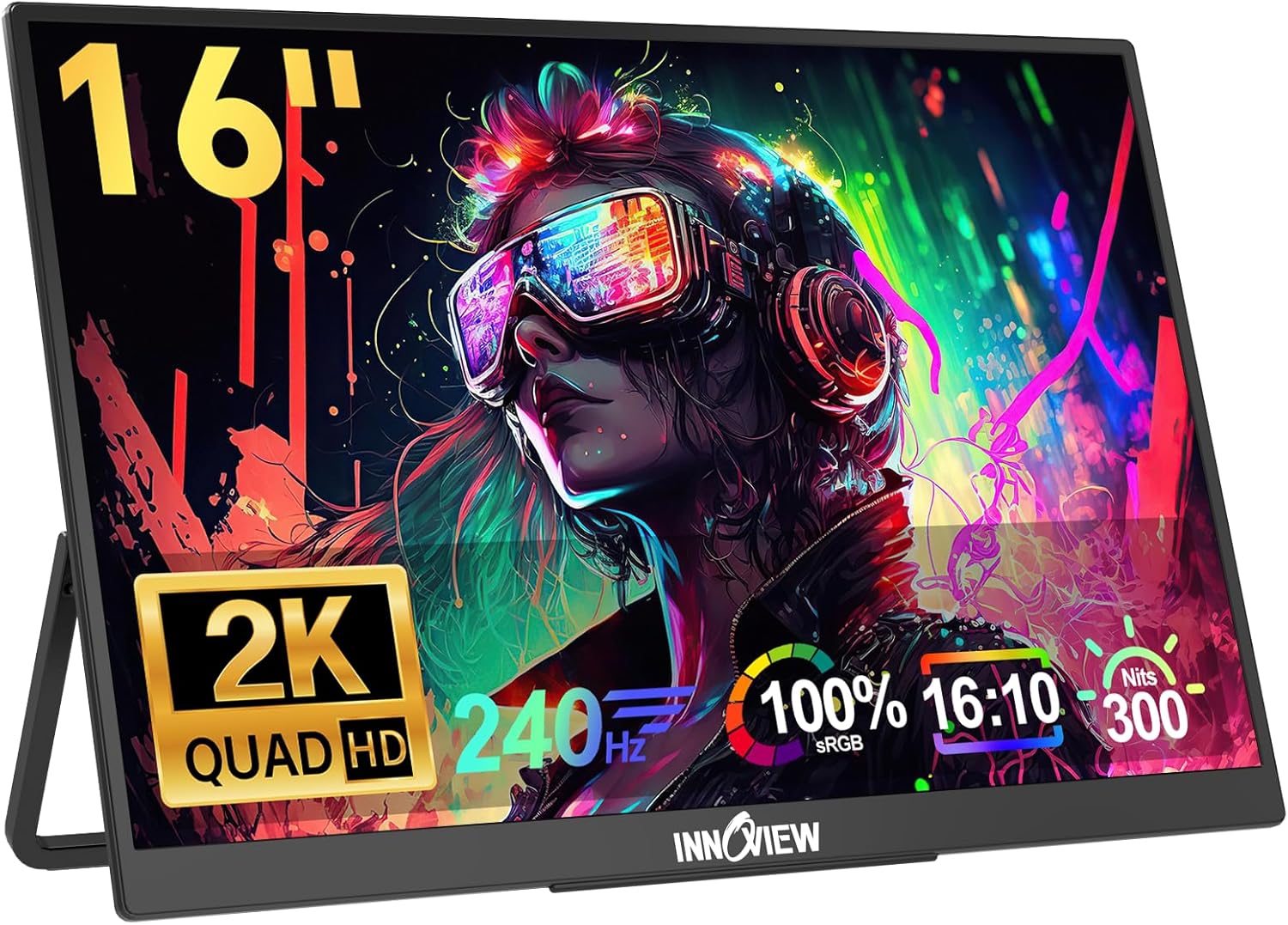
If you care about crisp text, clearer image details, and a responsive feel during fast gameplay, the specs here line up with that intent. The IPS panel and the 100% sRGB claim suggest it’s also aimed at users who do more than just watch videos—like photo viewing or design-adjacent tasks where color accuracy matters.
And because it’s designed around laptop expansion, it fits naturally into a travel workspace, a home office, or a gaming handheld/console docking-style routine.
The essentials (what it is and why it matters)
This is a portable gaming monitor that doubles as a laptop screen extender. The 16-inch size hits a middle ground: large enough to actually feel like an upgrade, but still meant to travel.
For everyday use, that can look like extending your laptop display to multitask—keeping reference material on one side while you write, review spreadsheets, or edit images on the other. The “Type-C and HDMI” setup also targets the common reality that different devices don’t always share the same ports.
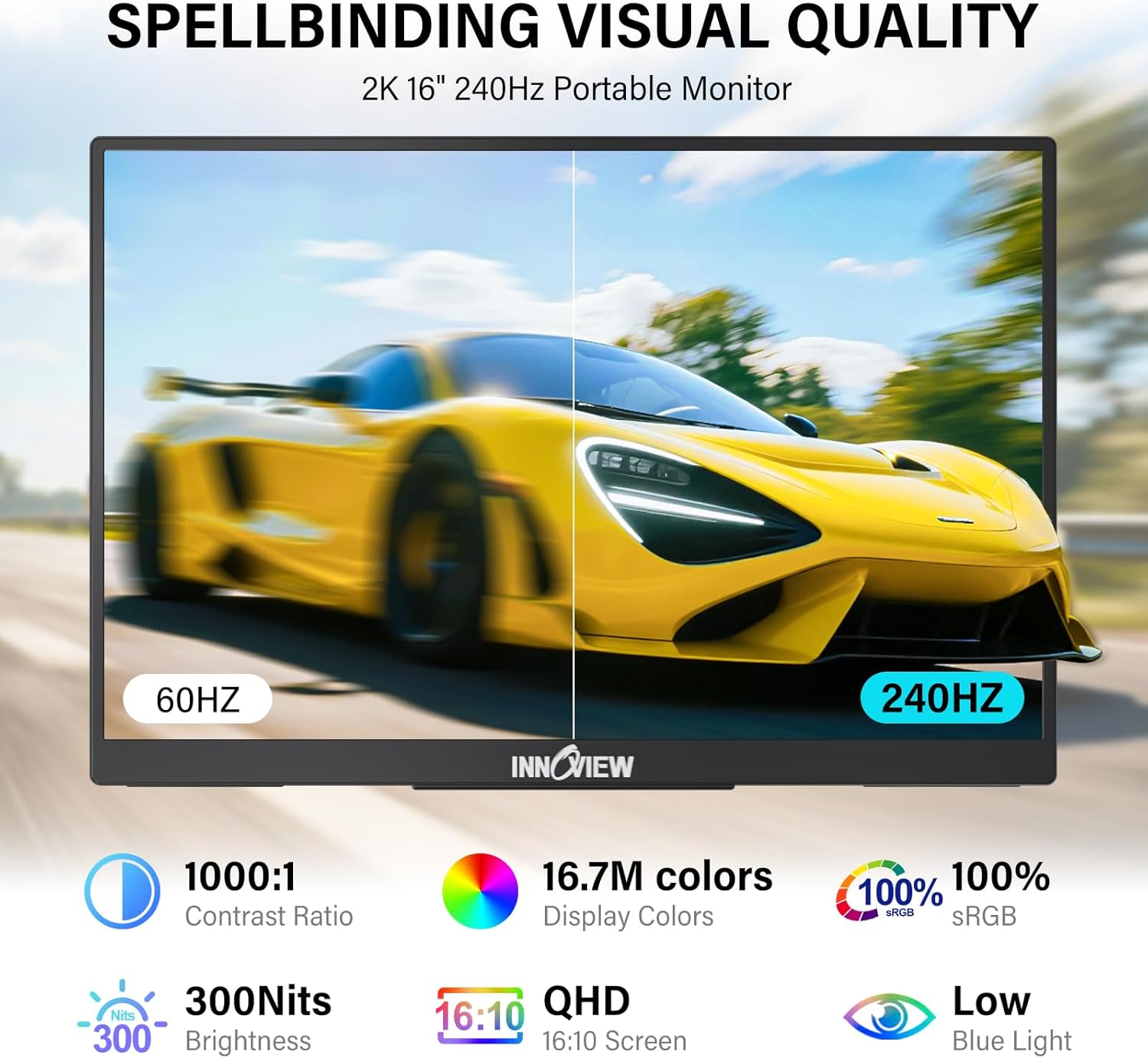
For gaming or fast-paced content, the 240Hz refresh rate is the headline. A higher refresh rate can help reduce visible screen tearing and perceived latency compared with lower refresh displays, which is exactly what you want in competitive situations. Still, keep expectations grounded: the refresh rate claim doesn’t automatically guarantee perfect performance on every device or scenario—what you get depends on how your source device outputs video.
What you’ll notice day to day
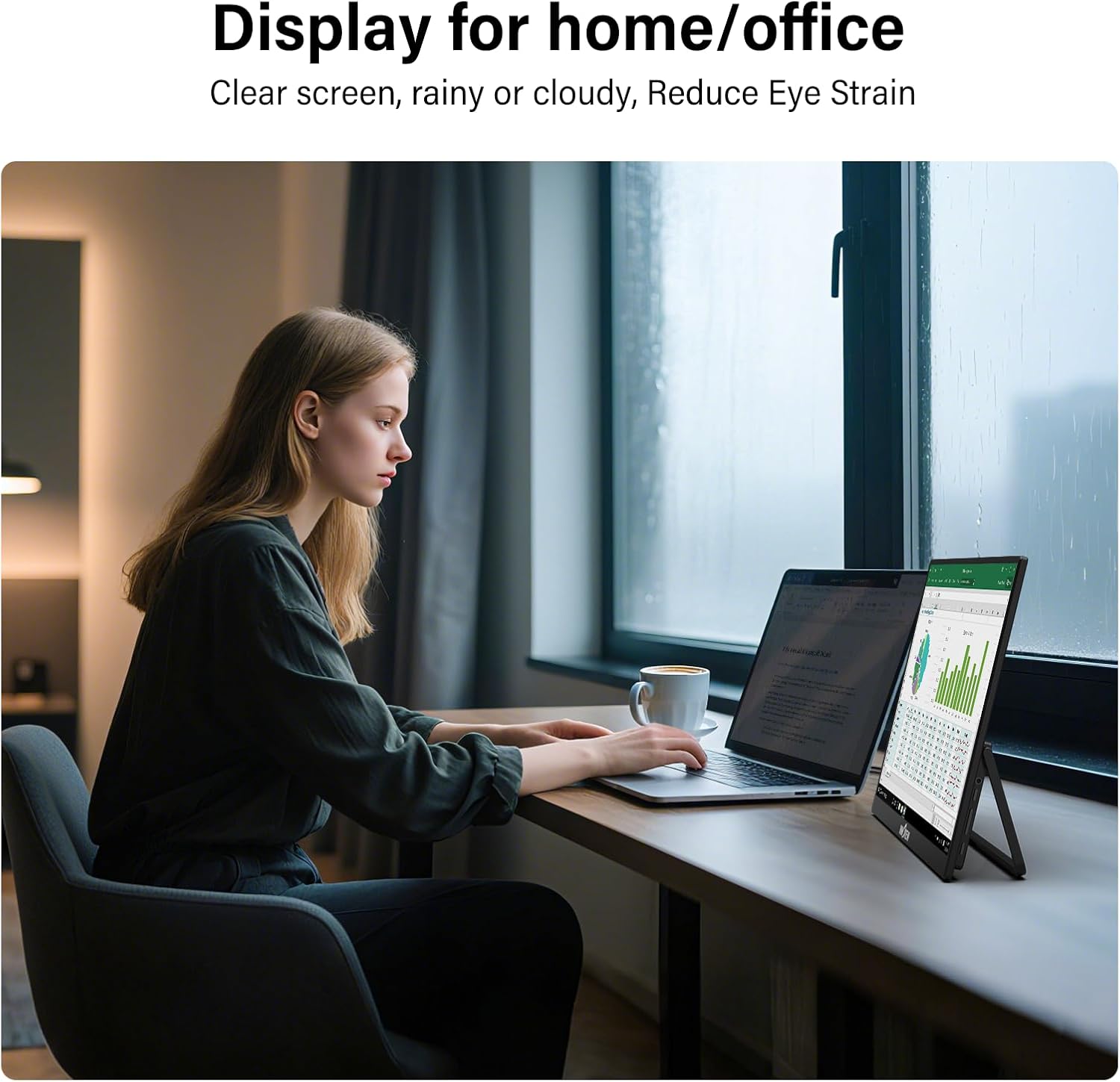
The first thing you’ll likely notice is clarity. With 2560x1600 resolution, content doesn’t just look “a bit sharper” compared to 1080p—it tends to show finer details and cleaner edges. In practical terms, that can mean less eye strain during long sessions and more readable text when you’re working with dense layouts.
The second thing is motion smoothness. A 240Hz panel is meant to feel more responsive during quick movements—whether you’re playing shooters, racing, or simply scrolling and interacting with fast UI.
Color is the third angle. The IPS tech and the stated 100% sRGB coverage are positioned for users who care about more than “it looks bright.” If you view photos, tune creative projects, or do color-sensitive work on a laptop, this spec sheet points in a more thoughtful direction than many basic portable screens.
Key specifications
- Name: InnoView 16" Portable Monitor
- Type: Portable gaming monitor / laptop screen extender
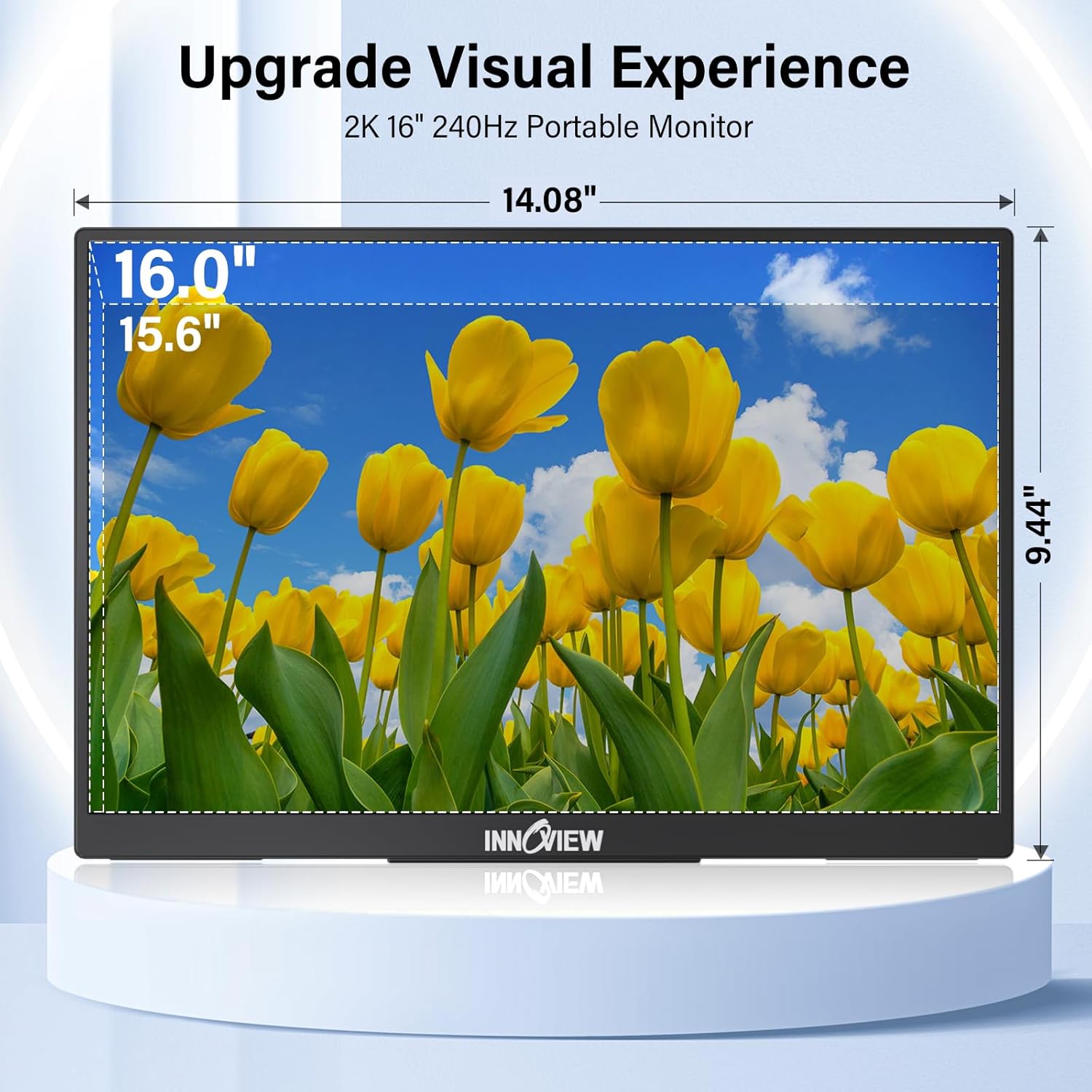
- Display resolution: 2560x1600 (2K)
- Refresh rate: 240Hz
- Color coverage: 100% sRGB
- Ports: 2x Type-C (full) and 1x HDMI
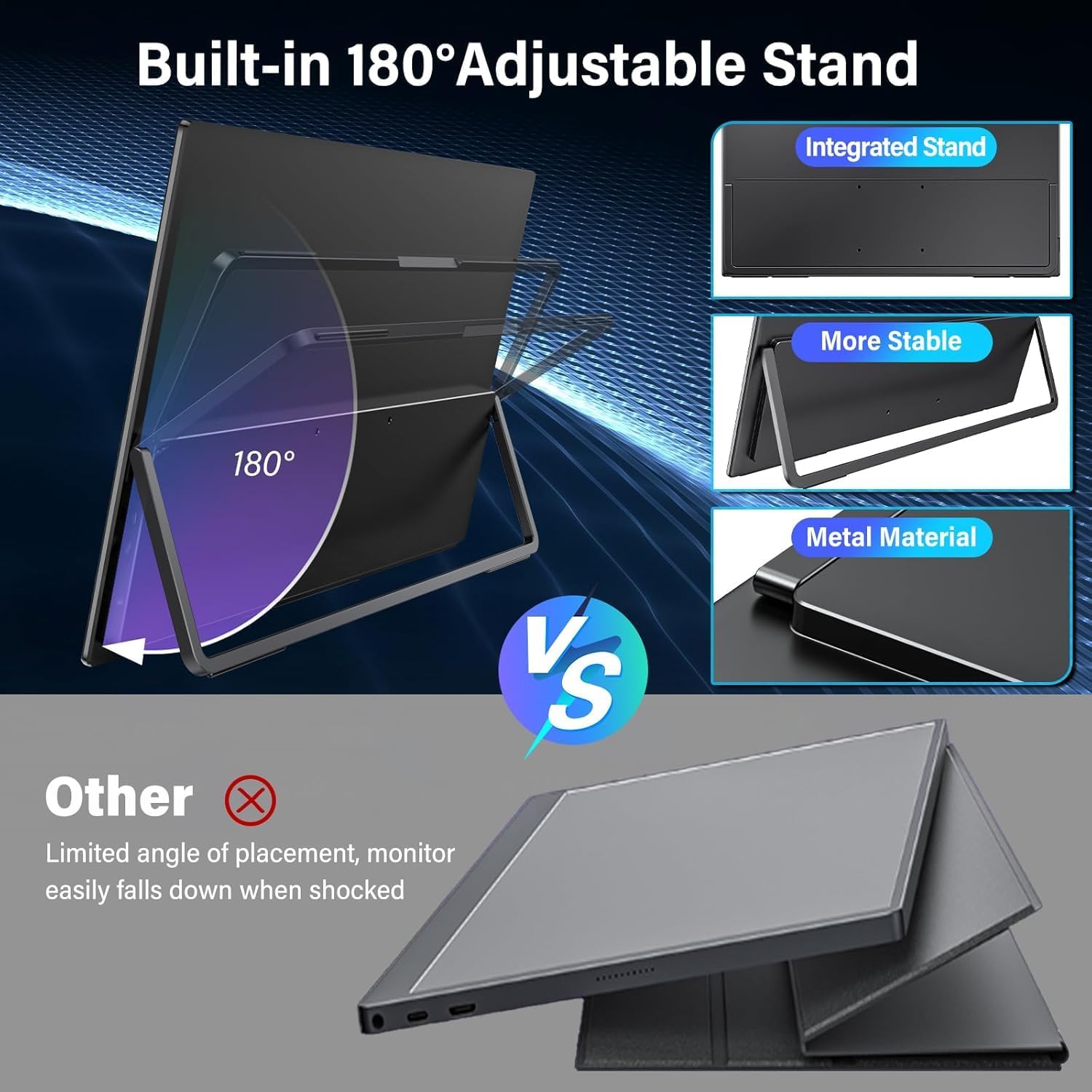
- Screen adjustment: 180° adjustable
- Audio: Built-in speakers
- Supported use cases: Laptop/PC/phone screen extension and gaming console compatibility (as stated)
Compatibility & requirements
The monitor is designed around plug-and-play convenience, and it’s described as compatible with multiple devices using its Type-C and HDMI ports. The base list includes laptop/PC and also mentions phone and gaming consoles such as Switch, PS5, and Xbox.
One thing to keep in mind: “plug and play” usually depends on whether your specific device supports video output over the relevant connection. So if your goal is to connect a particular laptop or handheld, it’s worth double-checking that your device can send display signal through its Type-C (and what modes it supports) before you commit.
Best use cases
This is a good fit if you want a portable second screen that can handle both work-style tasks and fast gaming sessions. It suits you if:
- You frequently travel with a laptop and want a bigger canvas for multitasking.
- You prefer sharper text and more detailed visuals than a typical 1080p portable screen.
- You play competitive or fast-paced games where motion smoothness matters.
- You do photo viewing or design-adjacent work where IPS plus a wide sRGB claim is meaningful.
It might not be the best choice if you’re trying to build a top-tier desktop monitor setup at home, or if you need very specific pro-level calibration features that aren’t mentioned in the provided details.
Also, the “high refresh rate” story can feel different in real life depending on the device powering the feed—so if your primary source can only output at lower rates, you may not feel the full benefit.
Should you buy it?
Buy the InnoView 16" portable monitor if your priority is a genuinely usable travel/work screen extender with crisp 2K visuals, plus the option to enjoy smoother motion at up to 240Hz when you’re gaming.
Skip it if you only need a basic second screen for occasional media, you don’t care about higher refresh rates, or you already know your devices won’t reliably support the video output method you plan to use.
If you’re weighing “portable screen extender” options, this one stands out on the combination of 2560x1600 resolution, 240Hz refresh rate, IPS panel, and built-in speakers—features that can reduce friction when you’re setting up quickly.
Mini FAQ
Does it work as a laptop screen extender?
Yes. The product is positioned as a laptop screen extender, using its Type-C and HDMI connections.
Is it good for gaming?
It’s designed for smooth gaming experiences, with a 240Hz refresh rate and a focus on reducing tearing/latency effects “for more responsive gameplay,” as described.
What devices is it compatible with?
The description states compatibility with multiple devices including laptop/PC, phone, Switch, PS5, and Xbox, using its Type-C ports and HDMI.
Does it have speakers built in?
Yes, it includes built-in speakers.
Is the color coverage meant for creative work?
The listing highlights IPS and a 100% sRGB claim, which is generally relevant for users who care about color accuracy beyond everyday viewing.