

SAMSUNG Odyssey G5 G53F 27" Monitor
Product description
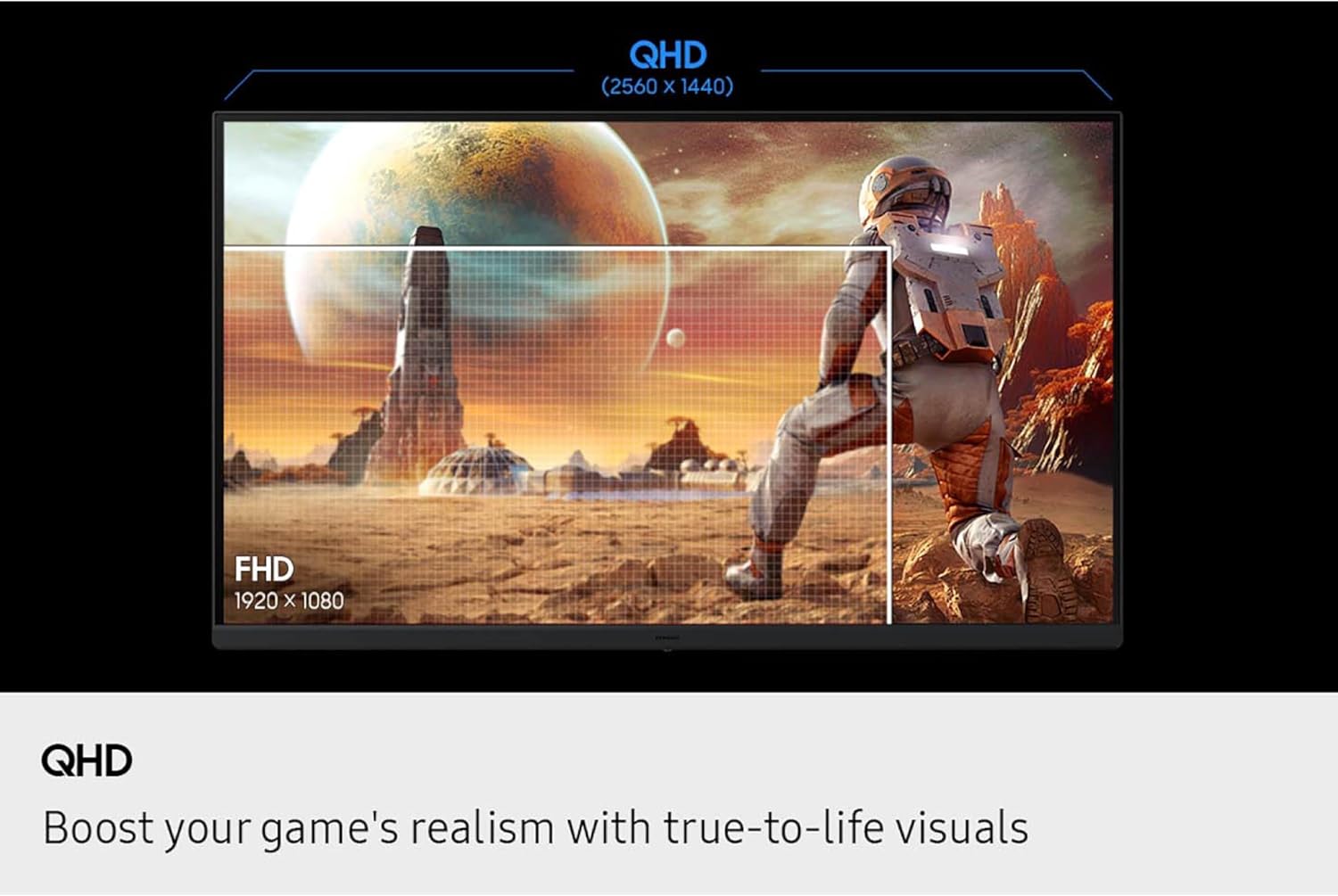
This 27" QHD gaming monitor from Samsung targets fast, competitive play with a clear focus on responsiveness and clarity. If you need smooth motion and sharper visuals for fast-paced titles, the QHD gaming monitor helps reduce blur and keeps targets visible in dark scenes. It fits desktop setups where reaction time matters and where image detail improves in-game awareness. 🎮
The essentials
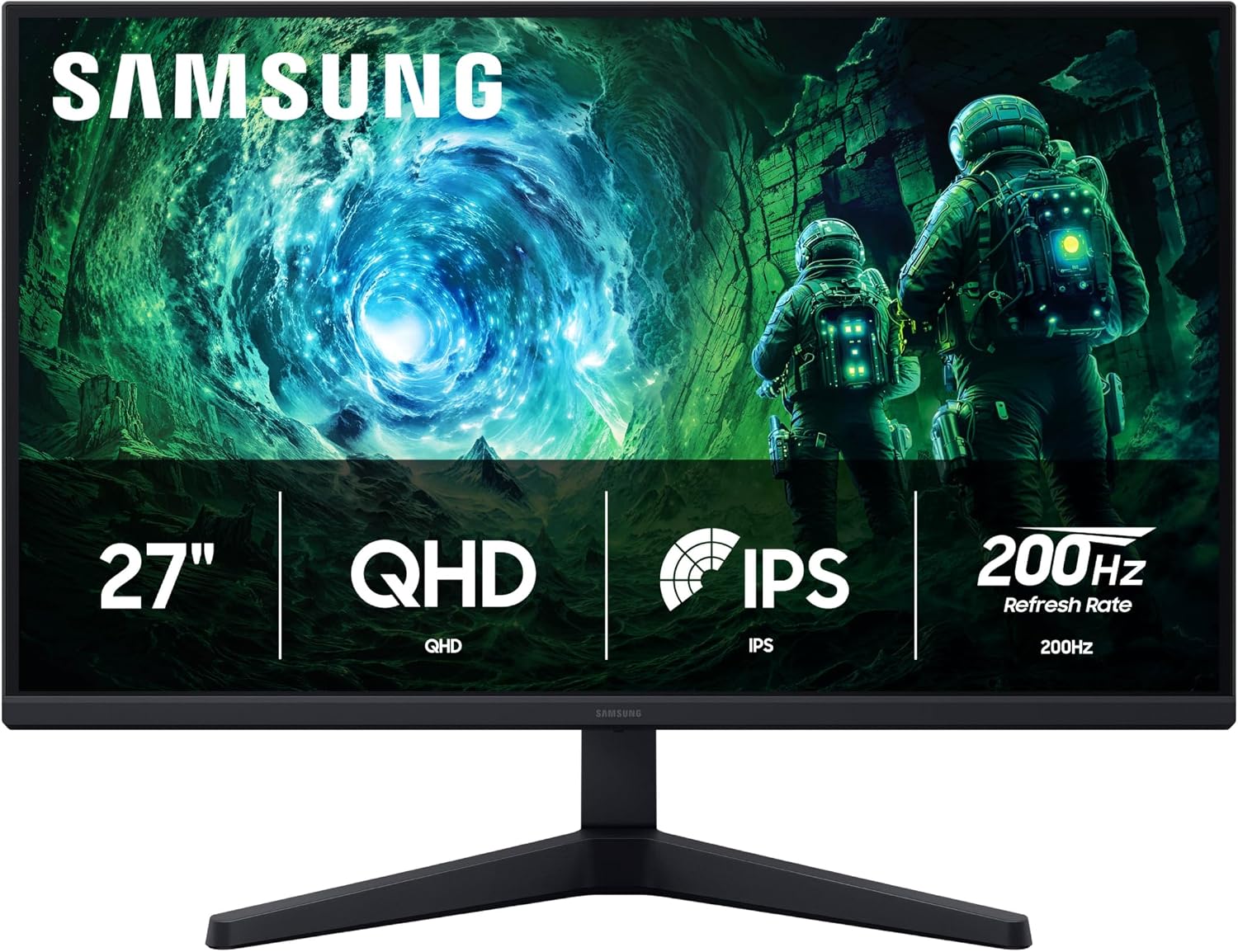
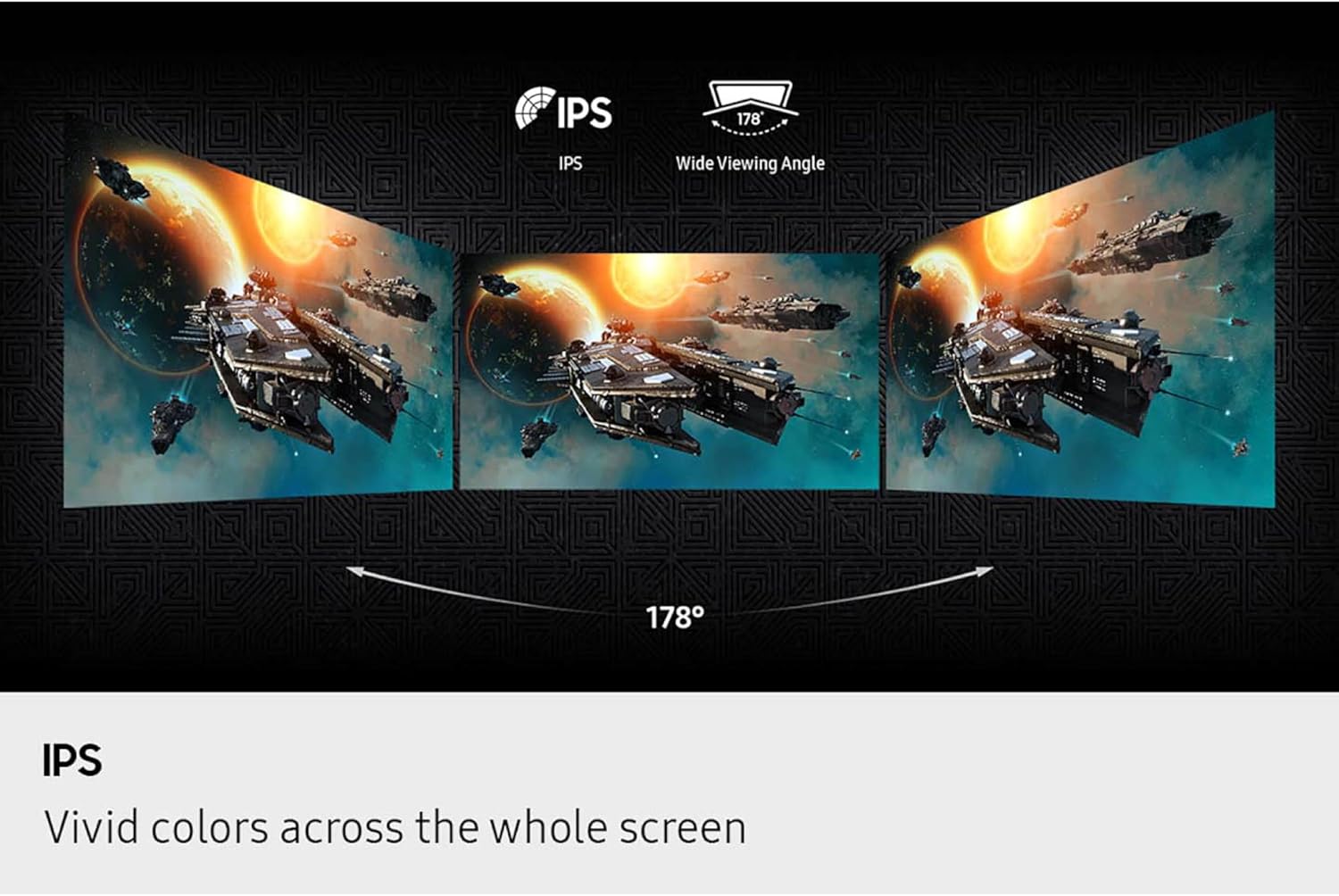
The Odyssey G5 blends a QHD display with a high refresh rate and adaptive sync to cut stutter and tearing. The IPS panel preserves color and wide viewing angles so teammates and spectators see consistent hues. Features such as Black Equalizer and Virtual Aim Point are tuned for spotting enemies in shadowed areas, while Auto Source Switch+ simplifies switching between console and PC inputs. If you prioritize raw speed the 200Hz frame rate stands out, if you prefer richer color the IPS panel keeps tones accurate.
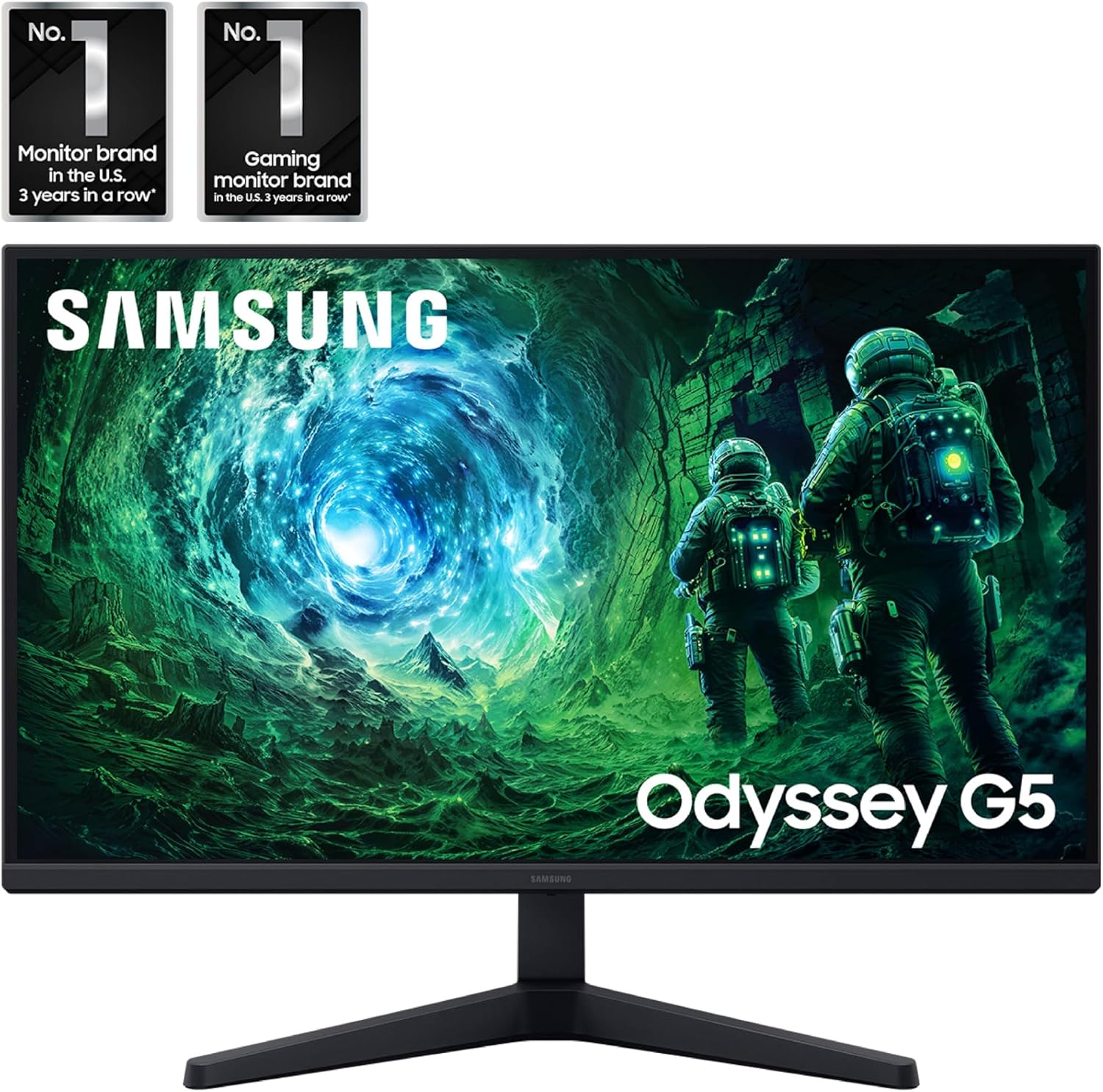
Tech summary
- Name: SAMSUNG Odyssey G5 G53F
- Display: QHD 2560x1440
- Refresh Rate: 200Hz
- Response Time: 1ms MPRT
- Connectivity: Auto Source Switch+ and common display inputs
Where it shines
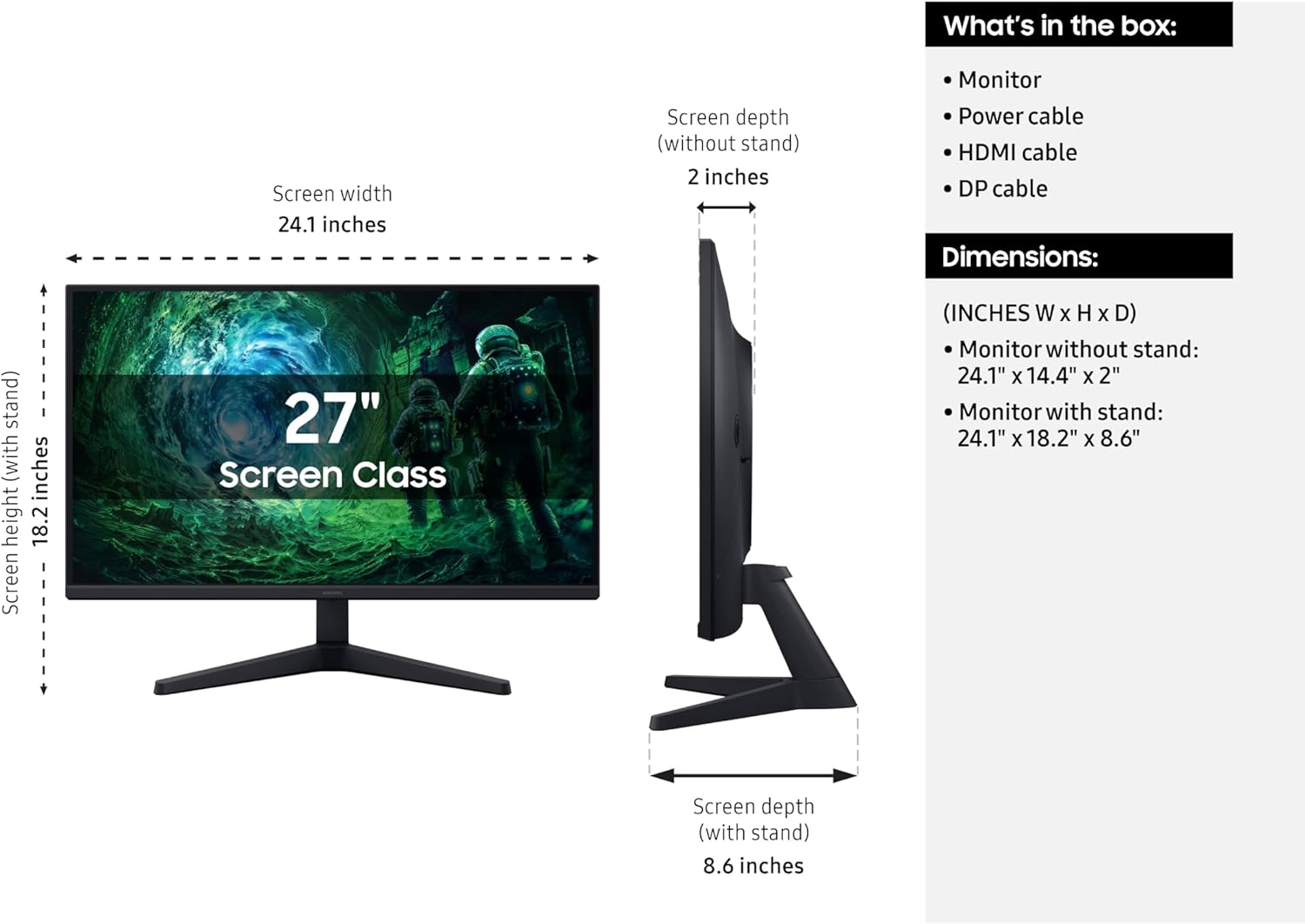
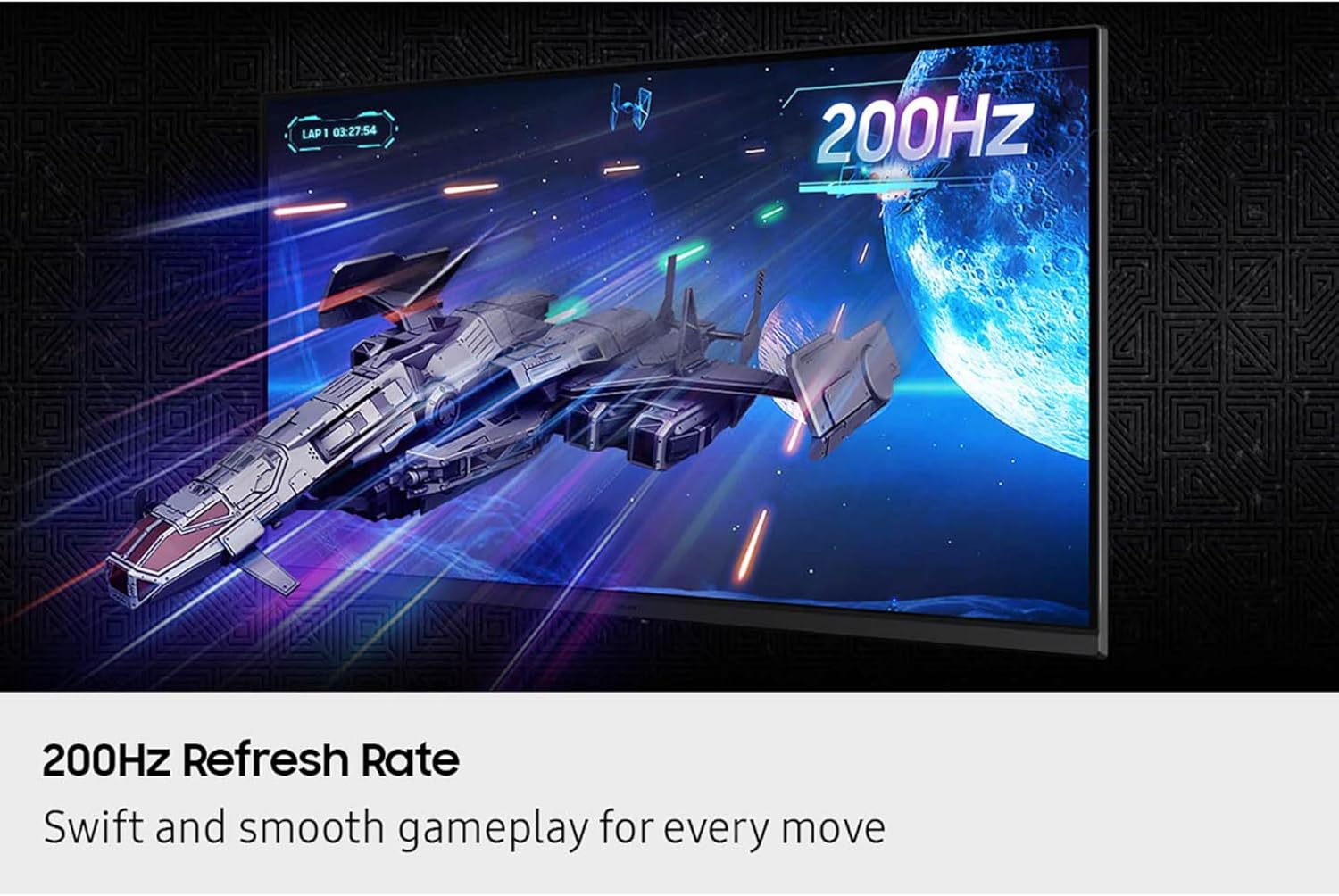
Fast motion handling reduces perceived lag, which helps in shooters and racing games. HDR10 lifts highlights and adds depth to darker scenes, though peak brightness depends on manufacturer specs. The monitor balances esports-ready speed with practical image improvements so sessions feel fluid without sacrificing too much color fidelity. Note that color-critical work may still need calibration according to your workflow. 🎯
Getting the most from it
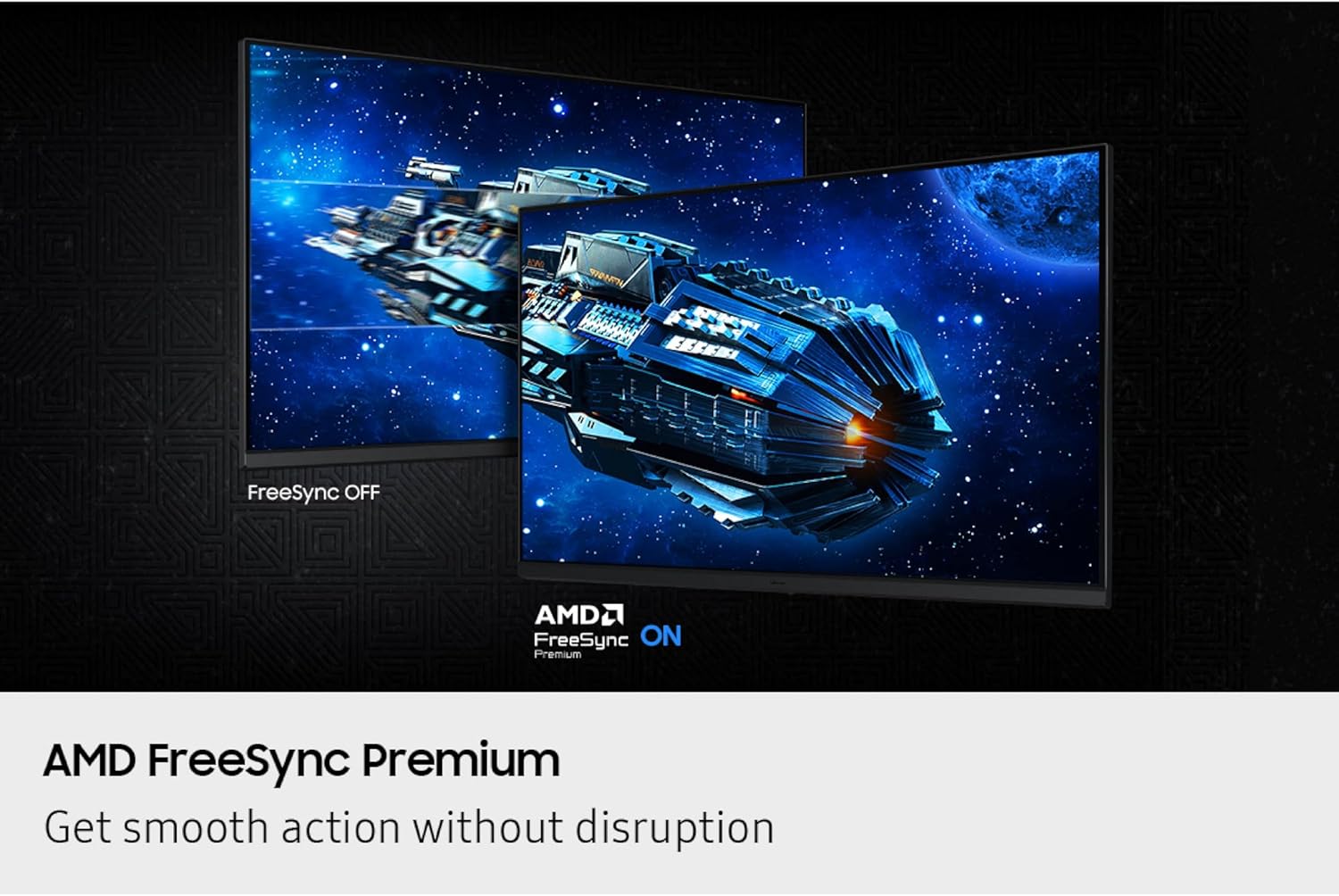
Position the screen at eye level to take full advantage of the 178° viewing angle and to keep colors uniform across the panel. Enable AMD FreeSync Premium on compatible GPUs to minimize tearing and flicker, and try the Black Equalizer when you play maps with heavy shadow areas. Adjust Virtual Aim Point if you need a static reticle aid during practice sessions. 🛠️
Care & maintenance
Keep the panel clean with a microfiber cloth and avoid abrasive cleaners. Unplug power before deep cleaning and avoid pressing the panel surface. Regular dusting around vents helps maintain airflow and display longevity.