

Laptop Screen Extender, 15.6-inch
Product description
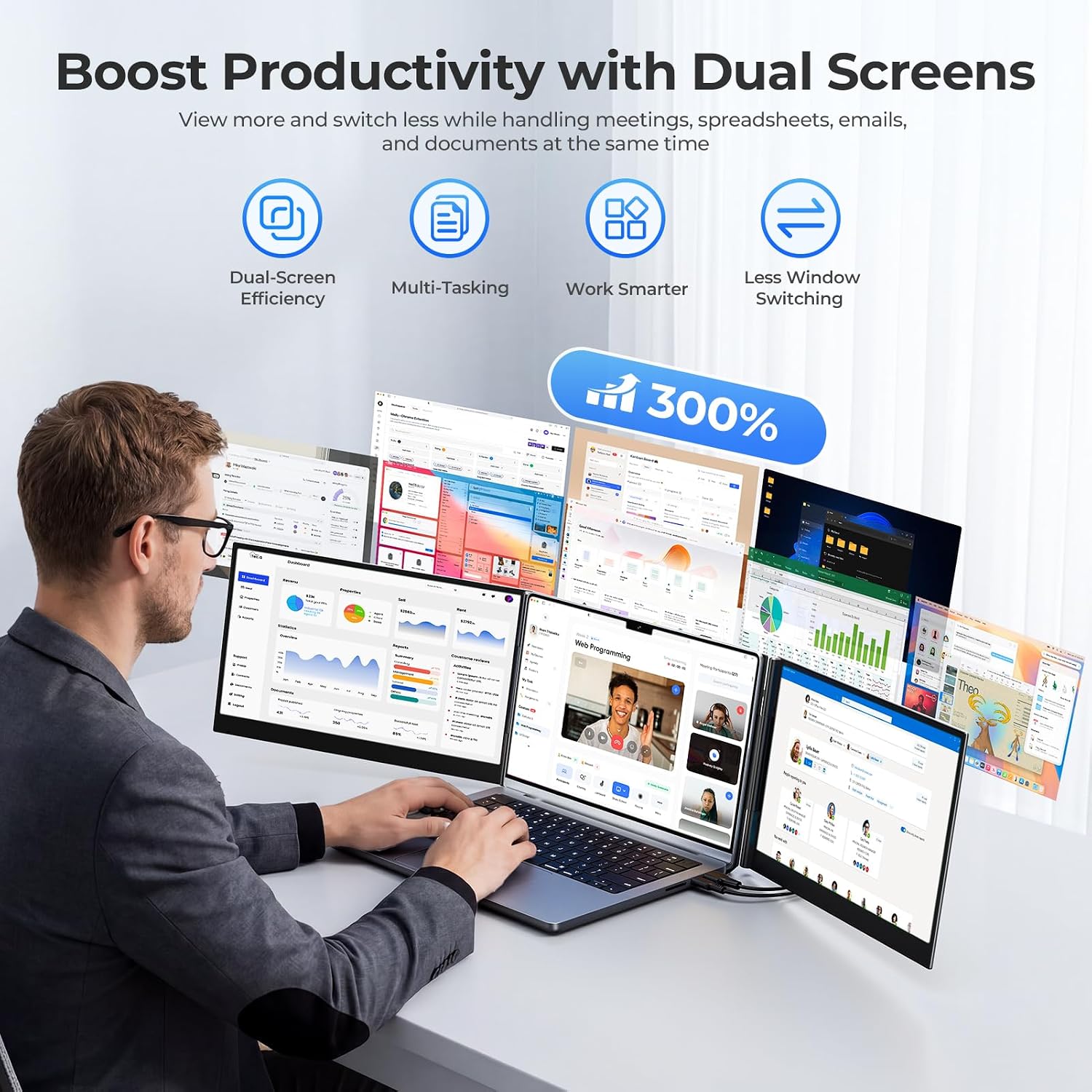
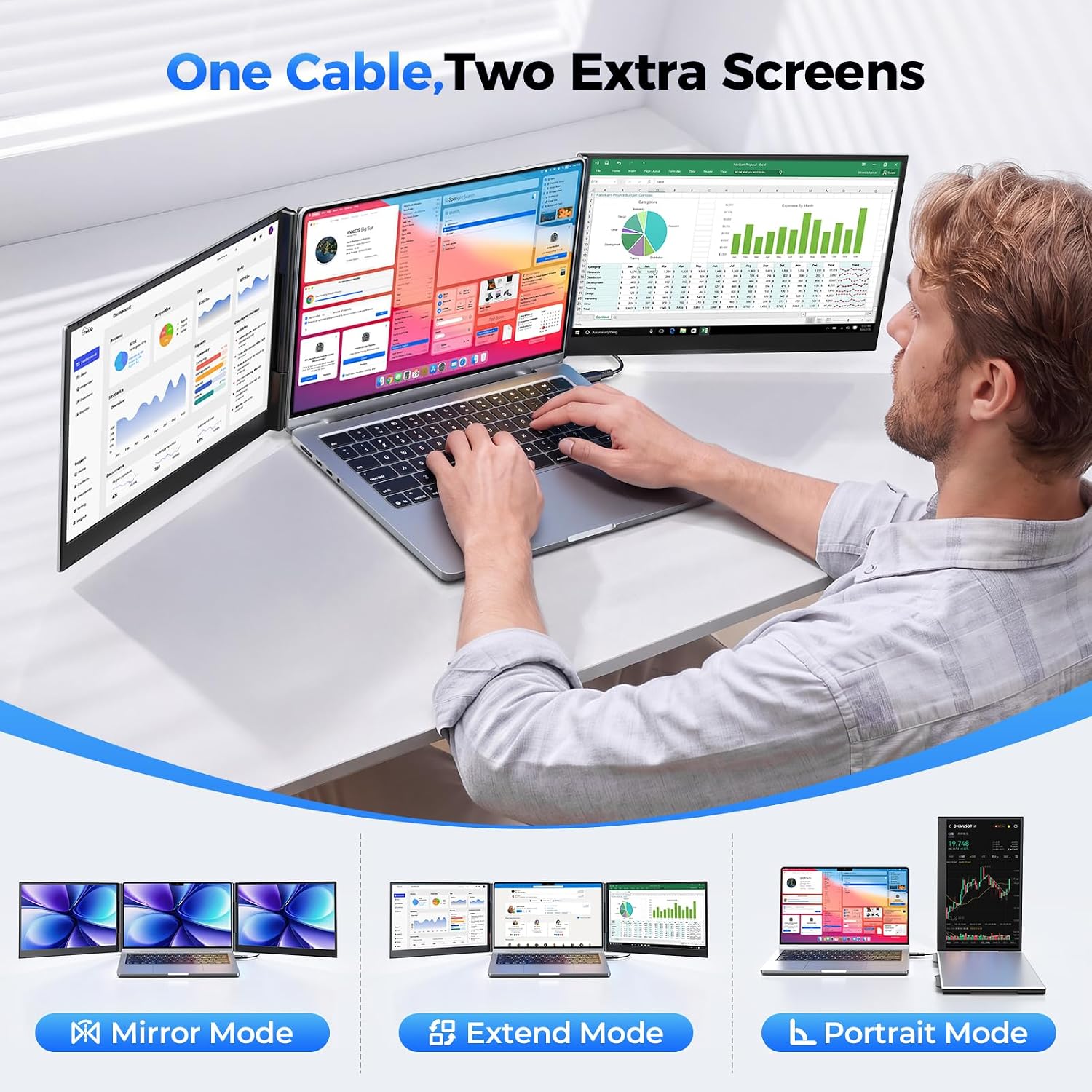
A single laptop screen can feel cramped when a spreadsheet, video call, and reference documents all need to stay in view. This foldable extender adds two displays behind your laptop, giving you more room to keep work visible instead of repeatedly switching windows.
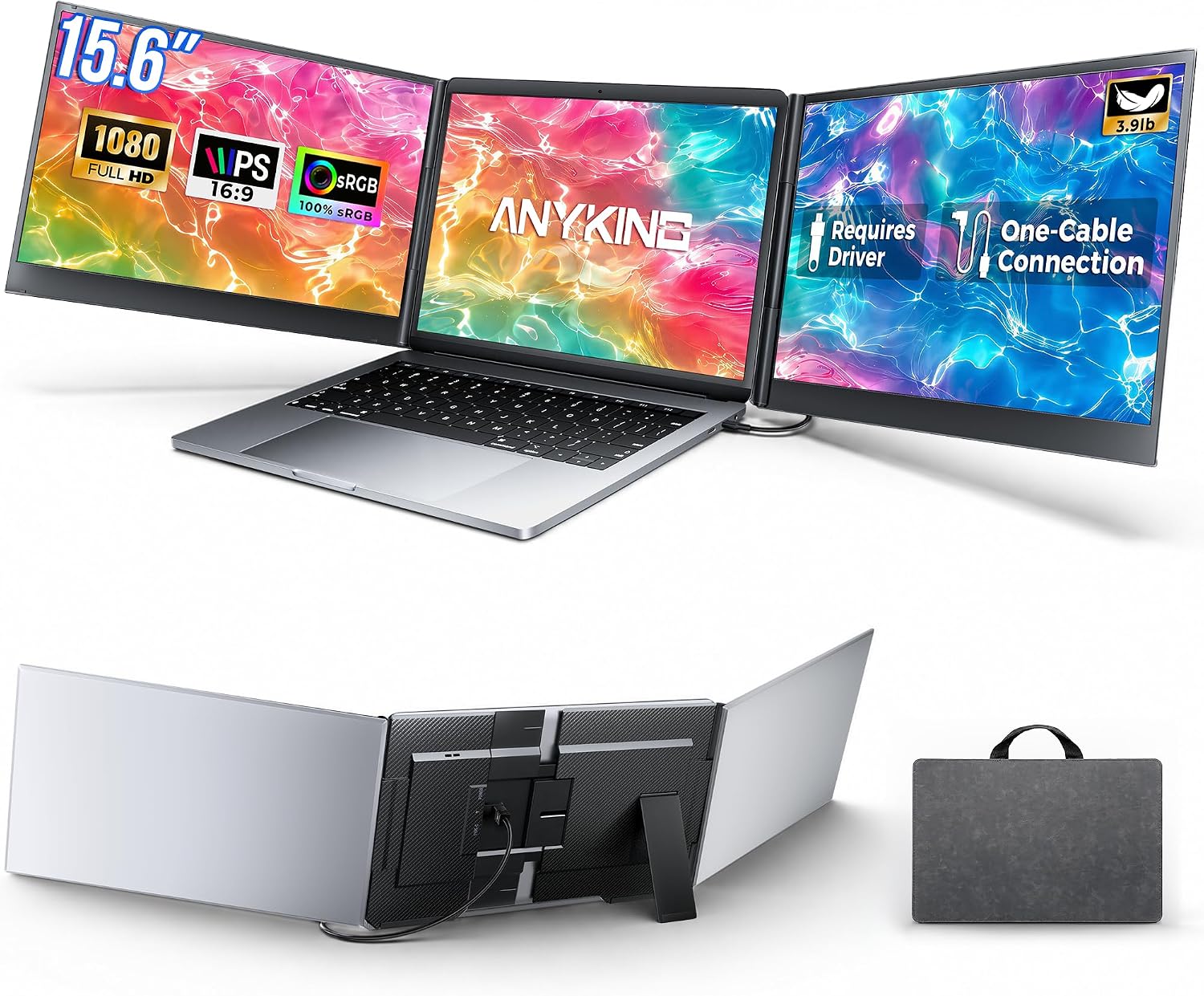
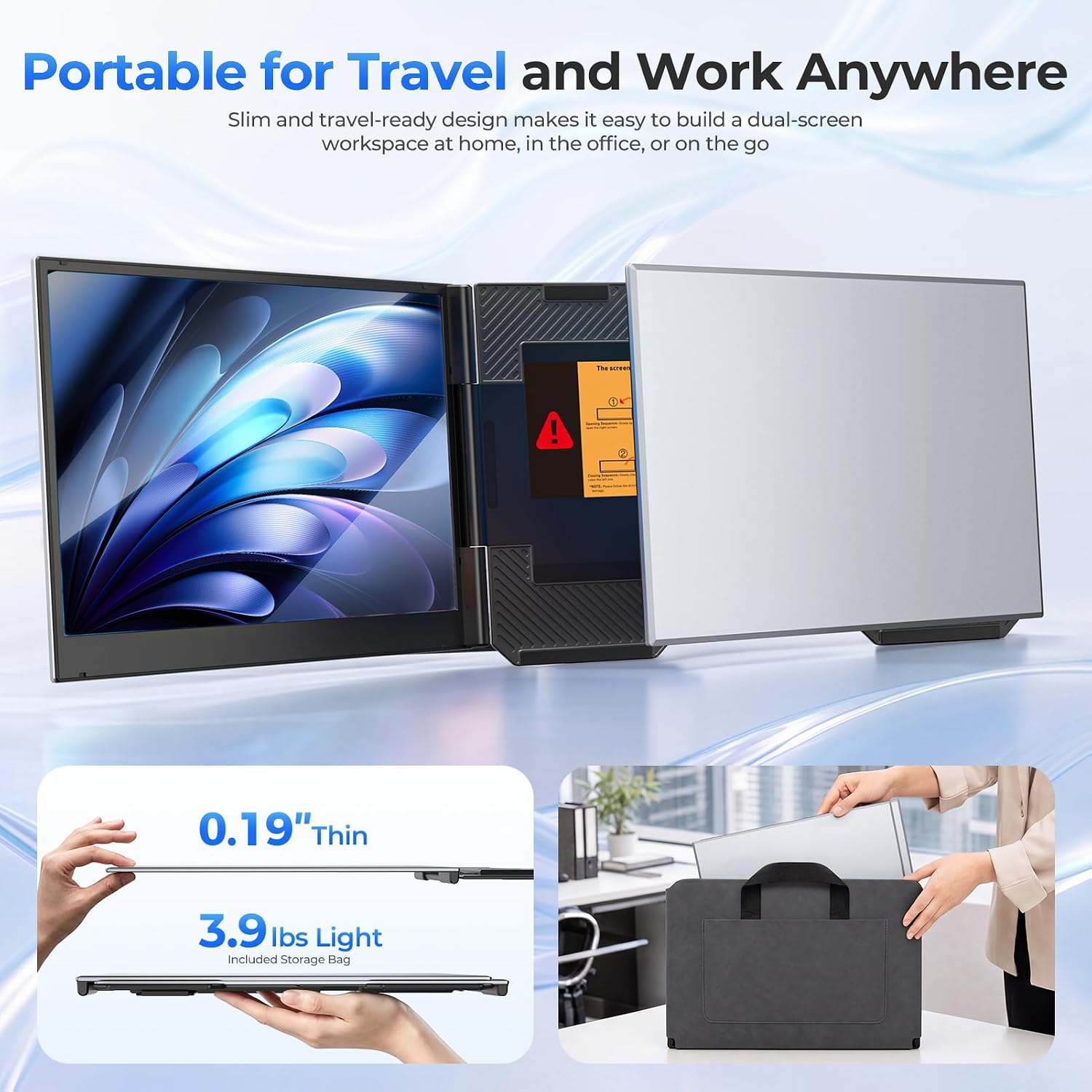
It uses a freestanding frame rather than attaching to the laptop lid. Keep in mind that setup requires a display driver, and the complete unit weighs about 3.9 lb, so it adds noticeable weight to a travel bag.
Technical details
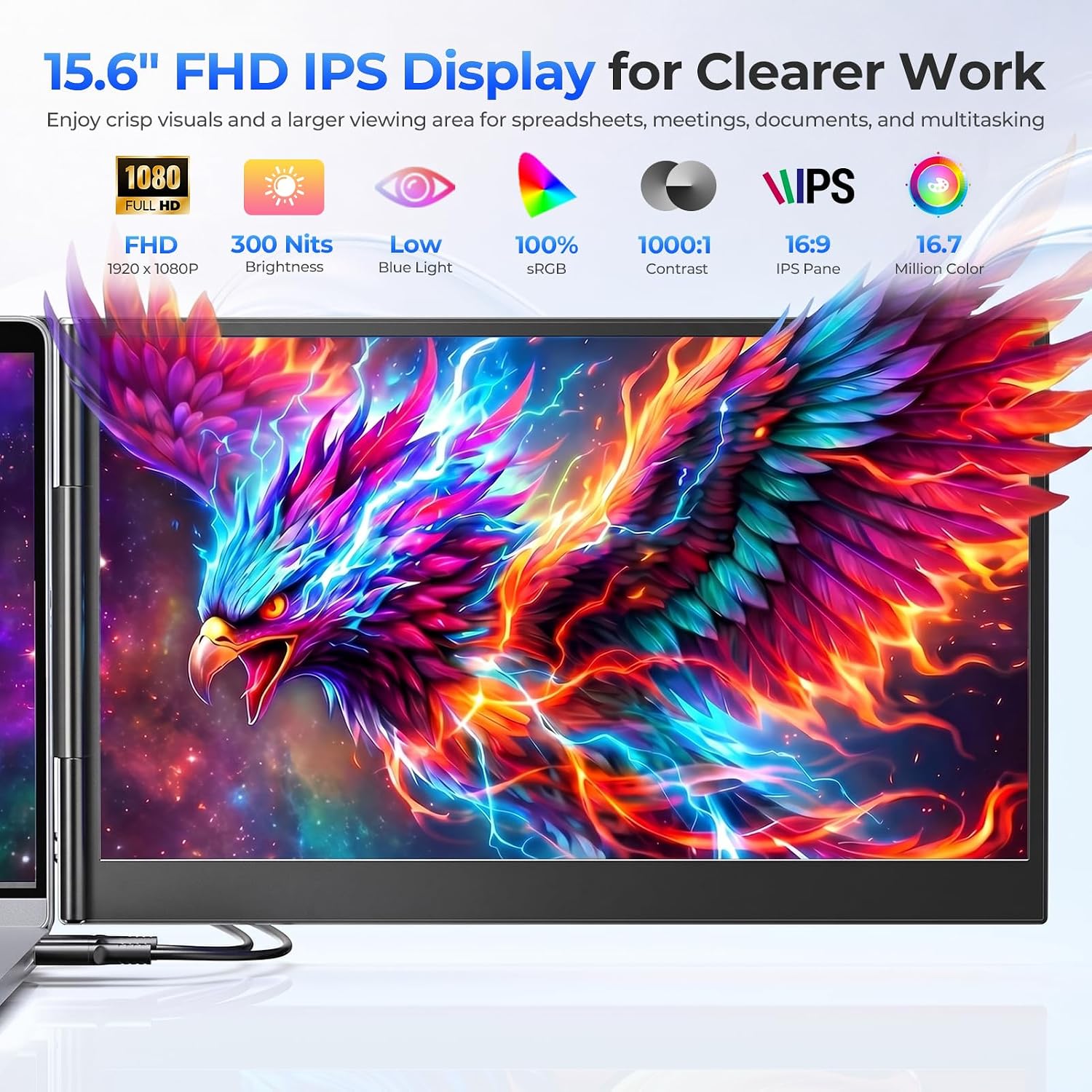
The two 15.6-inch IPS screens have 1920 × 1080 resolution, a 60Hz refresh rate, and 280-nit brightness. Extended and mirrored modes let you choose whether to spread windows across the displays or show the same content. On the spec sheet, that makes this more suited to everyday multitasking than to a setup bought specifically for high-refresh gaming.
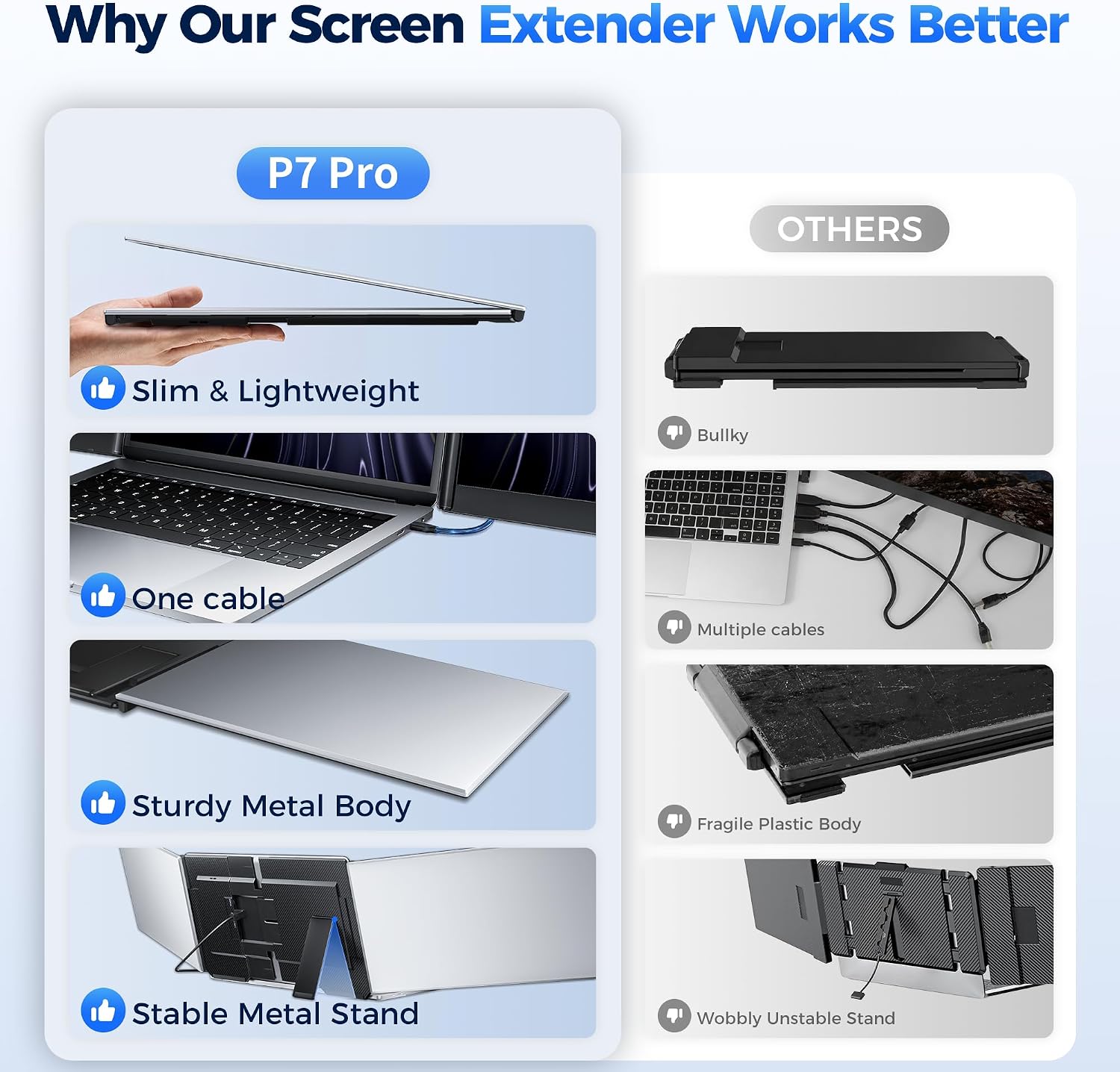
Each screen housing is approximately 0.16 inch thick and made of CNC-machined aluminum with a matte finish. The frame folds inward for storage, and an included carrying bag helps keep the screens together. Built-in controls adjust brightness, contrast, and volume, there’s also an integrated speaker. The package includes two USB-C cables, a USB-A-to-USB-C cable, a power adapter, and a USB flash drive with the driver.
Everyday compatibility
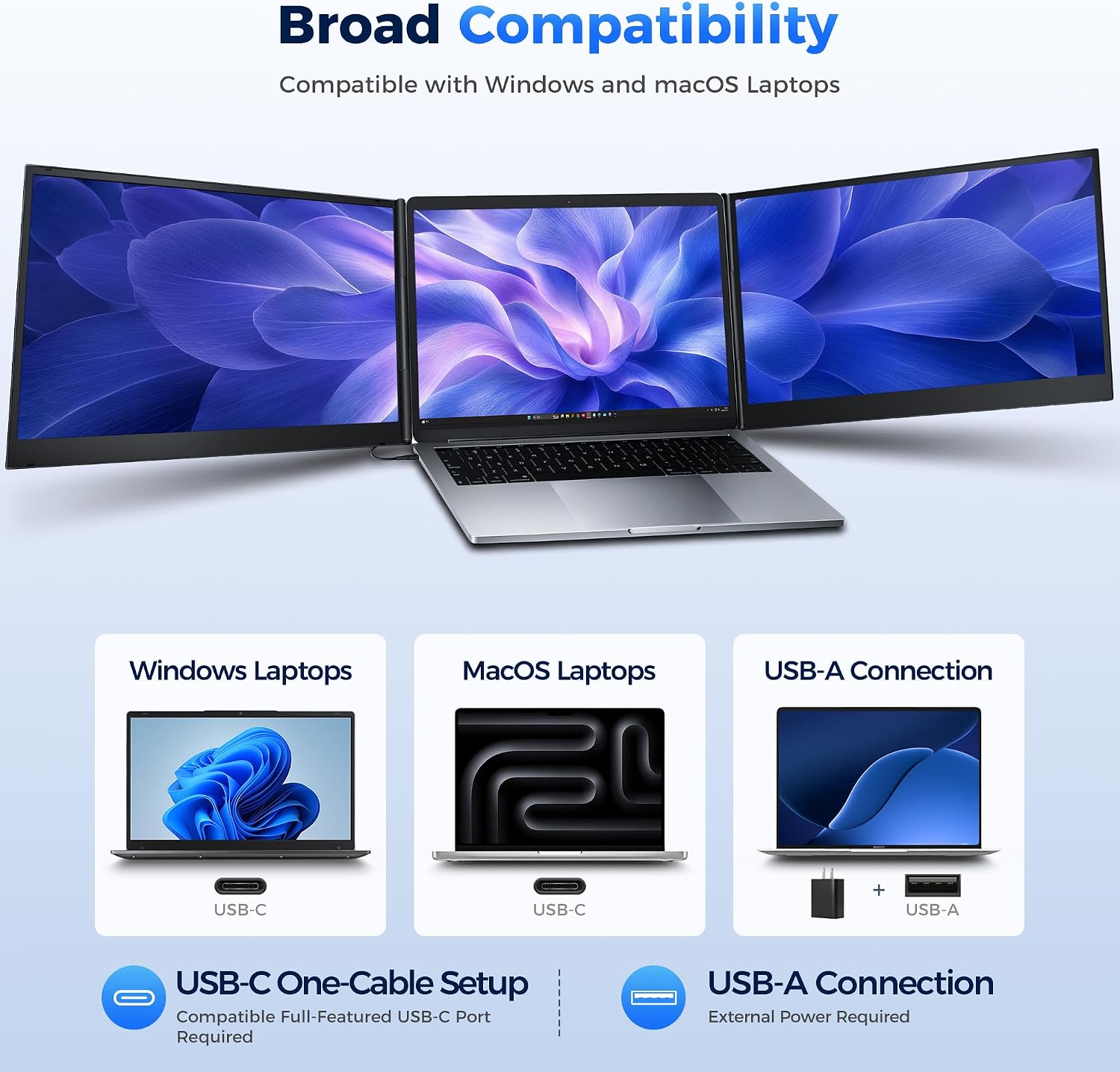
The listing specifies Windows and macOS compatibility, including M1, M2, and M3 Macs. For a one-cable connection to both displays, the laptop needs a compatible, full-featured USB-C port. A USB-A connection is also supported with the included cable, but it requires external power through the PD port. If the USB-C port cannot supply enough power, the included adapter is intended to provide stable operation.
The center frame adjusts to fit laptops up to 17.3 inches, and each side screen rotates from 0° to 180°. That freestanding design keeps the extender’s weight off the laptop lid, but it also means you need desk space behind the computer for the frame and its kickstand.
Usage tips
Install the included driver before connecting the extender for the first time. At a shared desk, you could keep a video call on one side screen, a spreadsheet on the other, and your main document on the laptop—less window switching, with the information visible at a glance. Open the triangular kickstand up to 90° and rotate each display to suit your seating position.
It makes sense if you regularly work with several windows and want a foldable, freestanding setup for a home office, shared workspace, or business trip. It might not be a great match if you need a driver-free display, want a lighter travel kit, or lack a compatible connection and access to external power when using USB-A.
Questions before you buy
Does it work with a USB-A laptop? Yes, the included USB-A-to-USB-C cable supports that connection, but external power must be connected through the PD port.
Can the two extra screens show different content? Yes. Extended mode spreads your workspace across screens, mirrored mode duplicates content.
Does it attach to the laptop display? No. It stands behind the laptop on its own frame, so its weight does not hang from the laptop lid.
Should you buy it?
Choose this extender if the specific benefit you need is two additional 15.6-inch screens in a foldable format, and your laptop and desk can support the connection and setup. A simpler single portable monitor may be easier to pack and connect, while a conventional multi-monitor desk setup may suit a permanent workspace better. This one sits between those approaches: useful when you want more visible workspace without hanging screens from your laptop, but less appealing if driver installation, power requirements, or the unit’s weight are deal-breakers.