

UPERFECT UColor 19 Apex Portable Monitor 19" 4K QLED 144Hz (USB-C/HDMI, VESA)
Product description
The essentials
If you want a portable screen that feels “real” for gaming and creative work, the UPERFECT UColor 19 Apex is built around one idea: bring 4K clarity and a high 144Hz refresh rate with you. On paper, it’s aimed at people who travel with a laptop (or switch consoles), and want something more responsive and vivid than a typical portable panel.
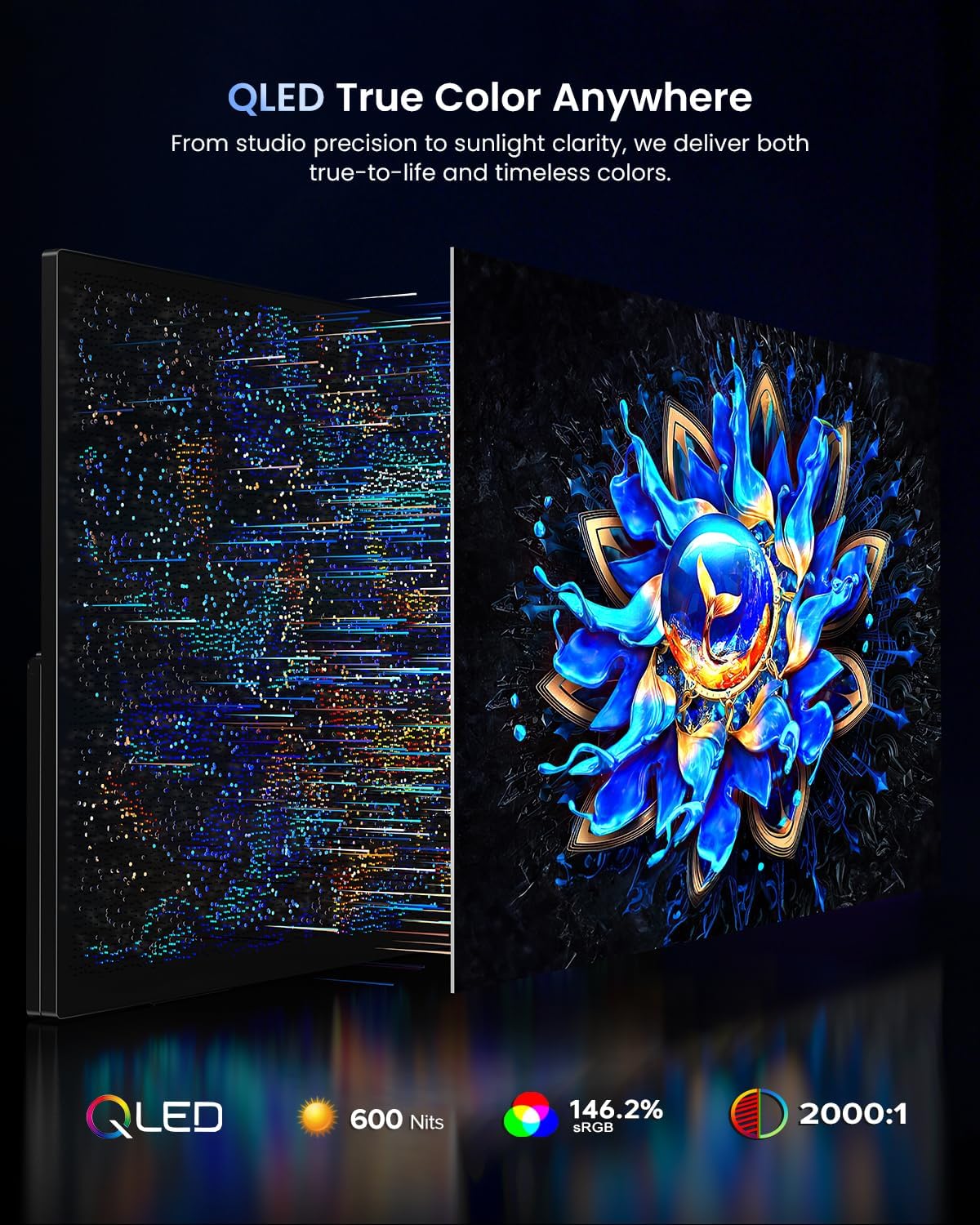
It also leans hard into color. The listing calls out a QLED approach, 146% sRGB, and 500 nits brightness, with a 2000:1 contrast ratio. That combo is especially relevant if you care about how content looks—videos, design tasks, and games—rather than only “it displays something.”
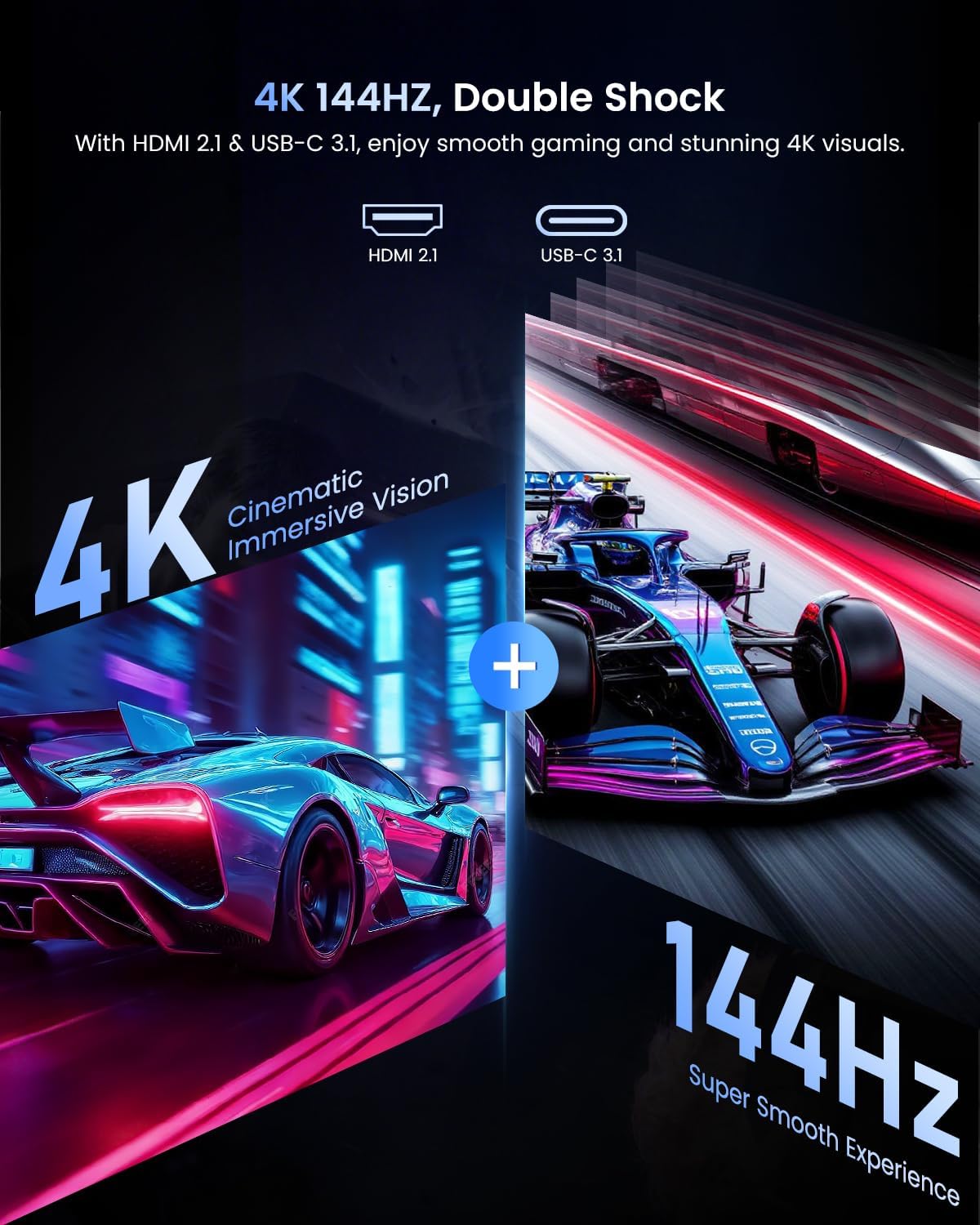
That said, there’s one limitation worth flagging early: getting 4K at 144Hz isn’t automatic. The device and the cable have to support the right bandwidth modes (HDMI 2.1 or USB-C with DisplayPort 1.4 Alt Mode). If your setup doesn’t meet that, you may not see the top refresh rate at the top resolution.
What to expect in real use
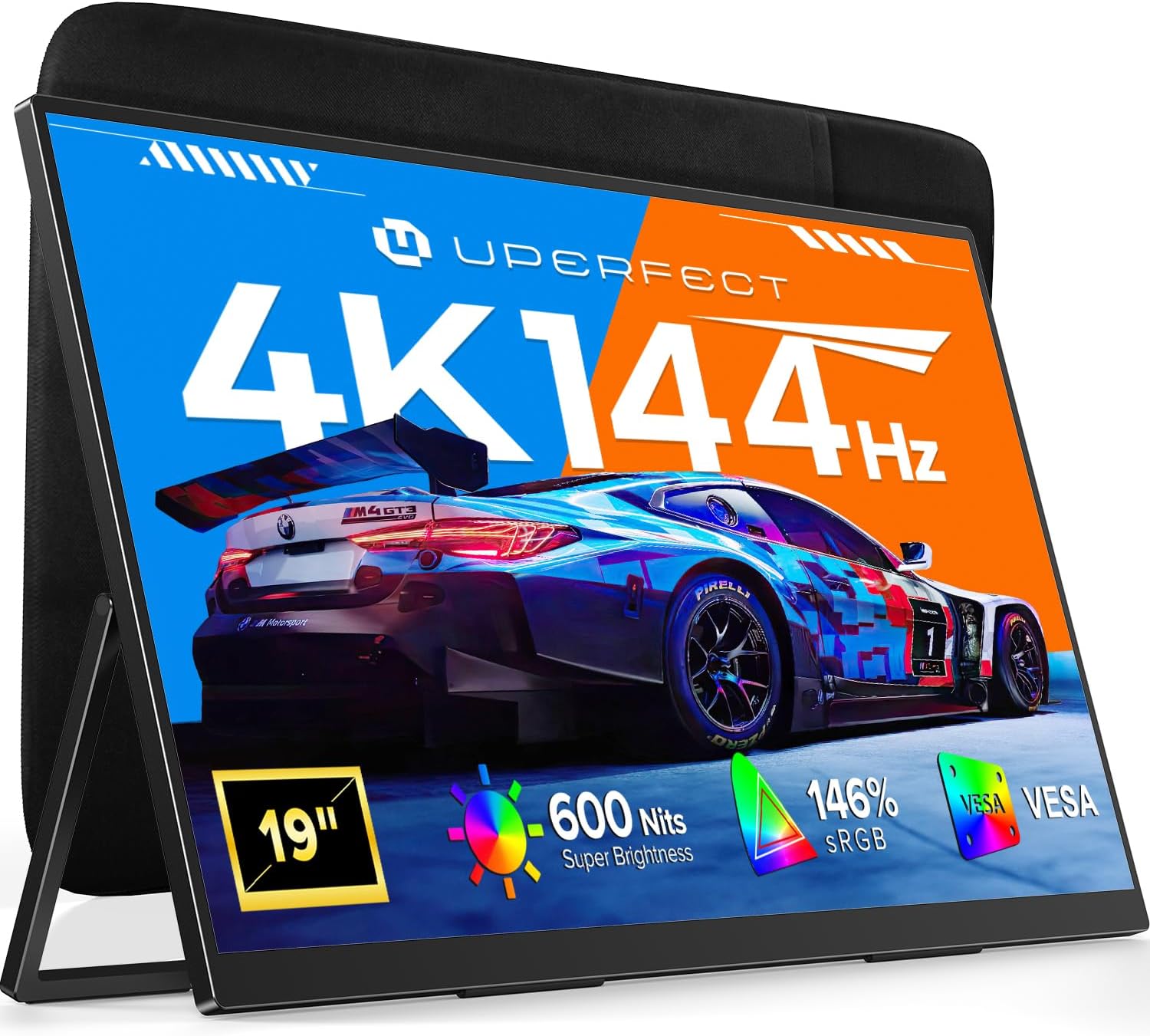
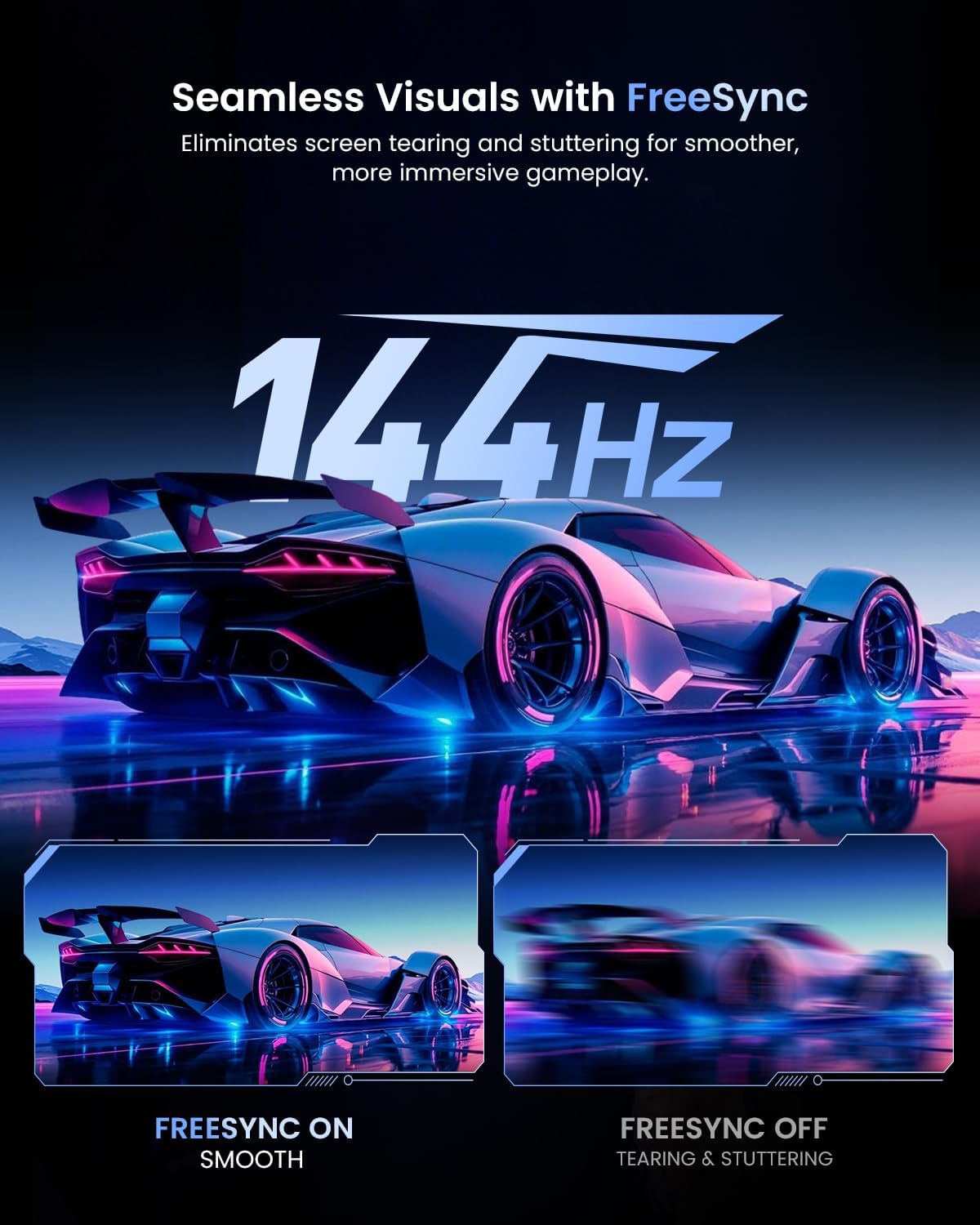
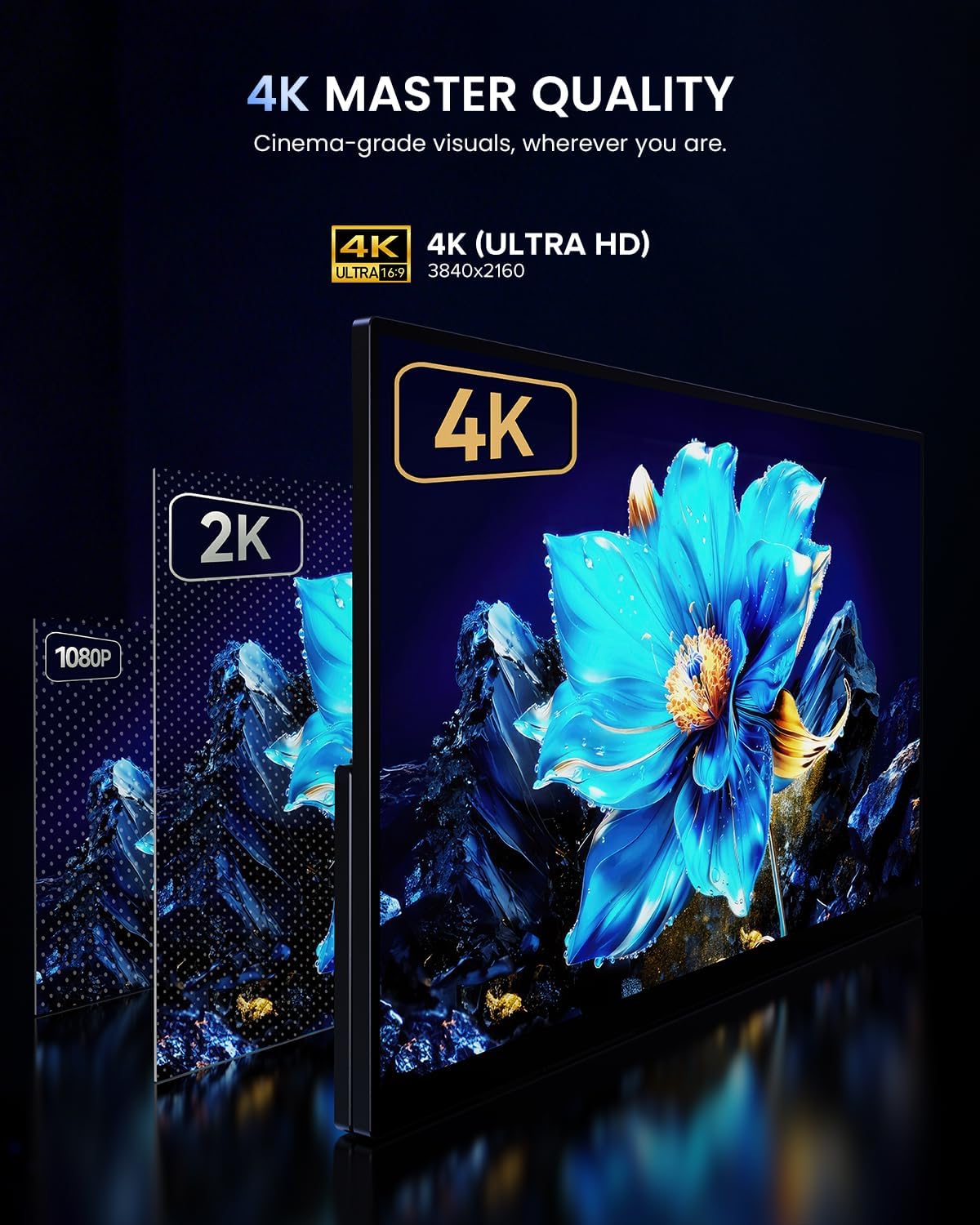
This is a 19-inch 4K UHD portable monitor (3840×2160). The biggest day-to-day difference you’re paying for is the refresh rate and response time. The spec sheet claims 144Hz smoothness and a 0.1ms response time, which—again, on paper—helps reduce motion blur/ghosting for fast scenes.
A practical example: imagine you’re on a trip with your laptop and you open a fast-paced game. Instead of playing on a small screen or a lower-refresh external display, you can connect via USB-C or HDMI and get a larger workspace with sharper 4K detail, then rely on 144Hz for smoother motion if your connection supports it.
For non-gaming tasks, the 146% sRGB claim is there for a reason: color accuracy and richer-looking visuals matter when you’re reviewing footage, editing graphics, or matching colors on-screen. It’s not a studio-grade promise in the listing, but it does signal a focus beyond “basic portability.”
Key points on the display and color
The panel is described as QLED and “true color anywhere.” The listing ties this to:
- 146% sRGB wide color gamut
- 500 nits brightness
- 2000:1 contrast ratio
Where this makes sense is in mixed-use setups. If you’re bouncing between gaming, video watching, and creative work, you’ll likely appreciate that the visuals are meant to look punchier and more natural, not washed out.
Where it may fall short: brightness claims don’t automatically translate to performance in every bright room. If you’ll use it outdoors or under strong overhead lights, you may still need to manage reflections and viewing angles.
Connectivity, power, and the 4K@144Hz catch
The monitor supports plug-and-play connections via USB-C or HDMI to a range of devices, including laptops, PCs, MacBooks, tablets, smartphones, and gaming consoles like PS5, Xbox, and Switch.
The listing also includes a useful setup note: you may get the best brightness/performance with a 30W+ USB-C power source. That’s a key purchasing checklist item if you plan to rely on a small charger or a power bank.
Most important: to reach 4K@144Hz, both the device and cable must support the required bandwidth. The listing specifically says:
- HDMI 2.1 (28.66 Gbps+)
- or USB-C with DisplayPort 1.4 Alt Mode
If you don’t have that, you can still use the monitor, but you should temper expectations about hitting the absolute maximum refresh rate at full 4K.
Stand and mounting options (built-in flexibility)
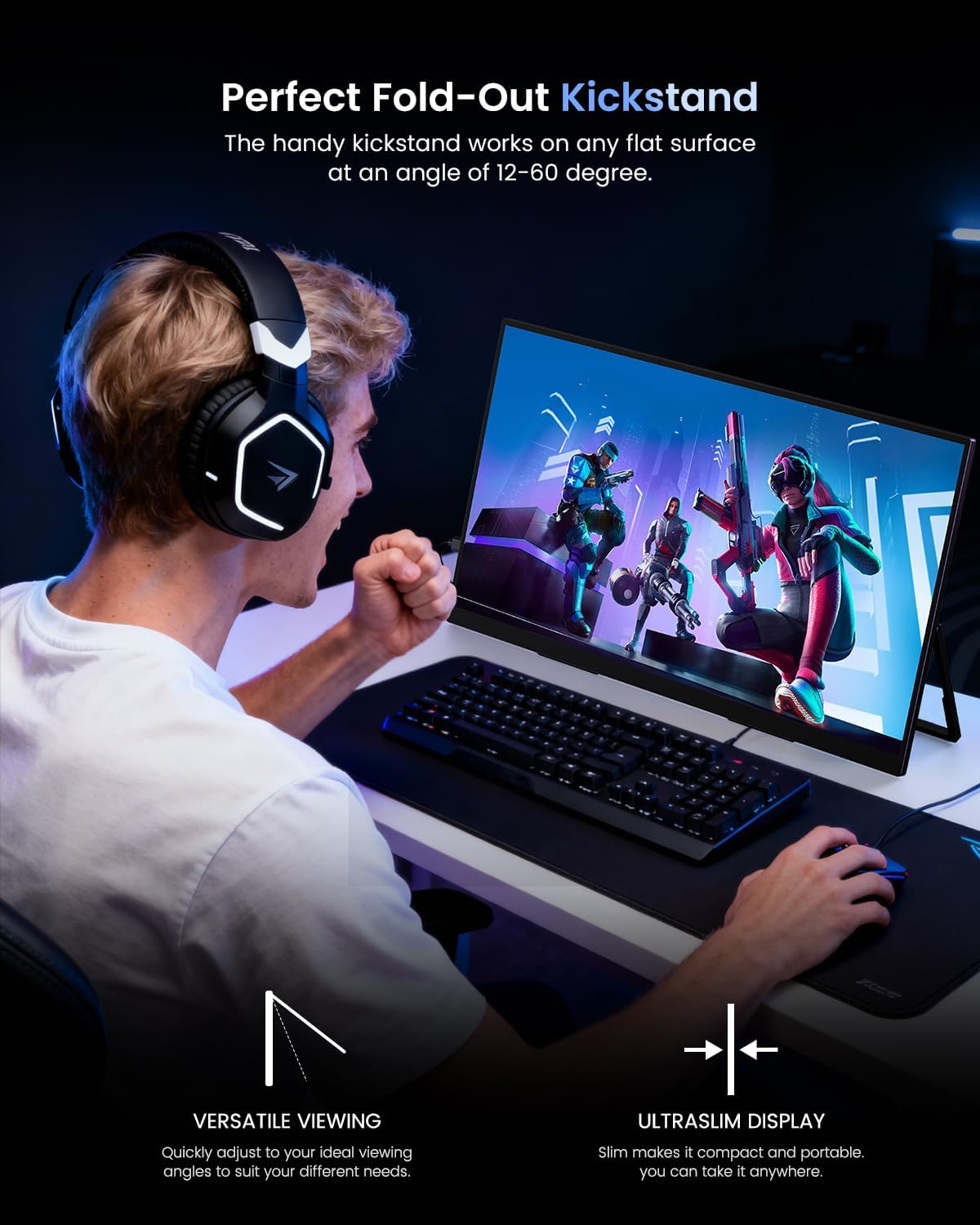
The UColor 19 Apex includes a built-in adjustable stand (180 degrees adjustable is stated) for different viewing angles. That’s handy when you don’t want to fiddle with extra accessories every time you set up.
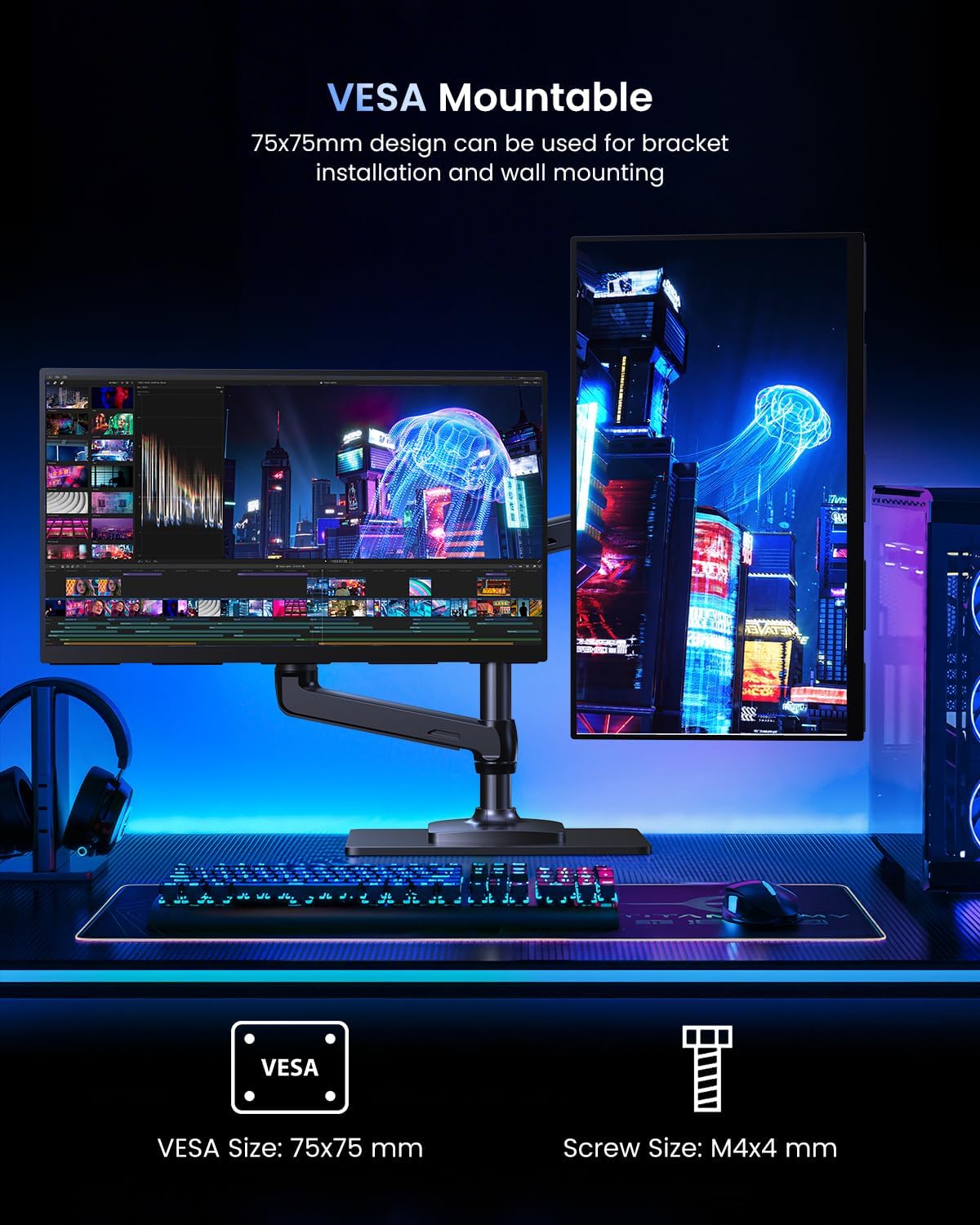
It also supports VESA 75×75 mounting. So if you prefer a more stable desk setup, a compatible mount can turn it into a more “permanent” external screen for work.
Not perfect, but practical: a portable monitor is always a compromise between travel convenience and desk ergonomics. The built-in stand helps, but if you’re very particular about height/positioning, you’ll want to plan your desk or mount accordingly.
Tech specs
- Name: UPERFECT UColor 19 Apex Portable Monitor
- Type: Portable gaming monitor
- Size: 19-inch
- Format: 4K UHD (3840×2160)
- Display: QLED
- Refresh rate: 144Hz
- Brightness: 500 nits
- Contrast ratio: 2000:1
- Color gamut: 146% sRGB
- Response time: 0.1ms
- VESA mount: 75×75
- Stand: Built-in, 180 adjustable stand (as listed)
- Connectivity: USB-C or HDMI (plug-and-play, video + power via one cable as stated)
Should you buy it?
Buy it if you want a travel monitor that’s designed for both gaming responsiveness and nicer-looking visuals than a basic portable screen. It’s particularly compelling if you already have (or plan to use) the right USB-C/HDMI setup to chase 4K@144Hz, and you care about color (the 146% sRGB + QLED positioning is clearly part of the pitch).
Skip it if your laptop, phone/tablet, or cables can’t support the bandwidth needed for 4K at 144Hz. In that scenario, you may end up with a less impressive “top-end” experience than the headline specs suggest. Also, if you mainly need a simple secondary screen for basic tasks and you don’t care about higher refresh rates, you could likely find a more straightforward portable option.
It tends to suit people who: travel often, want one monitor for laptop + consoles, and like the idea of a larger 4K workspace without being tethered to a full desktop setup.
Mini FAQ
Does it support plug-and-play with one cable?
The listing says it’s plug-and-play and can deliver video and power through one USB-C cable, with no drivers required.
What do I need for 4K at 144Hz?
You’ll need both your device and cable to support the required bandwidth: HDMI 2.1 (28.66 Gbps+) or USB-C with DisplayPort 1.4 Alt Mode.
Can I use it with consoles like PS5 or Xbox?
Yes, the listing mentions compatibility with PS5, Xbox, and Switch via USB-C or HDMI.
How bright is it?
It’s listed as 500 nits brightness, but real-world brightness still depends on your environment and setup.
Is the built-in stand enough?
For many travelers and desk setups, yes—the stand is built in and adjustable. If you want precise desk positioning, VESA mounting may be the better path.