

InnoView 15.6" FHD Portable Monitor for Travel
Reviews
Price
Product description
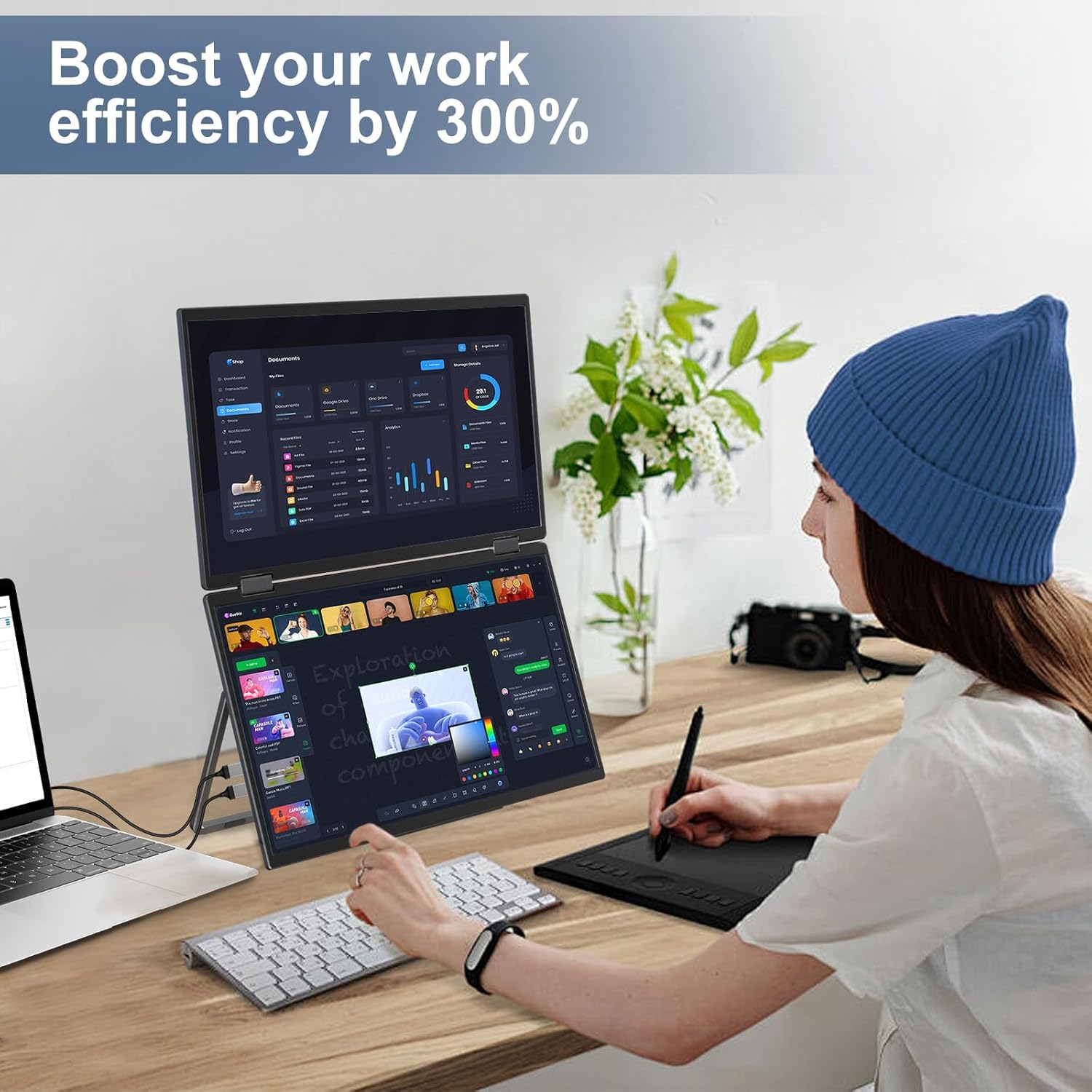
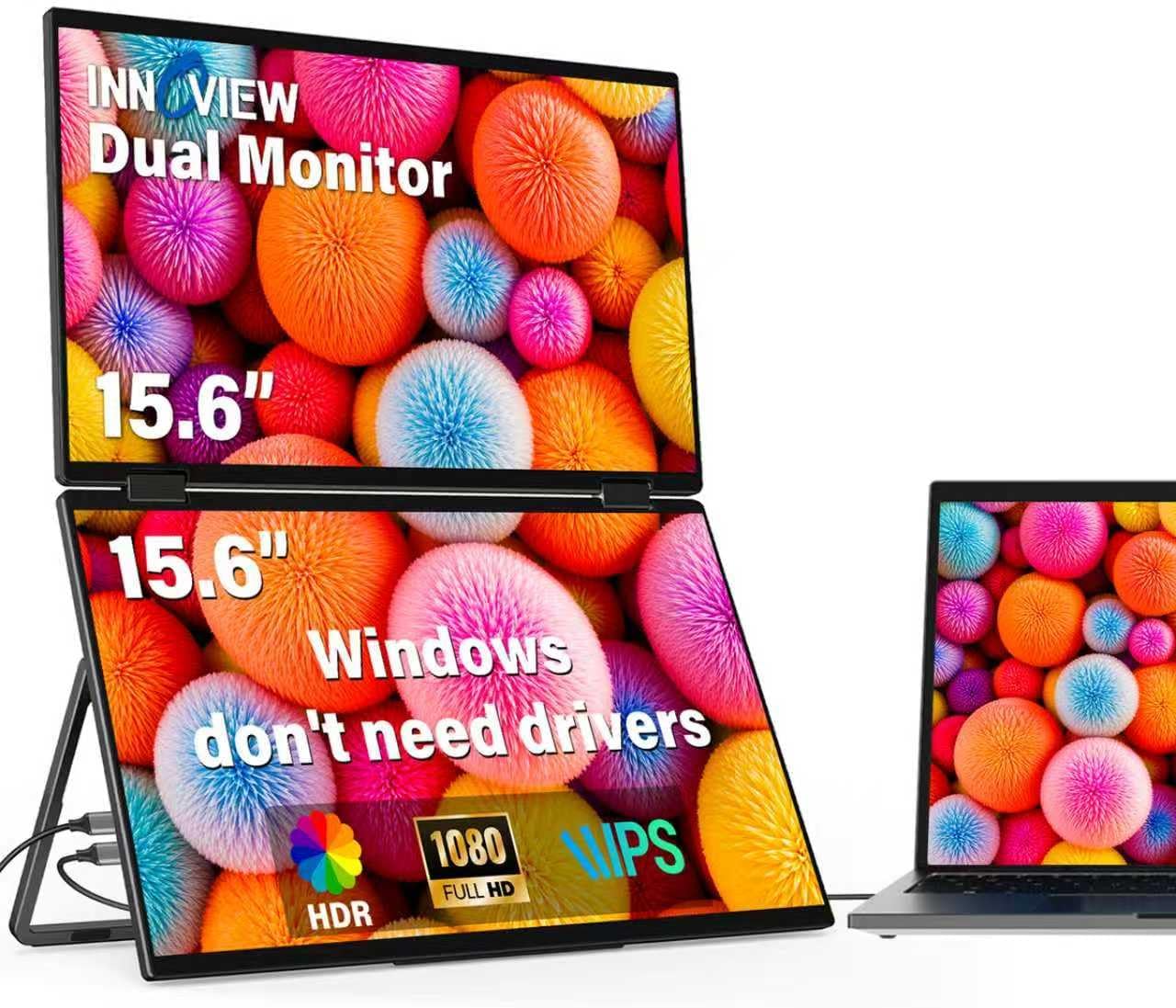
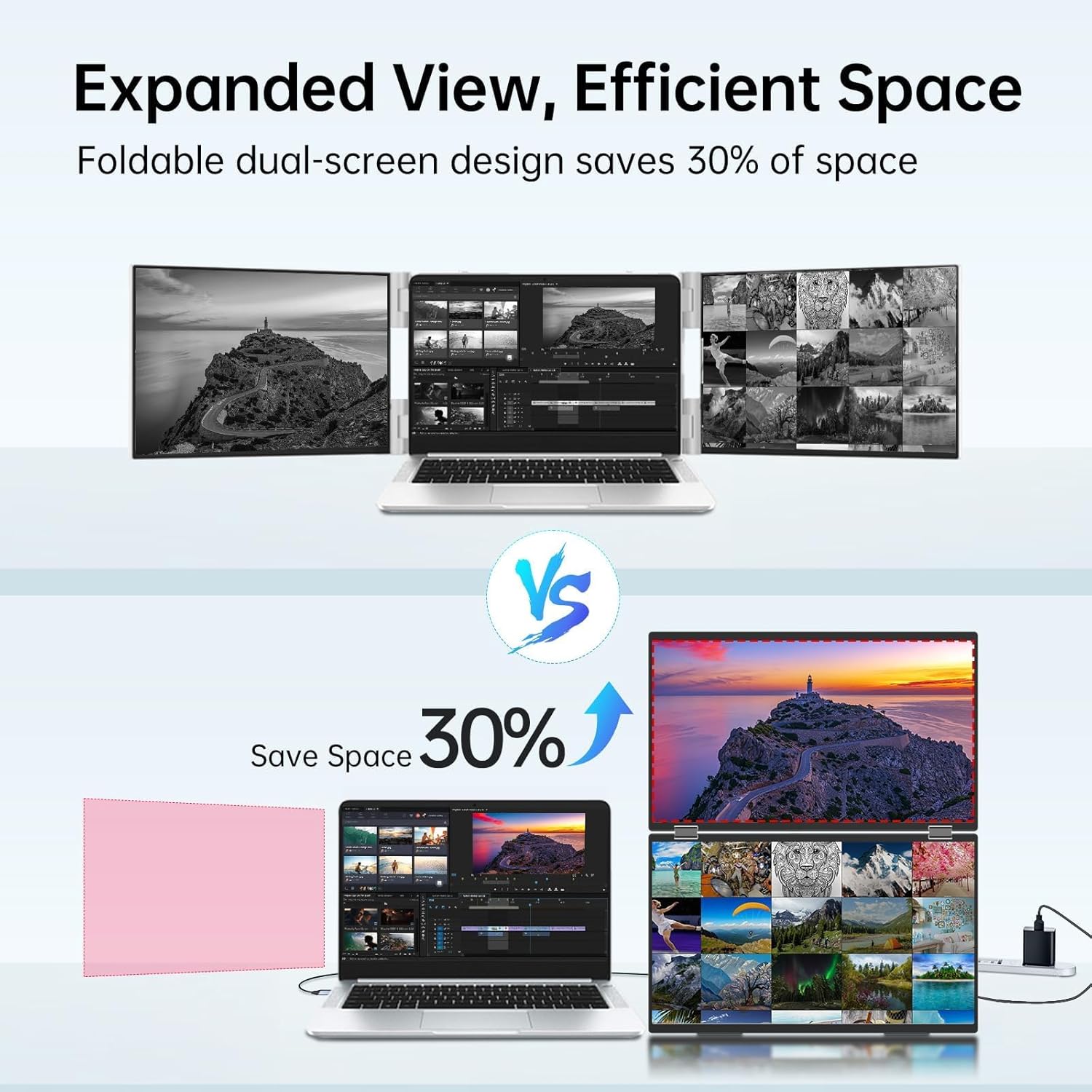
This dual portable monitor expands your laptop workspace for multitasking, study, or travel with two 15.6-inch IPS panels that fold into an all-in-one, stackable design for easier transport. The InnoView setup offers extended desktop and mirrored modes via USB-C and HDMI, helping you handle spreadsheets, browser windows, and creative projects on a larger display while on the go.
Key Points
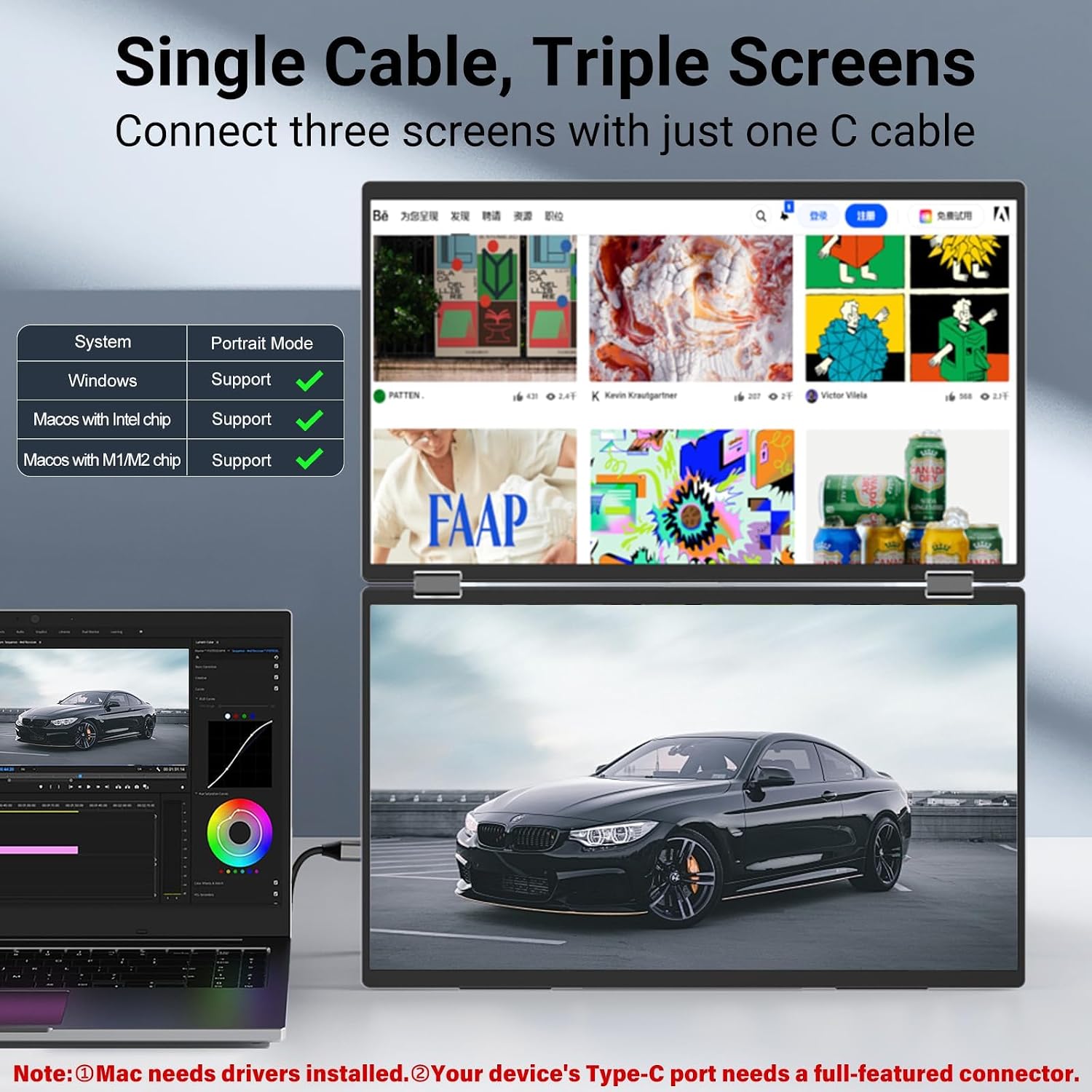
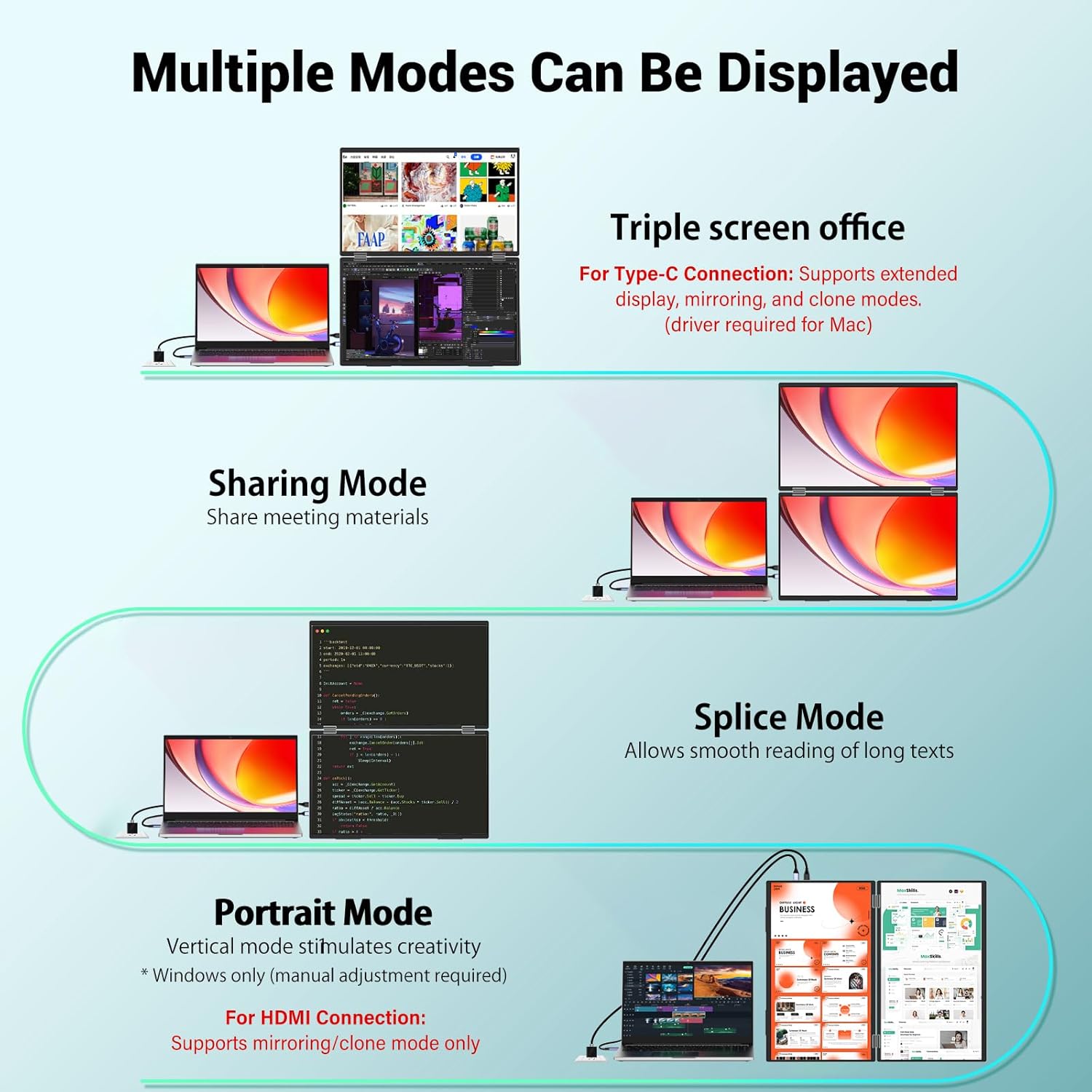
The two integrated 15.6-inch screens give immediate extra workspace without carrying two separate monitors. Connection is largely plug and play for Windows and MacOS when using standard cables, which reduces setup time and technical steps. For power, the manufacturer recommends connecting to a 30 W or higher supply for optimal performance. Note that HDMI connections support mirror and span modes only, and Mac devices may require downloading a driver to use USB-C extension mode. 😊
Benefits
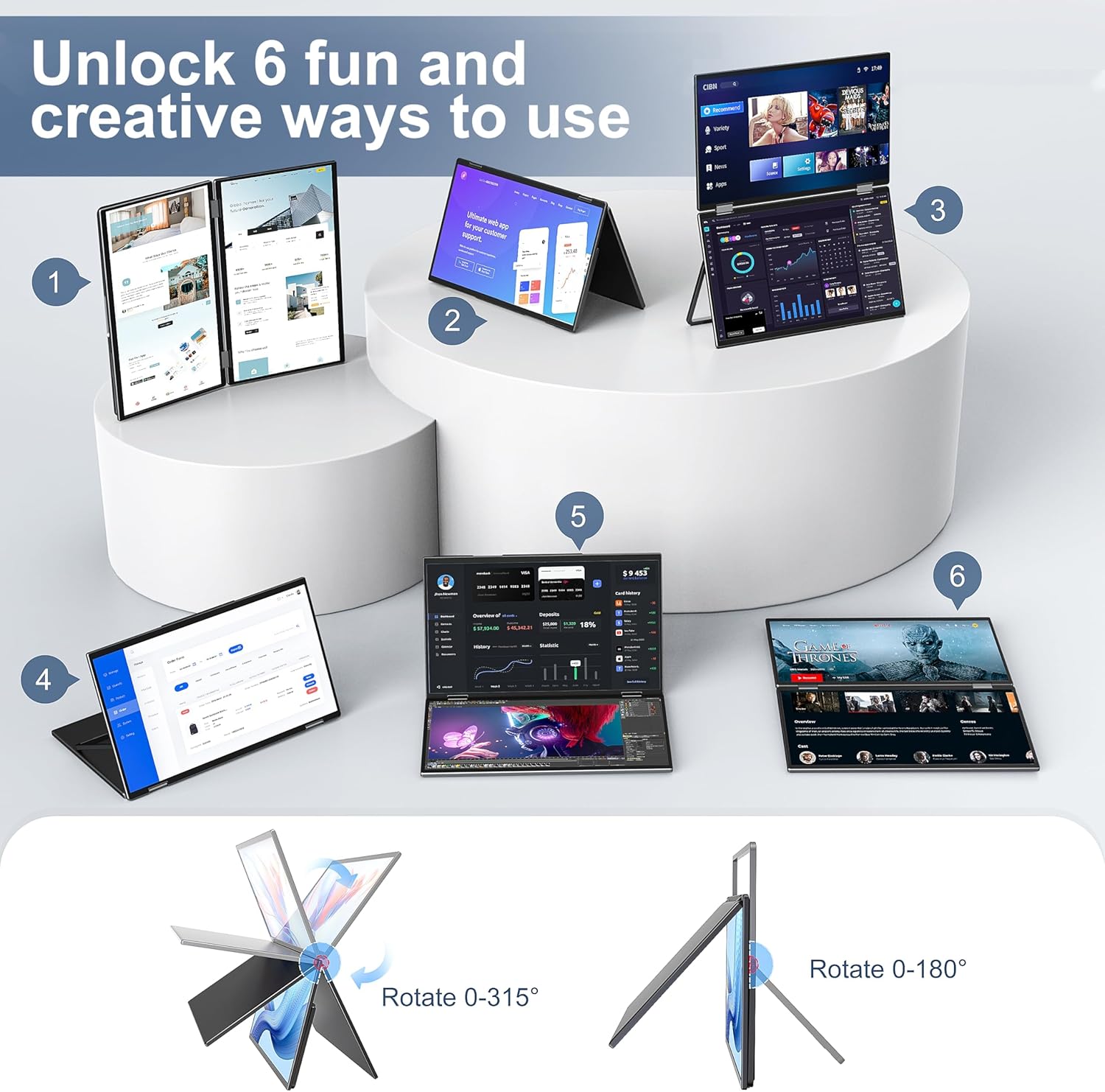
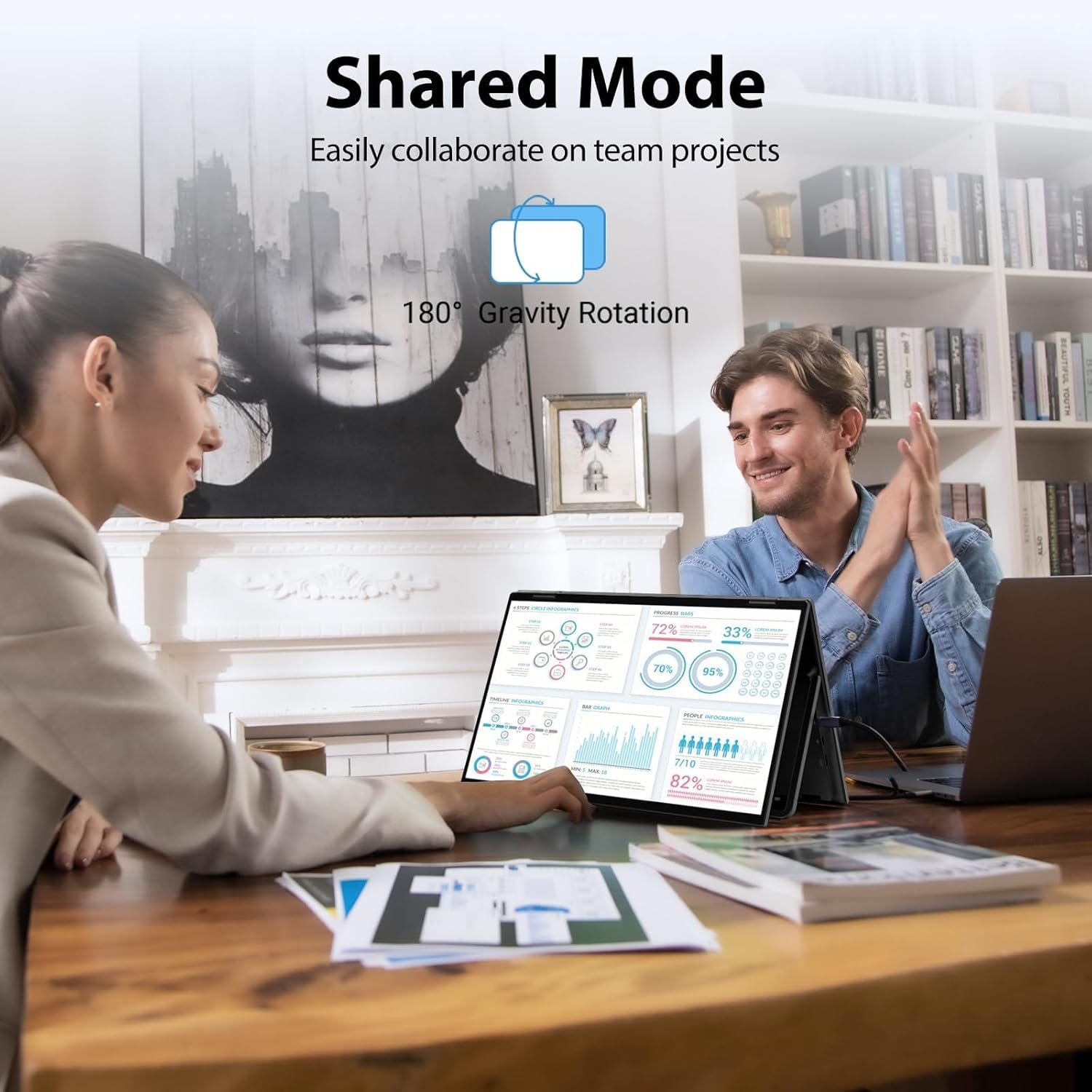
Having dual panels in a single foldable unit simplifies mobility and desk organization. The vertical and split-screen orientations make coding, document comparison, and side-by-side editing more efficient. A gravity sensor and automatic 180-degree rotation help the displays adapt when you change orientation, which can speed workflow during meetings or presentations. The compact stackable design also saves space in luggage and backpacks. ⚡
Technical Specifications
- Name: InnoView 15.6" FHD Dual Portable Monitor
- Screen size: 15.6 inches per panel
- Resolution: 1080p FHD
- Panel type: IPS, dual screens
- Ports: USB-C (signal and power) and HDMI input
- Stand adjustment: 180° stand with gravity sensor and 315° screen adjustment
- Power: Recommended 30 W or higher
- Warranty: 18 months, 30-day return policy
Usage Recommendations
For extended desktop mode with Windows, connect a full-featured USB-C cable to enable screen extension and keep a separate USB-C power line if your laptop cannot provide enough power through a single port. When using HDMI, expect mirrored or spanned displays rather than extension via HDMI alone. Consider setting display scaling in your operating system to match text and icon sizes between the two panels for a smoother visual experience. Also consider that Mac users may need to install the vendor driver to unlock full USB-C functionality according to the manufacturer.