

Blackview Laptop Screen Extender: 14" Triple 1080p FHD IPS Portable Monitor
Product description
What it is and what it solves
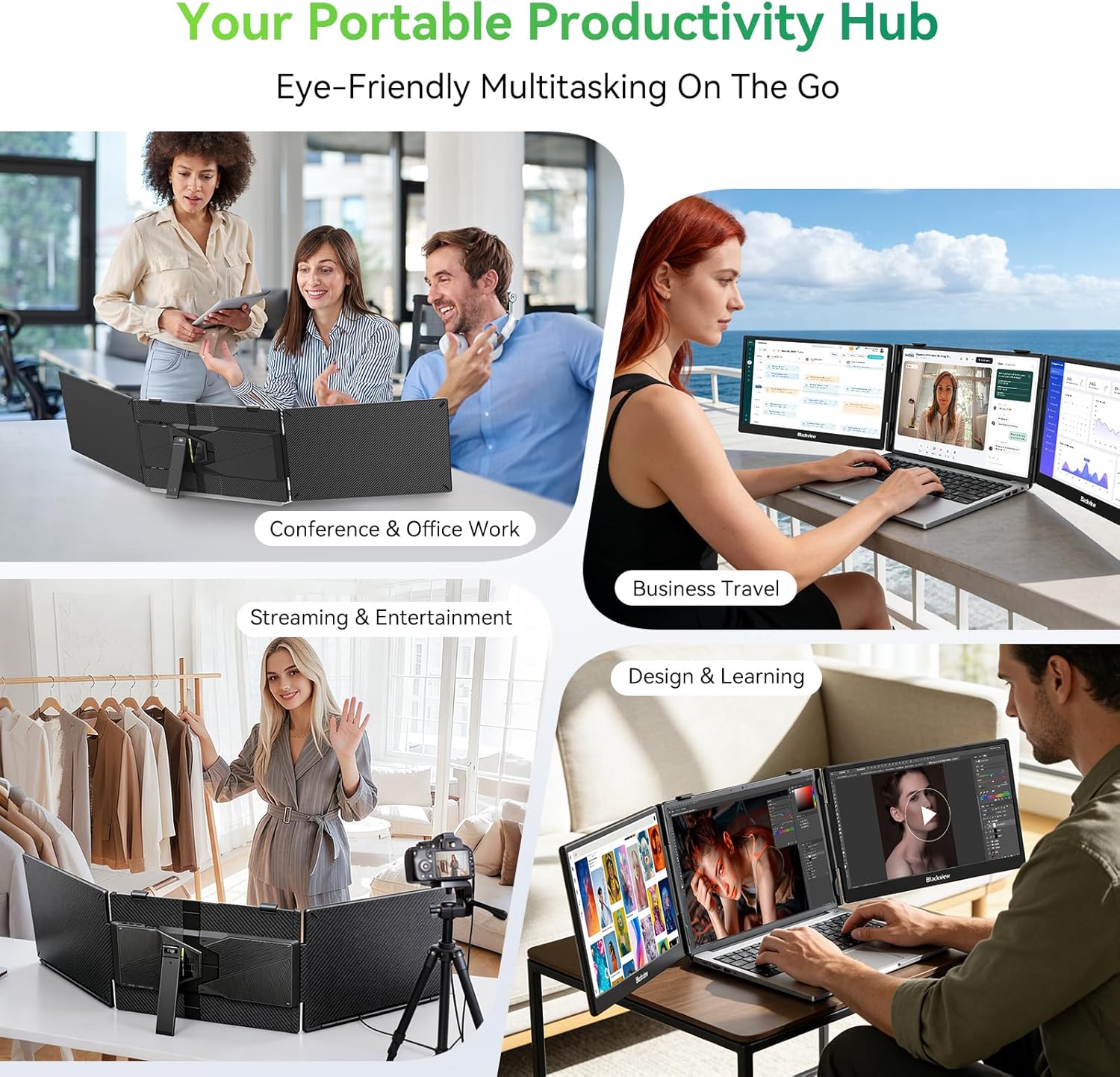
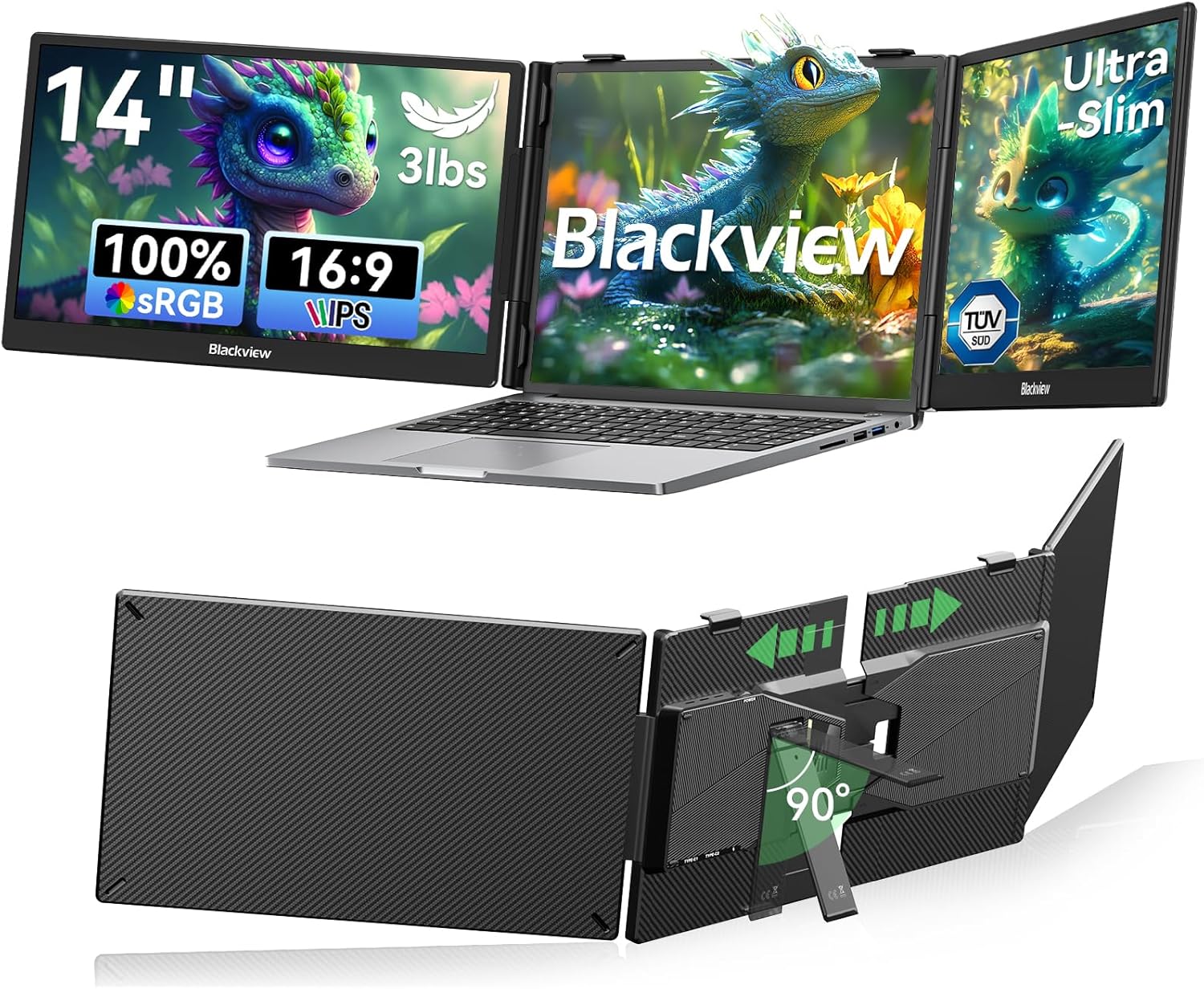
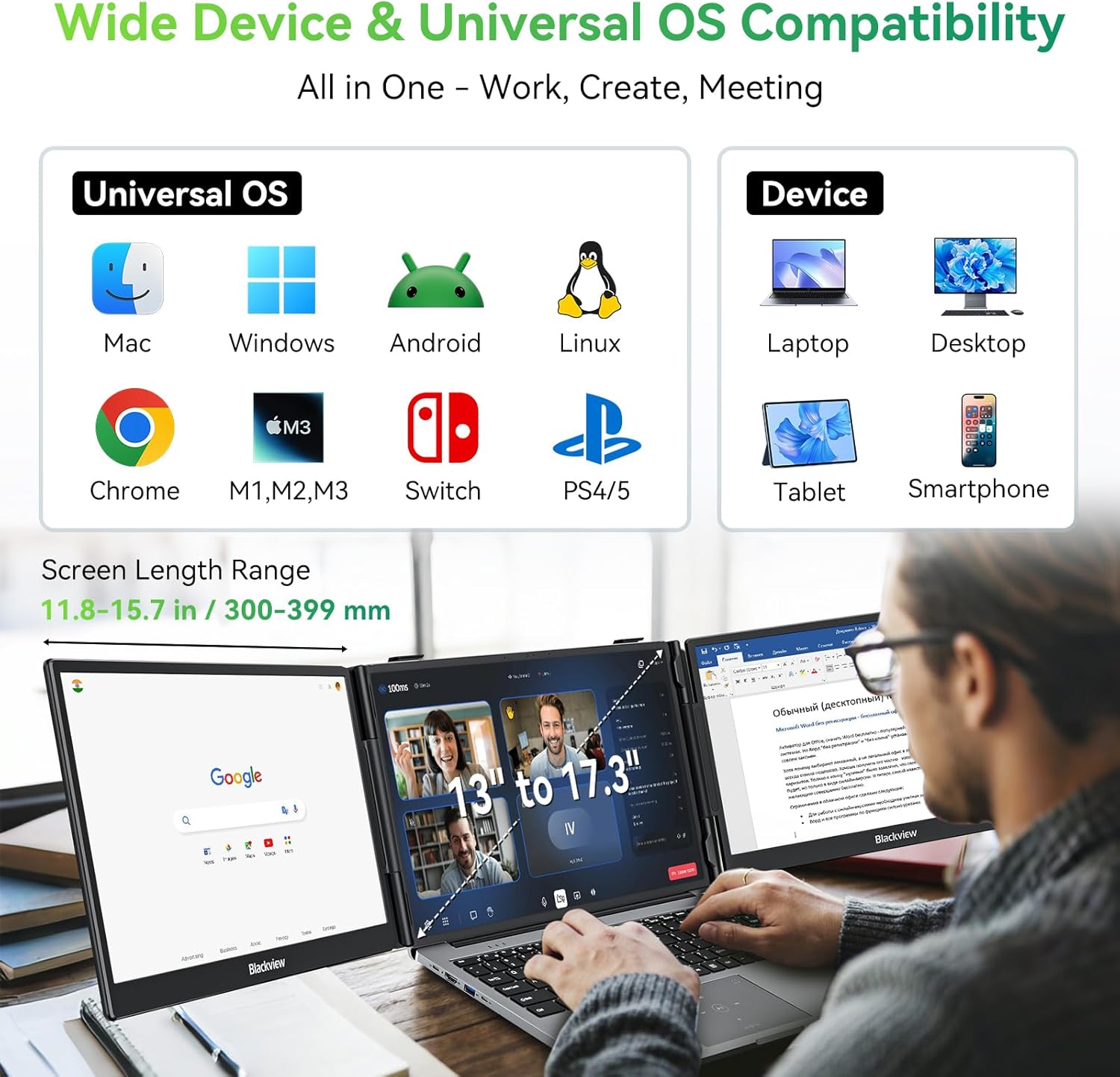
The Blackview Laptop Screen Extender is a 14-inch, triple-screen portable monitor designed to turn a traditional laptop into a compact workstation. With a lightweight, durable galvanized steel shell and matte finish, it aims to minimize scratches and fingerprints while offering stable, wobble-free operation thanks to a 6-point mounting system and a 90° adjustable strand. It attaches securely to laptops from 13" to 17.3" and supports multiple devices through USB-C and HDMI connections. If you work from coffee shops, airports, or shared workspaces, this extender promises to reduce tab juggling and give you more screen real estate without a heavy external rig.
How it’s positioned against daily needs
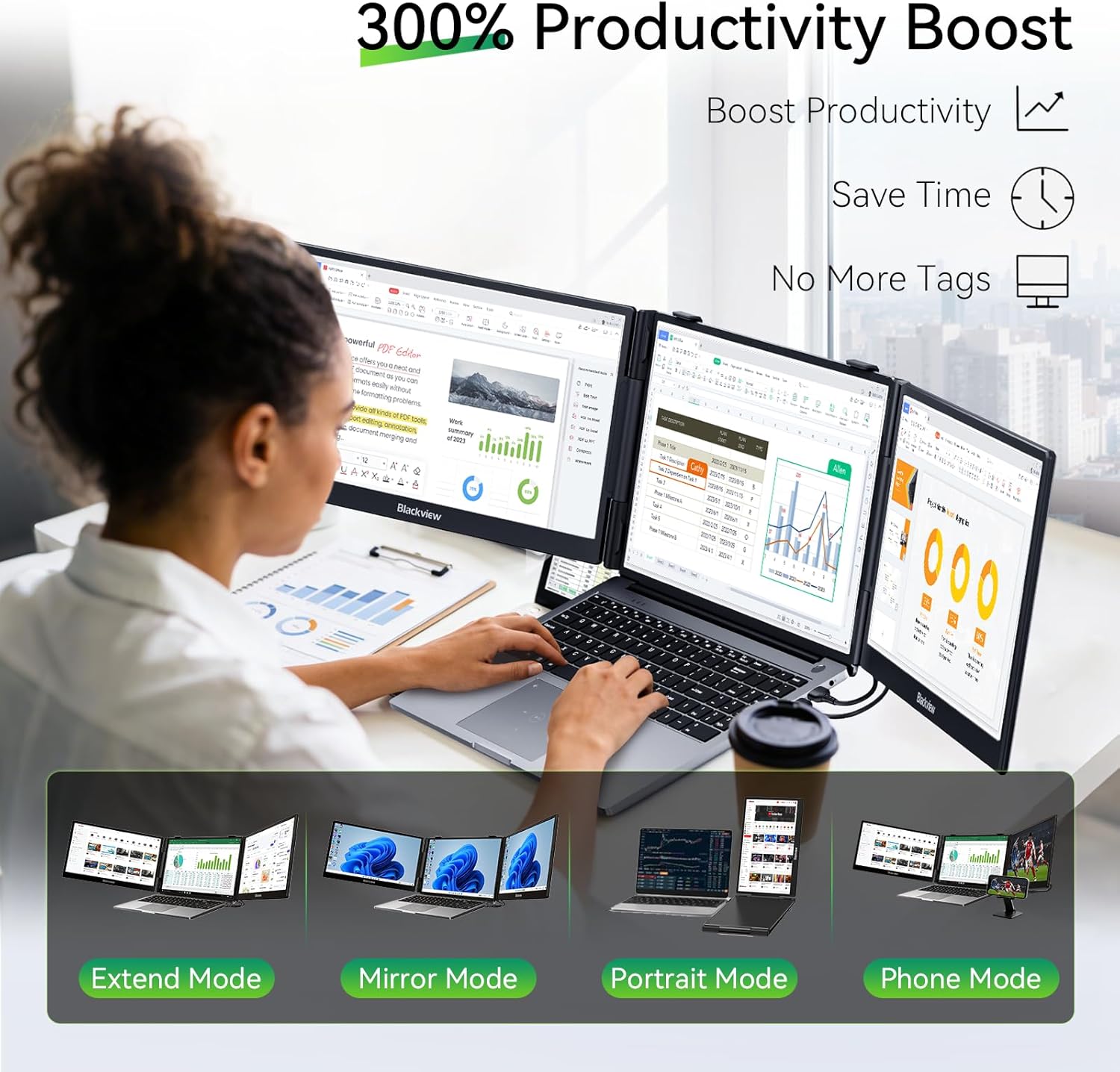
On paper, the value proposition centers on productivity: more screen space equals fewer window-switches, easier multitasking, and the ability to mirror, extend, or rotate your display. If you frequently reference charts, terminals, or timelines while drafting documents, this setup can feel like a portable desktop experience. It’s a buying decision that leans on the combination of portability and screen real estate rather than premium image quality or high-end hardware.
What stands out day to day
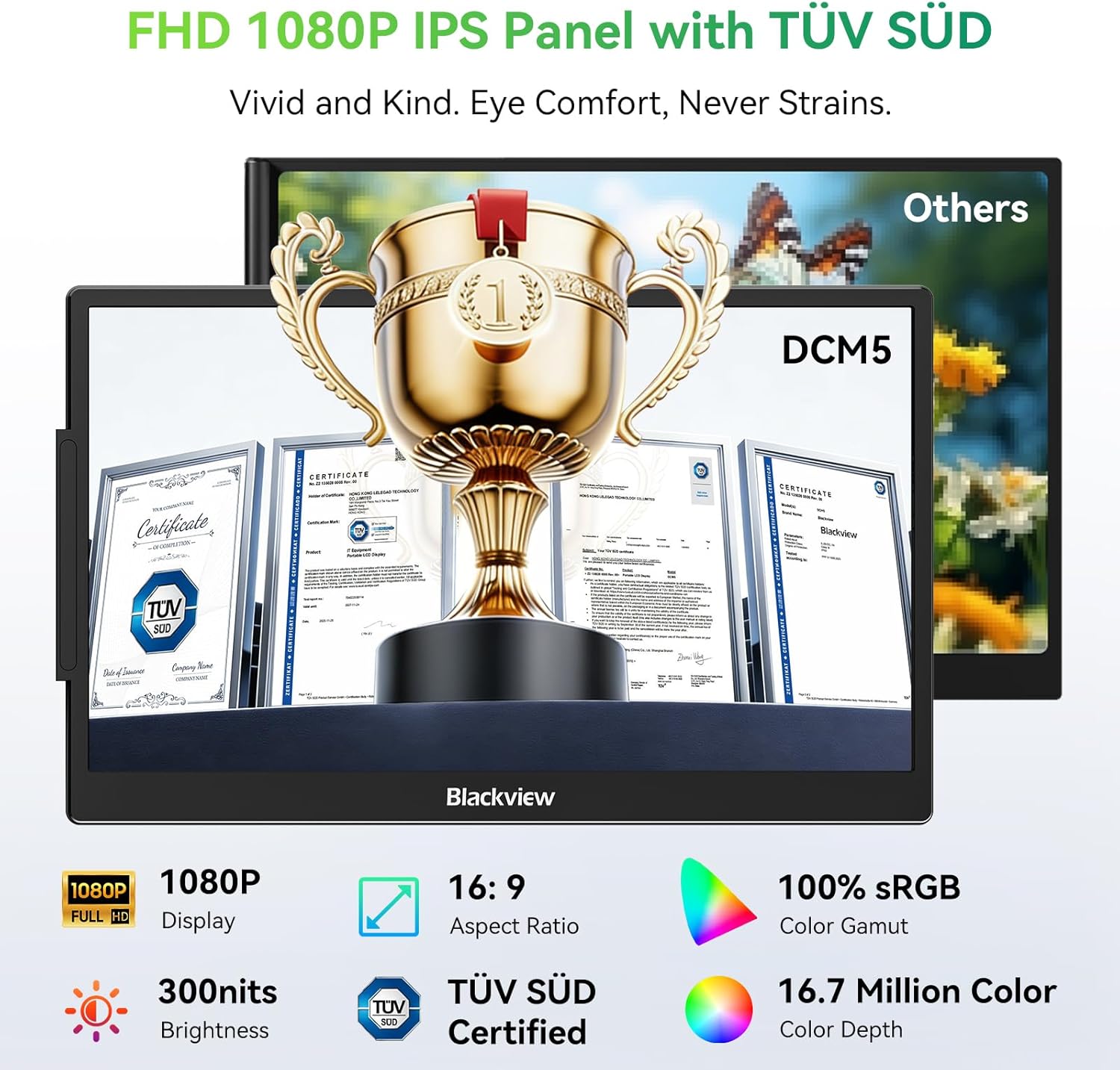
The visuals are 1080p FHD with an IPS panel and TÜV SÜD certification, delivering wide viewing angles and color consistency. At up to 300 nits of brightness and an anti-glare surface, it remains usable in well-lit environments like cafes and airports, though performance under direct strong sun may vary. The plug-and-play nature—no drivers required—means you can quickly extend or mirror your primary laptop display via USB-C or HDMI. This is a practical perk when you’re juggling multiple tasks and need to set up quickly.
The best use cases
- You’re often multitasking and need an extended or mirrored display for terminals, charts, or timelines.
- You travel or work in temporary setups where carrying a full desktop setup isn’t feasible.
- You use a laptop with two USB-C ports or one USB-C plus HDMI to drive a triple-monitor experience with minimal fuss.
Who it’s for and who it isn’t the best for
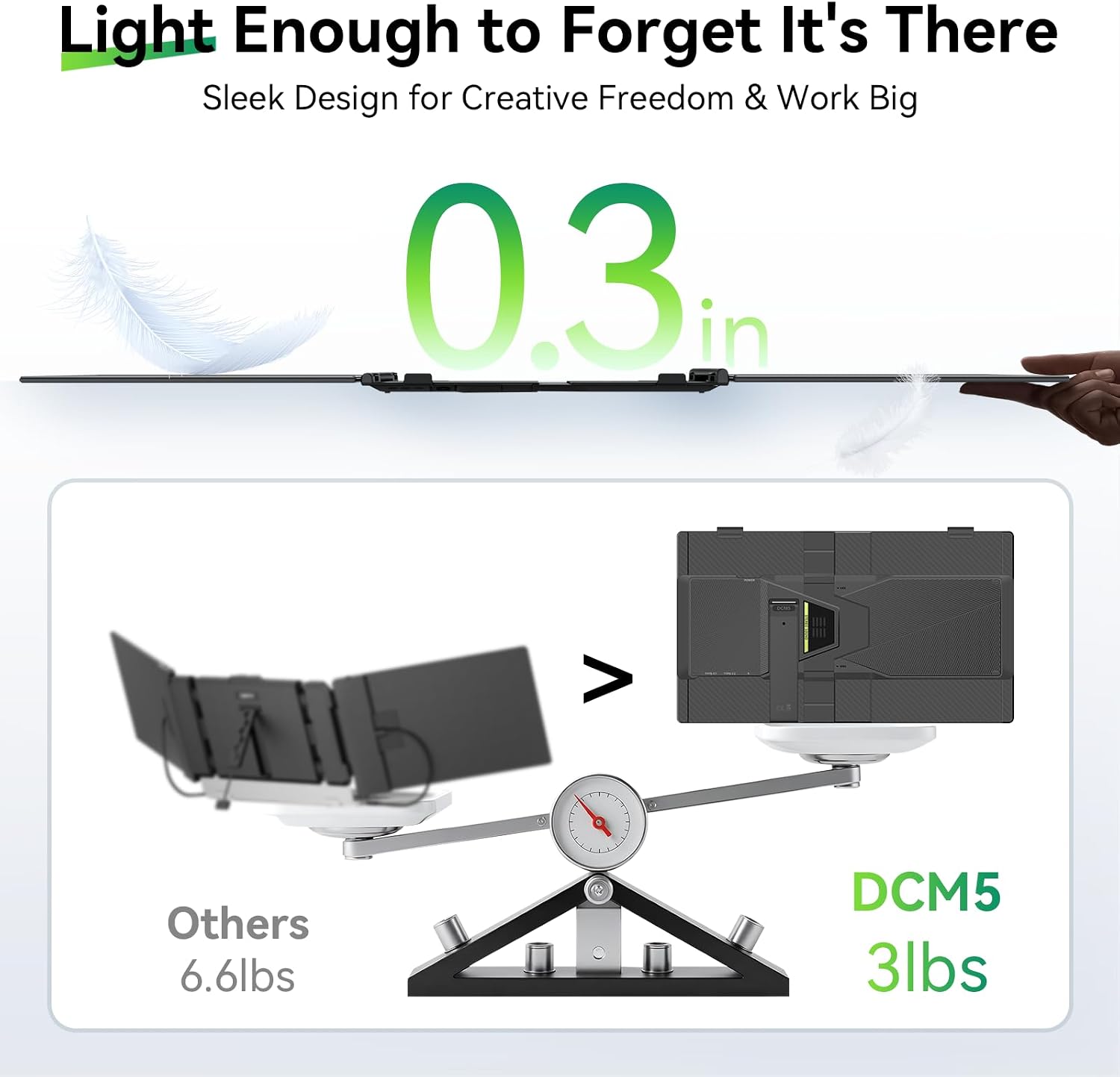
It makes sense for remote workers, students, or freelancers who want a more productive travel setup without investing in a dedicated desk station. It isn’t the best pick if you prioritize ultra-high-resolution visuals, color-critical work, or you need a light-weight option under 2 pounds for ultra-portable ultra-compact use. Also, if your laptop has only a single USB-C port, you’ll need to manage connections carefully to enable full triple-screen functionality.
What to review before buying
- Verify your laptop supports the intended connection layout (USB-C + HDMI or two USB-C ports) for extended mode.
- Check that you’re comfortable with a 14" display as the main third panel in a triple-monitor setup, the physical grip and springs are designed for 13"–17.3" laptops.
- Consider your environment: the 300 nits brightness and anti-glare helps, but very bright outdoor use can still wash out details.
How it compares to other approaches
If you’re deciding between a portable triple-monitor extender and a larger desktop setup or a single external monitor, this accessory trades a higher image quality and very light portability for a flexible, travel-ready workstation boost. For quick focus tasks, light coding, or presentations on the go, it’s a practical middle ground between a single external monitor and a full desktop expansion.
Practical usage example
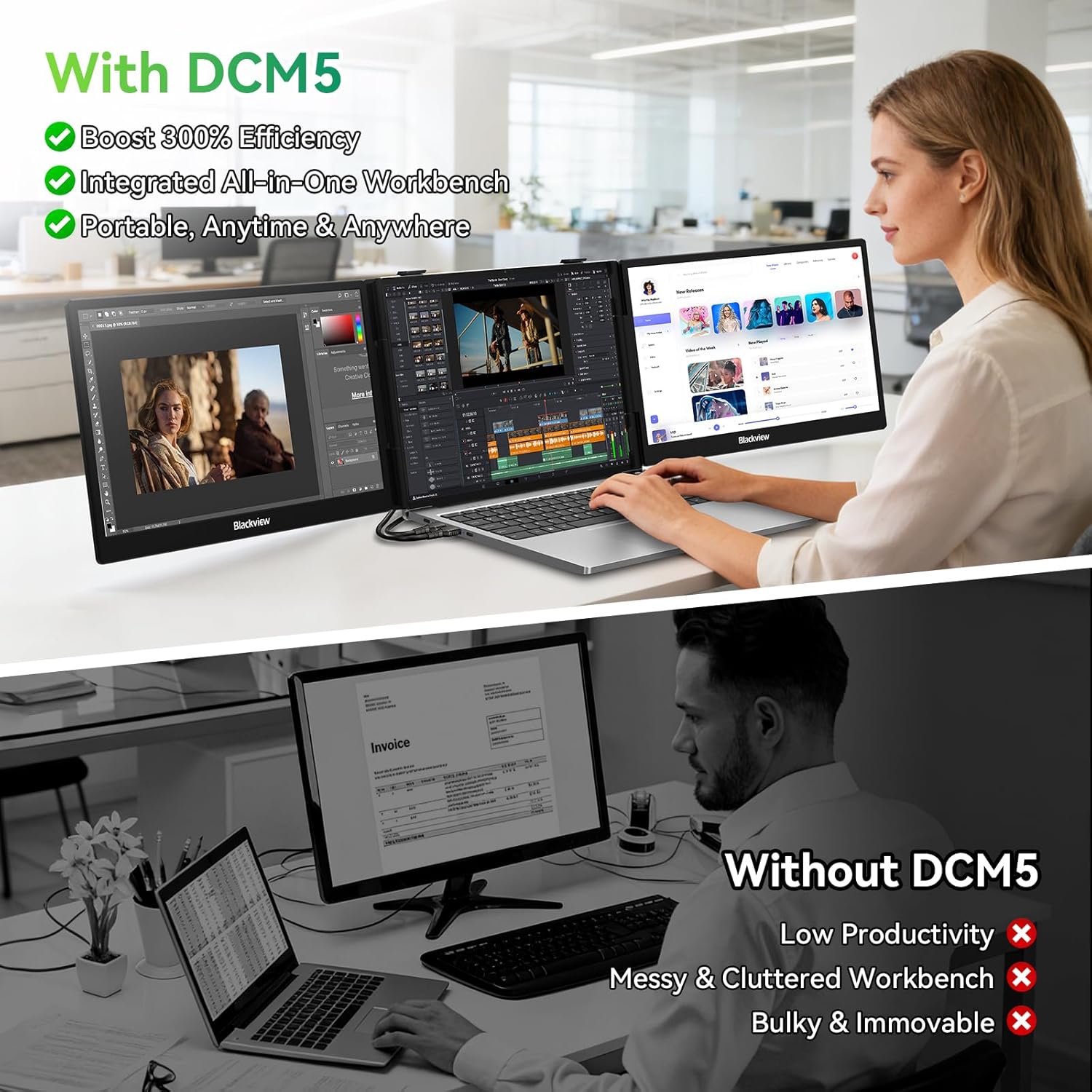
Imagine coding on a laptop with your primary window on the laptop screen, research notes on the middle panel, and a small terminal or chat window on the right. You can keep timelines and factors visible as you compile results, reducing tab shuffles and helping you stay oriented during a flight layover or in a café.
FAQ (quick answers)
- Does it require software to work? No, it’s plug-and-play via USB-C or HDMI.
- Will it fit my laptop size? It clamps onto 13"–17.3" laptops with reinforced springs and non-slip pads.
- Can I use it with gaming consoles or mobile devices? Yes, it supports smartphones, Switch, and other devices with USB-C full-function ports.
Final buying decision
Final verdict
If you value more screen real estate in a portable package and don’t need top-tier color accuracy or ultra-light weight, this Blackview extender is worth considering. It’s a solid option for turning a laptop into a more capable workstation when you’re traveling or working in varied locations. However, if your work hinges on precise color grading, or you expect the lightest possible travel setup, you might want to weigh alternatives that emphasize lighter weight or higher-end displays. In short, it fits best for on-the-go productivity with a practical balance of durability and ease of use.