

EVICIV Portable Monitor 15.6" (125% sRGB) 1080P USB-C & Mini HDMI with VESA Mount and Travel Case
Product description
If you’re trying to squeeze more screen space out of a laptop, the EVICIV Portable Monitor 15.6" is built for that exact “second screen” job. It’s a slim, travel-friendly 1080P IPS display aimed at quick setup and decent color reproduction on the go.
That said, it’s not trying to be a replacement for a high-end desktop monitor. For some people—especially those chasing maximum brightness or serious color-critical workflows—it may feel like mid-range hardware. But for everyday productivity, streaming, and light photo work, it can make a noticeable difference.
Key takeaways
This EVICIV portable monitor leans into three practical benefits: a clear 15.6" FHD IPS panel, straightforward “plug and play” connectivity, and a form factor that’s easier to carry than most secondary displays. The spec sheet also highlights 125% sRGB color coverage, which is the kind of detail that can help gradients look smoother and colors feel less flat compared with more basic sRGB screens.
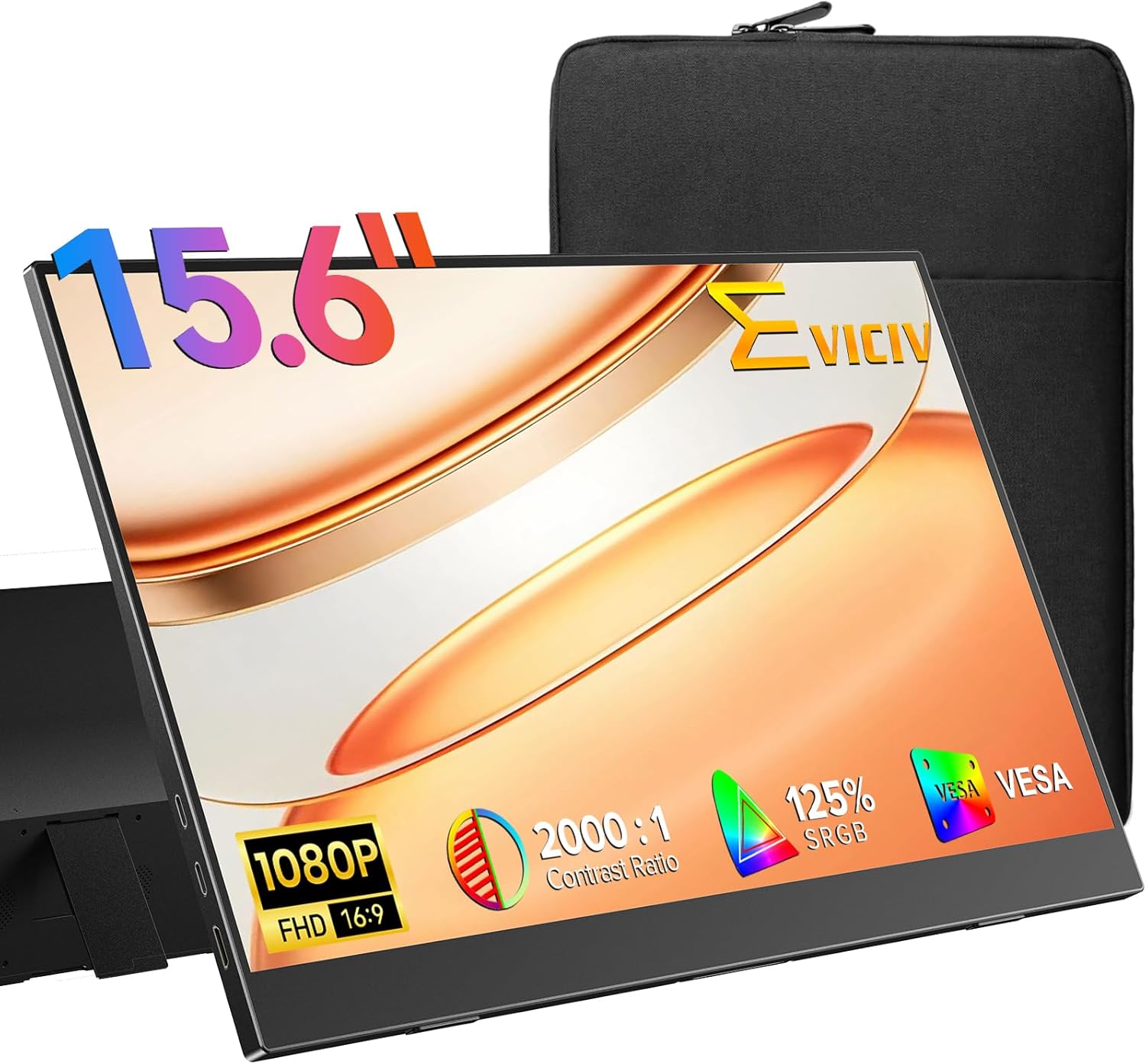
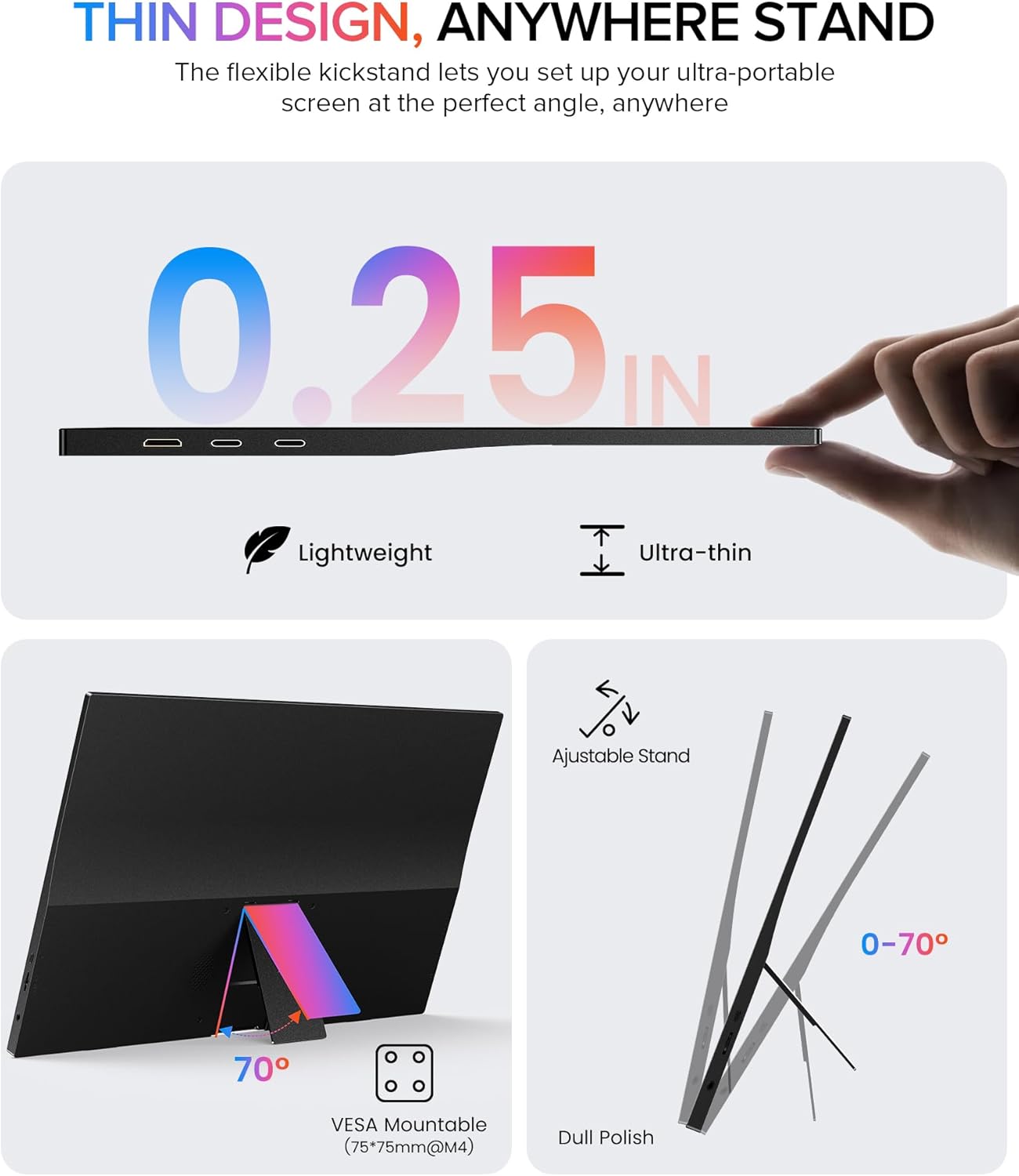
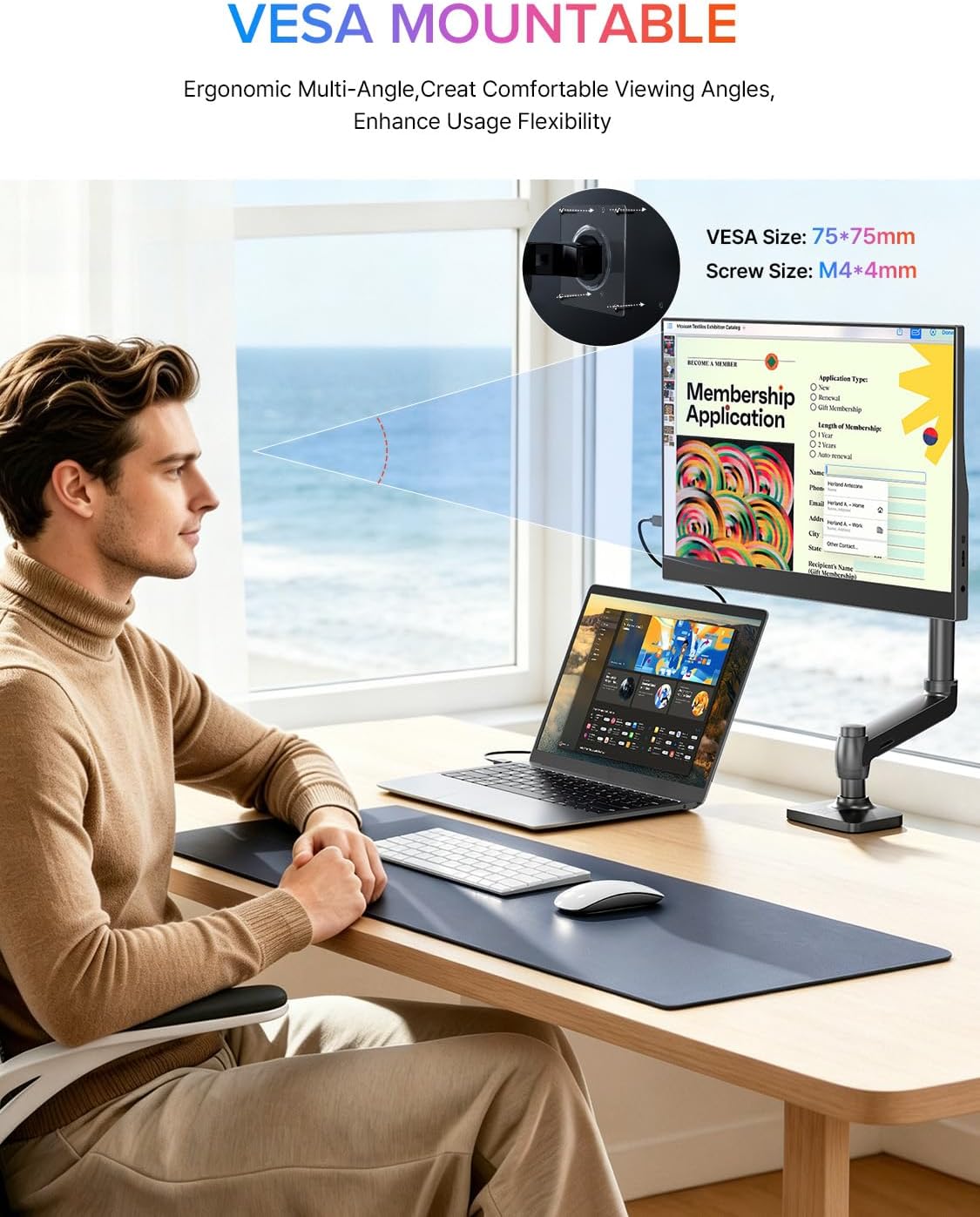
You also get an adjustable stand (70°) and VESA mounting (75×75mm with M4 screws), so you can set it up on your desk when you’re not traveling. And the included sleeve case is meant to handle day-to-day transport without treating your bag like a demolition site.
What to know about the display
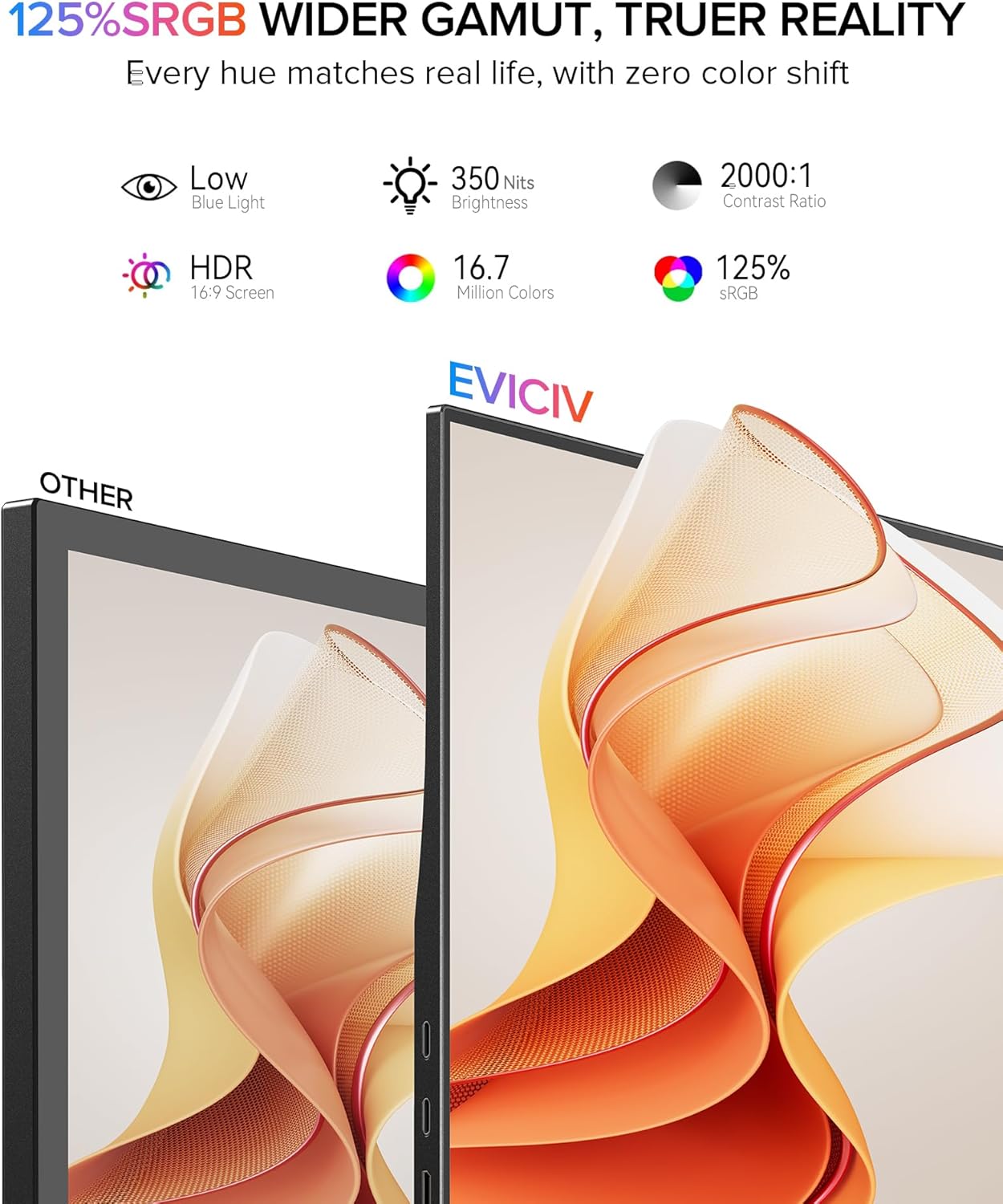
On paper, the panel is a 15.6" IPS FHD (1920×1080) screen with a claimed 350 nits brightness, 2000:1 contrast, and “extreme 178°” viewing angles. IPS technology generally helps with consistent colors when you’re not looking straight on—useful in a shared space, a group call, or even when you’re just leaning back in your chair.
The standout color claim here is 125% sRGB. If your main goal is more lifelike visuals for browsing, editing light photo content, or watching movies without everything looking washed out, that extra color coverage is a real reason to consider this monitor.
Small limitation to keep in mind: FHD on a 15.6" screen is perfectly workable, but if you’re used to higher-resolution displays, it may not feel as sharp for fine text or detailed design work.
The connectivity and setup feel fast
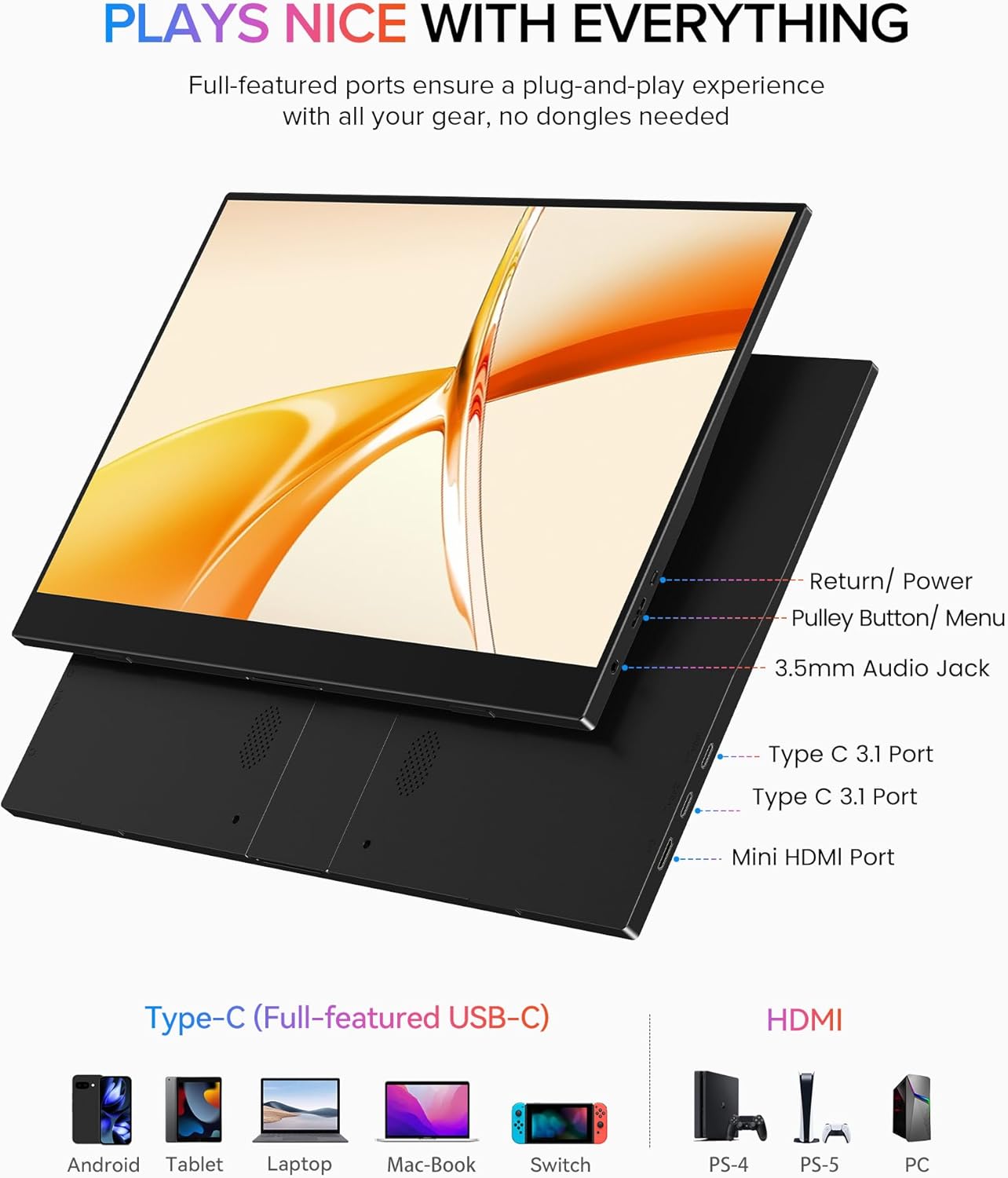
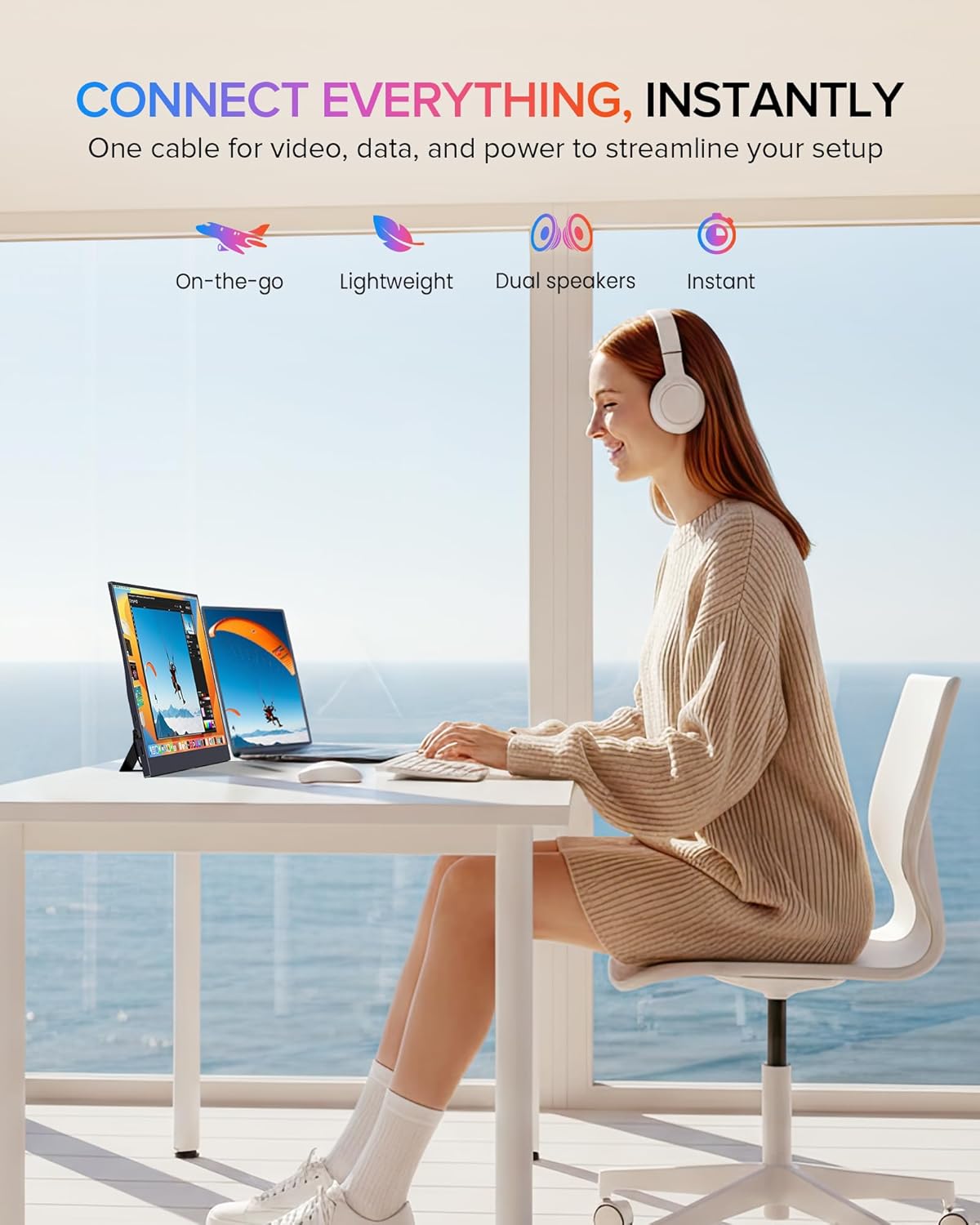
This monitor is designed around convenience. The included description emphasizes plug and play use with minimal fuss—connect via USB-C or mini HDMI and you should be up and running within seconds, without drivers or settings.
In real life, that matters when you’re switching between a work laptop at home and a computer setup somewhere else. For example, you could arrive at a coworking space, connect the monitor, open your documents on the left and your research/browser on the right, and start working without spending time hunting cables, settings menus, or driver downloads.
Design for travel and reduced clutter
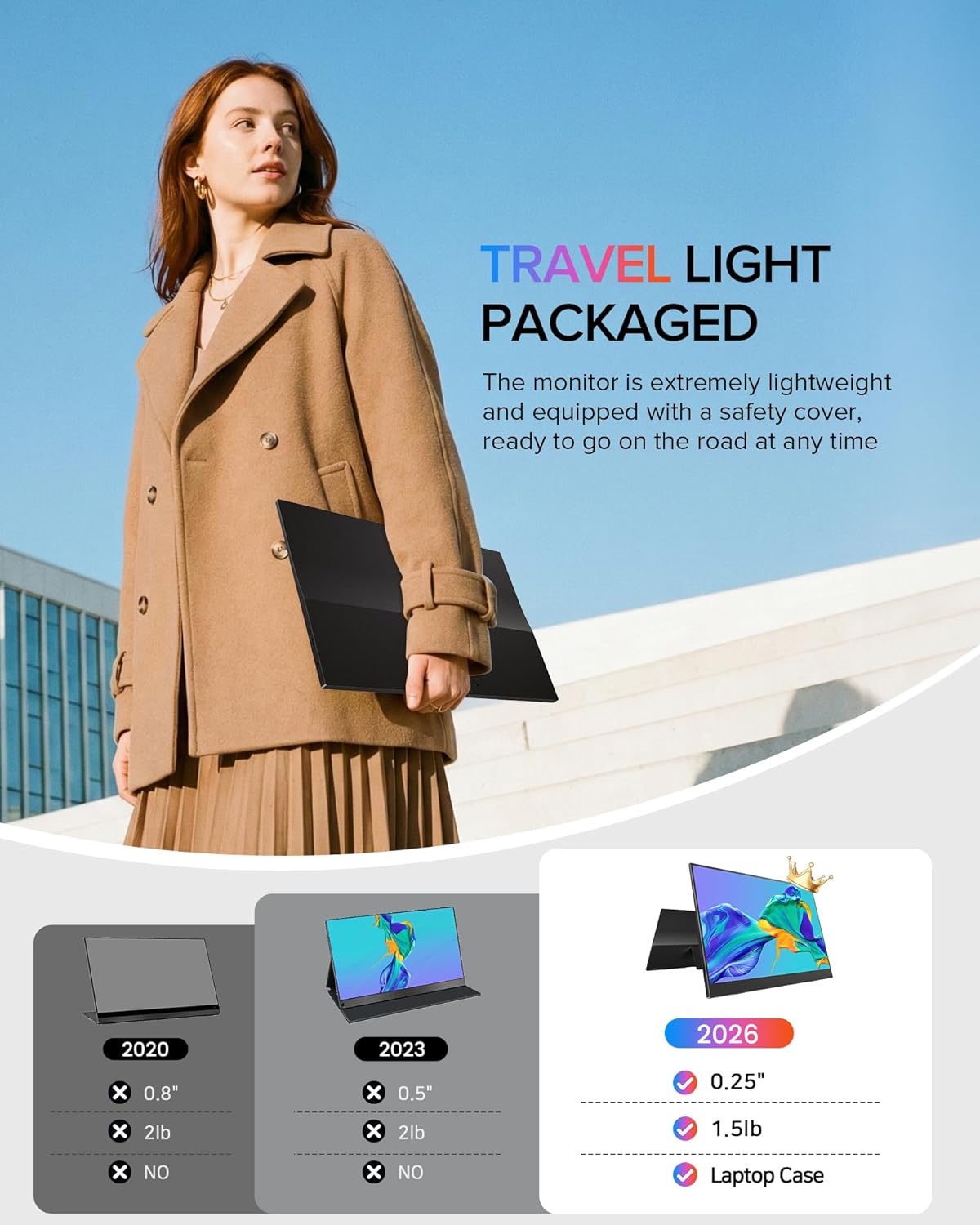
The EVICIV is described as ultra-slim, with a thickness “as thin as 0.2".” There’s also a “three-sided narrow border” approach, which is meant to reduce wasted bezel space so more of your content stays visible.
The included travel sleeve case uses multi-layer shock absorption foam and has a soft microfiber interior to help protect against scratches and bumps during transport. It’s the kind of accessory that often gets overlooked in portable monitor buying, but it can be the difference between “I carry this regularly” and “I’m too worried to toss it in my bag.”
Where it shines—and where it may fall short
This monitor makes sense if you want a practical second screen for commuting days, business trips, or setup-light environments. Its combination of IPS viewing behavior, FHD resolution, and quick USB-C / mini HDMI connectivity targets the “get more productive with one extra display” crowd.
However, it may not be the best match if you’re trying to push demanding creative workflows where you care deeply about color accuracy calibration, or if you need standout brightness for very bright rooms. Even with a 350 nits claim, portable monitors can still be harder to judge than a true desktop display under direct sunlight or glare.
Tech specs
- Name: EVICIV Portable Monitor 15.6"
- Type: Portable monitor / second screen
- Display: 15.6" IPS
- Resolution: 1920×1080 (FHD)
- Color: 125% sRGB
- Brightness: 350 nits
- Contrast: 2000:1
- Viewing angle: 178°
- Connectivity: USB-C & mini HDMI
- Stand: 70° adjustable stand
- VESA mount: 75×75mm (M4×4mm)
- Included: travel sleeve case
Compatibility and requirements
Because this portable monitor supports both USB-C and mini HDMI, it should work with a wide range of devices that offer one of those connections. Still, it’s worth checking that your laptop/mini PC/console has the correct output and that you’re comfortable using a cable-based setup.
In the box
- Portable monitor
- Travel sleeve case
Is it worth it?
Buy the EVICIV Portable Monitor 15.6" if you want a lightweight travel second screen with a quick setup path (USB-C or mini HDMI), an IPS panel for consistent viewing, and a color claim of 125% sRGB that can help keep visuals looking more natural than basic sRGB displays. The included sleeve case and the VESA + adjustable stand also fit real-life use—desk work at home, then bring it along when you move.
Skip it if you need a sharp upgrade from high-resolution monitors, or if your priorities are deep color calibration and “professional studio” brightness performance. For most everyday tasks—spreadsheets, side-by-side browsing, video streaming, and general content viewing—it’s the kind of portable display that can pull its weight.
Mini FAQ
Does it require drivers to work? The description states plug and play use without drivers, settings, or hassle.
What inputs does it support? USB-C and mini HDMI.
Is it an IPS panel? Yes, it’s described as an IPS monitor.
Can you mount it on a desk or wall? It includes a VESA mount option (75×75mm, M4×4mm) and also has an adjustable 70° stand.
Is FHD enough for a portable second screen? For productivity and media in a secondary role, FHD is usually workable, but if you’re used to higher resolutions, you may notice the difference.