

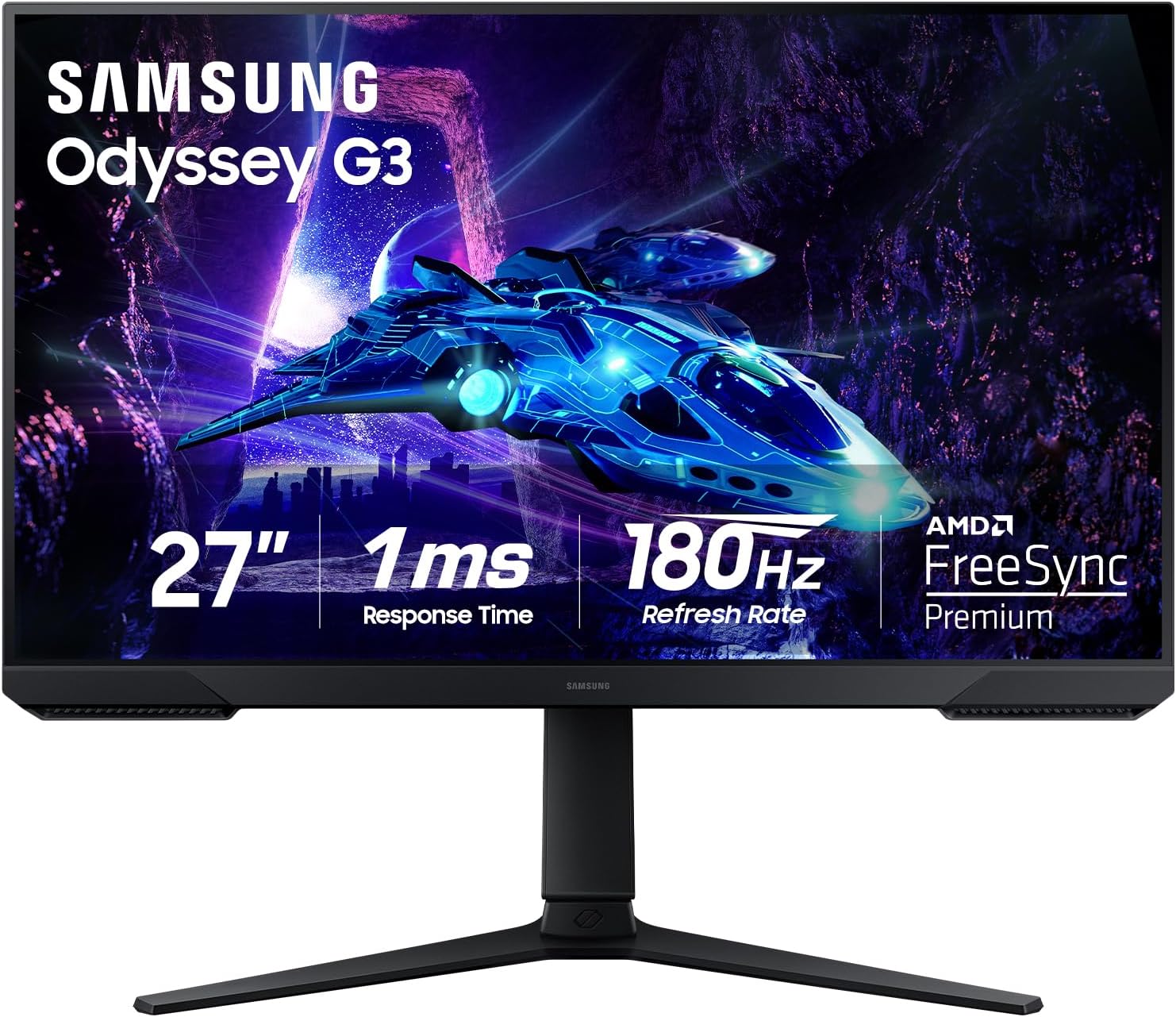
Samsung 27-Inch Odyssey G3 (G30D) Series FHD Gaming Monitor (LS27DG302ENXZA) — 180Hz, 1ms, AMD FreeSync
Product description
What this monitor is for
The Samsung 27-Inch Odyssey G3 (G30D) is a FHD gaming monitor built around speed and smoother motion. On paper it’s aimed at players who care about responsiveness (fast scenes) and fewer visual distractions like tearing and flicker. With features like a 180Hz refresh rate, 1ms response time (MPRT), AMD FreeSync, and gaming-focused overlays, it’s the kind of display you’d pick when you want your gameplay to feel more immediate.
Still, it’s not perfect for every use case. FHD and gaming-tuned feature sets can be a little limiting if you’re mainly doing color-critical work or want maximum sharpness for general desktop tasks. If your priority is gaming feel and consistent visuals, this is easier to justify.
The essentials in plain English
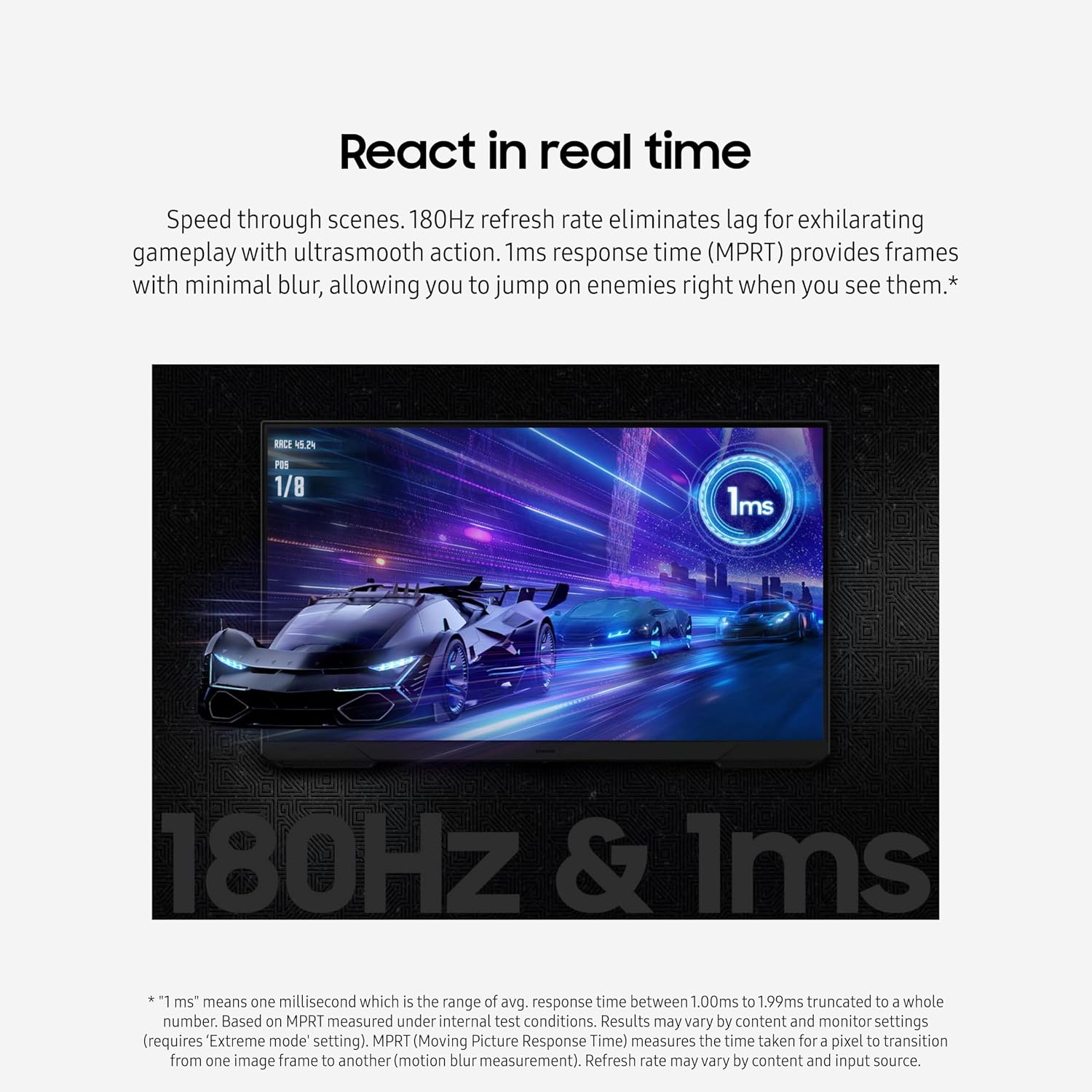
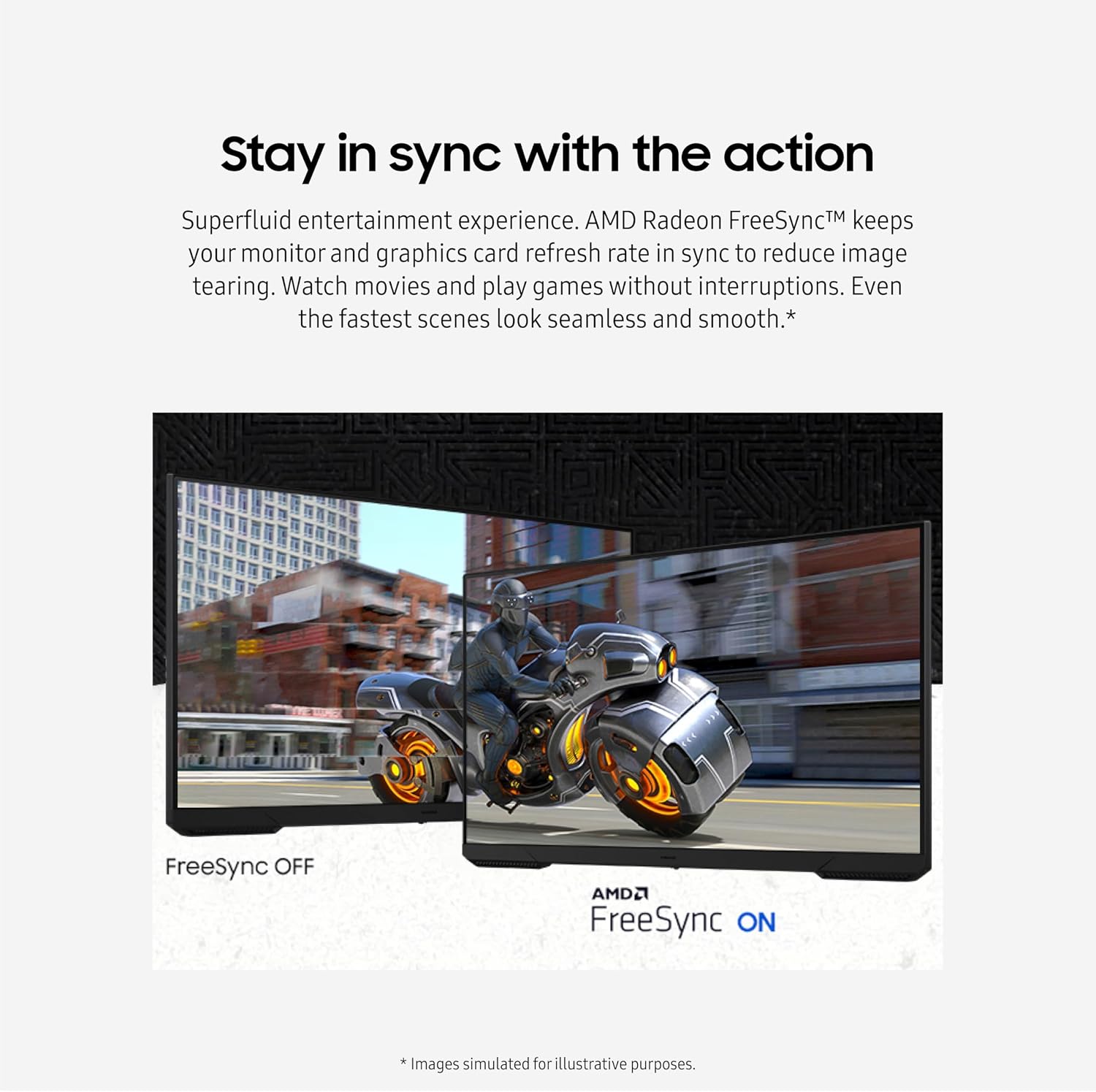
What stands out here is the combo of fast refresh and “stay in sync” support. A 180Hz refresh rate is meant to reduce lag so action looks smoother. The 1ms response time (MPRT) is positioned to minimize blur so targets don’t smear when things get hectic. Pair that with AMD FreeSync, and the goal becomes keeping the monitor refresh aligned with the graphics output to reduce tearing.
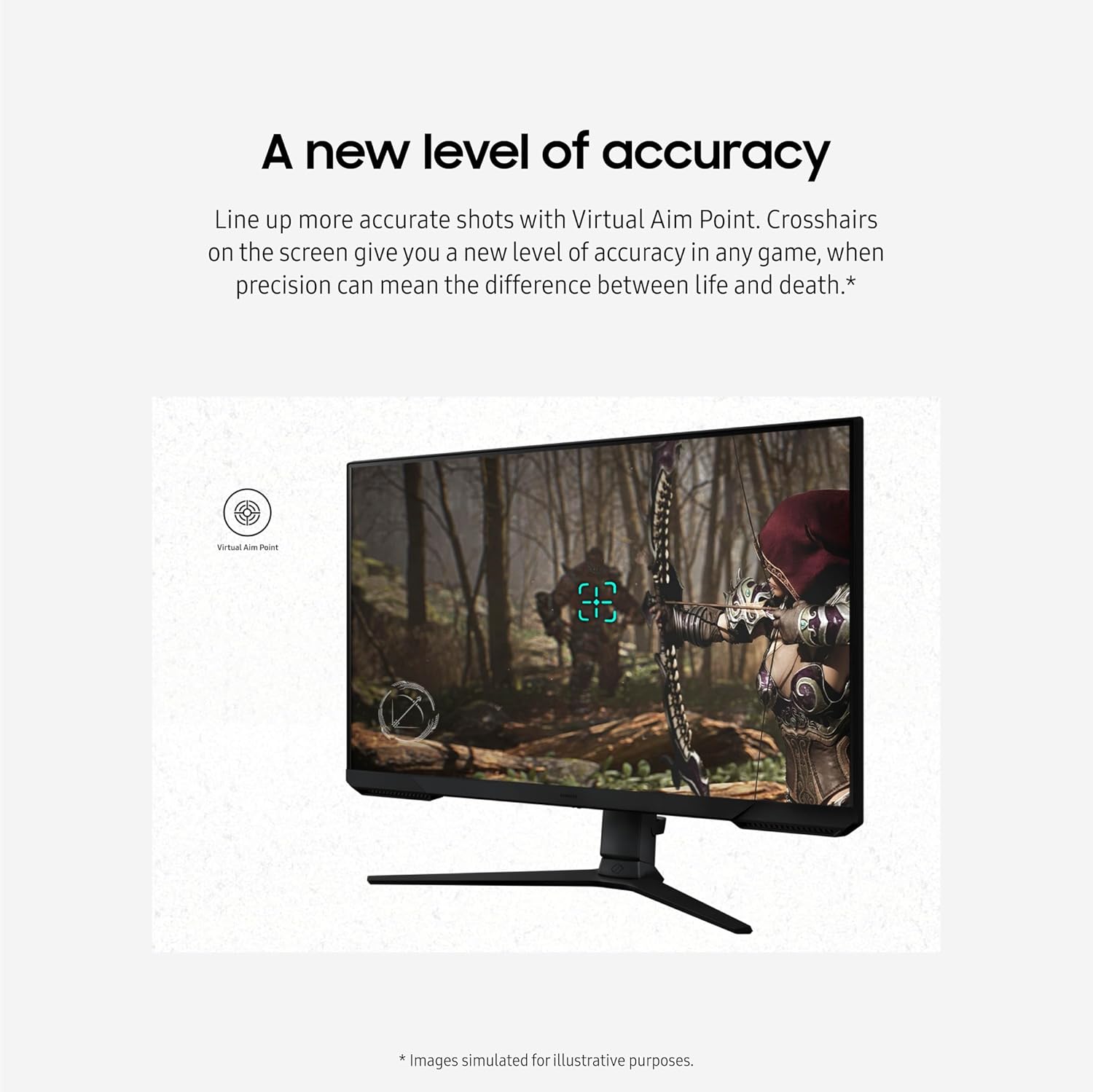
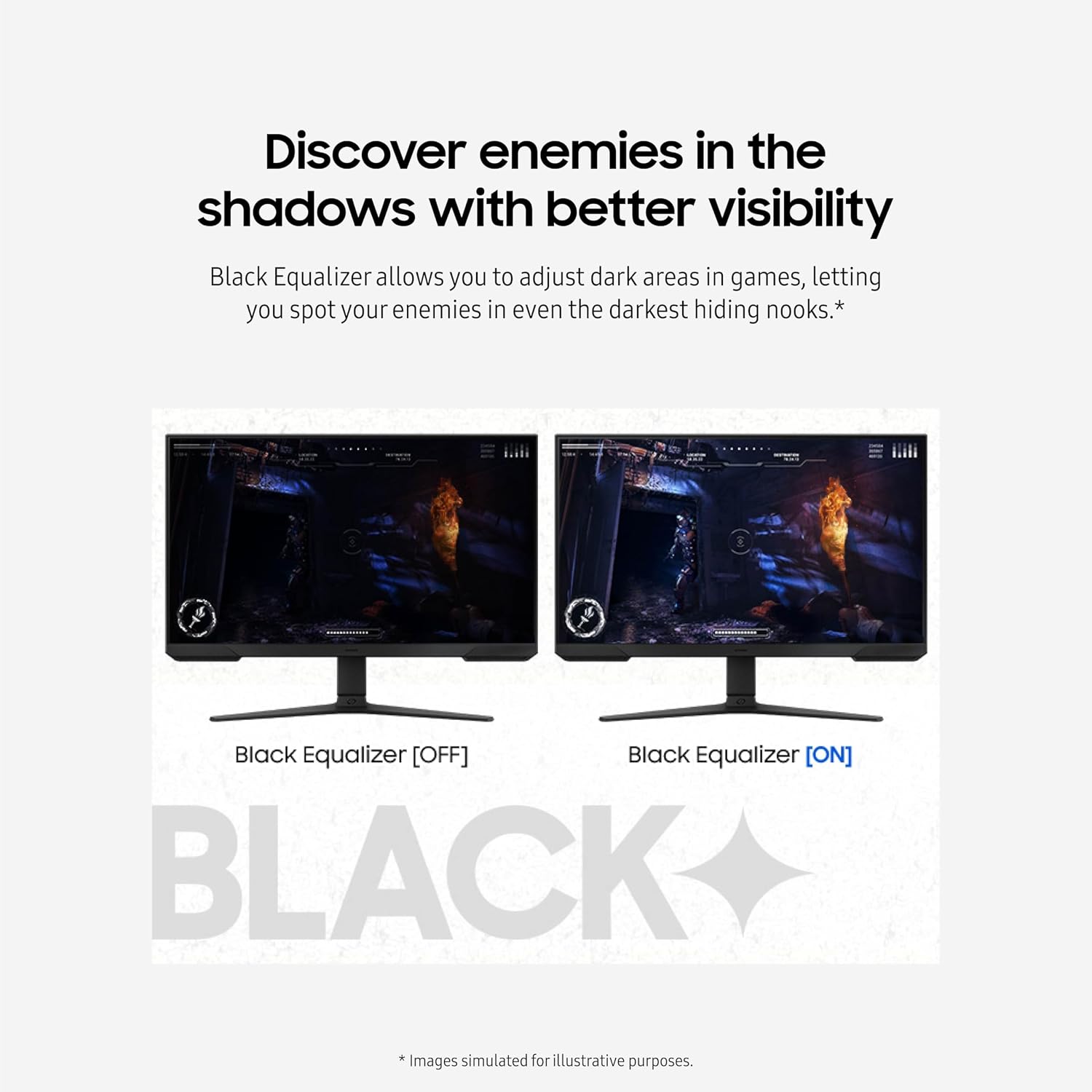
Where it gets more “game-specific” is in the visibility and aiming helpers. Black Equalizer is designed to lift detail in darker areas so enemies in shadows are easier to spot. Virtual Aim Point adds on-screen aiming assistance with crosshairs, which can help when you’re trying to line up shots quickly.
And for longer sessions, Eye Saver Mode reduces blue light and the monitor includes flicker-free design to minimize flicker and eye strain. That’s one of those features you don’t always think about until you’ve been gaming for a couple of hours.
What you’ll notice day to day
If you play shooters or anything with dark interiors, Black Equalizer can feel like a practical advantage—more information in the shadows, less guesswork. Then Virtual Aim Point gives you a clearer aiming reference, especially useful when you want the reticle to be easy to see without relying entirely on in-game HUD.
In motion-heavy moments, the 180Hz + FreeSync approach is meant to keep gameplay smoother and more consistent. Imagine loading into a match, then switching your camera quickly to track movement: the “no interruptions” goal is about reducing the visual friction that can happen when frames and refresh rates don’t match.
One limitation to keep in mind: this monitor’s feature set is clearly optimized for gaming. If you’re expecting it to be a do-it-all productivity powerhouse, you may find other displays fit that role better depending on your standards.
Specs that drive the experience (key tech)
Tech specs
- Refresh rate: 180Hz
- Response time: 1ms (MPRT)
- Sync technology: AMD FreeSync
- On-screen aiming helper: Virtual Aim Point
- Dark-visibility control: Black Equalizer
- Visual comfort features: Eye Saver Mode, Flicker-Free
- Design: 3-sided borderless design
Where it shines, and where it might fall short
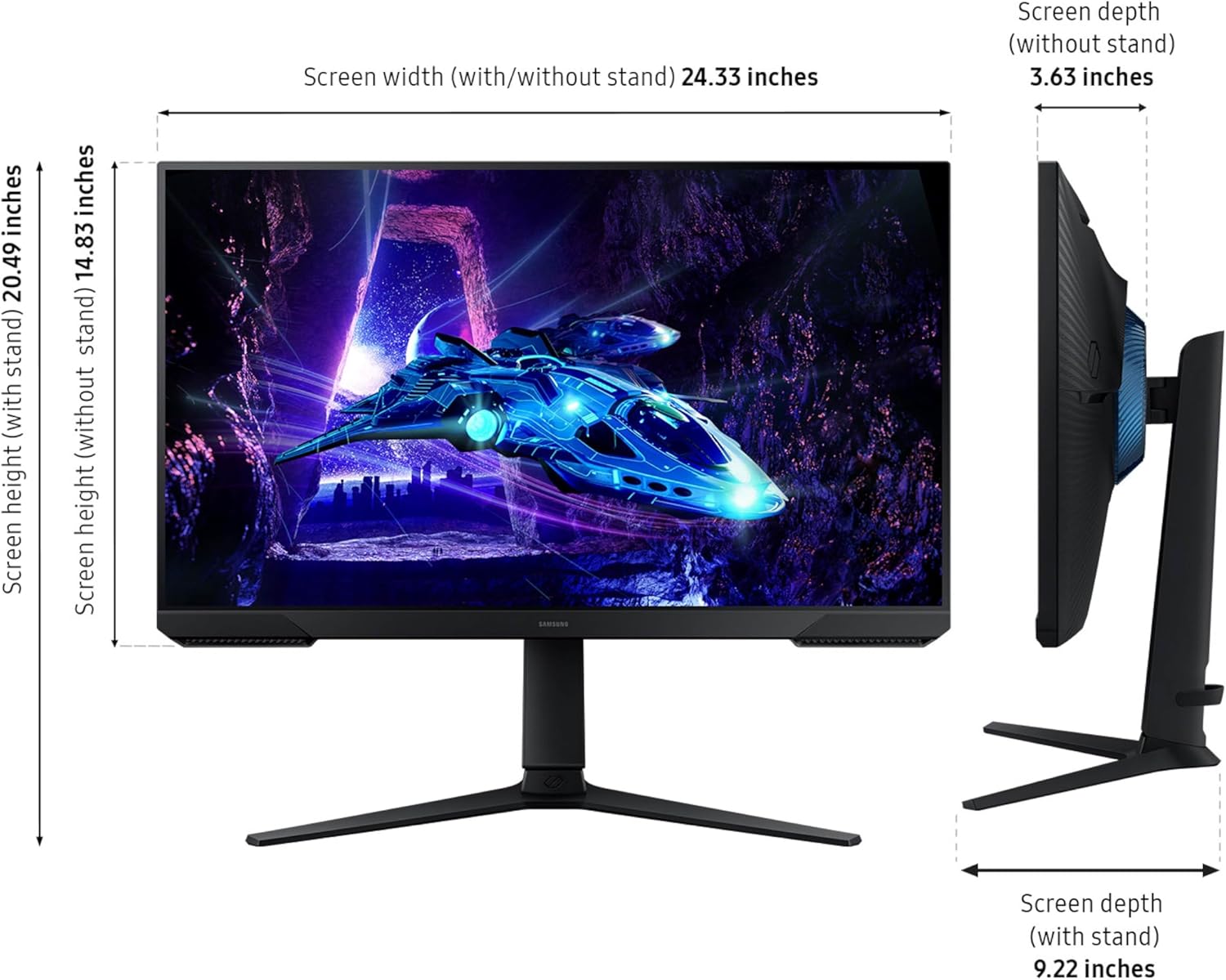
This is a strong pick if you want a gaming-first monitor with features aimed at smoother motion and better visibility in dark scenes. The adjustable stand (swivel, tilt, pivot, and height adjustment) is also a real-world convenience—especially if you want a consistent view angle during long sessions or you’re setting up a multi-monitor desk layout.
It may not be the best choice if: - You primarily need sharpness for text-heavy work or design tasks and you’re sensitive to FHD resolution. - You’re trying to buy a “one monitor for everything” without caring about gaming overlays and refresh/sync features. - You expect top-tier accuracy out of the box for professional color workflows (the listing doesn’t position it that way).
If you’re comparing buying approaches, this is more “tuned-for-game feel” than “neutral office display.”
Who it’s for
Worth considering if you: - Play games where fast reaction time and smooth motion matter. - Want help seeing enemies in darker scenes. - Prefer a monitor that reduces flicker and blue-light exposure for longer play. - Need ergonomic adjustments and might set up a dual-monitor configuration.
It might not suit you if you mainly watch content occasionally and mostly work on desktop tasks where you’d rather invest in a more general-purpose display.
Should you buy it?
A solid pick if your goal is a gaming monitor that targets smoother gameplay (180Hz), reduced blur (1ms MPRT), and better sync (AMD FreeSync). The Black Equalizer and Virtual Aim Point are the kind of features that can directly affect how quickly you notice threats and line up shots. Add Eye Saver Mode and Flicker-Free, and it’s built for extended sessions without the same “screen fatigue” concerns.
Skip it or at least think twice if you’re shopping mainly for everyday office clarity or color-critical work, since the listing doesn’t suggest it’s aimed at that. Also, if you already know you don’t like gaming overlays (crosshair-style assistance) or you don’t play titles that benefit from dark-scene visibility tuning, you may not get much from the extras.
Quick check before you commit: confirm your desk space for a 27-inch display, and make sure the ergonomic stand range and your setup (including potential dual-monitor alignment) match how you actually game and work.
Quick questions before you decide
FAQ
Does this monitor help reduce screen tearing?
Yes—AMD FreeSync is included to keep the monitor and graphics card refresh rates in sync, which is meant to reduce tearing.
Is Black Equalizer only for competitive shooters?
Not necessarily. It’s designed for improving visibility in dark areas, so it can be useful in any game where lighting and shadow detail affect gameplay.
Will Eye Saver Mode and Flicker-Free help with long sessions?
That’s the intent. Eye Saver Mode is meant to minimize blue light, and the monitor is described as flicker-free to reduce flicker-related discomfort.
What does Virtual Aim Point do?
Virtual Aim Point is described as crosshairs on the screen to help you line up more accurate shots.
Is it good for non-gaming use?
It can be, but the feature set is clearly gaming-focused. If your priority is productivity or color work, you may want to compare against displays that are positioned differently.