

HP Wired RGB Gaming Mouse with Optical Sensor and 7-Color LED (3 Buttons, 1200 DPI)
Product description
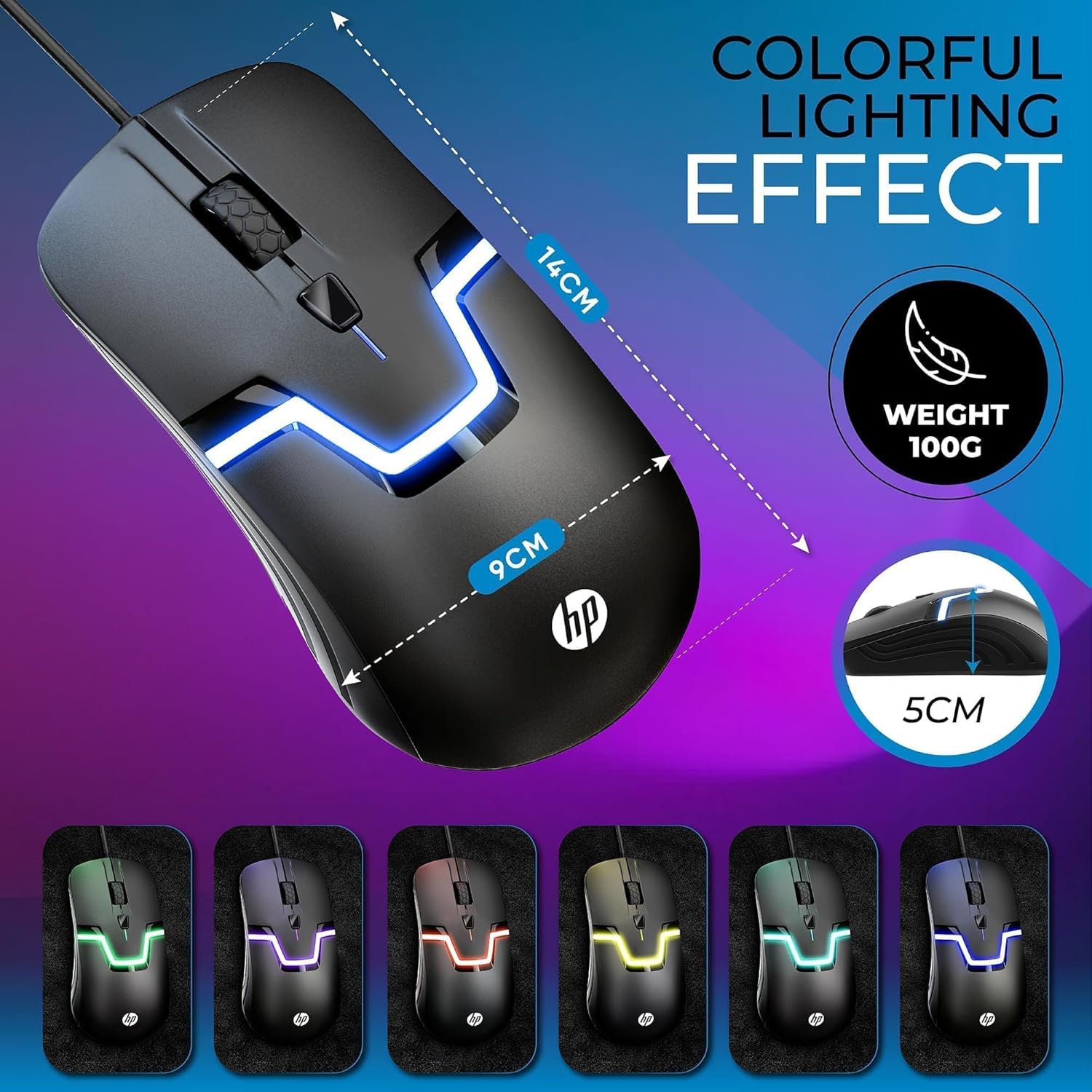
If you want a simple, plug-and-play wired mouse that also adds some RGB flair, the HP Wired RGB Gaming Mouse is built for that kind of everyday gaming and office mix. It leans classic in design, but the 7-color LED lighting effect helps it stand out on a desk—more “fun atmosphere” than serious esports gear.
The core idea is straightforward: optical tracking for responsive cursor control, a corded USB connection for consistent use, and a 3-button layout to keep things familiar. It’s also positioned as a general-purpose mouse you can use across different setups—so long as your device supports the basics it calls for.
Key takeaways
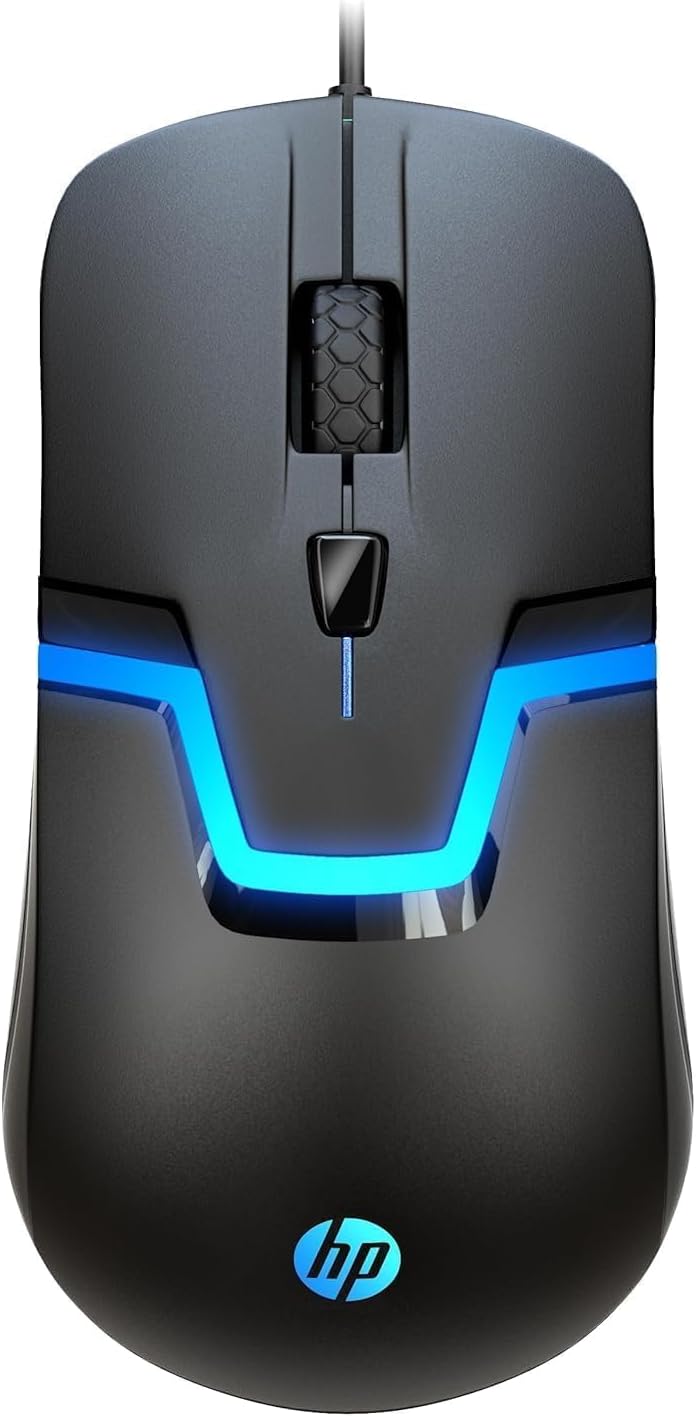
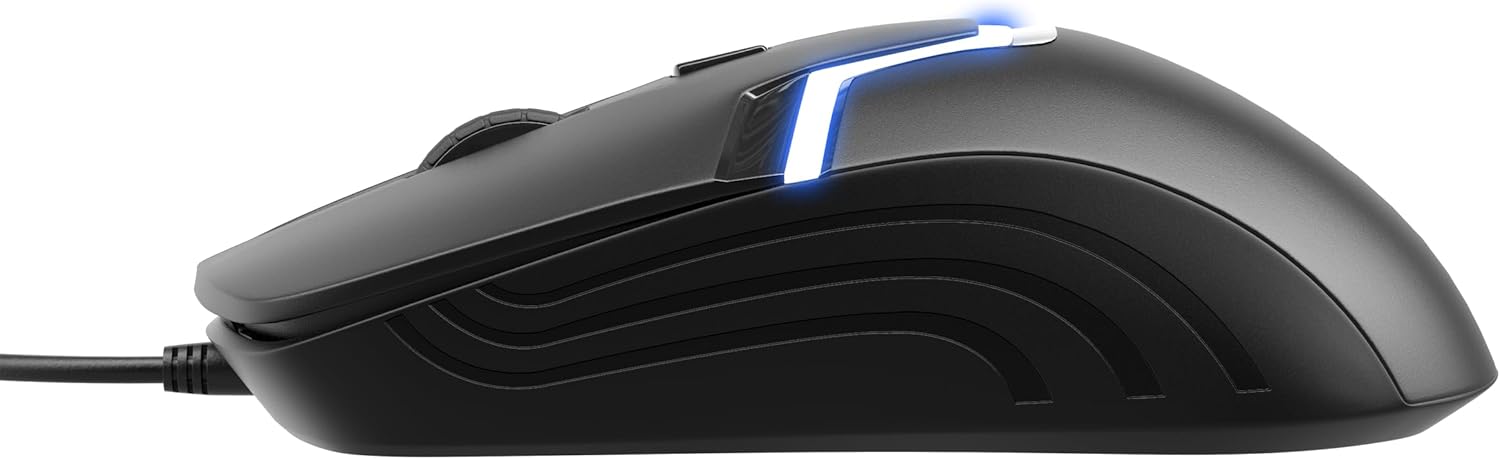
This mouse is best thought of as a dependable wired optical gaming mouse for daily PC work and casual gaming. The 7-color LED lighting effect is the visual bonus, while the 1200 DPI rating is what you’ll notice for smooth, accurate cursor movement. It also uses a palm-friendly shape and an ambidextrous design, which can be a plus if you switch between hands or just don’t want anything too aggressive in the ergonomics.
That said, it’s not trying to be a fully customizable high-end gaming controller for precision players. If you’re the type who expects advanced software tuning, macros, or top-tier performance tuning, you may feel it stays in the more basic-to-mid tier of the market.
Where it shines in real use
On a typical day, the experience is pretty practical. Plug it into a compatible device and you can start moving immediately—no additional software or drivers mentioned in the description. For computer notebook/laptop setups, the corded connection helps avoid battery anxiety.
For gaming, the “optical gaming mouse” focus is aimed at quick and smooth cursor movement. On paper, the responsiveness plus the 1200 DPI rating should support that “snappy” feel for PC games and general navigation. And when you want a bit of personality on your desk, those 7 colors and built-in lighting effects add a simple vibe without making the setup complicated.
What to know before you buy
Compatibility is a big selling point here, but it’s worth reading carefully. The description says it works with Windows, Chromebooks, MacOS, Linux, and most gaming consoles, with a plug-and-play approach and “no additional software or drivers.” Still, “most gaming consoles” is a broad claim—if you’re buying specifically for a console, it’s smart to confirm your console supports a wired USB mouse.
Also, pay attention to your expectations around precision. While 1200 DPI is included, the listing doesn’t mention polling rate, sensor brand details, programmable buttons beyond 3 total buttons, or advanced customization. So if your priority is extracting maximum performance through settings and fine-tuning, this may leave you wanting.
There’s another small limitation to consider: the 3-button layout is simple by design. That’s great for straightforward use, but it may not suit players who rely on multiple extra binds.
Tech specs
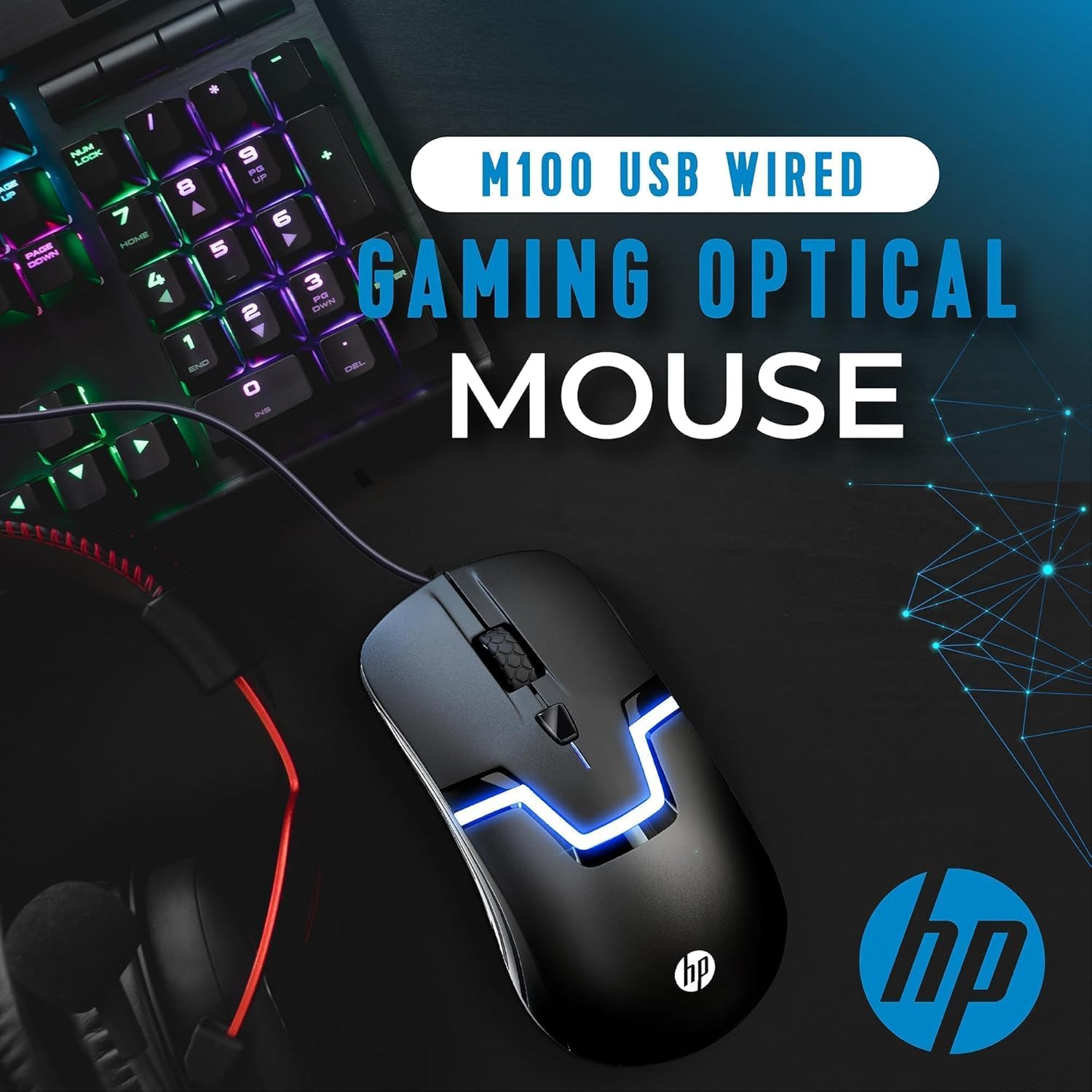
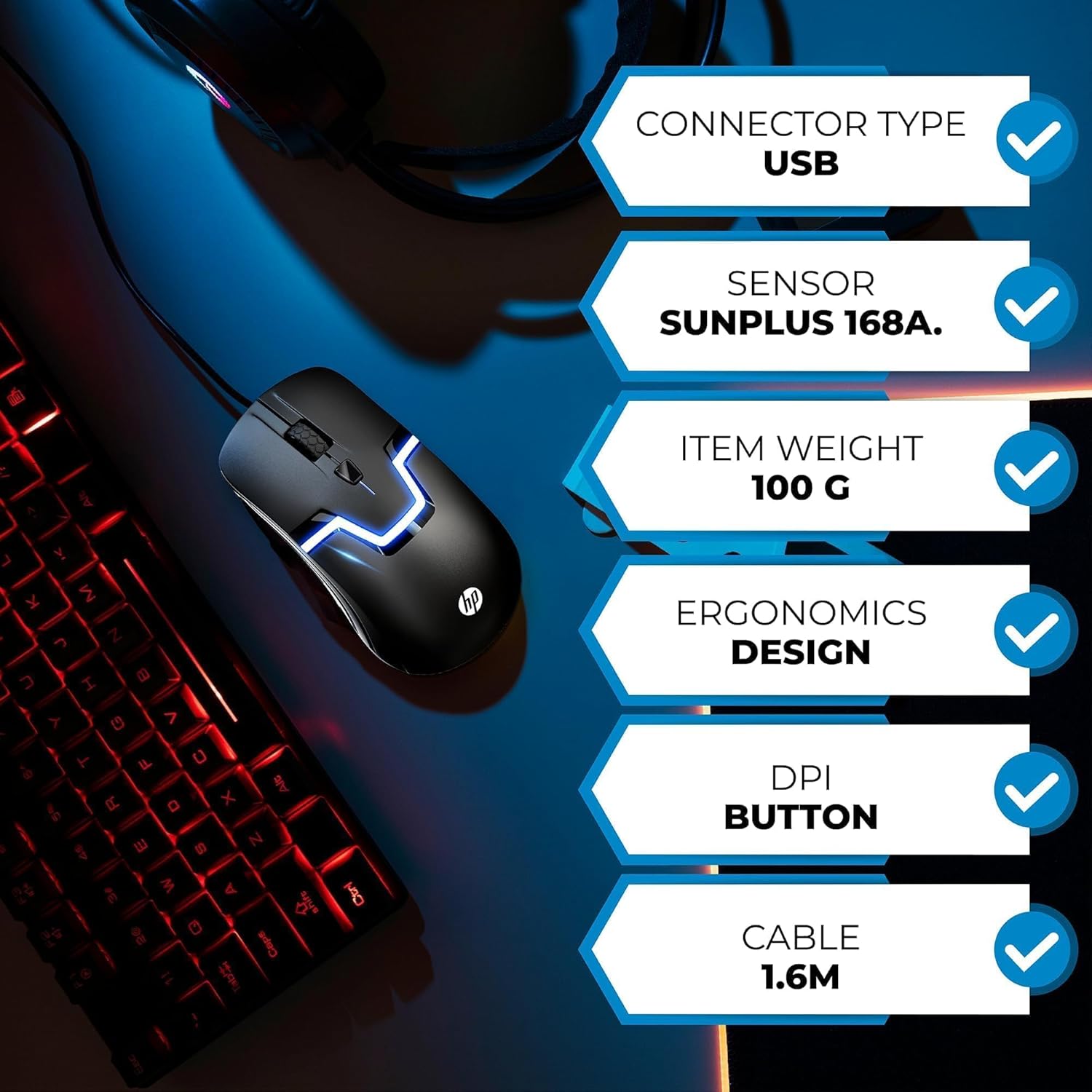
- Type: Optical gaming mouse (wired)
- Connection: USB (wired)
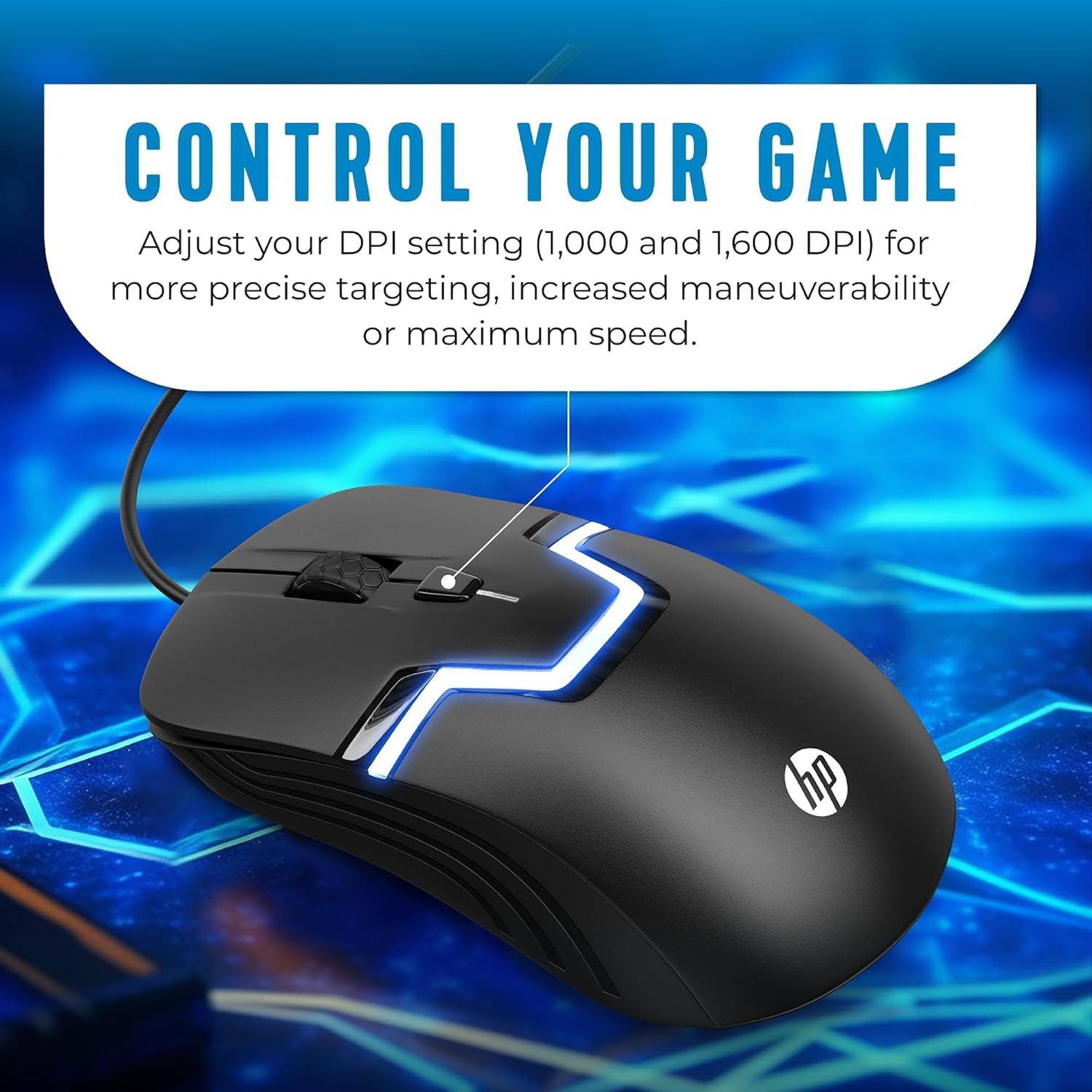
- DPI: 1200 DPI
- Buttons: 3 buttons
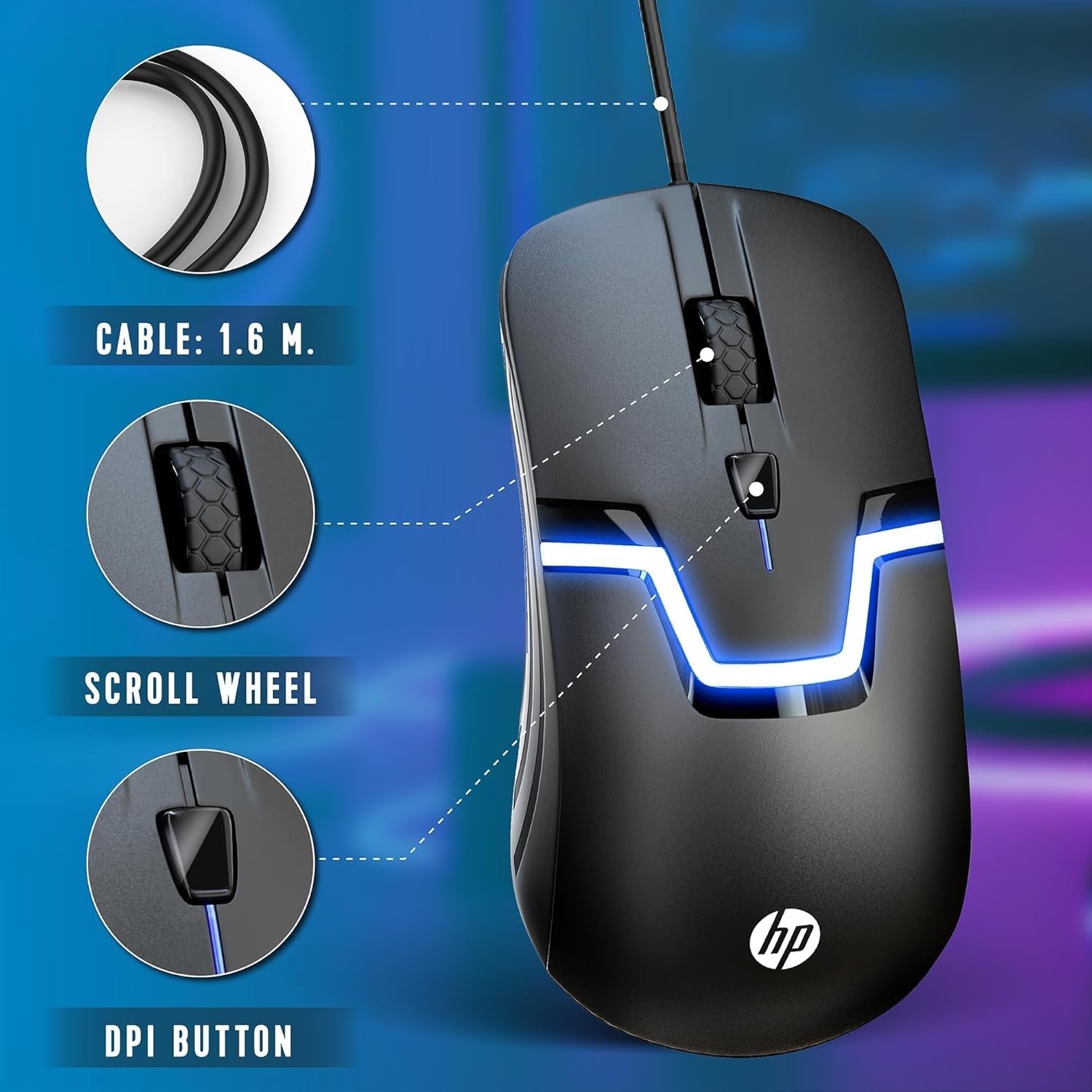
- Lighting: Built-in 7-color LED lighting effect
- Layout: Scroll wheel included
Who it’s for (and who should skip it)
It makes sense if you want a basic wired mouse that covers both work and casual PC gaming, and you like the look of RGB lighting with minimal setup. You’ll appreciate the ambidextrous, palm-focused design if you want comfortable long sessions and a more neutral shape.
It might not suit you if you’re chasing a highly configurable competitive gaming mouse, need a lot of extra programmable controls, or care about features that aren’t mentioned here (like advanced software profiles). Better avoided if your setup requires heavy driver/software management or you need very specific console support beyond what’s “most.”
Frequently asked questions
Does it require drivers or extra software?
The description states plug-and-play use with no additional software or drivers to download. That’s the main promise behind its setup.
Is the RGB lighting adjustable?
The listing mentions a built-in 7-color LED effect, but it doesn’t explain any controls or customization options. If you want deeper lighting control, you may need to verify what’s possible on this model.
How many buttons does it have?
It uses a 3-button layout plus a scroll wheel.
What devices is it compatible with?
The description lists Windows, Chromebooks, MacOS, Linux, and most gaming consoles.
Is it worth it?
Buy it if you want an easy, wired optical gaming mouse for PC games and everyday office work, especially if RGB lighting and a no-fuss setup matter to you. The 1200 DPI rating and 3-button simplicity suggest a clean, no-overcomplication experience.
Skip it if you need advanced customization, extra programmable buttons, or detailed performance tuning that goes beyond what’s mentioned. And if you’re purchasing for a specific console, it’s smart to double-check wired USB mouse support first—since “most” can still leave edge cases.