

ASUS ROG Falchion Ace 65% Mechanical Keyboard
Reviews
Price
Product description
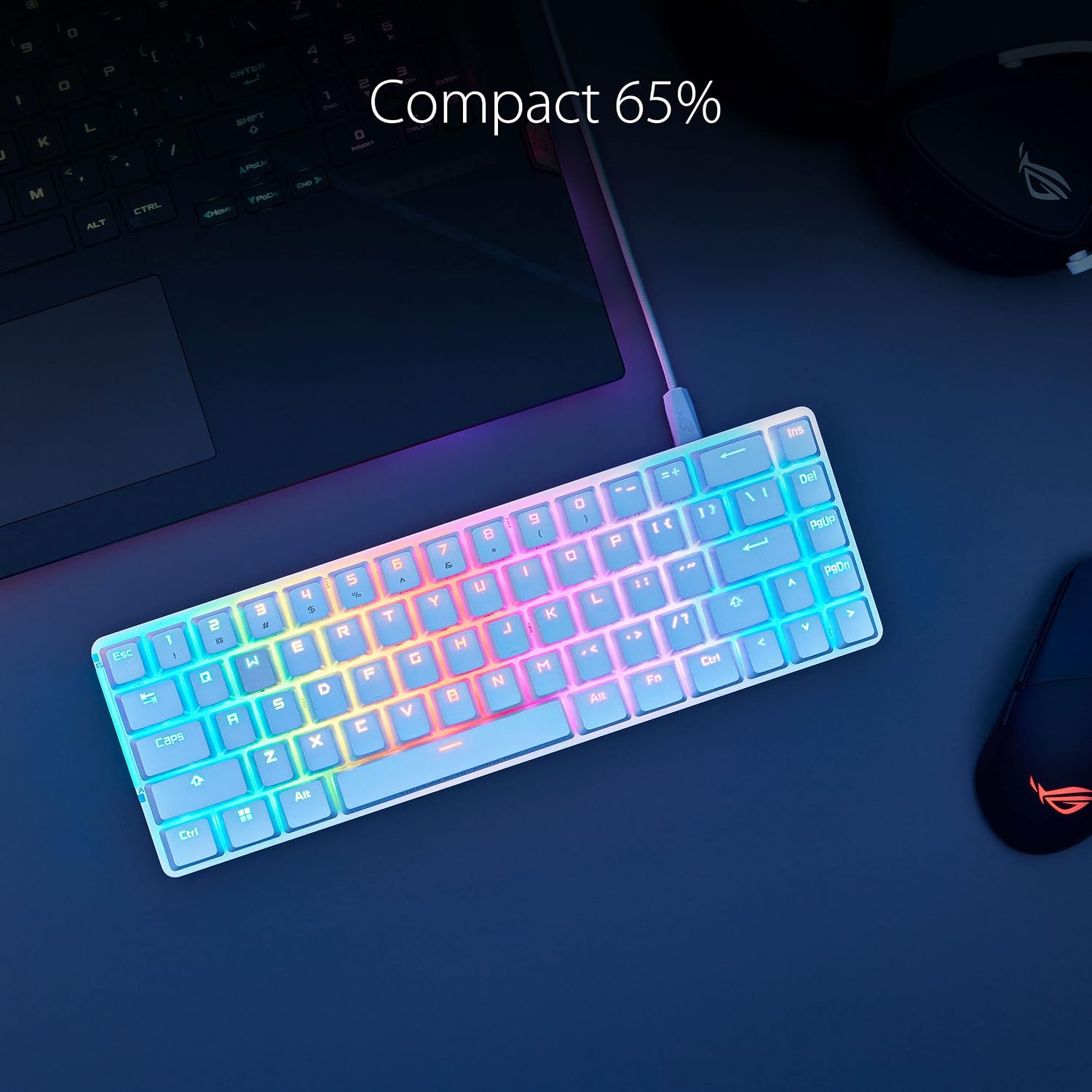
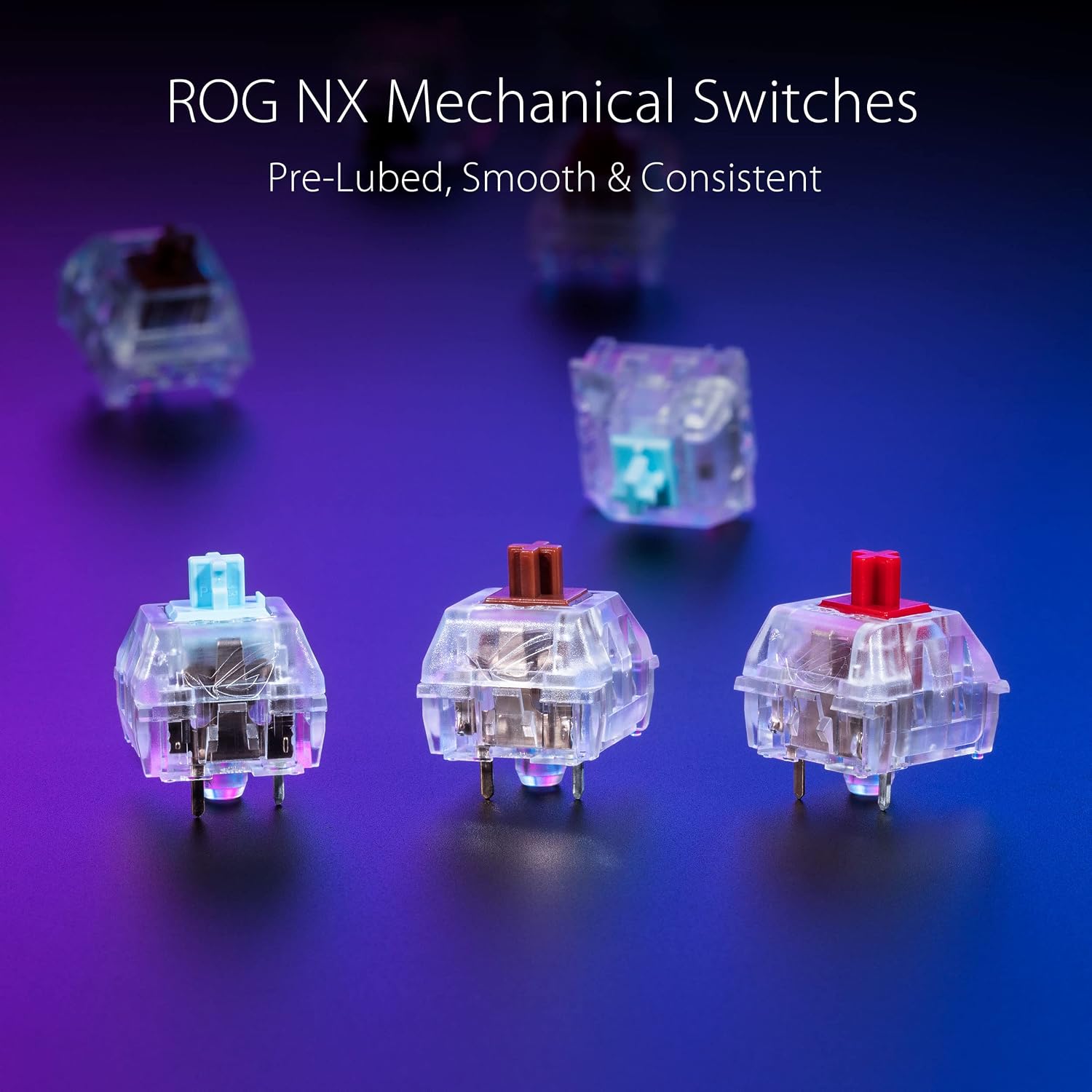
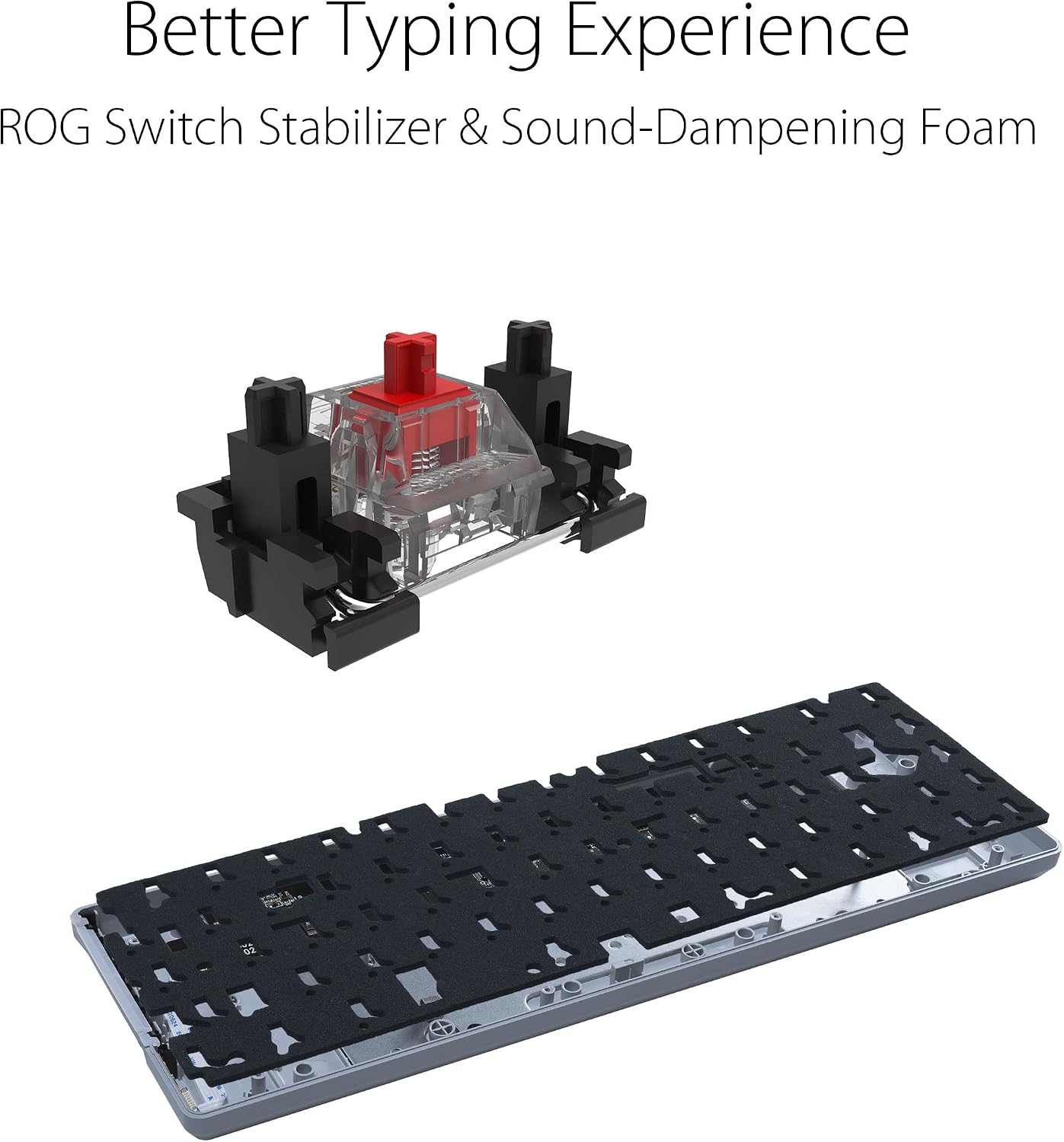
The ASUS ROG Falchion Ace packs a lot into a compact 65% layout, blending arrow and navigation keys into a tidy 60% frame for gamers and creators who need desk space and precision. It delivers a smoother typing feel thanks to lubed ROG NX Brown switches, and its built-in acoustic improvements make sessions quieter without sacrificing responsiveness. The first paragraph highlights the main use and benefit, and shows why this keyboard suits focused setups.
Key features
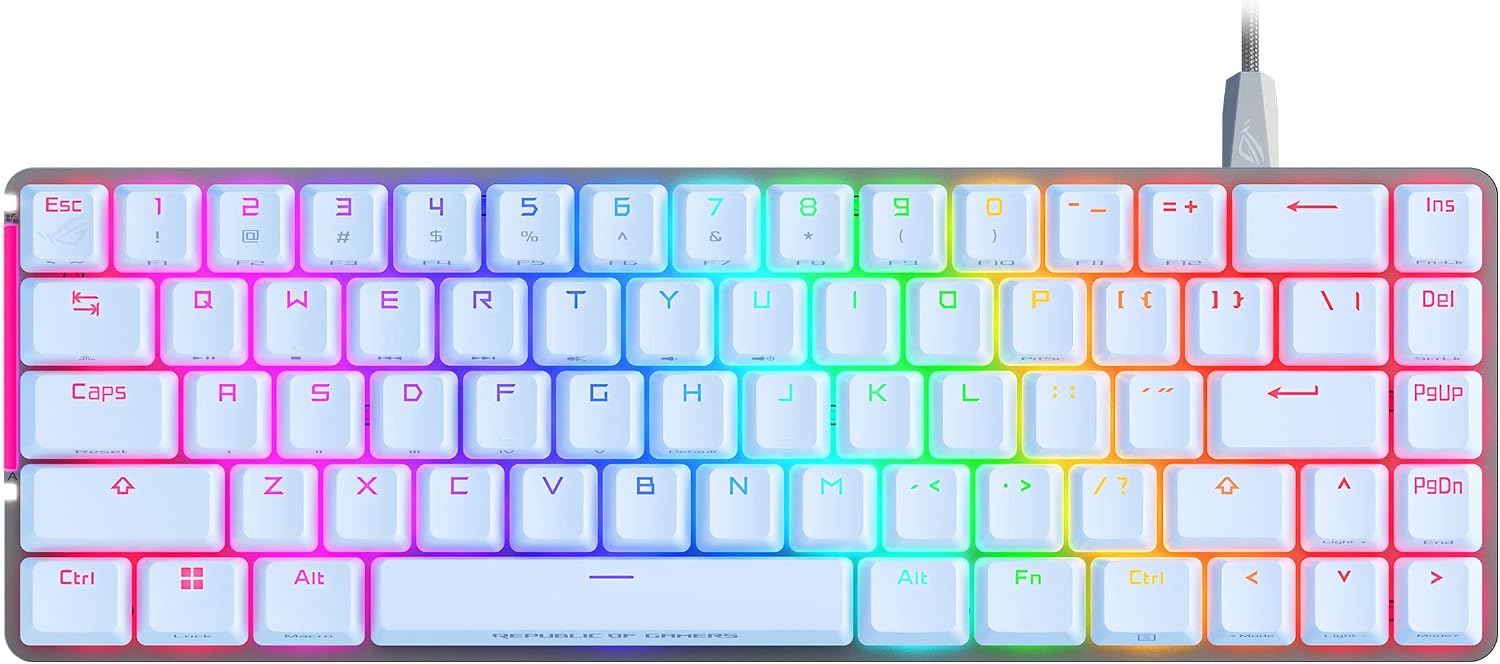
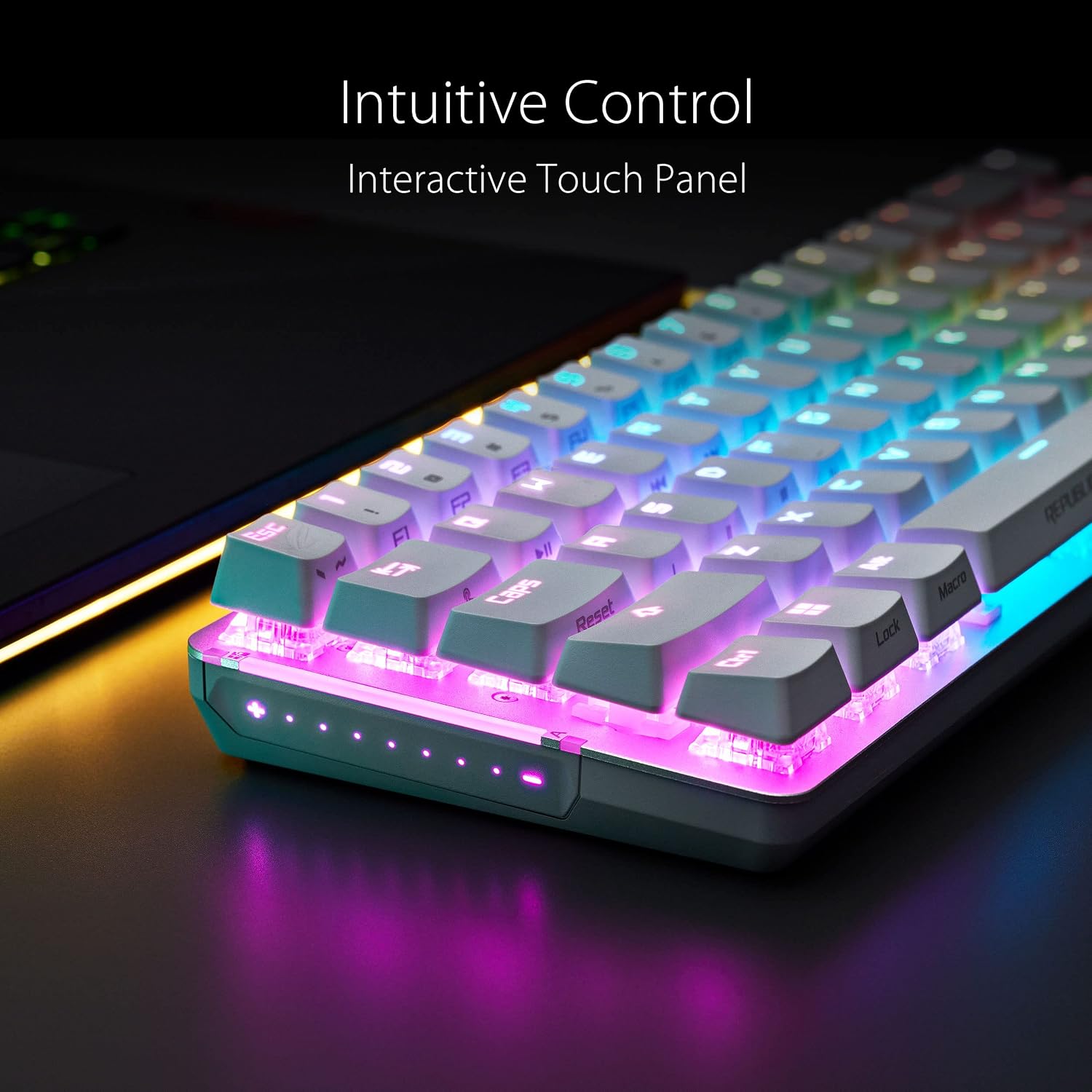
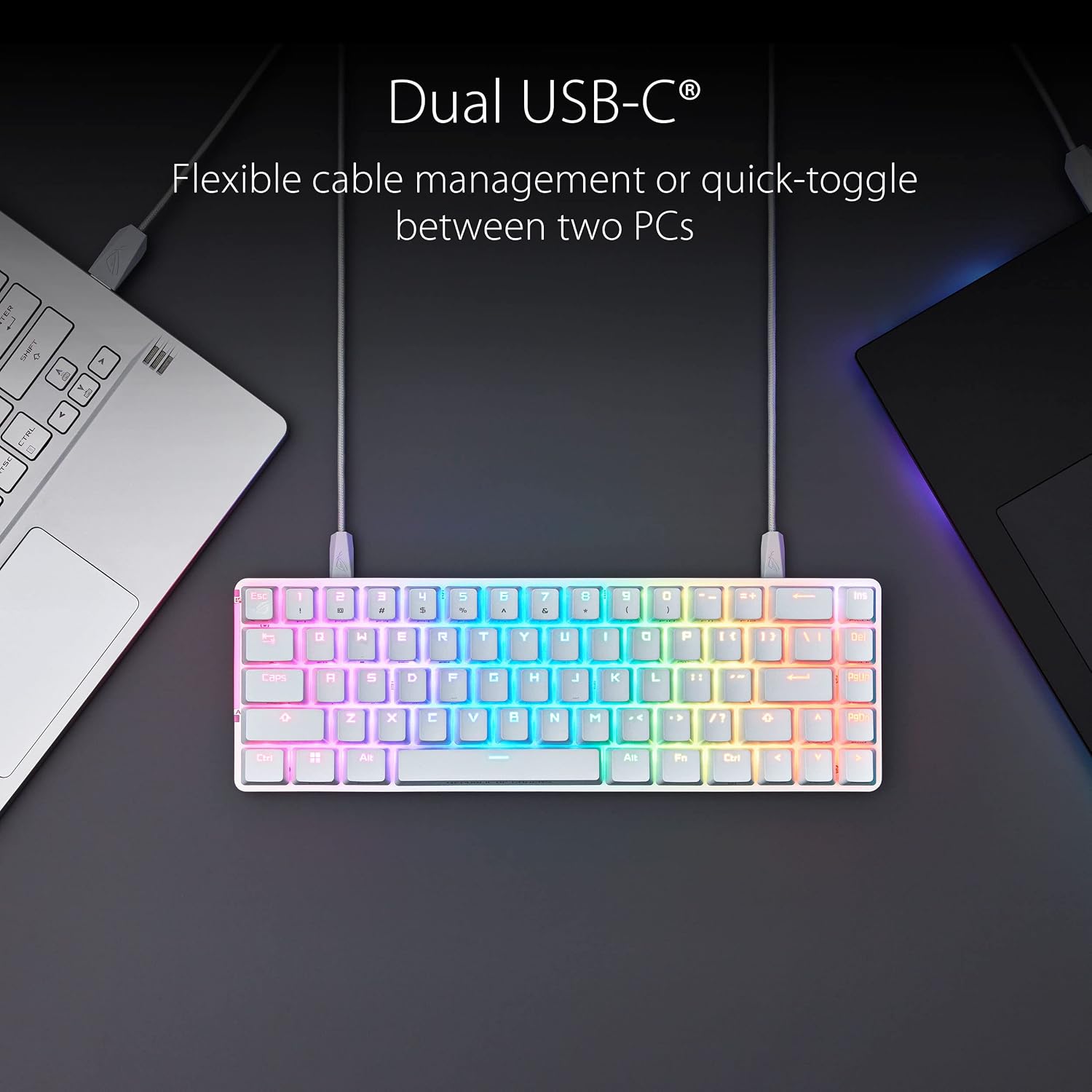
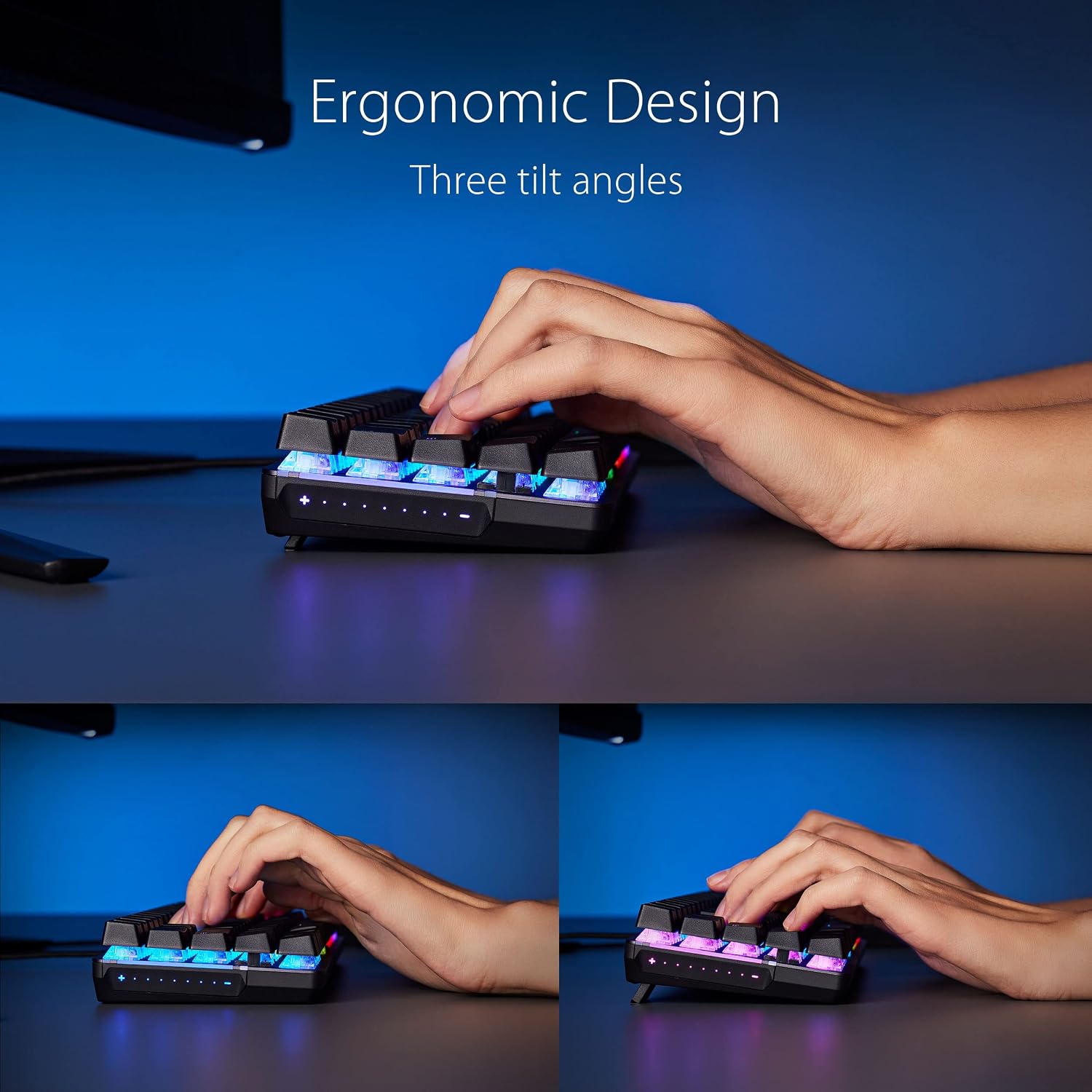
This compact keyboard keeps important controls close while freeing up surface area. The lubed ROG NX Brown switches offer faster actuation and consistent force curves according to the manufacturer. Stabilizers tuned by ROG reduce wobble on longer keys, and PBT doubleshot keycaps resist shine over time for a reliable feel. A touch panel provides quick access to lighting and profiles, and dual USB-C ports let you switch between two systems with minimal cable fuss. Note that the keyboard includes a protective cover case for transport and three adjustable tilt angles to match your preferred typing posture.
Tech specs
- Name: ASUS ROG Falchion Ace 65% RGB Compact Gaming Mechanical Keyboard
- Type: 65% compact mechanical keyboard
- Material: PBT keycaps
- Color: White
- Weight: Not specified
- Format: Wired with dual USB-C and KVM
Usage tips
It’s a great fit if you want a compact board that still keeps arrow and nav keys within reach, making it suitable for both gaming and productivity. Try the different tilt angles and the touch panel shortcuts to reduce mouse travel and speed up workflow, and keep the cover case handy if you carry the keyboard between locations.
Care & maintenance
Clean keycaps gently with a soft brush and avoid harsh solvents to protect the PBT surface. If you remove keycaps for deeper cleaning, store them in the provided cover case to prevent scratches and keep stabilizers aligned. Remember that lubed switches improve sound and feel but avoid opening switches unless you have experience with switch lubrication.