

Corsair Vanguard 96 Wired Mechanical Gaming Keyboard (96% Layout, MLX Fusion Tactile, LCD Display, 8000Hz) – Black
Reviews
Price
Product description
The essentials
Corsair’s Vanguard 96 is a wired mechanical gaming keyboard built around a 96% layout. That “almost full-size” approach is the point: you get a complete feel with arrows, a numpad-style section (tenkey area), and a compact frame that’s described as roughly the size of a TKL keyboard. It’s a setup aimed at players (and streamers) who want fewer compromises on key layout, while still saving desk space.
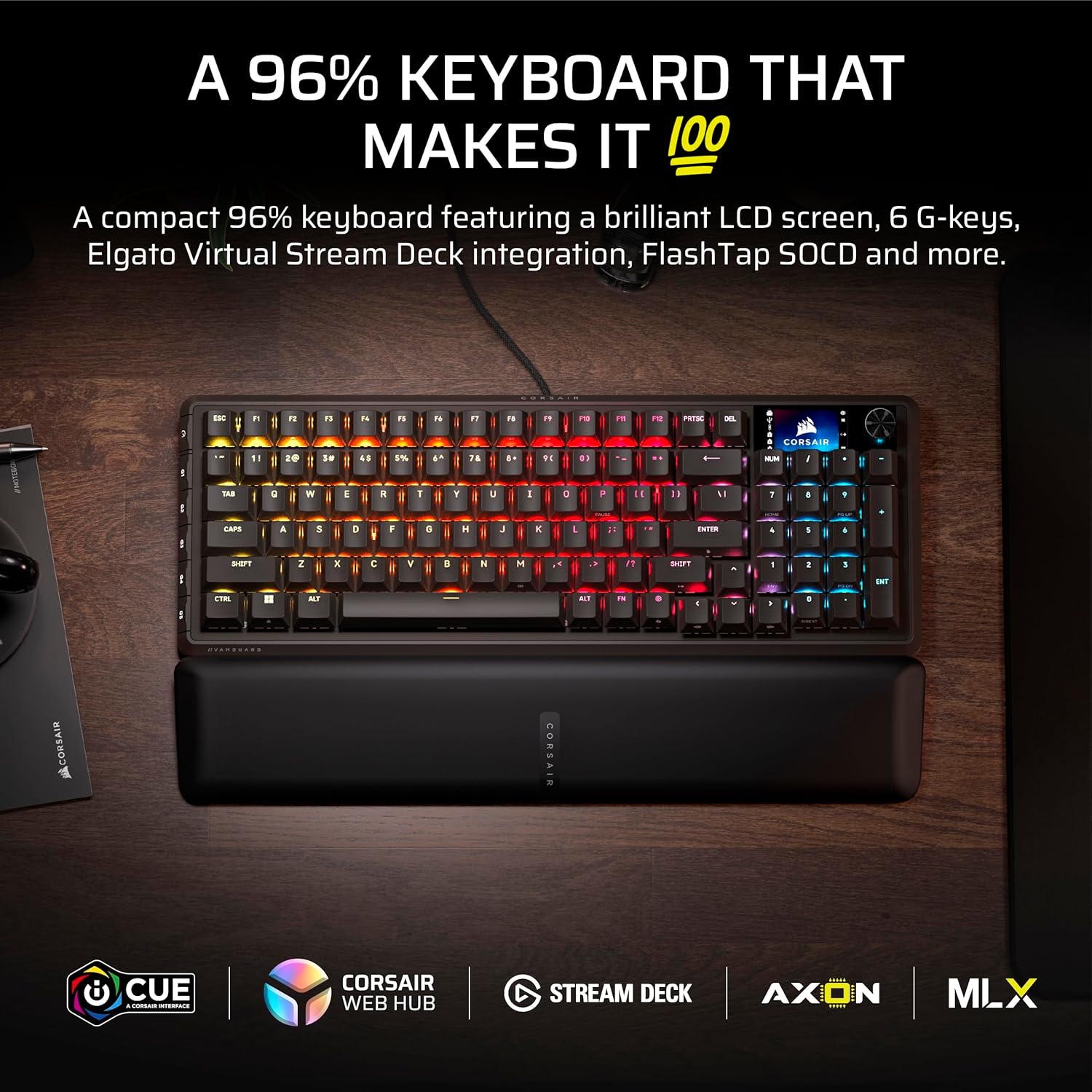
What really makes it stand out on paper is the combination of a bright 1.9-inch color LCD display and a dial for onboard control, plus six programmable G-keys. Add in very high polling (8,000 Hz) and a gaming-focused SOCD handling option (FlashTap), and you’re looking at a keyboard that’s trying to remove friction from both gameplay and stream workflows. It’s not just “a mechanical keyboard with lights”—it’s one that’s built to display info, run click-to-trigger shortcuts via Virtual Stream Deck, and respond fast when it matters.
What stands out in everyday use
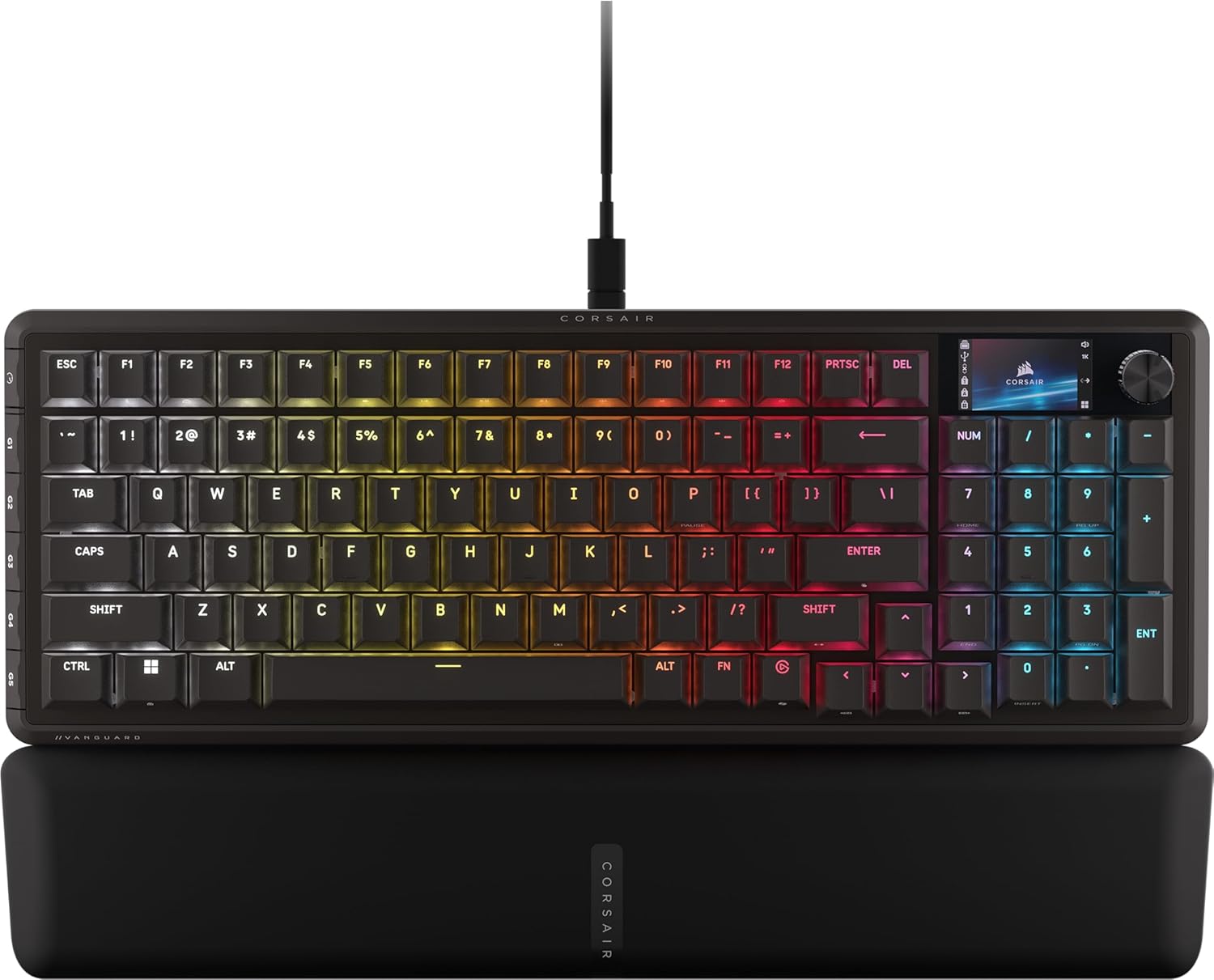
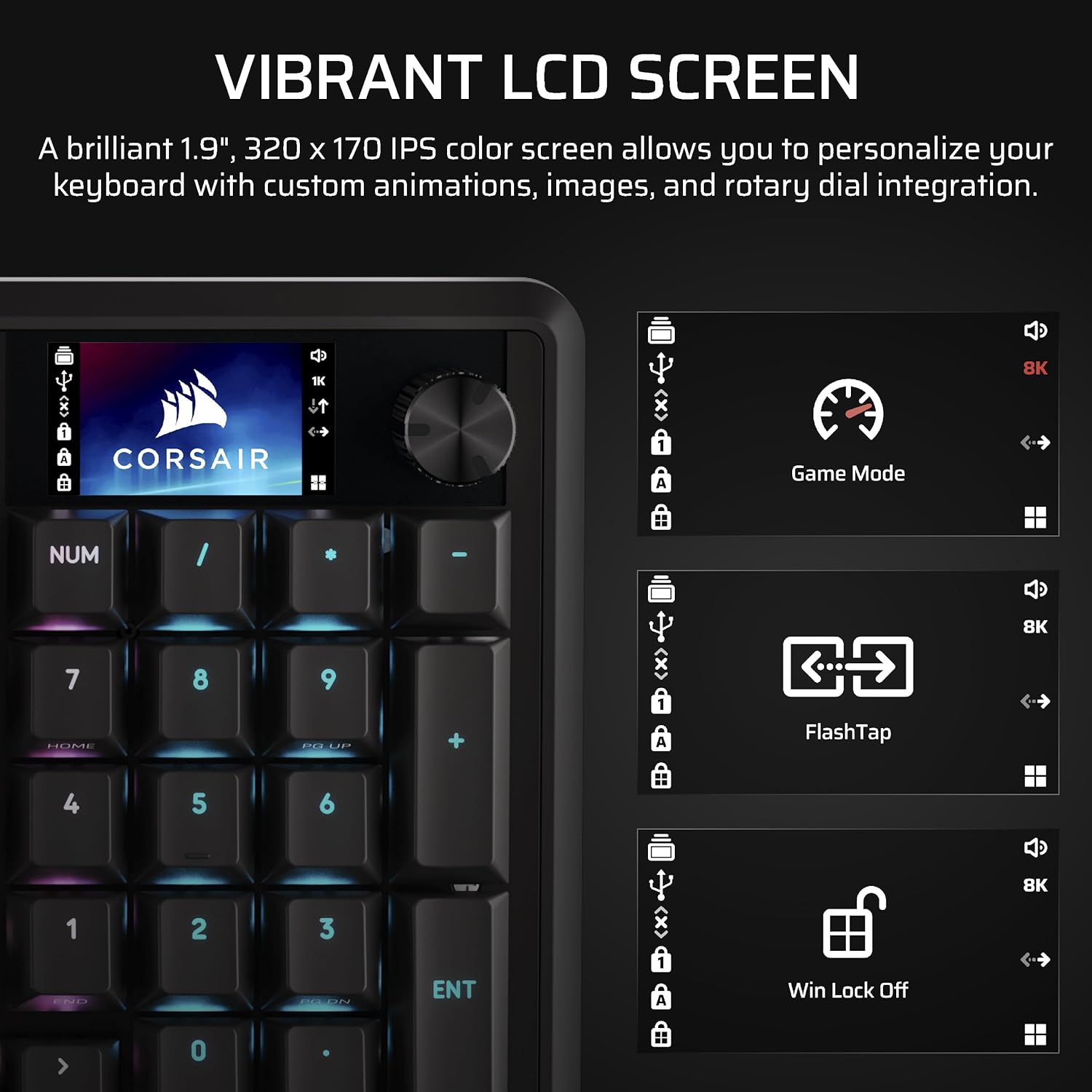
The LCD display is the centerpiece for daily interaction. Instead of only relying on software, the Vanguard 96 lets you show customized animations, images, and system specs directly on the keyboard. In practice, that can make a difference when you’re switching between gaming sessions and streaming: you can keep relevant info visible without alt-tabbing every time. The dial and LCD together are also a strong pairing for quick adjustments.
Then there are the six G-keys. They’re there for mapping commands you’ll hit repeatedly—think in-game actions that you want grouped and consistent, or stream controls you don’t want buried in layers. Depending on what you do most (gameplay vs. production), those keys can turn the keyboard into a “control hub” rather than only a text/movement device.
And if you’re streaming, the Virtual Stream Deck integration is a notable workflow angle. The keyboard’s programmable G-keys can be used with Elgato Virtual Stream Deck, using Virtual Stream Deck to create clickable shortcuts. That’s the kind of feature that can cut down on the number of windows and clicks you’re doing between scenes, overlays, or triggers.
Tech summary
The Vanguard 96 is described as a wired mechanical gaming keyboard with:
- 96% layout to keep a near-complete key setup in a compact form
- A 1.9-inch color LCD display for custom visuals and system info
- A dial for onboard control
- Six programmable G-keys
- MLX Fusion Tactile switches
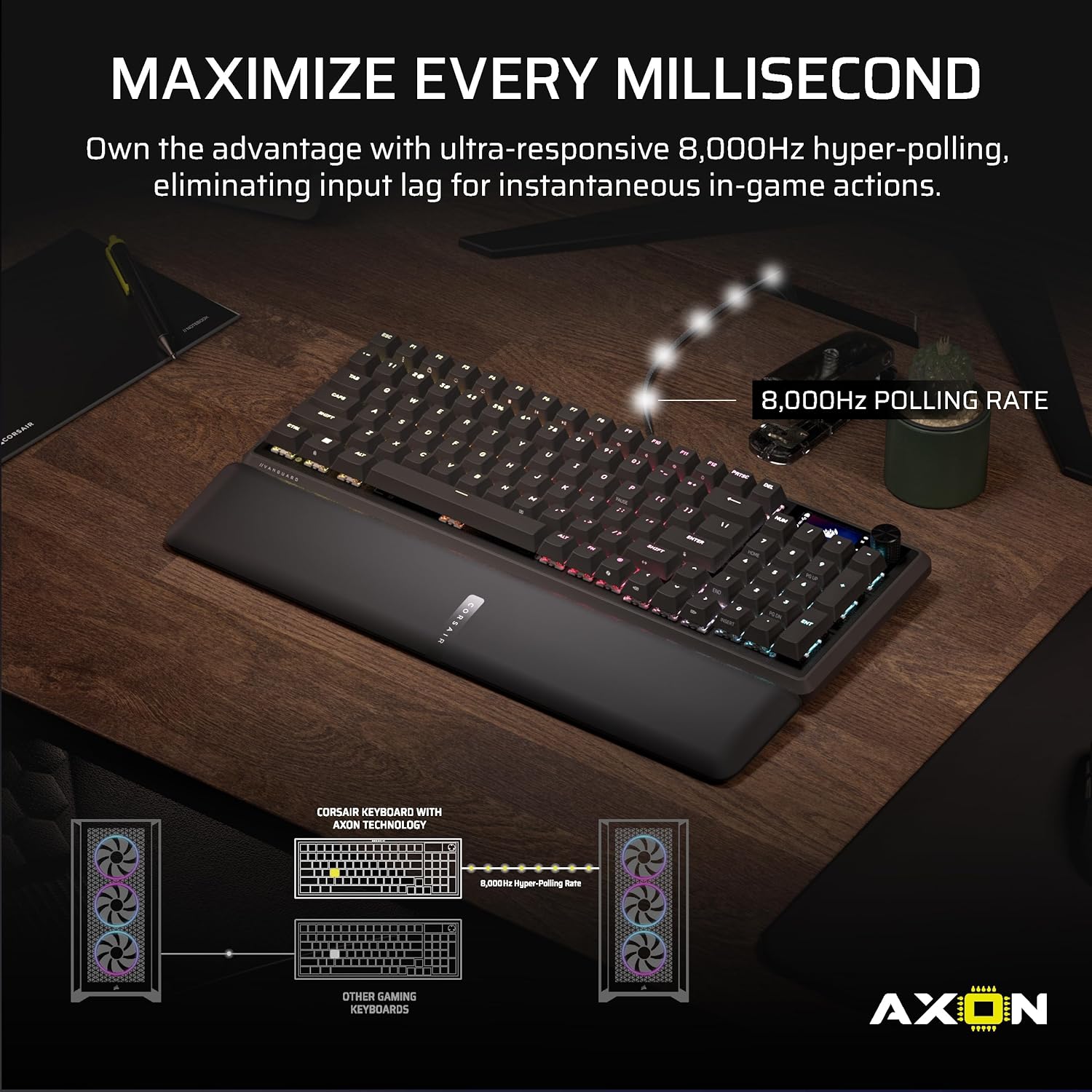
- Hypersondeo ultra-sensitive polling at 8,000 Hz
- Elgato Virtual Stream Deck integration for clickable shortcuts via programmable G-keys
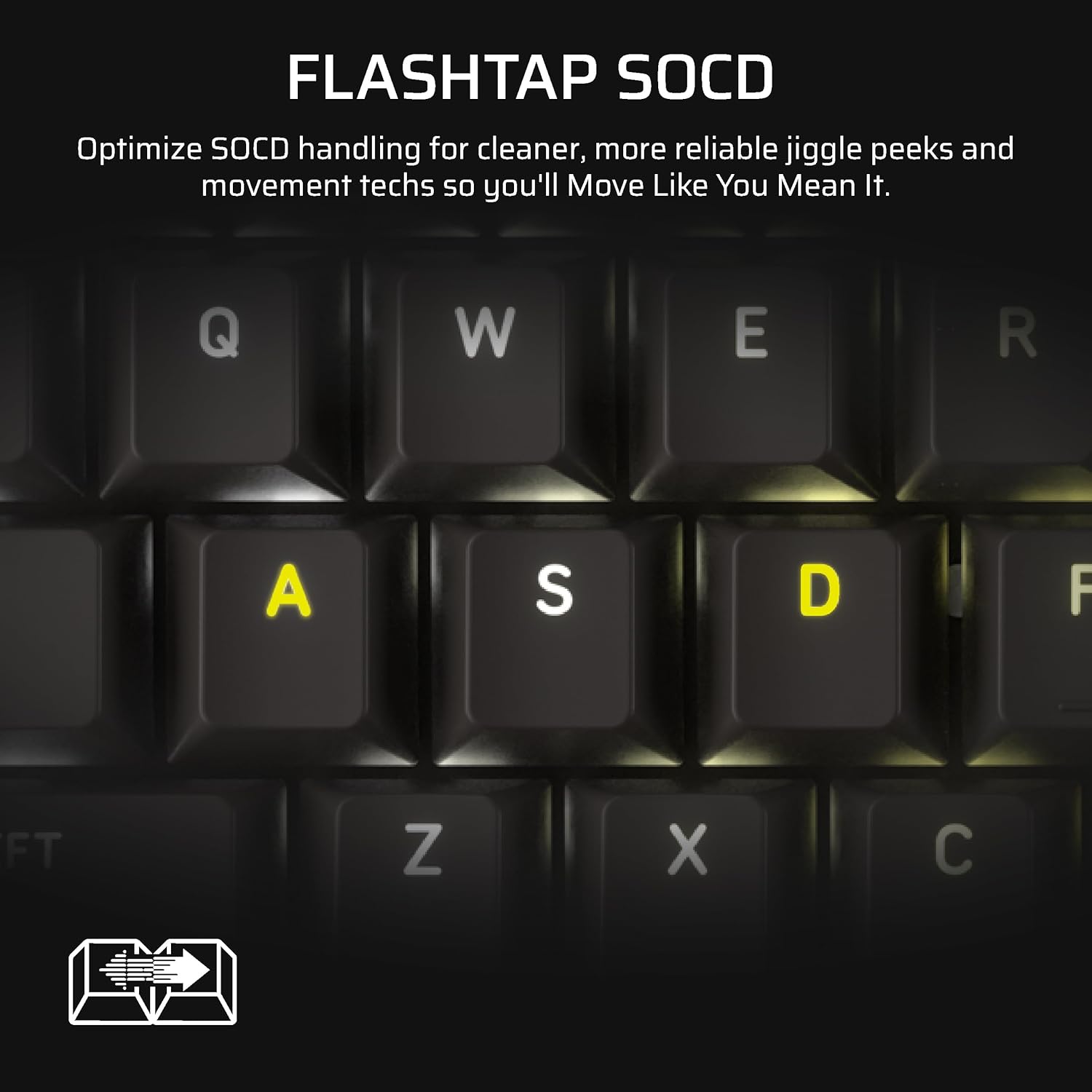
- FlashTap SOCD handling that lets you choose how accidental SOCD inputs get resolved
- QWERTY US layout in black
One thing to keep in mind: the entry mentions fast polling and response positioning, but it doesn’t spell out any specific gaming software settings or controller/OS requirements. So, if you’re planning to lean on the Elgato Virtual Stream Deck and SOCD behavior, it’s worth confirming your setup matches what you expect.
Where it shines (and where it may fall short)
This keyboard seems built for two groups: people who care about a compact-but-complete layout, and people who want their keyboard to do more than typing—especially streamers.
It makes sense if you want a near full-size experience (including arrows and a tenkey area) without the desk footprint of a full-size board. The 96% layout is also a good compromise for gamers who rely on muscle memory for standard navigation keys.
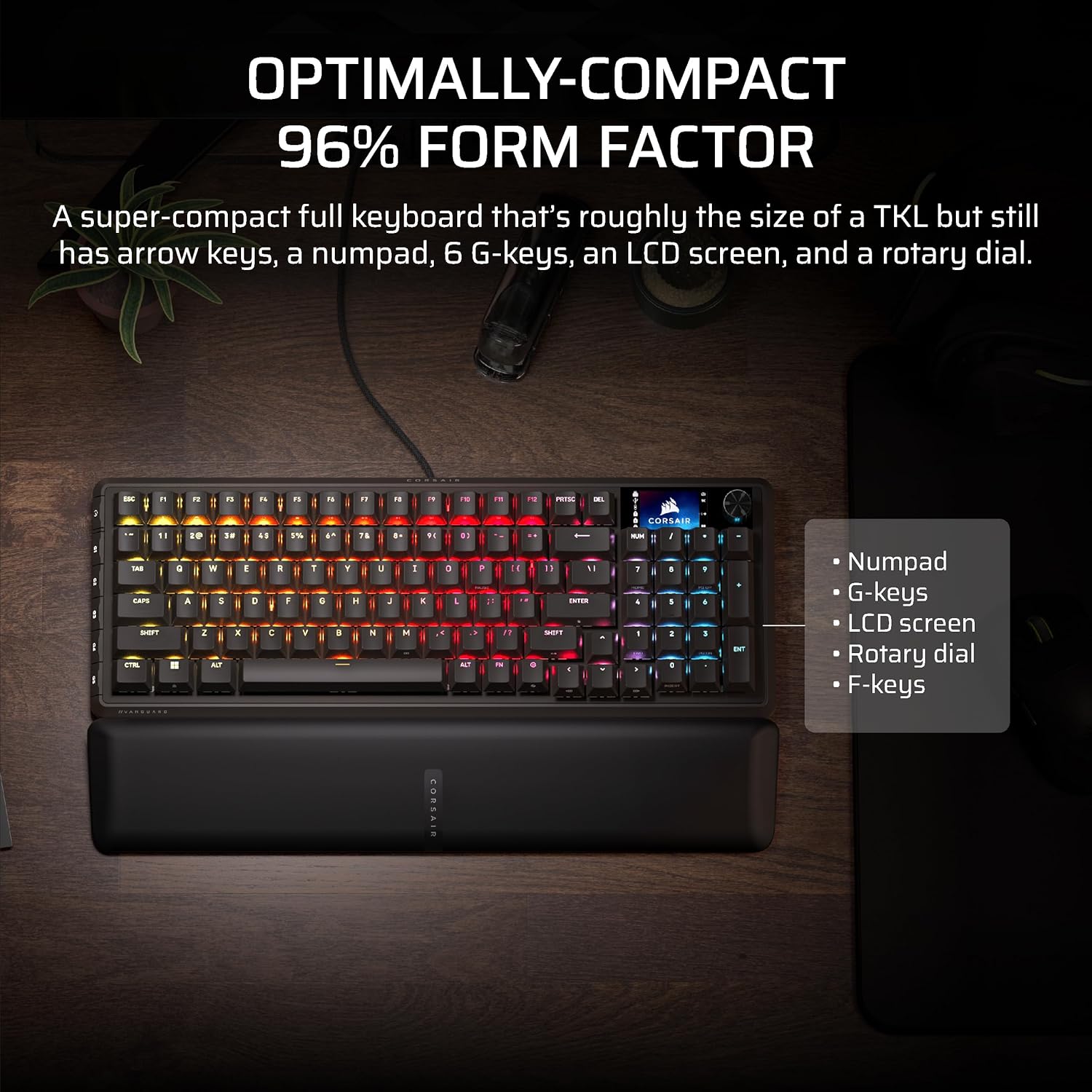
It also makes sense if the LCD and Virtual Stream Deck piece is genuinely part of your routine. Mapping stream shortcuts to hardware keys can feel faster than moving through software menus while you’re in the middle of a run.
However, it may not suit you if you’re looking for a simple, no-fuss mechanical keyboard. The display, dial, programmable keys, and Virtual Stream Deck workflow introduce a bit more “setup and tuning” than basic gaming boards. If you just want something that works immediately with minimal configuration, you might feel the Vanguard 96’s feature set is more than you need.
Buying decision: is it worth it?
Buy the Corsair Vanguard 96 if you want a wired mechanical gaming keyboard with a 96% layout, a built-in 1.9-inch color LCD for custom visuals/system info, and programmable G-keys that tie into Elgato Virtual Stream Deck for clickable shortcuts. If you also care about reduced input delay and game-focused SOCD FlashTap handling (and you’re the type to configure inputs on purpose), it’s the kind of keyboard that can earn its place on your desk.
Skip it (or at least pause) if you prefer a straightforward keyboard experience with minimal software dependence. The Virtual Stream Deck integration and SOCD behavior options are powerful, but they’re also the sort of features that can be wasted if you don’t plan to use them.
Also worth considering before you commit: confirm that you’re comfortable with the 96% layout style, and that your streaming workflow can actually benefit from hardware-triggered, clickable Virtual Stream Deck actions.

Quick FAQ
How is the Vanguard 96 positioned for gaming and streaming?
It’s designed to combine fast-feeling responsiveness (8,000 Hz polling is listed) with stream productivity features like the LCD display and Virtual Stream Deck support via programmable G-keys.
What does the LCD display add?
The keyboard includes a 1.9-inch color LCD for custom animations/images and for displaying system information—useful when you want at-a-glance info without switching windows.
Are the G-keys useful beyond gaming?
Yes, the six programmable G-keys are also part of the Virtual Stream Deck workflow, letting you trigger clickable shortcuts created through Virtual Stream Deck.
What’s the FlashTap SOCD feature meant to do?
It’s described as letting you choose how the keyboard resolves accidental SOCD inputs, which is typically relevant to players who care about how inputs are interpreted.
Does this support a QWERTY US layout?
Yes, the listing specifies QWERTY US.