

Corsair Sabre v2 PRO Wireless CF FPS Gaming Mouse (Black) — Carbon Fiber Unibody, 33,000 DPI, 8,000Hz Hyper-Polling
Product description
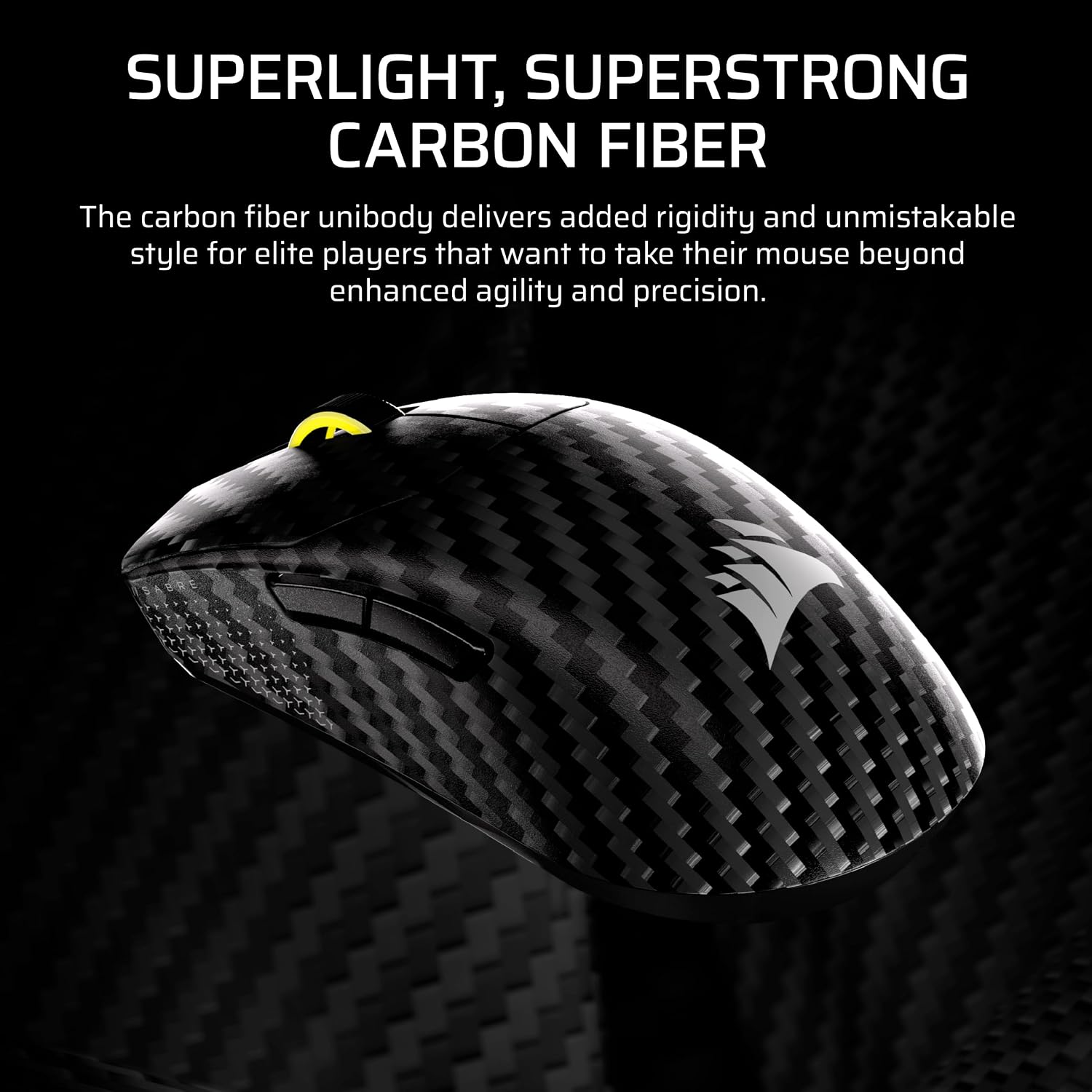
If you care about raw aim control and low-latency input, the Corsair Sabre v2 PRO Wireless CF is built for that kind of “every frame matters” playstyle. On paper it leans hard into competitive FPS use: a symmetrical carbon fiber unibody design, a MARKSMAN S sensor rated for true 33,000 DPI, and 8,000Hz hyper-polling for faster command delivery.
That said, it’s not the best match for everyone. Wireless performance and multi-connection setups can be a dream for some, but it may feel like overkill if your priority is simplicity over tweaking and charging schedules.
The essentials
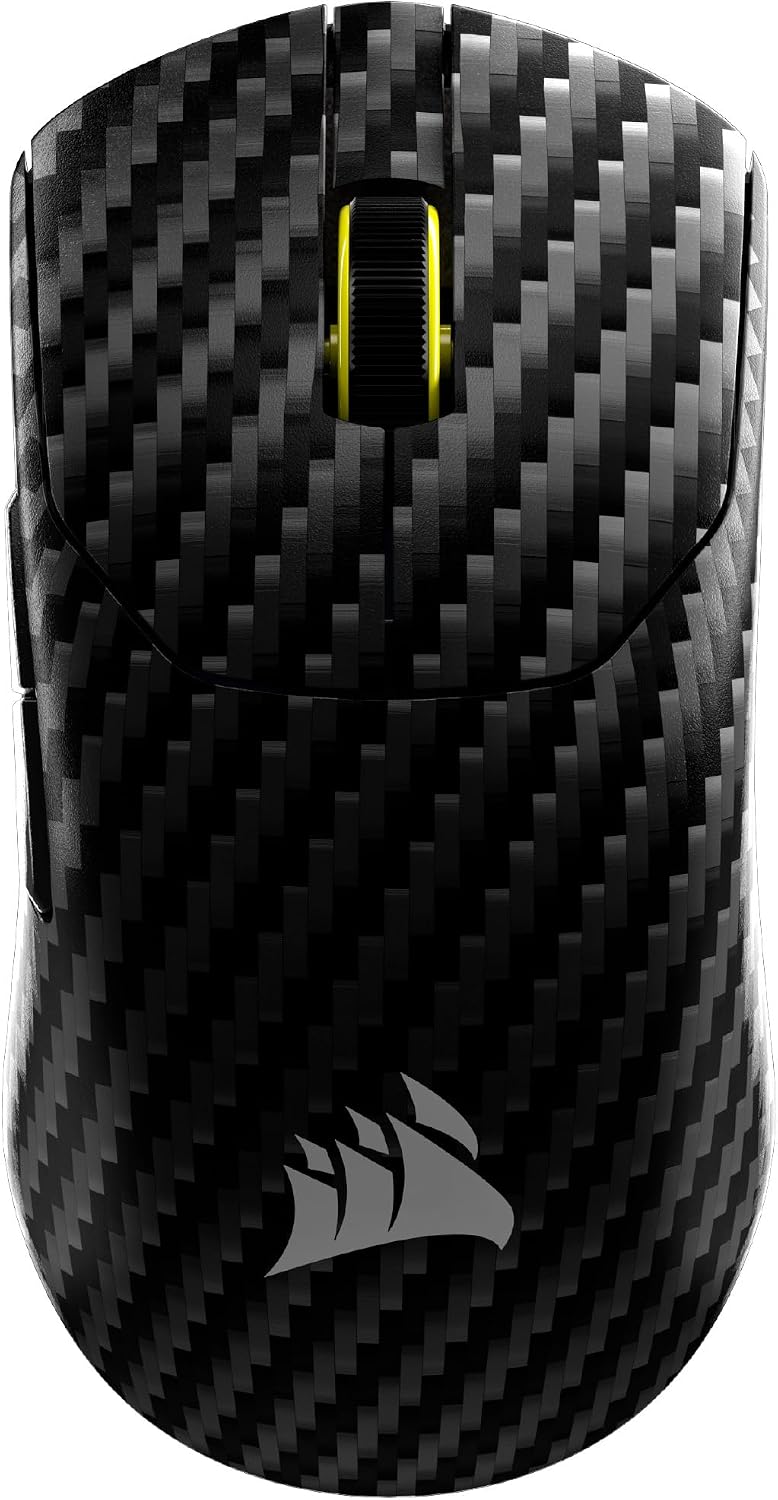
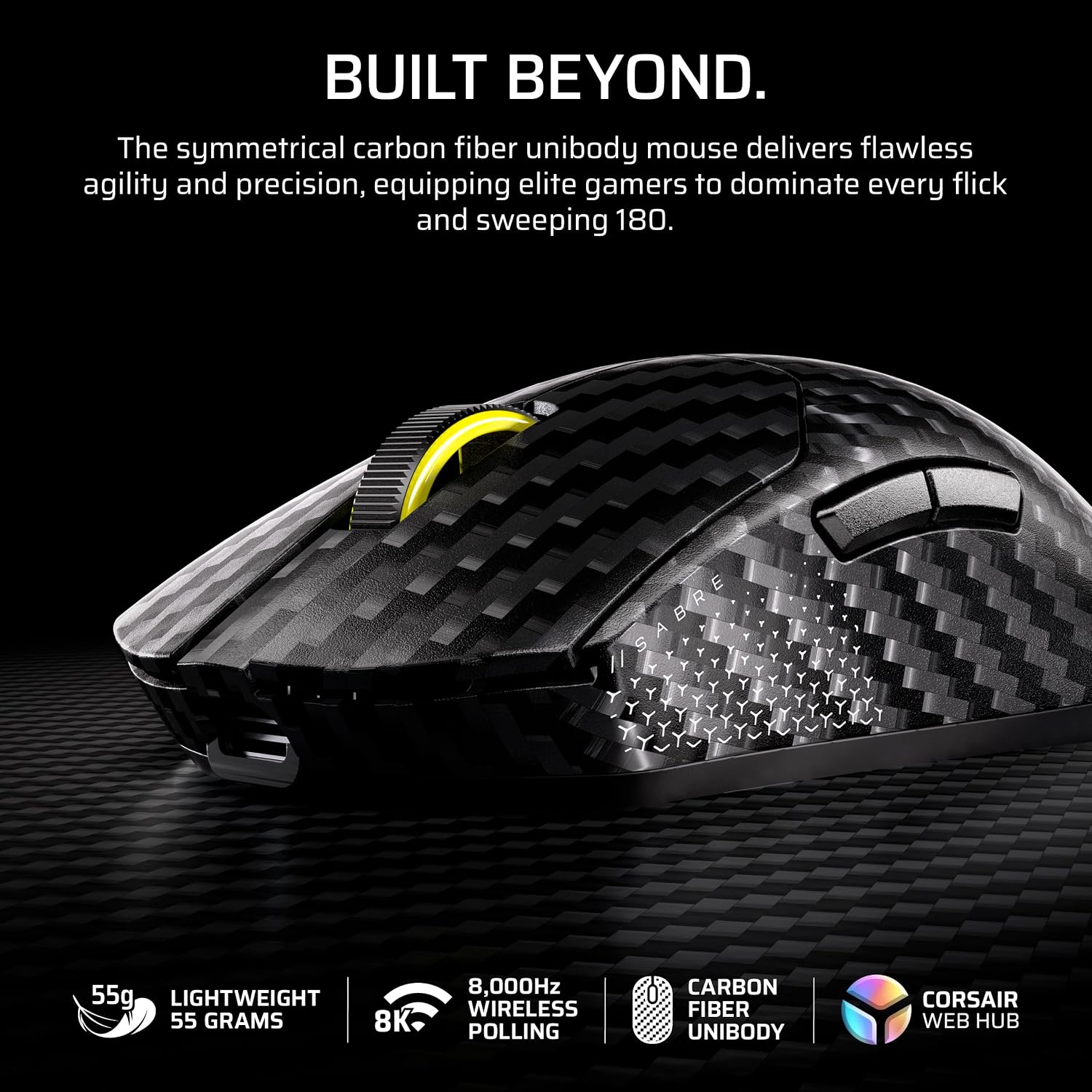
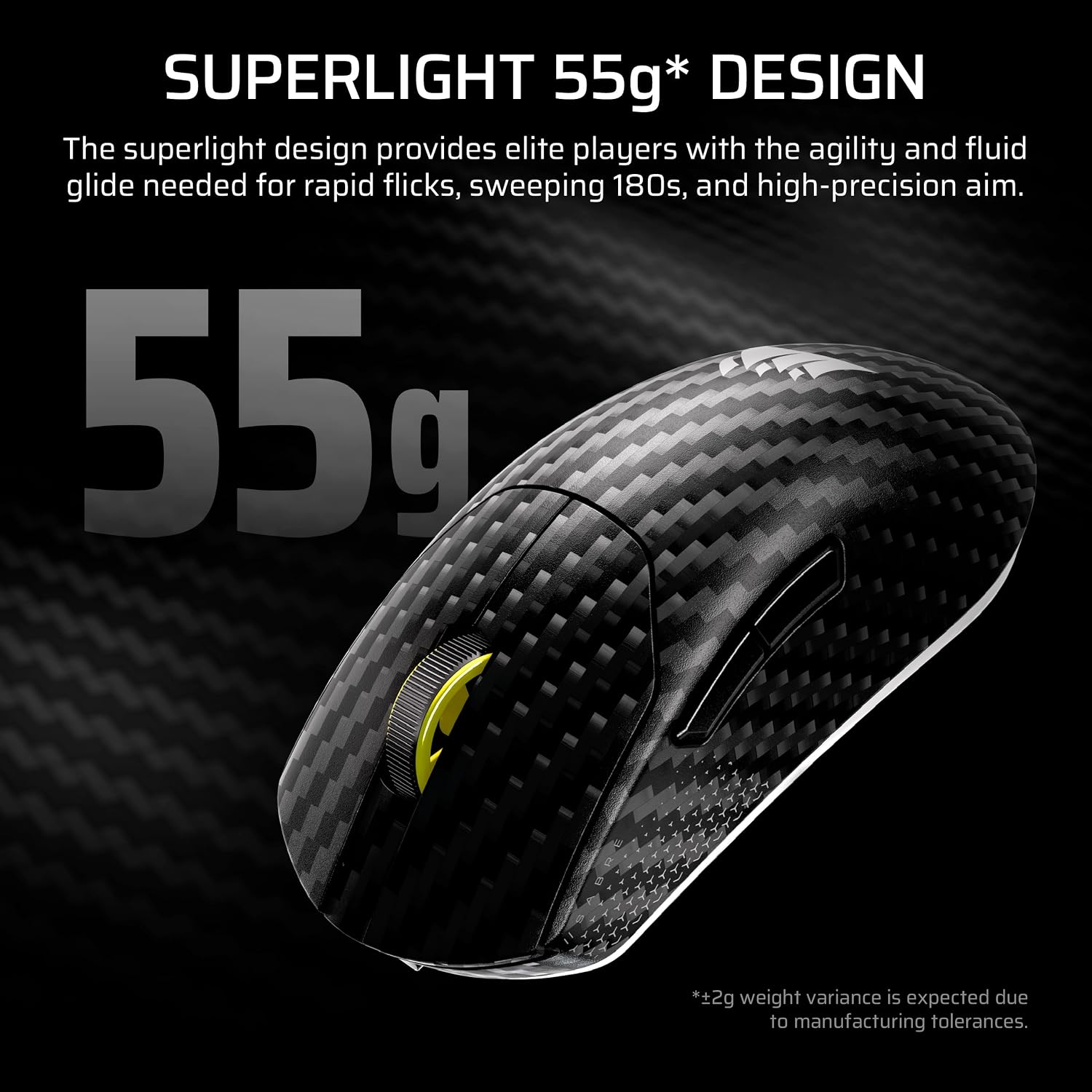
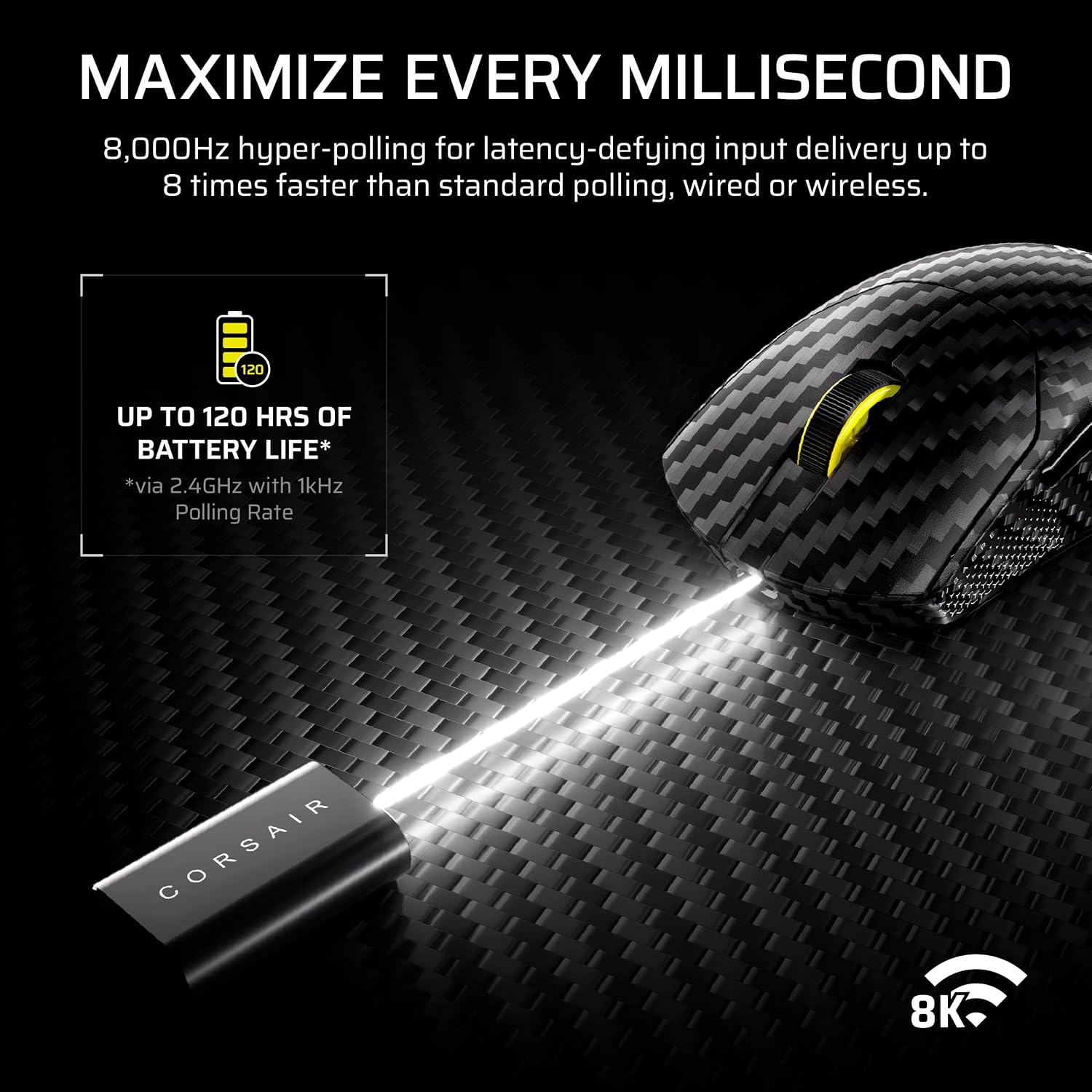
This is a lightweight, symmetrical gaming mouse in a carbon fiber unibody format, positioned for players who want rigidity and agility for fast flicks, sweeping 180s, and high-precision aiming. Corsair also frames it around shaving down delay: the 8,000Hz hyper-polling is meant to deliver input more frequently, whether you’re on a wireless 2.4GHz connection, on SLIPSTREAM wireless, or via a wired USB-C connection.
From a buying perspective, the appeal is straightforward: if you’re already chasing consistent tracking and snappy responsiveness in competitive shooters, this mouse directly targets those areas. If you mostly play casual titles or you don’t notice (or don’t care about) low-latency differences, you might not extract much value from the spec sheet.
What it’s like for aim (sensor and performance)
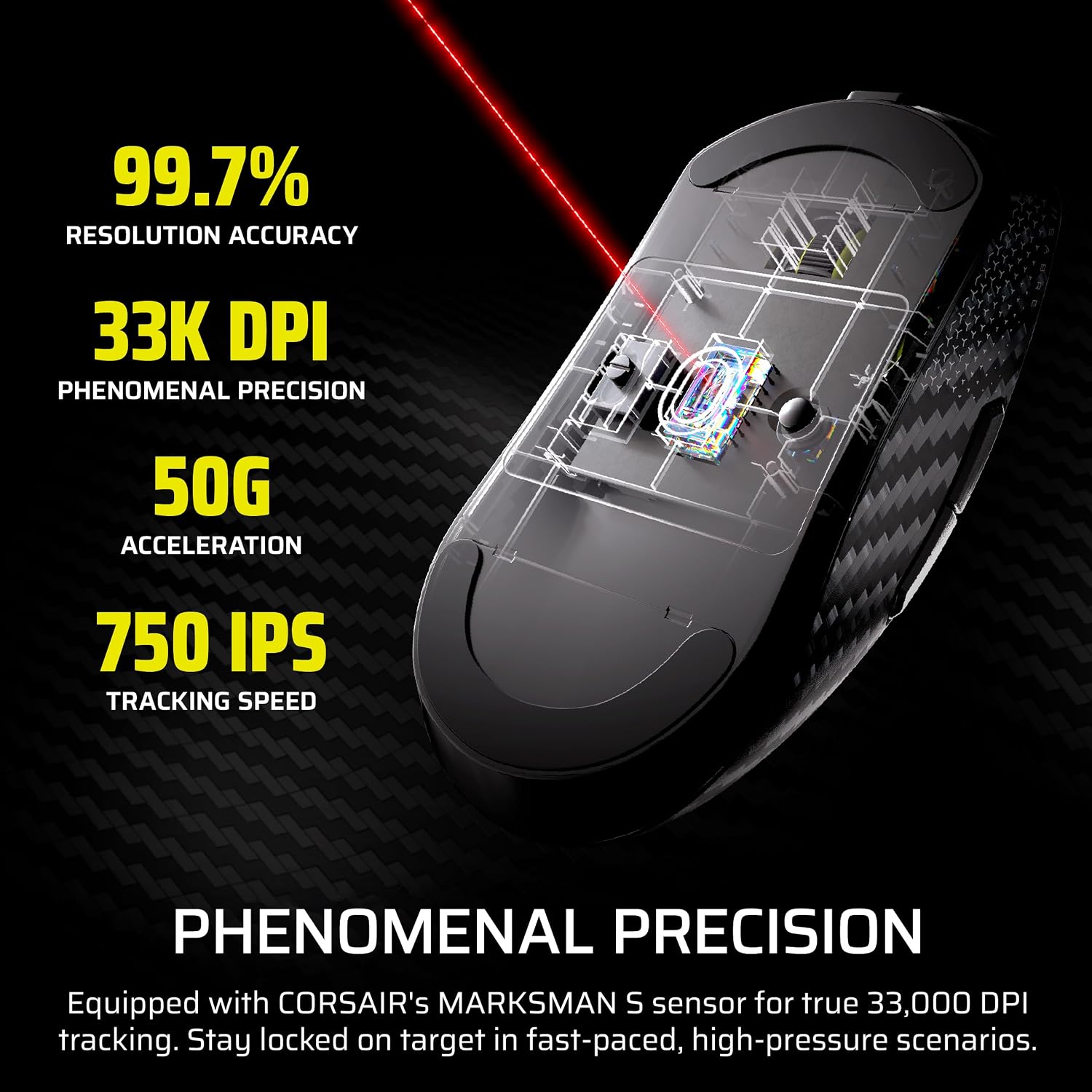
The MARKSMAN S sensor is listed with true 33,000 DPI tracking, 750 IPS speed, and 50G acceleration. In practical terms, that’s aimed at staying locked-on through quick target switches and high-momentum movement—exactly the moments that tend to expose weak sensors or inconsistent tracking.
You also get a speed-focused design story: the carbon fiber unibody is described as providing enhanced strength and rigidity, plus the agility needed for rapid motion. That “rigid but agile” framing is the kind of thing competitive FPS players look for when they’re doing micro-adjustments and fast, repeated flicks.
Worth noting: the real-world feel still depends on your mousepad, grip style, and sensitivity settings. A high DPI rating doesn’t automatically mean better aim—calibration and consistency matter more than the number alone.
Connectivity options you’ll actually use
One of the most useful parts of this model is tri-mode connectivity. You can connect via: - 2.4GHz wireless for a responsive wireless experience - Bluetooth - USB-C wired mode for direct plug-in play
If you bounce between devices or want flexibility for different setups, that matters. For example, you might run 2.4GHz for tournament-style sessions, then use Bluetooth when you switch to a laptop or a different system.
A quick reality check, though: Bluetooth is there for convenience, but if you’re primarily optimizing for competitive FPS latency, you’ll likely spend most of your time on the 2.4GHz or wired connection.
Battery life and charging expectations
Corsair rates the wireless battery for up to 120 hours. That’s the kind of number that can genuinely reduce interruptions during long scrims or tournament weeks—at least in terms of needing fewer charging sessions.
Still, “up to” numbers vary based on how you use wireless, polling settings, and your lighting or software behavior (the listing doesn’t go into those details). So it’s smart to treat 120 hours as a best-case planning figure, not a guarantee for every scenario.
Key specs (quick reference)
- Sensor: MARKSMAN S
- Max DPI: 33,000
- Max speed: 750 IPS
- Acceleration: 50G
- Polling rate: 8,000Hz hyper-polling
- Battery life: up to 120 hours
- Connectivity: 2.4GHz wireless, Bluetooth, or USB-C wired
- Design: carbon fiber unibody, symmetrical “superlight” build (listed as 55g)
Who should buy and who should skip
A solid pick if you’re an FPS player who wants a low-latency wireless mouse with competitive tracking numbers and fast input delivery. It also makes sense if you value flexibility between wireless 2.4GHz, Bluetooth, and wired USB-C—especially when your gaming setup isn’t the same every day.
It might not be a great match if you want a super simple “plug in and forget it” mouse, or if you don’t really care about hyper-polling, precise sensor behavior, and the tradeoffs that come with wireless gaming gear.
Is it worth it?
Buy it if you’re shopping for a competitive FPS wireless mouse that’s clearly built around responsiveness: MARKSMAN S tracking, up to 33,000 DPI, and 8,000Hz hyper-polling, plus a tri-mode setup and a battery life rating of up to 120 hours. It fits players who do fast flicks, wide sweeps, and precision aim tasks where consistency is the point.
Skip it if you’re only looking for a basic wireless mouse for everyday play, or if you’d rather spend your budget on simplicity than on high-end competitive features and multi-connection flexibility.