

Razer Tartarus V2 Gaming Keypad (32 Programmable Keys) with Mecha-Membrane Switches and Chroma RGB
Product description
Quick overview
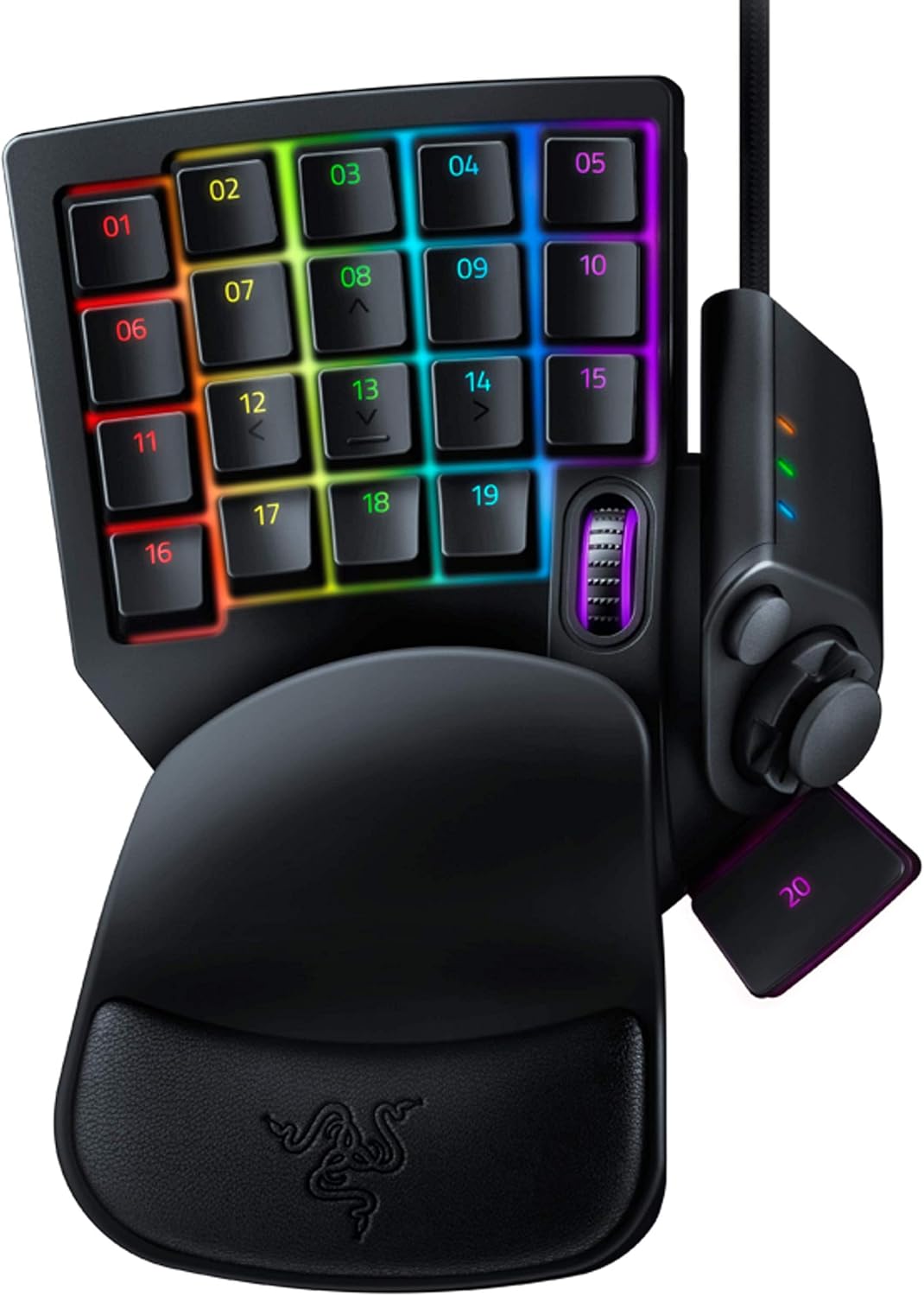
If you play games that reward fast inputs or you live in software shortcuts all day, the Razer Tartarus V2 is built for that kind of speed. It’s a one-handed gaming keypad with 32 programmable keys, designed to put more actions under your thumb and fingers instead of stretching across a full keyboard.
On paper, the big appeal is the mecha-membrane switch approach paired with a thumbpad. You get the tactile feel you’d expect from mechanical-style key presses, but using a softer, membrane-like setup. That matters if you want responsiveness without the “clicky” experience some people hate.
What to know before buying
This keypad centers on two things: layout and customization. The 8-way directional thumbpad is meant to support more natural movement controls, especially for players who prefer console-style inputs or simply want directional controls closer to the hand.
Customization is where it stops being “just another keypad.” With fully programmable macros (including keypress combinations) and remapping via Razer Hypershift, you can assign multiple functions to the same area depending on how you set it up. In practice, that can mean fewer awkward key reaches during combat—or a smoother creative workflow when you’re jumping between tools and actions.
One thing to keep in mind, though: this is a one-handed keypad. If your setup relies heavily on full keyboard layouts for everything, you may still find yourself switching back and forth. It can be a power tool, but it doesn’t replace a keyboard for everyone.
Key features that show up in real play
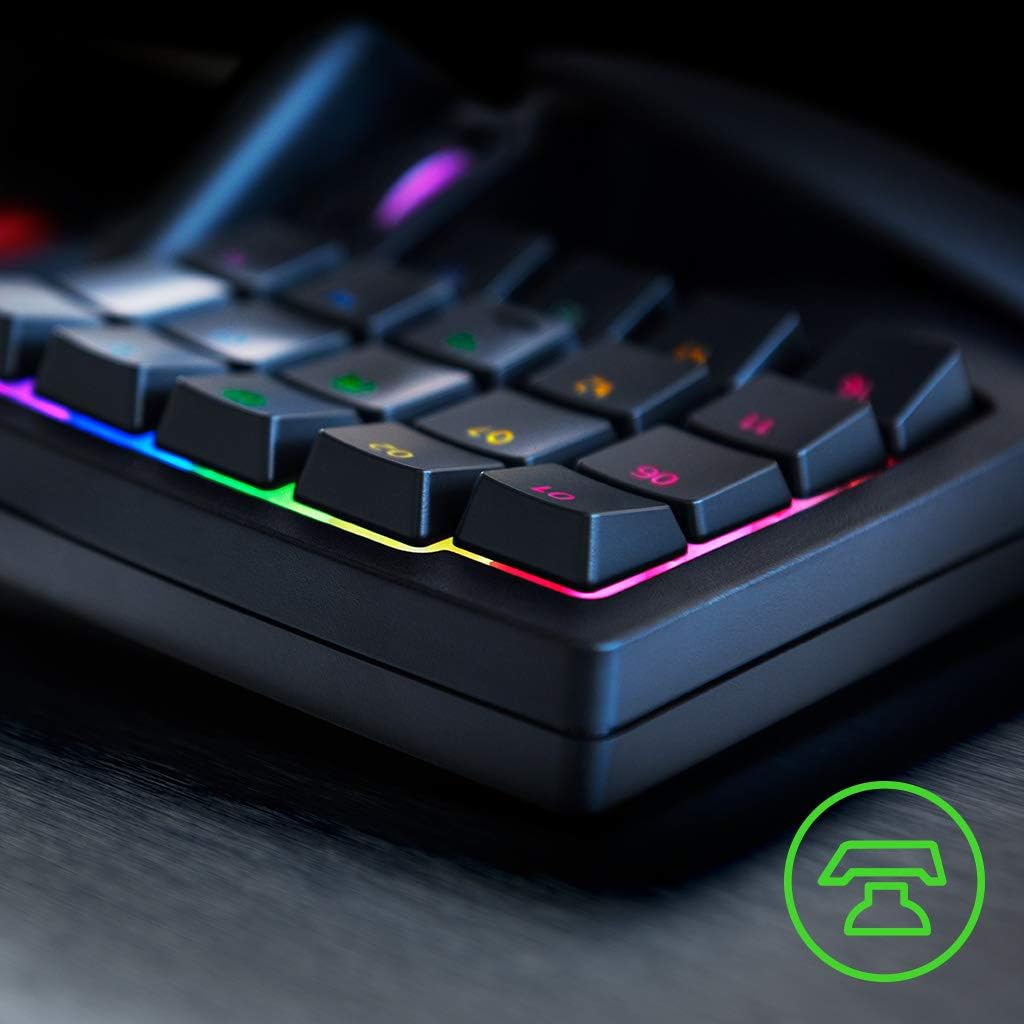
The Tartarus V2’s mecha-membrane keys aim for a “mechanical-like” tactile response while using a comfortable, softer membrane design. If you’re picky about how keys feel under your fingertips, this is the kind of switch philosophy that can make a difference.
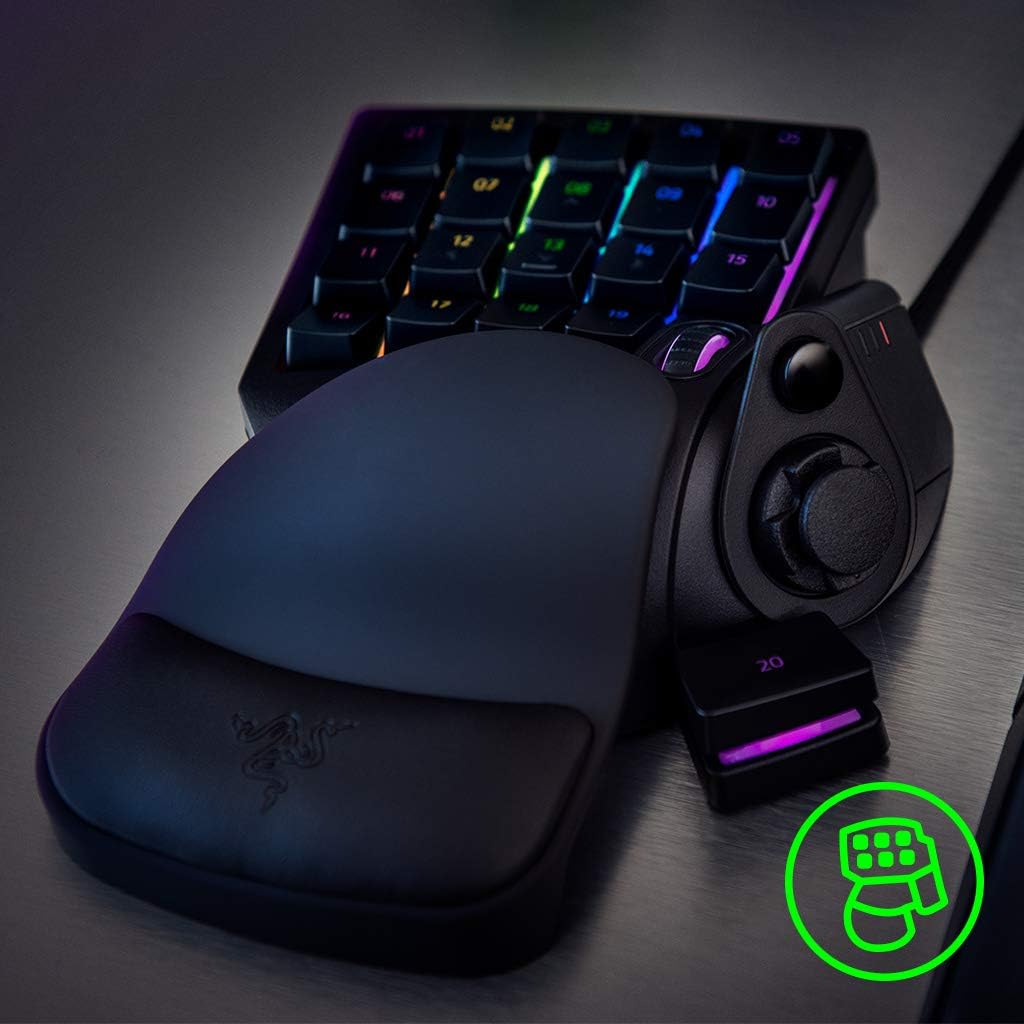
The thumbpad is also a notable part of the experience. Instead of forcing your thumb to make awkward decisions, the keypad’s directional pad is there for movement-style inputs and tighter control. For example, in a typical FPS-style moment, you could map movement directions and quick actions so your left-hand thumb can handle directional inputs while your other fingers keep abilities ready.
Lighting is included too. With customizable Razer Chroma RGB on individually backlit keys (16.8 million colors), you can make your layout easier to read at a glance—especially if your mappings change depending on your game or workflow.
Tech specs
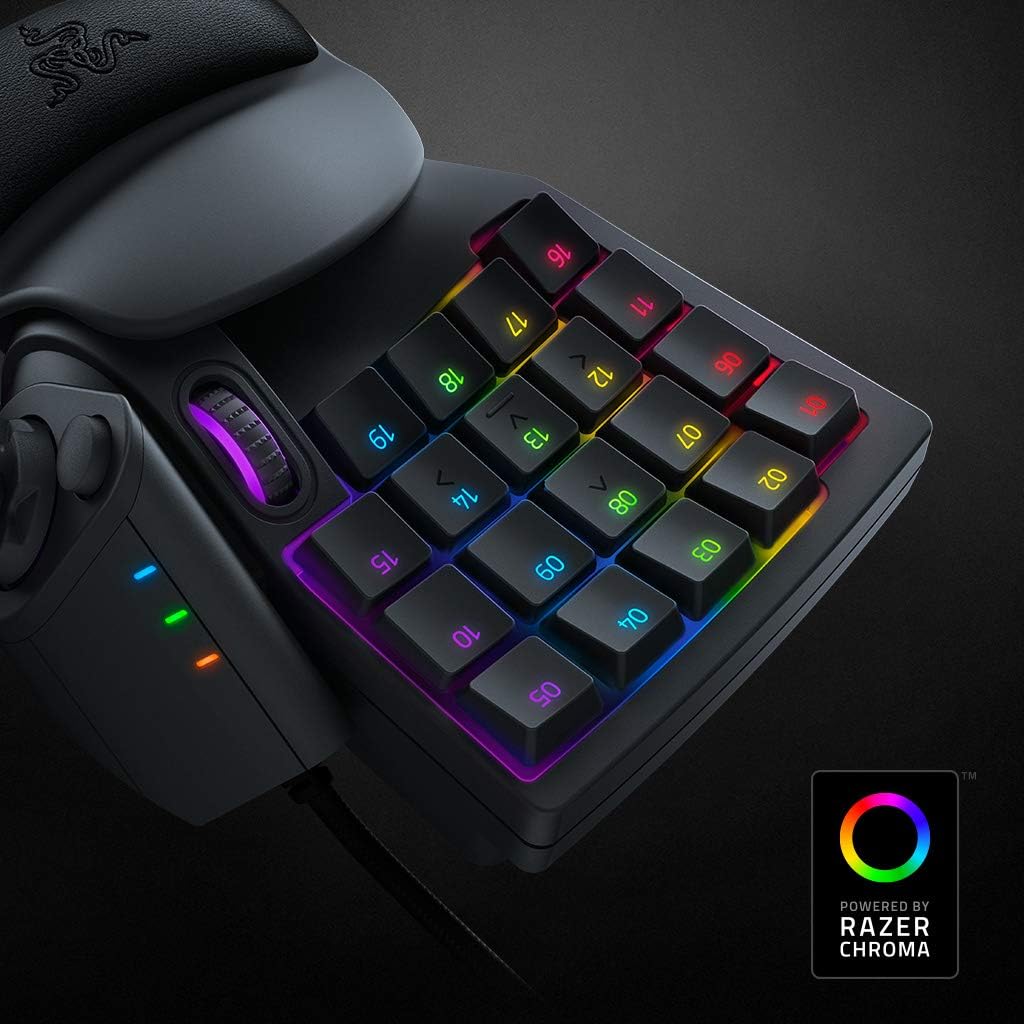
- Name: Razer Tartarus V2 Gaming Keypad
- Type: One-handed gaming keypad
- Capacity: 32 programmable keys
- Display: Customizable Chroma RGB lighting with individually backlit keys
Where it shines (and where it may not)
Where it makes the most sense is when your current setup holds you back: maybe your hotkeys are spread out across a keyboard, or you’re repeatedly reaching for the same actions under pressure. The Tartarus V2 is designed to reduce that friction by moving frequently used inputs closer to your hand.
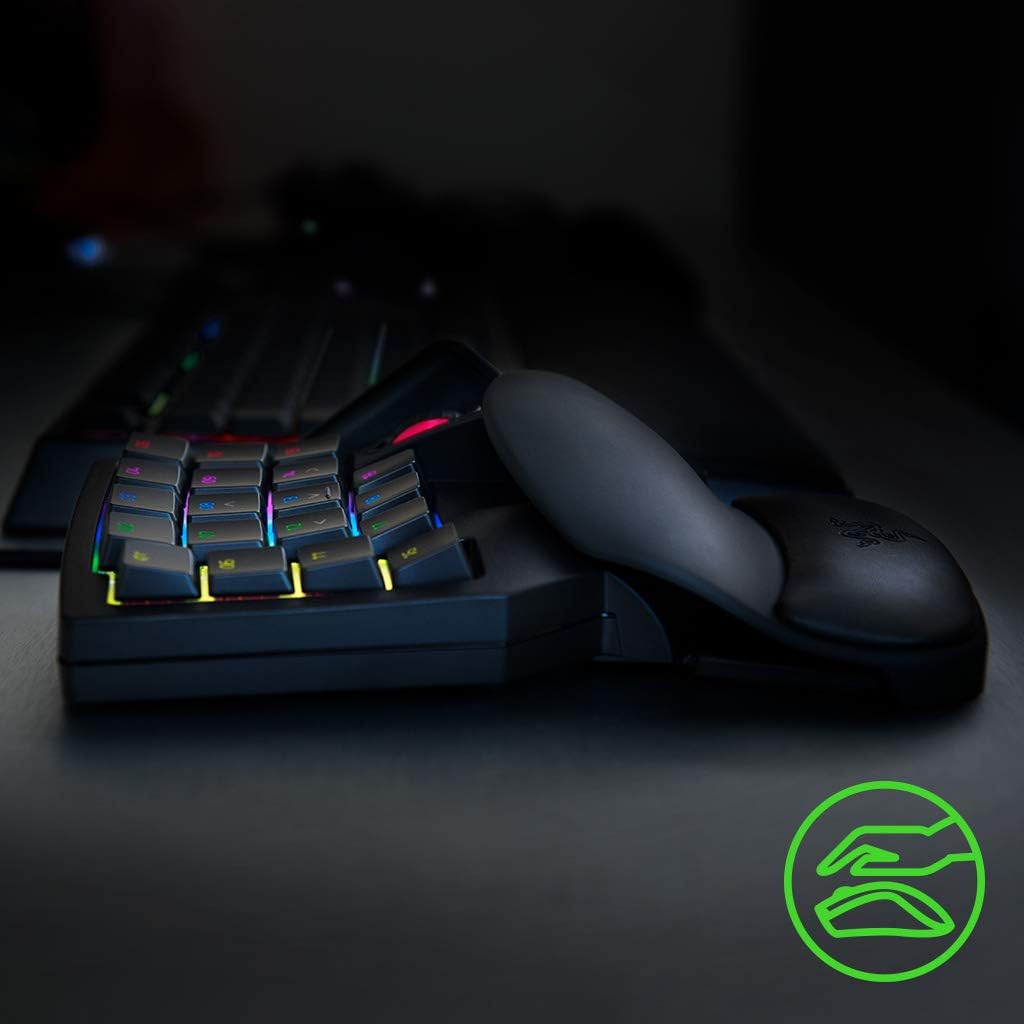
It also fits well if you want deeper macro control. Hypershift-style remapping and macro combinations can help you build layers of commands—so your keypad can act like more than one set of hotkeys.
Still, it might feel like overkill if you only need a couple of extra shortcuts or if you don’t want to invest time mapping keys. The software-side customization is the whole point here, without that, the keypad is less transformative.
Final verdict
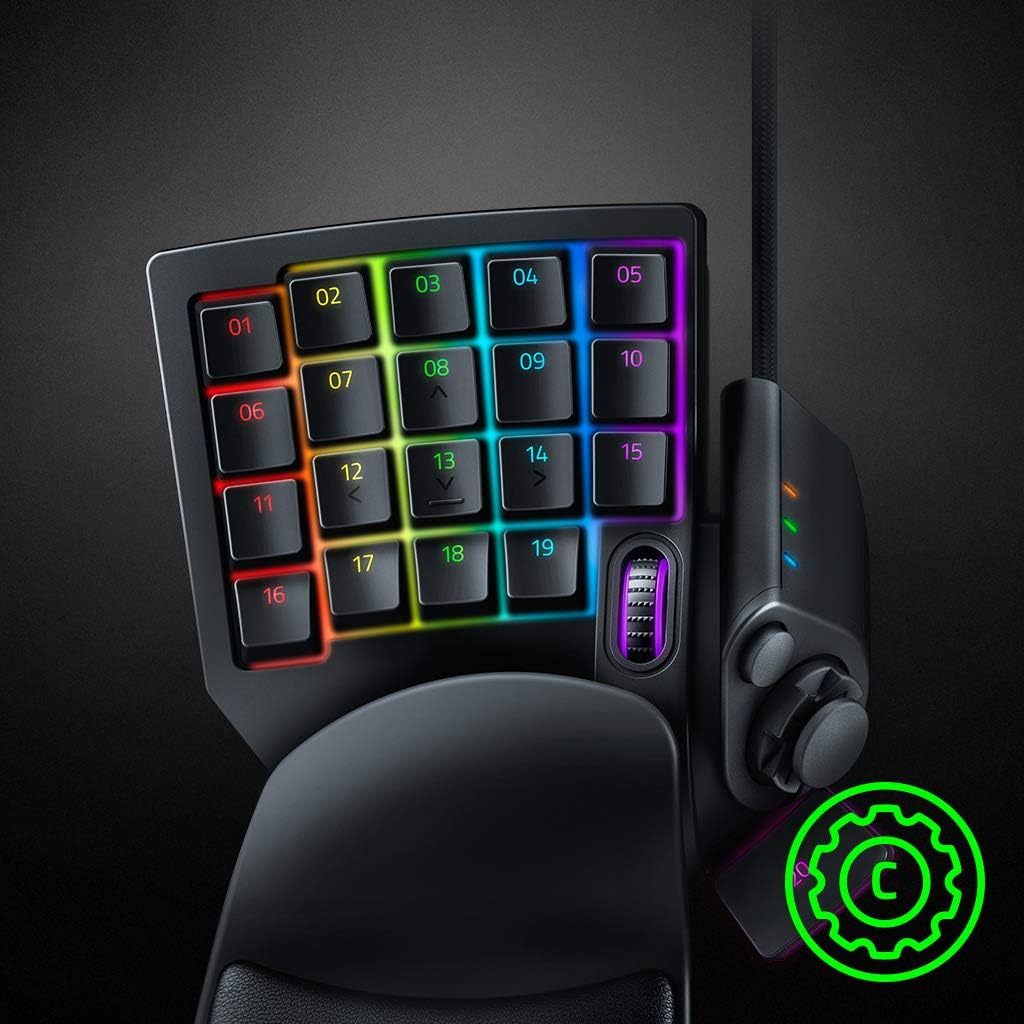
A solid pick if you want a one-handed gaming keypad that concentrates hotkeys into a compact layout, supports macro remapping (including combinations), and includes a directional thumbpad for movement-style controls.
You may want to skip it if you’re looking for a simple “plug-and-play” accessory with minimal setup, or if you rely on a full keyboard for most actions and don’t plan to reorganize your inputs.
If you care about tactile key feel and want individually backlit, customizable RGB to help you read your layout, this is the kind of device that can pay off quickly once configured.
Mini FAQ
Frequently asked questions
-
Is this meant to replace a full keyboard? Not really. It’s a one-handed keypad meant to add and concentrate hotkeys, you’ll likely still use your full keyboard for everything else.
-
What makes the switches different? It uses mecha-membrane switches positioned as providing mechanical-like tactile feedback while using a comfortable, softer membrane design.
-
What can the programmable keys do? The keys can be remapped and used for macros, including keypress combinations, and it supports Hypershift for layered commands.
-
Does the thumbpad improve movement control? It’s designed for that purpose with an 8-way directional thumbpad, which can be helpful for movement-style inputs—especially if you prefer console-oriented control schemes.
-
Can the RGB lighting be customized? Yes. It supports Razer Chroma RGB with individually backlit keys and supports 16.8 million colors, with syncing mentioned for games and various compatible hardware and partners.