

EPOMAKER TH108 PRO mechanical keyboard 10000 mAh 🔌
Product description
This full-size mechanical keyboard brings a customizable display and tactile control to desktop setups, blending a durable build with long battery life for gaming and productivity. Designed for extended sessions, it combines a large 104-key layout with a programmable smart screen and a multifunction volume knob to keep system info and personal flair visible while you work or play.
Key Points
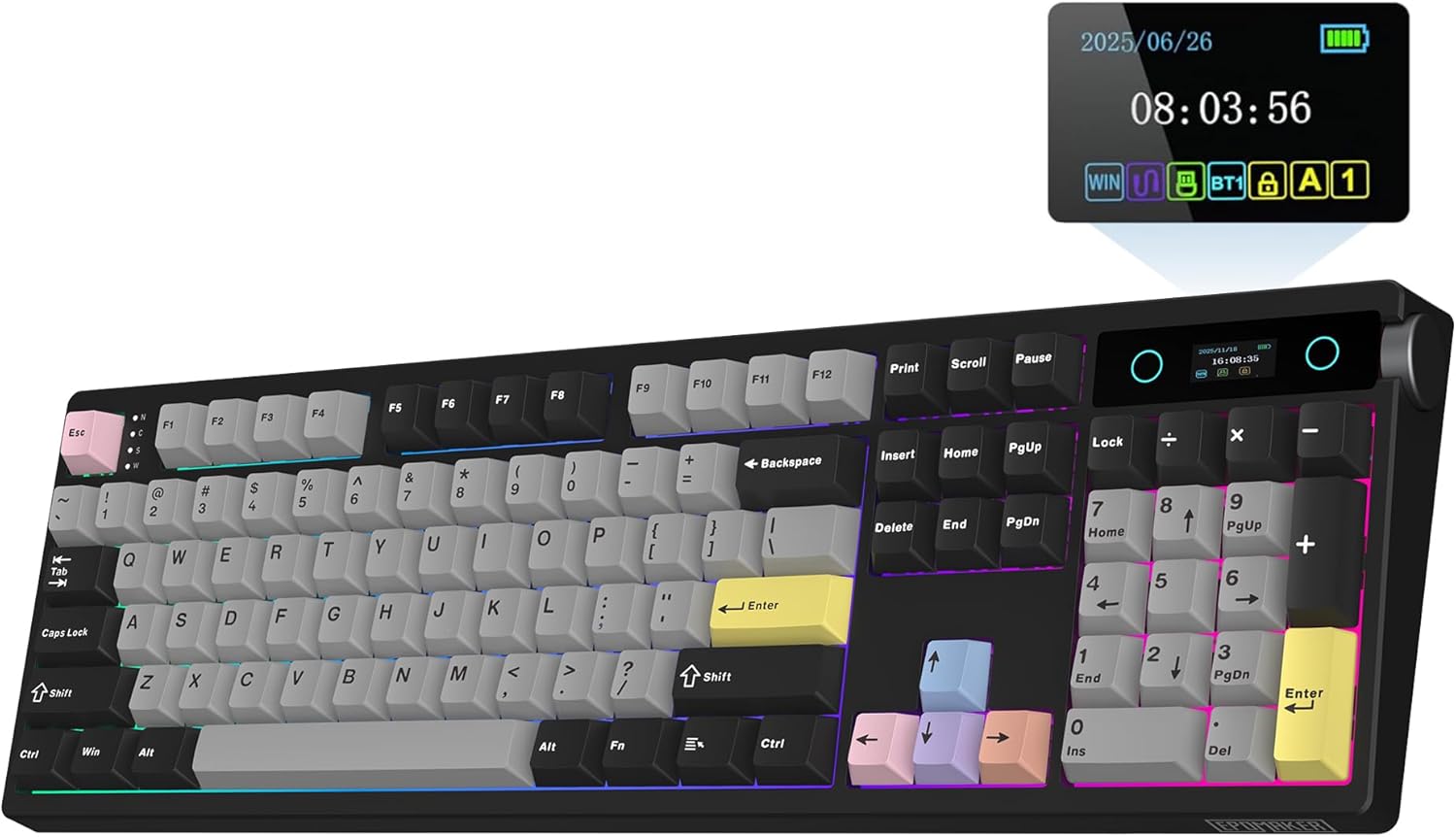
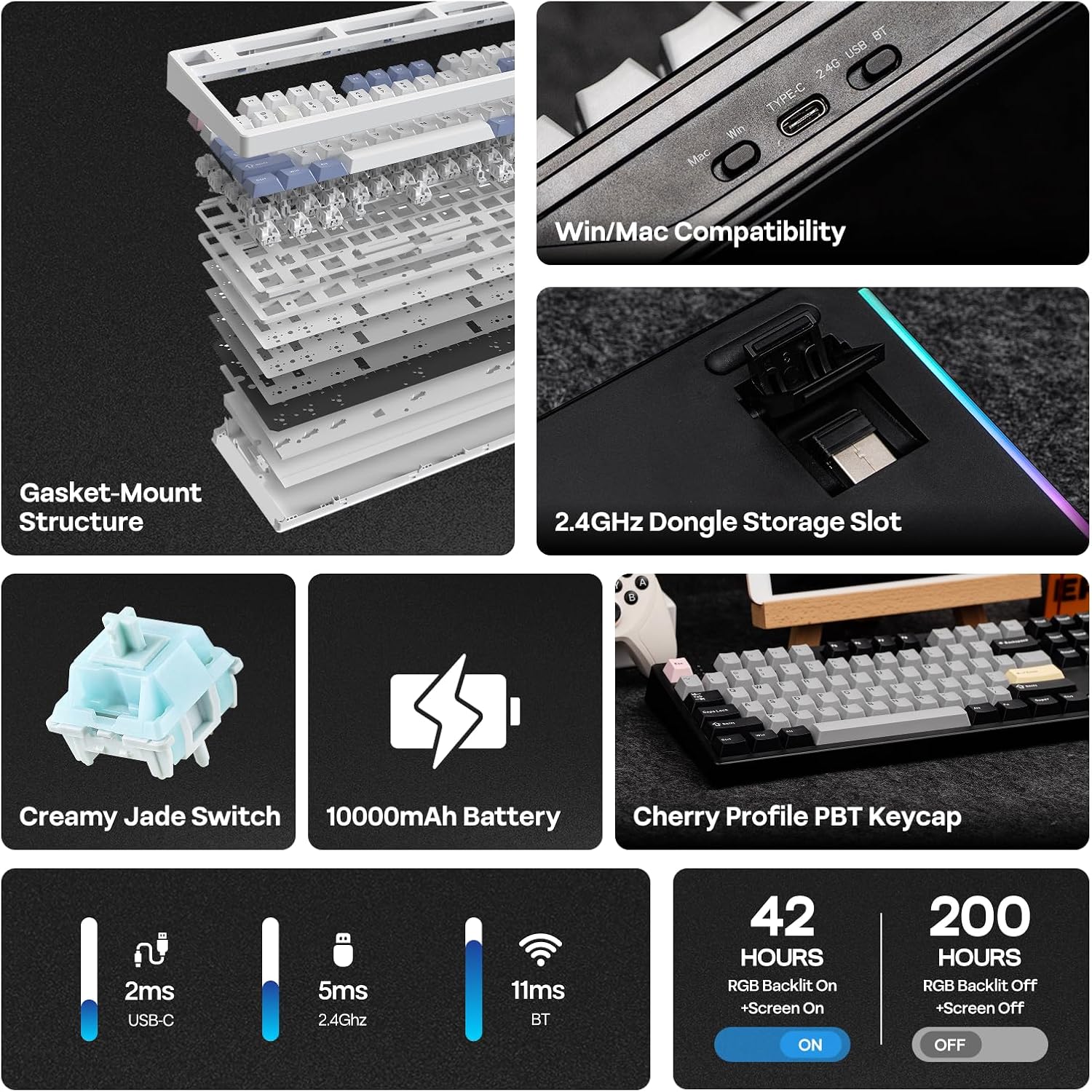
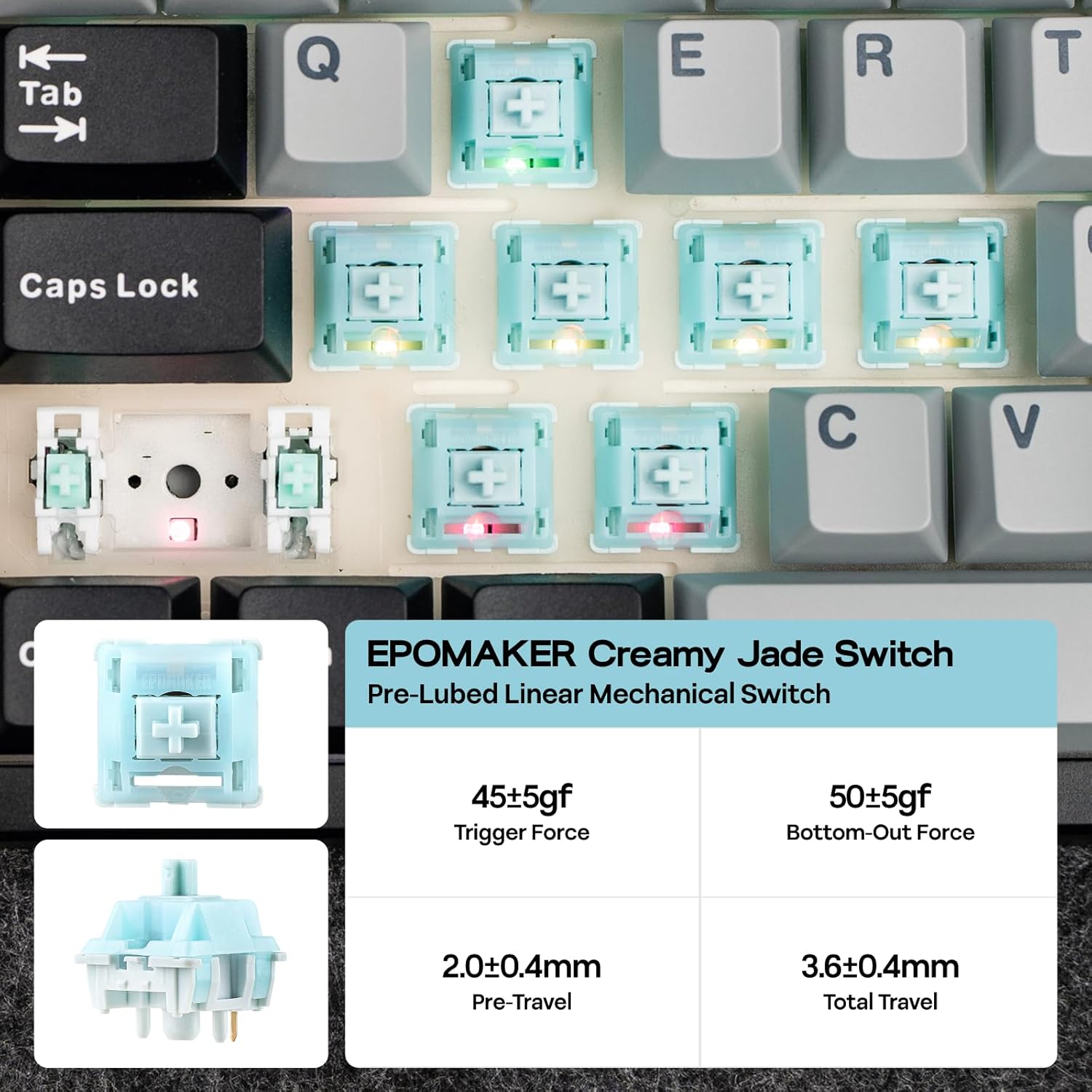
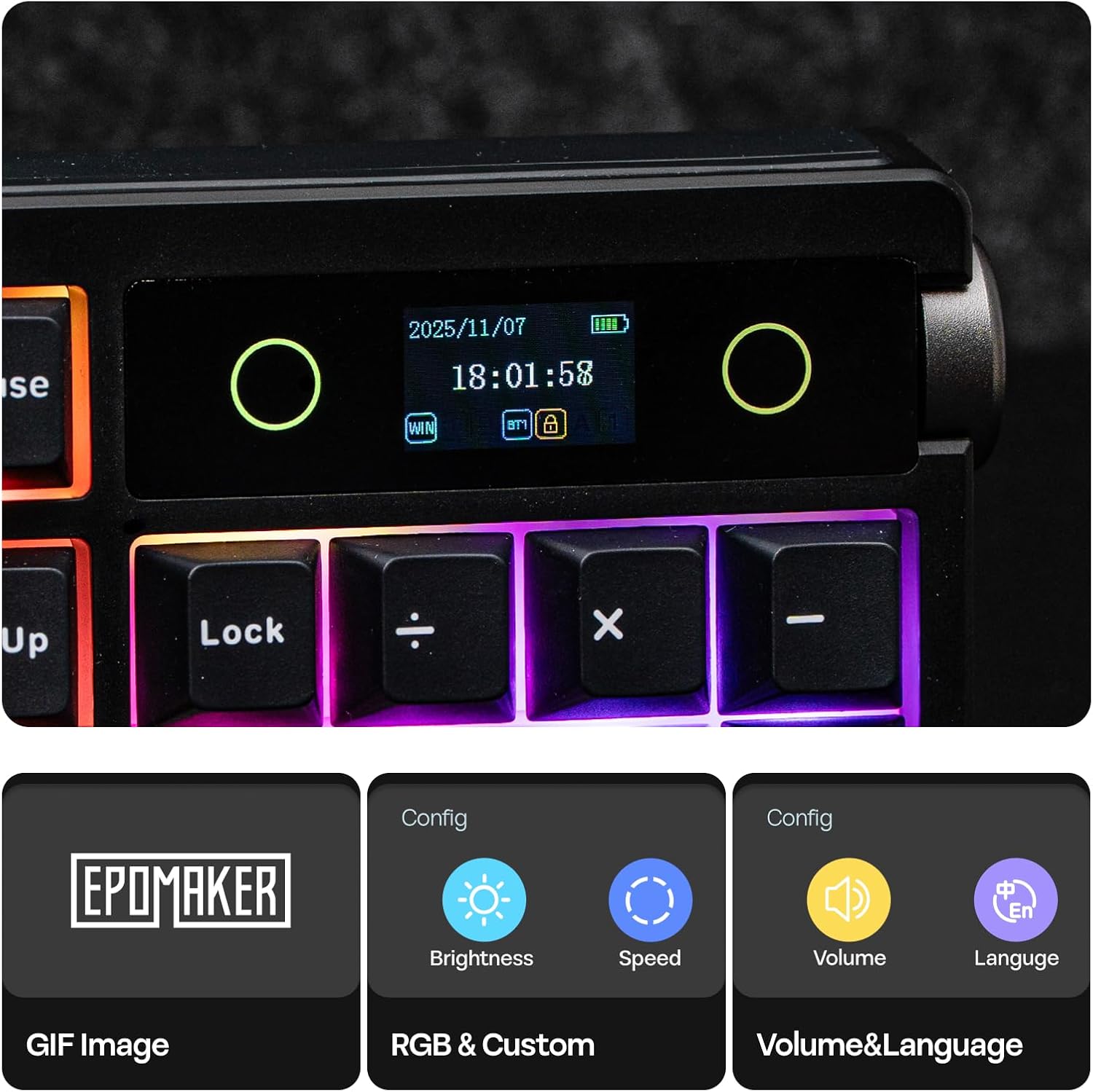
The keyboard includes a smart, uploadable screen that shows time, battery level, and custom GIFs or images via a Chrome-based tool, allowing quick visual customization for streams or desktop setups. It has a multifunction volume knob that doubles as a display controller when pressed with the FN key, making on-the-fly adjustments simple. The unit features pre-lubricated switches, including creamy-smooth and silent options, and a layered gasket mounting system tuned for a mellow, low-resonance sound experience 🎹.
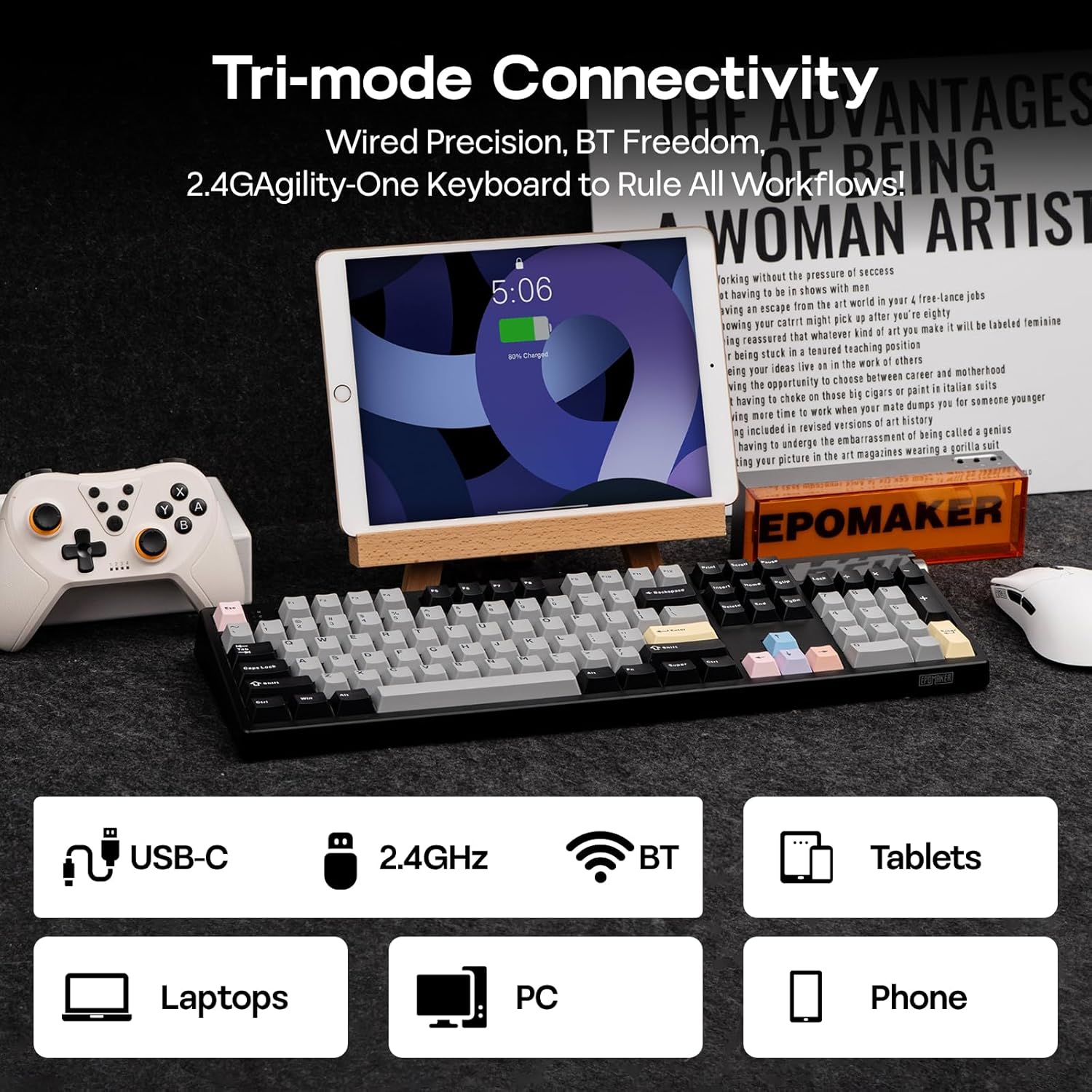
This model is built with longevity and stability in mind, with double-shot PBT keycaps and a thick ABS body weighing just over 1.1 kg, so the keyboard stays put during intense input moments. Wireless flexibility is strong with three connectivity modes and the ability to pair up to five devices, enabling seamless switching between PC, Mac, and mobile devices 🔋.
Technical Specifications
- Name: EPOMAKER TH108 PRO
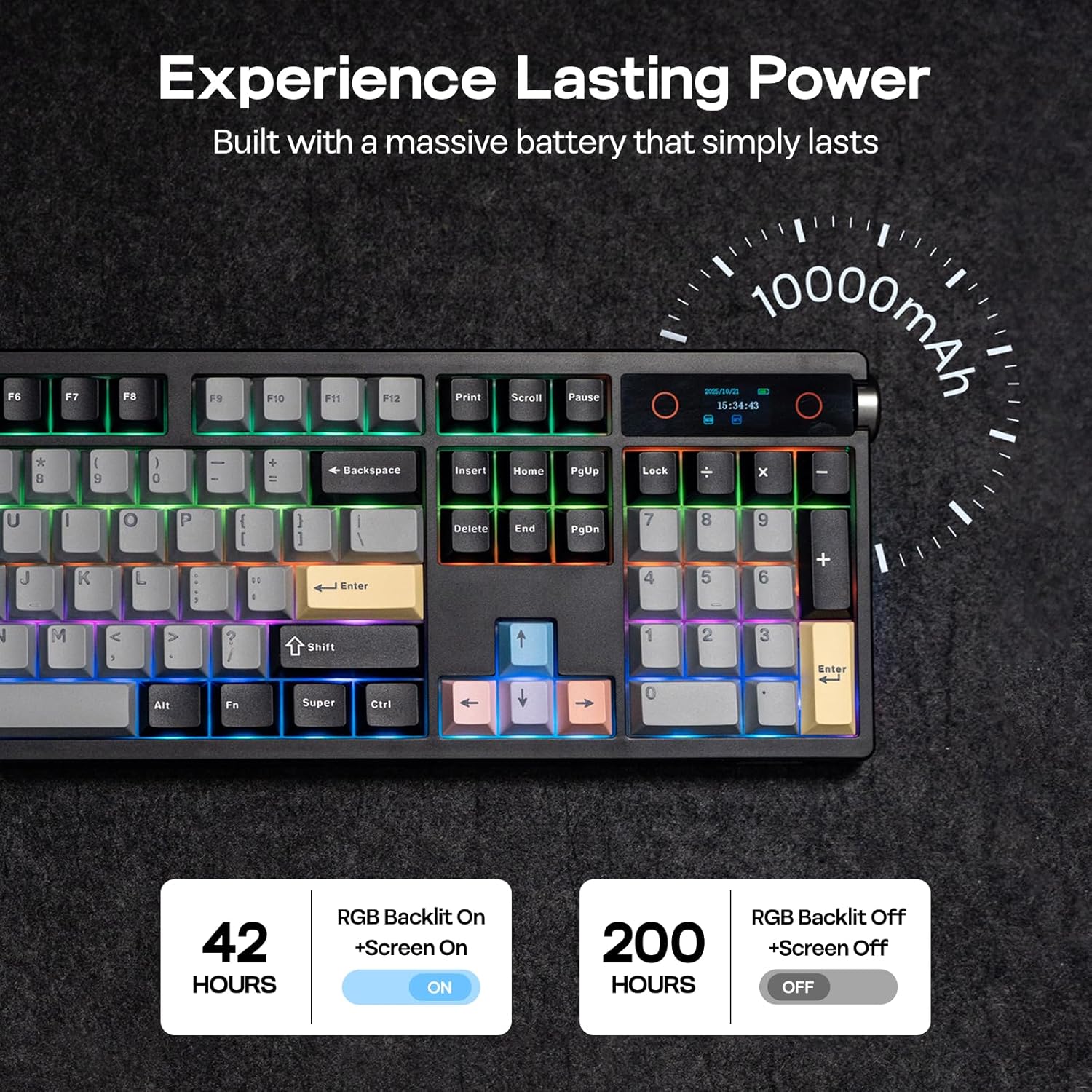
- Battery: 10,000 mAh, up to 160 hours wireless autonomy (according to the manufacturer)
- Keys: 104 double-shot PBT keycaps
- Switches: Hot-swappable 5-pin switches, pre-lubricated Creamy Jade and Sea Salt Silent options
- Connectivity: Cable, 2.4 GHz (1000 Hz polling), Bluetooth; wired latency as low as 2 ms
- Construction: ABS body, weight over 1.1 kg, 5-layer gasket mounting with multiple foam layers
Usage Recommendations
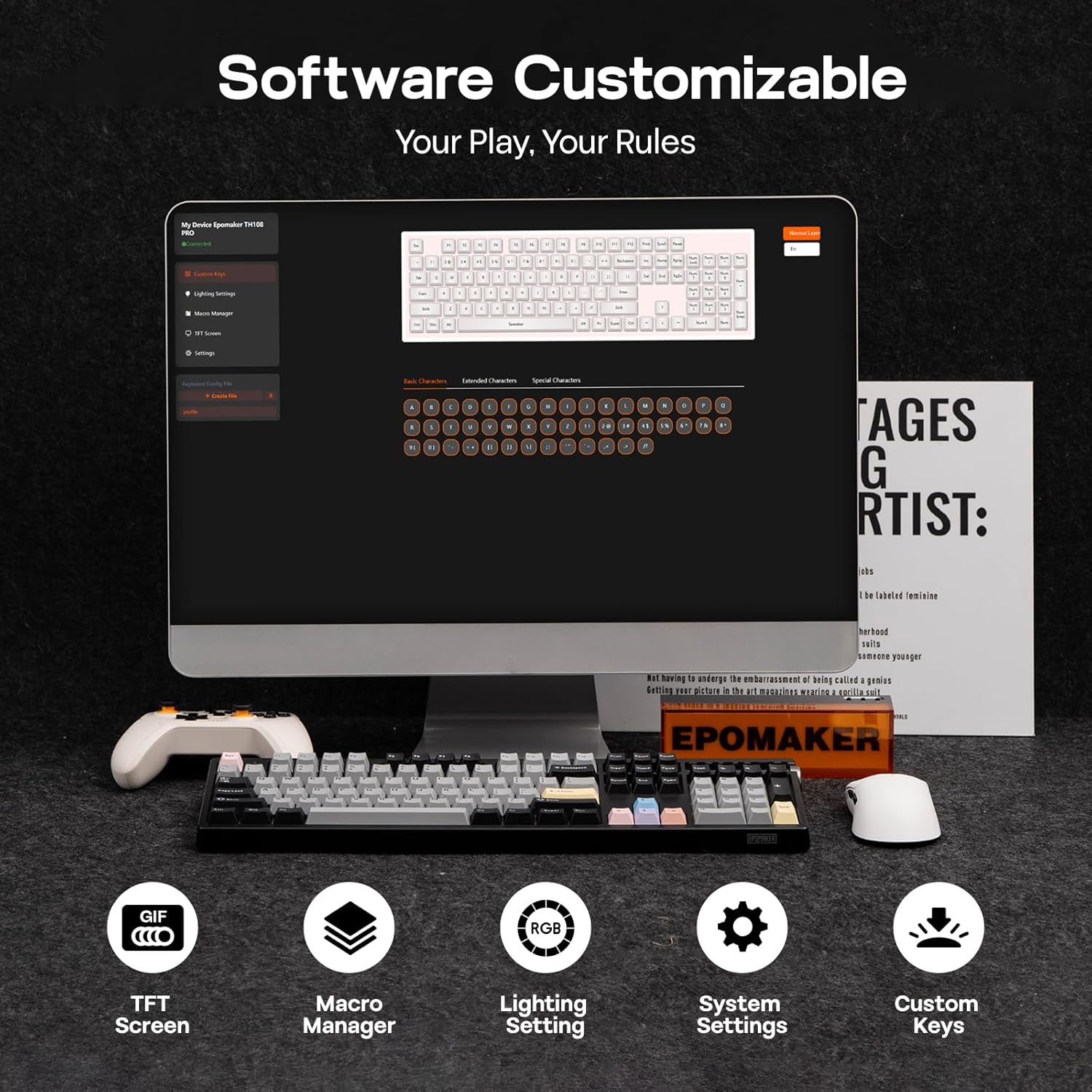
For users who want a programmable centerpiece with both visual and tactile customization, the screen lets you showcase status or personal imagery while you type. Try different switch types to match your preferred feedback and sound profile, and use the web-based configurator to remap keys, record macros, and adjust RGB lighting for specific applications or game profiles. Consider that the screen customization requires the Chrome-based tool on Mac or Windows, so tablet-only setups may have limited editing options.