

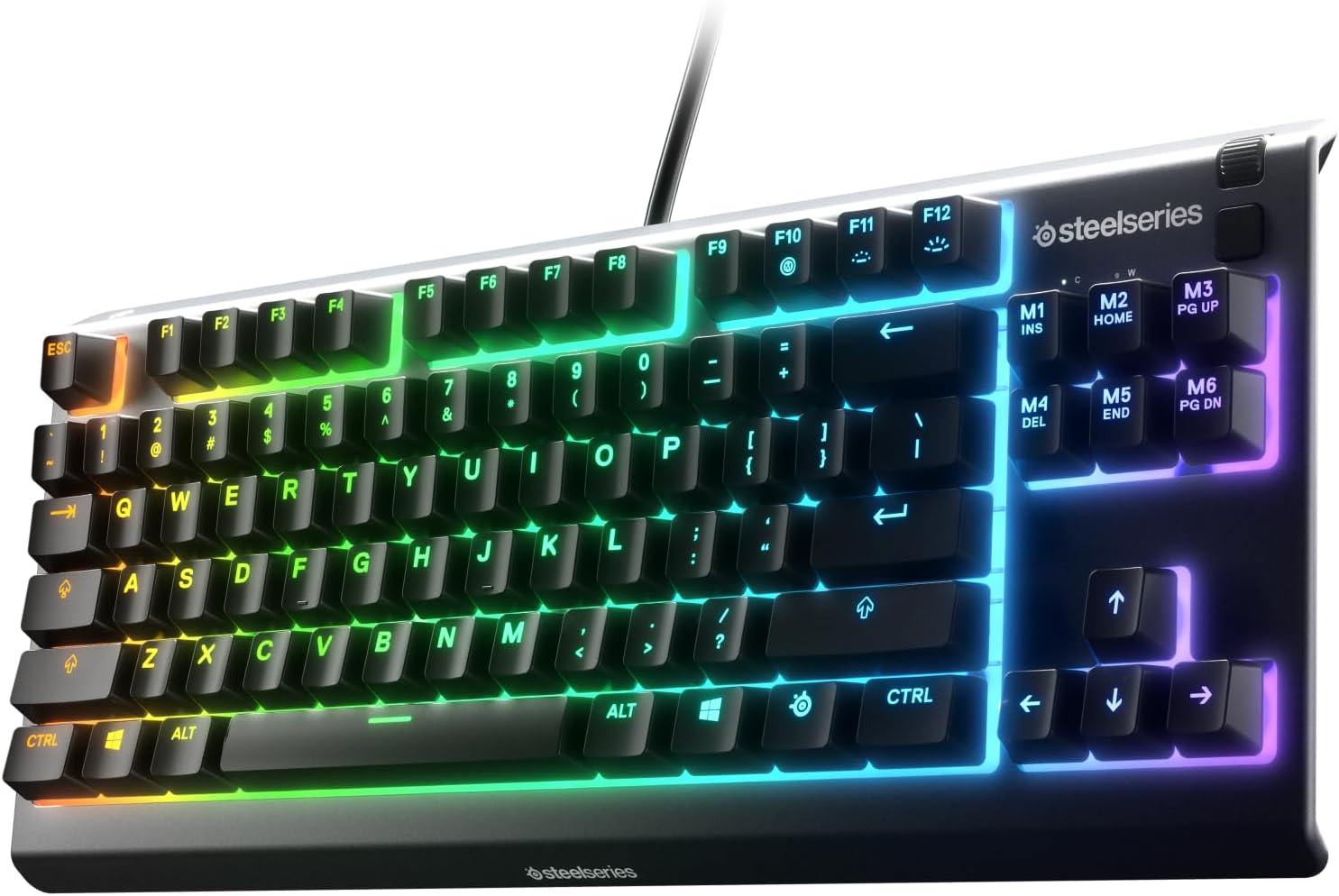
SteelSeries Apex 3 TKL Aqua RGB Gaming Keyboard (Aqua RGB, Tenkeyless)
Product description
What it is and why people buy it
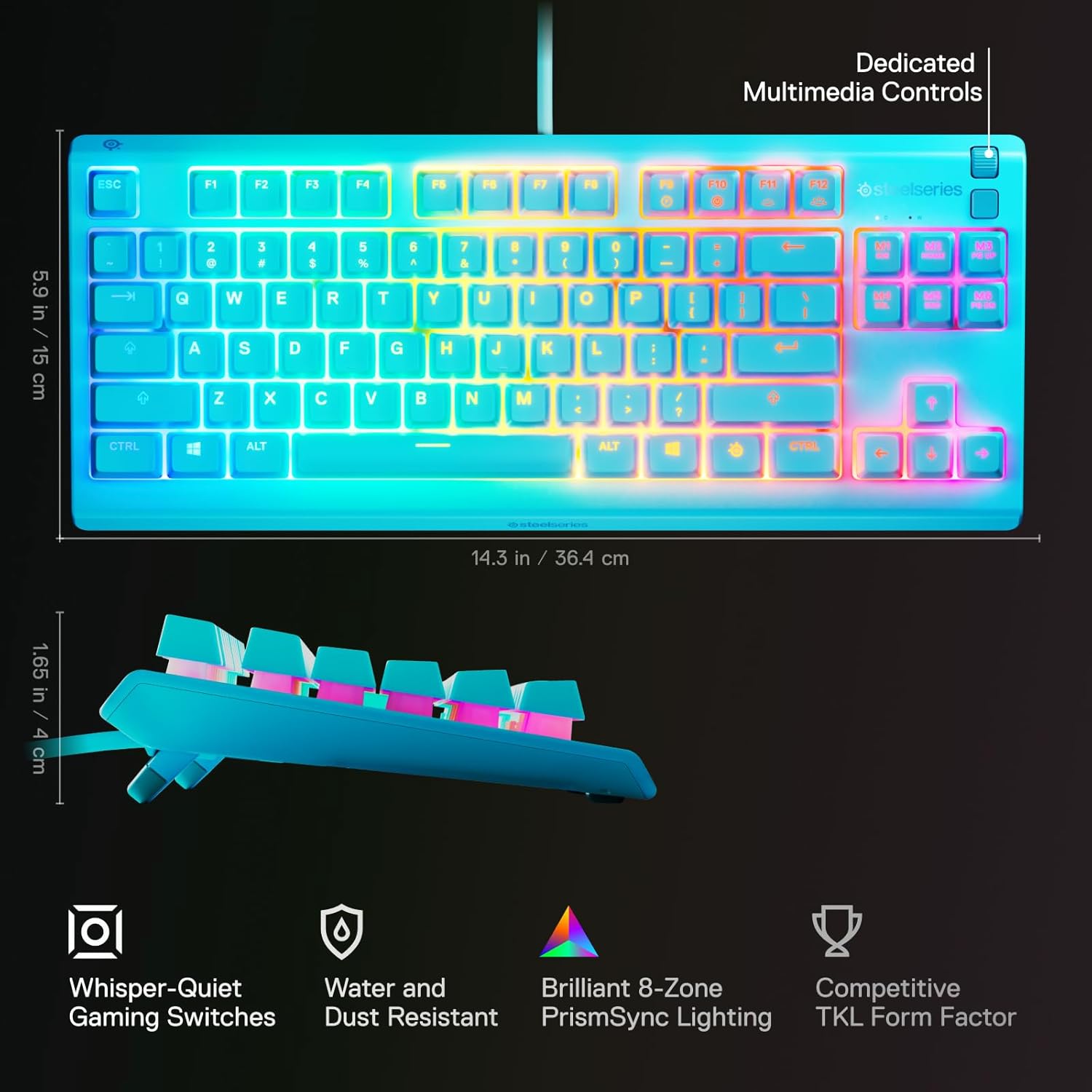
The SteelSeries Apex 3 TKL Aqua RGB is a tenkeyless (TKL) gaming keyboard built for people who want full gaming-ready performance without the extra bulk of a number pad. On paper, the pitch is simple: compact form factor, anti-ghosting keys, water and dust resistance, and whisper-quiet gaming switches—plus 8-zone RGB with reactive lighting effects.
If you’ve ever had a keyboard that feels “too loud,” too cramped, or just too fragile for everyday life, this one targets those exact annoyances. And because it’s TKL, it also tends to fit better on smaller desks while keeping room for mouse movement.
The essentials: TKL layout, anti-ghosting, and RGB
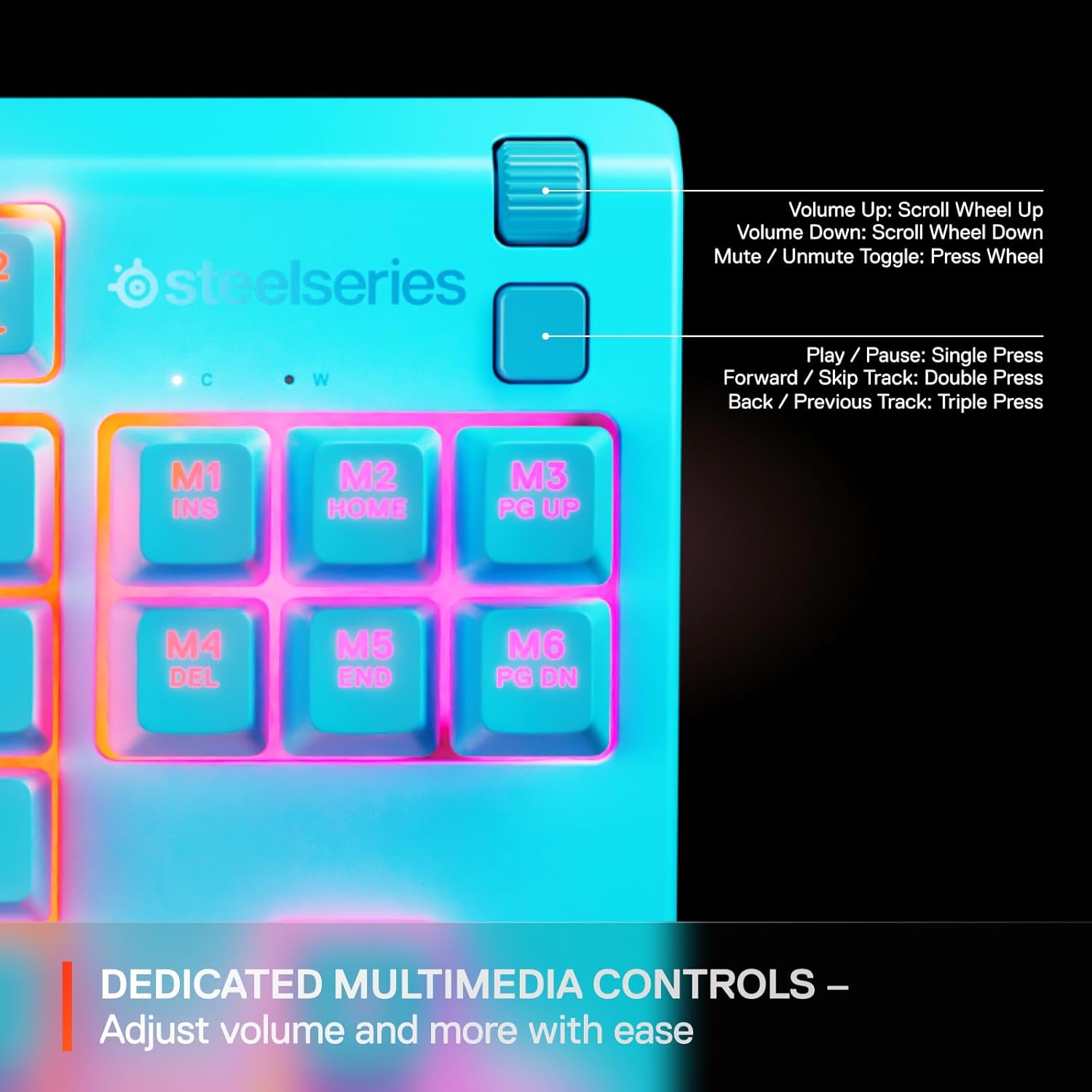
The TKL layout is the headline here. By removing the numpad, you usually get a more ergonomic center for mouse control and a cleaner desk footprint. That matters in games where quick lateral movement is everything, and it also helps if you’re switching between gaming and desktop tasks.
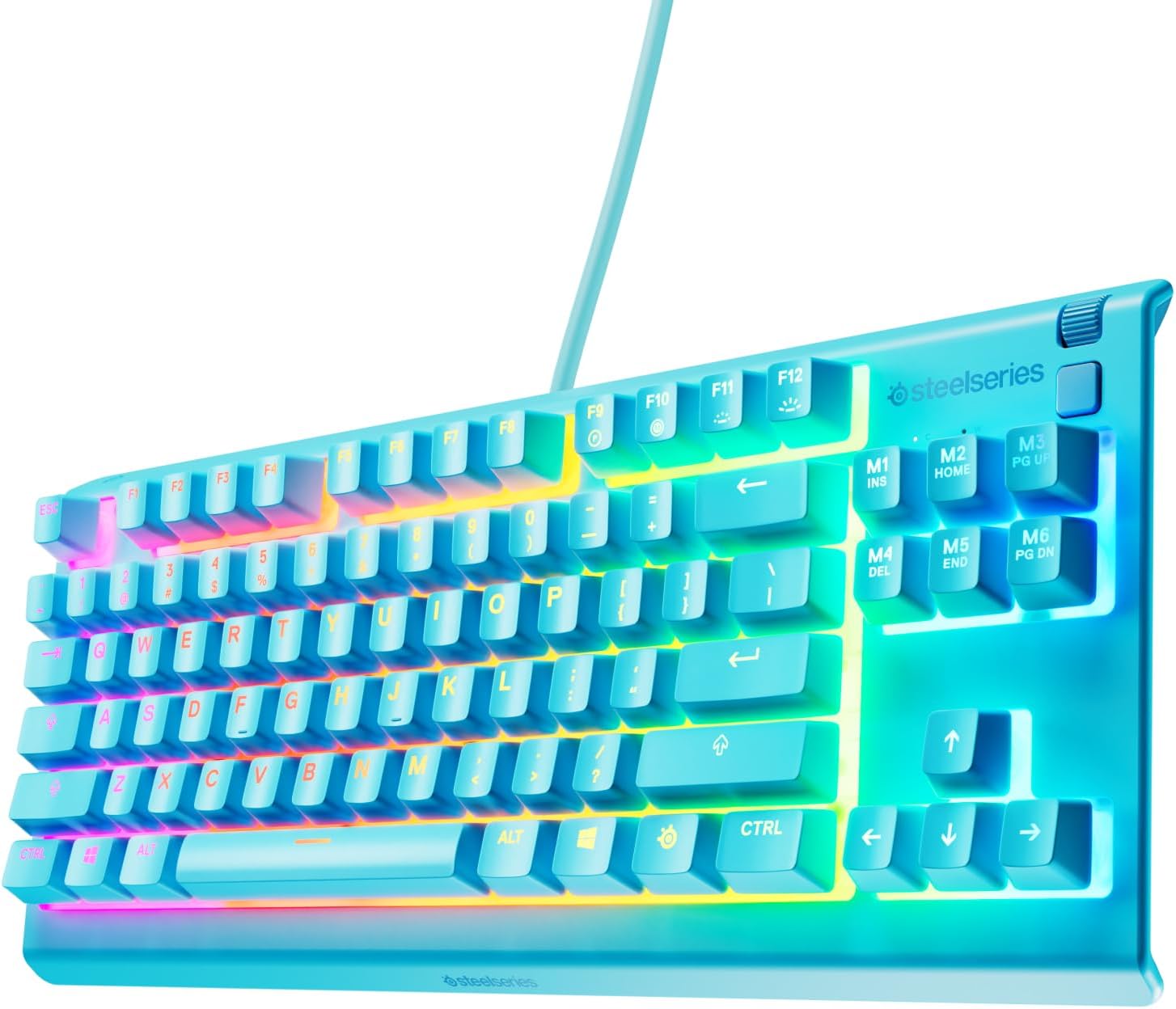
Then there’s the anti-ghosting design for dependable key reads when you press multiple keys at once—useful for fast movement, combos, and anything that involves overlapping inputs.
For visuals, the keyboard uses 8-zone RGB illumination. It’s not trying to be a single-color utility board, the intent is to bring color schemes and reactive effects to your setup. Just keep expectations realistic: lighting can be fun, but it shouldn’t be the main reason you buy a keyboard if you care most about typing feel and input behavior.
Switch feel and everyday noise level
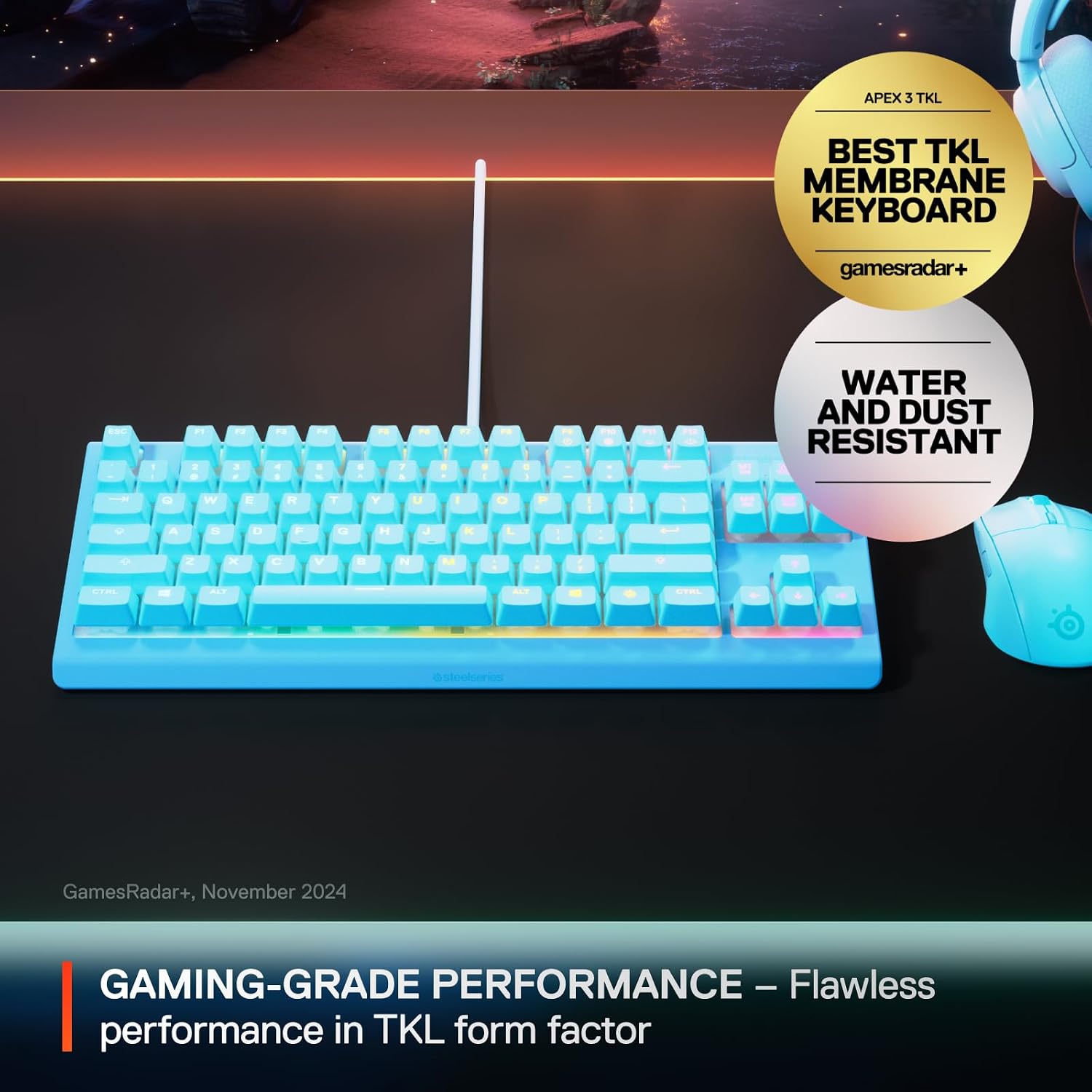
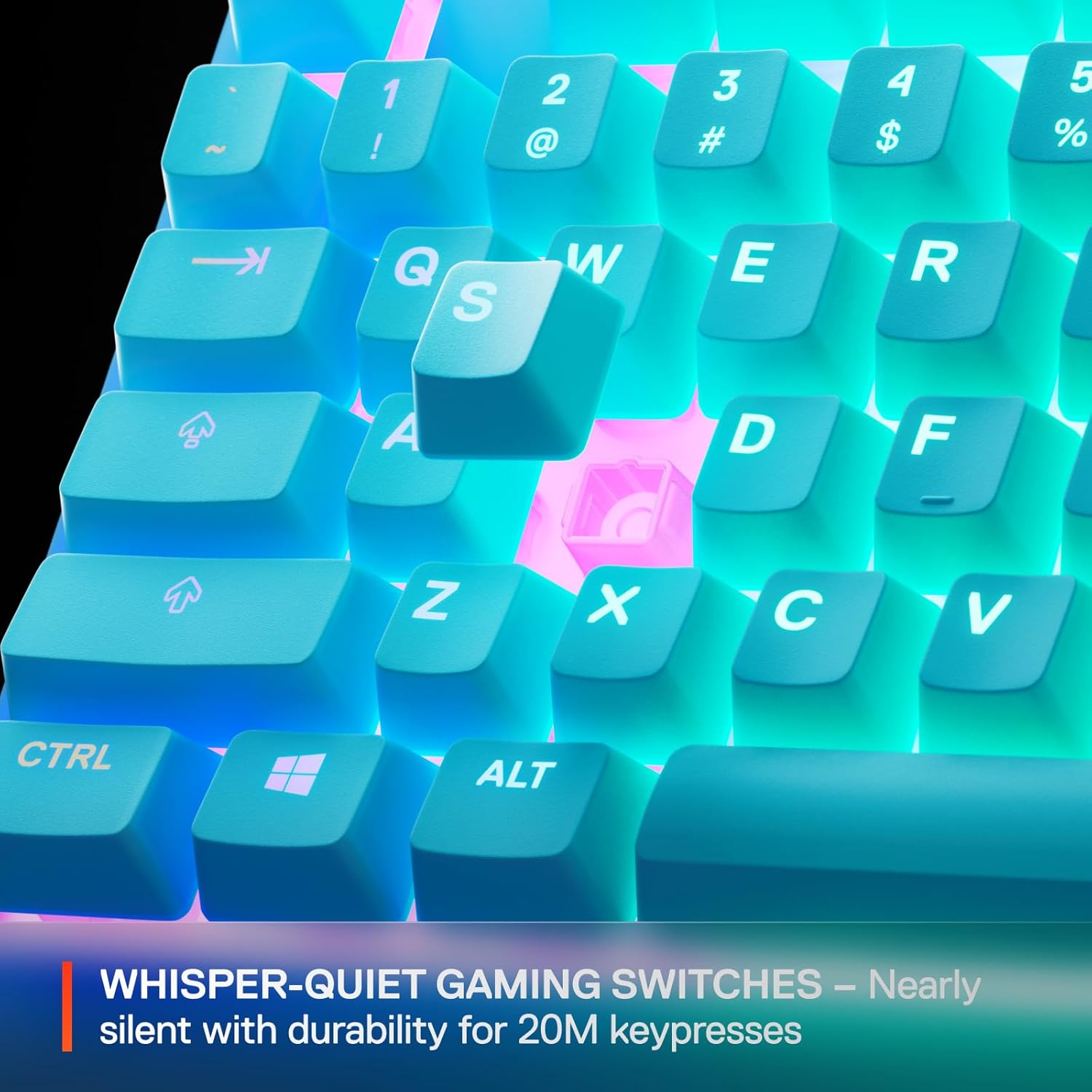
The “whisper-quiet gaming switches” are one of the most practical reasons to consider this model. The description claims nearly silent use for 20 million low-friction keypresses, which—if you’re sensitive to keyboard noise—can make a noticeable difference in shared spaces, late-night sessions, or just general daily use.
A quick real-world example: imagine you’re gaming after work while others are in the room. Instead of hearing harsh, clicky key noise, the keyboard is positioned to feel much calmer. That’s not just comfort, it can help you stay focused when you’re tired.
Water and dust resistance: useful, but not magic
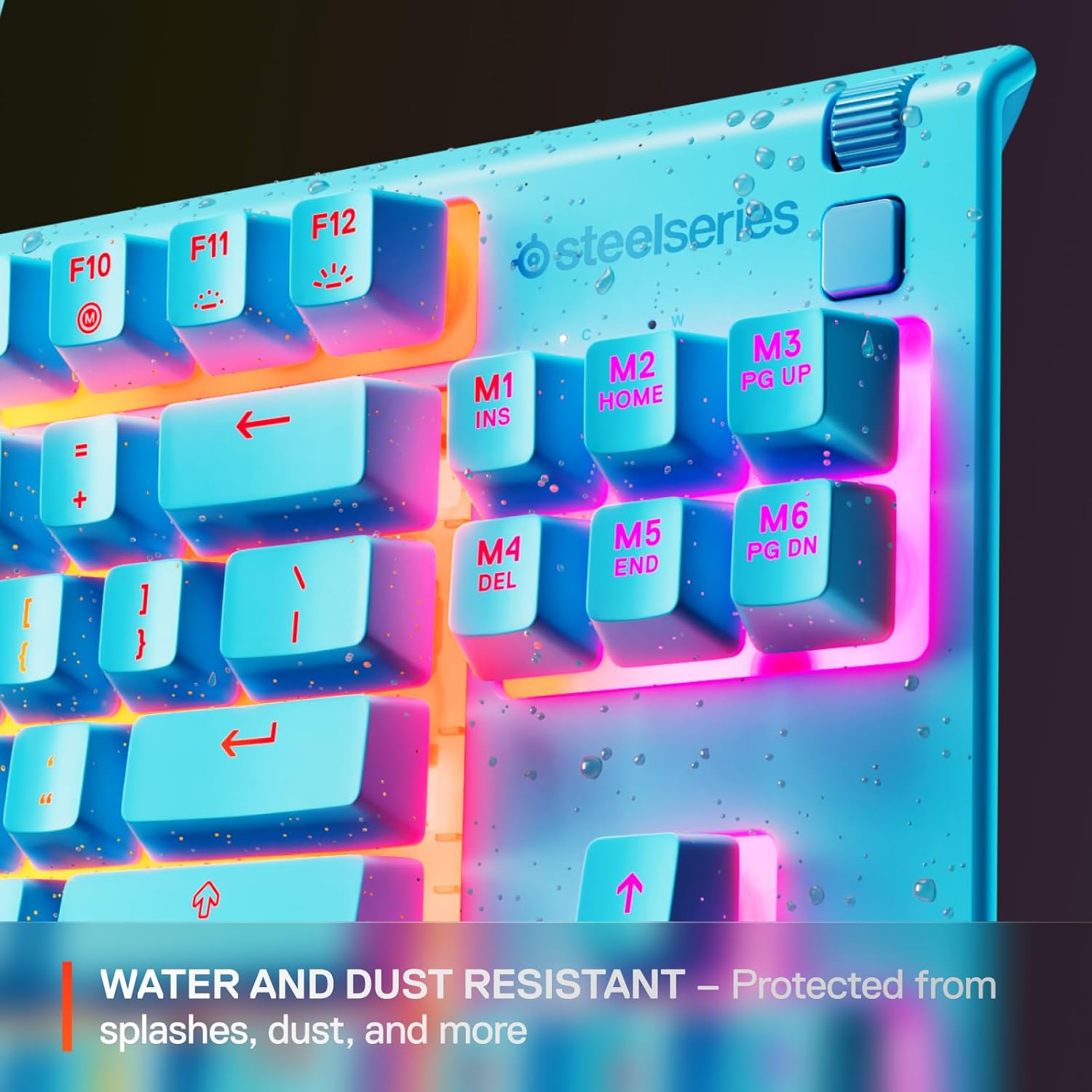
SteelSeries positions the Apex 3 TKL Aqua RGB as water and dust resistant, describing extra durability against splashes and dust. This is the kind of feature you don’t think about until something spills, or until your keyboard starts collecting debris over time.
Still, it’s worth noting the limitation: “resistant” isn’t the same as “invincible.” If you’re the type who routinely spills drinks, pours liquids, or exposes electronics to heavy moisture, you’ll want to treat this as added protection—not permission to be careless.
Key points to weigh before you buy
It makes sense if you: - Prefer a TKL board that saves desk space while staying gaming-focused. - Want a quieter switch experience for long sessions. - Like RGB lighting and reactive effects enough to factor it into your setup. - Appreciate the idea of water and dust resistance for everyday living.
It may not suit you if: - You strongly need a full-size layout with a numpad. - You’re shopping primarily for the most advanced feel/latency improvements, since the provided info focuses on quiet switches, durability, and the TKL + RGB package rather than deeper switch customization details.
Tech specs
- Form factor: Tenkeyless (TKL)
- Illumination: 8-zone RGB
- Key performance: Anti-ghosting keys
- Durability: Water and dust resistant
- Switch type: Whisper-quiet gaming switches
Who it’s for (and who should skip it)
This keyboard fits best for gamers and desk users who want compact control, quieter typing, and everyday durability. It also suits people building a tidy battlestation where the numpad just takes up space.
If your priority is a full-size keyboard experience or you expect every feature to be about premium customization, this one might feel more like a well-rounded mid-focused gaming board than a flagship of everything.
Is it worth it?
Worth considering if you want a TKL gaming keyboard that’s designed to be easier to live with: quieter switches for day-to-day comfort, anti-ghosting for faster input reliability, and water/dust resistance for real-world messiness. The 8-zone RGB is a bonus that supports the gaming vibe without turning the keyboard into a gimmick.
You may want to skip it if you specifically require a numpad or if you’re only interested in the most extreme, high-end switch customization details—those aren’t clearly the focus based on the information provided.
Mini FAQ
FAQs
Is the Apex 3 TKL Aqua RGB good for gaming?
The TKL form factor and anti-ghosting keys are positioned for gaming-grade performance, so it’s aimed squarely at gameplay where accurate multi-key input matters.
Will it handle everyday dust or small splashes?
It’s described as water and dust resistant for protection against splashes and dust. That’s a plus for day-to-day use, but “resistant” still isn’t the same as being fully waterproof.
Is it truly quiet?
It’s marketed as whisper-quiet with nearly silent use for low-friction keypresses. If you’re noise-sensitive, it’s one of the more relevant features in the description.
Does it have RGB lighting?
Yes, it includes 8-zone RGB illumination with color schemes and reactive effects.
What does TKL mean for desk setup?
TKL removes the number pad, typically improving desk space and mouse movement comfort. If you rely on a numpad, that’s the main trade-off to consider.