

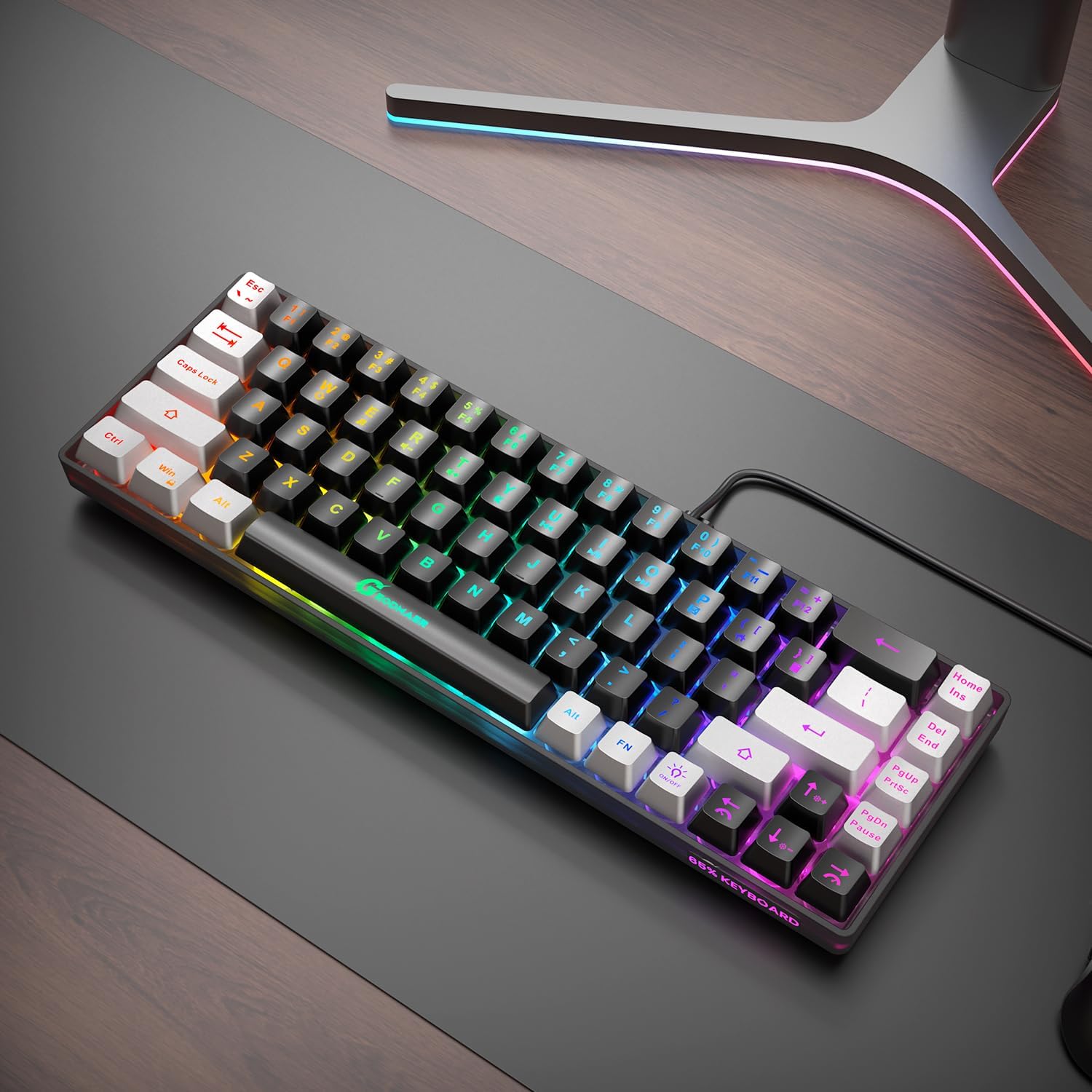
GEODMAER 65% Gaming Keyboard (68 Keys) with LED Backlit, Wired USB-C, Anti-Ghosting
Product description
The essentials
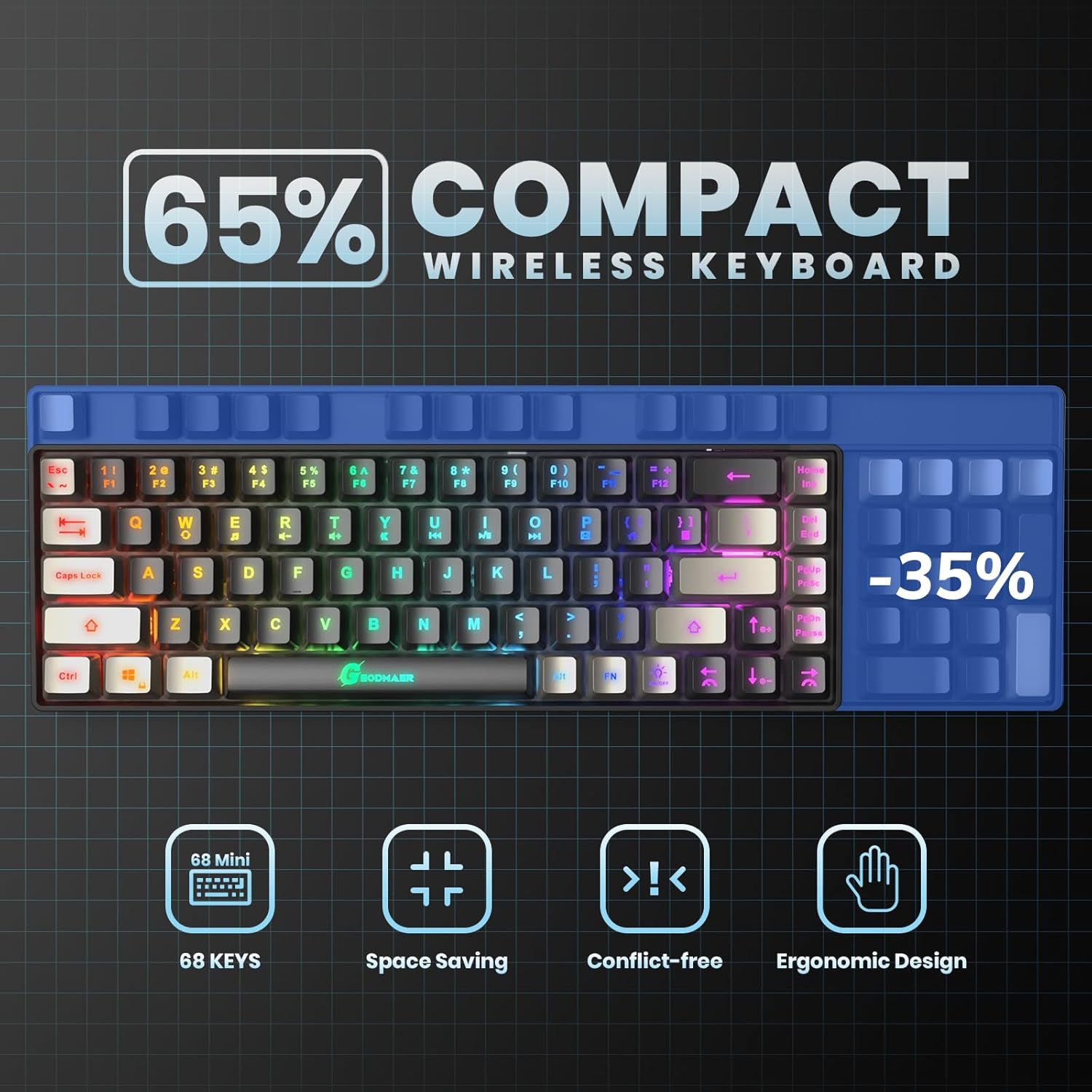
If you want a gaming keyboard that doesn’t bully your desk, a 65% layout is one of the smartest ways to go. The GEODMAER 65% Gaming Keyboard keeps things compact by dropping the numpad while still giving you a full set of arrow keys and a layout that works for both games and office-style use. On paper, it’s built for people who care about desk space, lower latency expectations from a wired connection, and reliable key input without the hassle of wireless charging.
It’s also clearly trying to balance “gaming features” with day-to-day practicality: LED backlighting with multiple brightness and breathing settings, multimedia controls, and a wired setup using a removable USB-C cable. No, it’s not positioned as a top-tier enthusiast board with premium switch brands—but for its class, the spec sheet reads like a purposeful, straightforward pick.
What stands out in everyday use
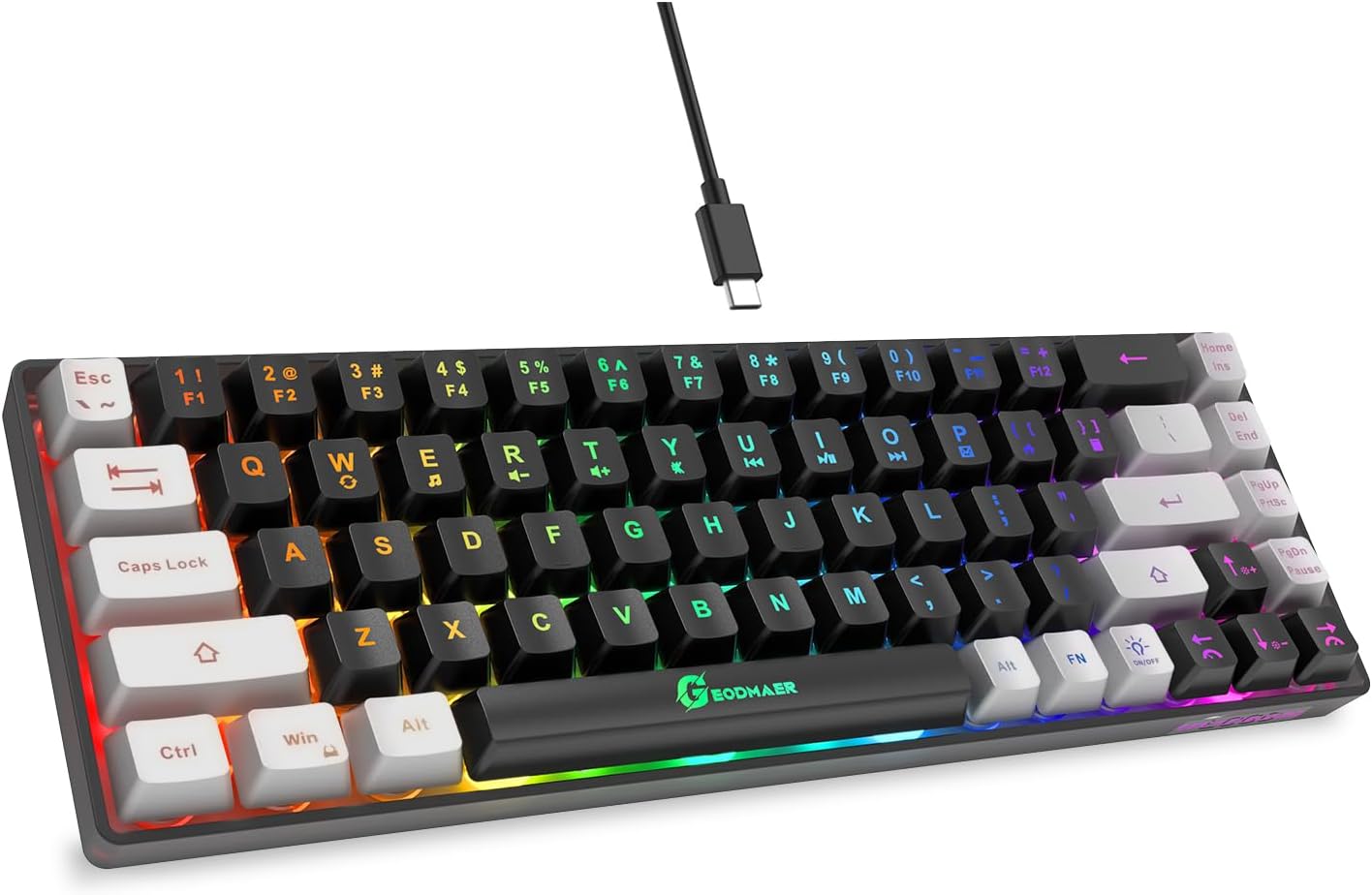
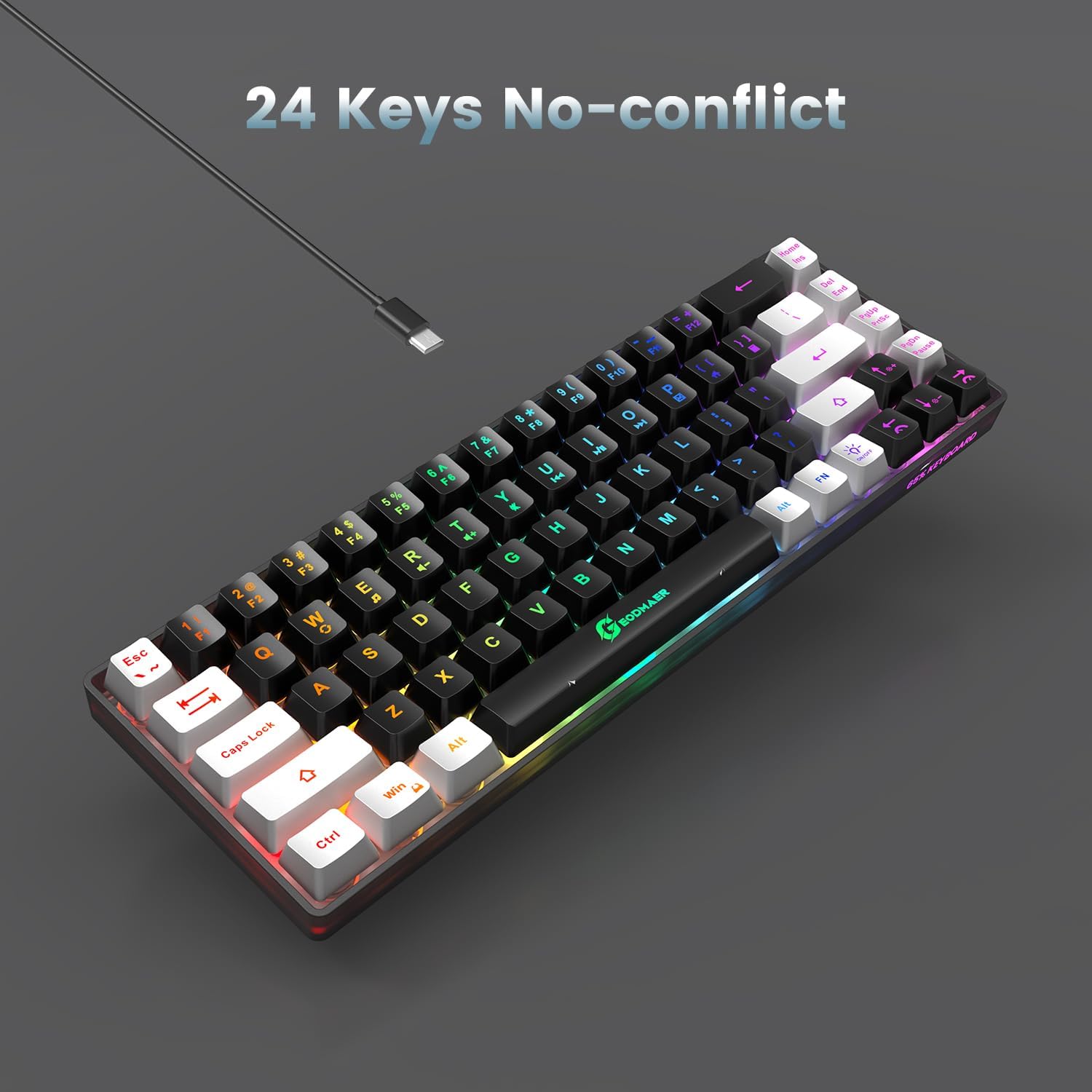
The main draw is the combination of compact 65% design and anti-ghosting / no-conflict key behavior. That matters when you’re doing faster inputs in games—multiple keys at once—because you want the keyboard to actually register what you pressed rather than “guess” or drop signals.
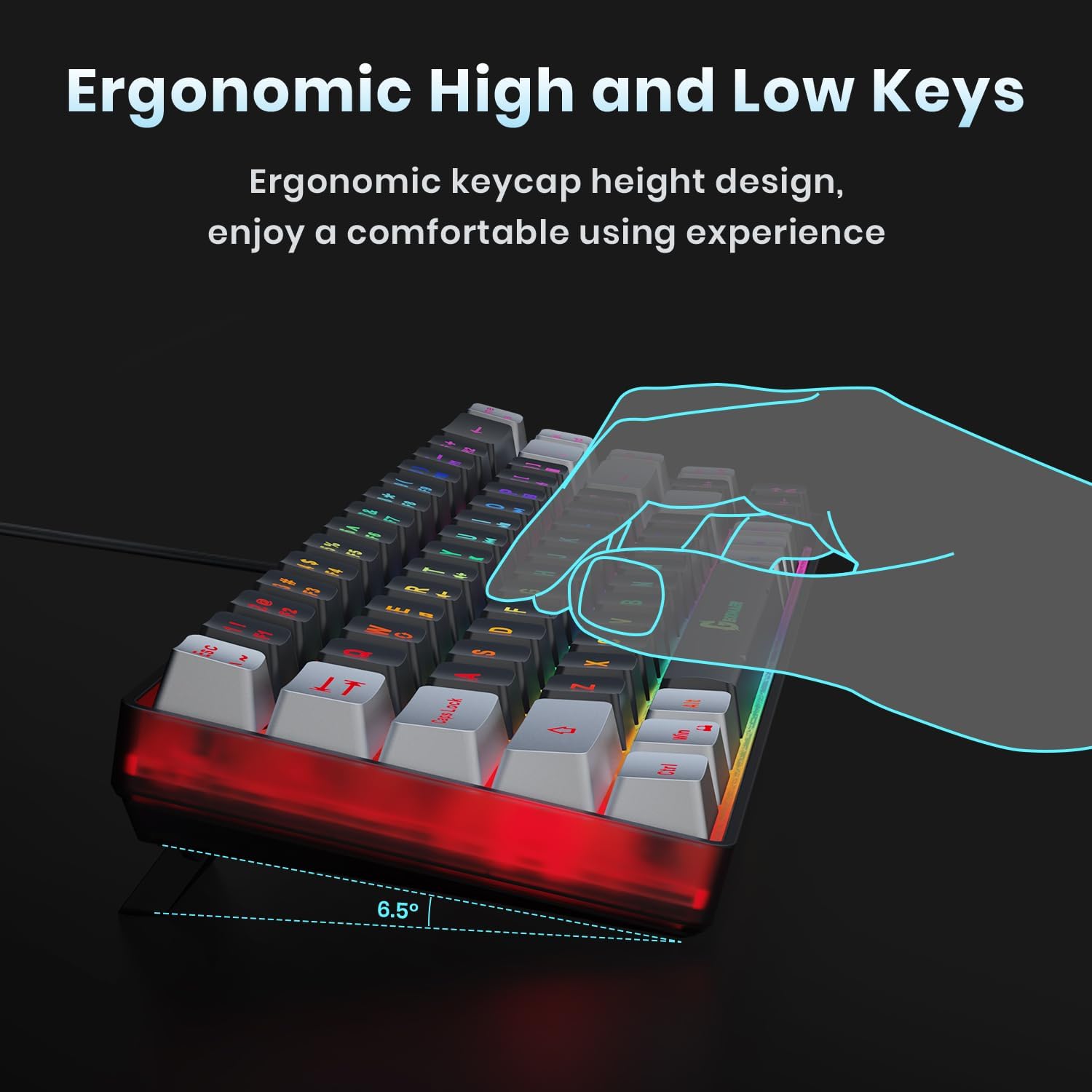
Another practical point: it’s easy to live with. No numpad means less clutter, and the compact size is also described as easy to transport (handy if you bounce between home and work or you bring gear to friends). There’s something immediately noticeable once you try smaller layouts: less reaching and less wasted desk space, especially if you use a mouse close to your keyboard.
A micro example: imagine you’re playing a quick session and you need movement + an ability key while still adjusting view. With 65% you don’t have a numpad taking up space, and with anti-ghosting/no-conflict in the mix, your inputs are less likely to “fight” each other.
Key points (and a reality check)
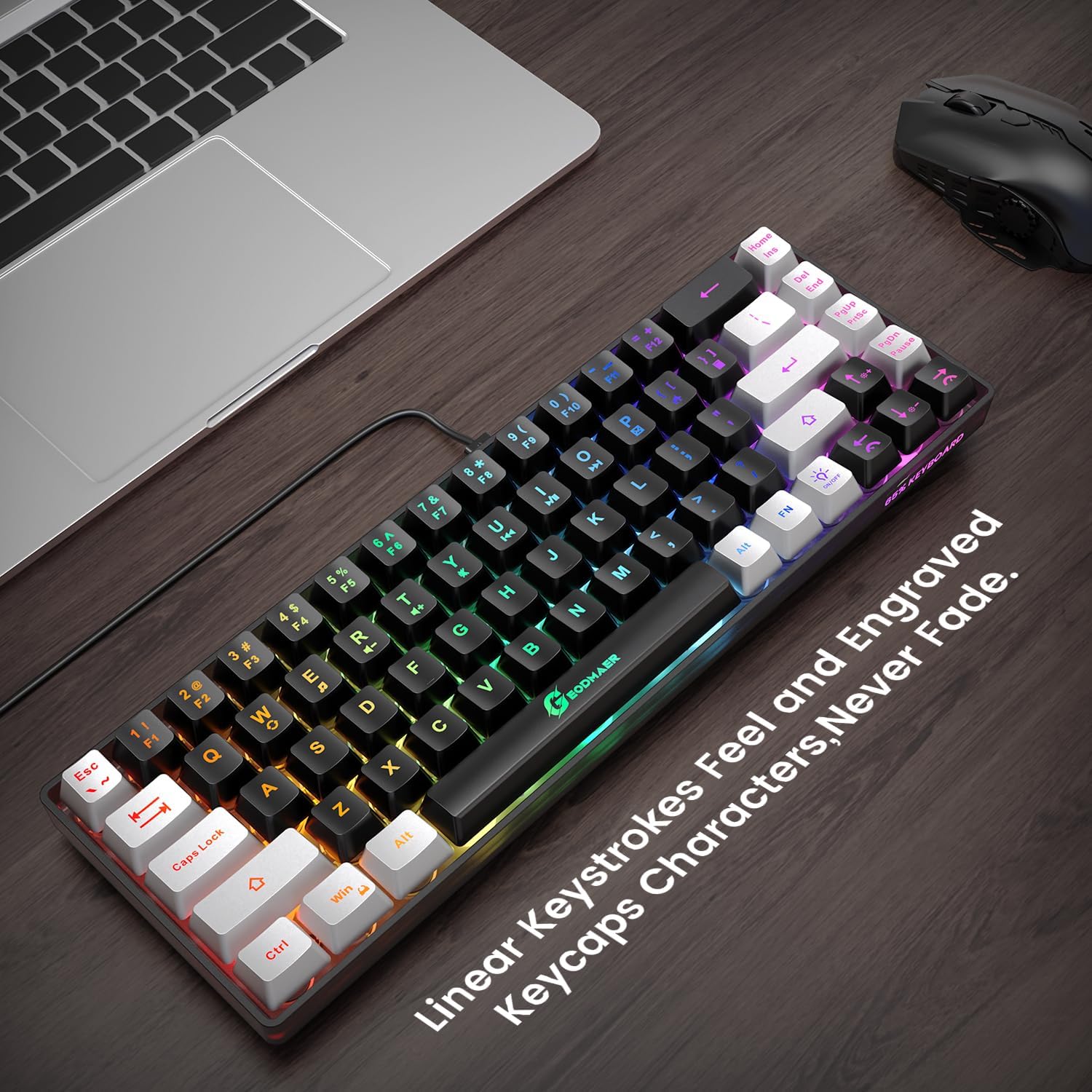
LED backlighting is a real part of the experience here, not just decoration. The keyboard uses two-color injection molded keycaps with luminous, transparent characters so the letters show clearly in the dark. There are also controls to switch the lighting on/off and change the backlight mode, including a breathing effect. Brightness and breathing speed are adjustable through FN shortcuts.
You’ll also get multimedia buttons (11 of them, per the description). That’s great if you frequently pause music, skip tracks, or adjust media without alt-tabbing.
Keep expectations grounded, though: the description says it uses “mechanical imitation technology” for the feel, alongside mention of “a quieter membrane” for gaming. That blend suggests it’s more about comfort and reduced noise than about delivering the exact same feel you’d expect from true mechanical switches. If you’re specifically chasing crisp mechanical switch performance above all, you may end up comparing it unfavorably to more switch-forward boards.
Tech specs

- Layout: 65% gaming keyboard (68 keys)
- Color: black and silver-gray
- Keys: dedicated arrow keys, no numpad
- Connection: wired USB-C with a removable cable
- Anti-ghosting: 26 conflict-free keys (no-conflict description)
- Multimedia controls: 11 buttons
- Backlighting: LED backlit keys with luminous transparent characters
- Lighting controls: on/off, mode switch (always bright / breathing), brightness up/down, breathing frequency slow/fast
- Key behavior controls: FN+Win to lock key “gain” functions to help avoid accidental touches
- Durability: over 10,000,000 keystrokes (manufacturer claim)
- Keycap notes: UV coating described to help avoid fading
Who it’s for (and who should skip it)
This keyboard makes the most sense if you want a compact, desk-saving wired gaming board that still includes important functionality: arrow keys, multimedia shortcuts, and LED lighting you can tune. If you’re the type of user who prefers staying organized—especially with a smaller keyboard—this layout is likely to feel natural.
It may not suit you if you’re looking for a heavy-duty “enthusiast” keyboard experience where switch feel is the main event. The description leans toward comfort and practicality, but it doesn’t promise the kind of premium switch consistency you’d expect from boards that market their switches above everything else.
Buying checklist before you commit
Before you buy, make sure the layout trade-offs match your habits. Since it’s a 65% board without a numpad, confirm you don’t rely on numpad entry for spreadsheets or certain workflows. If your daily work includes lots of numeric keypad shortcuts, that missing section is exactly where you’ll feel it.
Also, think about cable setup: it’s a wired keyboard using USB-C and a removable cable. That’s good for stability and easy transport, but you’ll still need an available USB-C port and a cable routing that works with your setup.
Finally, the FN+Win lock feature is mentioned for avoiding accidental touches. If that’s important to you, it’s a nice inclusion—but double-check your own key habits so you’re not constantly fighting function layers.
Is it worth it?
Buy the GEODMAER 65% Gaming Keyboard if you want a compact, wired 68-key board that keeps your desk clear, includes dedicated arrow keys, and is designed to reduce input issues through the “no-conflict” / anti-ghosting approach described. It also fits well if you like LED backlighting with brightness and breathing modes plus quick multimedia buttons.
Skip it if you know you need a numpad every day, or if your priority is premium mechanical switch feel above all else. In that case, this looks more like a practical mid-range-style compact gaming keyboard than a “switch-snob” upgrade.
Mini FAQ
Does it include a number pad?
No. The layout is 65% and is described as having no numpad, while still including separate arrow keys.
How does the lighting work?
You can turn the LED backlight on/off, switch between always bright and breathing modes, and adjust brightness and breathing speed using FN shortcuts.
Is it wired or wireless?
It’s a wired keyboard and connects via a removable USB-C cable.
Does it handle multiple keys at once?
The description states 26 conflict-free keys and an anti-ghosting / no-conflict design, which is meant to help when pressing multiple keys.
Is it good for office use?
It’s described as suitable for both games and the office, and the compact layout can be a plus if you want a cleaner desk.