

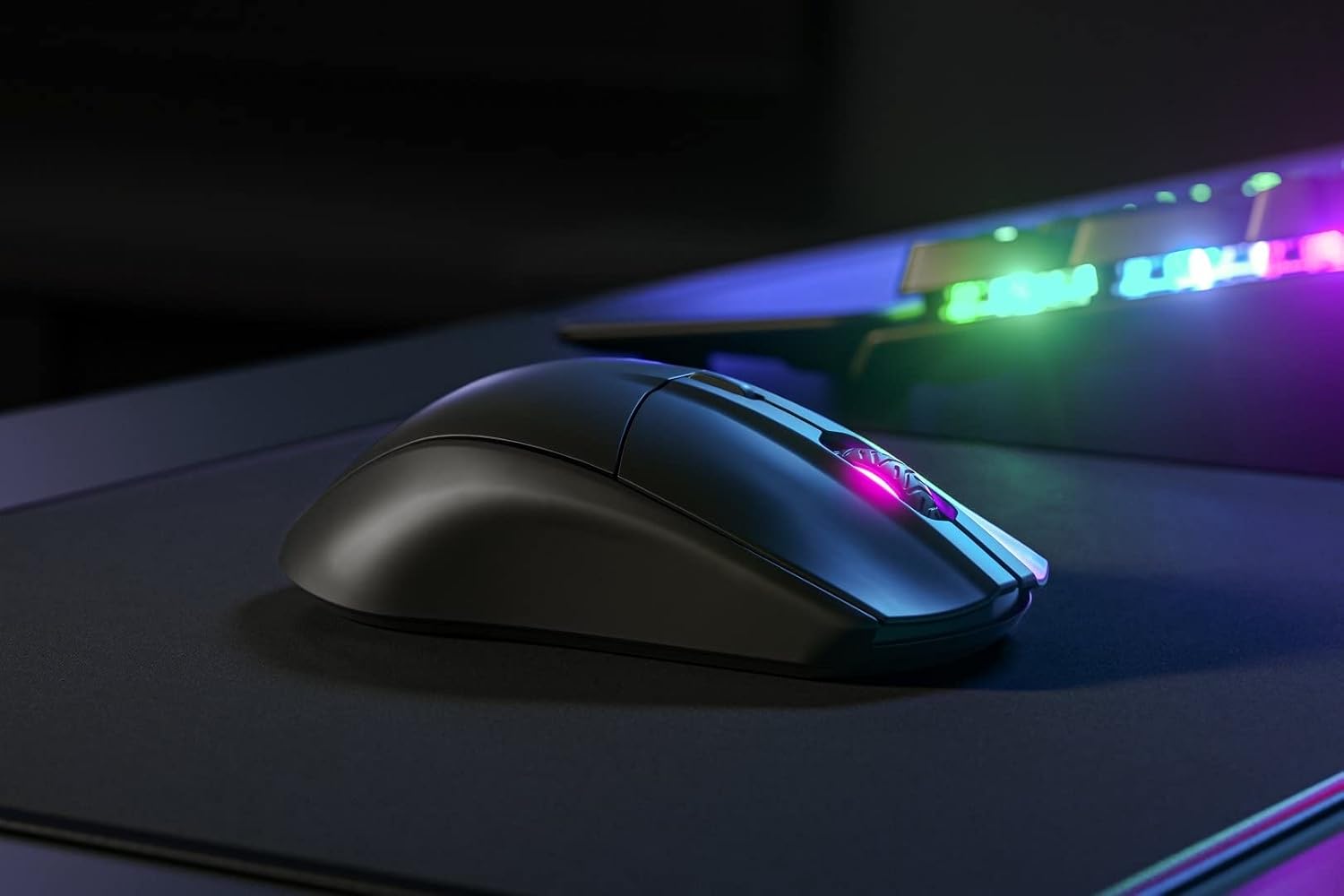
SteelSeries Rival 3 Wireless Gaming Mouse (400+ Hour Battery, Dual 2.4 GHz + Bluetooth 5.0, 18,000 CPI) – Black
Product description
The essentials
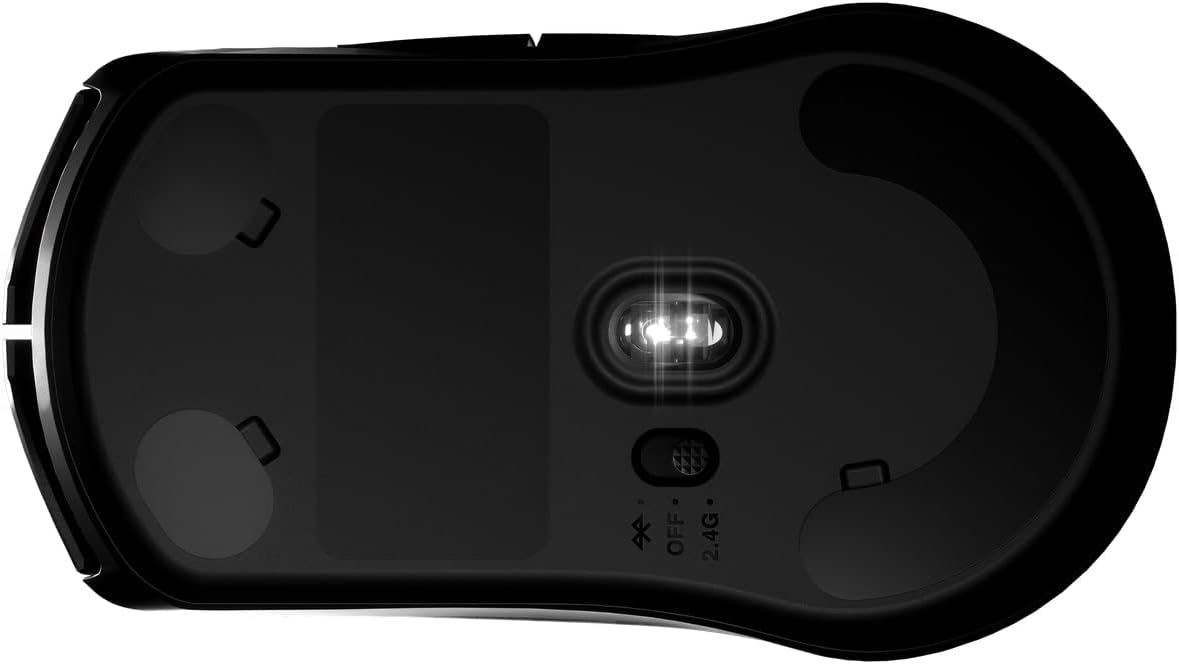
If you’re tired of wireless mice that start acting “low battery” just when matches get serious, the SteelSeries Rival 3 Wireless is built around long, uninterrupted use. On paper, you get 400+ hours of battery life thanks to power-efficient tech, plus dual wireless options—2.4 GHz and Bluetooth 5.0—so you can switch between gaming, school, work, and travel without constantly rethinking your setup.
It’s also aimed at players who want wired-like feel in a wireless package. The pitch here is ultra-low latency performance with practical flexibility: limited USB space? Use Bluetooth. Want the most responsive connection for gaming? Stick with the 2.4 GHz dongle.
What you’ll notice day to day
The big daily win is the combination of battery life and connection flexibility. In real life, that means you can keep it in your bag for trips or carry it between a work laptop and a gaming setup without planning around charging every few days.
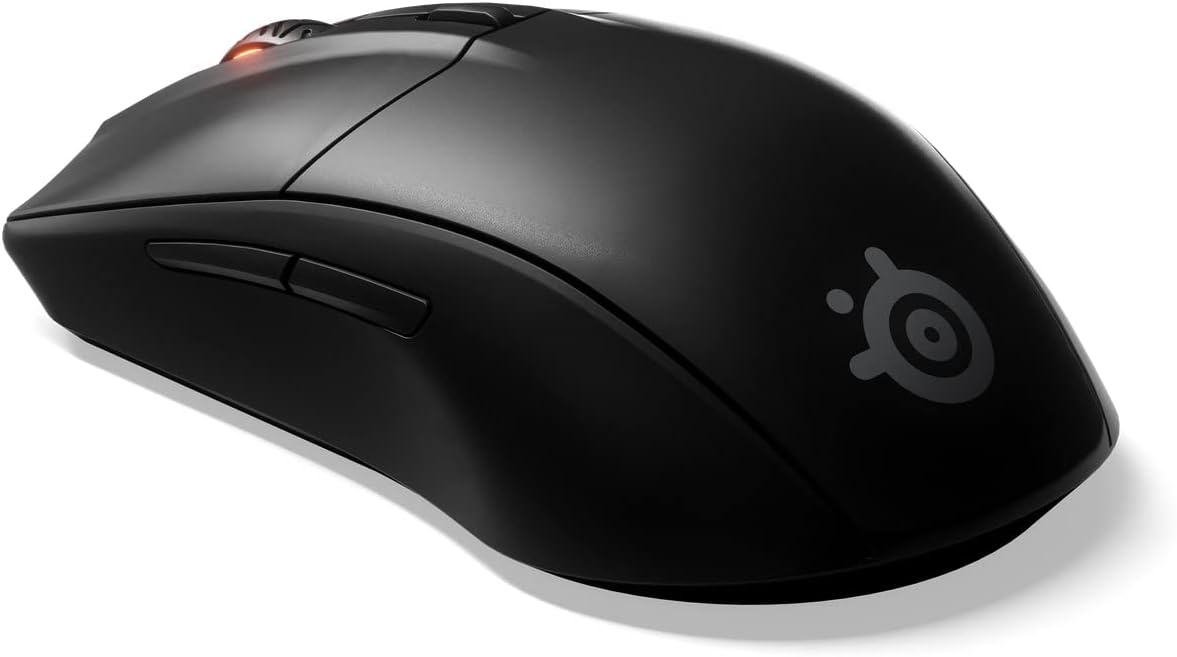
For example, imagine you take this to school: you pair via Bluetooth for quick use with a laptop in the library, then at home you switch to the 2.4 GHz dongle when you sit down to game. Same mouse, different connection path, less friction.
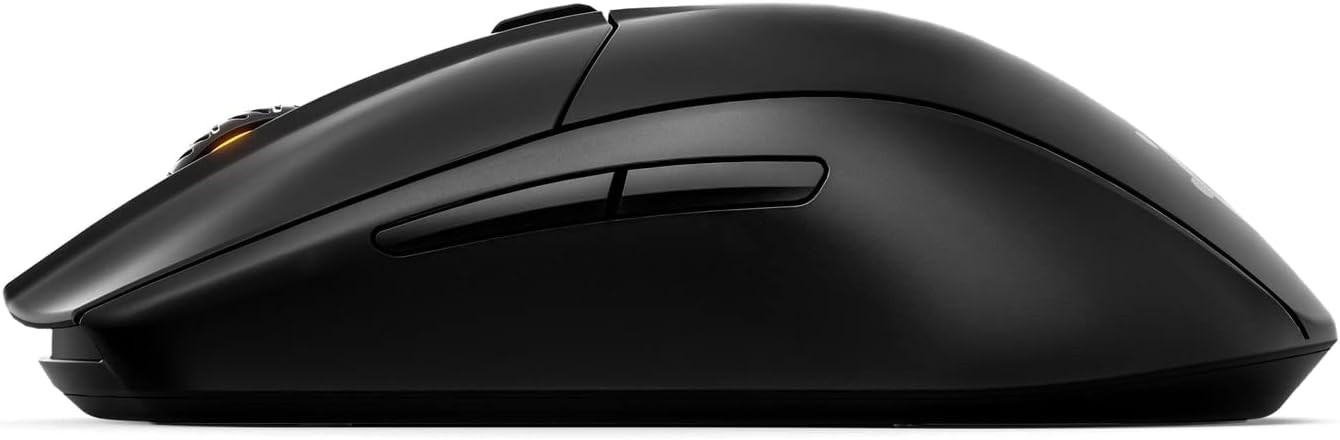
That convenience is paired with durability claims that are harder to ignore: the mechanical switches are rated for 60 million clicks. If you’re the type who spams the left/right buttons during shooters or competitive games, that’s the kind of number that gives some confidence.
Sensor and tracking performance (without the marketing fog)
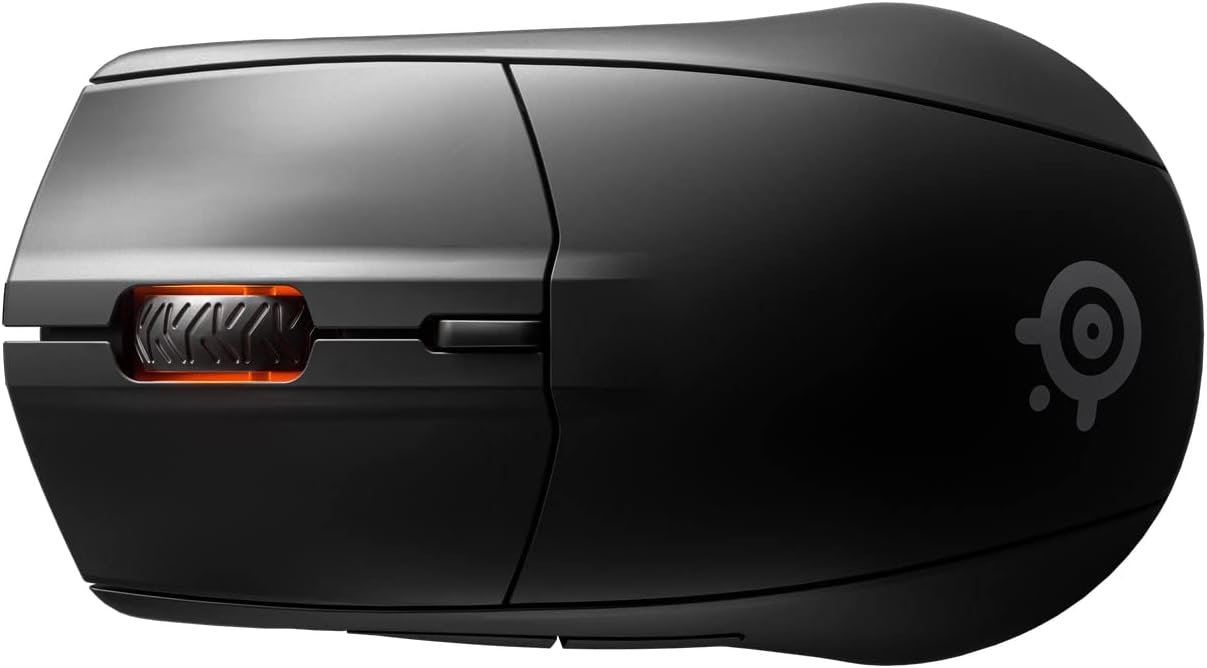
The Rival 3 Wireless uses the TrueMove Air optical gaming sensor with 1-to-1 tracking, rated up to 18,000 CPI, plus specs listed as 400 IPS and 40G. The point of these numbers is straightforward: it’s designed for consistent tracking across common gaming movement styles, not just basic desktop navigation.
It’s not presented as a “pro esports sensor for everything” in the data you have, but it’s a solid mid-to-upper mid-range approach for players who care about smooth cursor behavior and responsive control.
Connectivity, latency, and where it fits best
Dual wireless is a real deciding factor here. If you want the most consistent experience for gaming, the 2.4 GHz connection is the path the product is optimized for. If your priority is convenience—using the mouse across devices, or you’re working with limited USB ports—Bluetooth 5.0 gives you an alternate route.
Keep in mind that Bluetooth and 2.4 GHz setups can behave differently depending on your device environment. So if you’re chasing the lowest latency possible for competitive play, you’ll likely prefer the 2.4 GHz dongle more often than Bluetooth.
Tech specs
- Name: SteelSeries Rival 3 Wireless Gaming Mouse
- Type: Gaming mouse
- Display: Not specified
- Processor: Not specified
- Memory: Not specified
- Resolution: 18,000 CPI
- Refresh rate: Not specified
- Dimensions: Not specified
- Weight: Not specified
- Material: Not specified
- Color: Black
Compatibility, system requirements, and practical limits
This mouse lists support for Windows 7 or later, macOS 10.13 or later, iOS 13.7 or later, Chrome OS, PlayStation 4 or 5, and Xbox One / Xbox Series S or X.
Two things to double-check before you buy: - Limited USB space is mentioned, but you’ll still want to be sure the connection method you plan to use (dongle vs Bluetooth) matches your devices. - Bluetooth compatibility can be device-dependent in day-to-day performance, so if competitive latency is your top priority, you may end up leaning more on 2.4 GHz.
Buying verdict
It’s a smart pick if you want one wireless gaming mouse that also behaves like a daily driver—long battery life (400+ hours on uninterrupted use), dual connectivity, and a sensor spec sheet that’s made for gaming moves. The 60 million click rating is also a reassuring durability signal if you put real hours on your switches.
You may want to skip it if you require information that isn’t provided here (exact weight, size, or additional advanced performance details), or if you already own a mouse setup where your focus is purely ultra-competitive top-tier esports features and you’re sensitive to how Bluetooth performance can vary.
Mini FAQ
Does it work for gaming and non-gaming tasks?
Yes, the design is positioned as multipurpose: gaming support plus everyday switching between school, work, travel, and devices.
Which connection should I use?
The product emphasizes wired-like performance with ultra-low latency, and it includes both 2.4 GHz and Bluetooth 5.0. If you prioritize responsiveness, you’ll likely lean on 2.4 GHz.
How long does the battery last?
The listing states 400+ hours of uninterrupted use, supported by power-efficient technology.
What devices does it support?
It lists compatibility with Windows 7 or later, macOS 10.13 or later, iOS 13.7 or later, Chrome OS, PlayStation 4/5, and Xbox One / Xbox Series S or X.
Is the click durability decent?
It’s rated for 60 million mechanical clicks, with 60 million clicks being a key durability claim in the description.