

SteelSeries Apex Pro Mini Gen 3 OmniPoint 3.0 (Rapid Trigger, Rapid Tap, RGB, USB-C)
Product description
What to know before you buy
The SteelSeries Apex Pro Mini Gen 3 is a compact mechanical gaming keyboard built around OmniPoint 3.0 HyperMagnetic switches. If you care about fast response, precise actuation, and serious in-game control, this one is aimed squarely at competitive play rather than general office typing. On paper, the appeal is its adjustability—so you can tune how each key “decides” to register your input.
That said, a mini layout and feature-heavy switch system aren’t always the most convenient choice for everyone. If you mainly want a comfortable all-day keyboard or you dislike dialing in settings, you may find the learning curve a little annoying. For players who tweak sensitivity and want to minimize accidental presses, the design focus makes a lot of sense.
Key points
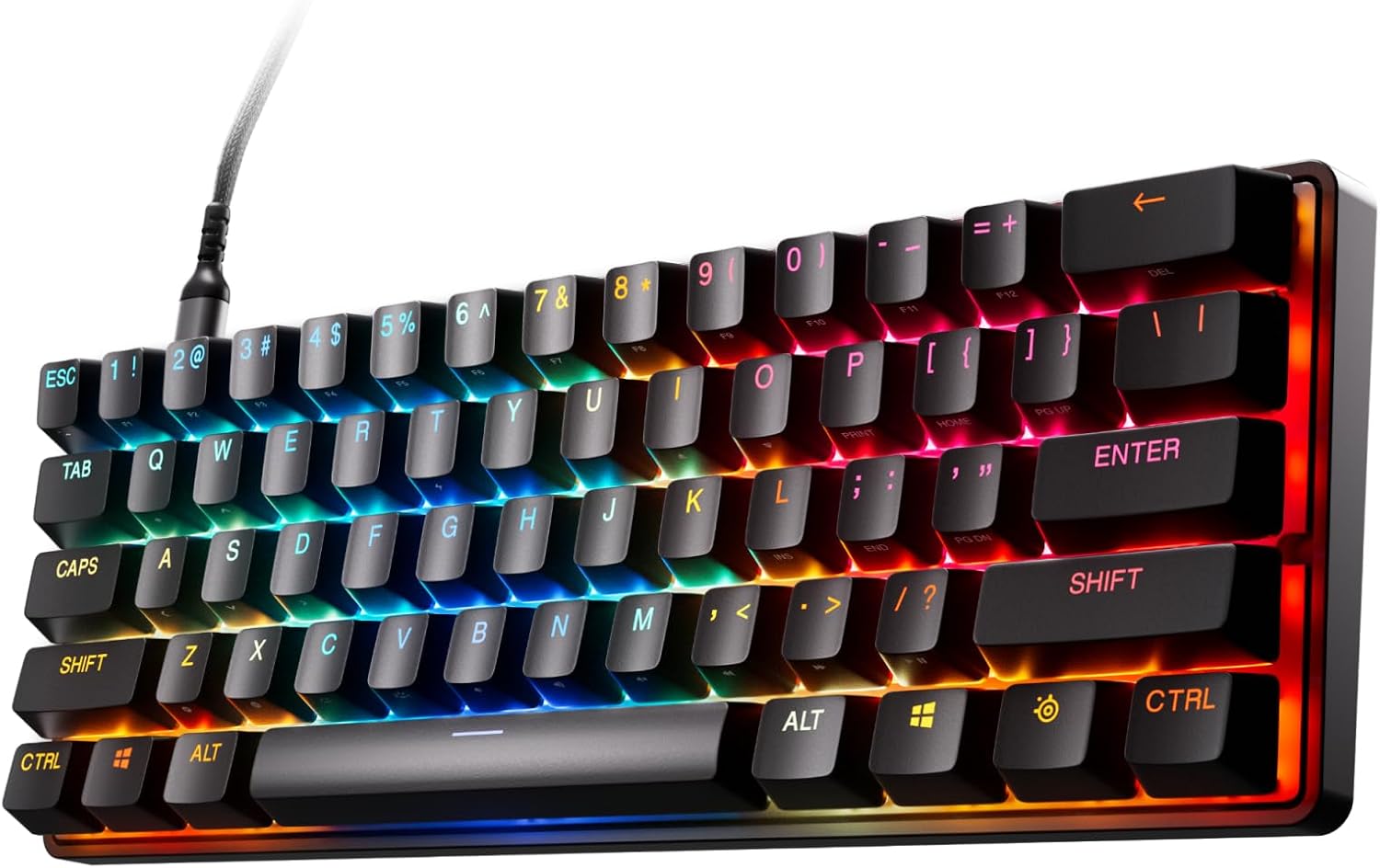
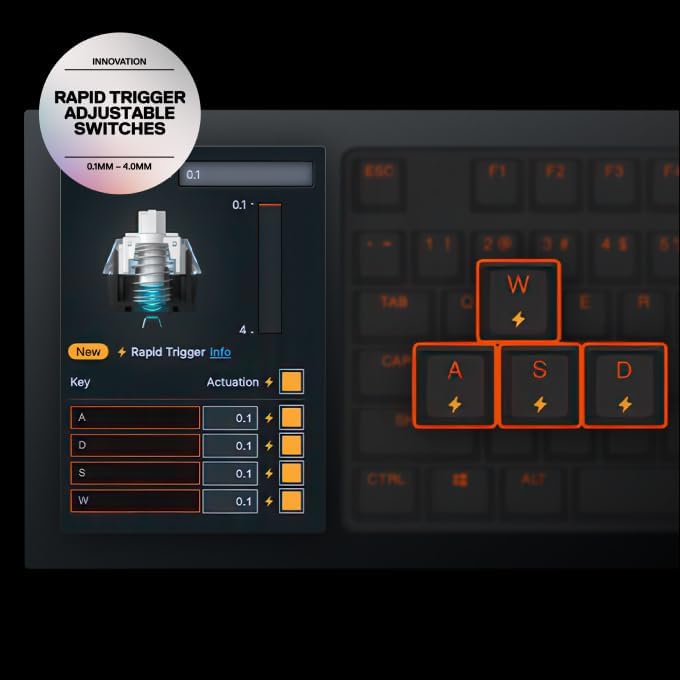
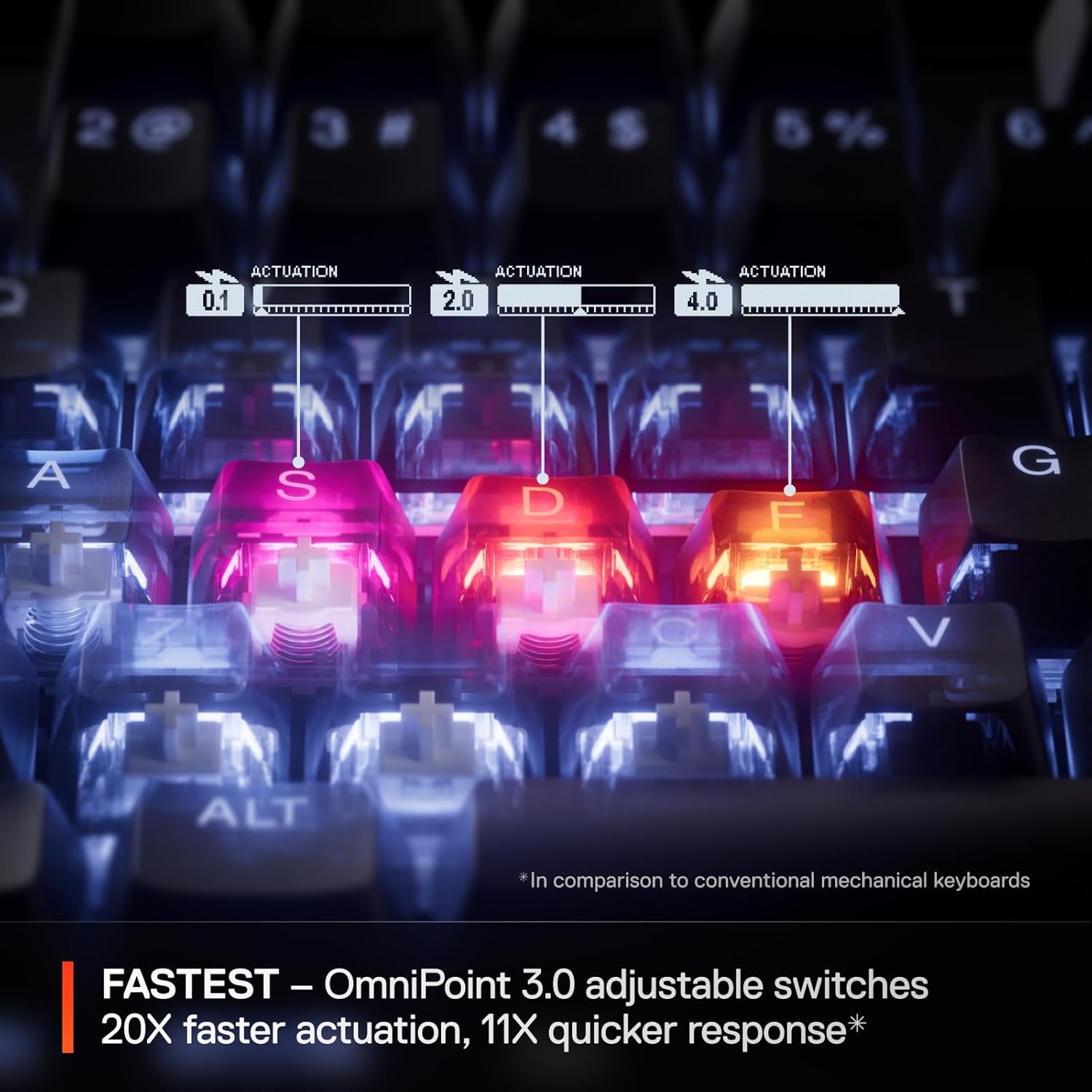
The OmniPoint 3.0 switch design targets speed and responsiveness using Hall Effect (hypermagnetic) technology, with rapid-trigger behavior and adjustable actuation levels. You also get Rapid Tap and “game-ready” presets, so setup can be quick when you want a competitive starting point.
One standout idea is Protection Mode: rather than just making the intended key register faster, it reduces sensitivity of surrounding keys when you press the targeted input. In real terms, that’s meant to help prevent accidental inputs during intense moments—think fast strafing, rapid ability use, or clutch key sequences where you don’t want neighboring keys to “join the party.”
The included RGB and USB-C connection round it out as a modern gaming board—no mystery there. The question is less whether it has features (it does) and more whether you’ll actually use the adjustability and rapid behaviors enough to justify a more specialized option.
Where it shines for gaming
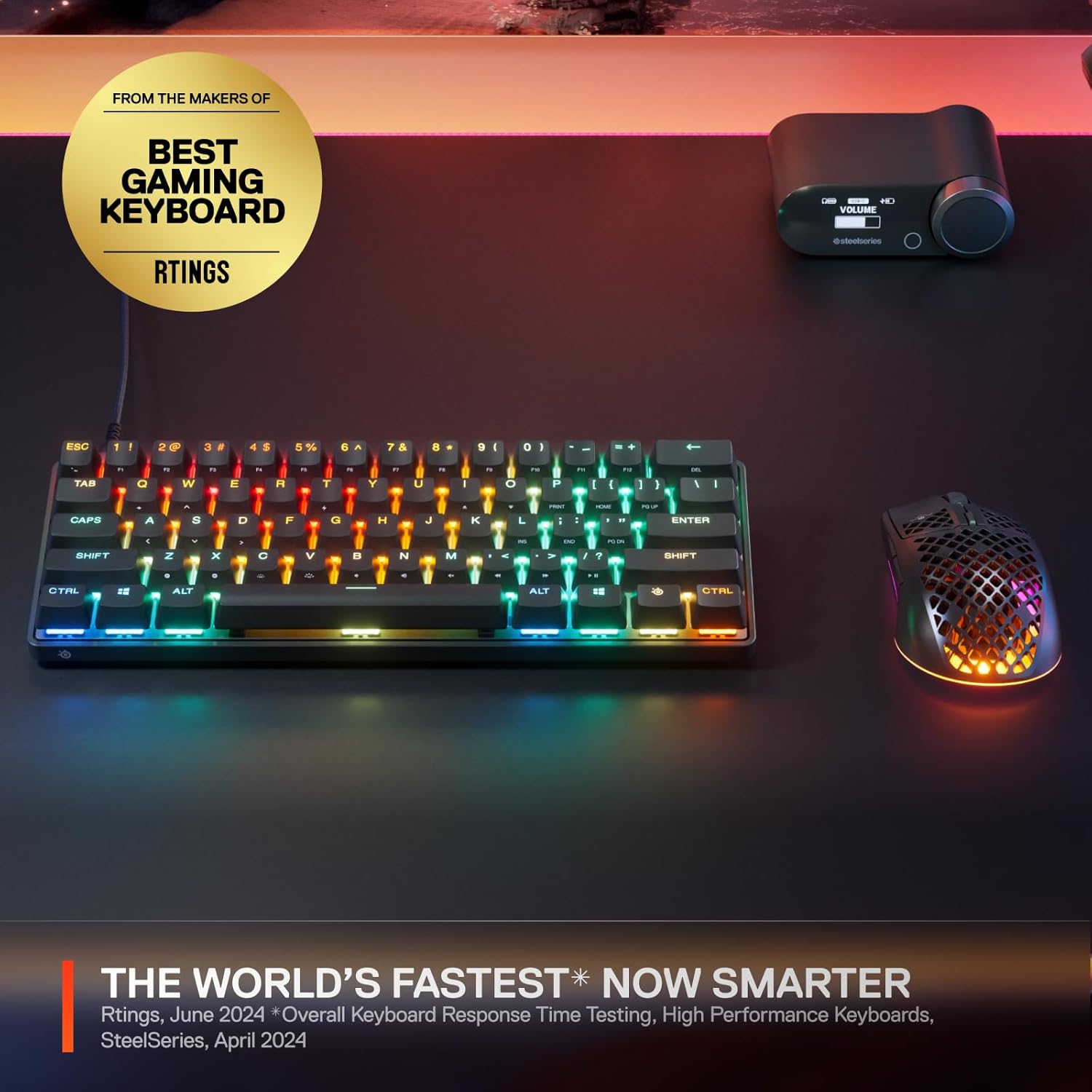
Rapid Trigger and Rapid Tap are built for faster keypress registration and more responsive gameplay. If you play titles where milliseconds matter—or where your inputs come in rapid bursts—this keyboard is designed around that idea.
A practical example: imagine you’re practicing a high-tempo combo in a shooter. With Rapid Trigger enabled and actuation tuned to your preference, you can register inputs with less delay and fewer “dead zones” between intent and keypress. Protection Mode adds a layer for chaotic moments by trying to suppress accidental neighboring key activations when you’re firing the primary key you intended.
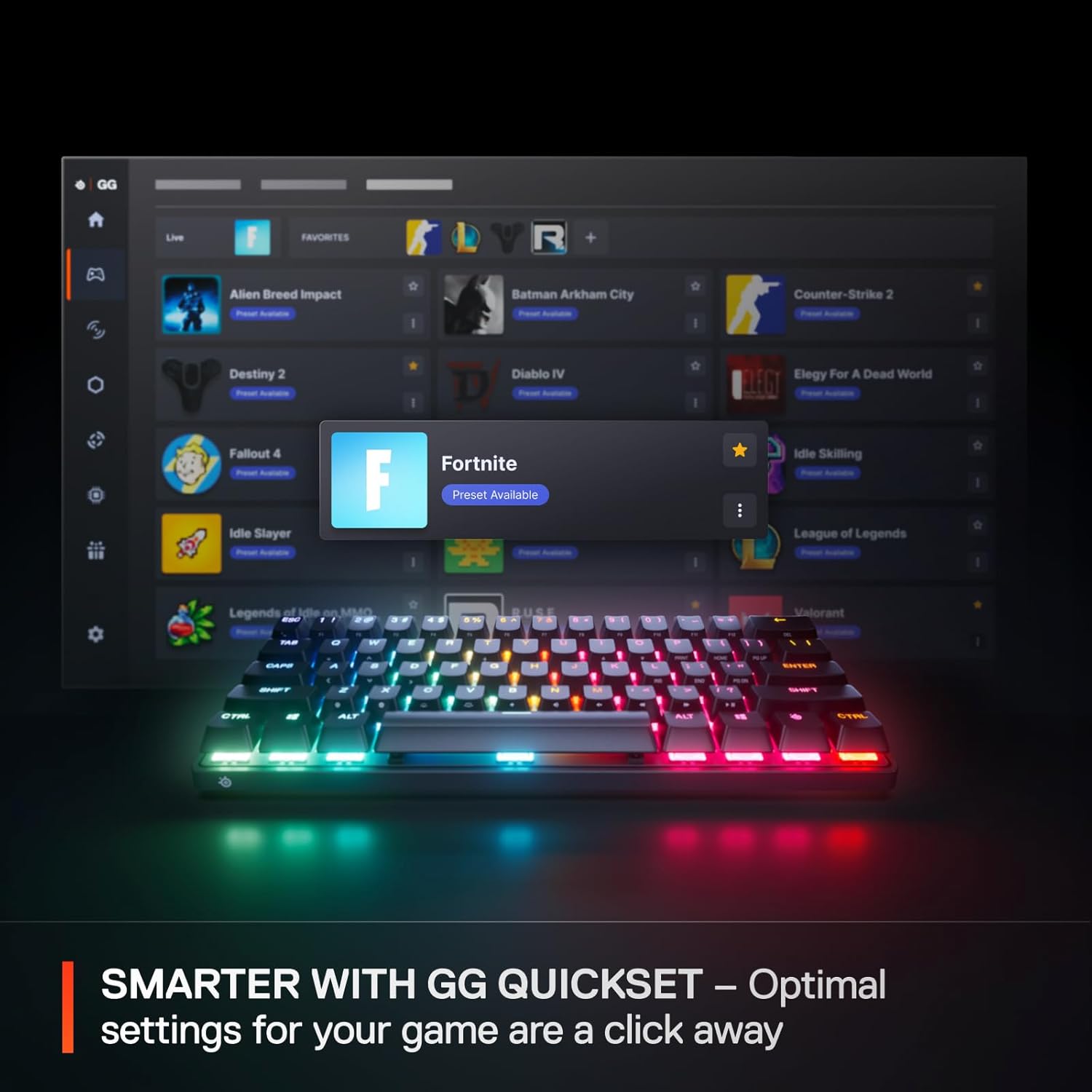
Game-ready presets (via GG QuickSet) help you land on a sensible configuration without spending hours hand-tuning everything right away. It’s a nice workflow if you jump between games or just want a quick competitive baseline.
What to consider (limitations and fit)
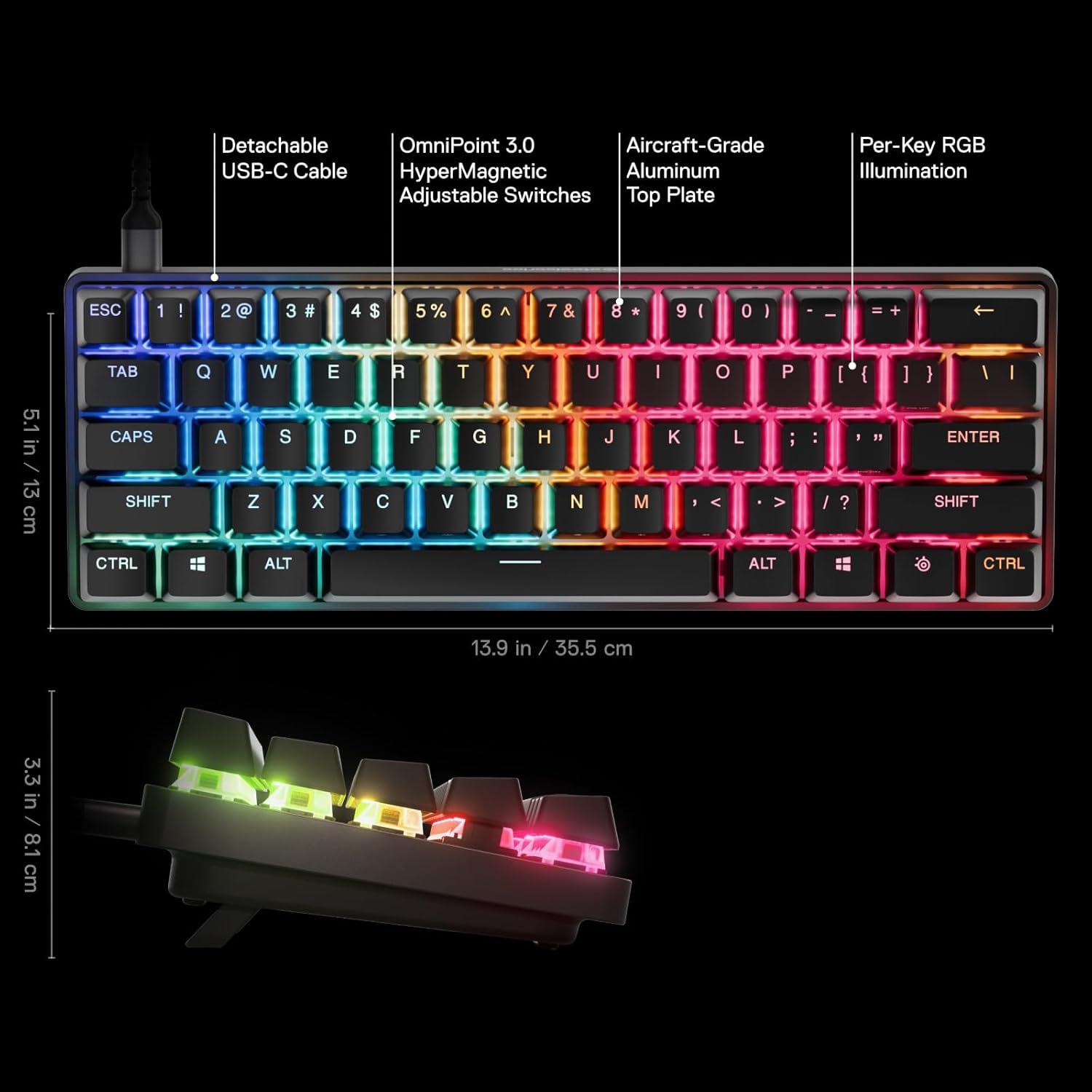
Keep in mind that this board’s strengths are also where it can feel “overkill” for some users. The OmniPoint 3.0 system emphasizes adjustability, rapid registration, and protection logic. If you don’t care about customizing actuation behavior or you prefer a simpler plug-and-play mechanical experience, you might not get the value you expect.
Also, being a mini keyboard matters. Mini layouts can be great for desk space and gaming ergonomics, but they also mean fewer keys and different positioning than full-size boards. If you rely heavily on a numpad or want dedicated macro space in the same way you’re used to, you’ll want to check the layout expectations before committing.
Key takeaways
This keyboard makes the most sense if you prioritize competitive responsiveness, enjoy tuning actuation sensitivity, and want extra protection against accidental inputs. Its Rapid Trigger, Rapid Tap, and Protection Mode are specifically framed to improve input reliability during fast play.
It may not be the best match if you mainly need a general-purpose keyboard, don’t want to adjust settings, or you’d rather avoid the complexity that comes with a highly customizable switch system and mini layout.
Tech specs
- Switch type: OmniPoint 3.0 HyperMagnetic
- Adjustable actuation: Yes (40 levels of adjustable actuation)
- Rapid Trigger: Yes
- Rapid Tap: Yes
- Protection Mode: Yes
- Keycaps: PBT keycaps
- Connectivity: USB-C
- Lighting: RGB
Is it worth it?
Buy the SteelSeries Apex Pro Mini Gen 3 if you want a compact gaming keyboard built around OmniPoint 3.0 with adjustable actuation, Rapid Trigger/Rapid Tap for faster registration, and Protection Mode to reduce accidental inputs. It’s especially attractive if you like tweaking your settings and you play games where quick, reliable key presses can noticeably affect performance.
Skip it if you want a straightforward, general-use keyboard with minimal setup, or if a mini layout could be inconvenient for your everyday key needs. It’s not “bad”—it’s just tuned for a specific style of use, and it can feel like too much if you don’t plan to use those advanced behaviors.
Quick check before you decide: confirm the mini form factor fits your muscle memory, and be sure you’re comfortable with the idea of adjusting actuation/presets to match your preferences.
Mini FAQ
What’s the main idea behind OmniPoint 3.0?
OmniPoint 3.0 is a Hall Effect (hypermagnetic) switch design focused on very fast actuation and response, paired with adjustable actuation so you can tune when keys register.
What does Protection Mode do?
Protection Mode is designed to protect your keypresses by reducing sensitivity of surrounding keys when the intended key is pressed, aiming to prevent accidental inputs.
Is Rapid Trigger or Rapid Tap required for good performance?
The product is built around those features for reduced latency and faster key registration. Whether you “need” both depends on your play style and how you want inputs to feel after tuning.
Does it support quick game setup?
Yes, it includes “game-ready presets” using GG QuickSet so you can jump into configurations with fewer clicks.
What connection type does it use?
It uses USB-C.