

EPOMAKER x Aula F99 Wireless Mechanical Keyboard (White Grey, Graywood V3) — Hot-Swappable, Gasket-Mounted, BT/2.4GHz/USB-C
Product description
Key takeaways
The EPOMAKER x Aula F99 is a wireless mechanical keyboard aimed at people who want a more “premium-sounding” feel without giving up convenience. On paper, the standout is the gasket-style build plus a multi-layer sound-dampening approach (silicone pad and additional layers mentioned in the description) to make keystrokes feel more controlled. Add hot-swappable switches and you get a board that’s easier to customize over time than a soldered setup.
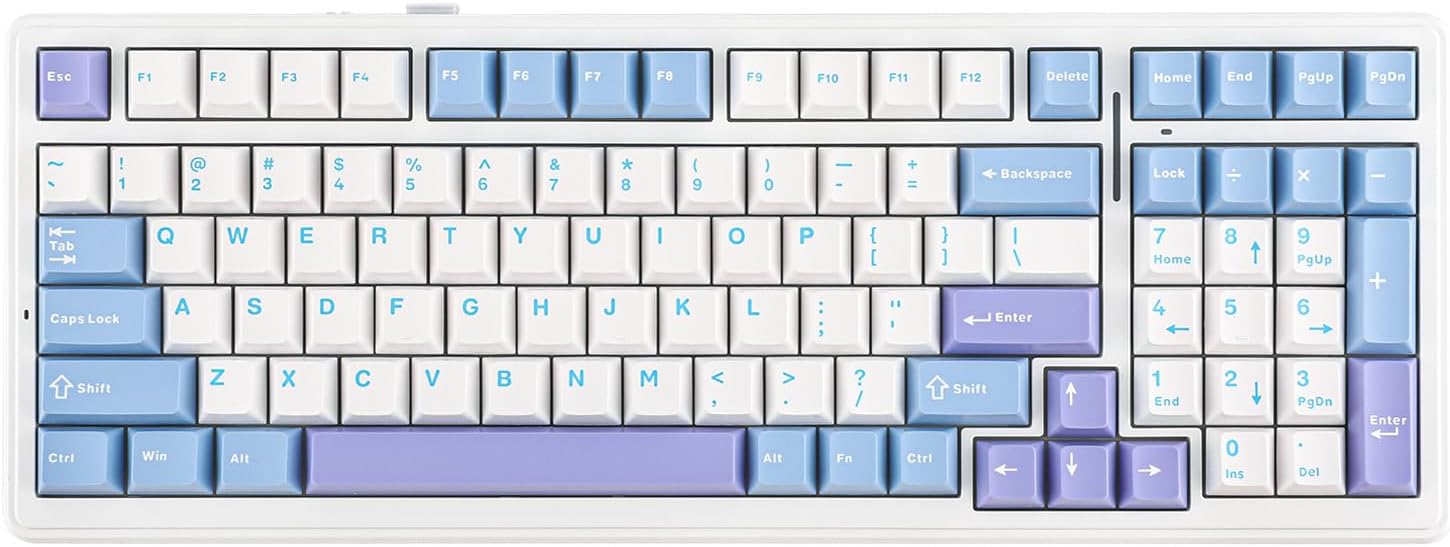
It’s also set up for desk use where you might bounce between work and gaming: 99 keys with dedicated navigation and number keys for productivity, while still keeping a compact layout that gives more room for your mouse. The wireless options (Bluetooth and 2.4GHz) and USB-C wired mode make it flexible for different setups. Still, if you expect the “best-in-class” customization ecosystem or ultra-specific switch compatibility details beyond what’s stated, you may want to double-check before buying.
What really stands out in daily typing and gaming
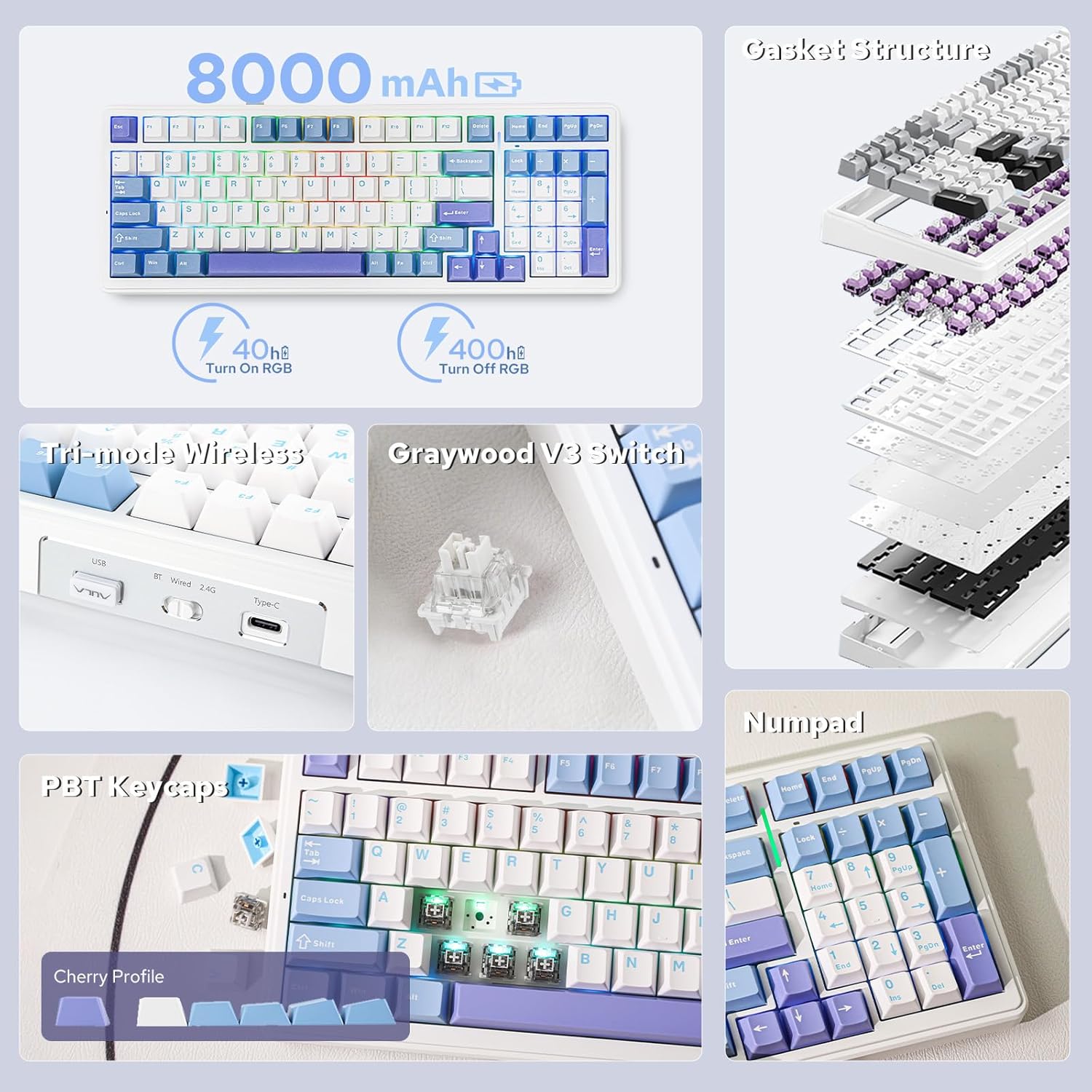
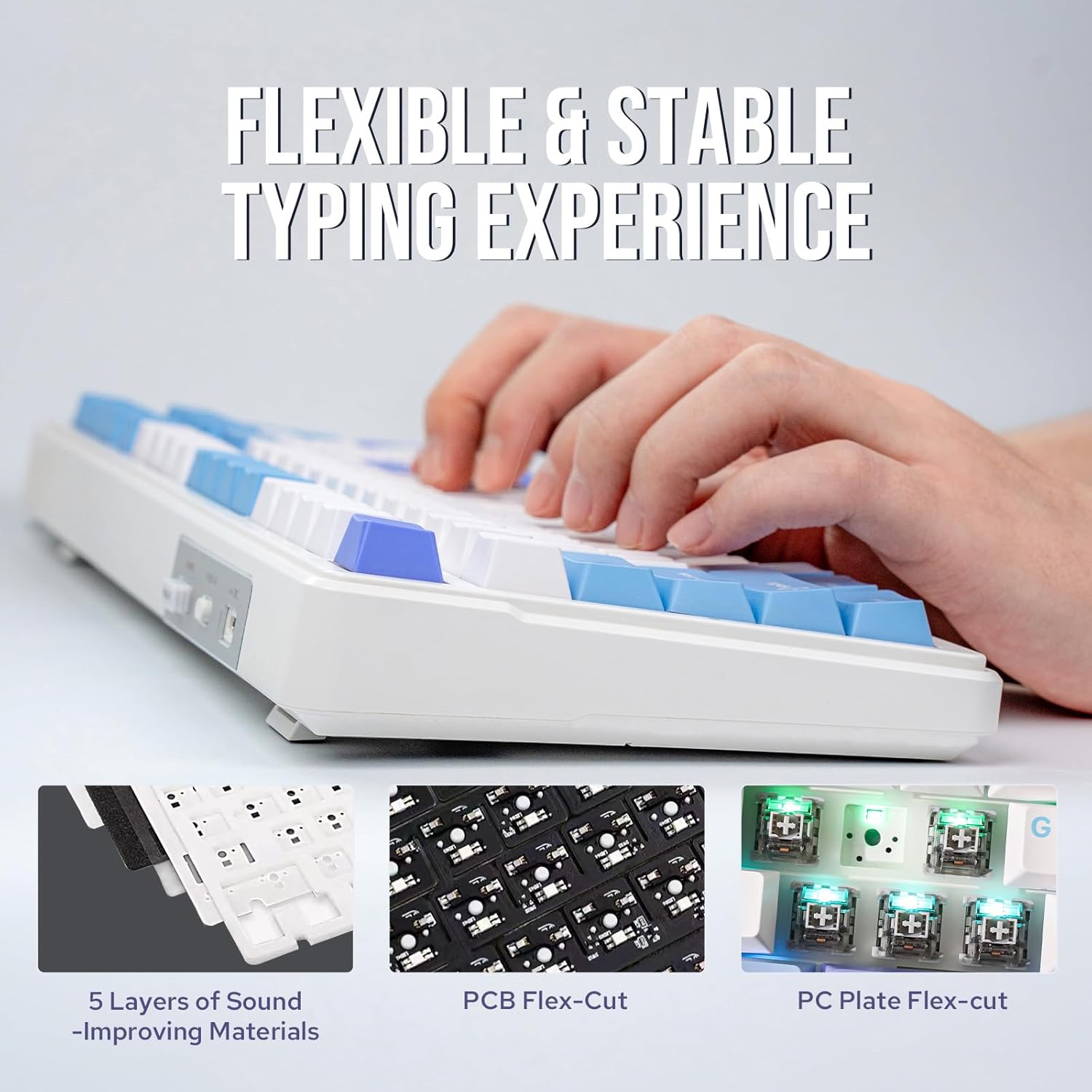
This keyboard leans hard into feel and acoustics. The gasket (“per-key gasket slot” style design) is intended to make each press feel comfortable and responsive, while the layered padding approach is meant to absorb sound and reduce the harshness you can get from simpler builds. The result, at least as designed, is sharper, more precise keystrokes—especially noticeable when you type longer sessions.
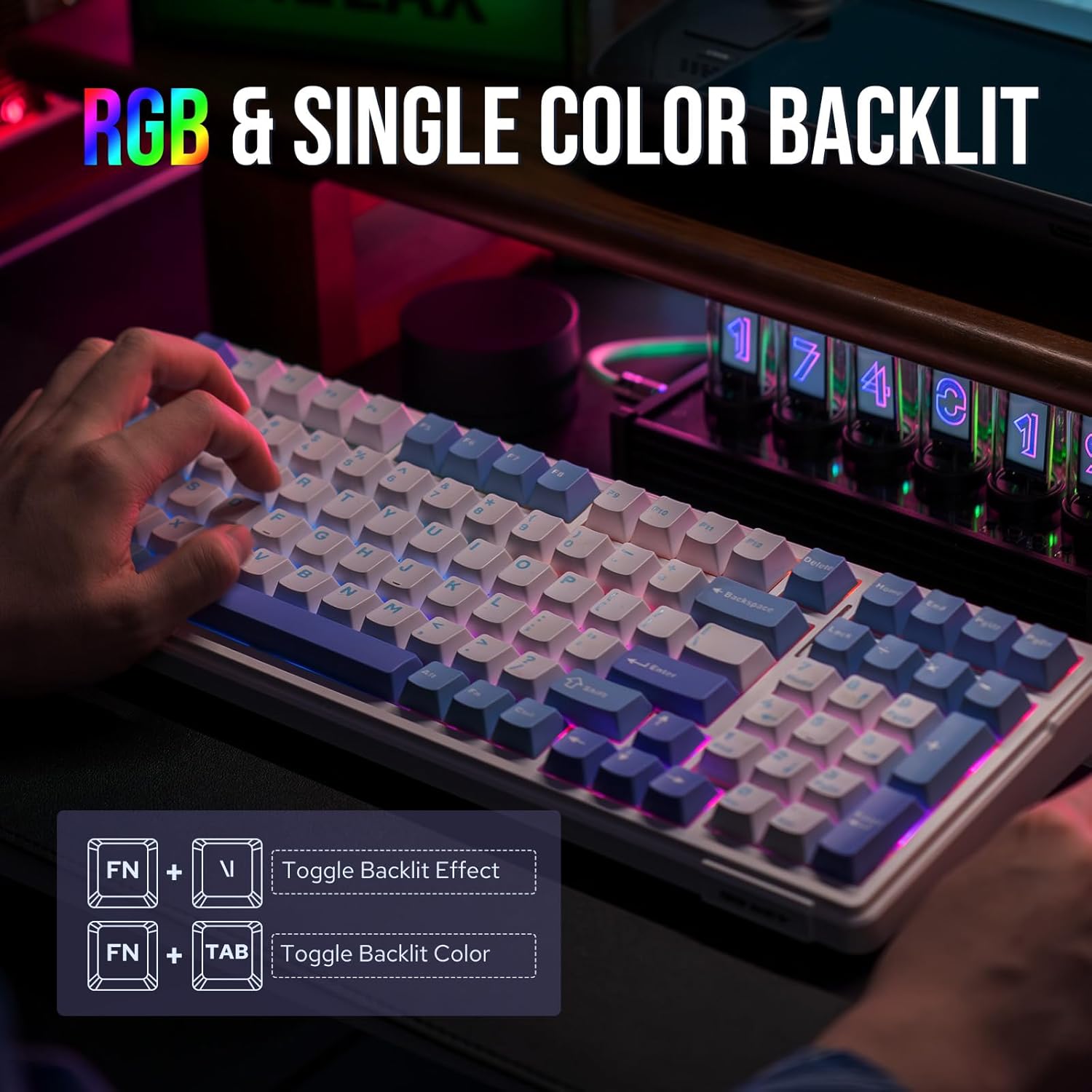
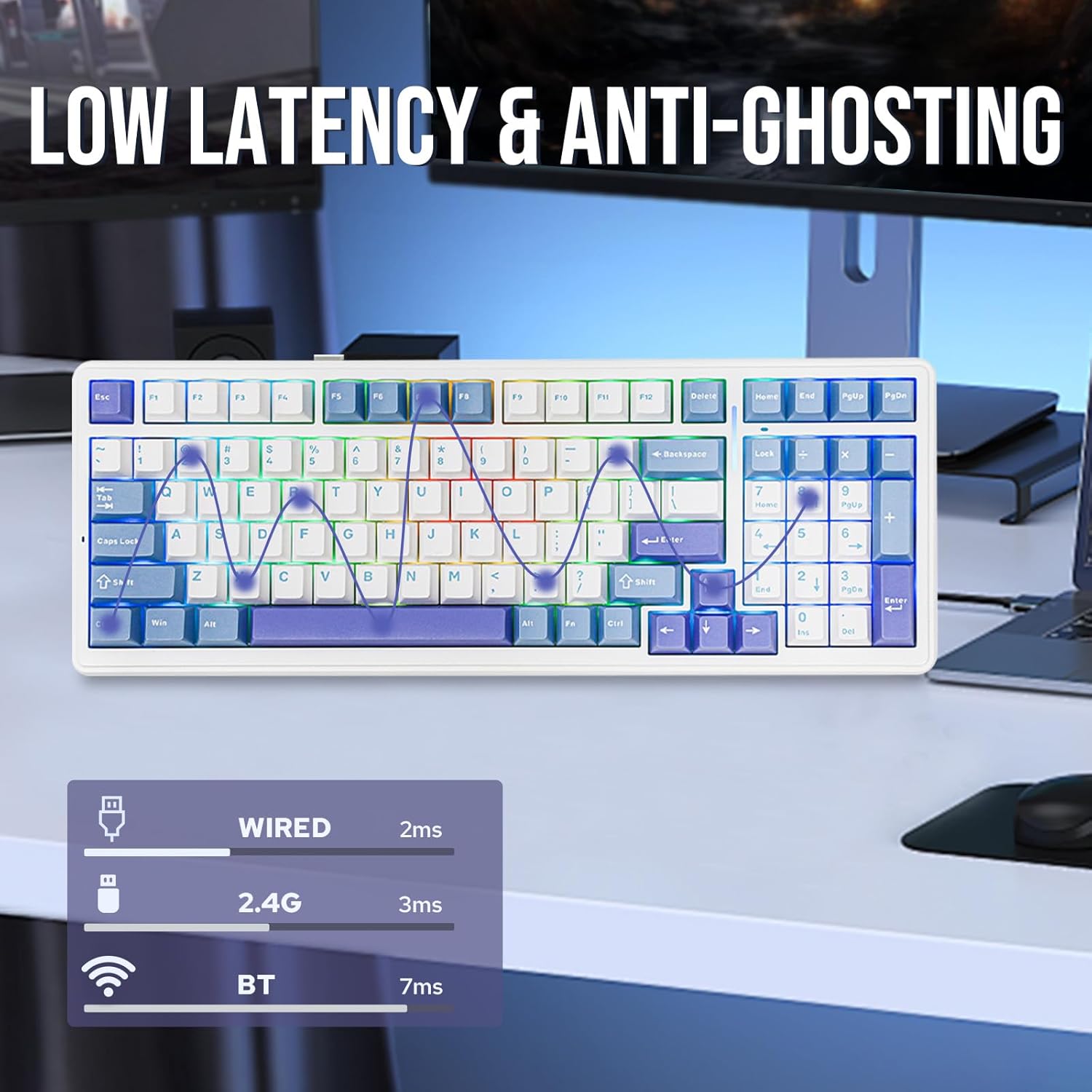
For gaming, the layout keeps navigation and numbers so you’re not constantly reaching for extra layers. The description also notes full-key anti-ghosting (NKRO), which matters when you hit multiple keys at once for shortcuts and combos. And because it’s a wireless board with a low-latency connection claim, it’s positioned as suitable for everyday use and “exciting gaming sessions,” not just office typing.
Connectivity and battery: convenience with trade-offs
Aula F99 supports three connection modes: Bluetooth, 2.4GHz wireless, and USB-C wired. That’s a practical mix if you use different devices (or just want the freedom to choose). The included 8000 mAh battery is meant to keep you going between charges, helped by a low-power technology approach mentioned in the description.
Still, wireless convenience always comes with reality checks: your actual runtime will depend on how you use RGB and how often you’re switching between modes. If you’re the type who runs bright lighting all day, it may not match your expectations for “set it and forget it” battery life.
Hot-swappable switches without the soldering headache
One of the most purchase-relevant features here is the hot-swap design. The description says it supports mechanical switches with 3/5 pins and lists several brands/models as compatible (EPOMAKER/AJAZZ/Gateron/Cherry). The big benefit is the customization path: you can test different switches, swap them out, and tune your feel without needing a soldering iron.
It also mentions that the switches are factory-lubed, so you can start with a smoother feel right out of the box. If you’ve ever bought a keyboard only to realize you need to rework it immediately, this approach is a lot more forgiving.
Key specs to know before you buy
Here are the details that matter most for decision-making, based on what’s provided:
Tech specs
- Key count: 99 keys
- Key layout: 99-key with a 95% compact design approach (more mouse space)
- Switch mounting: hot-swappable
- Switch support: 3/5-pin mechanical switches
- Wireless modes: Bluetooth, 2.4GHz, and USB-C
- Battery: 8000 mAh
- Keycaps: PBT double-shot (two-tone) keycaps
- Sound/damping design: five-layer padding with silicone + IXPE and PORON layers (as described)
- PCB: FR4 premium with a per-key slot design (as described)
- Anti-ghosting: full-key NKRO (as described)
Who it’s for (and who should be cautious)
It makes sense if you want a gasket-mounted keyboard that’s designed to sound and feel more refined than entry-level builds, and you’d like the freedom to experiment with switches later. The 99-key layout is also a good fit if you use navigation keys and numbers regularly for work and gaming.
You may want to skip it if you’re very strict about needing highly specific switch compatibility beyond the names listed, or if you want a board with a more simplified “set it and forget it” approach. Also, if your priority is the most extreme wireless performance possible above all else, you’ll want to verify the practical latency expectations for your use case—because the description focuses on design intent more than measurable results.
Usage tips
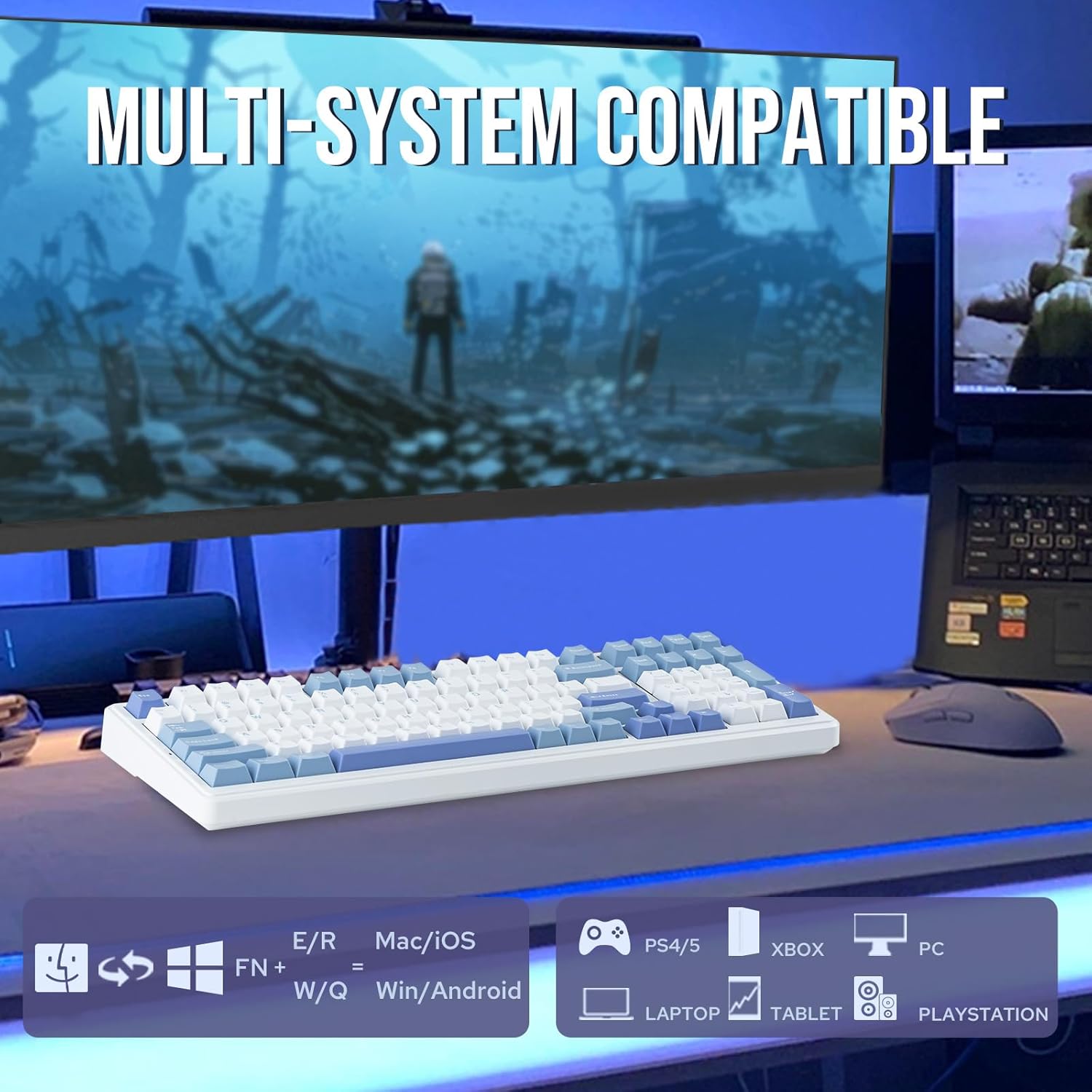
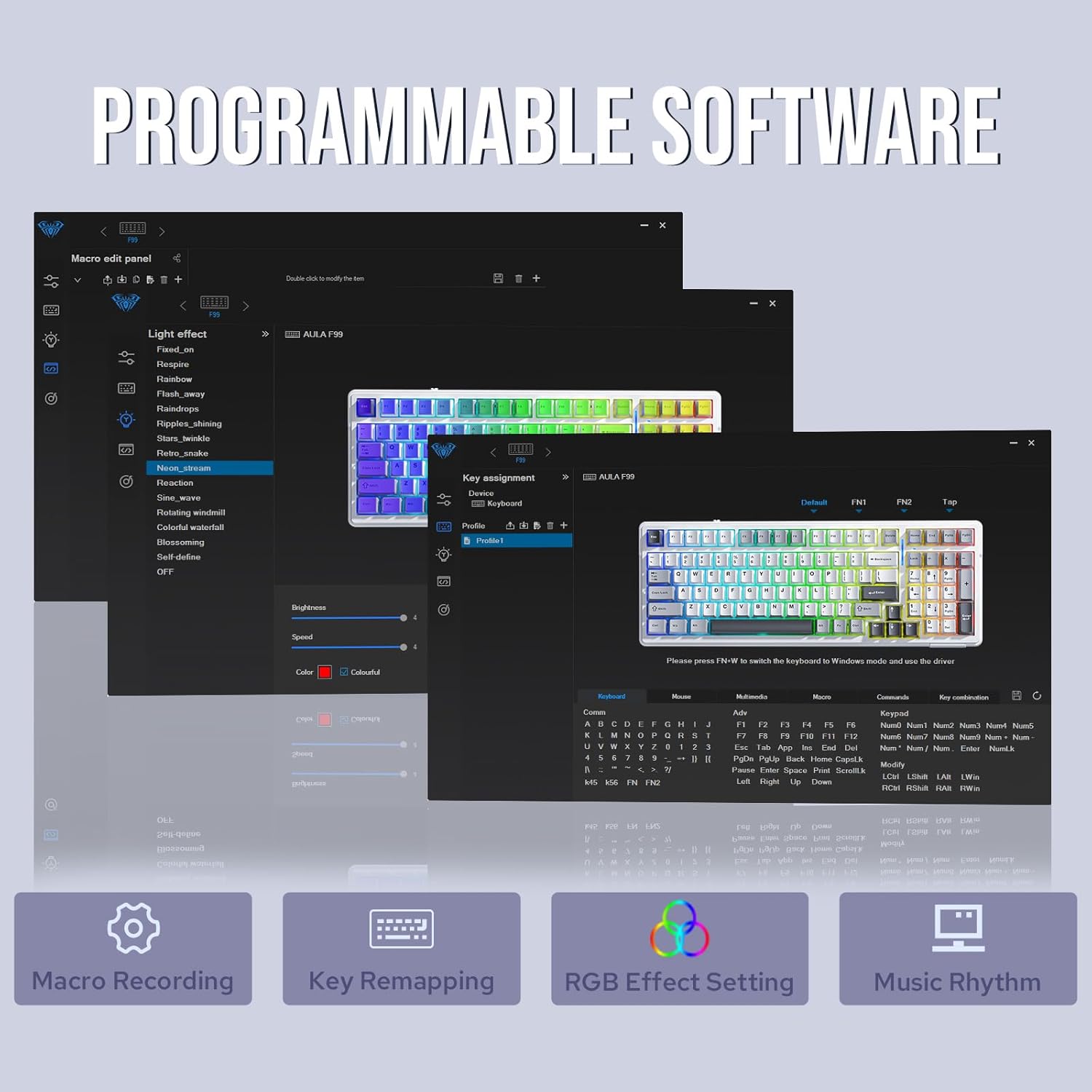
If you’re setting up for mixed work and gaming, try this: set your most-used shortcuts on the main layer, then use RGB as a quick visual cue so you can identify modes at a glance. For daily switching between devices, Bluetooth can be your “quiet office” mode and 2.4GHz can be your “gaming session” mode, with USB-C as the fallback when charging or when you want a wired session.
And since the keyboard is hot-swappable, don’t feel stuck with the initial feel. If you’re coming from a different typing style, you can swap switches to tune the sound and feel toward what you like—no soldering required.
Is it worth it?
Worth it if you care about a more comfortable, more controlled keystroke feel (gasket + multi-layer padding as described), want PBT double-shot keycaps, and like the idea of hot-swapping to customize without soldering. It’s also a solid pick if you need a compact 99-key layout that keeps navigation and numbers so you’re not constantly using layers.
It may not be the best choice if you only want the simplest possible setup with zero tinkering interest, or if you’re expecting guarantees around battery performance under your exact RGB and wireless habits. In general, this keyboard sits in a “mid-to-great feature set” lane: not just a wireless gimmick, but a build that’s meant to improve how your keyboard sounds and feels from the start—while keeping customization within reach.