

AULA S98 Pro wireless mechanical keyboard 2.4 GHz ⌨
Product description
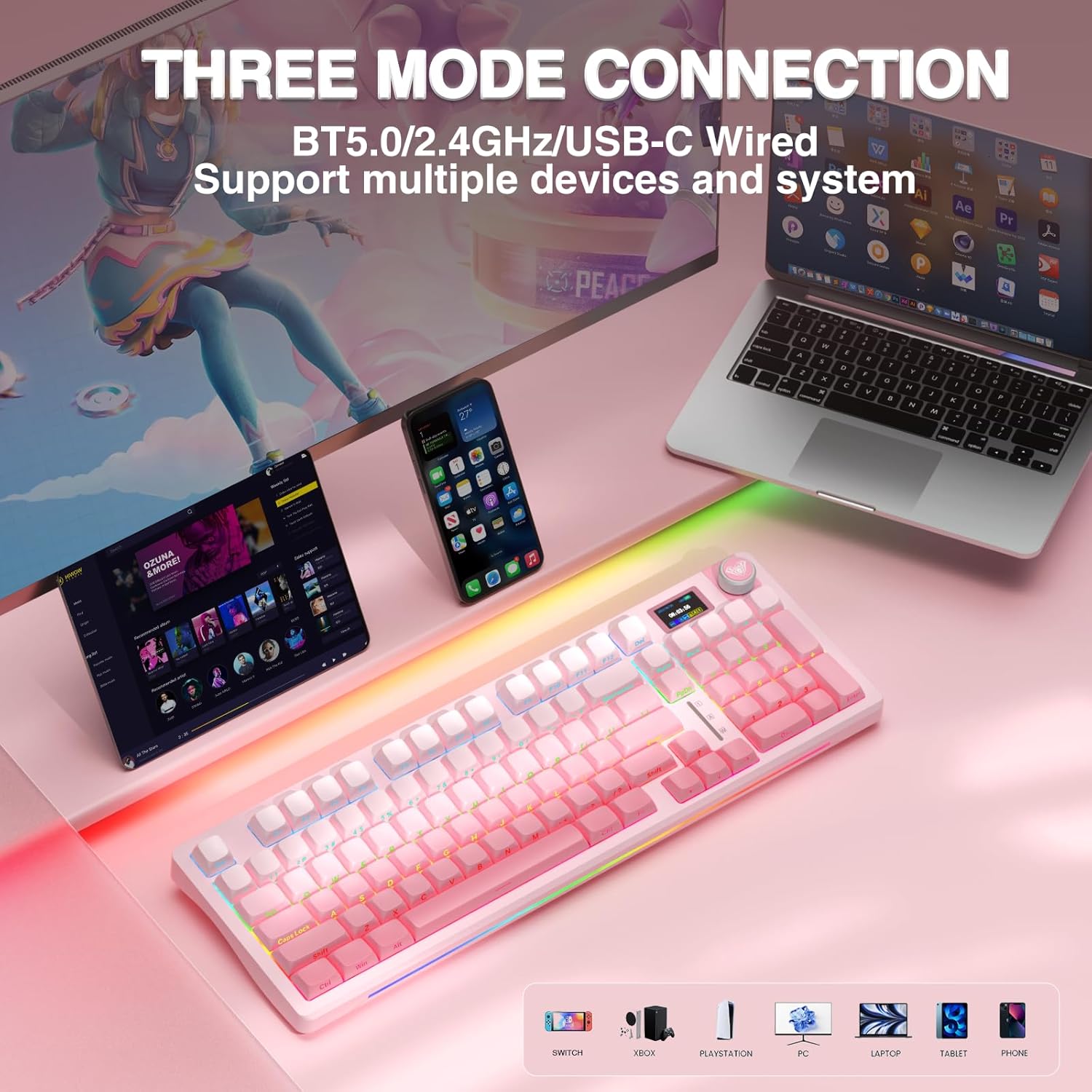
This wireless mechanical keyboard with LCD screen brings a mix of tactile typing and smart controls for gamers and productivity users who want customization and long battery life. It offers three connection modes and a multifunction knob that helps switch devices, control volume, and cycle RGB effects while keeping track of time and battery on the onboard display.
Key Points
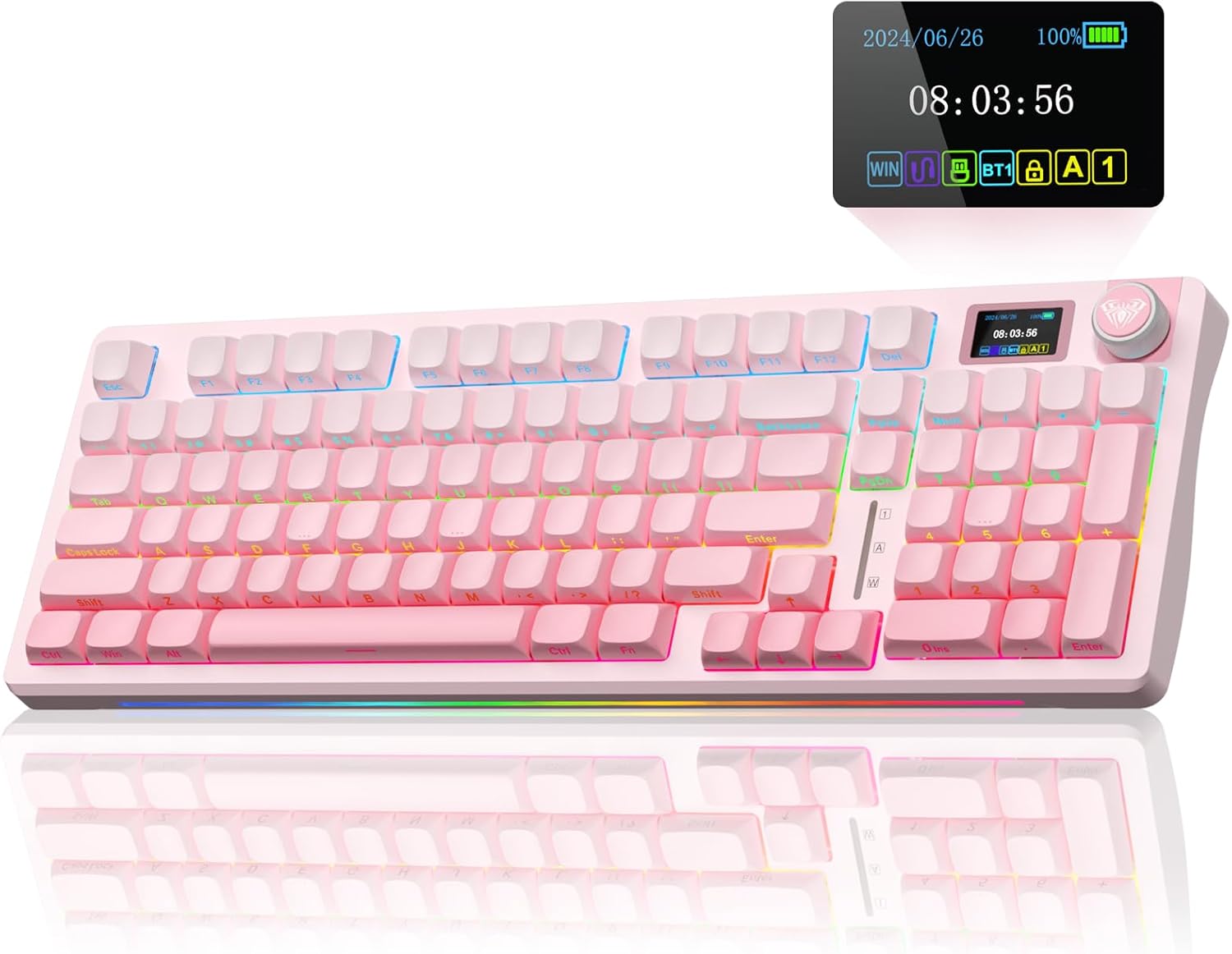
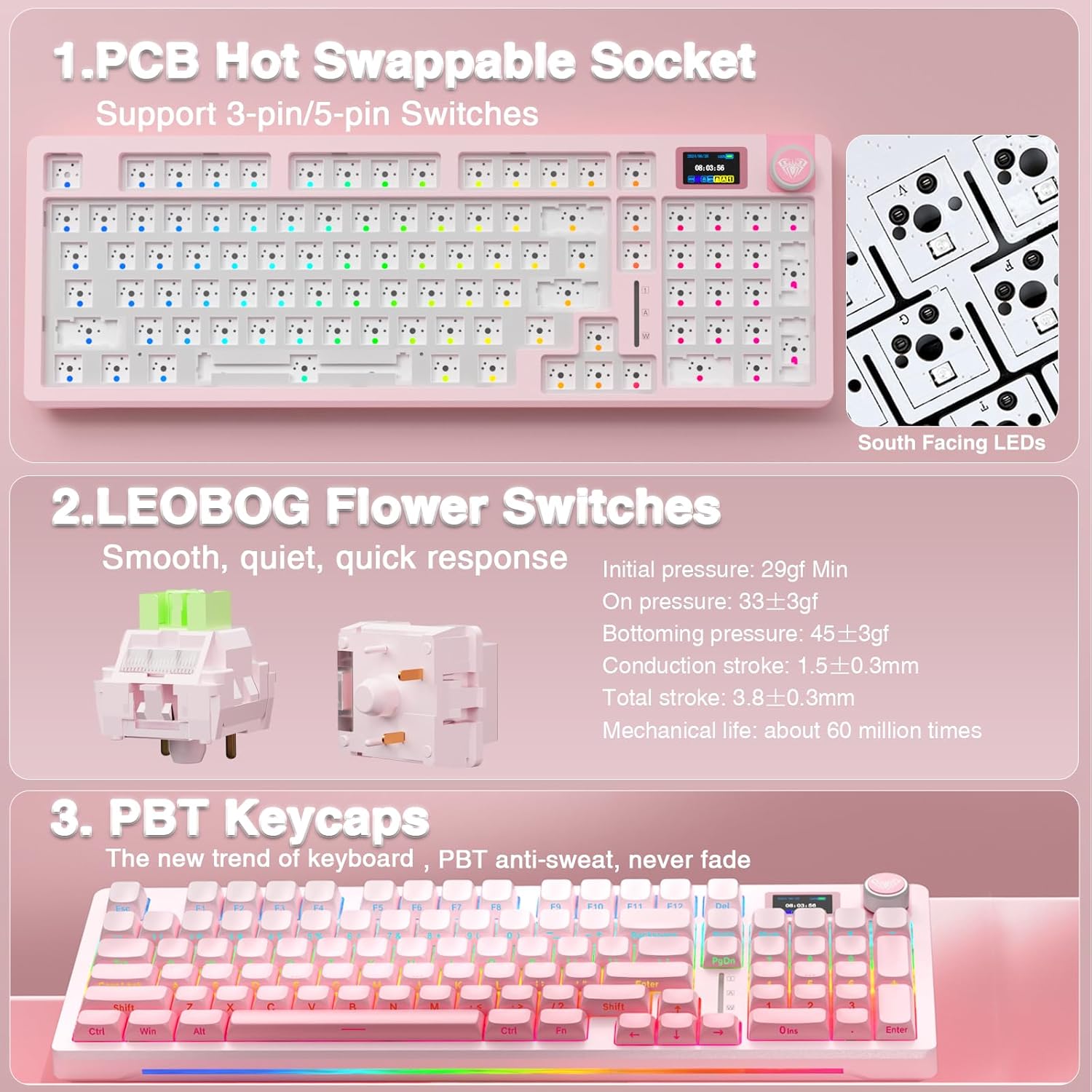
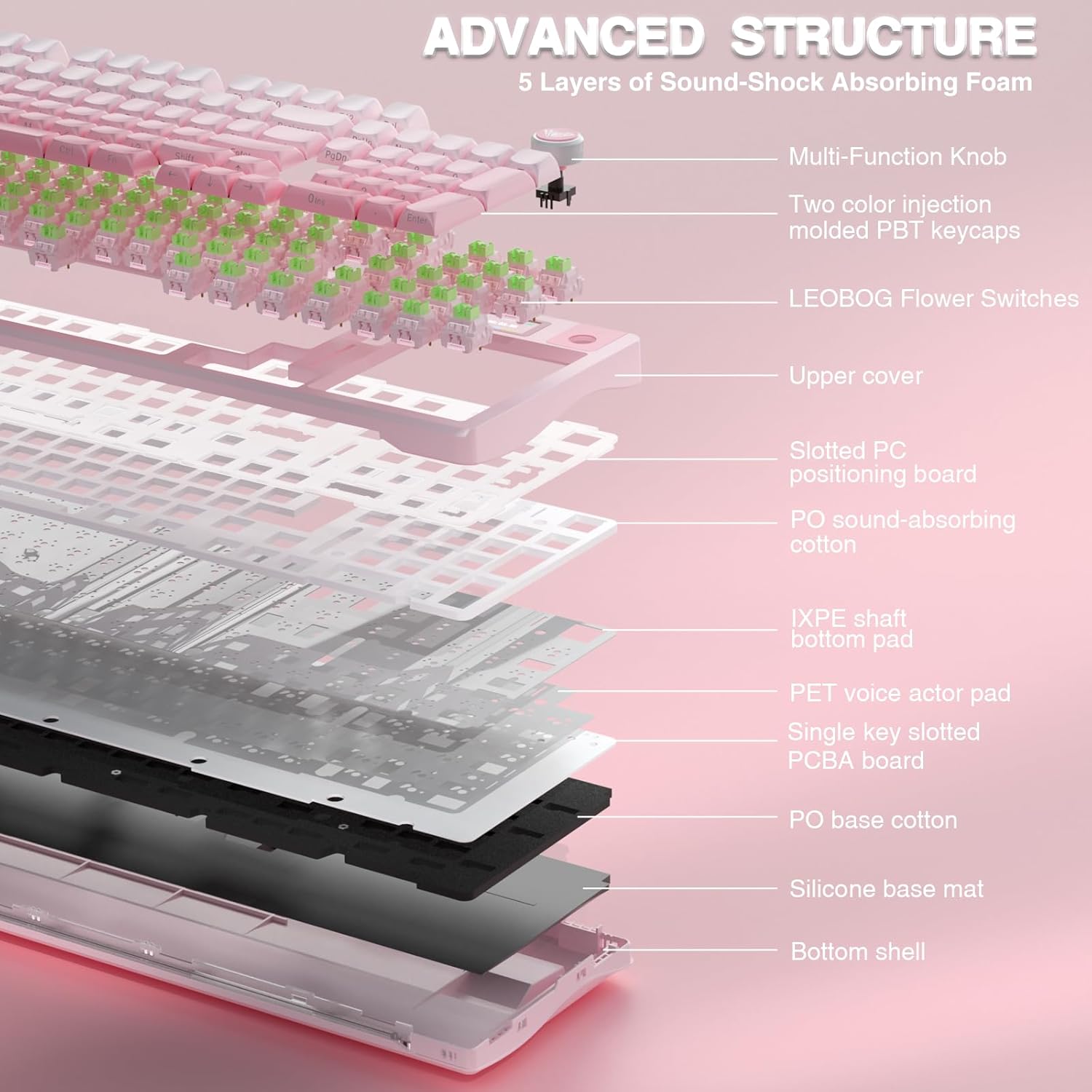
The S98 Pro stands out for its integrated LCD panel and a multifunctional encoder that can adjust system settings and show GIFs or status information when configured under Windows. The keyboard supports Bluetooth 5.0, 2.4 GHz wireless, and a wired USB-C connection for low-latency performance. It includes a hot-swappable PCB compatible with 3- and 5-pin switches, allowing quick swap of switches without soldering. ⚙️ The pre-lubricated linear switches and extended silicone dampening layers contribute to a smoother keystroke feel and reduced cavity noise, resulting in a thicker, more comforting sound profile.
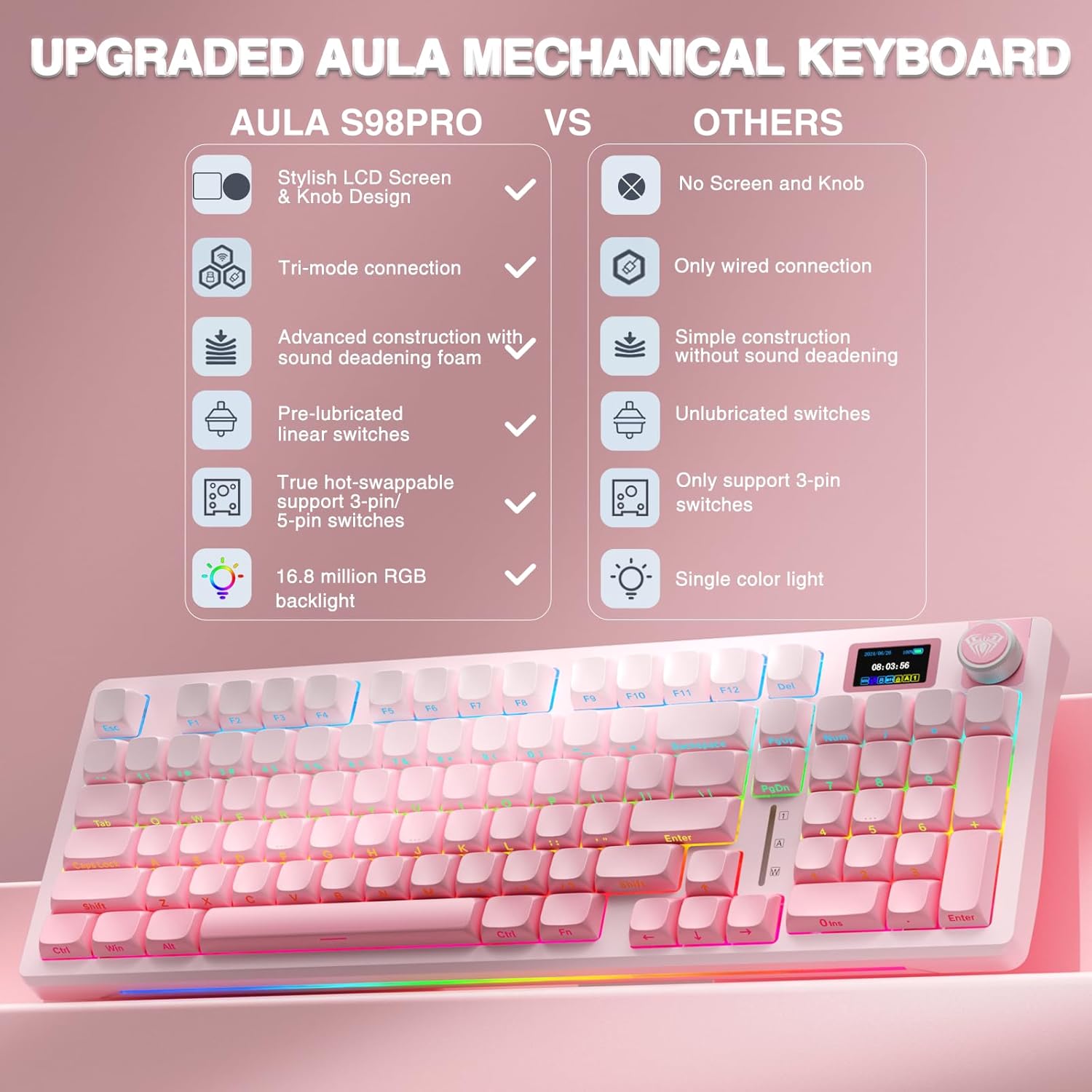
Technical Specifications
- Name: AULA S98 Pro
- Connectivity: BT5.0, 2.4 GHz wireless, USB-C wired
- Battery: 5000 mAh
- Keycaps: PBT side-printed keycaps
- Switches: Pre-lubricated linear hot-swappable (3/5-pin compatible)
The Best of This Model
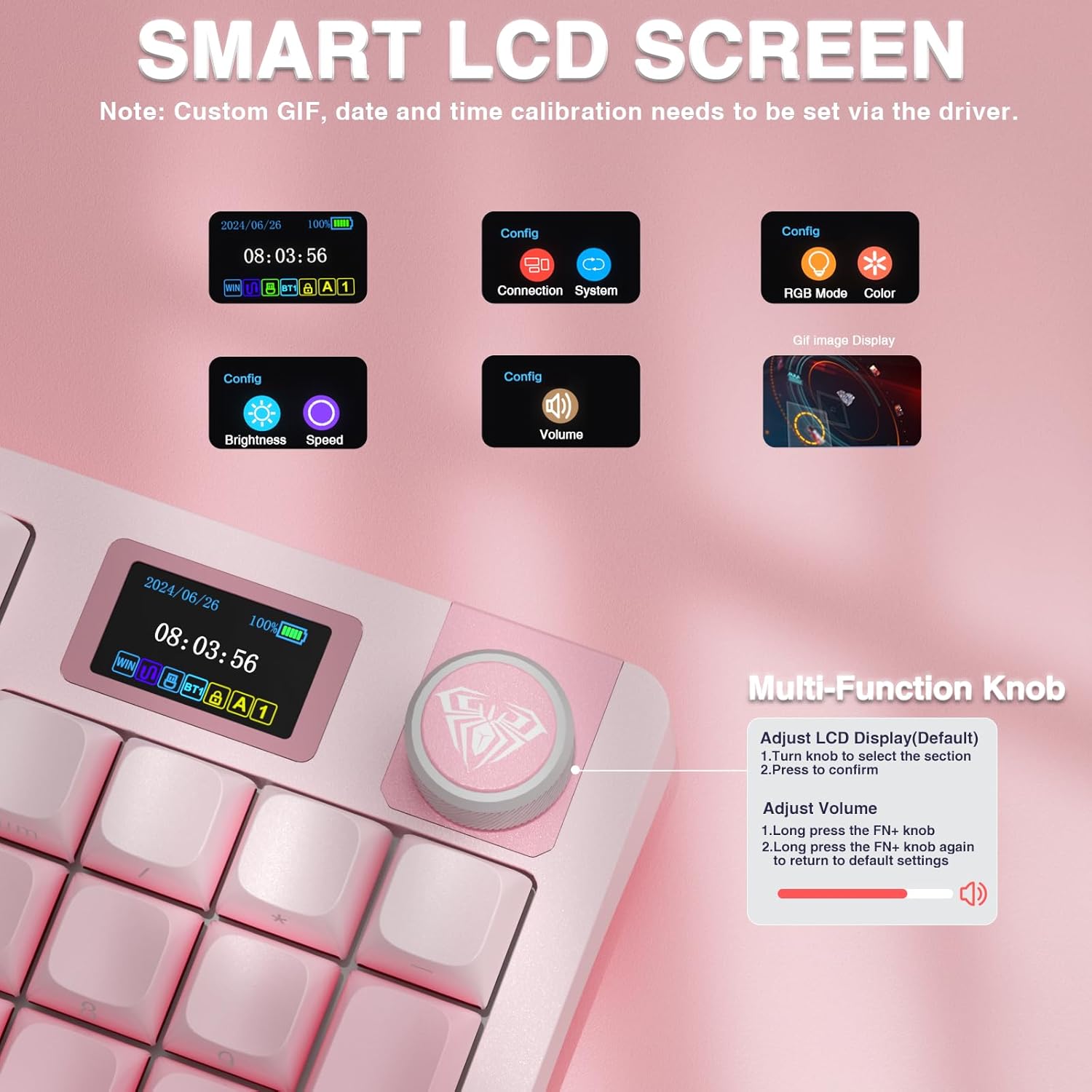
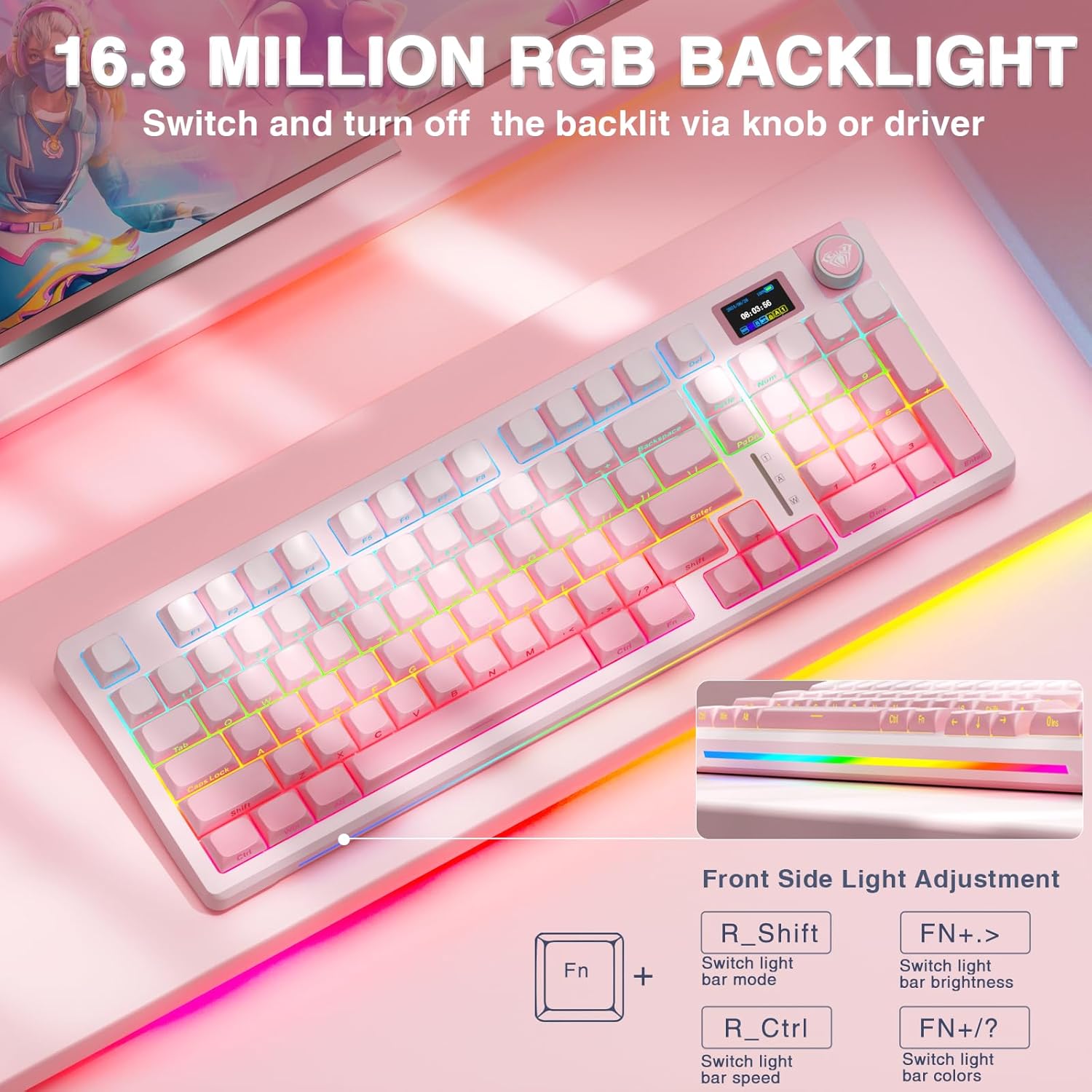
The keyboard includes a large 5000 mAh battery that, according to the manufacturer, supports extended sessions without frequent recharging. It also offers more than 16.8 million RGB colors and 19 lighting effects with side/front lighting for better visibility in low light. The PBT keycaps resist shine and sweat and feel stable under the fingers. 🎮 Note that GIF and screen image customization require the Windows driver and wired mode to upload content to the display.
How to Use It
Use the multifunction knob to cycle through paired devices and quickly change audio volume or lighting modes while you work or play. For custom macros, key remaps, and GIF uploads to the LCD, install the S98 Pro driver on a Windows system and keep the keyboard connected via USB-C during configuration. When swapping switches, power off the keyboard first to avoid accidental damage. The included keycap and switch pullers make hot-swapping straightforward and fast.