

Razer DeathAdder V3 HyperSpeed Wireless Gaming Mouse (55g) with USB-C Charging, 26K Optical Sensor, 8 Programmable Controls
Product description
Quick overview
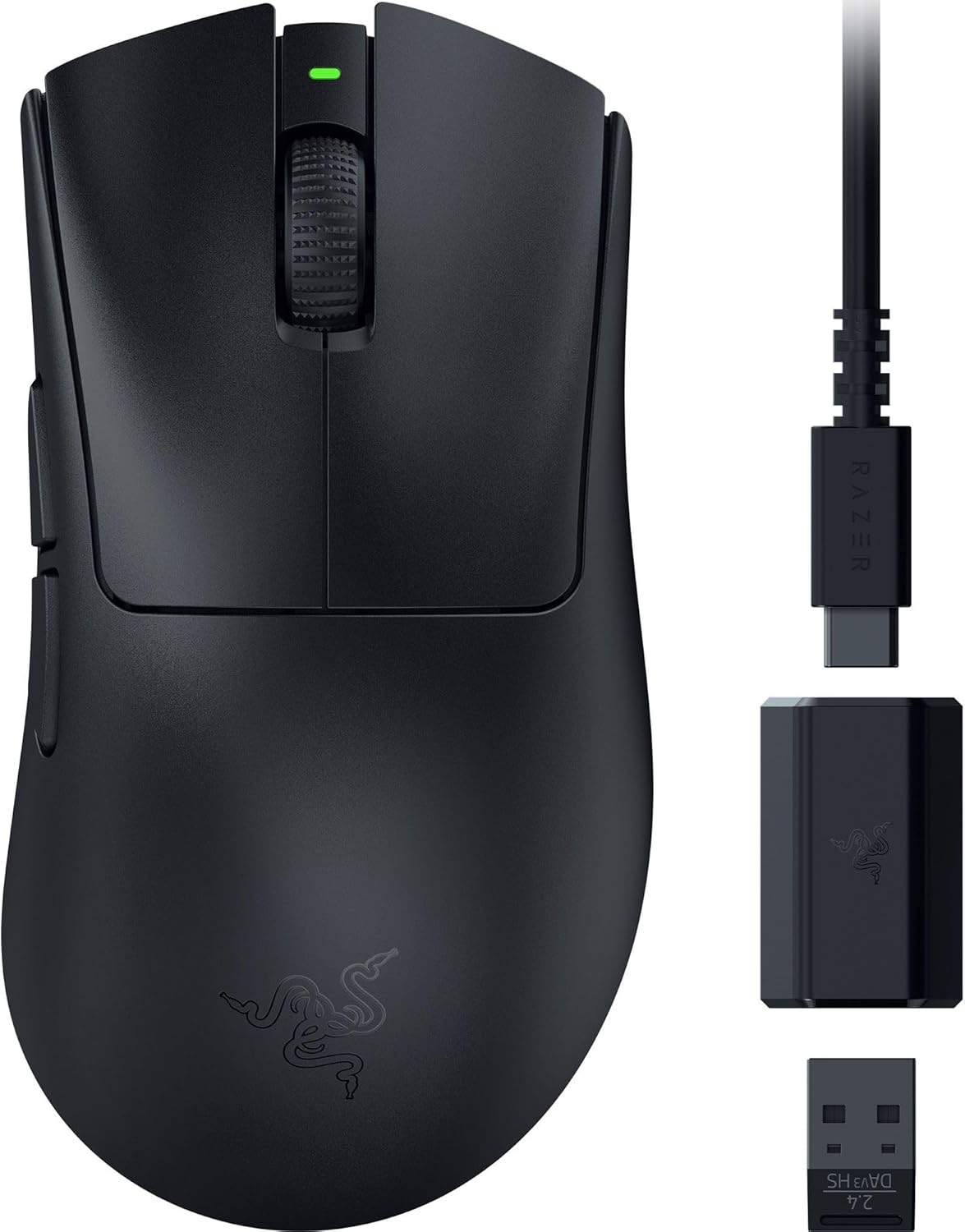
If you’re shopping for a competitive wireless gaming mouse, the Razer DeathAdder V3 HyperSpeed is built around a simple idea: keep the weight low, the response snappy, and the sensor tracking consistent, even when you’re in a noisy tournament room. On paper it targets players who want speed without giving up the “locked-in” feel you get from a well-known DeathAdder-style shape.
It’s also a mouse that leans into a modern setup: USB-C charging, an optical sensor aimed at precise aiming, and wireless performance positioned as smooth and reliable. The catch? It’s still a wireless gaming mouse, so battery and charging habits matter more than with a wired-only approach.
What it’s for (and why the weight matters)
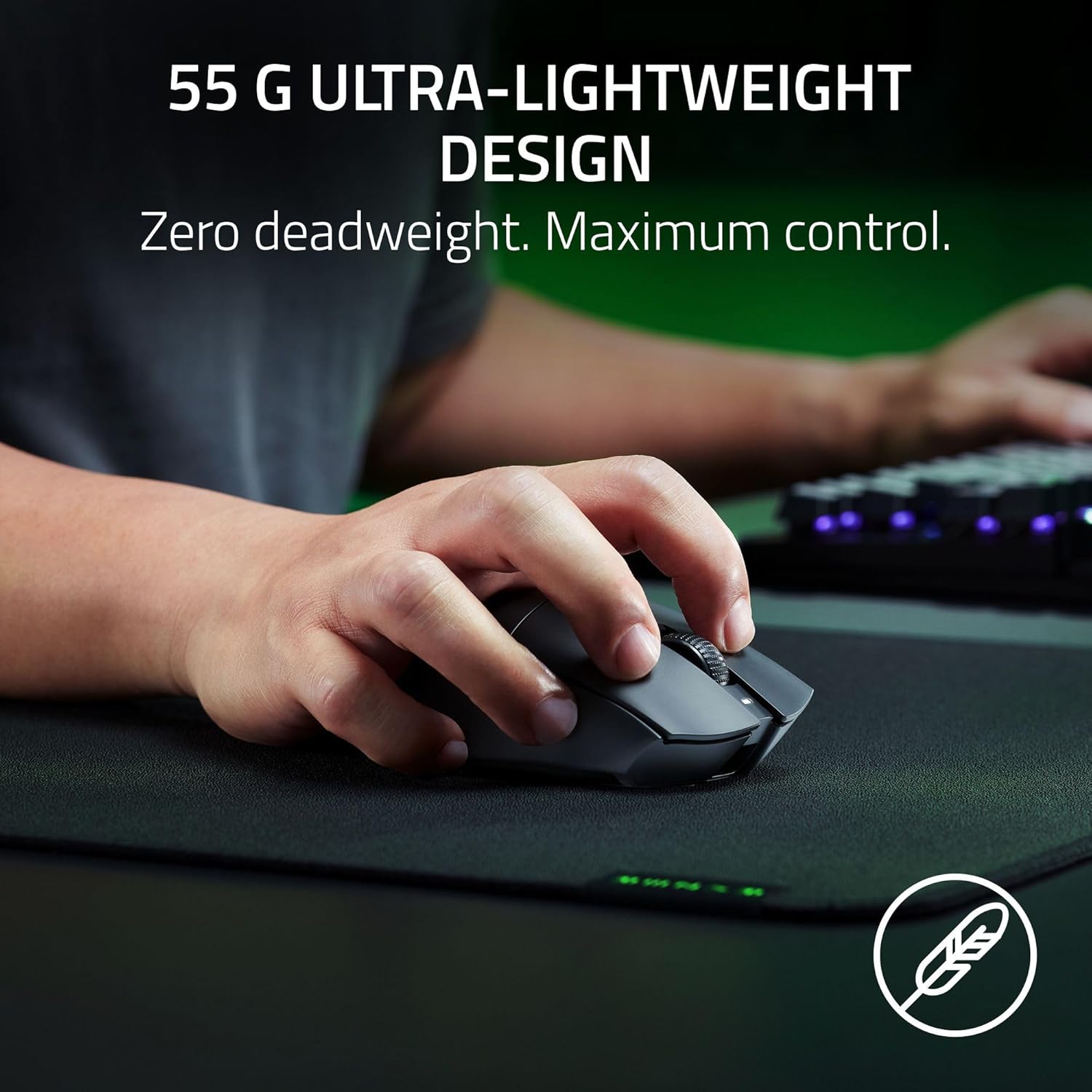
At 55g (lightweight by design), this is the kind of mouse that’s usually chosen by people who do a lot of fast swipes, quick corrections, and micro-adjustments. Lighter weight can make those motions feel less “draggy,” especially when your grip naturally wants speed.
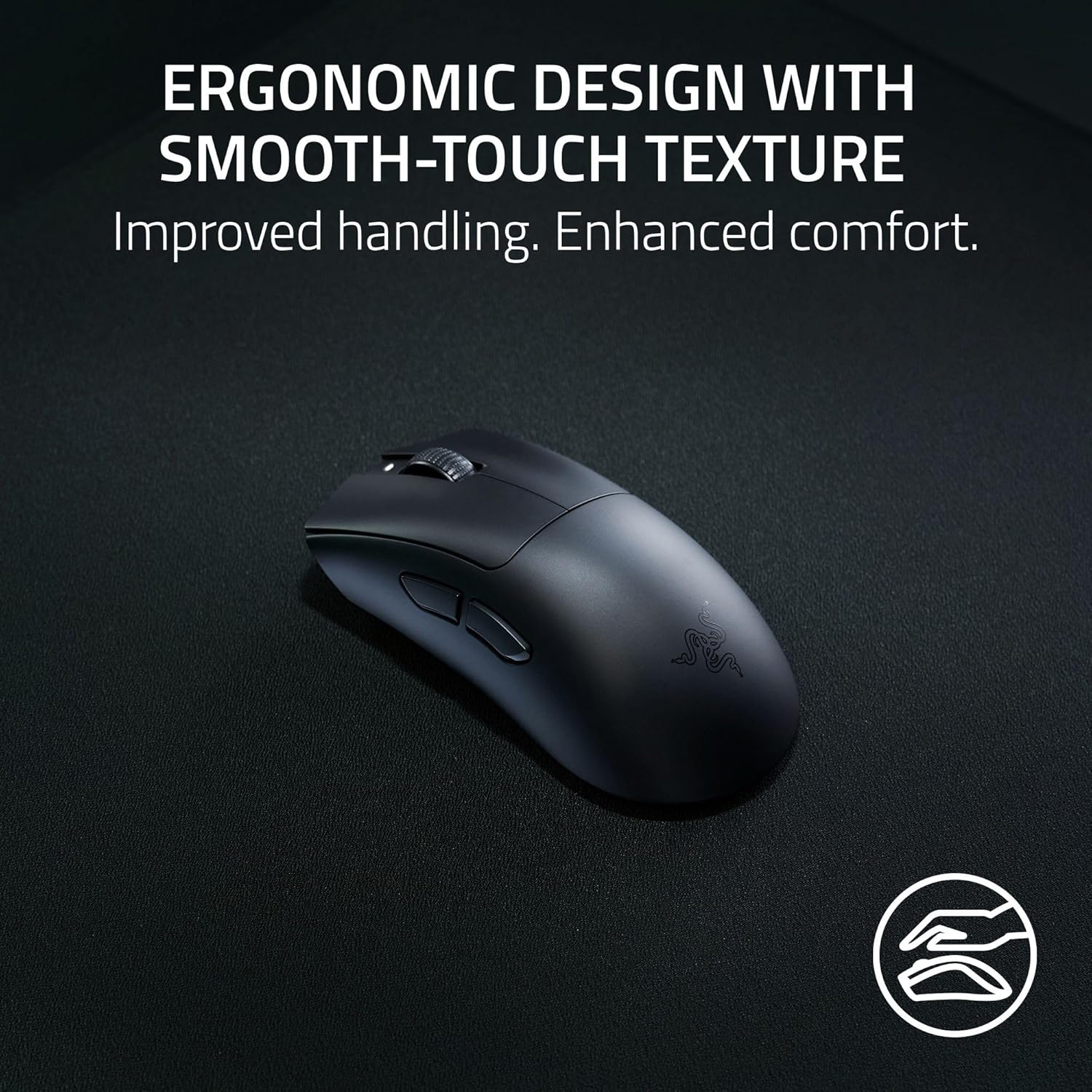
The body uses a mass-centralized design to help balance, which is a big deal for muscle memory. If you’ve ever felt a heavier mouse tug your aim off line during frantic movement, you’ll understand why this matters. It’s not perfect—some hand sizes and grip styles may still take time to get used to—but the intent is clearly to keep control predictable while staying quick.
Wireless performance you can actually feel
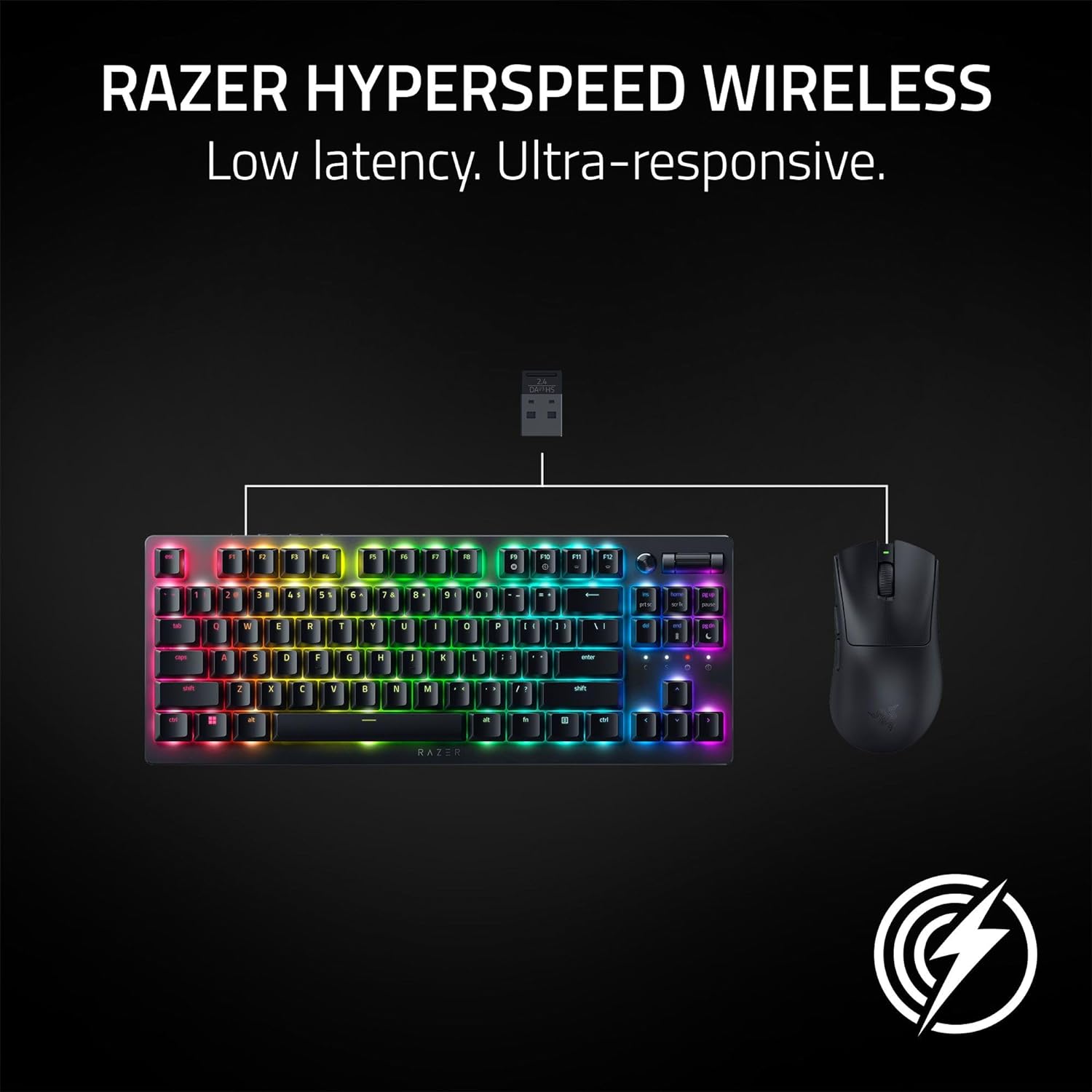
HyperSpeed Wireless is positioned for smooth, reliable performance even in “noisy” environments like tournament settings. That’s one of the main reasons buyers step up from basic wireless: they want fewer surprises when the room gets crowded with devices and signals.
There’s also an upgrade path mentioned: you can use a Razer HyperPolling Wireless Dongle to reach true 8000 Hz polling rates (that detail matters if you’re chasing the highest polling setup). If you don’t plan to use that dongle, you’ll still be relying on the standard HyperSpeed wireless approach—great for most players, but it’s not the same as going all-in on the top polling configuration.
Sensor and switches: built for precision and reliability
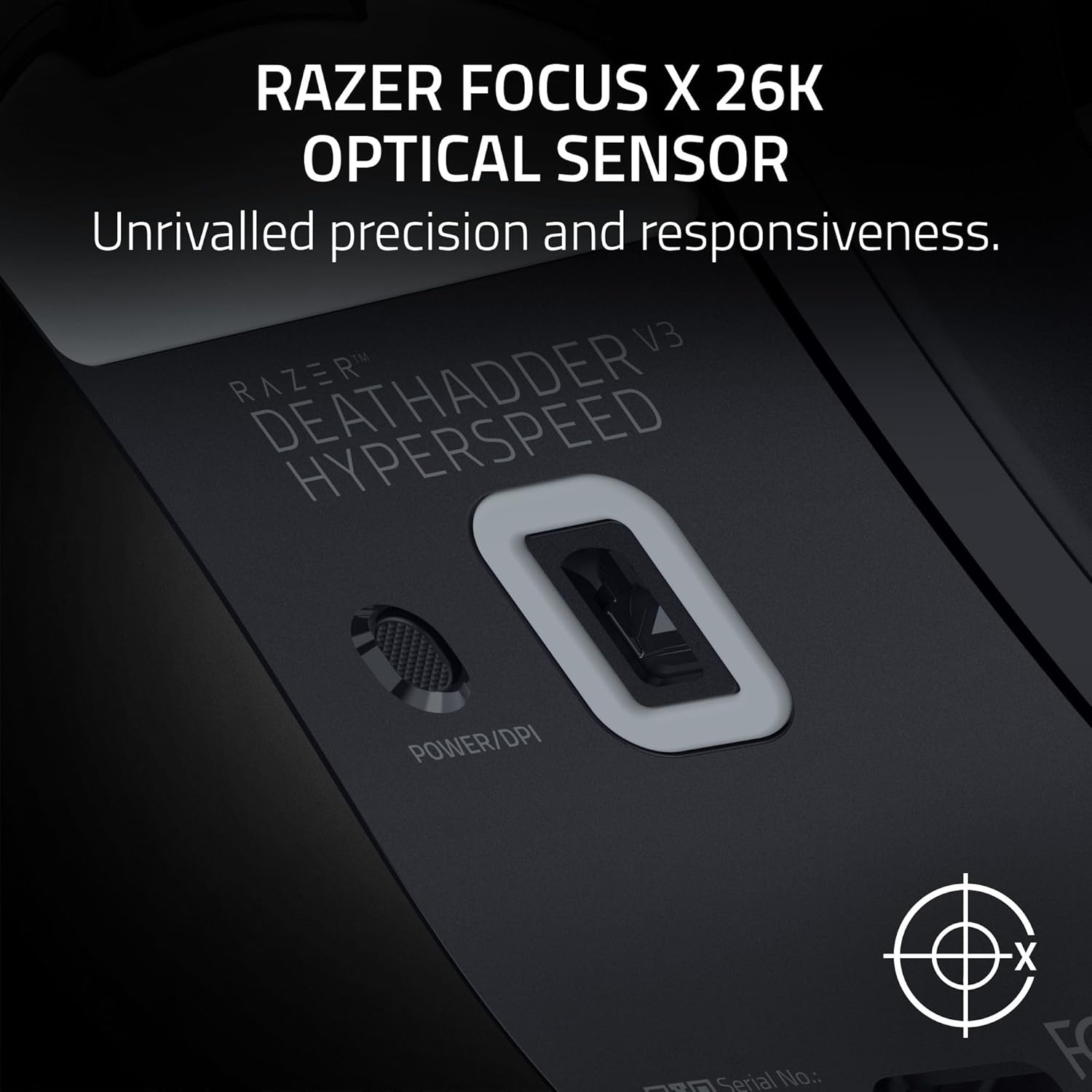
The DeathAdder V3 HyperSpeed uses a DeathAdder-friendly focus on accuracy. The tech highlights include the “Focus X 26K Optical Sensor” with 26K DPI and 99.6% resolution accuracy, plus a tracking promise described as pixel-precise. The point here is simple: consistent tracking helps your aim feel repeatable.
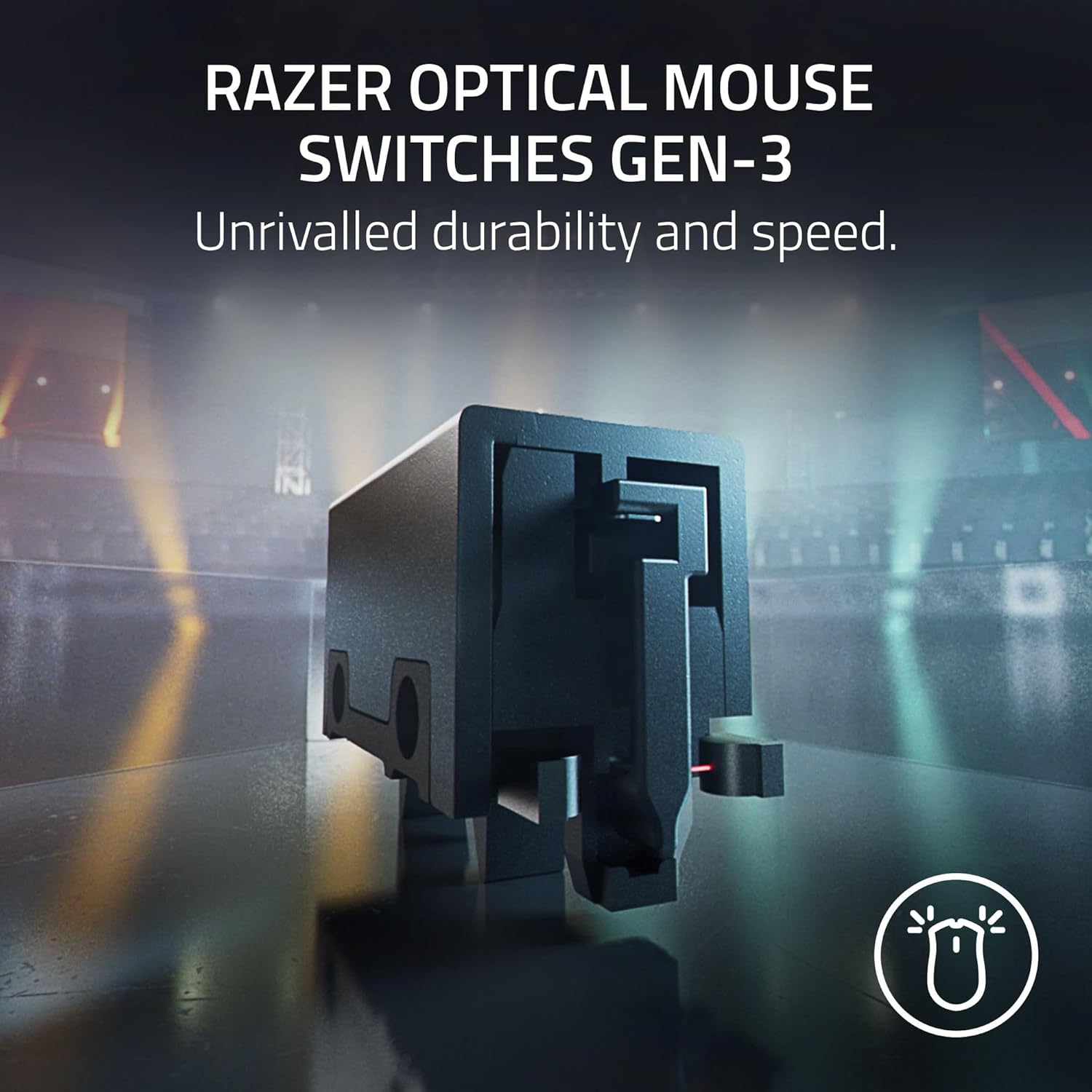
On the click side, it’s using Gen-3 optical mouse switches with claims around a 90-million click lifecycle and fast 0.2 ms actuation, with “no debounce delay.” That’s the kind of spec-driven pitch competitive players listen for because it’s aimed at responsiveness, not just feel.
One practical note: it mentions improving accuracy by disabling “Enhance pointer precision” in Windows mouse settings, and using the Razer Synapse app for optimization. If you’re the type to tweak software correctly, this mouse lines up nicely with that workflow.
Battery life and charging (where the tradeoff lives)
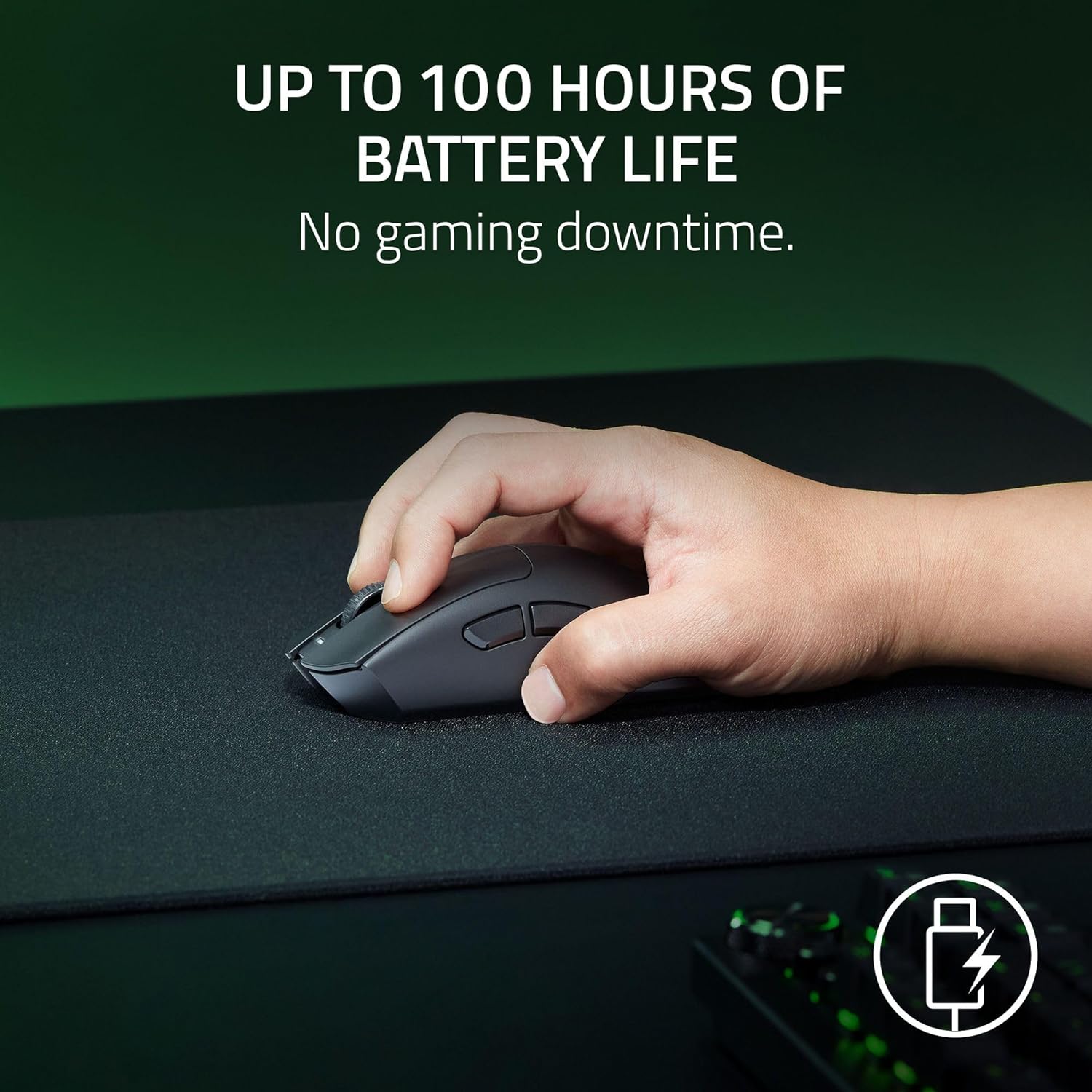
The battery claim is up to 100 hours, and it’s designed for USB Type C rechargeable charging. In daily use, that means fewer charging interruptions compared to many wireless mice—so you can spend more time actually playing and less time babysitting a cable.
Still, keep expectations realistic: “up to” battery life depends heavily on how you play, the polling settings, and usage patterns. If you’re the kind of player who never checks battery levels, you may want a charging routine that doesn’t rely on luck.
Programmable controls and software tuning
With 8 programmable controls, this mouse gives you room to map the actions that matter most in your game—especially if you rely on shortcuts for abilities, weapon switching, or utility. It’s not overstuffed, which can be a plus if you prefer a clean layout you won’t constantly misclick.
For configuration, the included guidance points to Razer Synapse for optimizing performance. The mention of Windows “Enhance pointer precision” is a helpful reminder that getting the best feel sometimes comes down to OS settings, not only hardware.
Tech specs
- Weight: 55g
- Charging: USB Type C
- Battery life: Up to 100 hours
- Sensor: Focus X 26K Optical Sensor
- DPI: 26K
- Resolution accuracy: 99.6%
- Mouse switches: Gen-3 optical switches
- Actuation time: 0.2 ms
- Controls: 8 programmable controls
- Wireless: HyperSpeed Wireless
Who should buy it (and who should skip it)
It’s a solid pick if you want a lightweight wireless gaming mouse that emphasizes speed and precision, and you’re comfortable with the idea of doing a bit of tuning in Windows settings and/or through Razer Synapse. If your playstyle includes fast swipes and you care about aim consistency, the combination of 55g design, an optical sensor focused on precise tracking, and optical switch responsiveness is easy to see how it fits.
It might not be a great match if you only want a “set it and forget it” mouse and never want to think about battery charging or software configuration. Also, if your priority is maximum wired-like predictability with zero wireless variables, a wired-only approach may feel simpler.
Final verdict
When you want a competitive-focused wireless mouse—lightweight at 55g, charged via USB-C, and built around a 26K optical sensor plus Gen-3 optical switches—the Razer DeathAdder V3 HyperSpeed makes a lot of sense on paper. Just don’t ignore the wireless reality: battery and your configuration choices affect day-to-day experience.
If you play regularly, like to tweak settings properly, and want responsiveness that’s aimed at esports-style performance, it’s the type of mouse that can feel worth it. If you want the least management possible, you may want to think twice before choosing a wireless model.
Mini FAQ
Does it charge via USB-C?
Yes. The product description calls out a USB Type C rechargeable design.
How long does the battery last?
It’s listed as up to 100 hours, depending on use.
What sensor does it use?
It uses the Focus X 26K Optical Sensor with 26K DPI and 99.6% resolution accuracy as stated.
Are the switches optical?
Yes, Gen-3 optical mouse switches are mentioned, along with fast actuation and lifecycle claims.
Do I need software to get the best accuracy?
The provided guidance suggests disabling “Enhance pointer precision” in Windows mouse settings and using Razer Synapse for optimization, so yes—there’s a software-tuning angle to this one.