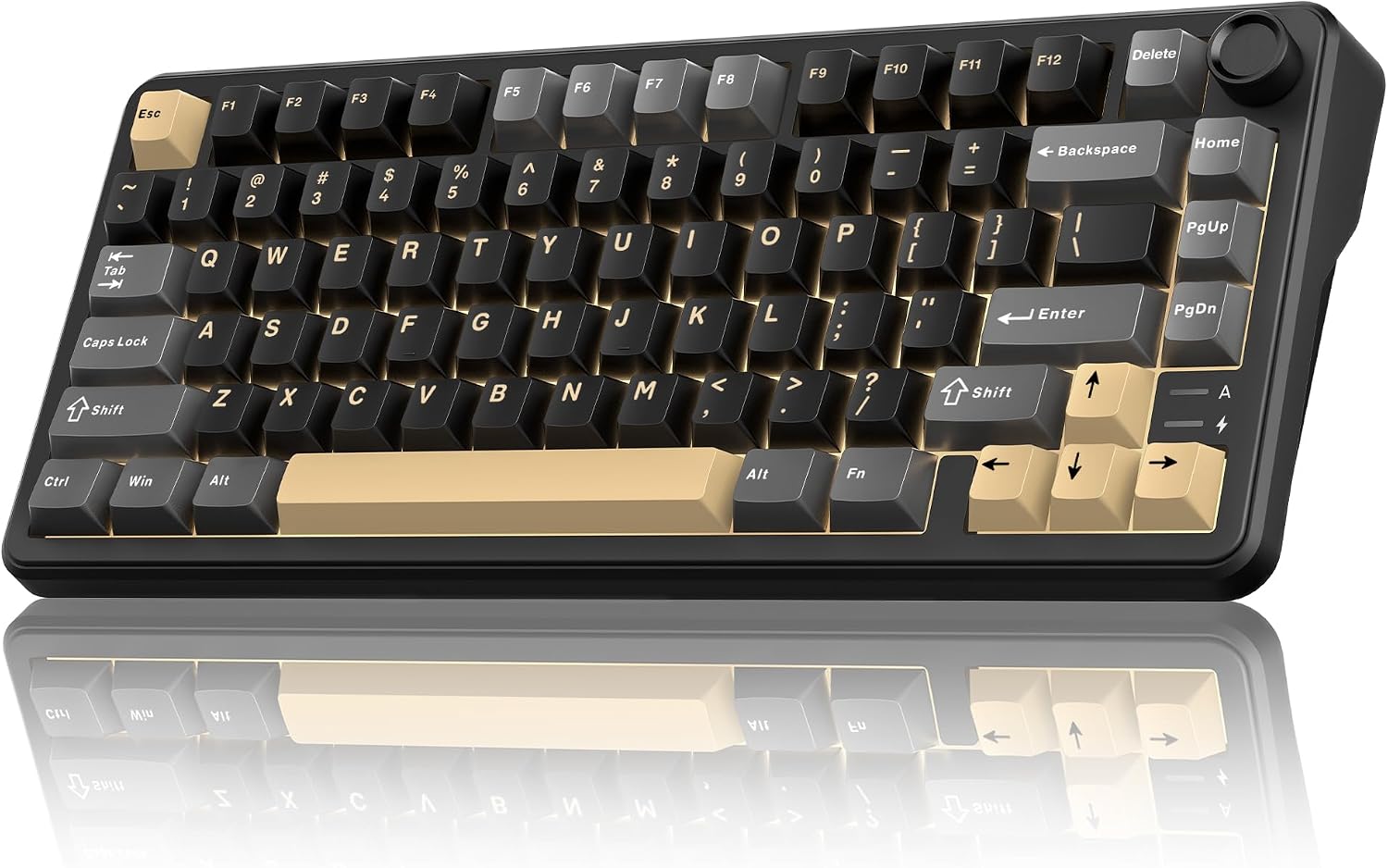
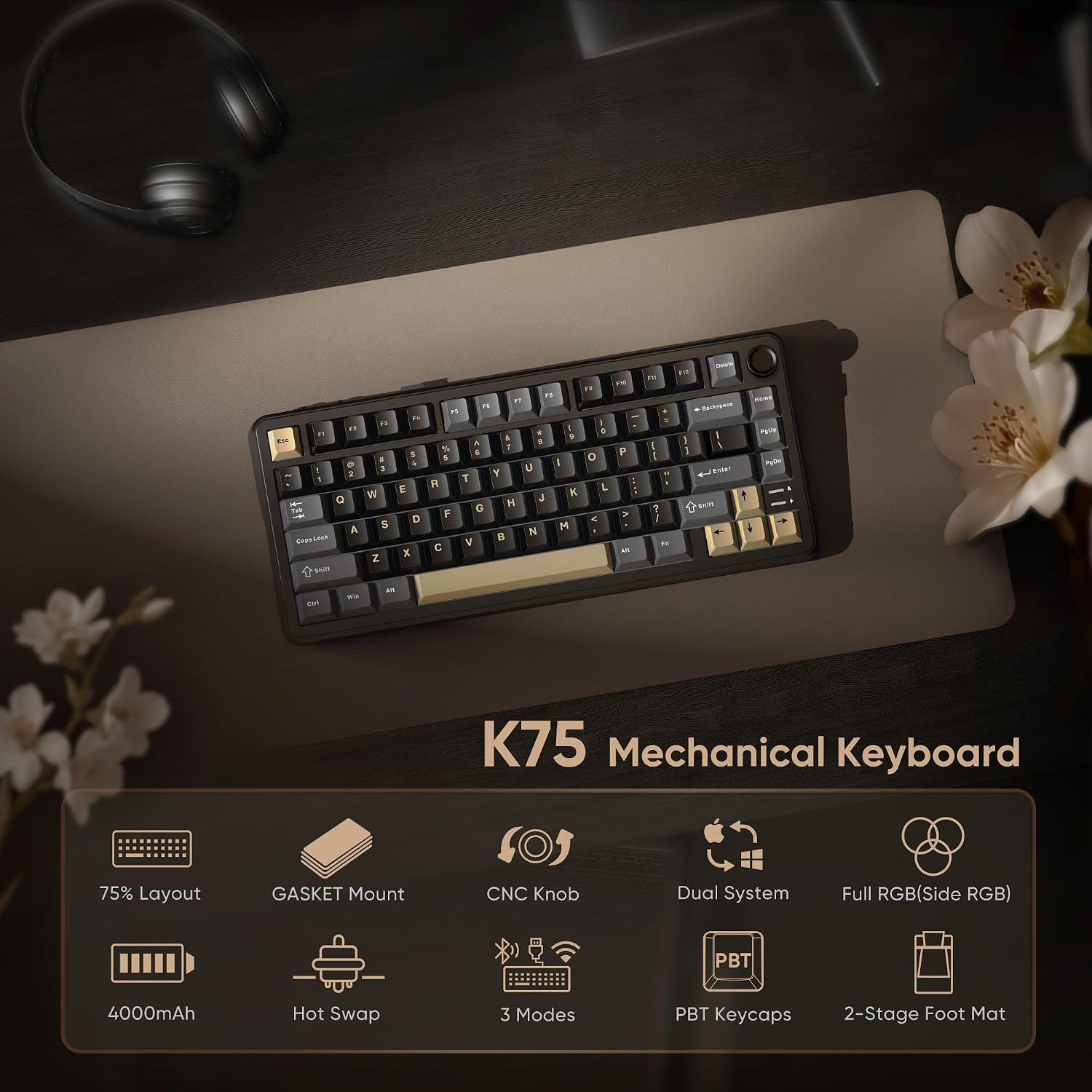
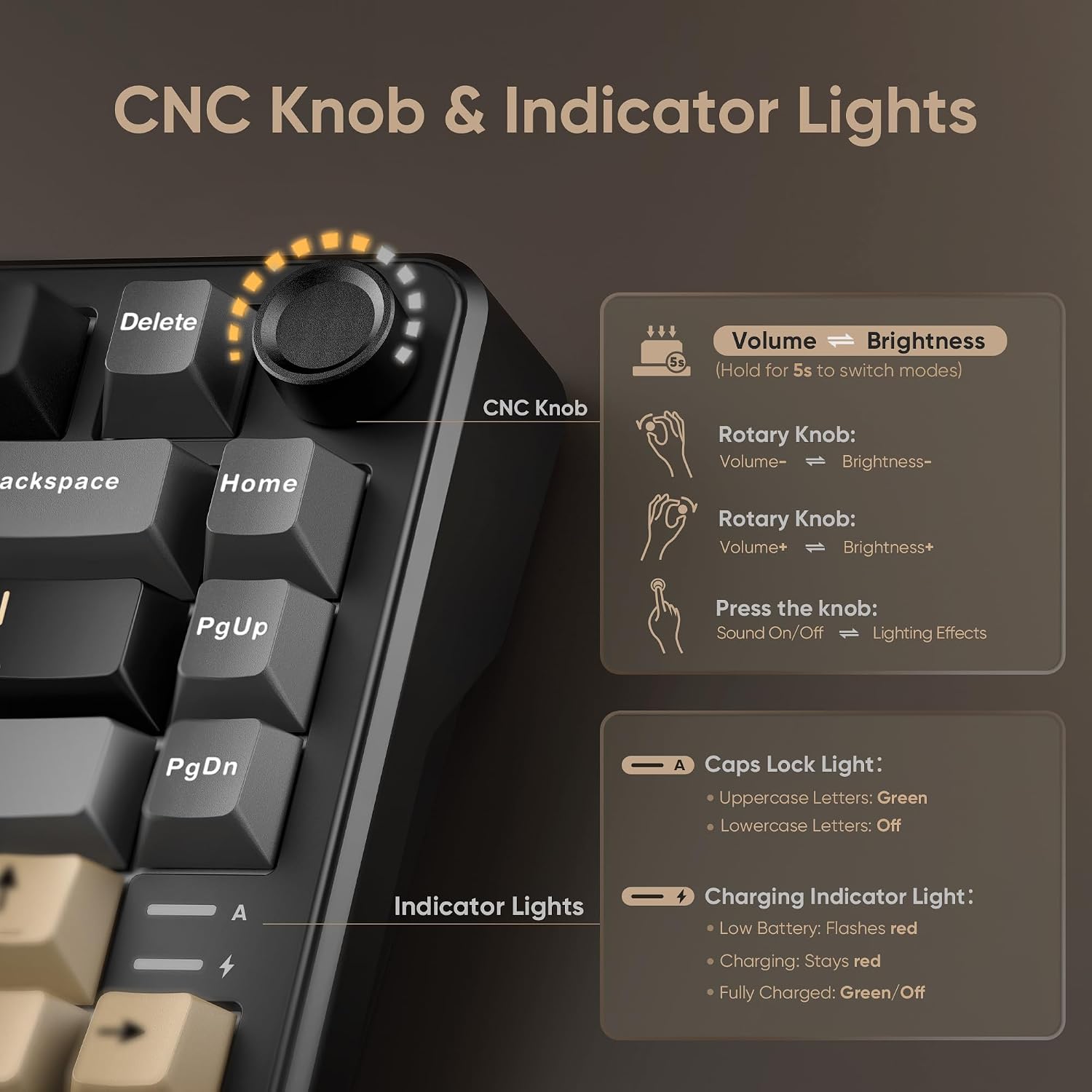
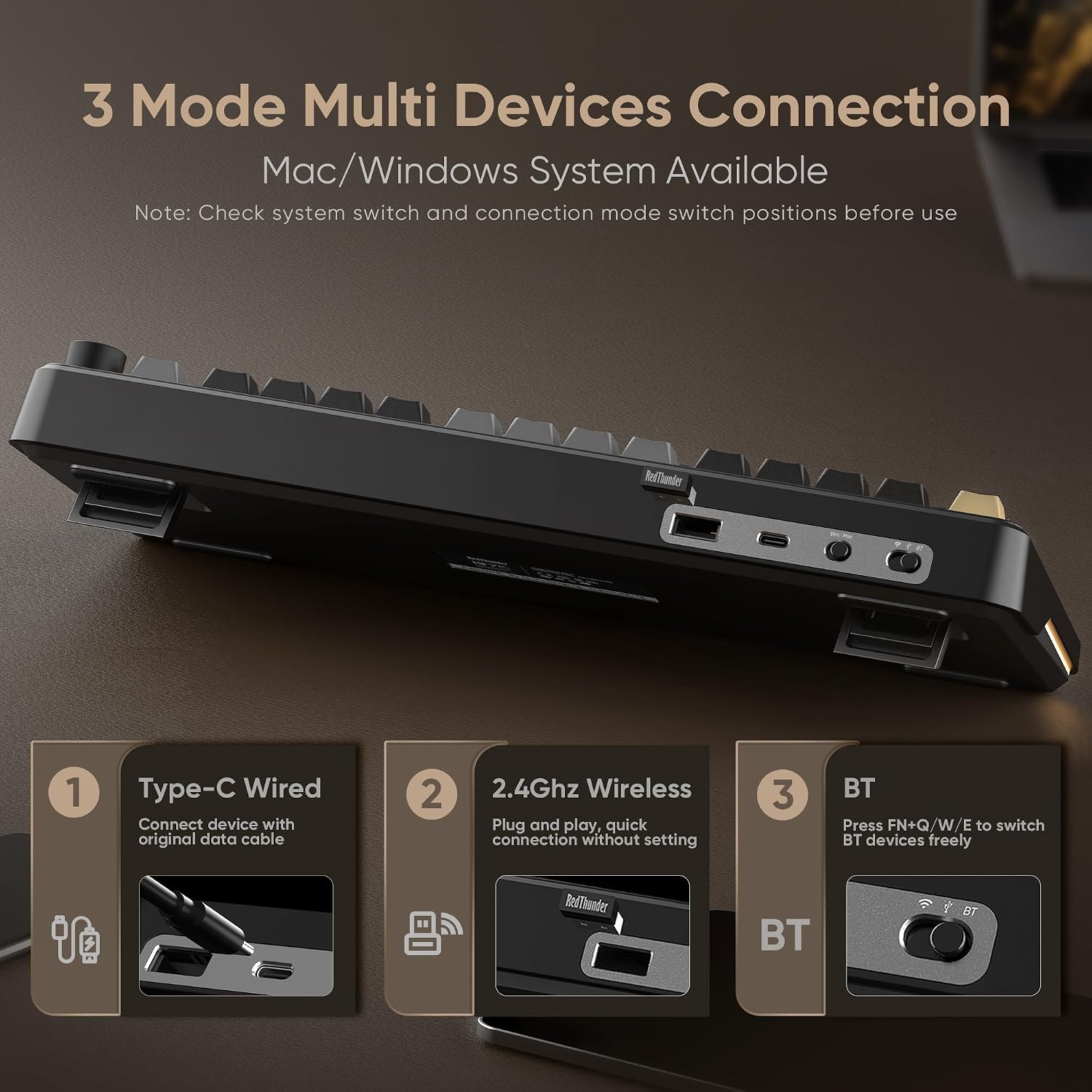
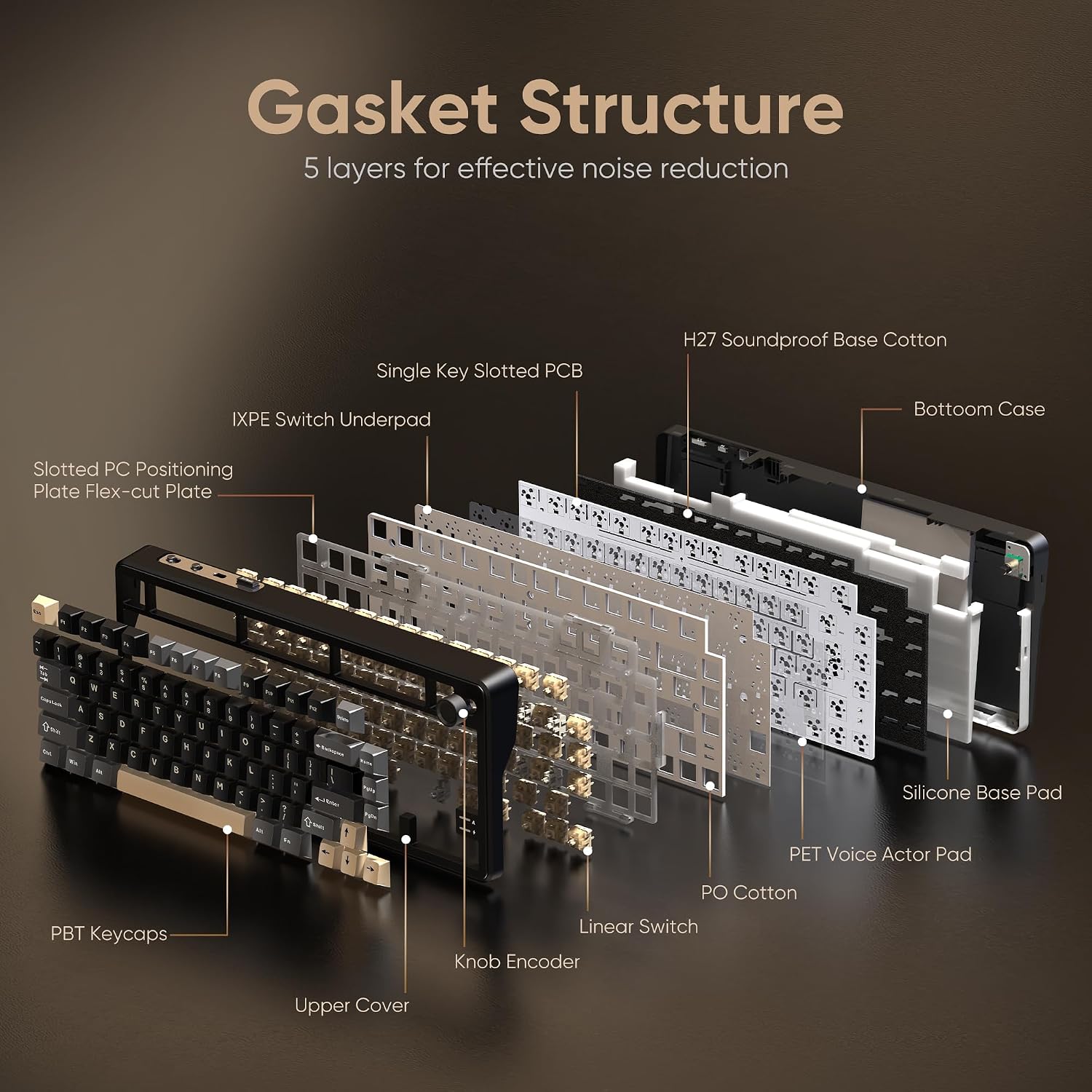
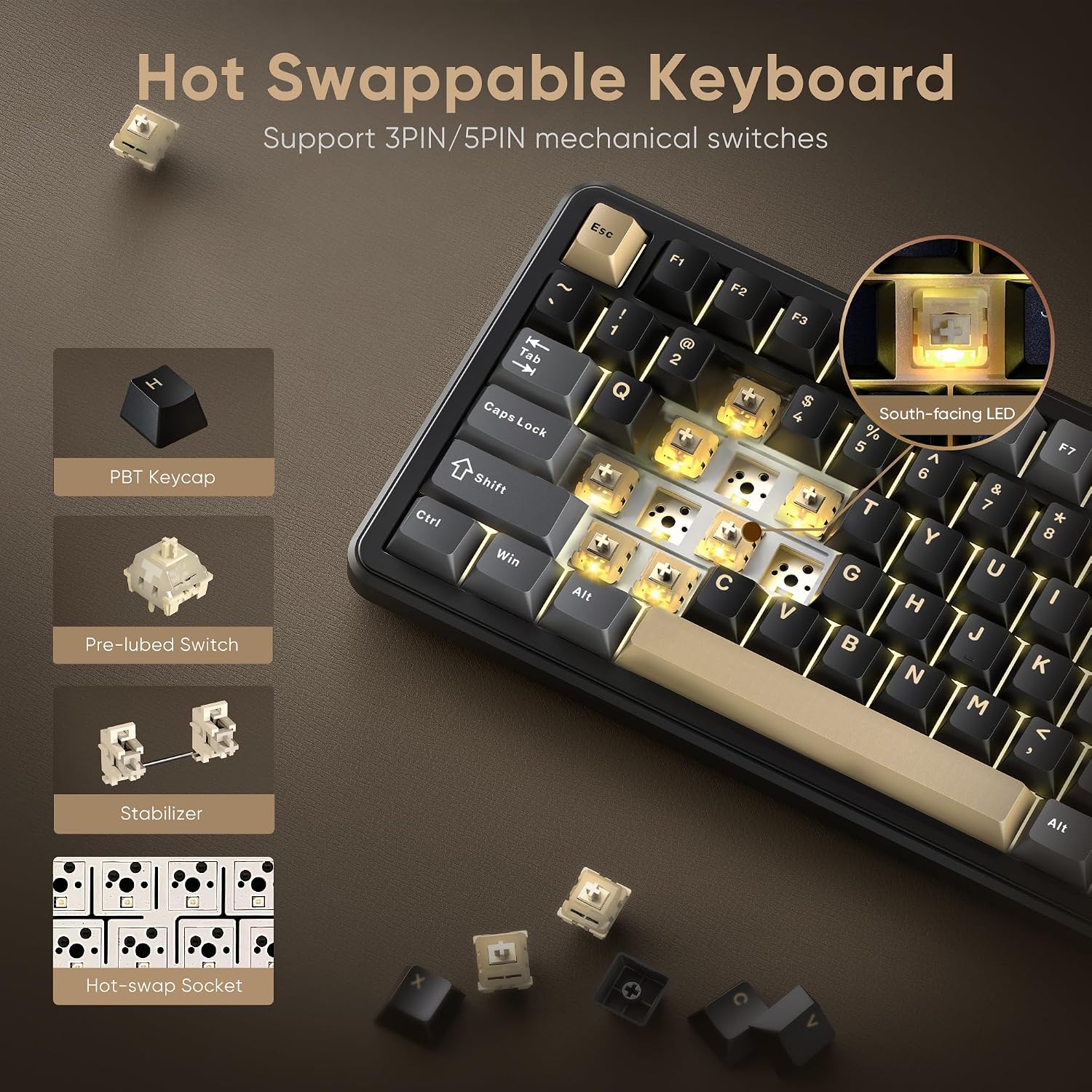
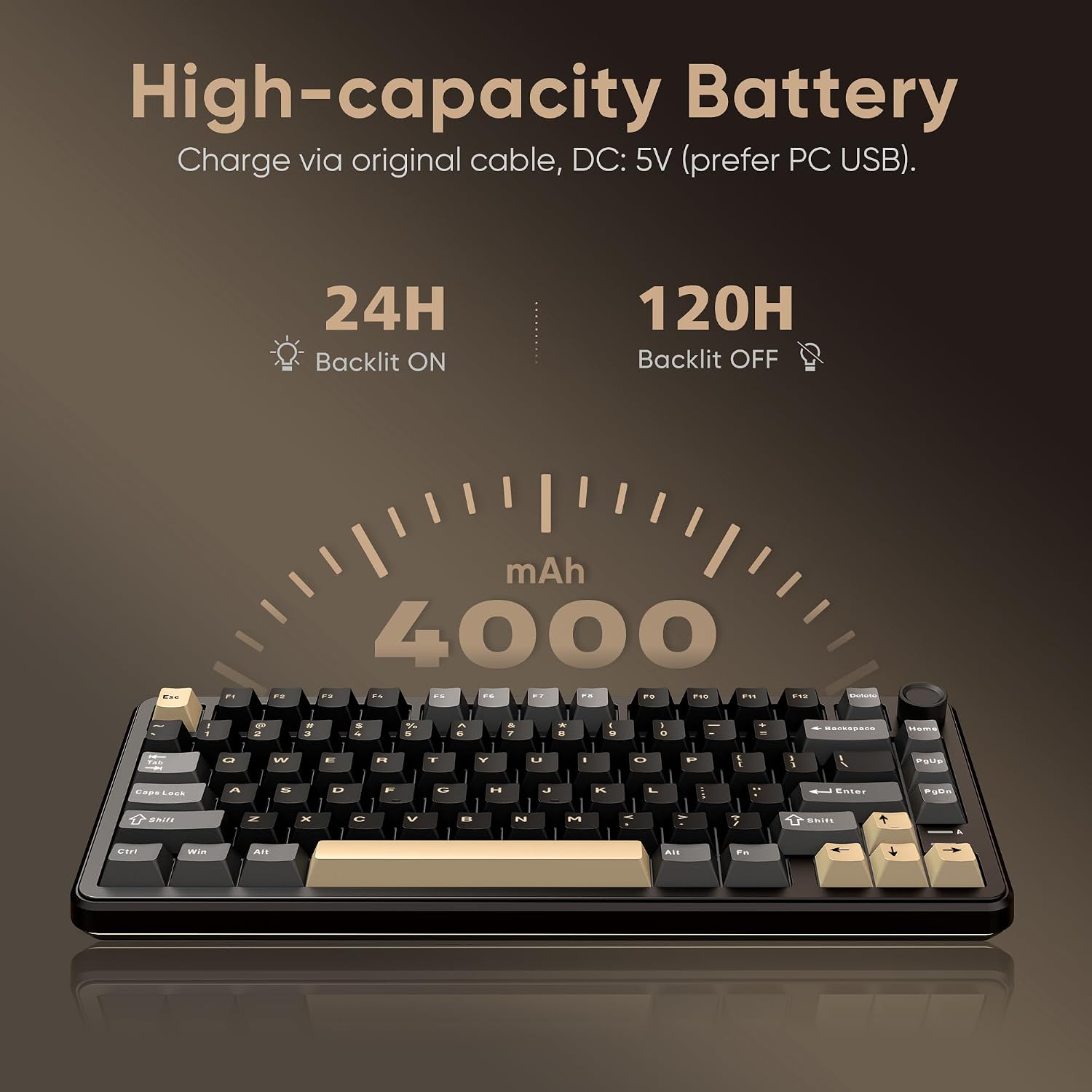
What this is and what it aims to solve\nThe RedThunder K75 is a 75% wireless mechanical keyboard designed to free you from cables while keeping a compact footprint that still preserves essential gaming and productivity keys. It targets users who want multi-device convenience, tactile feedback from mechanical switches, and a softer typing feel thanks to a gasket structure. On paper, it stands out for offering three main connection modes (BT5.0, 2.4GHz, and USB-C wired) plus a hot-swappable PCB and pre-lubed pink switches, all in a compact chassis with RGB and a CNC aluminum knob.\n\n## How it adapts to daily workflows\nIf you juggle multiple devices across Windows, MacOS, and a desk setup that shifts between gaming and work, this keyboard promises seamless switching with FN+Q/W/E to cycle between BT1/BT2/BT3 and a straightforward toggle for wired mode. The inclusion of a 4000mAh battery suggests long use between charges, which is beneficial for a clutter-free workspace.\n\n## What stands out in use\nThe gasket design provides a five-layer shock-absorption system and a dedicated position plate, which can translate to a softer keystroke and reduced key ghosting in practice. For gamers and heavy typists, that can mean more comfortable long sessions and less fatigue. The keyboard ships with pre-lubed pink switches and spare pre-lubed shafts, allowing you to experiment with feel without immediate soldering or disassembly. The CNC knob adds a tactile control element—useful for brightness adjustments or volume tweaks depending on your setup.\n\n## Strengths you’ll notice day to day\n- Triple-mode connectivity simplifies switching between devices and work contexts.\n- Hot-swappable switches enable customization without soldering, giving flexibility to try different feels.\n- Gasket construction aims for even keystroke feel and full-key anti-ghosting, which can translate to consistent typing across the board.\n- A large 4000mAh battery and bright RGB lighting provide long use between charges and immersive lighting effects.\n- Dual-color PBT keycaps with stepped profiles support comfortable long sessions and color fidelity.\n\n## Limitations and scenarios where it may not be the best fit\nThe product description notes that it may not be ideal for accountants or other numerical workers when switching BT devices, implying some nuance in how the layout or switching behaves in practice for specific tasks. It’s a compact 75% layout, so if you rely heavily on a numeric keypad or a very particular macro setup, it could feel limiting. Also, software customization is Windows-only for some features, which means Mac users may not get the same level of control.\n\n## Who it’s for\n- Gamers who want a compact board with backlighting and a flexible connectivity suite.\n- Typists who appreciate a softer feel from gasket architecture and the option to swap switches.\n- multi-device users who move between laptop, desktop, and gaming consoles or PCs.\n\n## When it makes sense to buy\nIf you value wireless versatility without sacrificing wired performance, and you want easy switchability between devices plus a path to tune the keyboard’s feel over time, this model offers a compelling mix. The pre-lubed switches and hot-swap capability reduce entry friction for those curious about trying different tactile experiences.\n\n## Before you buy, check these notes\n- Confirm your preferred operating system support for the driver customization (Windows-specific in some cases).\n- Consider whether 75% layout matches your workflow, especially if you rely on dedicated number input.\n- Ensure your charging cable and power source align with the 4000mAh battery expectations for charging behavior.\n\n## Practical usage example\nImagine hopping between a Windows gaming session and a MacOS writing task. With the switch toggles, you can jump between BT devices, then rotate the CNC knob to adjust lighting while gaming and switch to volume control during work calls without leaving the keyboard. The built-in RGB can set the mood for late-night games or focus-friendly profiles for writing sprints.\n\n## FAQ (based on available data)\n- Can I swap switches without soldering? Yes, the hot-swappable PCB supports 3-pin or 5-pin switches.\n- Does it support onboard macro programming? The keyboard offers programmable software, available via the K75-US driver for Windows in wireless or wired mode.\n- How long does the battery last in RGB mode? The description lists a 4000mAh battery but does not specify run-time under RGB, expect color-rich use to consume more charge than plain typing.\n\n## Is it worth it?\nIf you prioritize multi-device flexibility, a compact 75% form factor, and the option to customize key feel over time, this keyboard offers a thoughtful package that goes beyond basic wireless boards. If your setup requires exclusive Mac software workflows or a keypad-heavy layout, you may want to weigh those needs before committing.