

CC Store Stylus Pen for iPad — Tilt Sensitive 12.9"
Product description
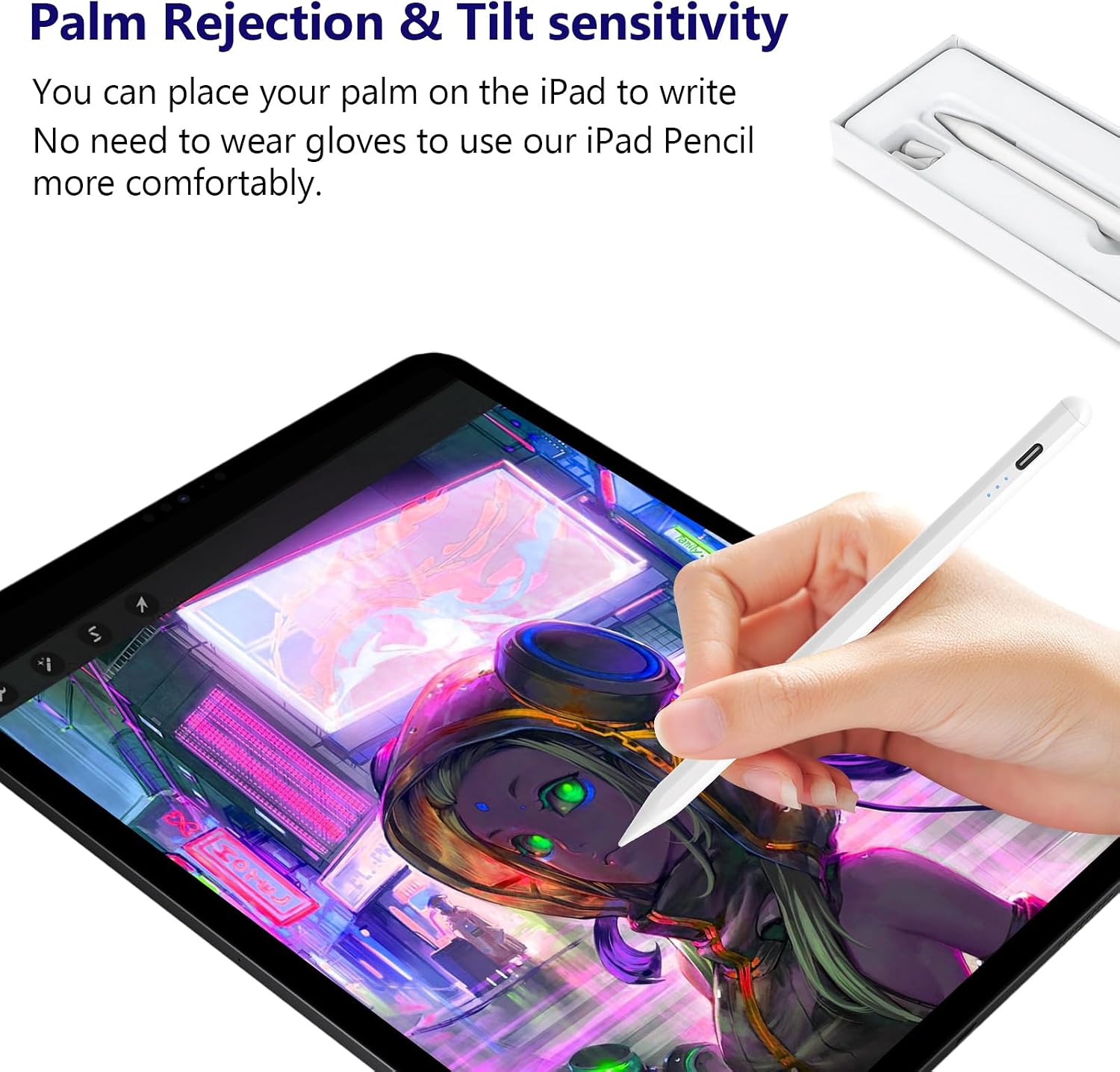
This active stylus is built for recent iPad models and focuses on fast charging and natural handwriting for note taking, sketching and precise navigation. It supports iPad models from 2018 through 2025 and aims to deliver palm rejection and tilt sensitivity that help when drawing or annotating documents.
Key Points
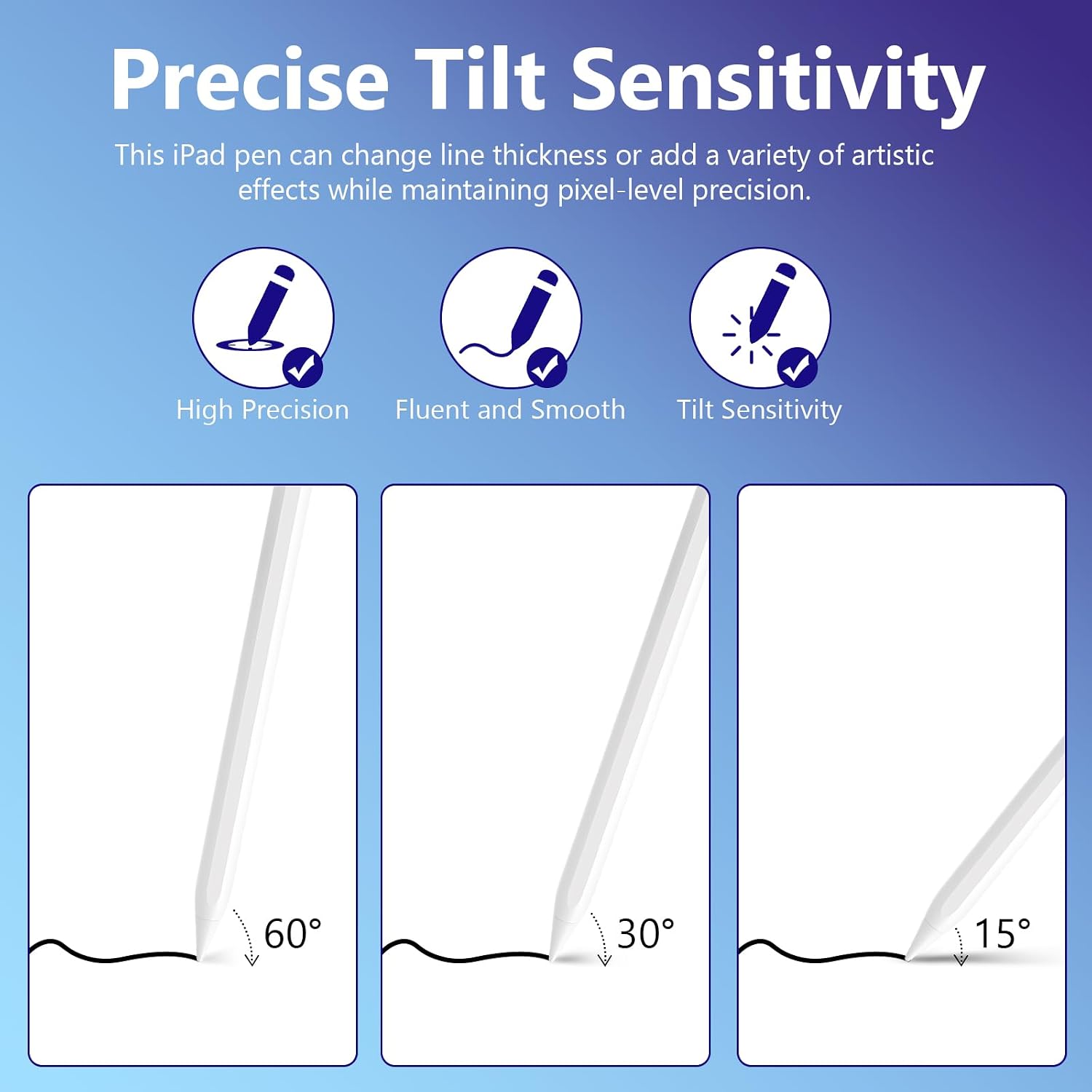
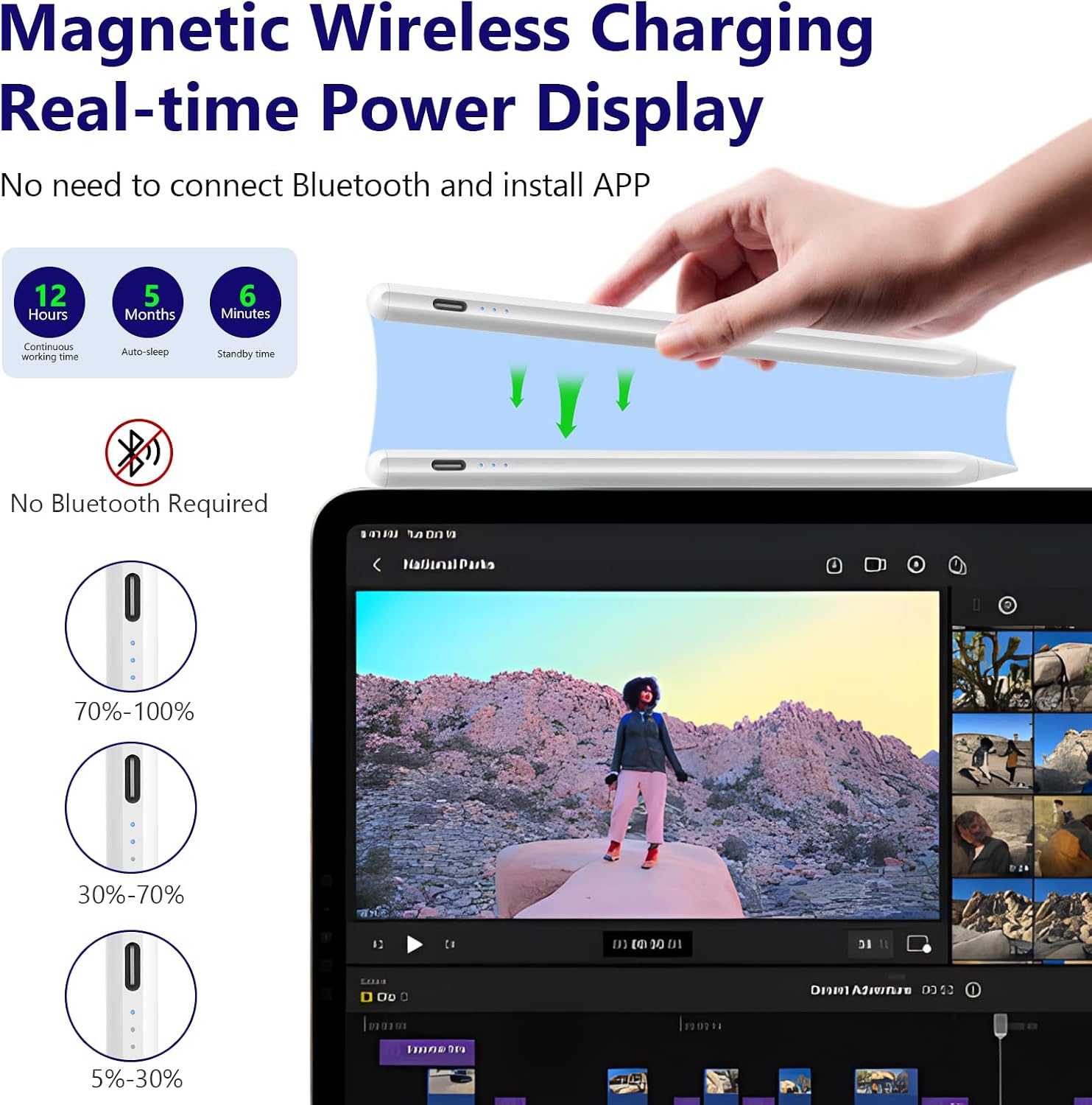
The pen pairs quickly without Bluetooth pairing, so you can start drawing after a brief power-on. It includes palm rejection to avoid stray marks while resting your hand on the screen, and tilt sensitivity works with popular apps like Procreate and SketchBook to vary line thickness for more expressive strokes. A magnetic attachment lets the pen rest on the iPad edge for convenient storage and charging. 😊
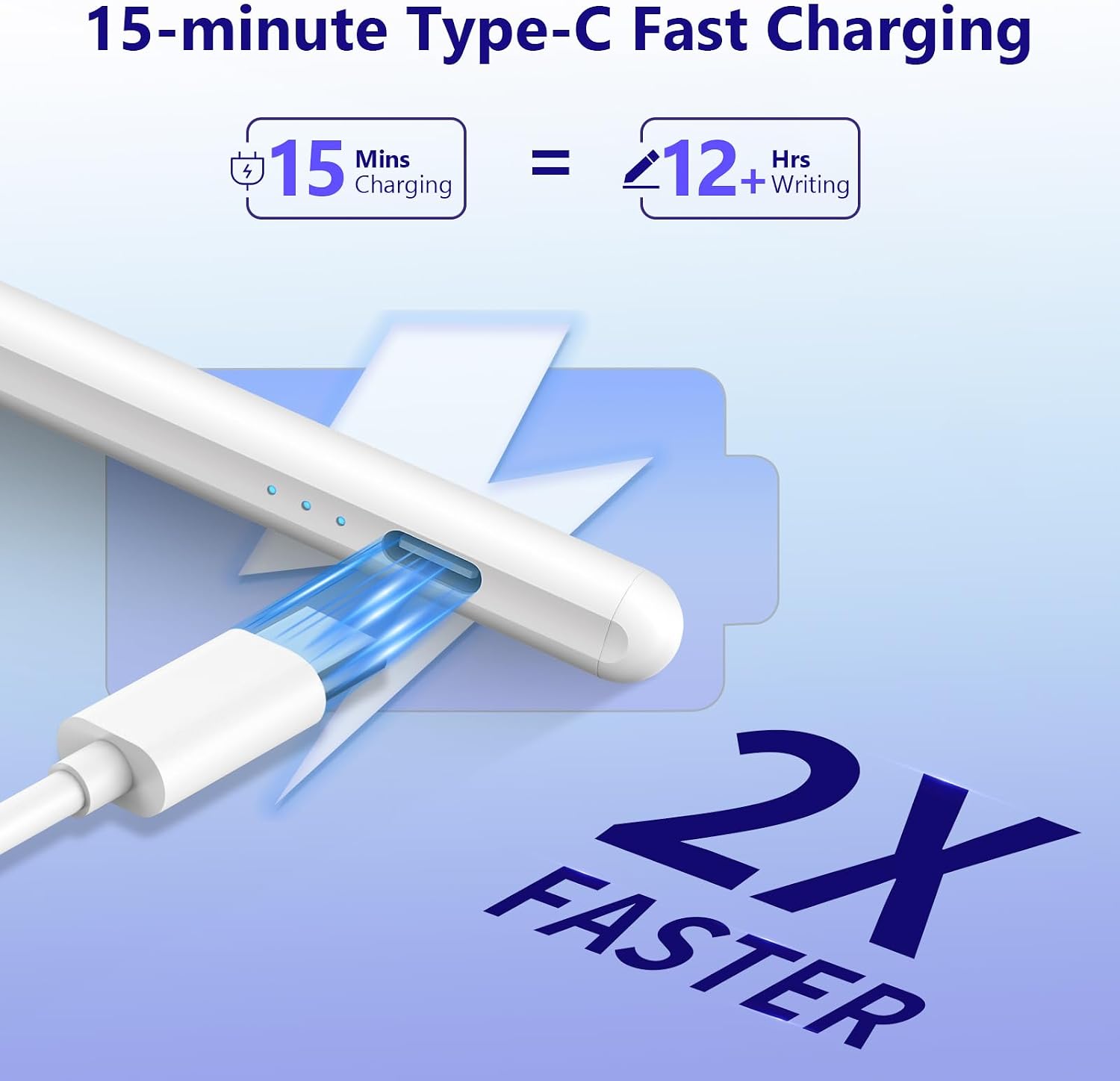
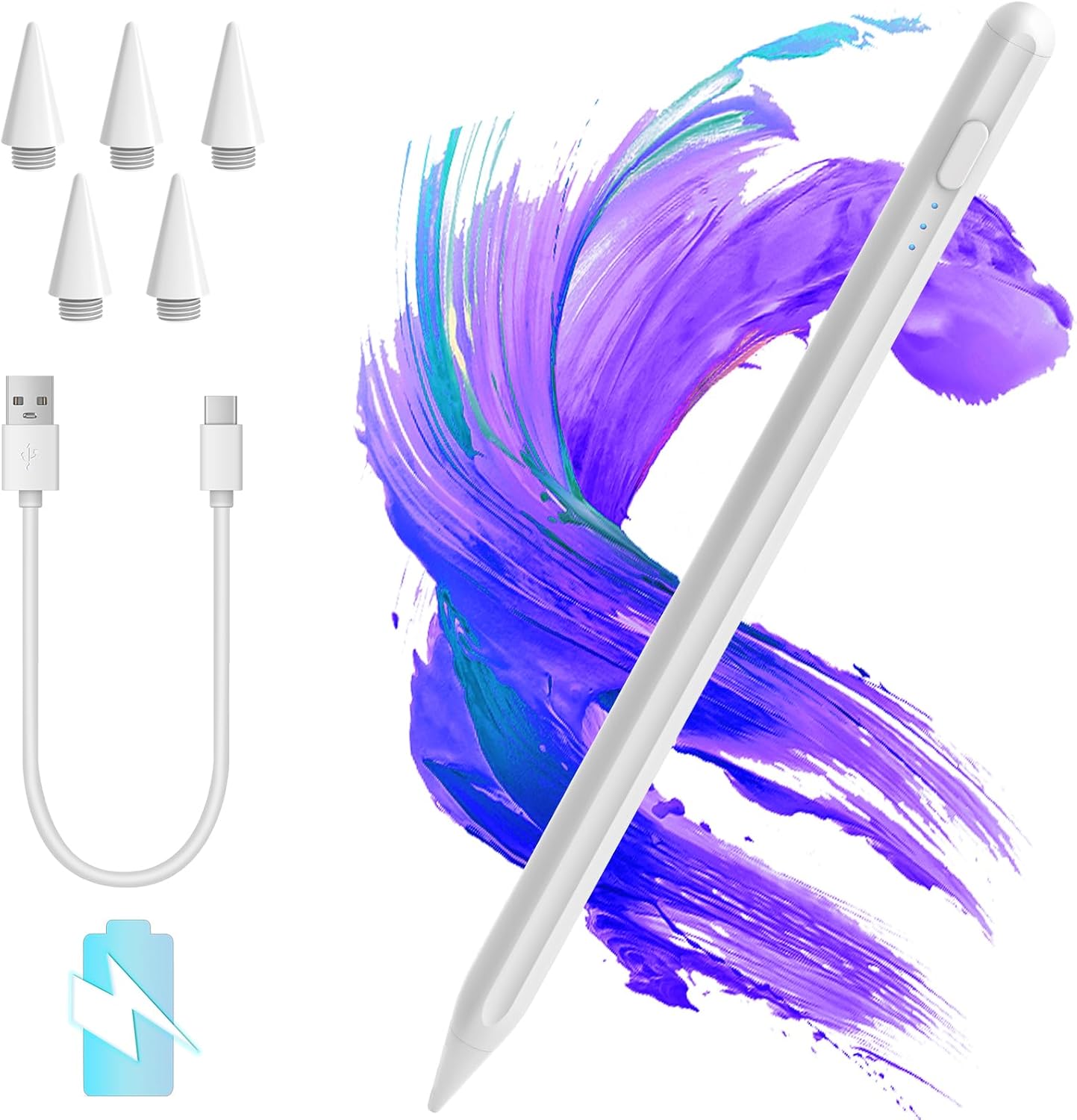
Battery life and charging are highlighted features, with the manufacturer indicating a full charge in about 15 minutes and up to 12 hours of continuous use on a charge. A visible battery capacity indicator makes it easier to see remaining power compared to earlier stylus models. Consider that tilt detection may require app support for full functionality and that some older iPad generations are not compatible.
Technical Specifications
- Name: CC Store Stylus Pen for iPad 2018-2025
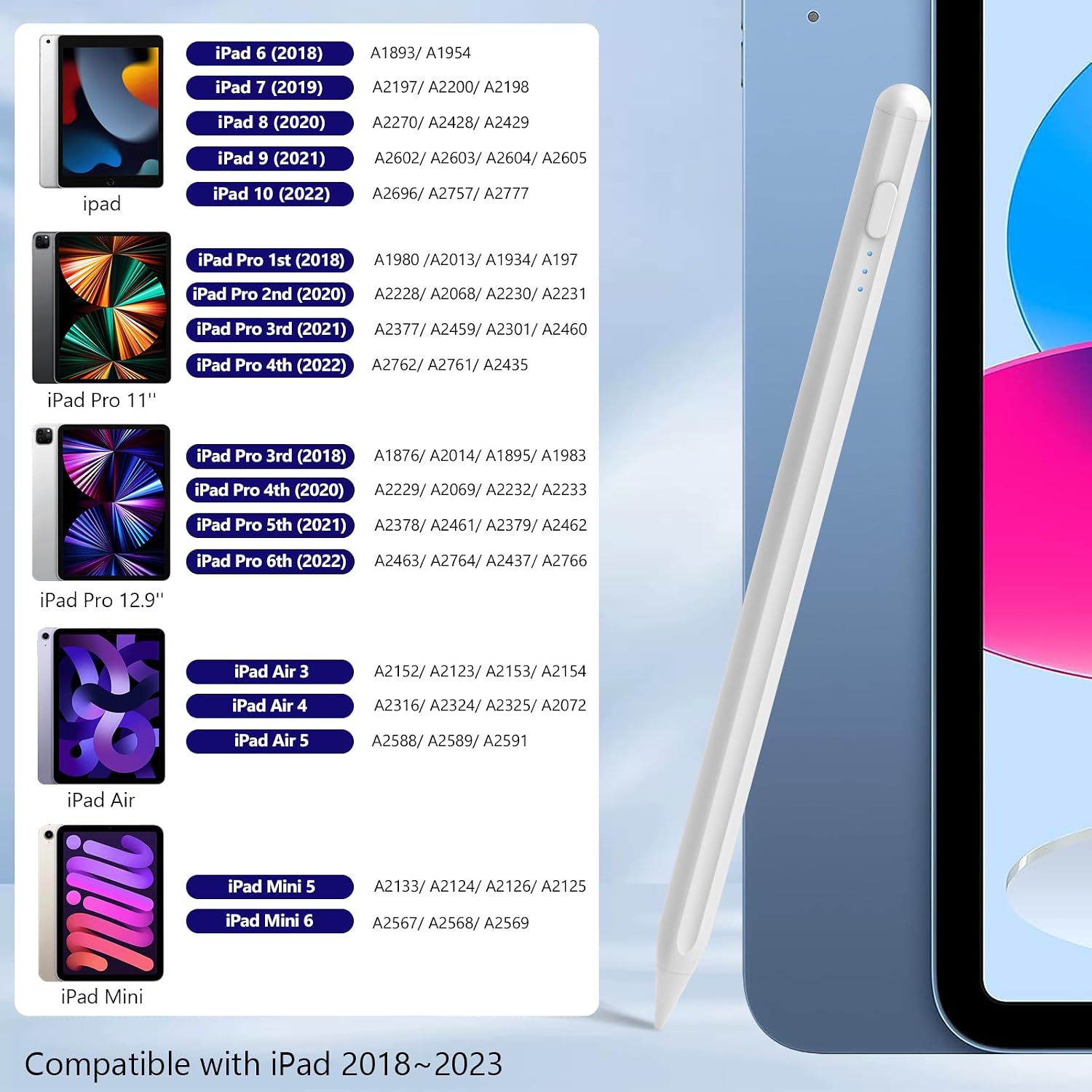
- Compatibility: iPad 6th–11th gen, iPad Pro 11 (1st–4th gen), iPad Pro 12.9 (3rd–6th gen), iPad Pro 13" M4, iPad Air 3/4/5, iPad Mini 5/6.
- Charging time: 15 minutes (manufacturer stated).
- Usage time: Up to 12 hours continuous use (manufacturer stated).
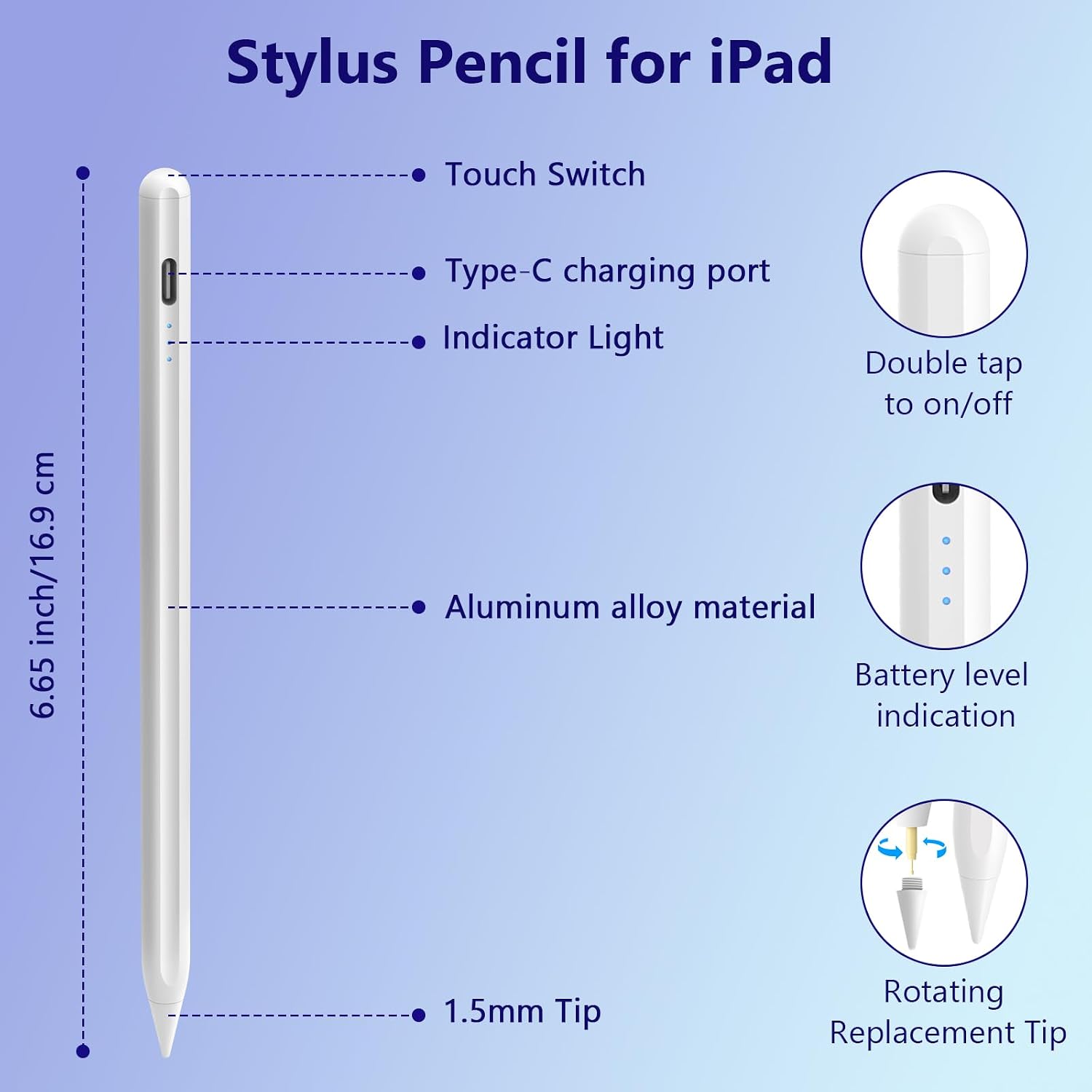
- Features: Palm rejection, tilt sensitivity, magnetic attach, battery level indicator.
Advantages
This stylus offers a familiar grip and a tip material meant to reduce friction on glass surfaces, so writing feels closer to paper and screen wear is minimized. Its instant on/off button removes the need for app setup or Bluetooth toggling, which simplifies casual use across different iPad models. Also, the rapid charging cycle is convenient when you need the pen back in action quickly after low battery. ✍️
Usage Recommendations
For best tilt response use apps listed by the manufacturer such as Procreate, SketchBook and Noteshelf. Charge the pen for the recommended 15 minutes before first use to ensure the battery indicator calibrates correctly. If you plan to use the pen for extended drawing sessions keep a short charging break in mind since heavy usage will deplete the battery faster than light note taking. 🎨
Consider that the stylus will not work with very old iPad models including first and second generation iPad Pro 12.9, iPad 1–5, iPad mini 1–4, and iPad Air 1–2, so verify model year compatibility before planning long term workflows.