

varkda Apple Stylus Pen for iPad 13 min
Product description
The essentials
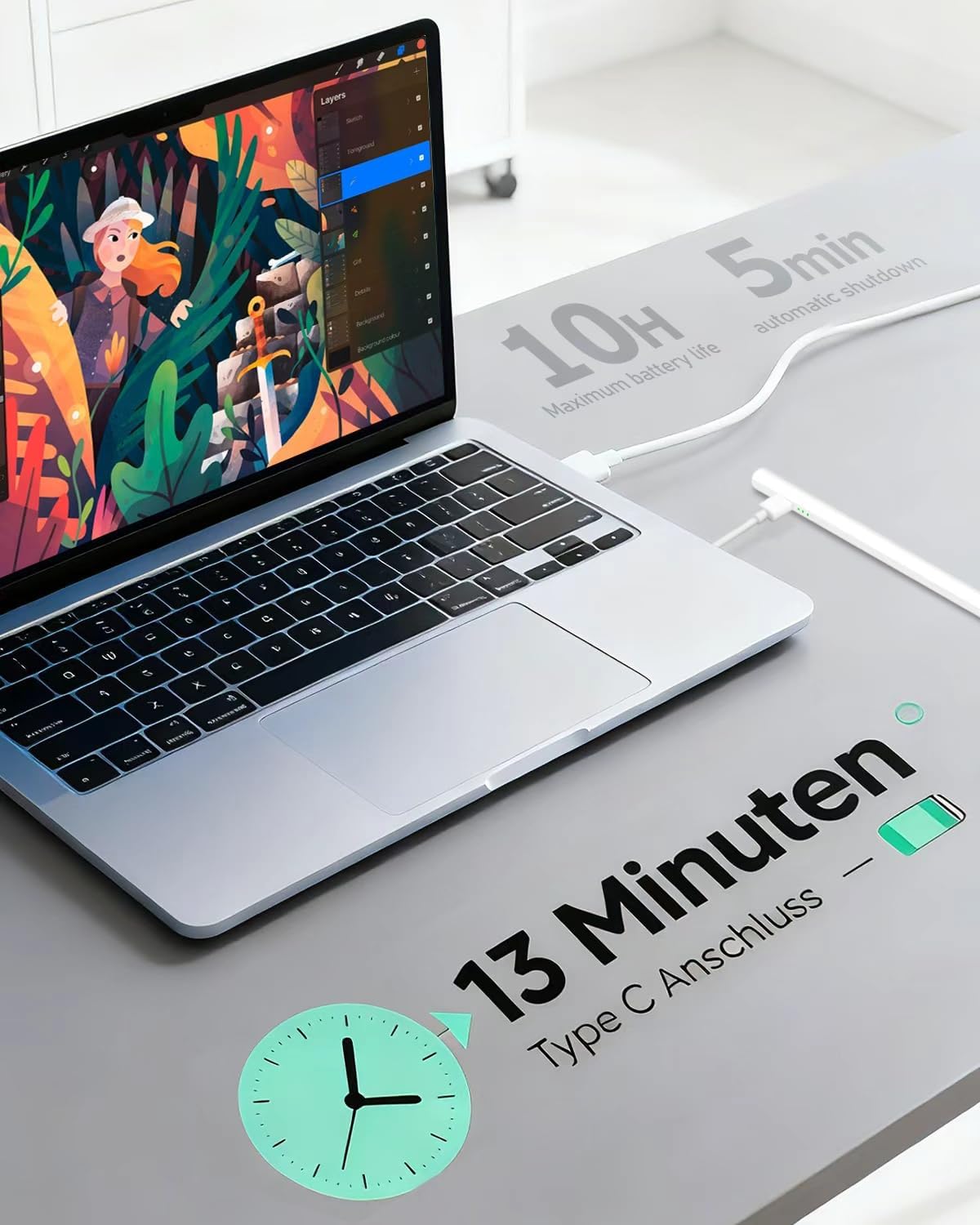
If you want a dependable stylus for note-taking, sketching, or marking up documents, the varkda Apple Stylus Pen is a practical choice for compatible iPad models. It pairs a sensitive tip feel with everyday features like palm rejection and magnetic attachment, so you can focus on what you are creating rather than fiddling with settings. According to the manufacturer, the stylus can be fully charged in about 13 minutes, and it also includes an auto shut off after 5 minutes of inactivity to help conserve power. 😊
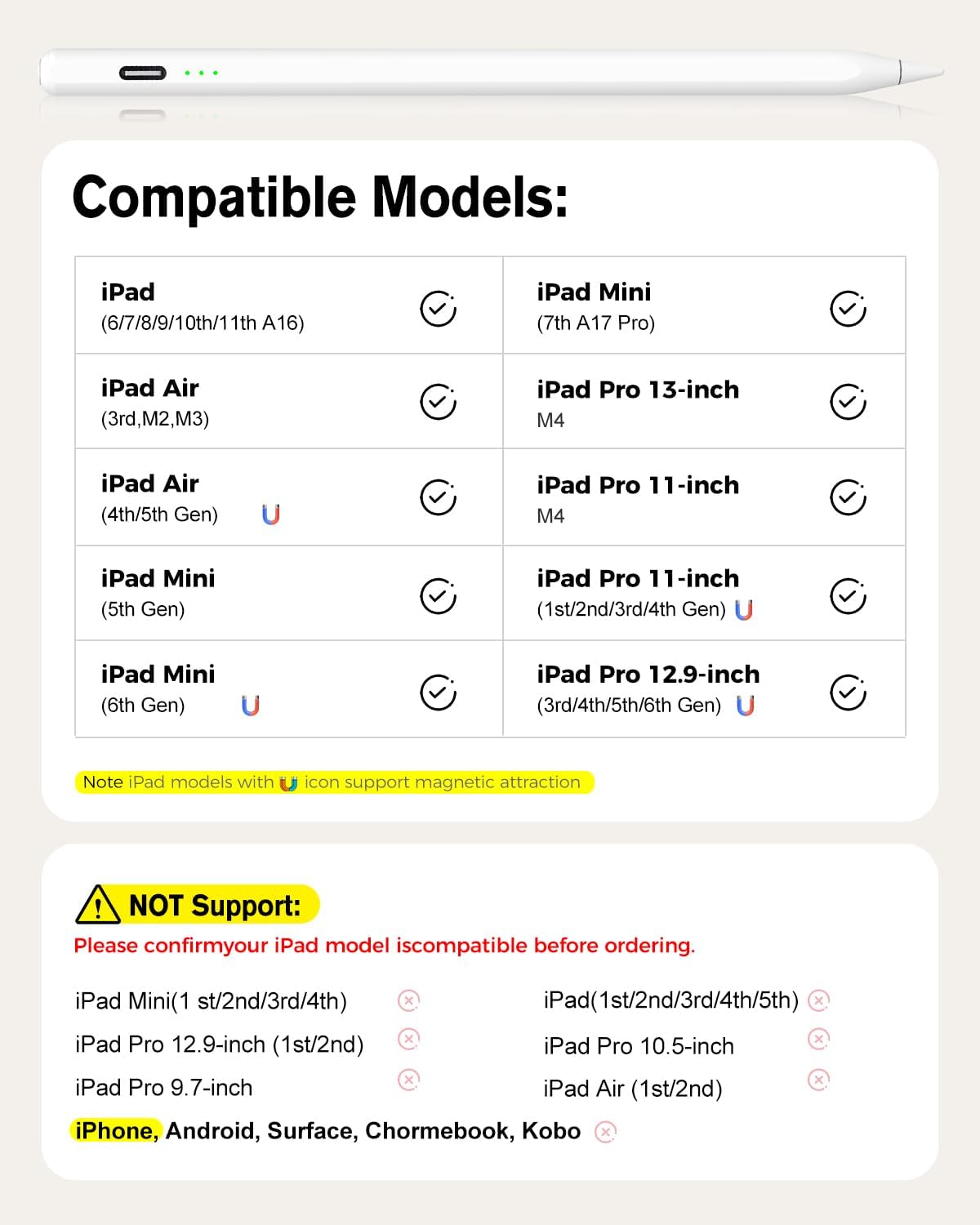
The key thing to check is compatibility. This pen is only listed as working with certain iPad models from 2018 to 2025, so a quick device check before ordering can save you time. If your iPad is on the supported list, you get a stylus that is ready for daily use, with a simple on off method that does not require Bluetooth.
With the right iPad model, the writing experience is built around convenience. The magnetic feature helps with secure positioning, while palm rejection supports more natural hand placement when you are working on the screen. That means fewer interruptions during longer sessions and a smoother flow when you are annotating homework, studying, or working through design ideas. ✍️
Key features
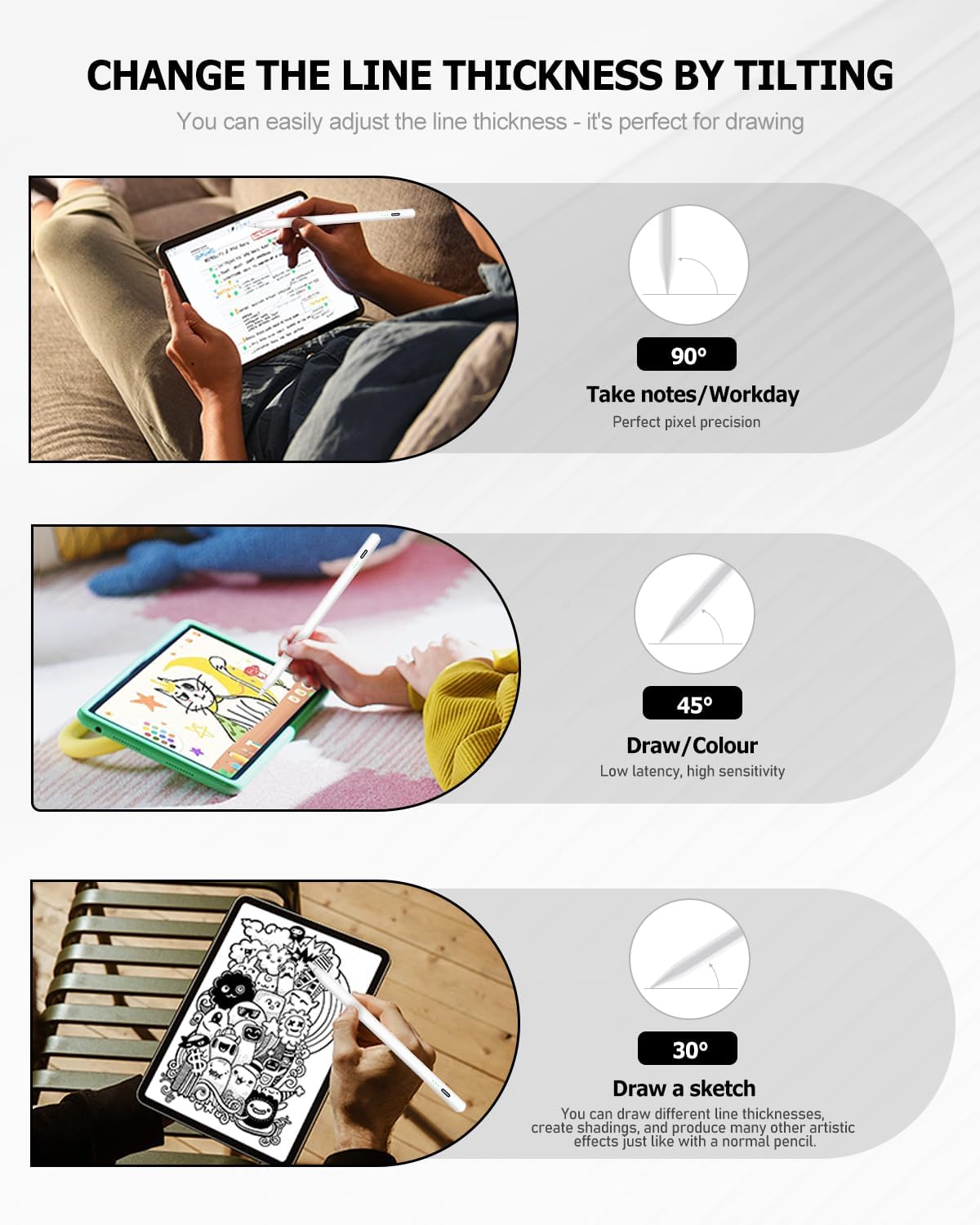
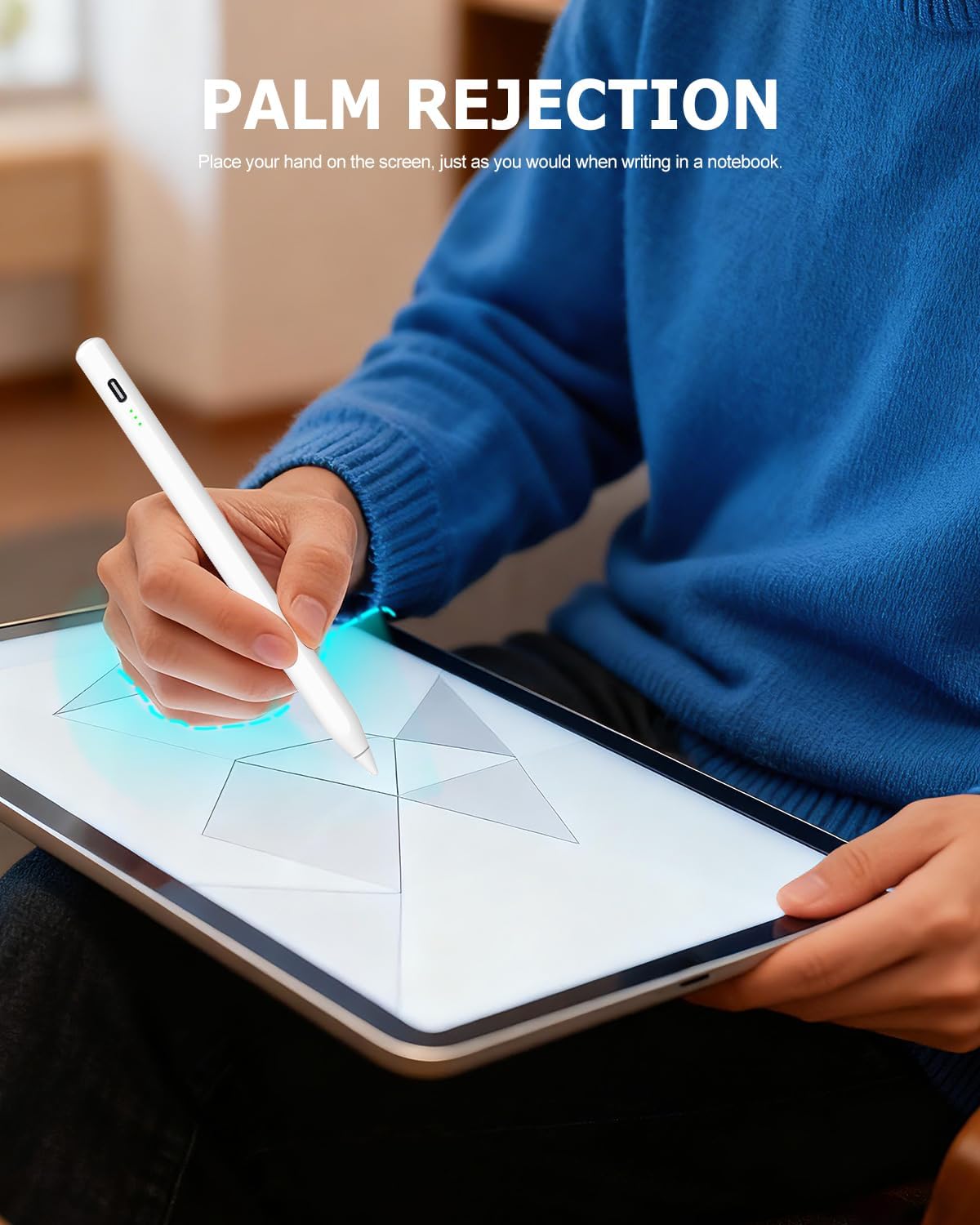
One of the standout features is palm rejection, which helps reduce accidental marks when your hand rests on the display. This is particularly helpful for handwriting, rapid note-taking, and tasks where you alternate between writing and resting your palm. The stylus also uses a sensitive design intended to feel responsive, supporting more controlled strokes for everyday productivity and creative work. 🎨
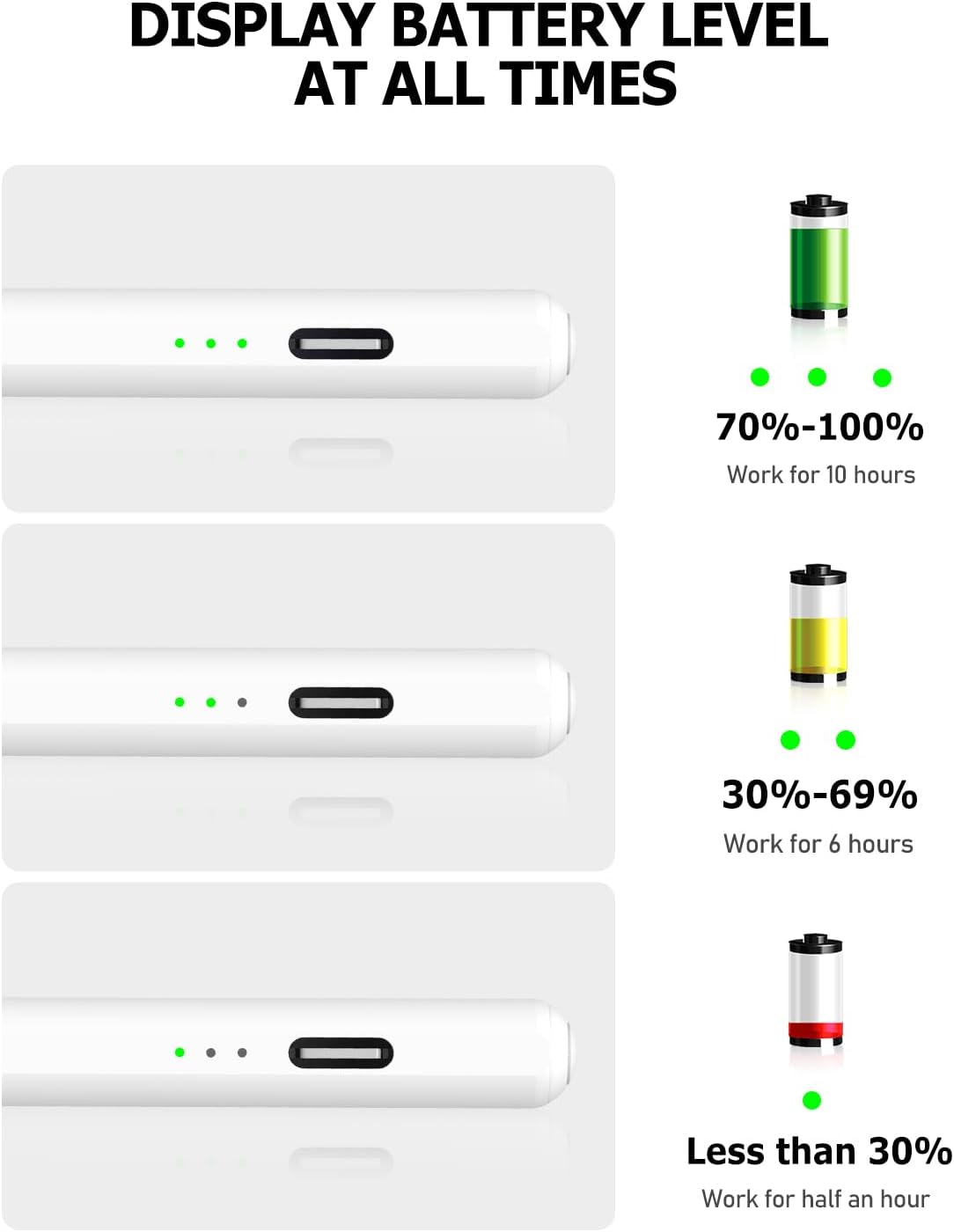
Charging is designed to be quick and straightforward. The manufacturer states that you can charge the stylus for about 13 minutes for continued use, with up to 10 hours of continuous use mentioned in the product details. There is also an inactivity shut off after 5 minutes, which can be useful if you forget to turn the pen off. 😊
The pen does not rely on Bluetooth, which keeps setup simple. You can switch it on and off using the top button. If you turn it on and find it is not working, the instructions suggest checking whether the pen is connected and, if needed, turning off iPad Bluetooth via Settings then Bluetooth then turn off Bluetooth.
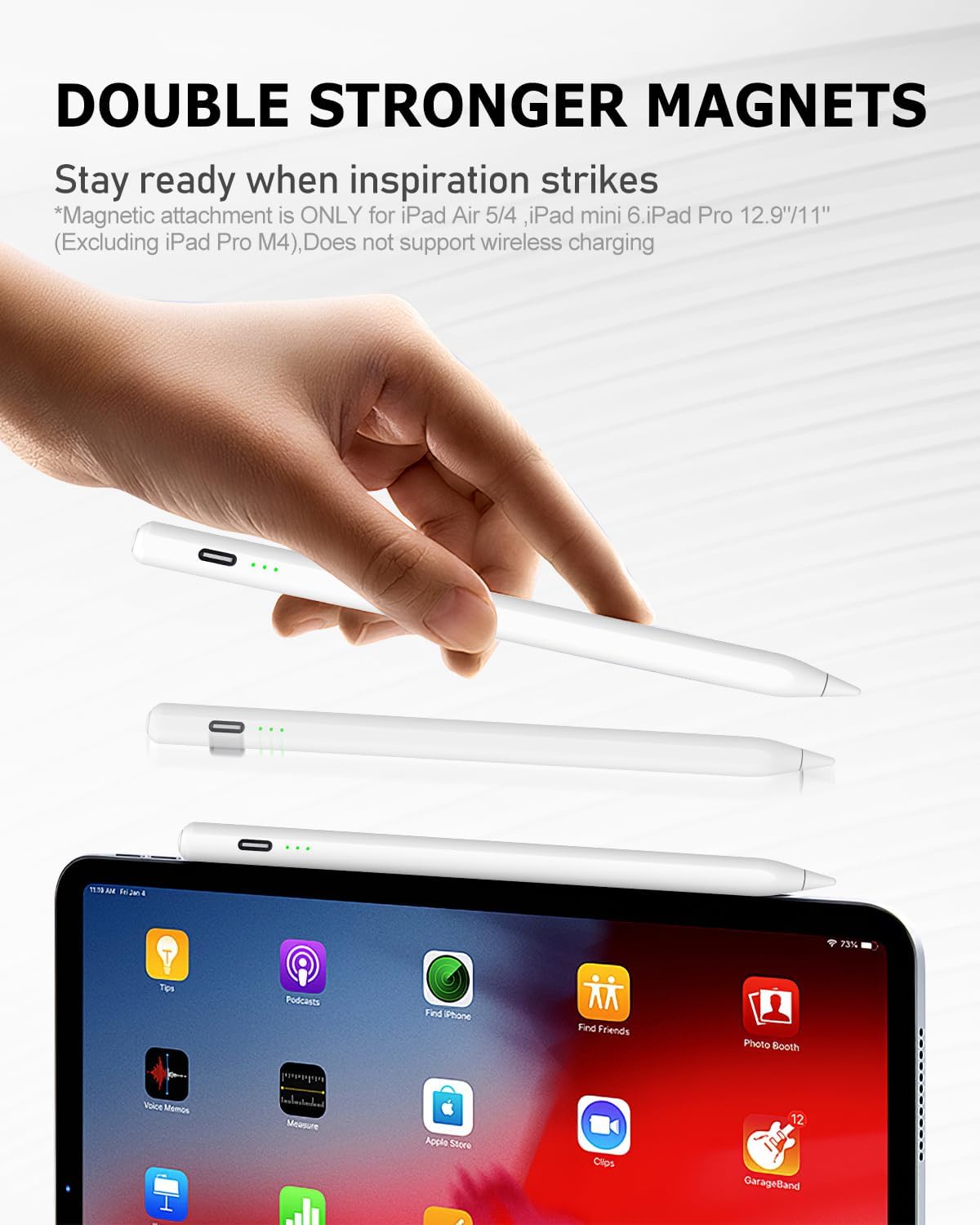
Magnetic attachment adds another layer of practicality. According to the description, the stylus includes magnetic features that are meant to support secure placement and easy handling. For many people, that is the difference between a stylus that stays in reach and one that constantly needs repositioning.
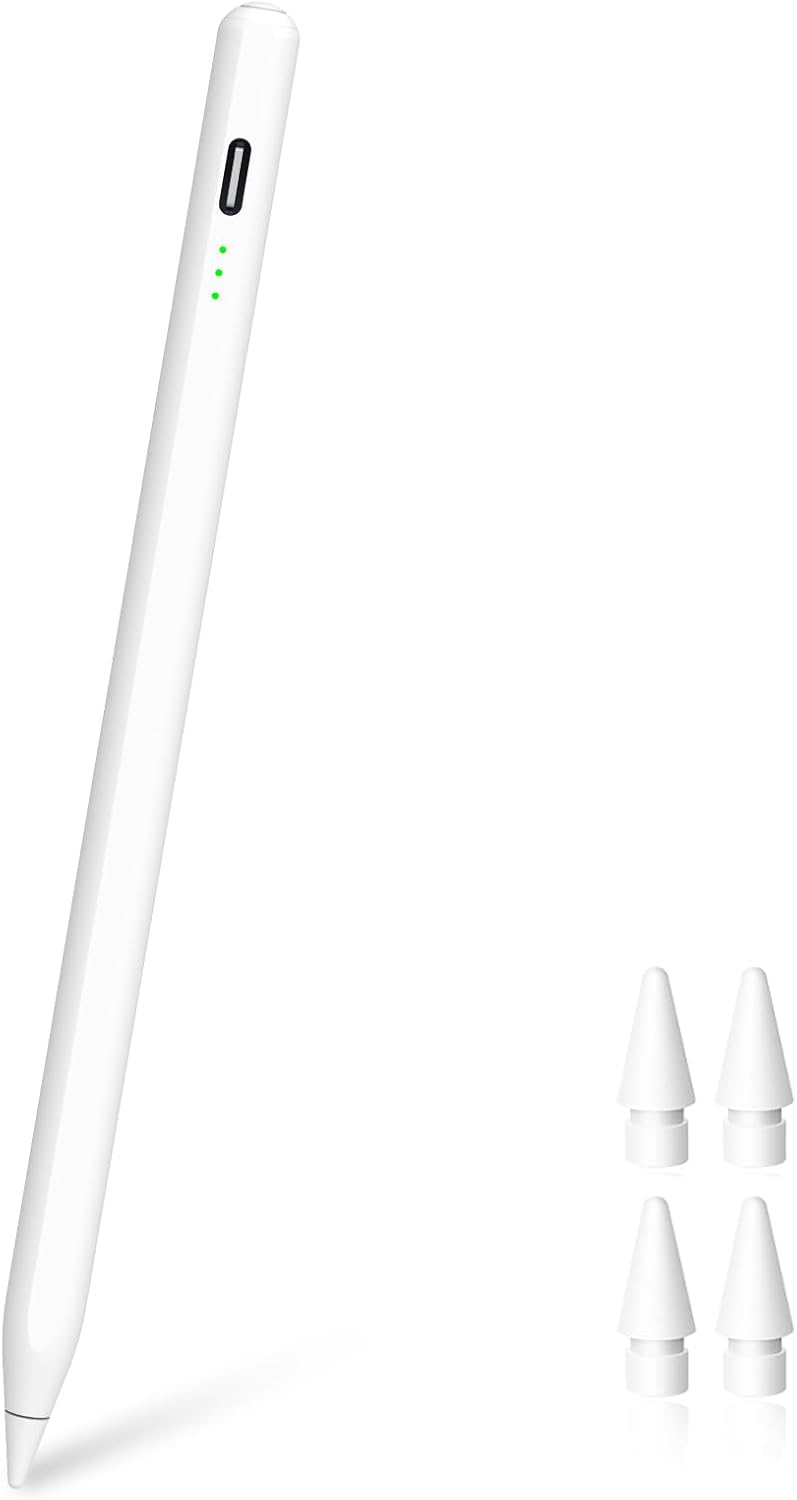
For power users and students, the included accessories help you get started quickly. The box includes 4 replacement nibs, plus a Type C charging cable and a manual, along with the stylus itself. There is also a 12 month manufacturer’s warranty, so you have a clear support route if something goes wrong. ✅
Tech specs
- Name: Apple Stylus Pen for iPad Pro Air Mini
- Type: Capacitive stylus pen
- Compatible models: iPad 2018 to 2025 range listed in the product description
- Charging time: Fully charged in about 13 minutes
- Usage time: Up to 10 hours of continuous use, as stated
- Power saving: Auto shuts down after 5 minutes of inactivity
- In the box: Stylus, 4 replacement nibs, Type C charging cable, manual
Who it’s for
It’s a good fit if you have an iPad in the 2018 to 2025 compatibility range and you want a stylus experience focused on everyday writing, studying, and light creative work. It suits people who prefer a simple on off method rather than pairing via Bluetooth. It may make sense if you value palm rejection, because it supports more natural hand placement while you work.
It might not be a great match if you own an iPhone, an Android device, or a Microsoft device, since the product details specify it is not compatible with those. It is also not listed for iPad models before 2018, including iPad 1 to 5 generations and specific older iPad Pro, iPad Air, and iPad mini versions mentioned in the compatibility notes. If you are unsure, double-check your exact iPad model before ordering, because compatibility is strict for this stylus.