

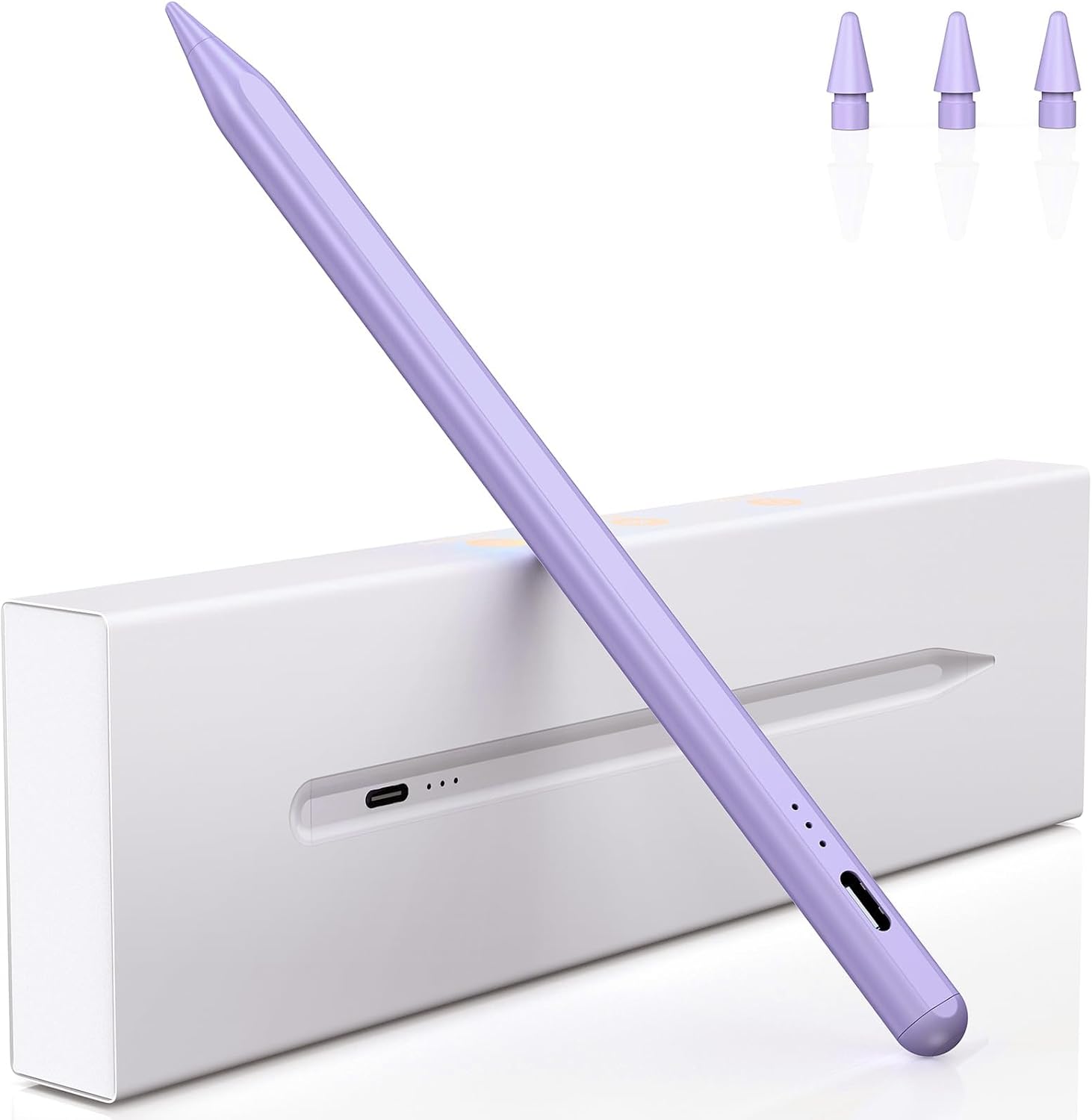
Variglas Pencil for iPad (2018-2025) – 15 minute fast charging, tilt sensitivity & palm rejection (Purple)
Reviews
Price
Product description
The essentials
If you want a stylus for note-taking and sketching that doesn’t fuss around with pairing, Variglas’ Pencil for iPad 2018–2025 is built around straightforward day-to-day use. On paper, it’s aimed at people who use their iPad for work, school, travel or creative sessions, and who would rather pick up a stylus and start writing rather than spend time setting things up.
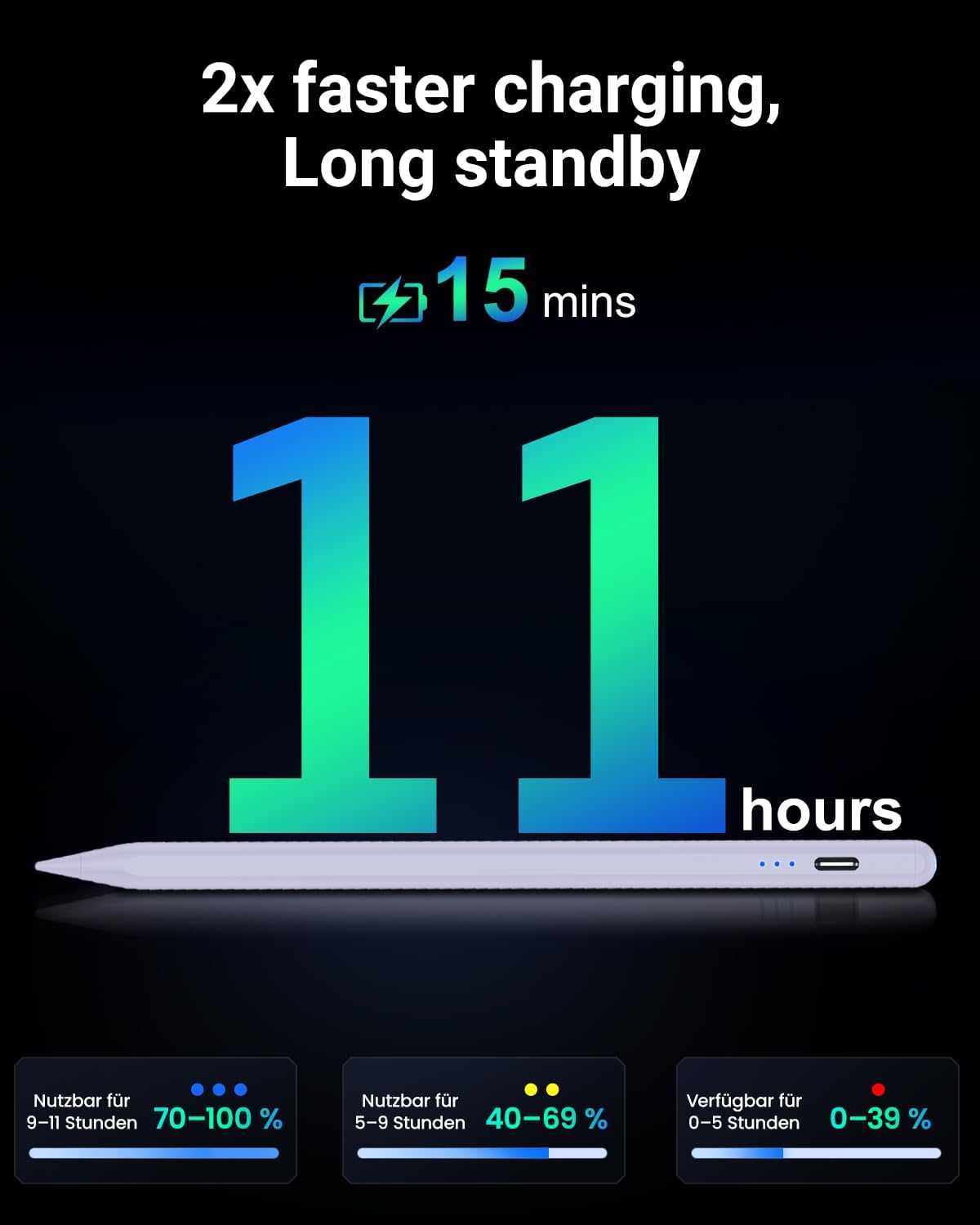
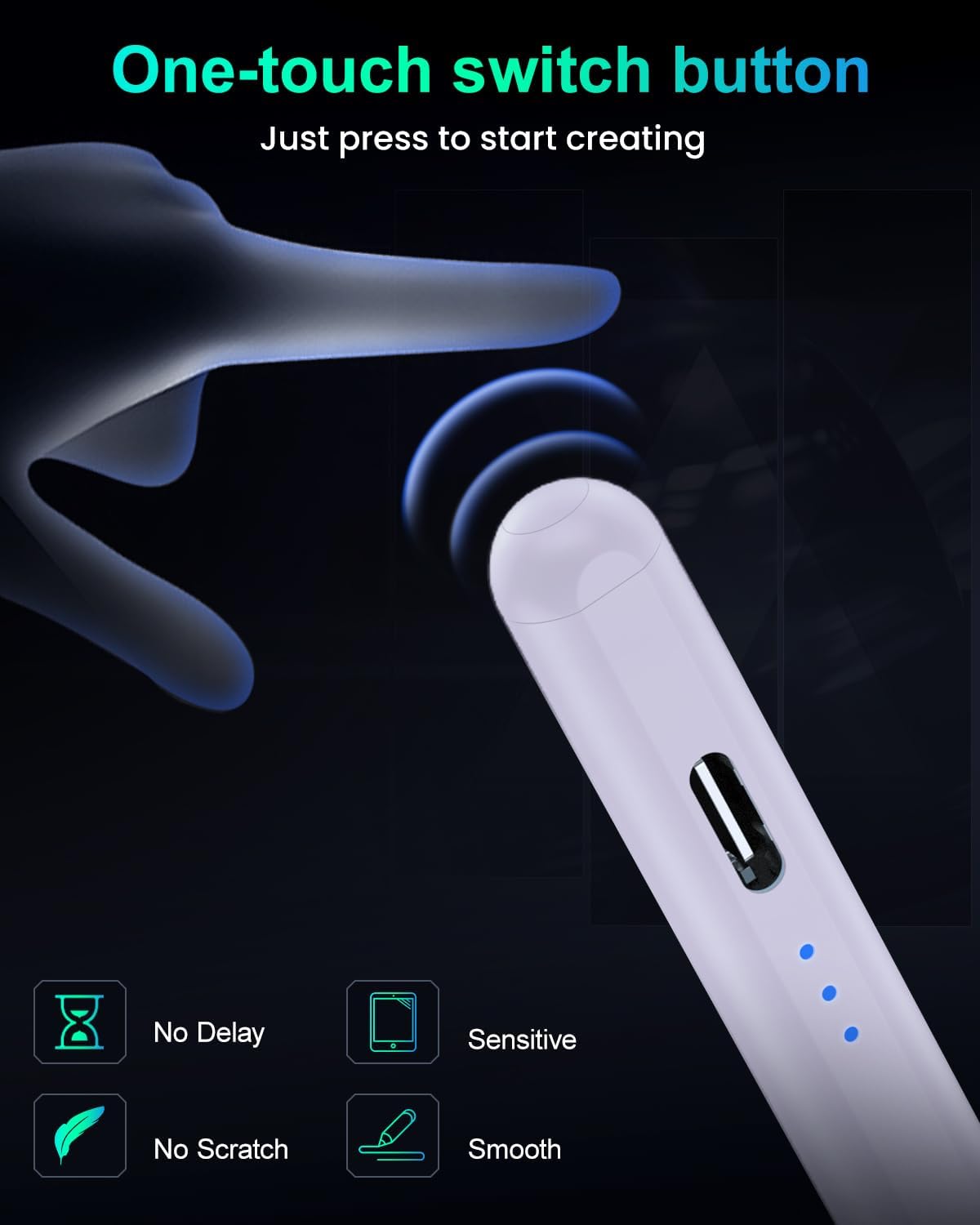
The stand-out angle here is the 15-minute fast charging claim and an 11-hour battery life figure (per a single charge). It also switches on/off by tapping the top section for “instant connectivity”, and it powers down automatically after 10 minutes of inactivity to help conserve battery.
One limitation to keep in mind: the brand note says wireless charging isn’t compatible, so you’ll want a reliable charging method rather than expecting it to top up via the iPad’s wireless charger area.
What stands out in everyday use
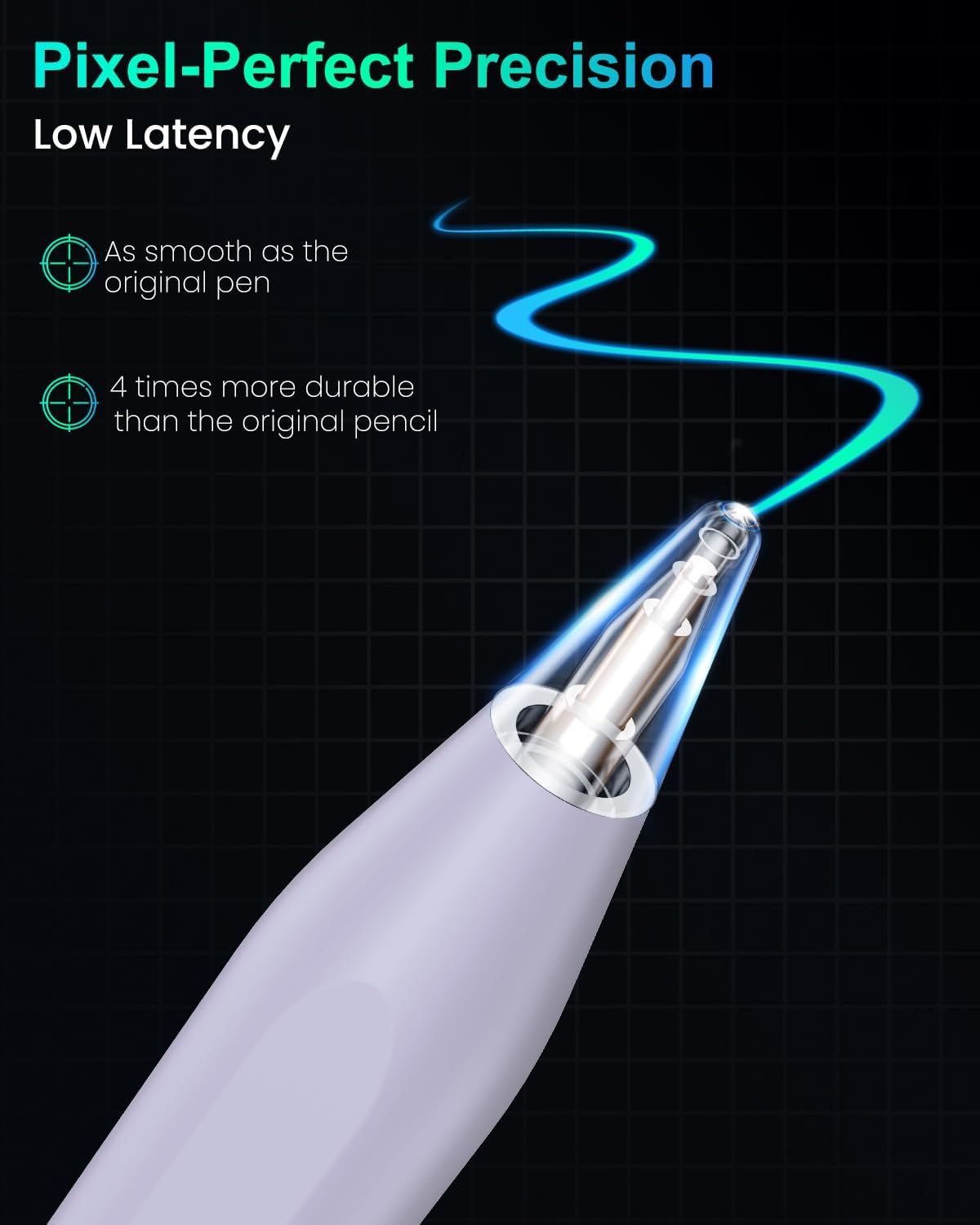
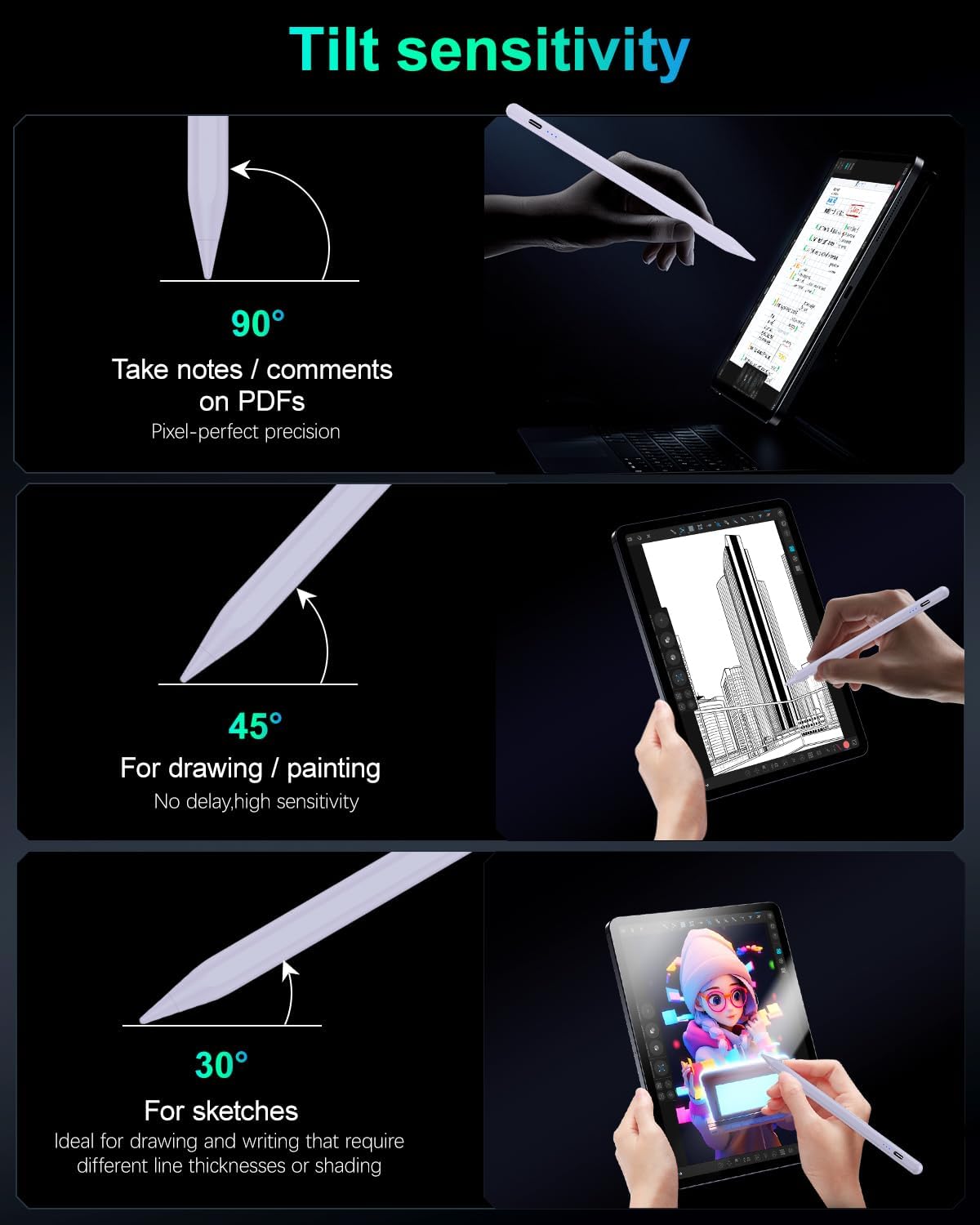
A stylus is judged as much by feel as by features, and this one leans into common expectations for iPad drawing and handwriting. It includes tilt sensitivity, so changing the angle can affect line width and shading. That’s the kind of behaviour you’d want when you’re doing more than straight text—think light sketching, shading ideas in a design workflow, or adding depth to digital art.
Palm rejection is also part of the pitch. In practice, that’s what helps if you’re writing in a natural way with your hand resting on the screen. It can reduce accidental marks when your hand inevitably drifts while you’re concentrating on the page.
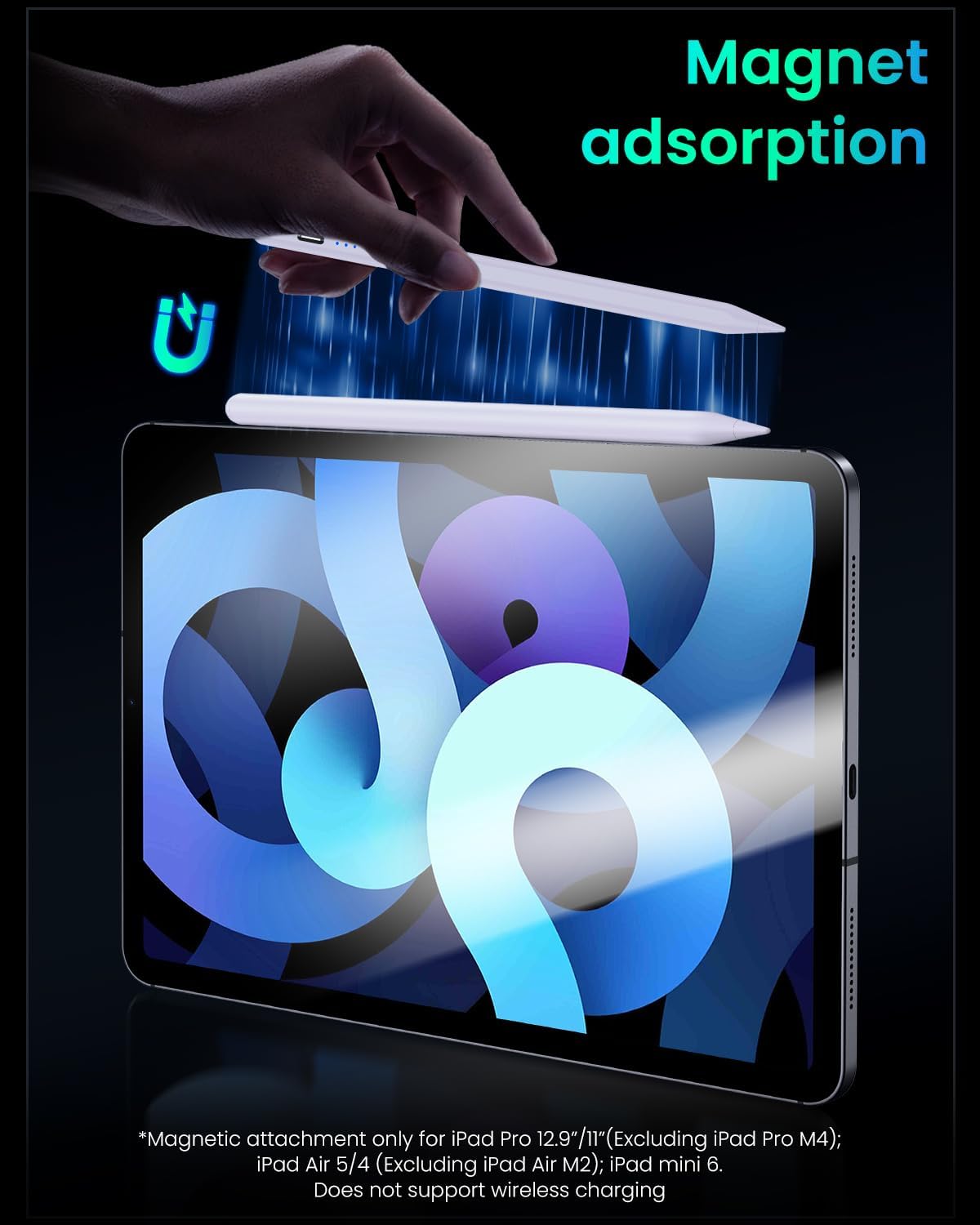
There’s also magnetic attachment mentioned, with integrated magnets to “secure” the stylus to supported iPad models. For commuters, that kind of physical “stick-and-go” storage can be useful—though it’s not universal across every iPad listed.
Key points
Charging speed and battery behaviour matter more than most people expect. A stylus that’s easy to charge quickly and doesn’t waste power during idle moments tends to be the one you actually grab. This model’s quick-charge claim, plus the auto-off after 10 minutes, is designed for that.
The other big practical choice is whether you want tilt and a more pencil-like shading feel, rather than relying purely on basic drawing input. If you do sketches or annotate diagrams where line variation helps, the tilt sensitivity can make a noticeable difference compared with simpler capacitive pens.
Not everything is perfect, though. It’s still a capacitive stylus approach (no Bluetooth pairing), and if you’re expecting wireless charging compatibility or the magnetic fit to be perfect across all iPads, you’ll need to double-check the exact model support list.
Tech specs
- Type: capacitive stylus for iPad
- Charging: fast charging in 15 minutes
- Battery life: up to 11 hours on a single charge
- Auto power off: after 10 minutes of inactivity
- Connectivity: tap the top to turn on/off (no Bluetooth pairing required)
- Tilt sensitivity: yes
- Palm rejection: yes
- Magnetic attachment: yes (only compatible with specific iPad models listed)
- Charging note: wireless charging not compatible
- Precision tip: 1.5 mm
- Spare tips included: 3 extra replacement tips
Where it shines (and where it may fall short)
This pencil makes the most sense if you want a plug-and-start stylus experience for note-taking, classroom work, quick sketching, and travel use. The no-Bluetooth pairing approach helps reduce friction, and the auto-off feature can be a quiet win if you sometimes leave it sitting on the desk.
It may not be the best fit if wireless charging is a key part of how you use your iPad accessories. The entry explicitly says wireless charging isn’t compatible, so if you were counting on a seamless “stick to charge” routine, you may end up needing an extra cable or a different charging habit.
It could also be slightly annoying if your iPad model isn’t among the ones where magnetic attachment is stated as suitable. The stylus still may work as a capacitive pen, but storage/attachment convenience might not match what you’d expect.
Compatibility & requirements
Compatibility is described across iPad Pro, iPad Air, iPad, and iPad mini ranges, covering models from 2018 through 2025 as listed in the product name. Magnetic absorption/attachment is only stated as suitable for certain models, including iPad Pro 12.9-inch (3rd/4th/5th) and iPad Pro 11-inch (1st/2nd/3rd/4th), plus iPad Air (4th/5th), iPad mini 6, and iPad 10.
Before buying, it’s worth checking your exact iPad generation number. People often know the screen size, but the “gen” is what usually decides whether magnetic attachment is available.
Who it’s for (and who should skip it)
You’ll likely like this if you’re after a capacitive stylus that’s easy to use with iPad for writing, drawing and annotating, and you care about tilt/shading and palm rejection. If your priority is value-for-day-to-day use—work notes, school pages, quick ideation—this fits the brief.
You may want to skip it if you specifically need wireless charging compatibility, or if you’re relying on magnetic attachment as your main way of storing the pen. In those situations, you might find another approach more aligned with your routine.
Best use cases
A realistic scenario: you’re on the train with your iPad and need to mark up a document or jot down meeting notes. You can tap the stylus top to switch it on and start immediately without pairing, then you’re not overly worried if it’s been sitting idle—auto-off should help. Later, at the hotel or in the office, a quick top-up is the idea, so you’re back in action without waiting around.
For creativity, tilt sensitivity is the feature you’ll notice when you shade or vary line weight while drawing. Combined with palm rejection, it can support a more natural hand posture when you’re sketching.
Should you buy it?
This Variglas Pencil is worth considering if you want an easy, no-Bluetooth capacitive stylus for iPad that leans into practical extras like tilt sensitivity and palm rejection, alongside quick charging and an auto-off timer. If you’re the kind of user who forgets to charge accessories until the last minute, the 15-minute fast charging claim is especially relevant.
You should be cautious if wireless charging compatibility is important to you, or if you specifically need magnetic attachment to work with your exact iPad model. In those cases, a quick model check is essential.
Mini FAQ
Does it need Bluetooth pairing?
No. The entry says it connects instantly by tapping the top to turn on/off, and it does not require Bluetooth pairing.
How long does it last on a charge?
The product description states up to 11 hours on a single charge, with fast charging said to take 15 minutes.
Will it turn off automatically?
Yes. It’s described as switching off after 10 minutes of inactivity.
Is wireless charging supported?
No. The note says wireless charging isn’t compatible.
Are there spare tips included?
Yes. It includes 3 extra replacement tips, with a stated 1.5 mm precision tip.