

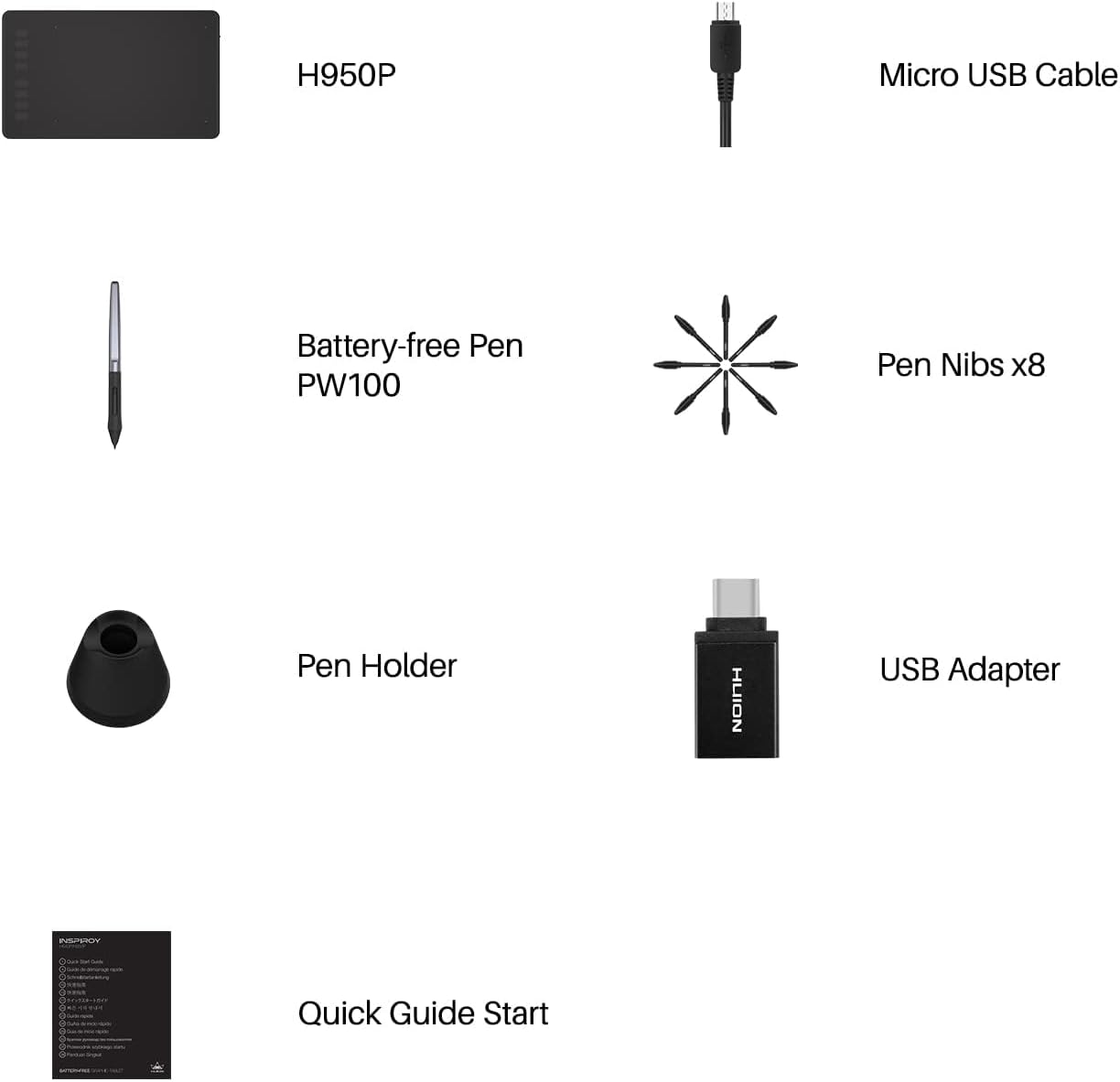
HUION H950P graphics tablet with pen pressure
Product description
A battery-free graphics tablet is a practical way to keep drawing and editing flowing, whether you are at home, in the office, or joining an online lesson. The HUION H950P supports pen input with 8,192 levels of pressure and is designed to feel responsive for sketching, painting, photo edits, and digital notes. It is also built for everyday flexibility, including connectivity across common operating systems and devices, so you can keep your workflow consistent across setups. ✅
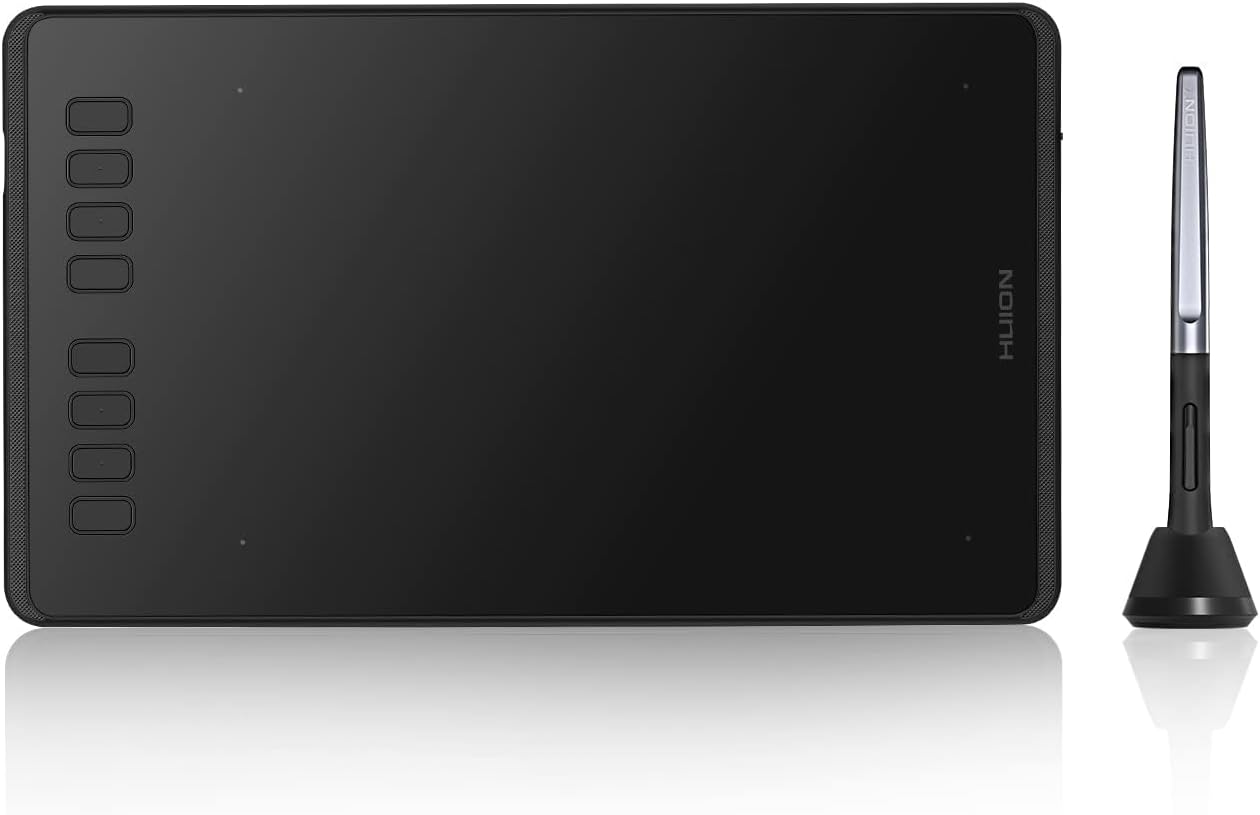
If you take notes in meetings, sign documents digitally, or work on diagrams and mind maps, a tilt-capable, no-charge stylus can remove a lot of friction from the day. The H950P includes 8 customisable express keys to help you access shortcuts quickly without reaching for a keyboard. There is also a lock key on the right side design intended to help prevent accidental touches while you are working. 🖊️
The essentials
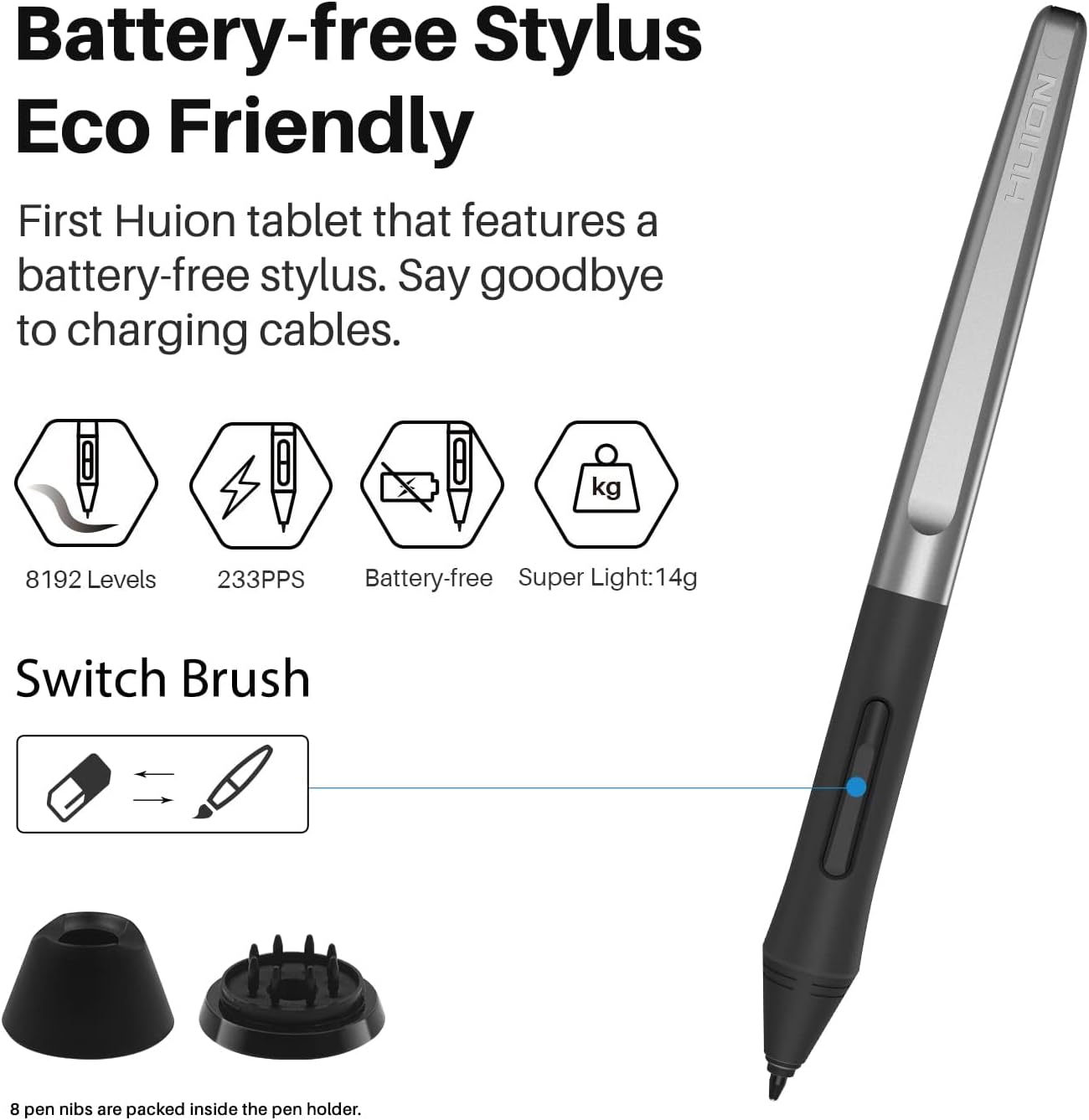
The HUION H950P graphics tablet pairs a battery-free PW100 stylus with a drawing surface that supports tilt function and 8,192 levels of pen pressure. That combination matters if you switch between lighter sketch lines and firmer strokes, because pressure levels can help you express variation naturally as you draw. The stylus does not need charging or batteries, which makes it easier to keep to hand for distance learning sessions, web conferences, and online meetings. 🎥
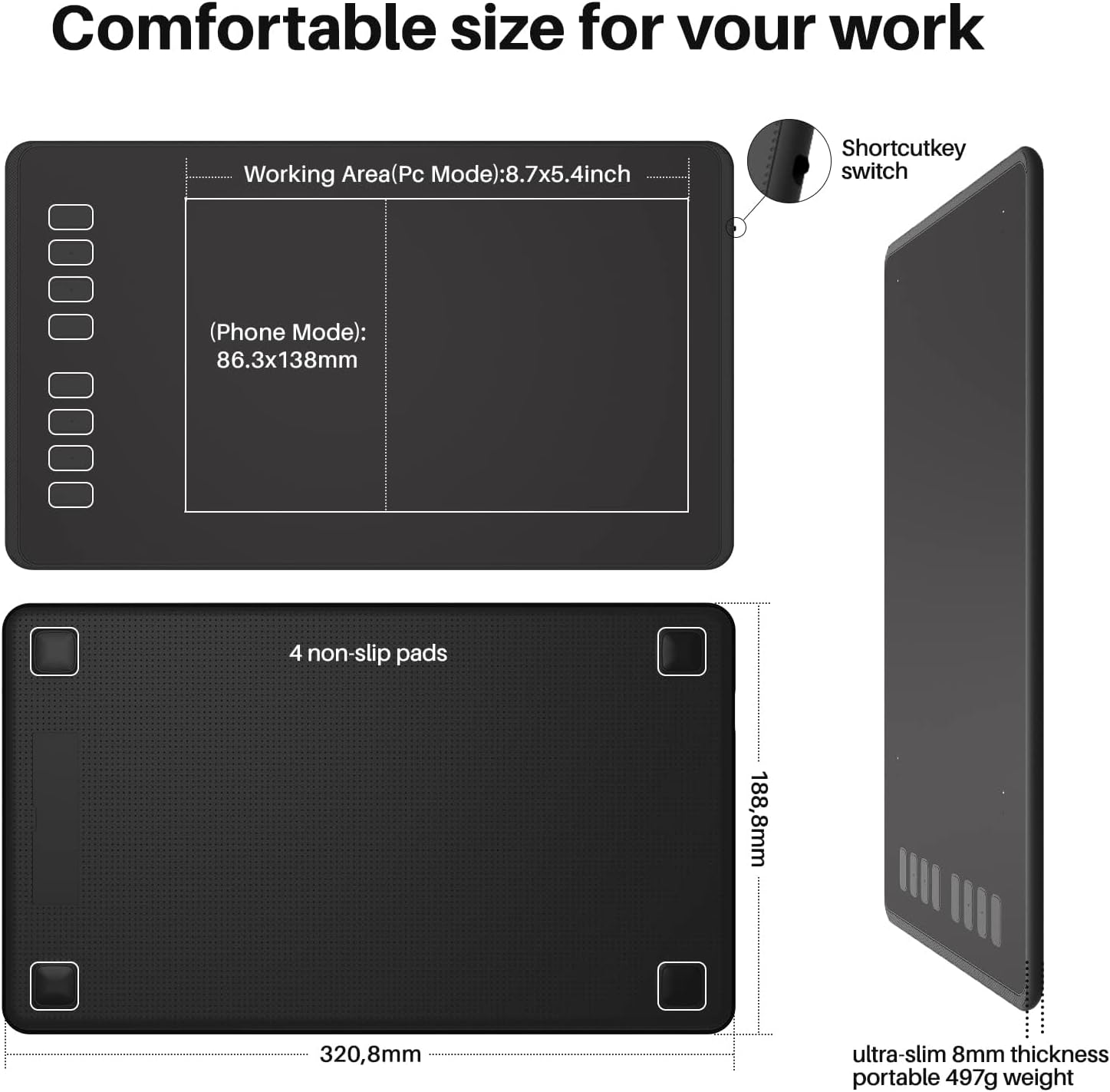
It is designed to work across multiple platforms, so you are not locked into one single computer environment. The tablet supports OS Android and tablet connections as well as macOS 10.11 or later, Windows 7 or later, Linux, and Chromebook running the latest ChromeOS 88 and above. This makes the device a useful companion for students, teachers, and creators who move between different systems during the week. It also supports common digital tasks such as sketching, painting, editing photos, and writing or signing digitally.
Another key convenience is that the pen and shortcut setup are meant to reduce repetitive actions. Two buttons on the battery-free stylus can be customised, and the tablet provides 8 user-defined shortcut keys to simplify frequent keyboard actions. If you prefer a smoother workflow, being able to trigger shortcuts from the tablet can help you stay focused on drawing rather than switching attention. ✍️
Key features
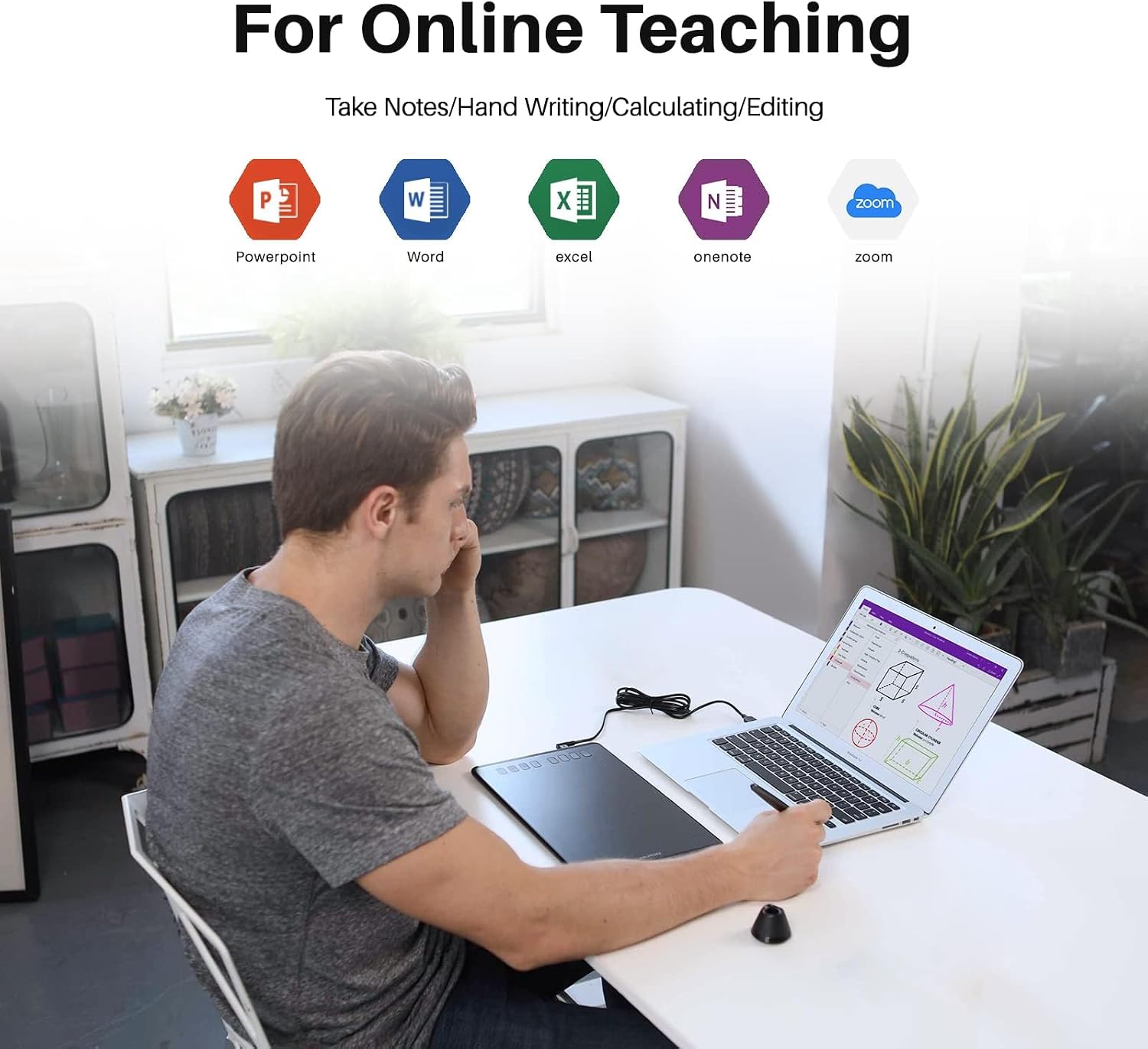
A strong part of the design is the battery-free PW100 stylus, because it neither needs charging nor a battery. According to the manufacturer, you can customise two buttons on the pen, which helps you map actions that fit how you work. The pen holder includes 8 pen nibs inside, and it is designed to allow the pen to be stored vertically, which can help protect it when you are not using it. It also supports compatibility with Microsoft Office programs such as Word, PowerPoint, and OneNote, which can be helpful for document annotation and note taking.
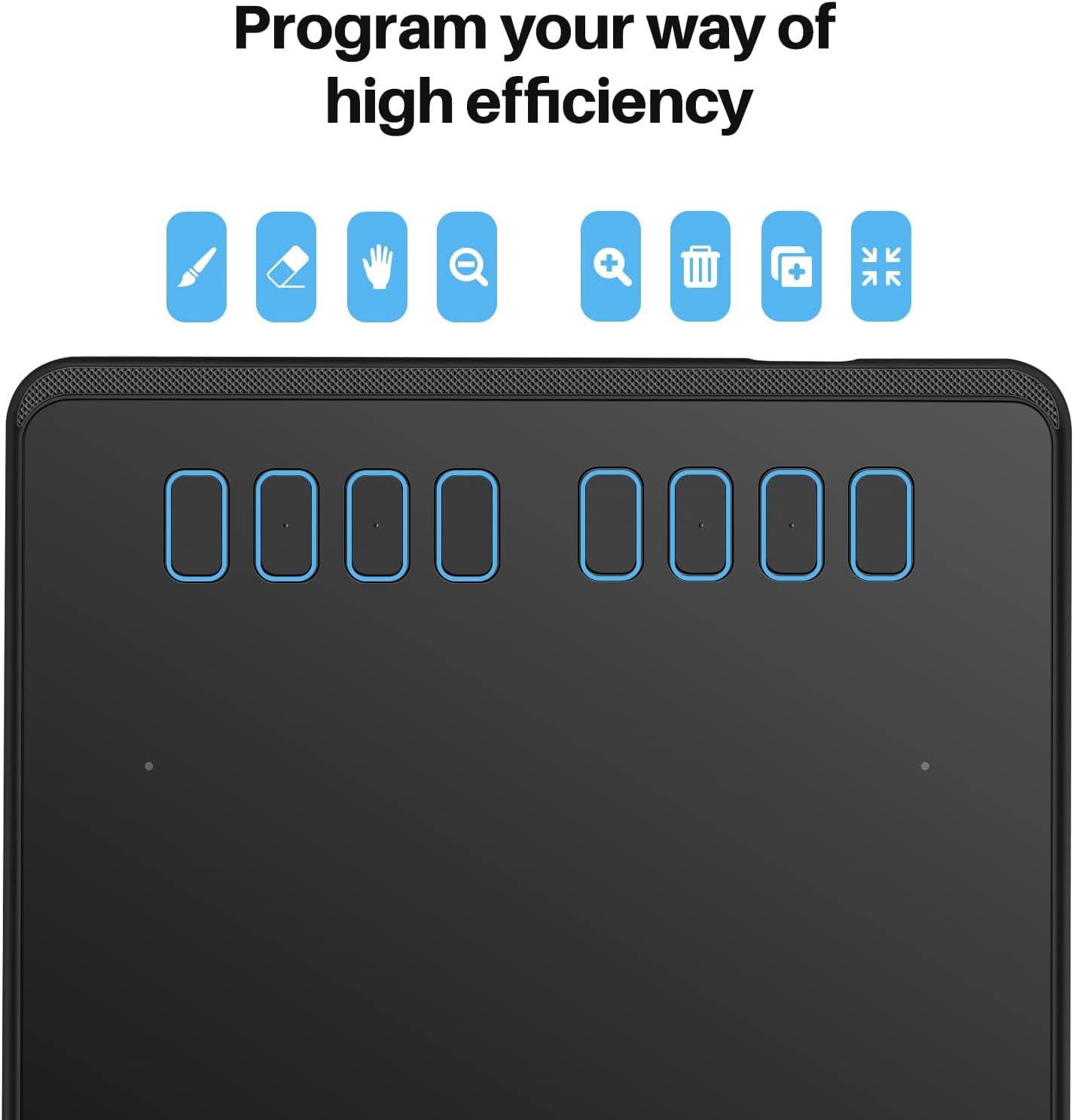
The HUION H950P is also built for shortcut efficiency with 8 customisable express keys. You can use these to assign commonly used shortcuts so your workflow is faster when you are sketching, editing, or reviewing documents. There is a lock key on the right side design intended to help avoid a mistaken touch, which can be useful if you tend to brush the tablet area during longer drawing sessions. For layout flexibility, it is available for both left and right-handed users.
The drawing surface uses full lamination technology, and the manufacturer describes it as moving from a narrow frame to a frameless feature. In practical terms, that is intended to remove inconvenience caused by earlier tablet structure, and it is meant to facilitate your workflow with broader space for inspiration. If you work with diagrams, mind maps, or detailed editing, the aim is to keep your focus on the creative task rather than the hardware layout.
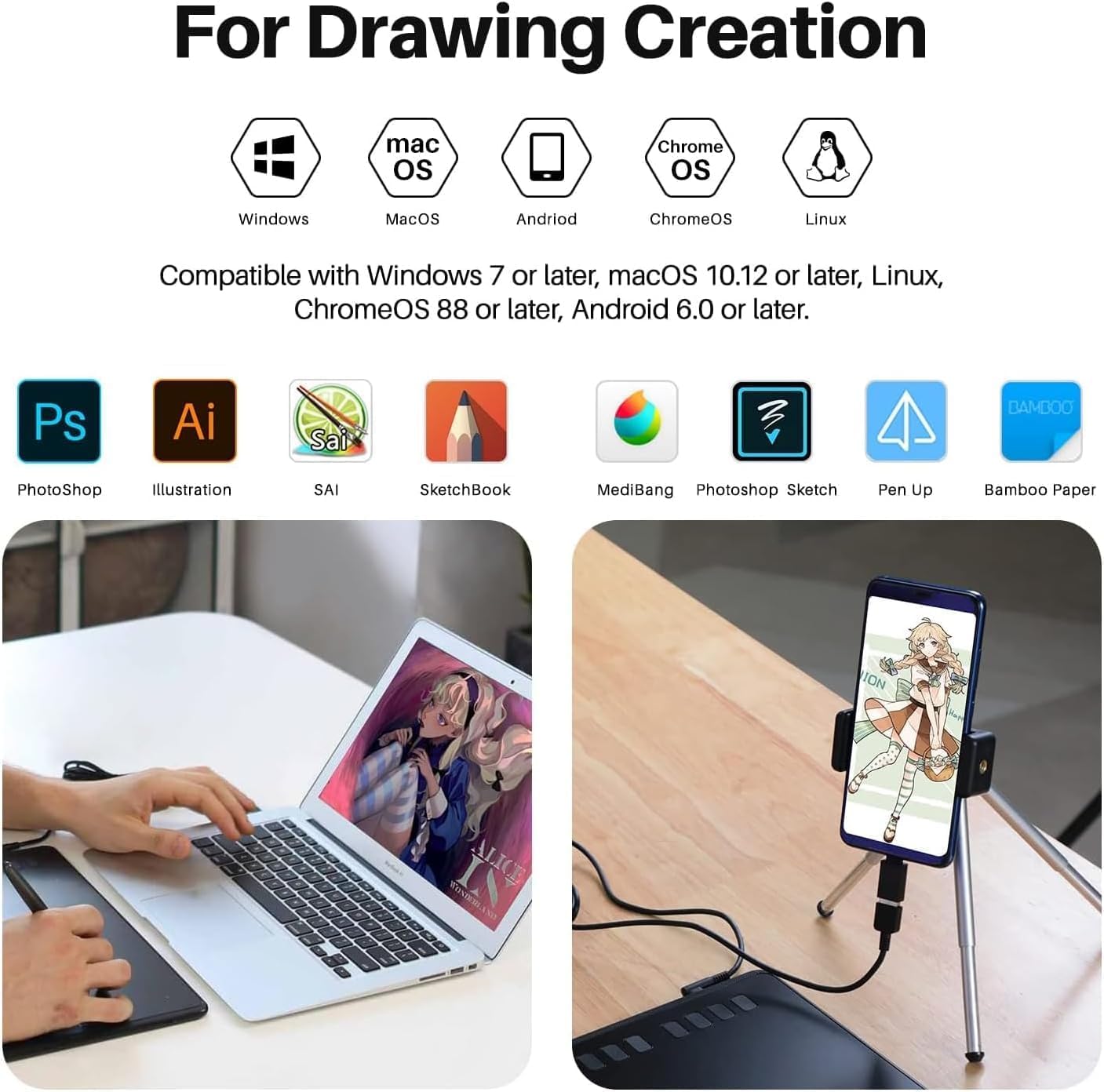
Finally, compatibility is a major selling point for on-the-go creativity. Besides Windows, Mac, Linux, and ChromeOS, Android devices including phones and tablets are supported to be used with H950P. The manufacturer notes support for mainstream drawing and designing software of various kinds, which can be helpful if you use different creative apps depending on the device you are working from.
Tech specs
- Name: HUION H950P Graphics Tablet Battery-free Stylus
- Type: Graphics tablet with battery-free stylus
- Size: Not specified in the provided details
- Material: Not specified in the provided details
- Colour: Not specified in the provided details
- Display: Not specified in the provided details
- Resolution: 8,192 levels of pen pressure
Compatibility & requirements
It makes sense to use the HUION H950P if you need a graphics tablet that can move between common operating systems and still feel consistent. The manufacturer states support for macOS 10.11 or later, Windows 7 or later, Linux, and Chromebook running the latest ChromeOS 88 and above. It also supports Android, including phones and tablets, which helps if you study or work from mobile setups as well as desktops.
Keep in mind that the tablet’s functionality depends on the device and the software you pair it with, since it is designed for mainstream drawing and designing software across platforms. For document work, compatibility with Microsoft Office programs like Word, PowerPoint, and OneNote is mentioned, which is useful if you annotate slides or take structured meeting notes. Worth noting, the manufacturer also describes use cases for online meetings, teaching, and distance education, so it is particularly relevant if you need a reliable input tool during sessions where switching between devices is common.
It suits a wide range of everyday creativity, including sketching, painting, editing photos, signing documents digitally, creating mind maps, drawing diagrams, and taking notes. The pen is battery-free, so you can concentrate on sessions without worrying about charging the stylus before you start. If you prioritise quick access to shortcuts and a responsive drawing feel, this model’s 8 customisable express keys and pressure levels are central to the experience. The H950P can be a solid match for people who want one tablet that supports their current tools while staying flexible for future devices.