

HATOKU Pencil 1st Generation for iPad (A16, 2018–2026)
Product description
What it is
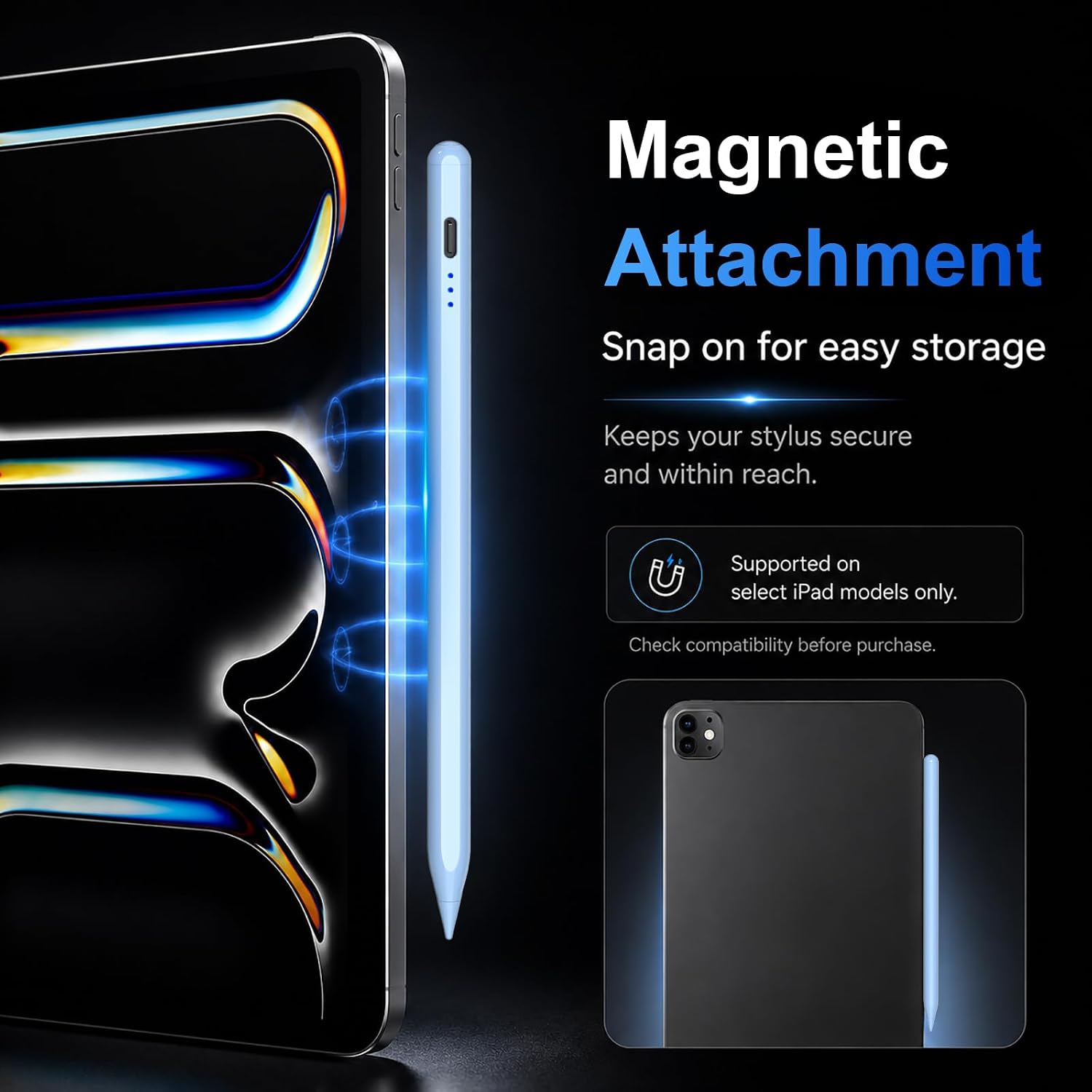
The HATOKU Pencil 1st Generation is a stylus designed for a wide range of iPad models, offering tilt sensitivity, palm rejection and a lightweight, pen-like writing feel. It charges quickly and attaches magnetically for easy transport, with replacement tips included for longevity.
How it works
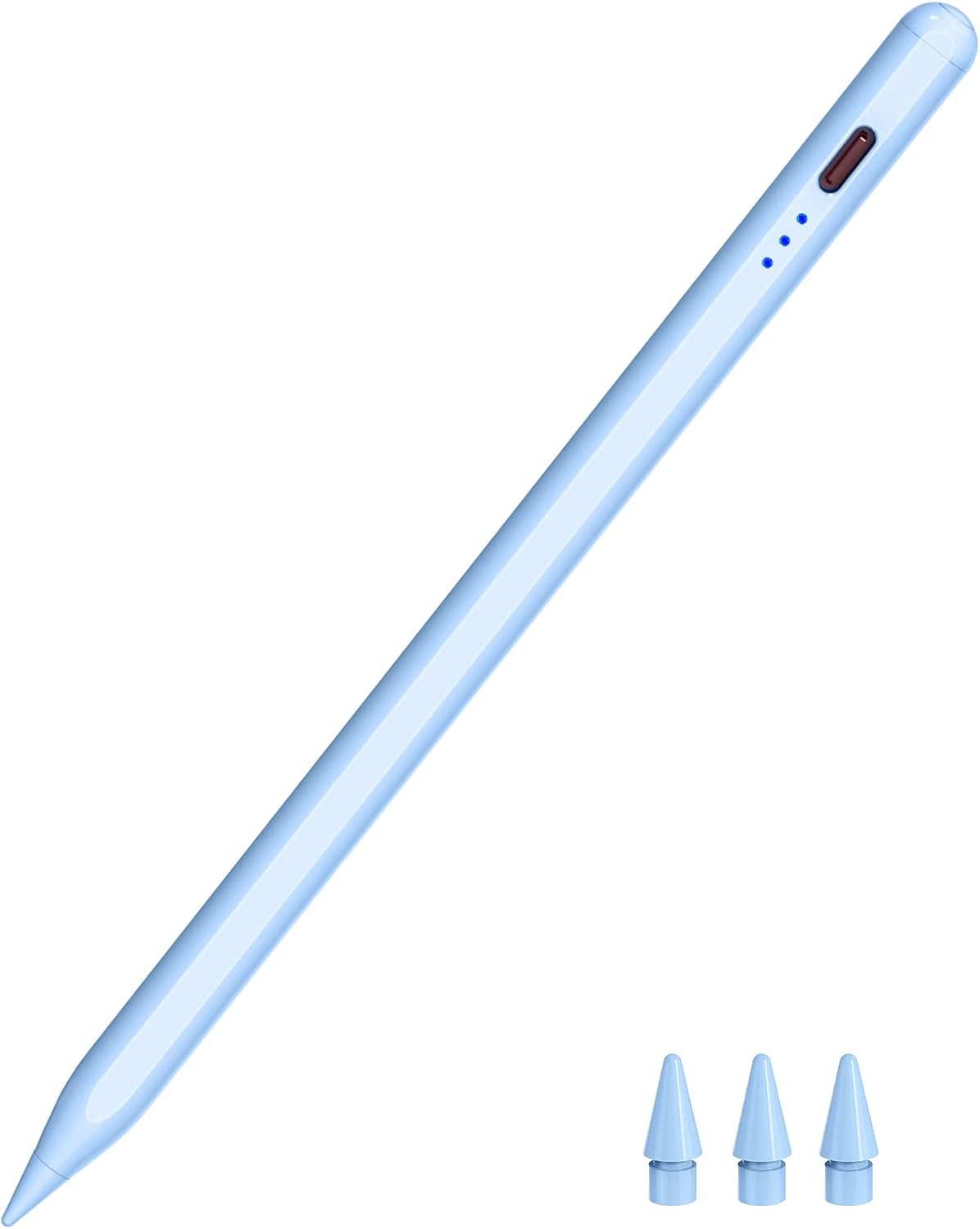
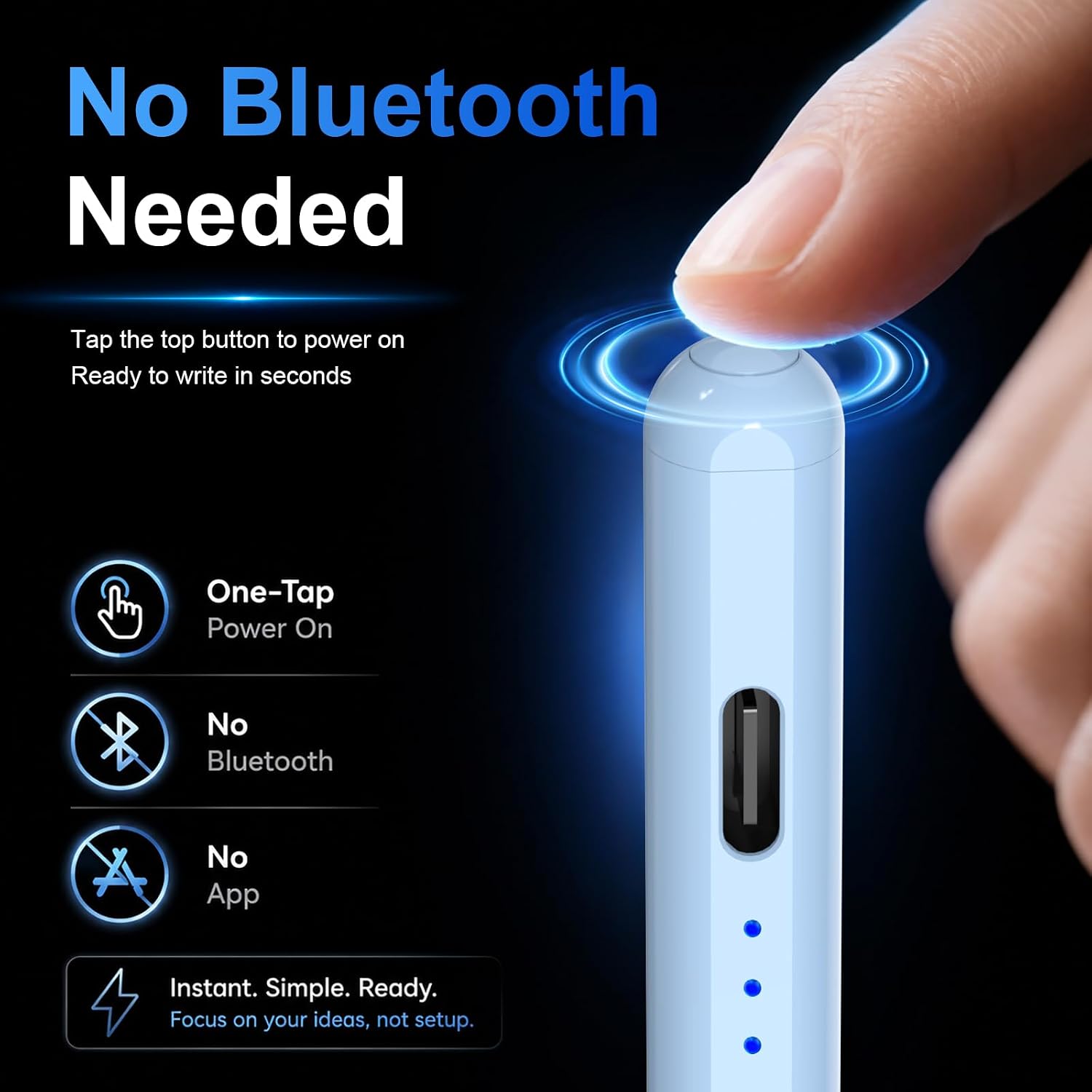
No Bluetooth pairing or dedicated app is required. A simple top-button control powers the pen and enables writing, drawing, signing and noting directly on the screen. The tip is a 1.5 mm POM tip, chosen to be smooth and precise with minimal lag.
Compatibility and fit
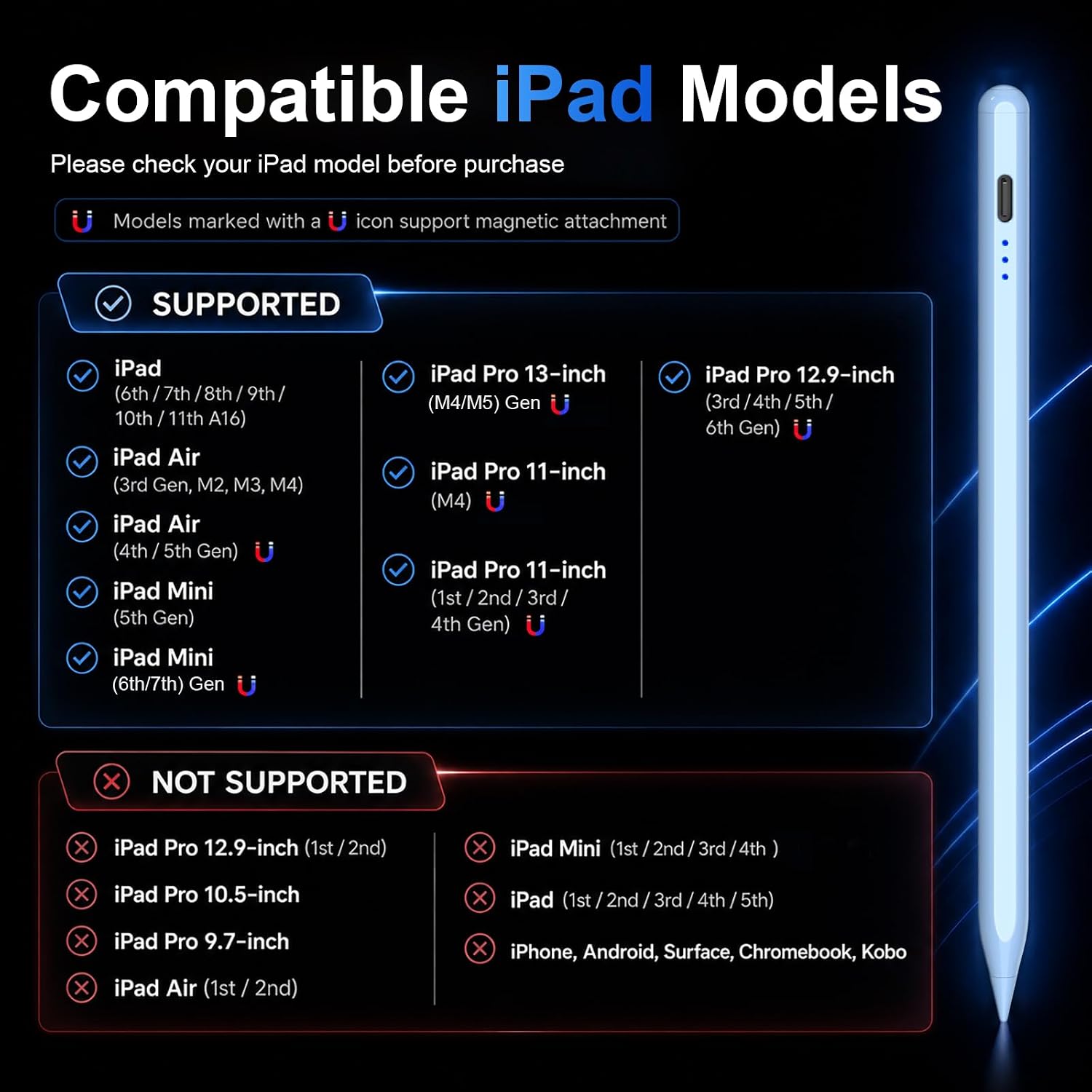
The design targets many iPad generations from 2018 onwards, including various iPad Pro, Air, Mini and standard models. Note that magnetic attachment and some magnetic features are model-specific, and the pen may not be suitable for every iPad model listed in the compatibility notes.
Performance and features in practice
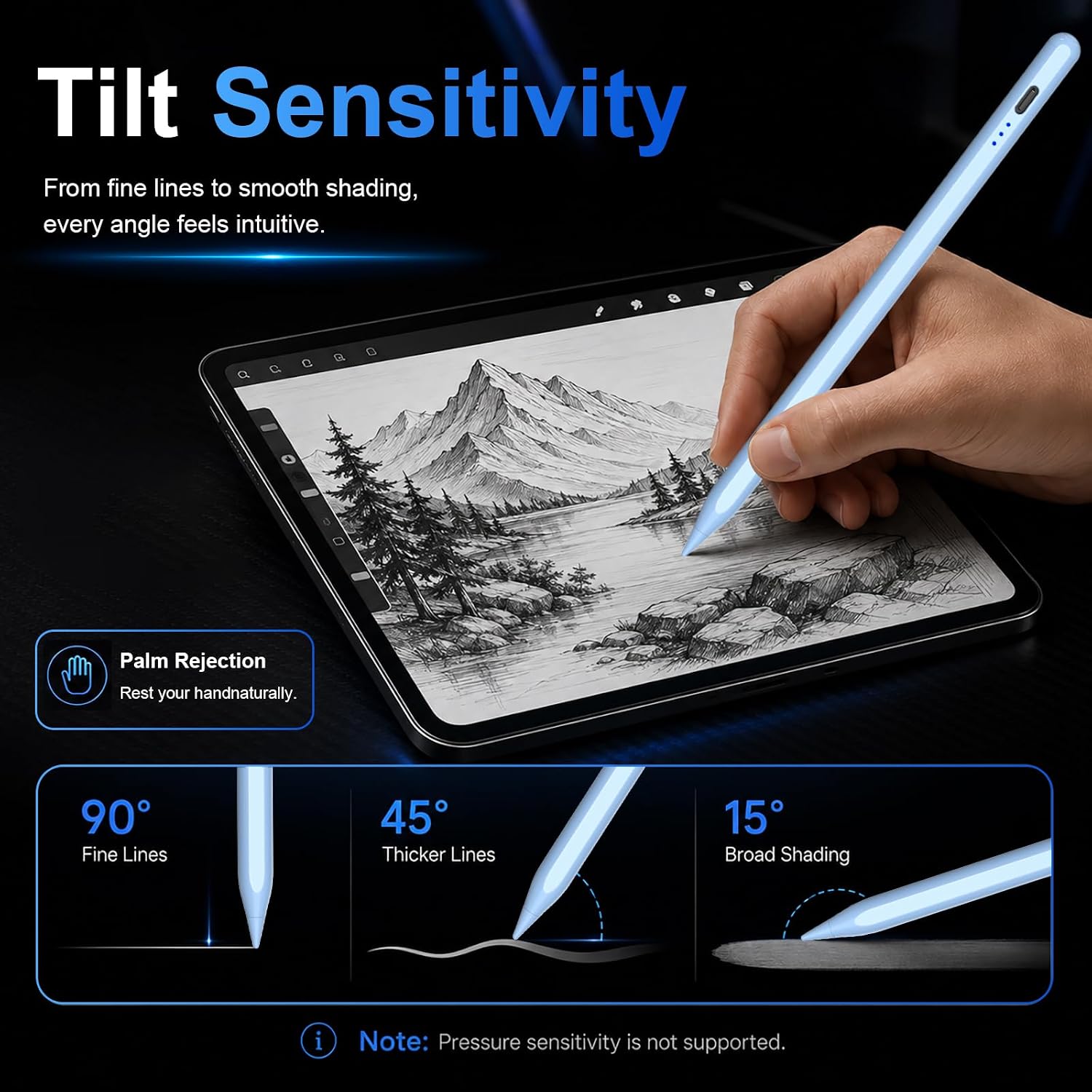
- Tilt sensitivity lets you shade and vary line weight, useful for drawing and calligraphy-style notes.
- Palm rejection helps avoid accidental marks when resting your hand on the screen during writing.
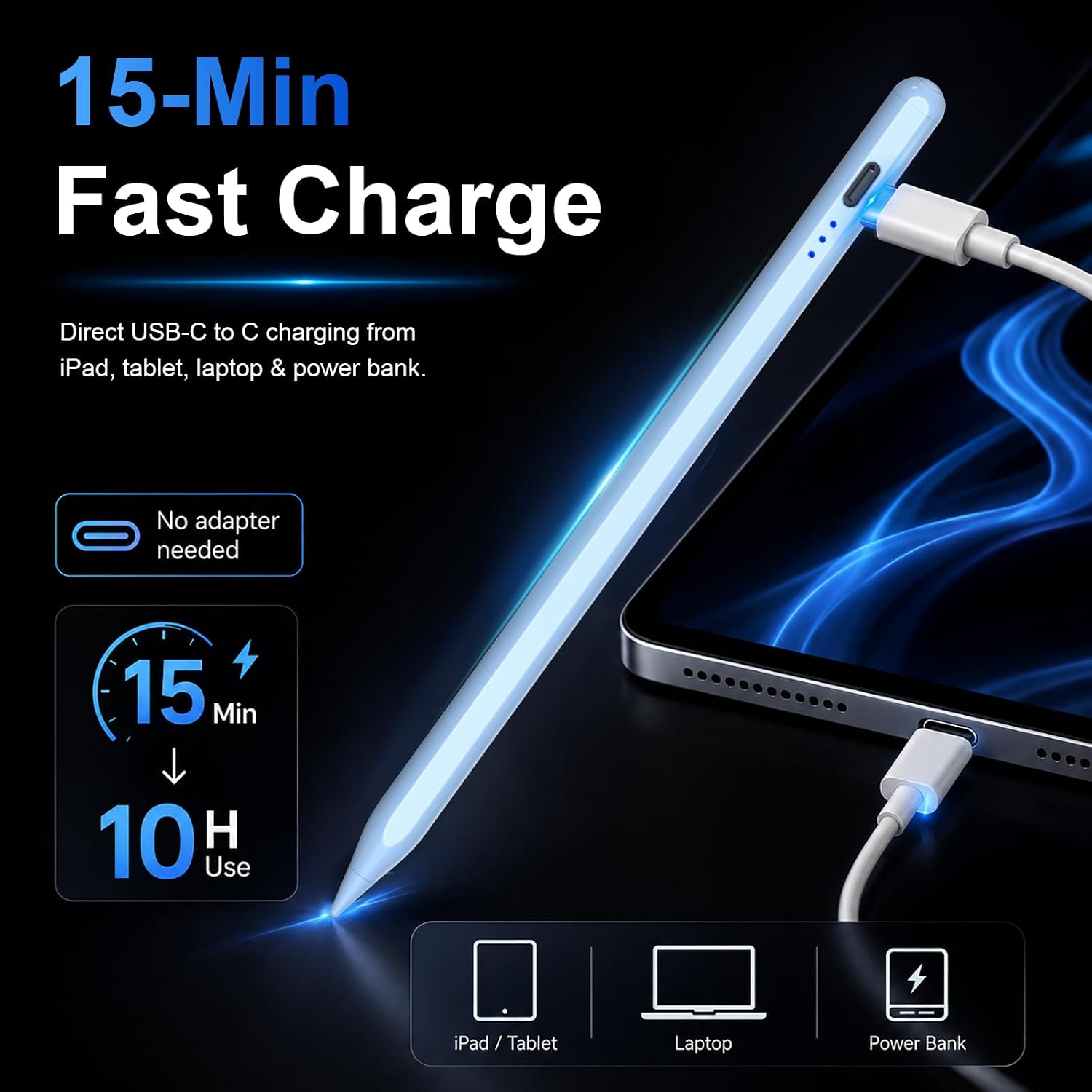
- Quick charging promises up to 10 hours of use from a 15‑minute charge, which is convenient for shorter sessions or travel.
- The pen turns off automatically after 5–10 minutes of inactivity to save power, reducing the need to remember to power down.
What to like and what to be aware of
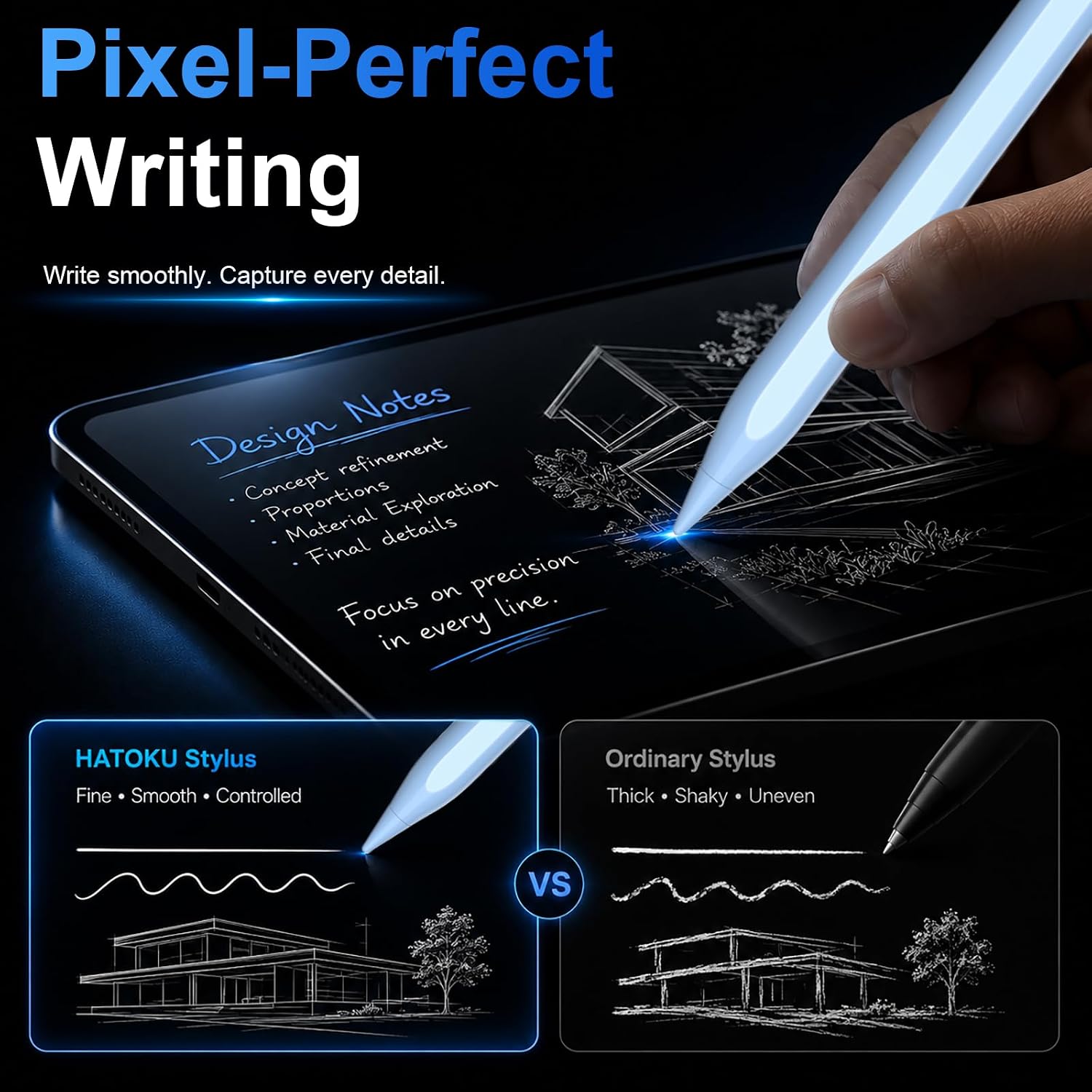
You’ll likely appreciate the no‑Bluetooth setup and the straightforward writing experience, which feels closer to pen on paper for everyday tasks. On the downside, due to its first‑generation design and compatibility notes, it may not work with every iPad model in the broader range, and magnetic suction features are limited to specific iPad variants.
Who it’s for
This pencil suits casual note‑takers, students and professionals who prefer a natural handwriting feel without extra app requirements, and who own a compatible iPad model. If you rely on pressure sensitivity or need advanced app integrations, you might want to compare with devices offering deeper compatibility or dedicated software support.
Who it isn’t for
If you need guaranteed full compatibility with all iPad generations or highly advanced features like Bluetooth syncing, this option may fall short. It is also less ideal if you primarily work on smaller screens and you require robust replacement parts or a wider ecosystem of accessories.
When it makes sense to buy
Consider this pen if you want a compact, fast‑charging stylus with palm rejection and tilt for general note‑taking, sketching or presentations on supported iPads. If you already own a model that supports magnetic attachment and you value quick top‑end use without fuss, it could be a sensible addition.
What to check before buying
- Confirm your iPad model supports the HATOKU Pencil 1st Gen’s magnetic attachment and any special features you expect.
- Look at the included accessories: replaceable tips, charging cable and user manual, as these affect long‑term usability.
- Consider whether you prioritise a low‑friction tip and a straightforward charging experience over newer generations with broader feature sets.
Practical example of use
Imagine you’re taking fast meeting notes during a presentation. You can jot ideas directly on the iPad, shade diagrams with tilt, and rest your hand on the screen without unwanted marks. A quick 15‑minute charge can keep you going through a long session, and the pen’s automatic sleep helps save battery when you’re away from the device.
FAQ
- Does it require Bluetooth pairing? No, not required.
- How long does the charge last? Up to 10 hours of continuous use on a 15‑minute charge.
- Are tip replacements included? Yes, 3 replaceable tips are included.
Is it worth it?
It’s a practical option for daily note‑taking and light drawing on compatible iPads, especially if you value simplicity and fast charging. Not the best choice if you need broad cross‑model compatibility or advanced digital features outside a basic stylus experience.