

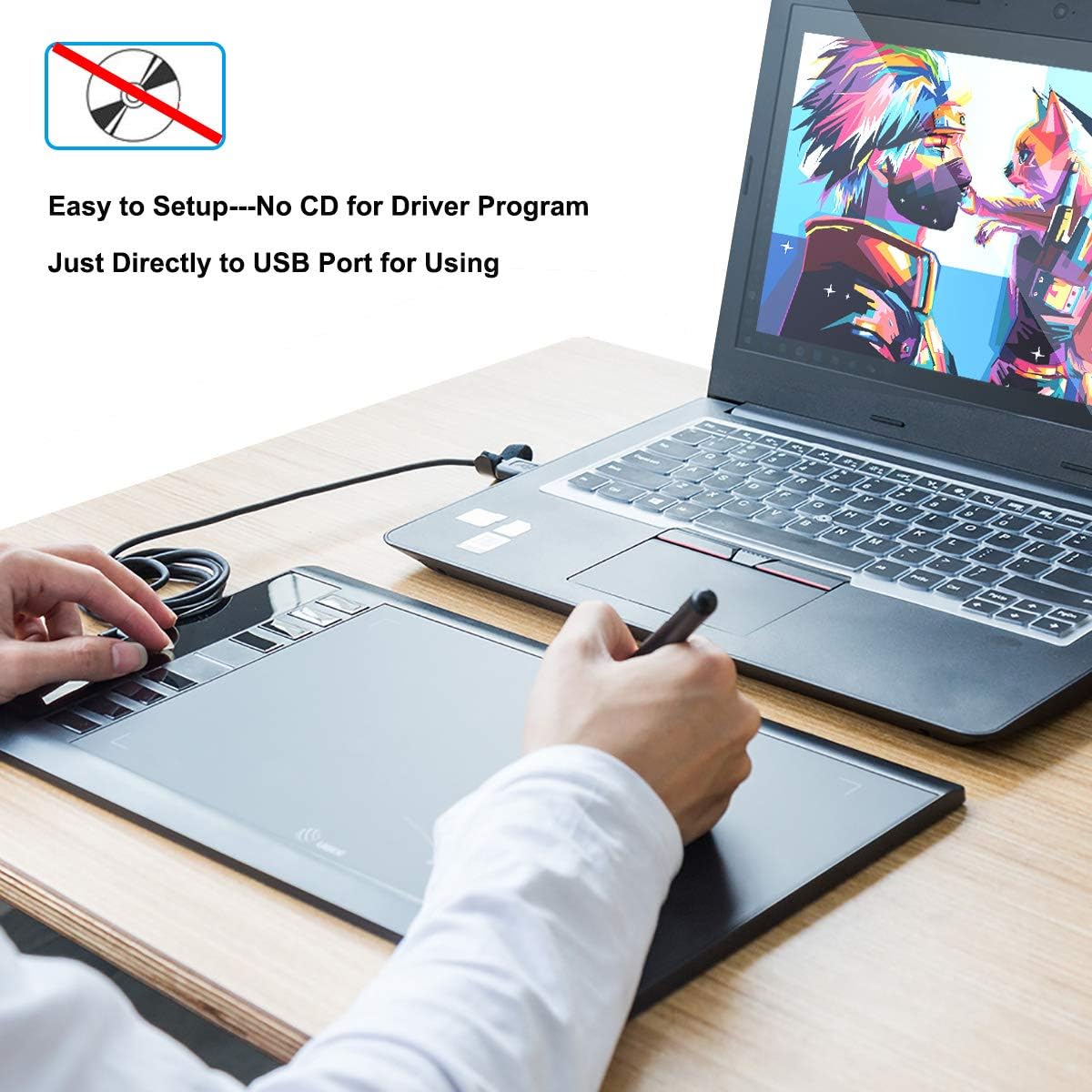
UGEE M708 Graphics Tablet 10×6 inch 8192 levels 🎨
Reviews
Price
Product description
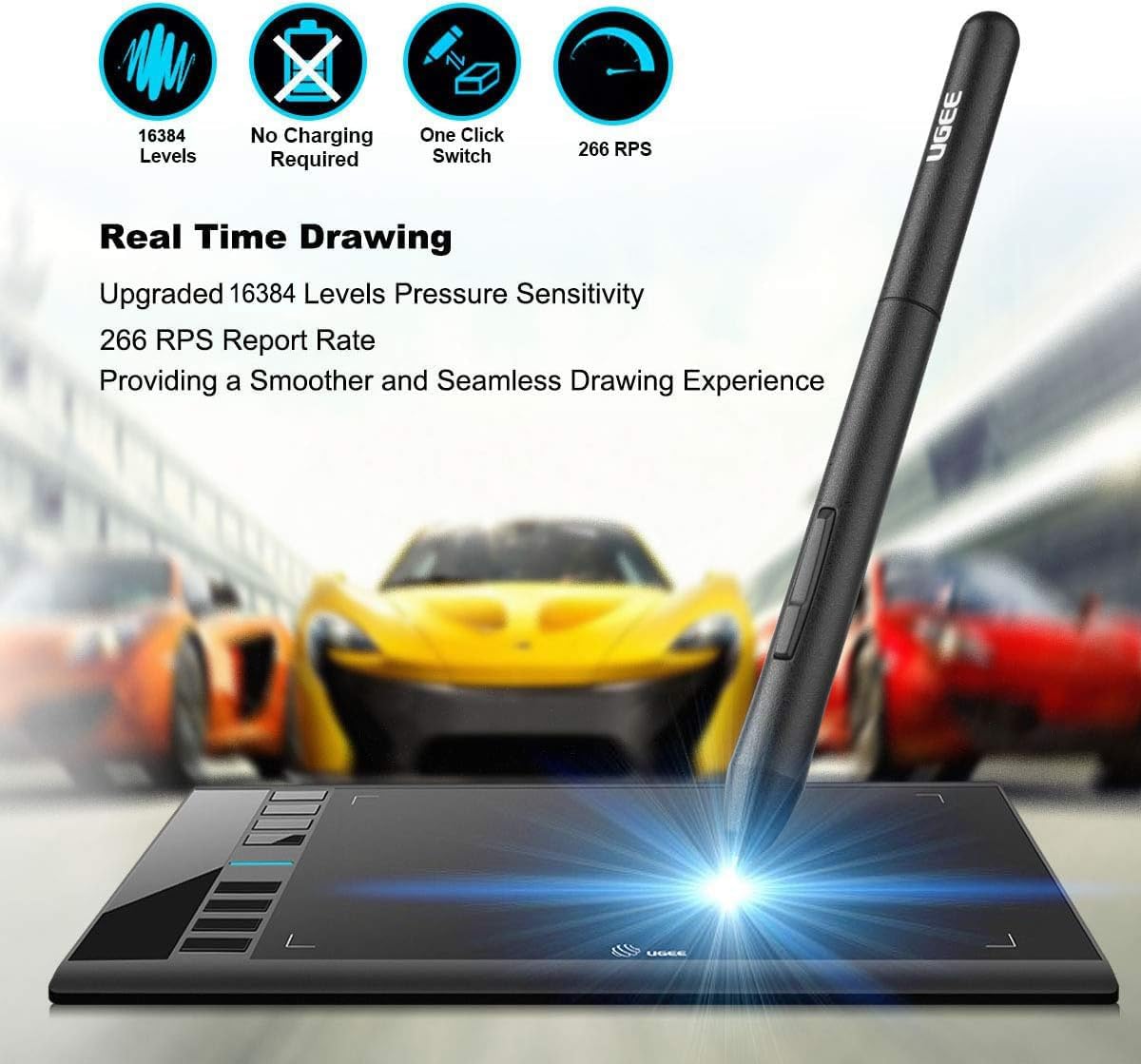
This compact graphics tablet from Ugee brings a 10 x 6 inch textured active surface that mimics paper and gives a roomy area for sketching, painting and photo retouching. It includes a battery-free pen with up to 8192 levels of pressure sensitivity, making it suitable for detailed line work and variable brush effects in creative workflows.
Key Points
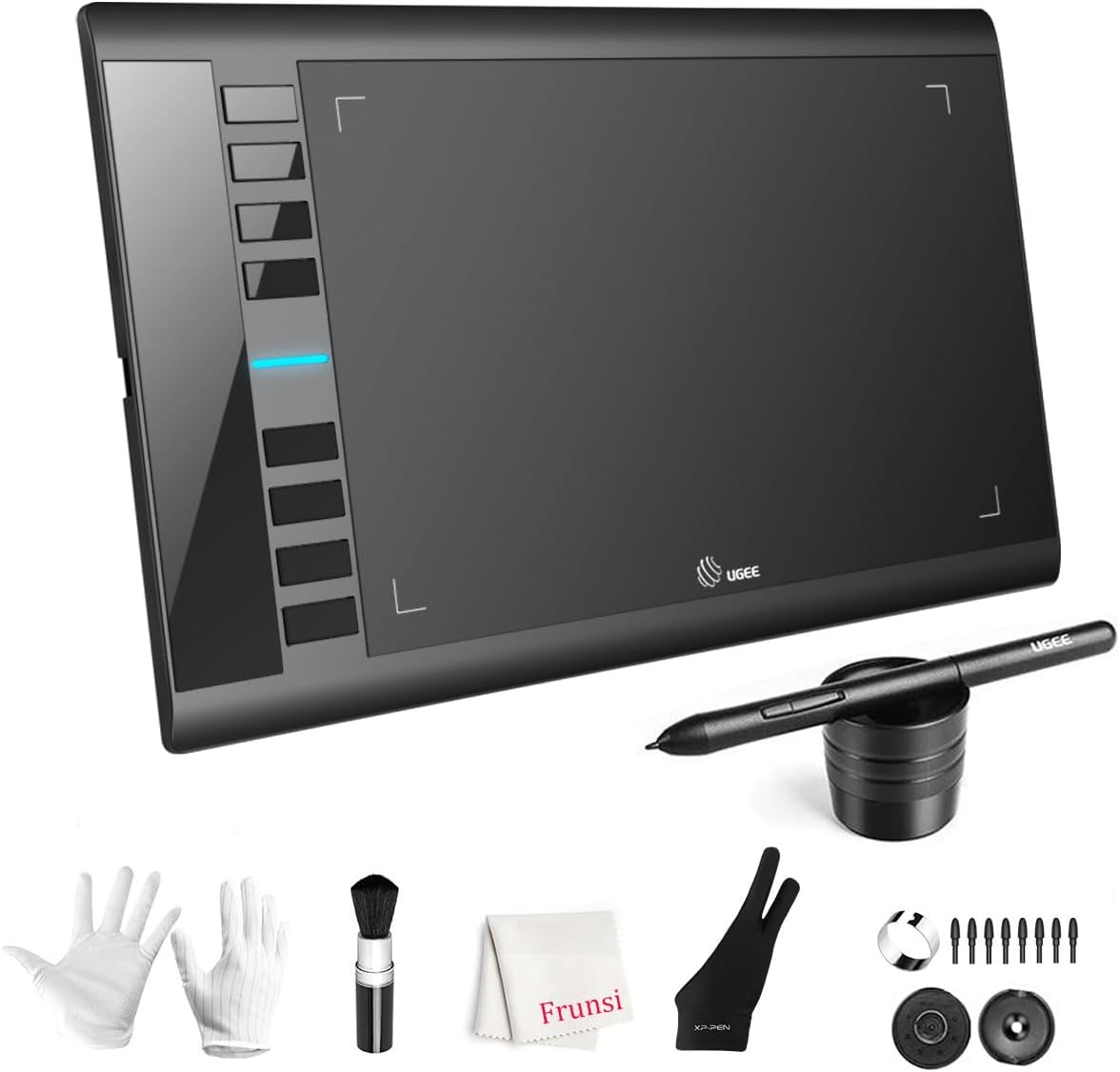
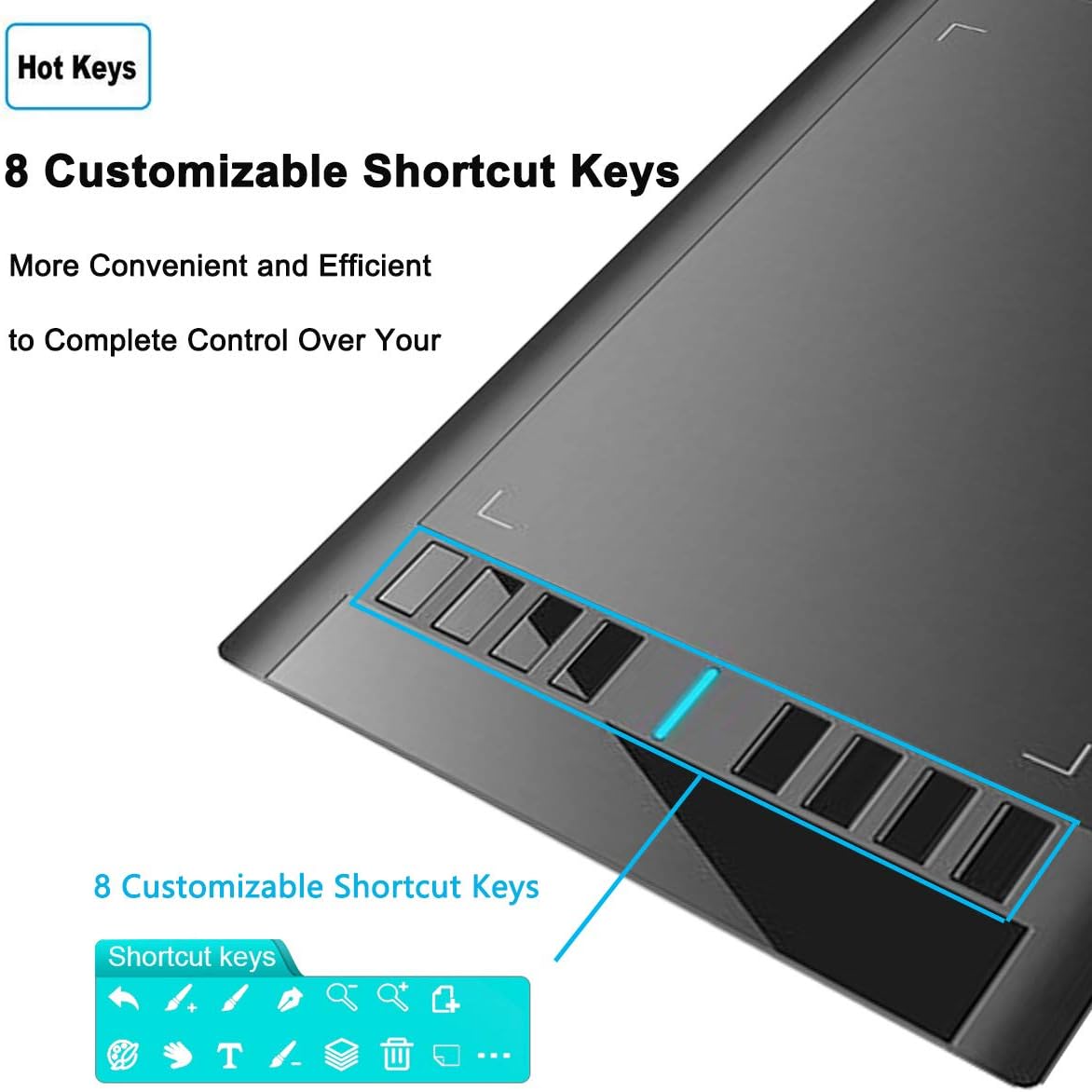
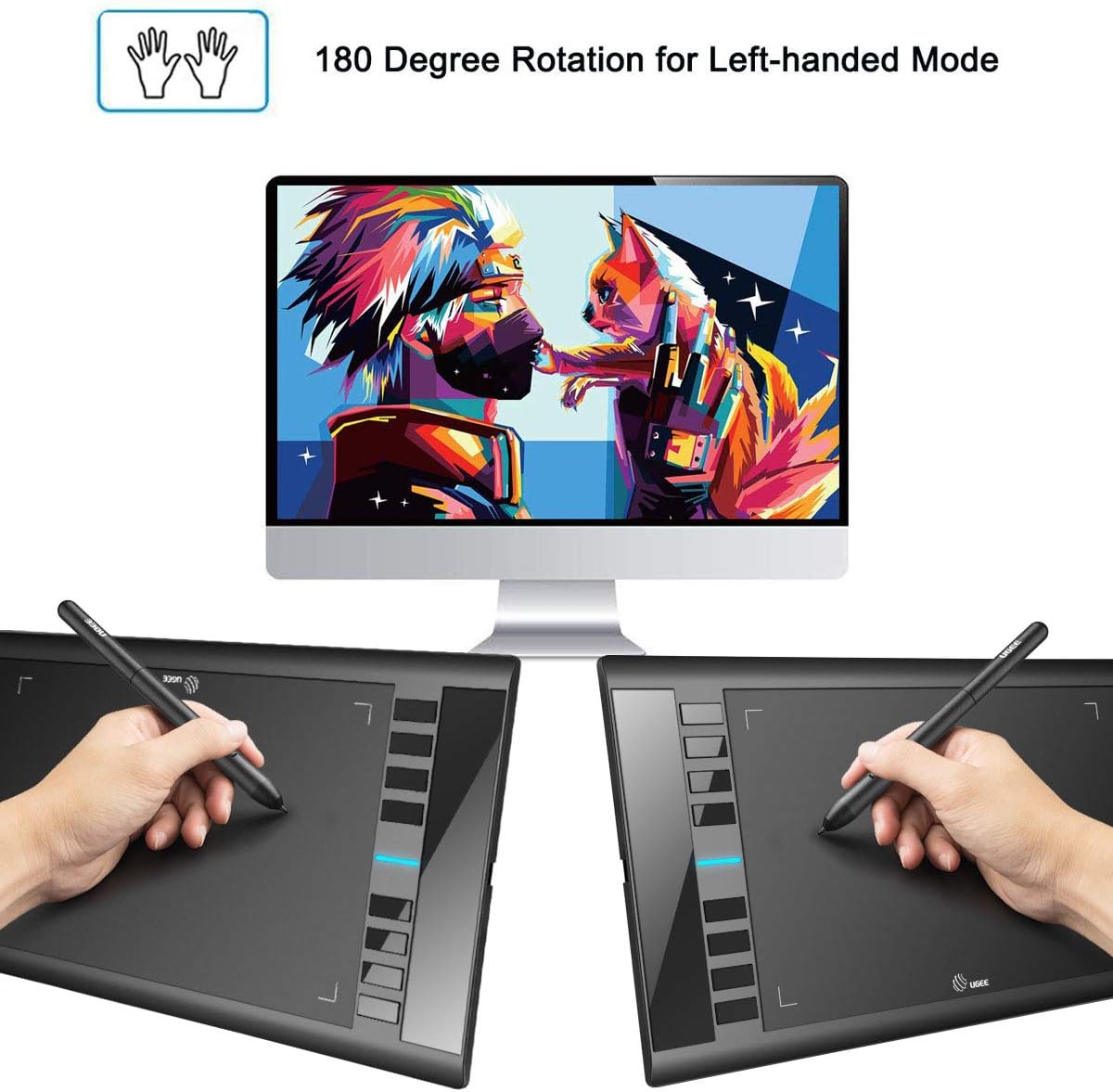
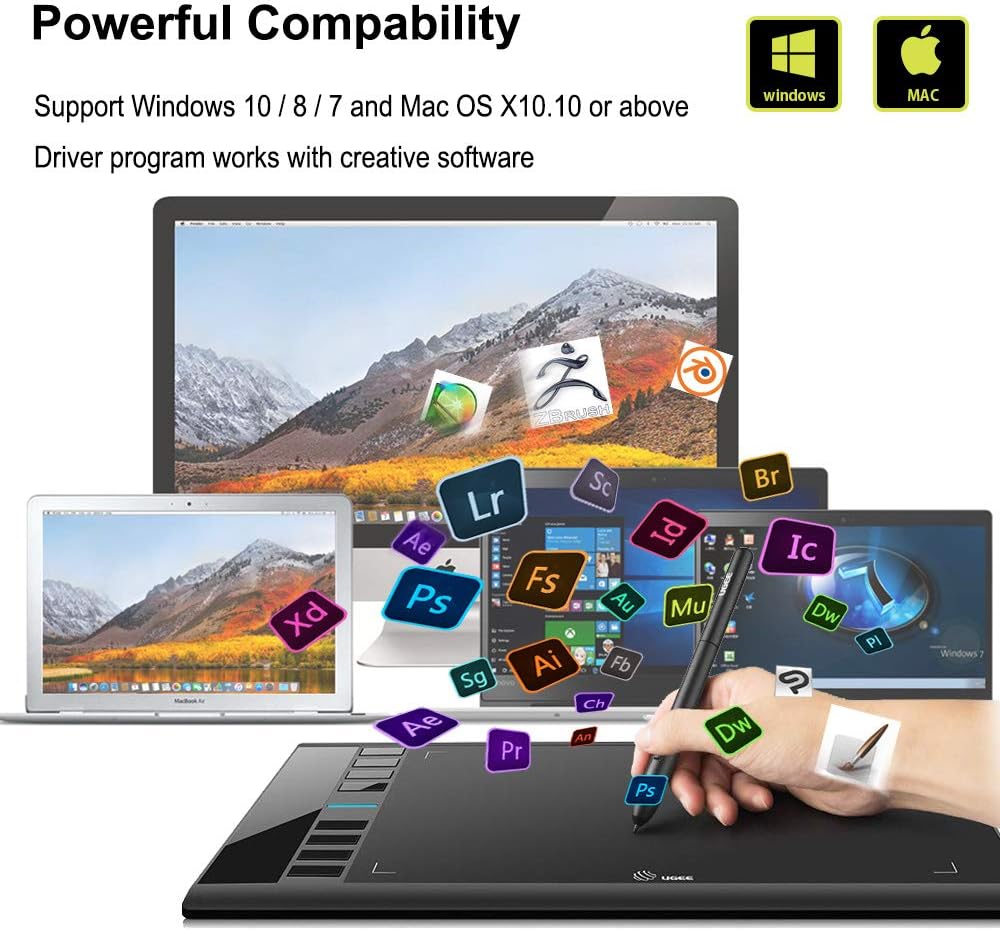
The UGEE M708 V3 offers a generous active area with a paper-like texture that helps control strokes and reduces glare. The battery-free stylus supports 8192 pressure levels according to the manufacturer, which lets artists vary line weight and opacity by adjusting pressure. Eight ergonomic shortcut keys sit along the side for common commands such as undo, zoom and pan, and they can be customised to suit right- or left-handed use. This tablet is compatible with a wide range of systems and creative applications, so it can fit into many existing setups with minimal fuss. Consider that drivers must be installed for full customisation and some advanced features depend on software support.
Technical Specifications
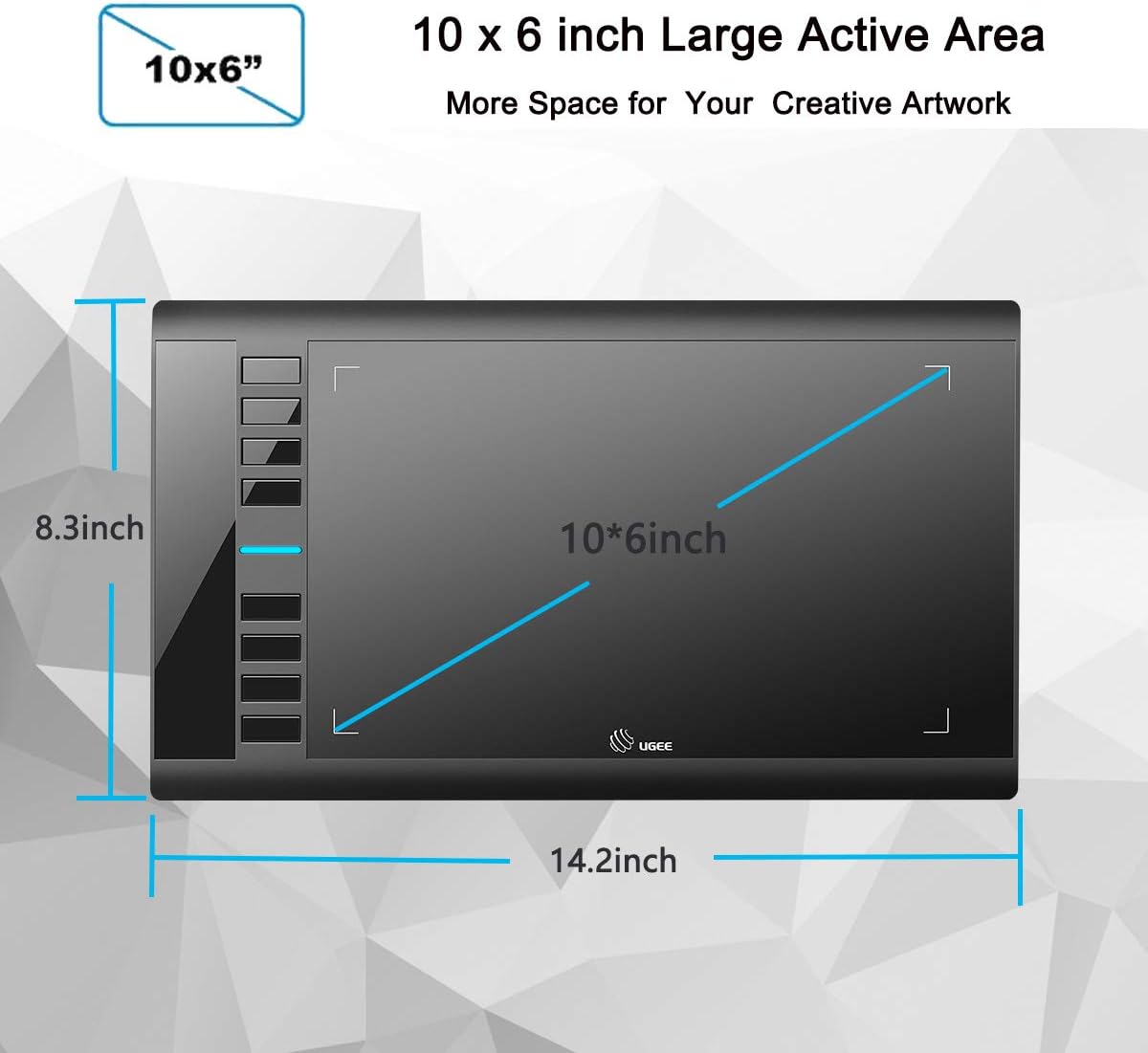
- Name: Ugee M708 V3
- Active area: 10 x 6 inches
- Pen pressure levels: 8192 (battery-free stylus)
- Shortcut keys: 8 customisable buttons
- Compatibility: Windows 11/10/8/7, Mac OS X 10.10 or later, Linux and Chrome OS (driver required)
Practical Tips
For best results, set up the tablet in the driver panel to map the active area to your display and assign the shortcut keys to commands you use most often. Use the textured surface with a light drawing glove if you prefer smoother hand movement across the tablet. If you work with high-resolution canvases, increase pen sensitivity curves slightly to retain fine control when making subtle strokes. A few replacement nibs are included, and swapping them as they wear will keep the pen feeling consistent.