

ESR Geo Digital iPad Pencil – Find My compatible, with handy shortcuts and tilt sensitivity
Product description
What it is and what it solves
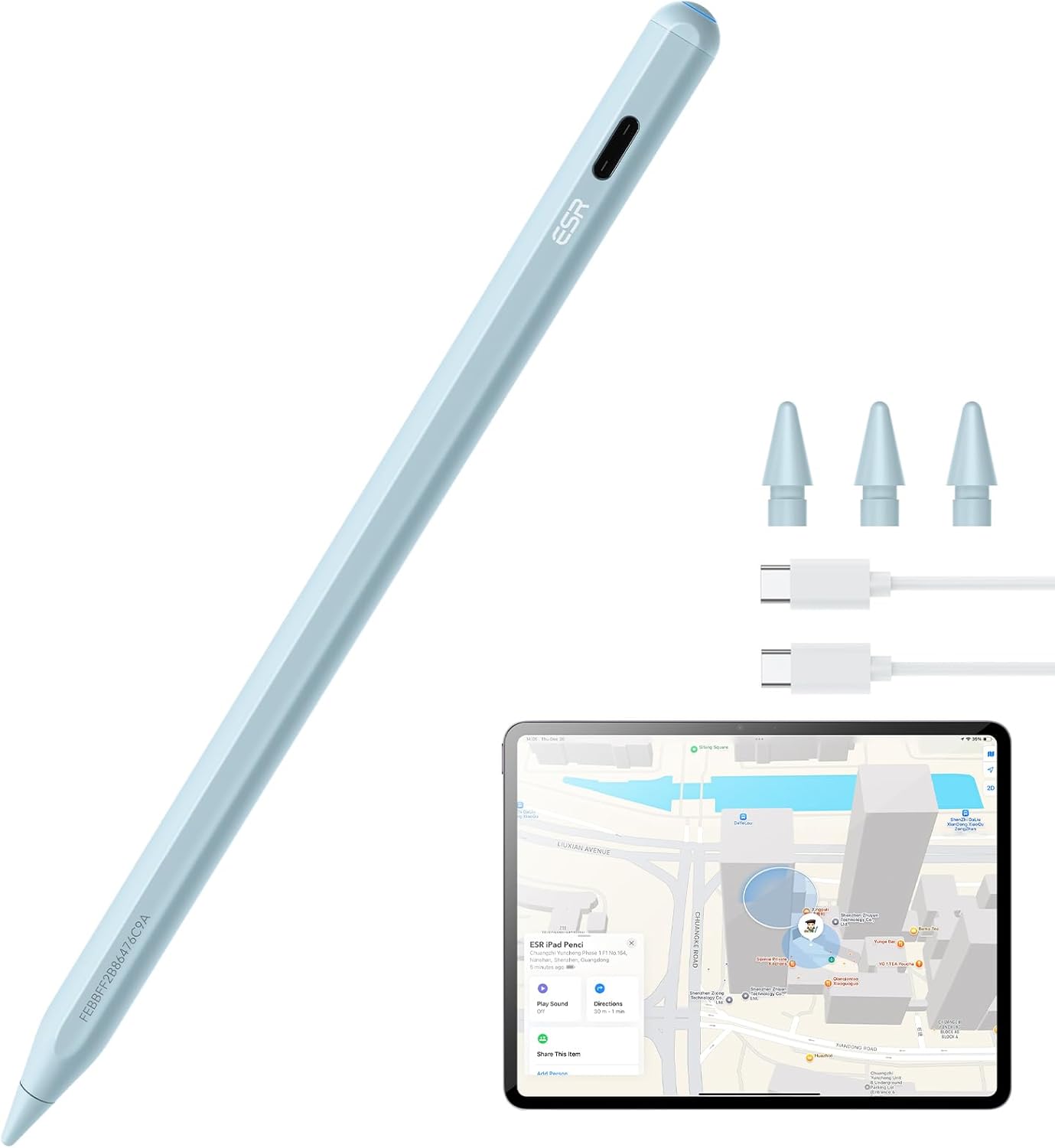
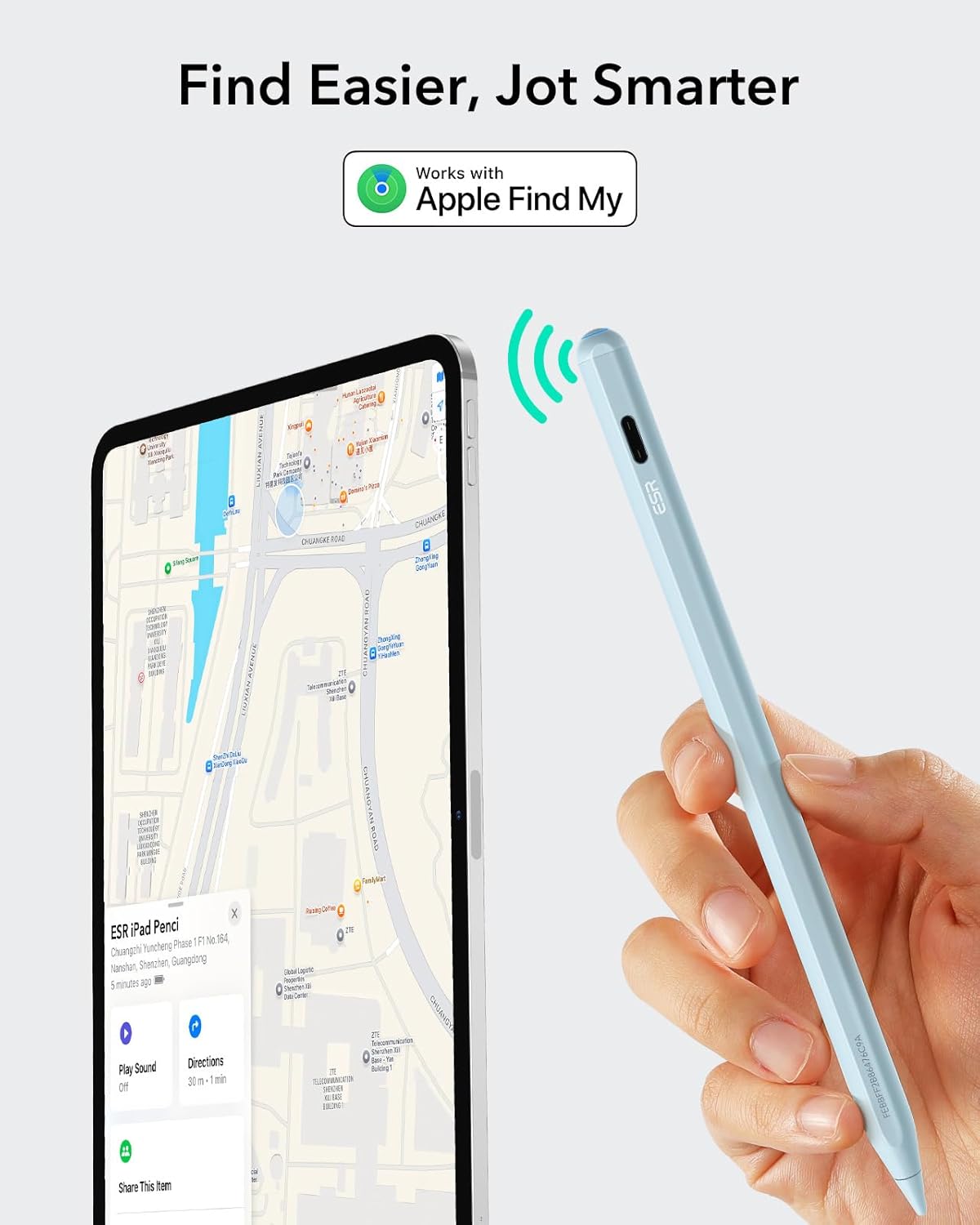
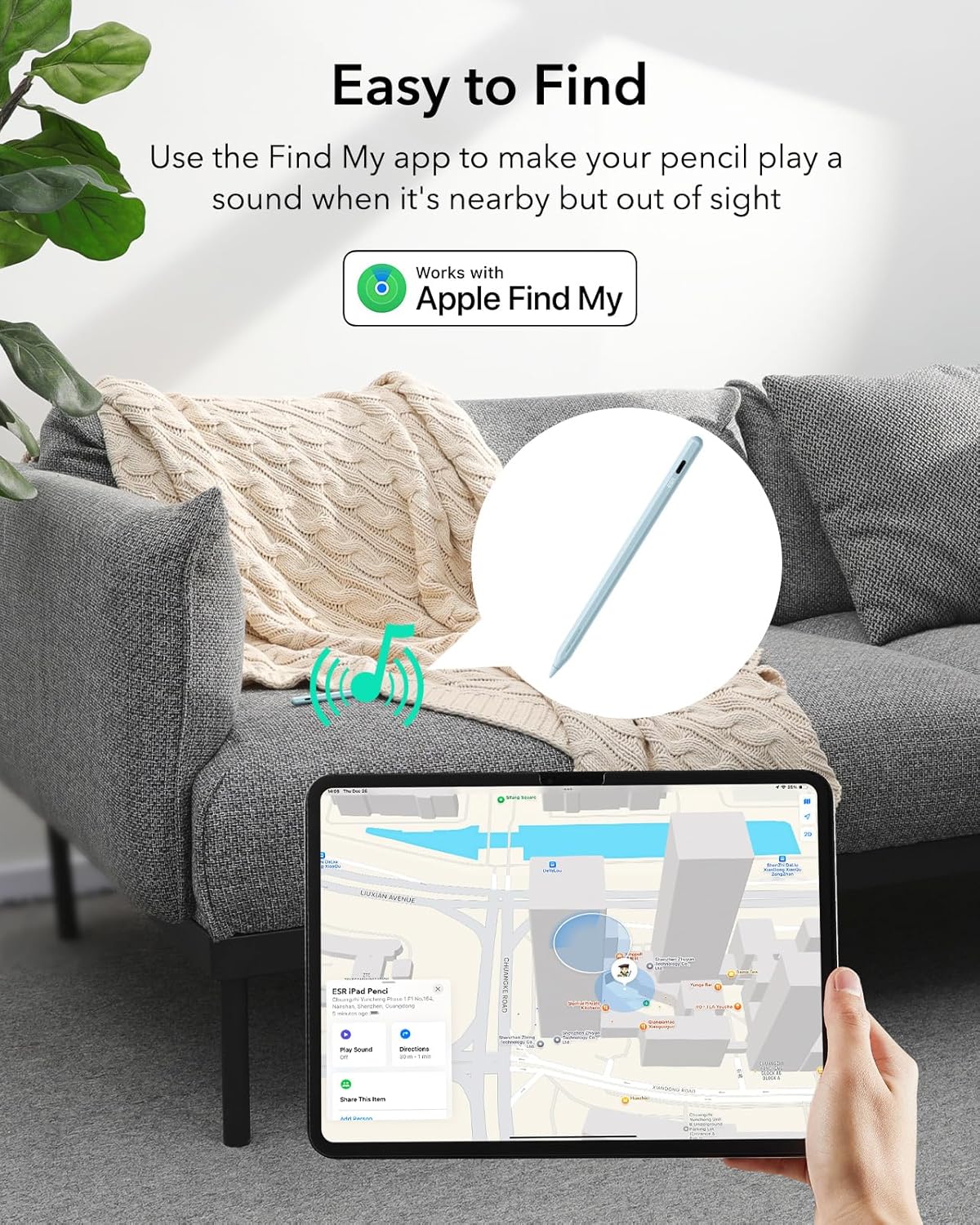
The ESR Geo Digital iPad Pencil is a stylus designed for iPads released from 2018 onward. It targets tasks like writing, drawing, sketching and note‑taking, while offering Find My compatibility to help you locate it if misplaced. It uses a Type C charging approach for rapid recharge and explicitly does not support wireless charging. If you value a practical, purpose‑driven accessory that integrates with Apple devices and keeps you in control of where your pencil is, this could be worth considering.
How it works in practice
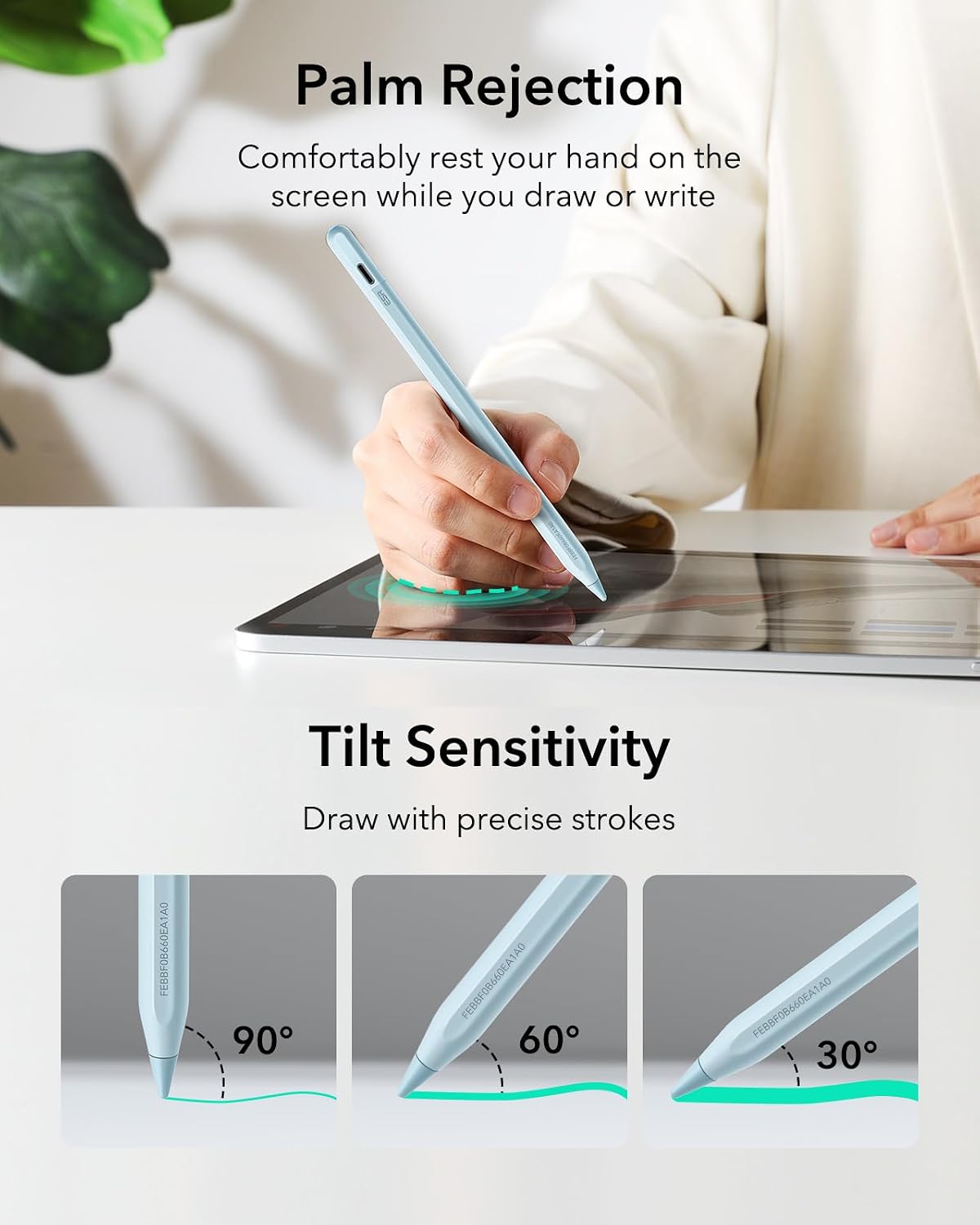
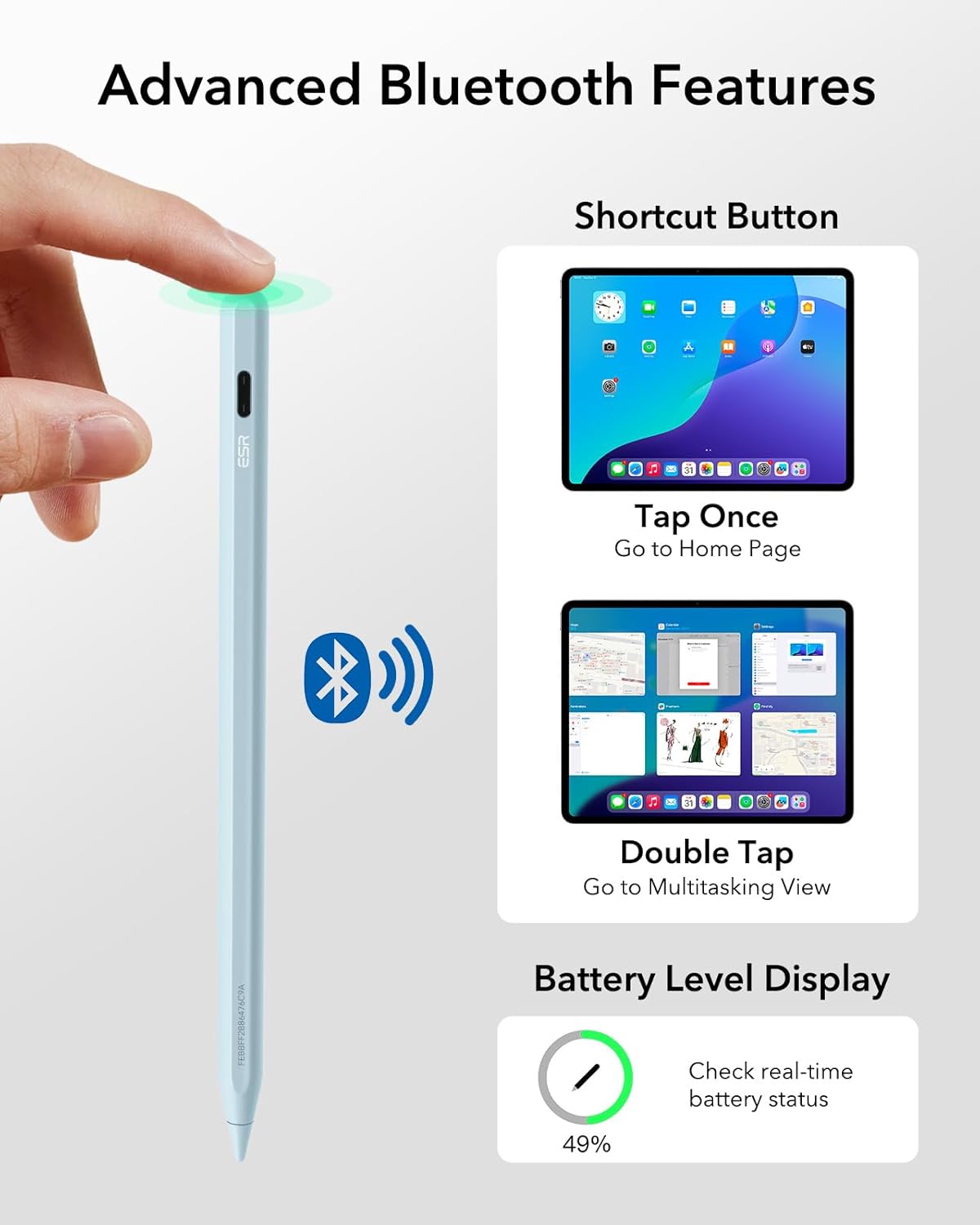
You can pair the pencil with supported iPads via Bluetooth when needed. The device includes easy shortcuts: tap to return to the main interface, double‑tap to open the task manager, and you get a real‑time battery display when connected. Tilt sensitivity is built in, allowing line thickness changes through nib angle for shading and more natural writing, which matters if you’re aiming for a hand‑drawn feel rather than a rigid, digital edge.
What stands out about the design
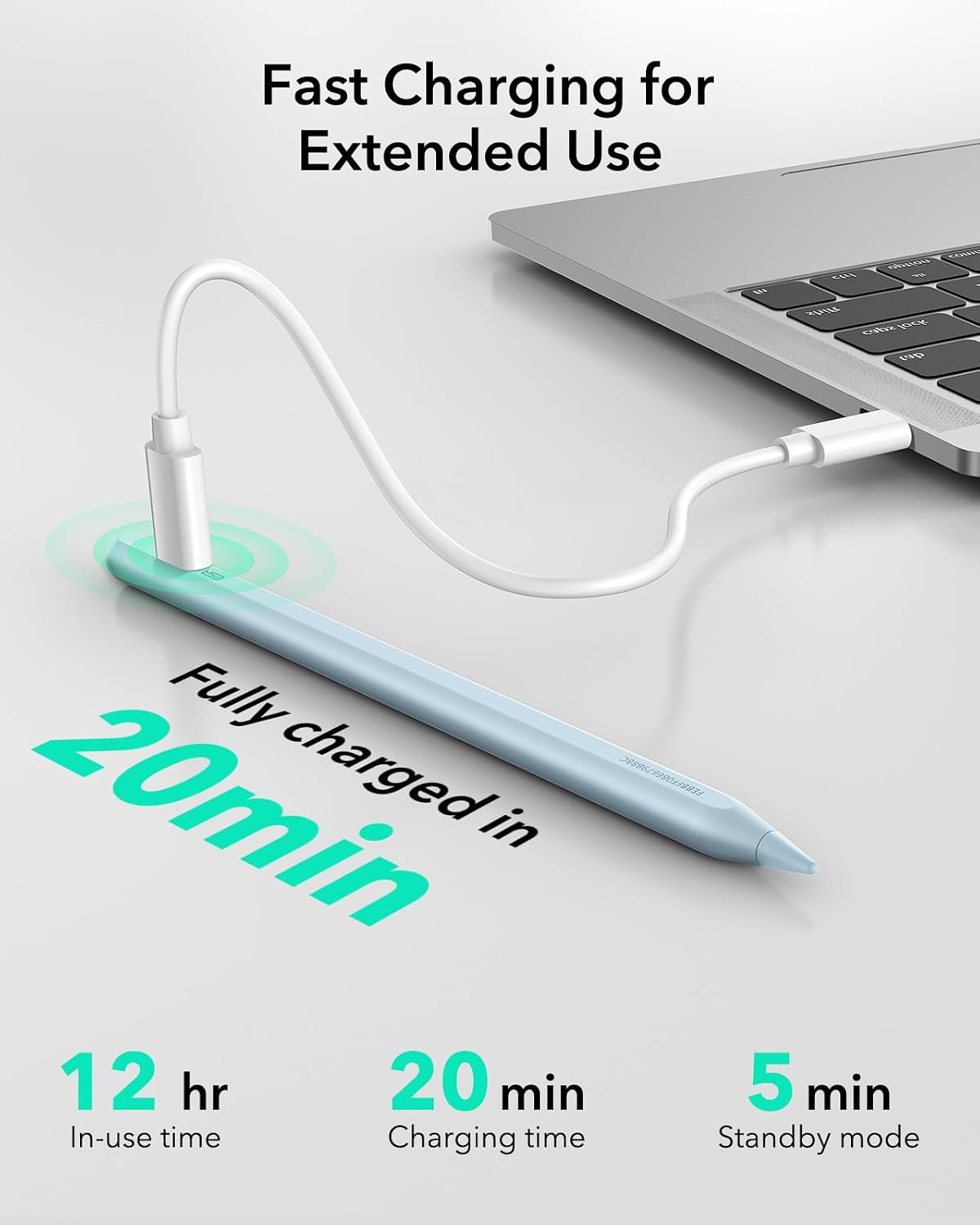
On paper, the combination of Find My tracking, quick charging (about 20 minutes to full) and tilt sensitivity makes it a practical option for daily note‑taking and light illustration on compatible iPads. It’s not a universal charger or a one‑size‑fits‑all solution, but for iPad users who already rely on Apple ecosystem features, the Find My function can be a genuine help.
Potential limitations to note
The product explicitly does not support wireless charging, which means you’ll need a USB‑C charger. Compatibility is framed around iPads released from 2018 and later running iOS 12.2 or above, but there are many models across the iPad lineup, if you own a device outside the listed range, it won’t be compatible. The快捷 shortcuts require Bluetooth connection to function, so you may experience limited convenience when Bluetooth is disabled or during pairing issues.
Who it’s for
This stylus is suited to students, casual creatives, note‑takers and professionals who use compatible iPads and want Find My tracking, fast charging and actionable shortcuts to streamline daily tasks.
Who it isn’t the best fit for
If you heavily rely on wireless charging or own an iPad outside the supported models, this particular pencil may not satisfy those needs. If you prioritise extremely high‑precision, professional‑grade drawing with advanced haptic feedback, you might want to compare options that emphasise premium nib technology and pressure curves.
When it makes sense to buy
Consider this if you already use Find My with your Apple devices and you appreciate a quick top‑up charge, handy shortcuts, and tilt shading for routine writing and sketching on supported iPads. It’s a sensible pick for everyday use where you want sensible features without hype.
What to check before buying
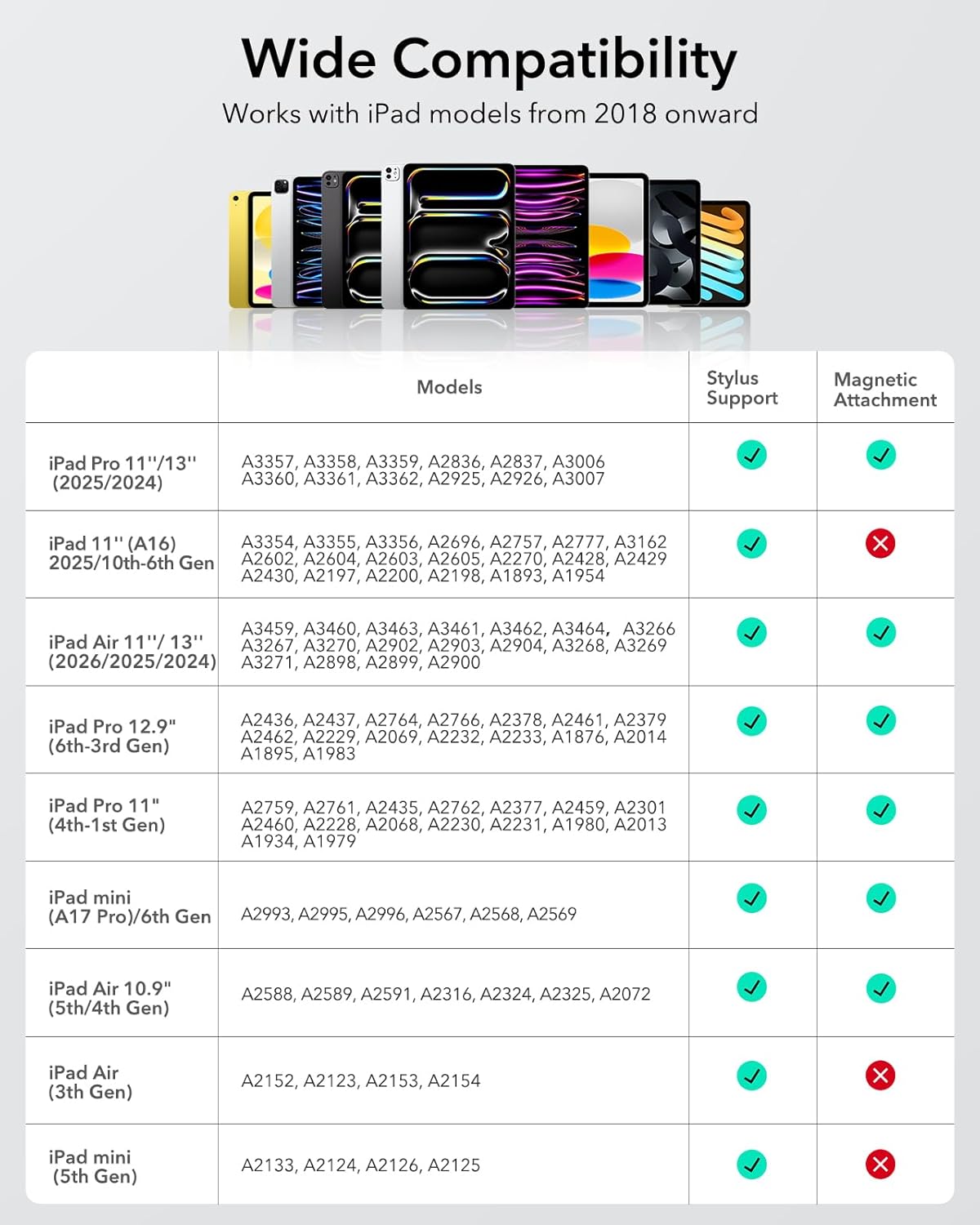
Ensure your iPad model is listed as compatible (iPad models from 2018 onwards with the stated iOS requirements). Confirm you’re happy with Type C charging (not wireless). Think about whether you’ll benefit from the shortcut features and tilt shading in your usual apps.
Practical usage example
While studying, you leave your desk and realise you need to take notes on the move. You grab the ESR Geo Pencil, tap to return to the main interface, and start jotting quickly. If you want lighter lines for shading, you tilt the nib a touch and the lines thicken accordingly—helpful when you’re diagramming or annotating a PDF without switching tools.
Final thought: Is this worth it?
It’s a solid pick if you prioritiseFind My tracking, quick recharging and practical shortcut features on supported iPads. It may not be the best option if you need wireless charging or if your device falls outside the compatible models. In terms of value, it fits regular use and casual creative work more than high‑end professional draw‑rig setups.
Tech specs
- Compatibility: iPads released in 2018 or later running iOS 12.2 and above (including newer models listed in the input). Not compatible with other devices.
- Charging: Fast charging via Type C charger, full charge in around 20 minutes. Note: no wireless charging support.
- Shortcuts: Bluetooth connected, tap to return to main interface, double‑tap for task manager, real‑time battery display.
- Tilt sensitivity: built‑in sensor allows line thickness adjustment by tilting the nib for shading and drawing.
- Colour: Blue
FAQs
- Do I need Bluetooth to use the shortcuts? Yes, the shortcuts operate when Bluetooth is connected.
- Can this stylus be charged with any USB‑C charger? It requires a USB‑C charger and does not support wireless charging.
- Is it compatible with all iPad Pro models? Compatibility is model‑specific to listed iPad generations, verify your exact model before purchasing.