

Stylus Pen for iPad (2018-2026) – Fast Charge, Palm Rejection, Pink
Product description
What it is
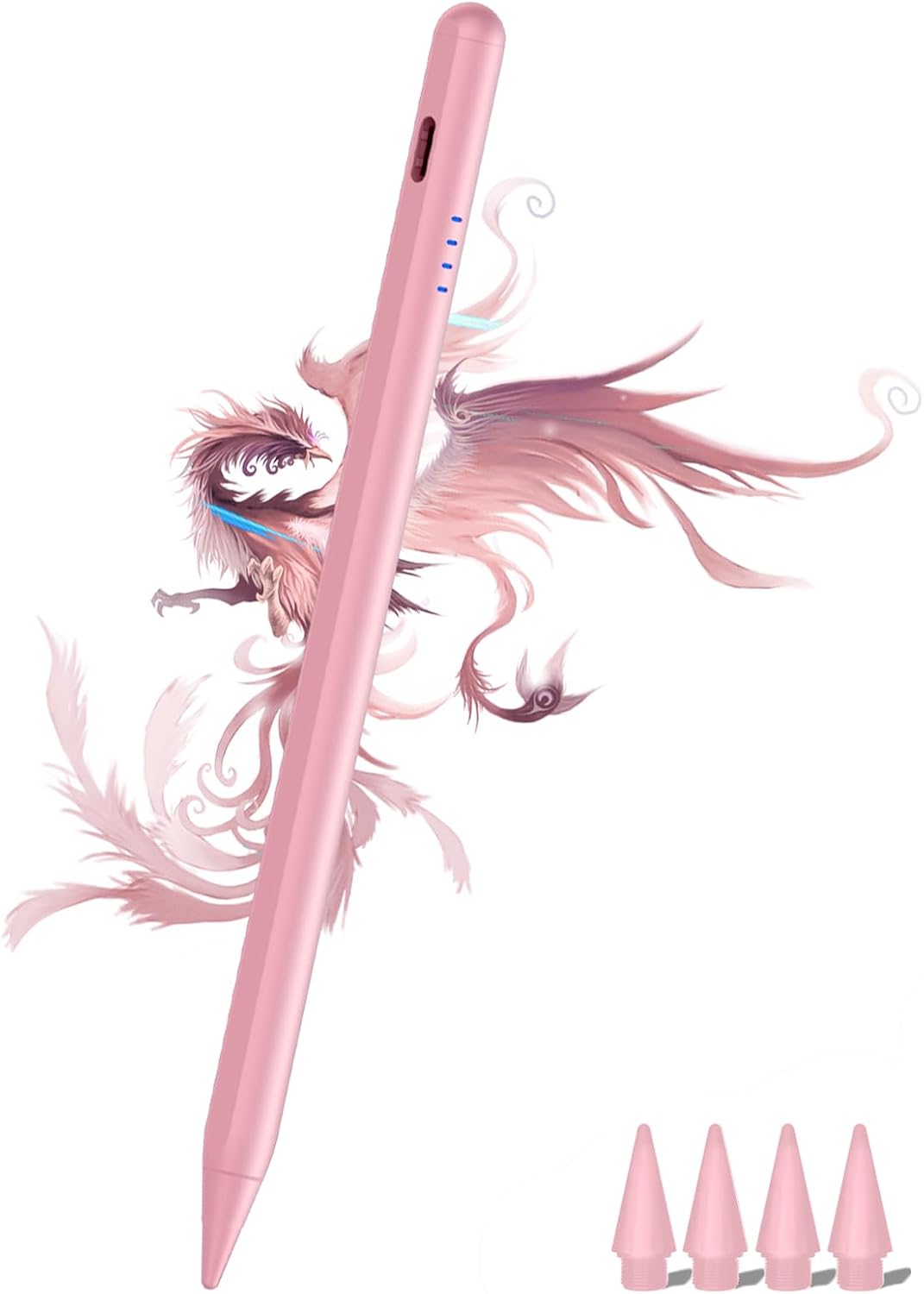
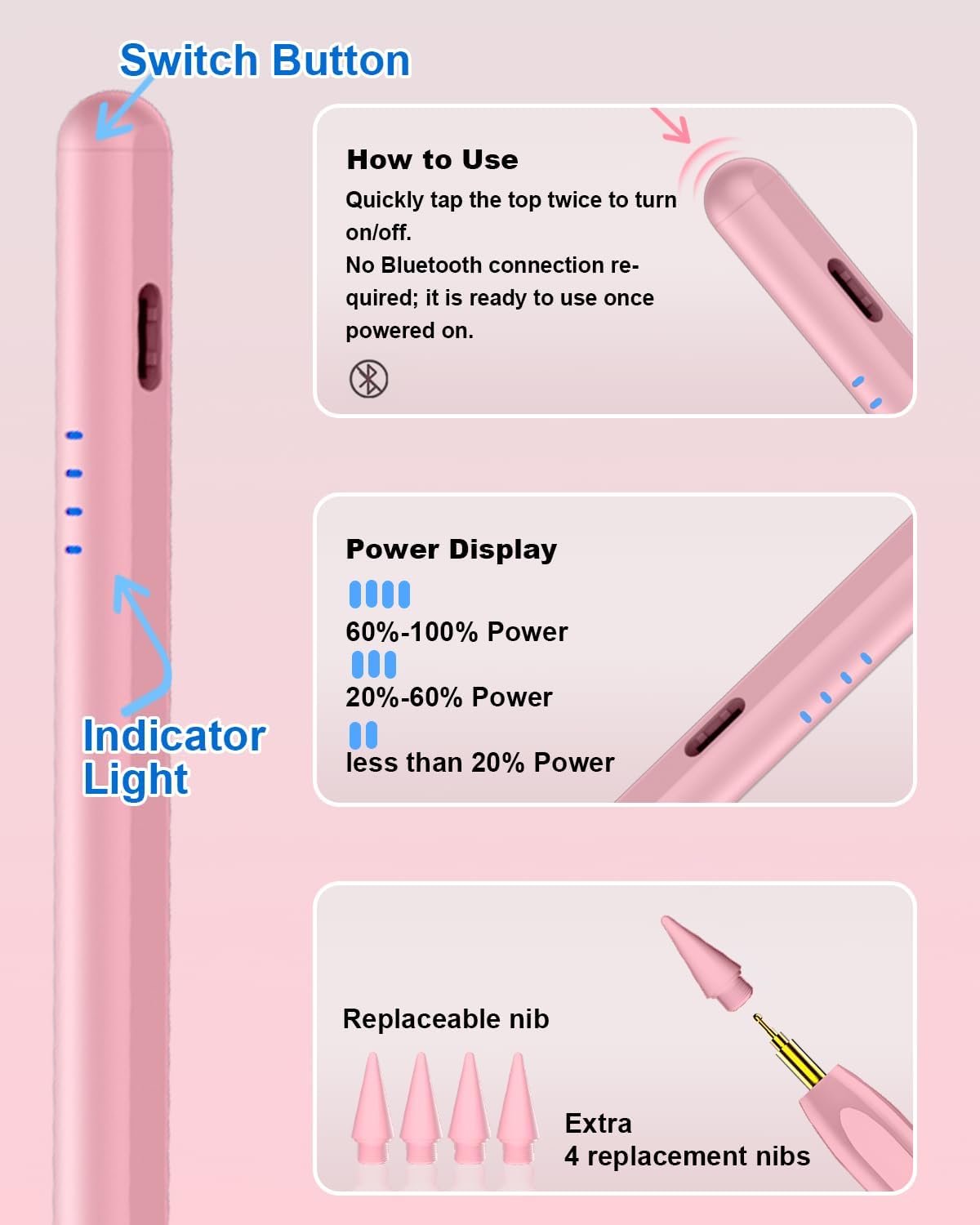
A dedicated active stylus designed for a wide range of iPad models released from 2018 to 2026, including several generations of iPad Pro, iPad Air, iPad Mini and iPad with A16. It’s aimed at handwriting, sketching and navigation without Bluetooth pairing, offering palm rejection and a fast-charge experience.
How it works
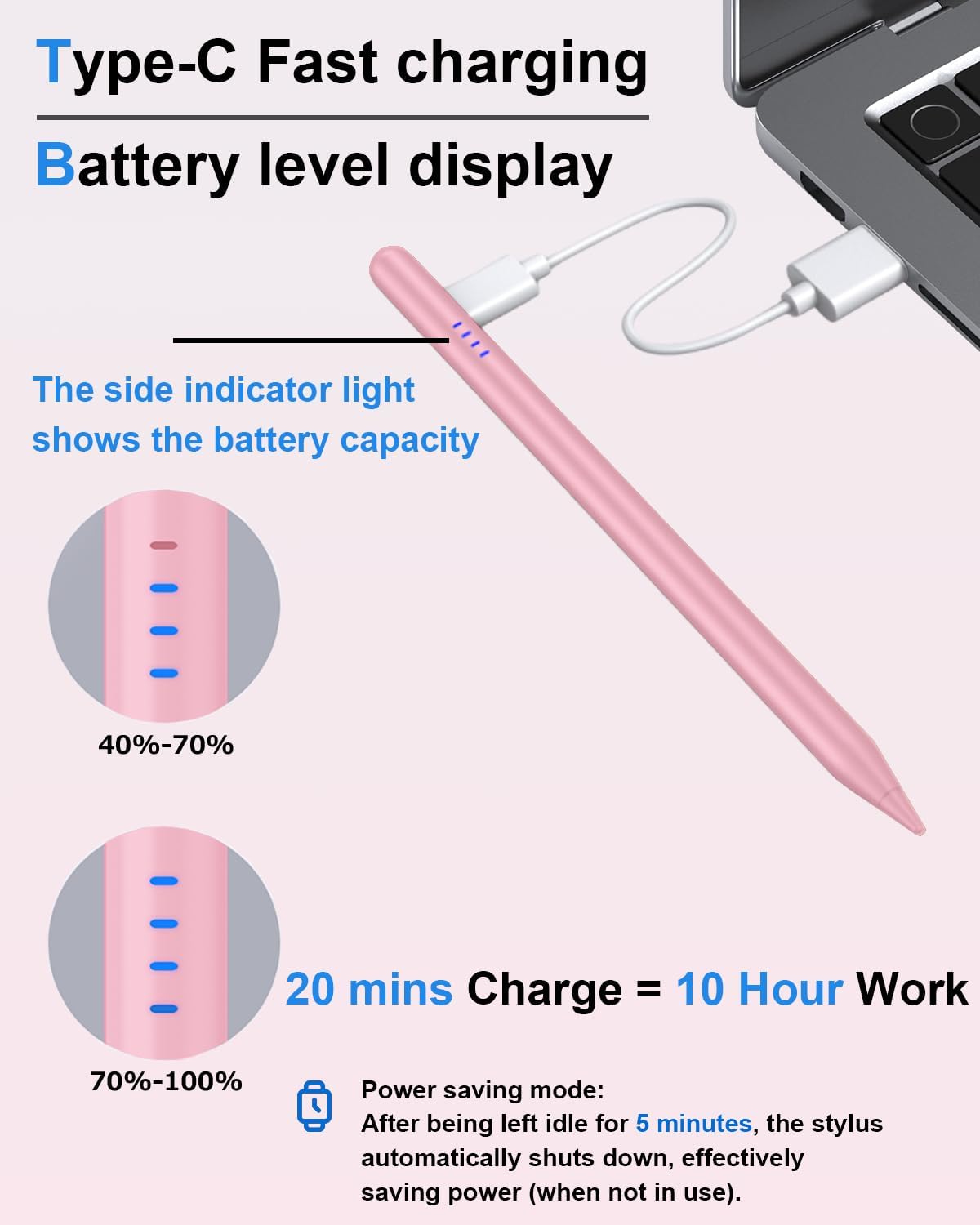
Charge via Type-C and enjoy up to 8 hours of use after a 35-minute top-up. Four indicators on the stylus show charging progress in 25% increments, so you know exactly how much life remains. It features a sleep function: if left idle for five minutes, it turns off to save power. There is no need for Bluetooth pairing to start drawing, a simple double-tap on the top switch activates it.
Design and compatibility
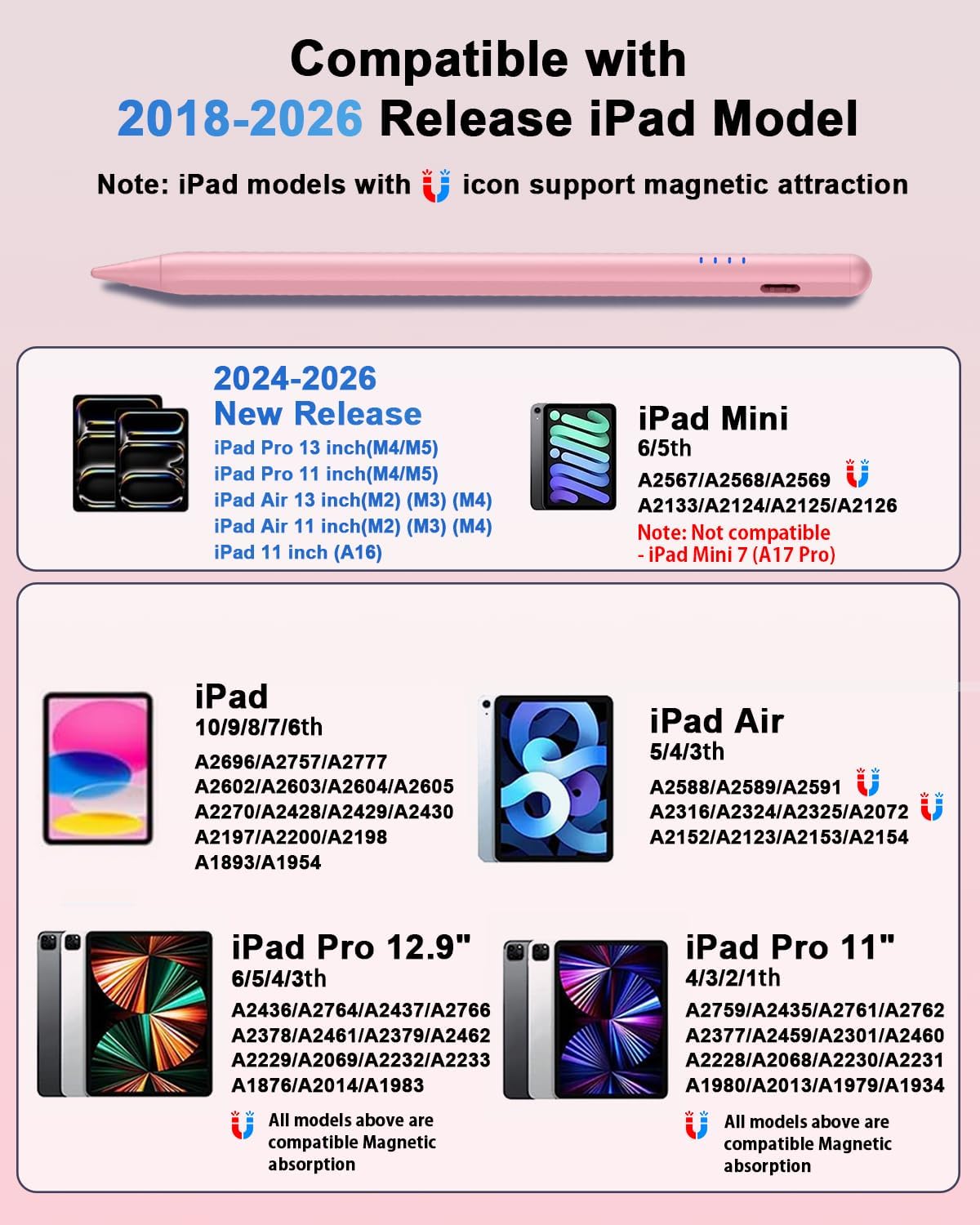
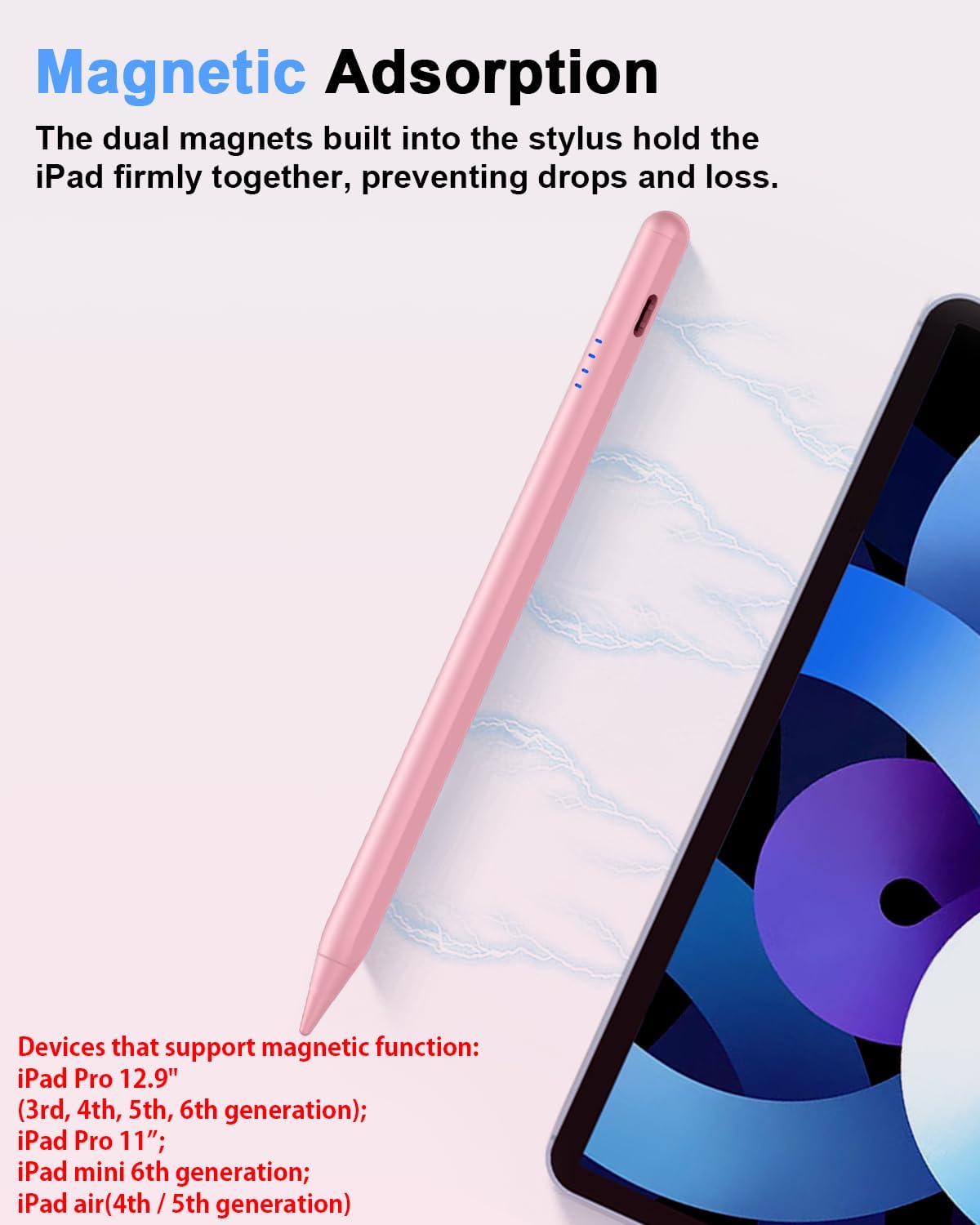
The pen includes magnetic attachment on compatible iPad models, helping it stay within reach on the side of the device. It’s compatible with a broad set of iPad lines (11‑inch and 13‑inch iPad Pro models, various generations of Air, Mini and Pro devices). Note: it does not work with devices released before 2018 or with iPhone, Android or Microsoft products.
Performance and feel
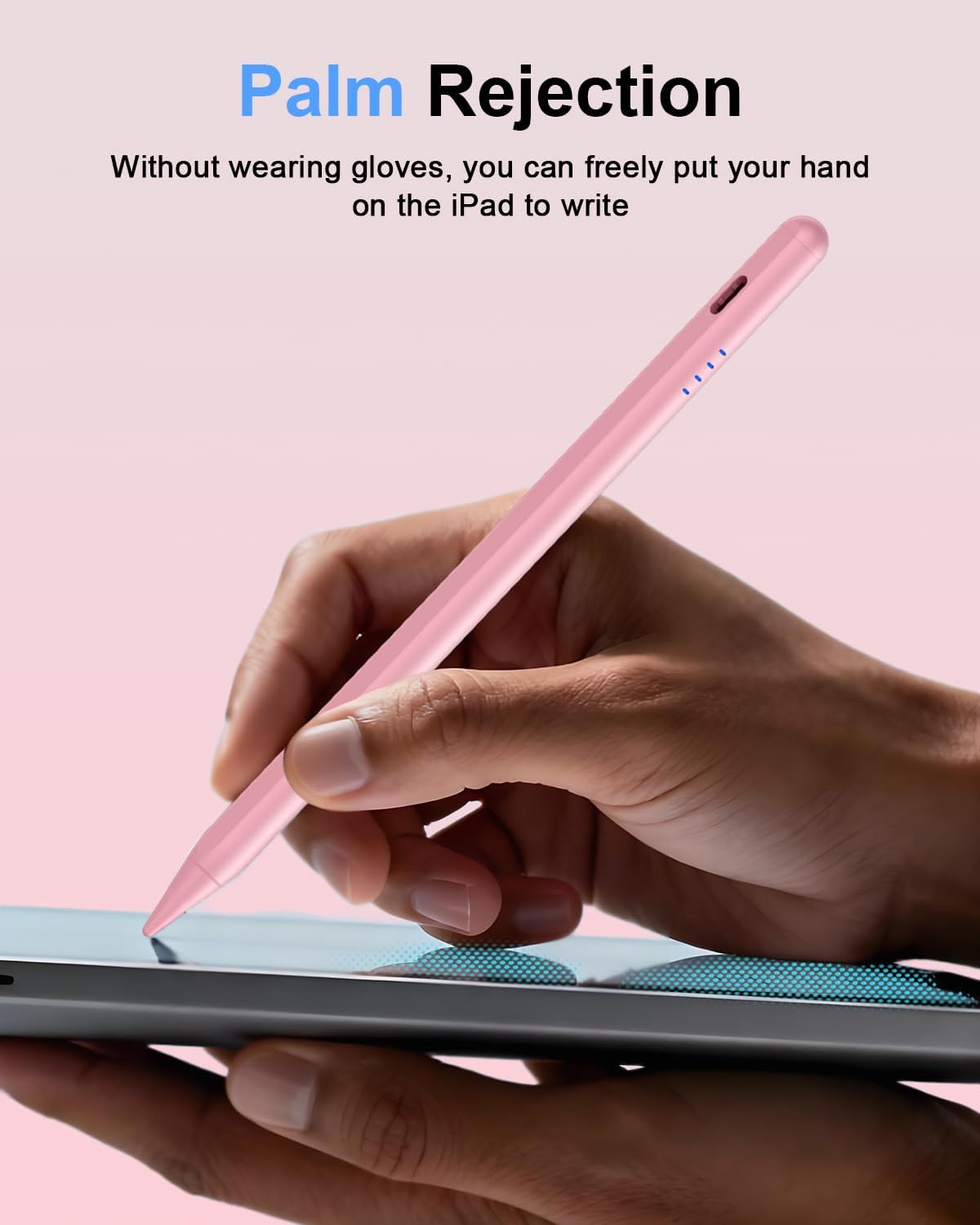
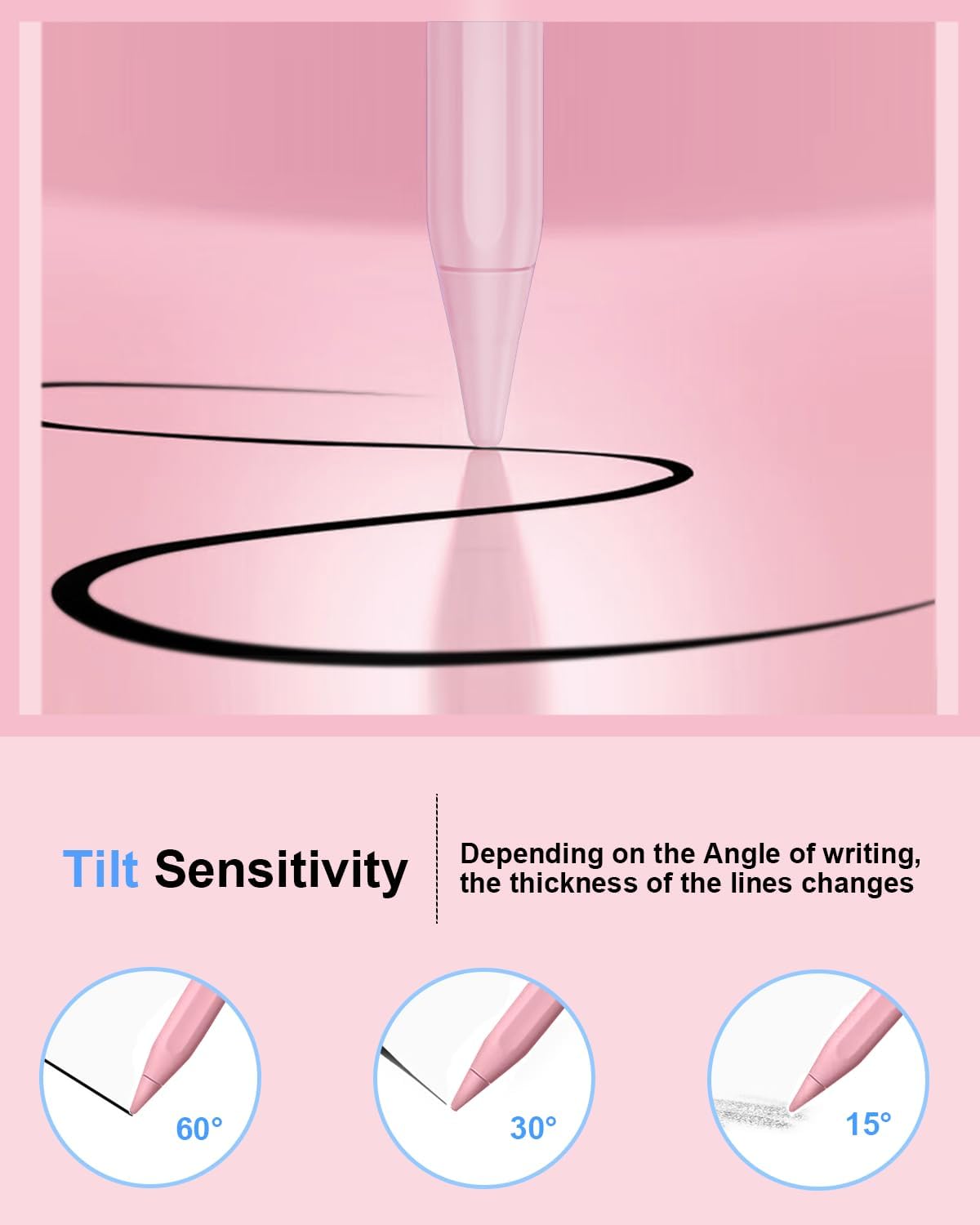
A tip made from durable POM material reduces screen scratches and provides a precise drawing experience influenced by the angle of use, delivering line variation similar to a pencil. It supports palm rejection so you can rest your hand on the screen while writing or sketching, which helps if you’re working on detailed notes or illustrations.
Nibs and longevity
The package includes four replacement nibs of the same grade, helping extend the life of the pen for high-frequency users. This can be handy if you tend to wear tips quickly from heavy use.
What’s included
Active Stylus Pen, Type-C charging cable, 4 POM replacement nibs, English instruction manual. The kit is designed for quick use without Bluetooth setup and is supported by a 24-hour responsive service team.
Pros and how it shows up in real use
On the plus side, the lack of Bluetooth pairing makes it straightforward to start drawing, and the palm-rejection feature is useful for uninterrupted writing. The magnetic attachment helps prevent misplacement, a common issue with more portable styluses. The main caveat is that the device relies on its own charging state rather than wireless charging, so you’ll need to keep an eye on the battery and charge via Type-C.
Who it’s for
This stylus is well-suited for students, professionals or hobbyists who own a recent iPad and want a practical, do-not-overthink drawing tool for notes, sketches or diagrams. If you prioritise a quick start and reliable palm rejection without Bluetooth, this device tends to fit that approach.
Who it isn’t for
If you use an iPad model outside the 2018–2026 range, or you require wireless charging or Bluetooth-enabled features for specific apps, this stylus may not be the best match. It’s also not ideal if you need a tip with a broader range of interchangeable tools beyond the four included nibs.
When it makes sense to buy
Consider this stylus if you want a straightforward, non-Bluetooth option with a quick-charge cycle and reliable palm rejection for everyday note-taking and drawing on compatible iPads.
What to check before buying
Confirm your iPad model supports the stylus, especially regarding size and generation compatibility. Check the charging status during initial use to ensure you’re aware of the 35-minute fast charge and the four-light battery indicator. If you rely on wireless charging, note that this pen does not support it.
Practical example of use
Imagine you’re mark-making in a notebook app during a meeting. You can rest your hand on the screen while the stylus provides smooth, variable line weight based on angle, and you can quickly glance at the battery indicator to see when a top-up is due before your next session.
Quick FAQ
- Does it require Bluetooth to work? No. It operates without Bluetooth pairing, just charge and start using.
- How long does a full charge last? About 8 hours after a 35-minute charge, with battery indicators showing current level.
- Can I use it on all iPad models listed in the compatibility notes? It works with the iPad models specified (2018–2026 Gen A16, various iPad Pro, Air, Mini). If your model is older than 2018, it may not be compatible.
Is it worth it?
Worth considering if you want a straightforward, non-Bluetooth stylus with palm rejection and a quick charge, tailored to a broad range of recent iPads.