

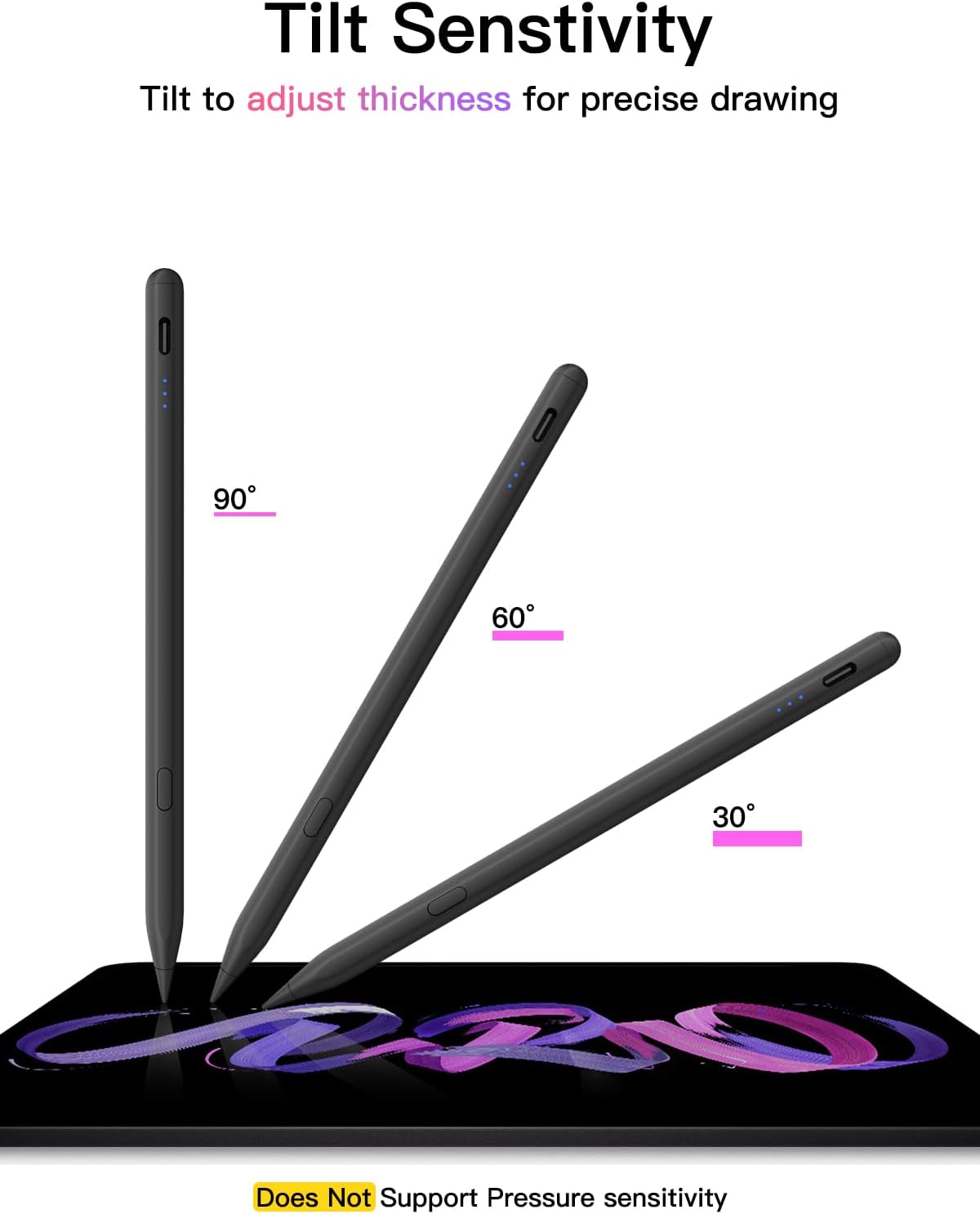
USB-C Pencil for iPad, fast charge stylus
Product description
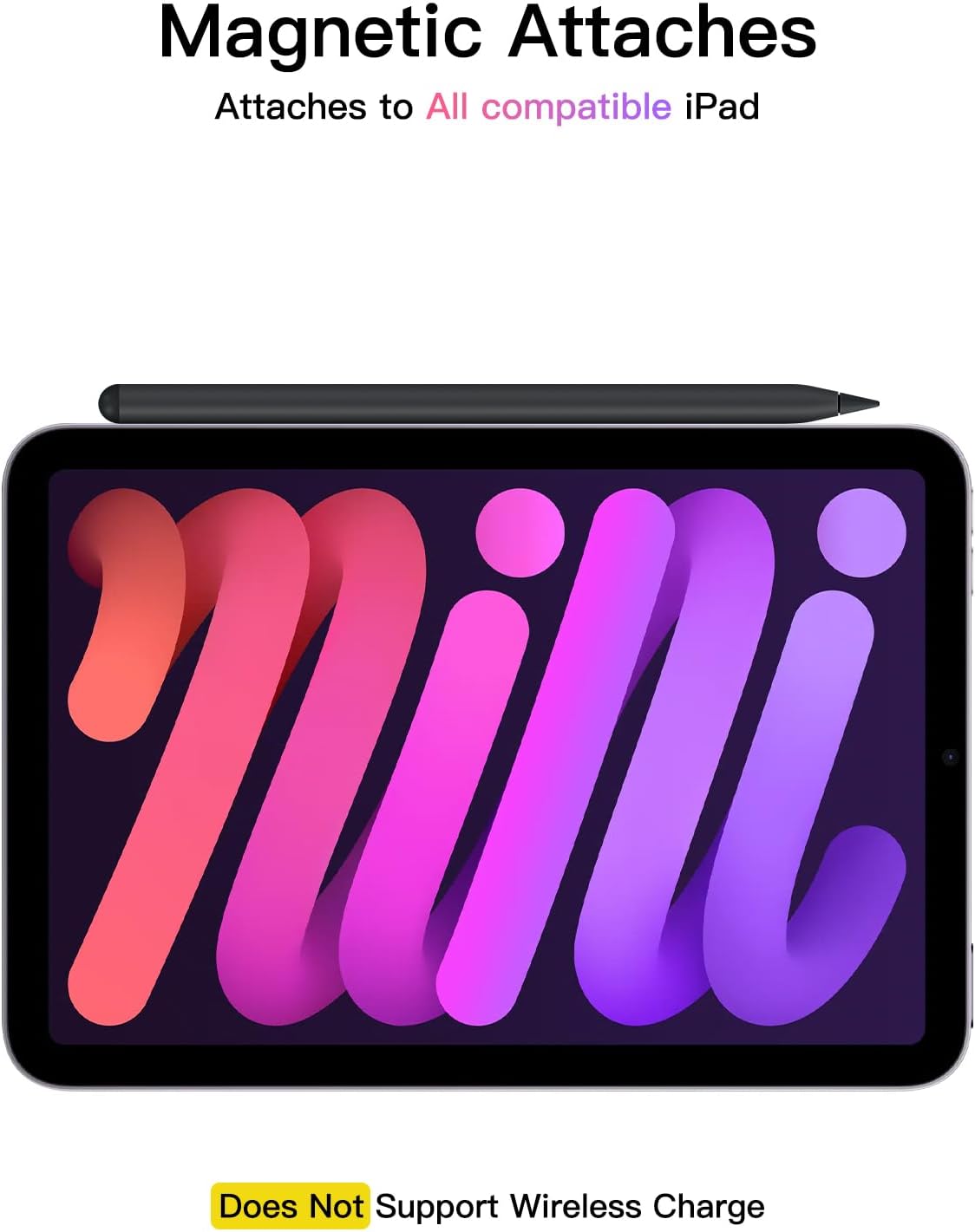
If you want a reliable stylus for everyday note taking, sketching and PDF markup, this Pencil for iPad model with USB-C fast charging is a practical choice. It is designed to work with a wide range of iPads released from 2018 onwards, and it focuses on smooth, responsive drawing with tilt sensitivity for more natural lines. 🎯 With quick charging and an auto shut down feature, it also fits easily into busy school, office and home routines.
Key features
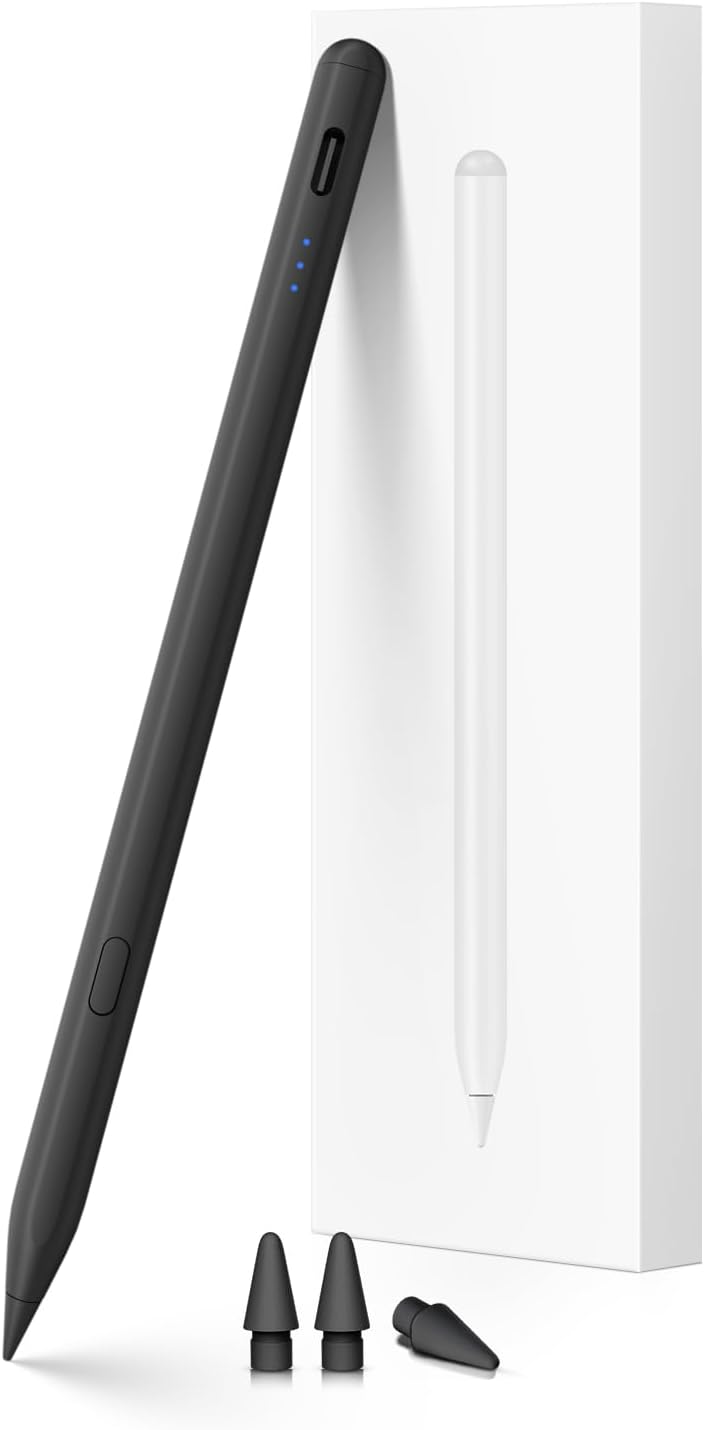
This stylus uses tilt sensitivity to help you draw, sketch and colour with more control, so your marks feel closer to using a traditional pencil. It supports pixel precision and low latency for responsive on screen writing, which matters when you are capturing ideas quickly or editing diagrams. For added convenience, the pen can show the power level on your iPad when connected via Bluetooth, and it also includes shortcut functionality for faster editing.
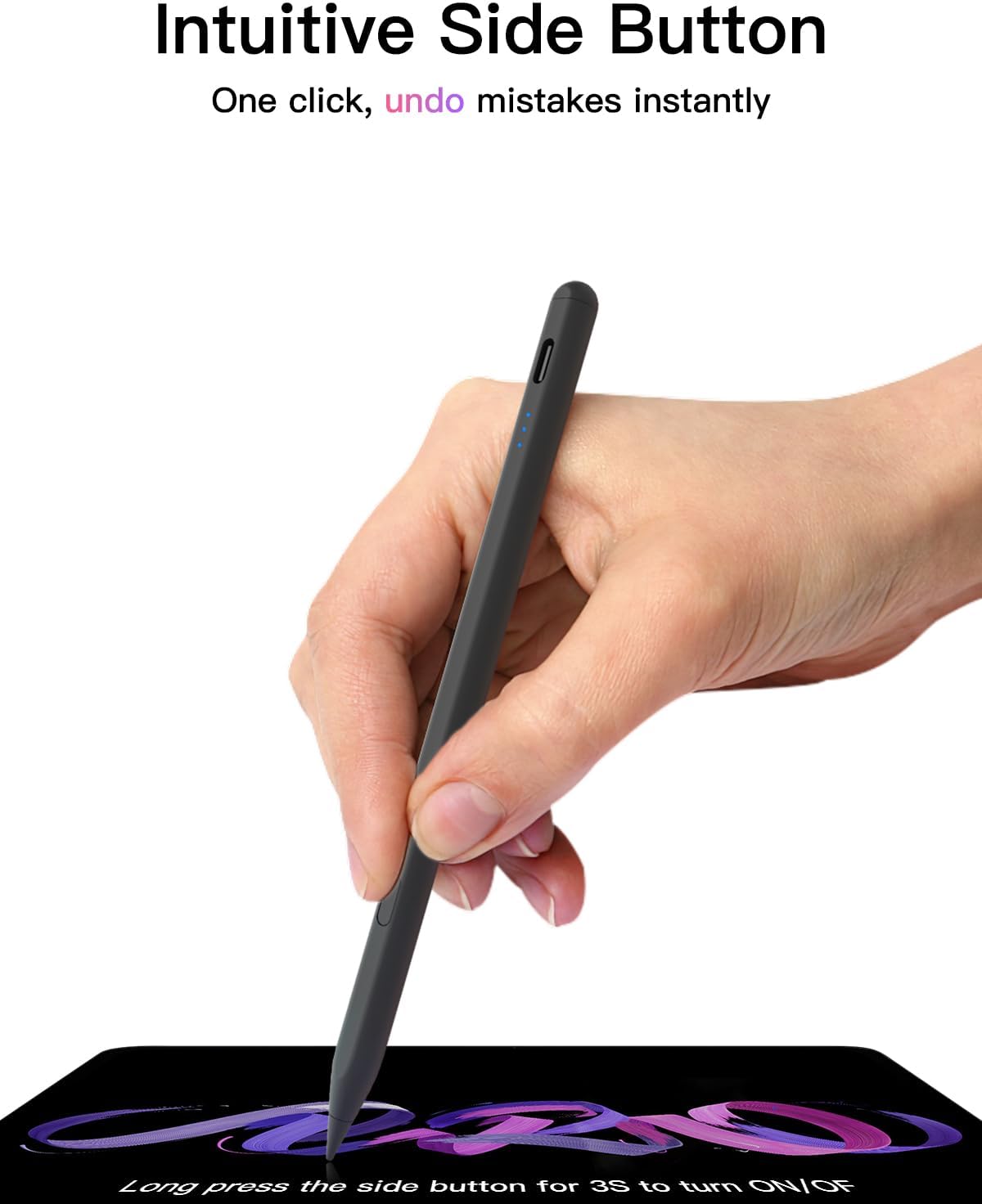
Power and connection are handled through the pen button. Long press the control button for 3 seconds to turn the stylus on or off. When the light is flashing, the pen is discoverable via Bluetooth, then once connected you can access the battery display and shortcuts in use. If the pen does not respond after switching on, you can manage the Bluetooth link by disconnecting and re pairing via your iPad settings.
There is an important limitation to note: the pen has no pressure sensitivity, so line thickness and shading will not be controlled by how hard you press. However, for straightforward handwriting, annotation, colouring and clean shape work, the tilt support still helps keep the experience fluid and predictable. 📝
Tech specs
- Type: USB-C fast charging stylus pen
- Connectivity: Bluetooth
- Power up and down: long press control button for 3 seconds
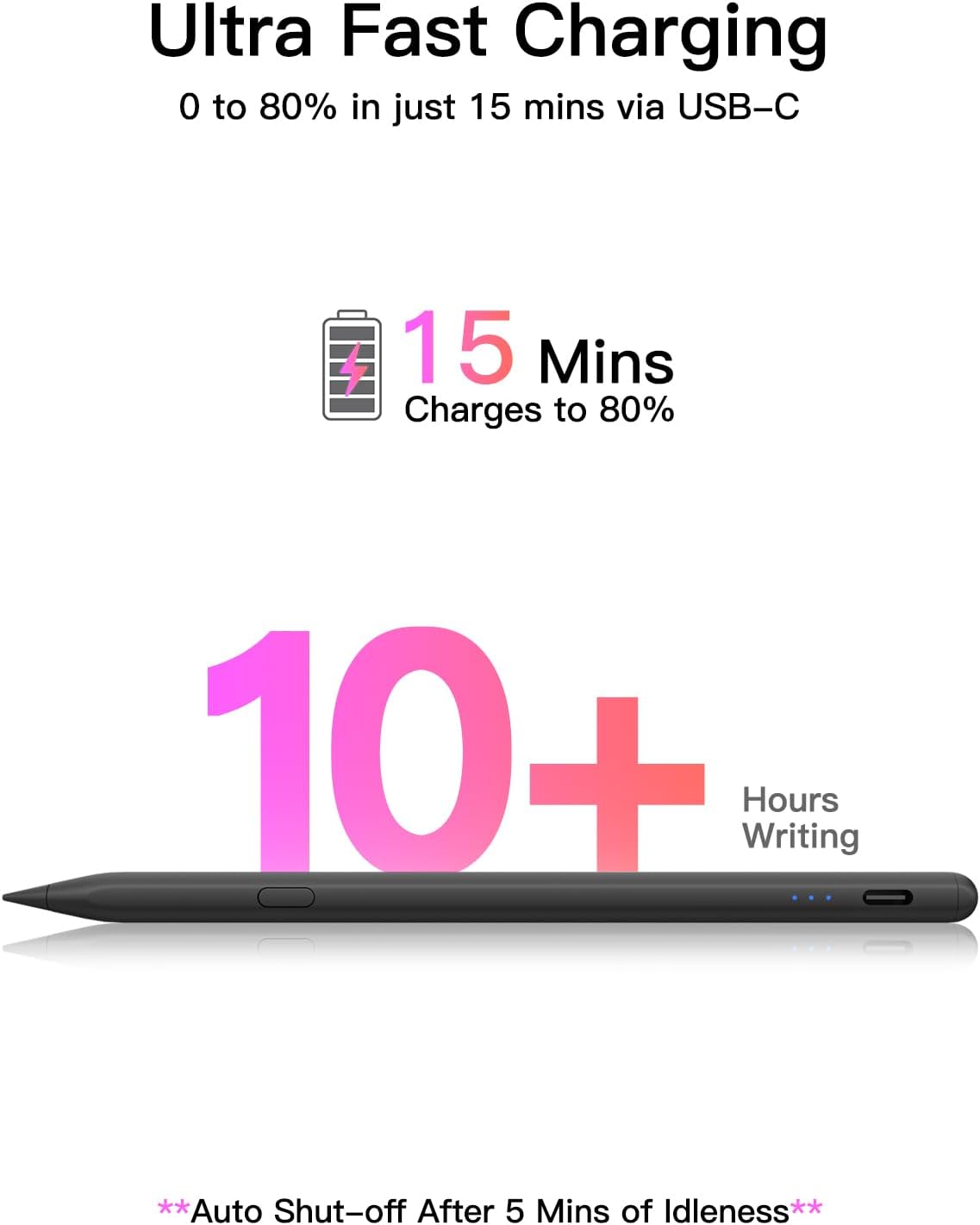
- Charging time: fully charges within 30 minutes
- Battery use: up to 10 hours of continuous use
- Auto shut down: after 5 minutes of inactivity
- Pressure sensitivity: none, no pressure sensitivity
What to know before buying
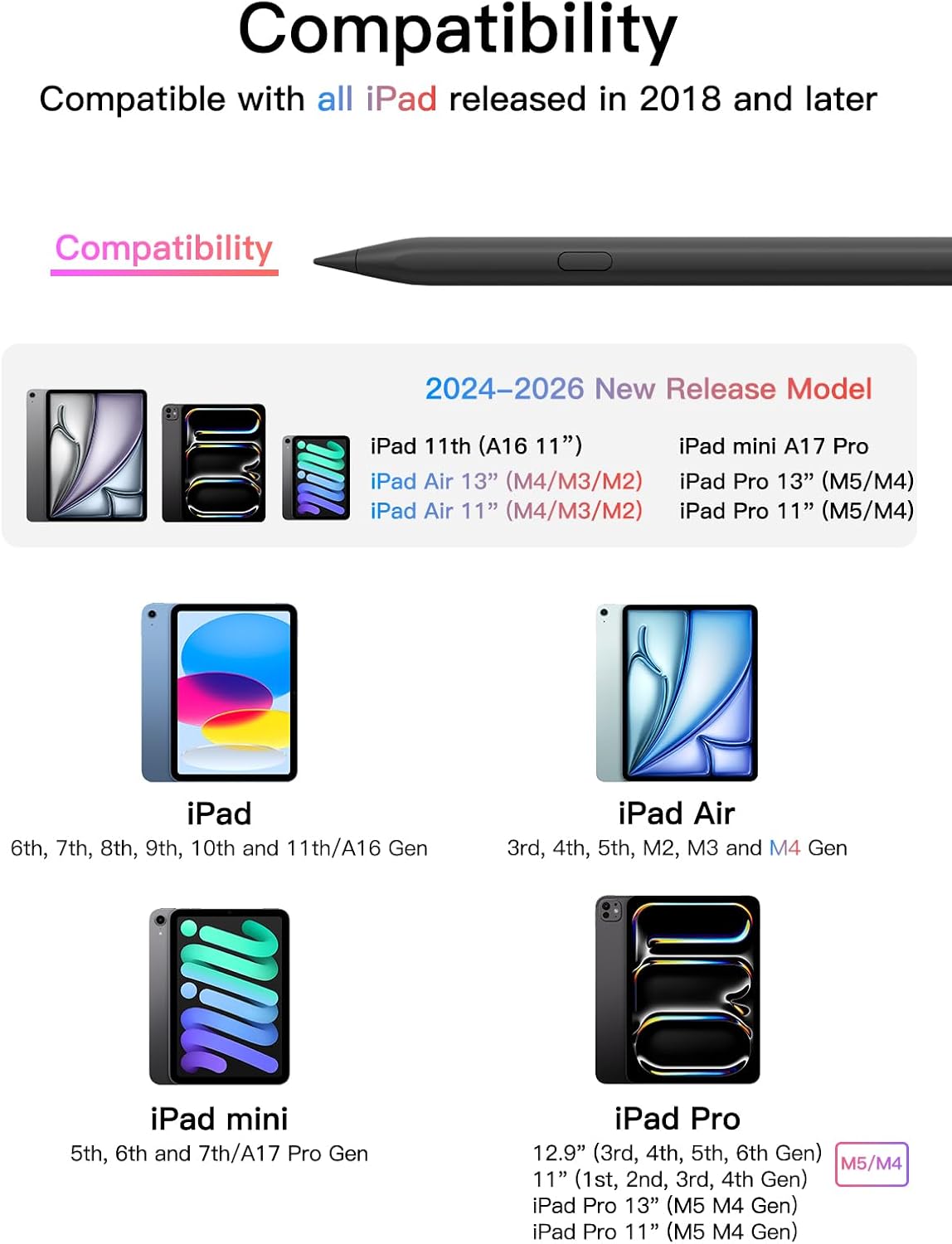
Compatibility is a key factor with any iPad stylus, and this one is listed for iPads released in 2018 or later. The supported models include iPad 11th to 6th generation across the A16 line, as well as iPad mini 7th and 6th and 5th generation. It is also listed for iPad Air 13 inch and 11 inch models across M4, M3 and M2 generations, and for iPad Pro 13 inch and 11 inch M5 and M4, plus iPad Pro 12.9 inch 3rd through 6th generation, and iPad Pro 11 inch across all generations. Please confirm your iPad model before placing an order to avoid mismatch.
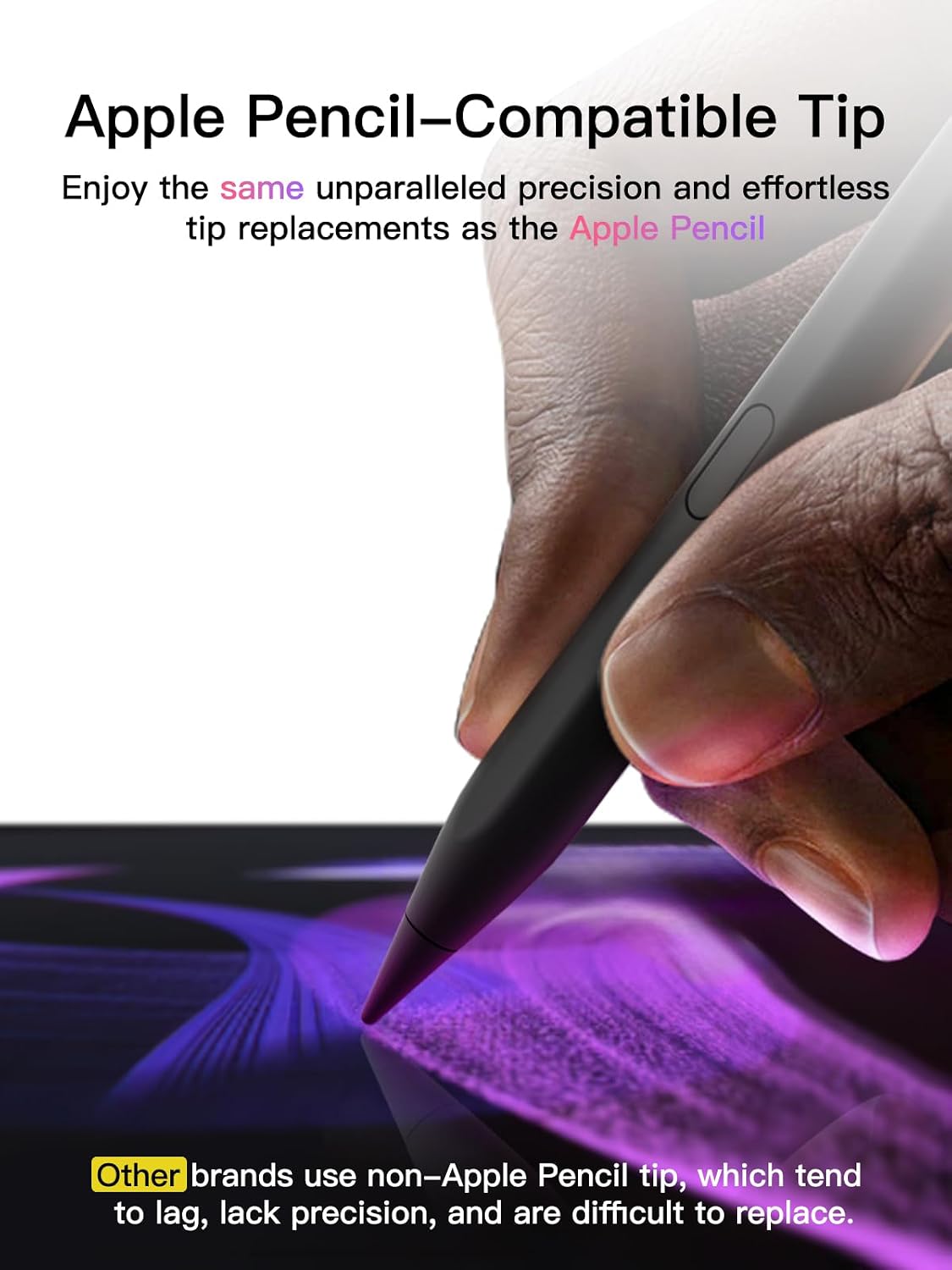
The pen tip includes an option for swapping, with a replaceable tip and 3 extra tips included in the package. For day to day use, having spare tips can help if you are using the stylus frequently for class notes, drafting or marking up documents. You can also use the pencil directly without a Bluetooth connection, but without Bluetooth you will not get the shortcut functions.
One more practical point is how connection and shortcuts behave after you turn the pen on. When you switch it on and the light is flashing, you can connect it from your iPad, then the status bar can show the battery percentage. If you ever see connection issues after turning it on, follow the steps to remove the device and reconnect, then the pen should become usable again. 🔌
It suits you if
It makes sense if you want a USB-C charging stylus for writing, sketching, colouring and note taking across a broad range of iPads from 2018 onwards. You’ll likely appreciate the tilt sensitivity for more natural movement and the pixel precision feel for crisp markings. It is also a good match if you value quick top ups and a bit of power saving thanks to the inactivity auto shut down.
It might not be the best match if you specifically need pressure sensitive features, since this pen has no pressure sensitivity. You may also want to skip it if you rely heavily on shortcut functions but are not comfortable using Bluetooth pairing on your iPad. If you want a straightforward stylus that you can charge quickly and keep ready for everyday tasks, this model aligns well with that use case.