

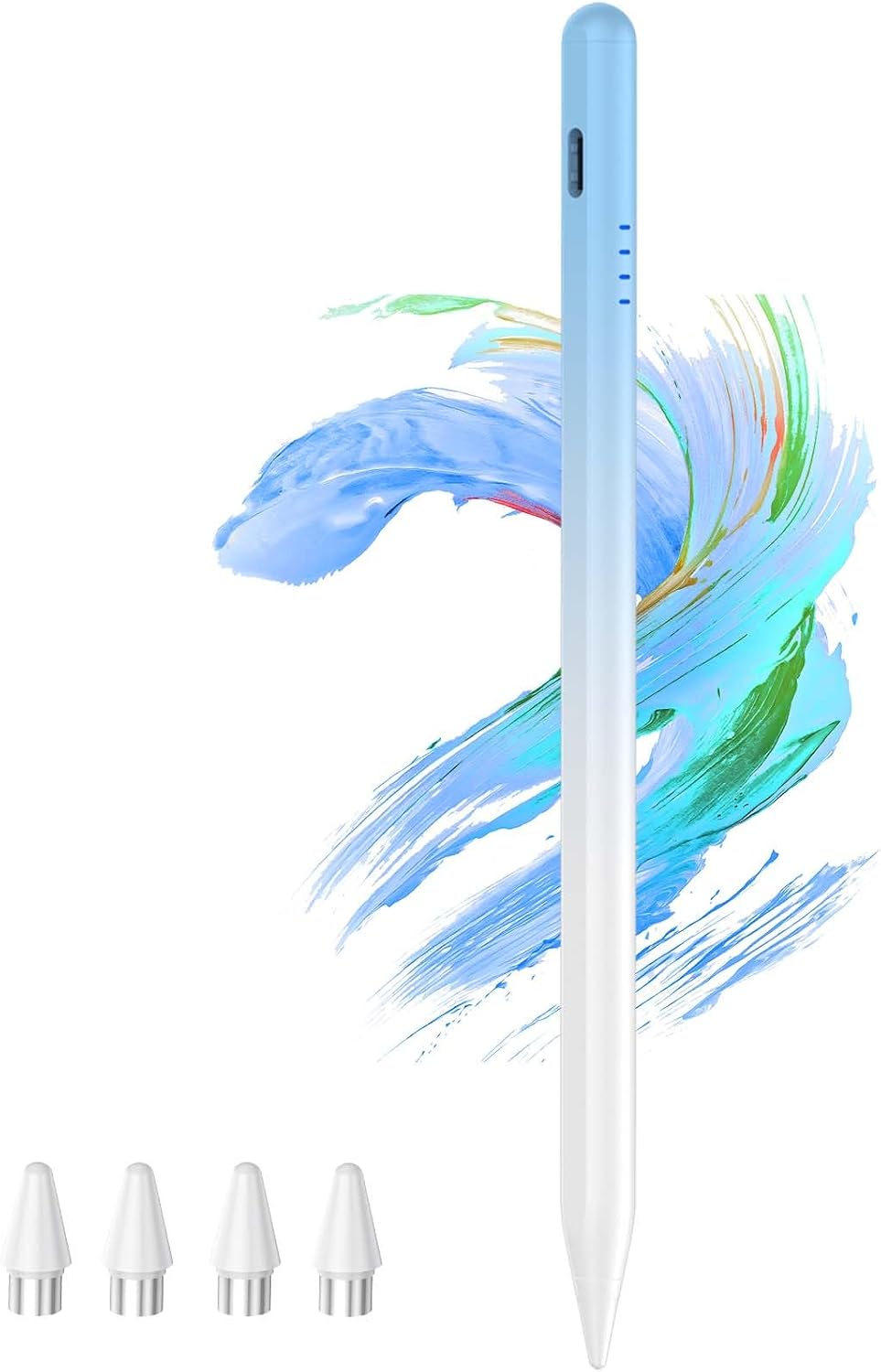
Kenkor Tablet Pen for Samsung Galaxy A9/A9+ with 4 Tips – Magnetic, Quick-Charge Stylus for Android
Product description
What it is
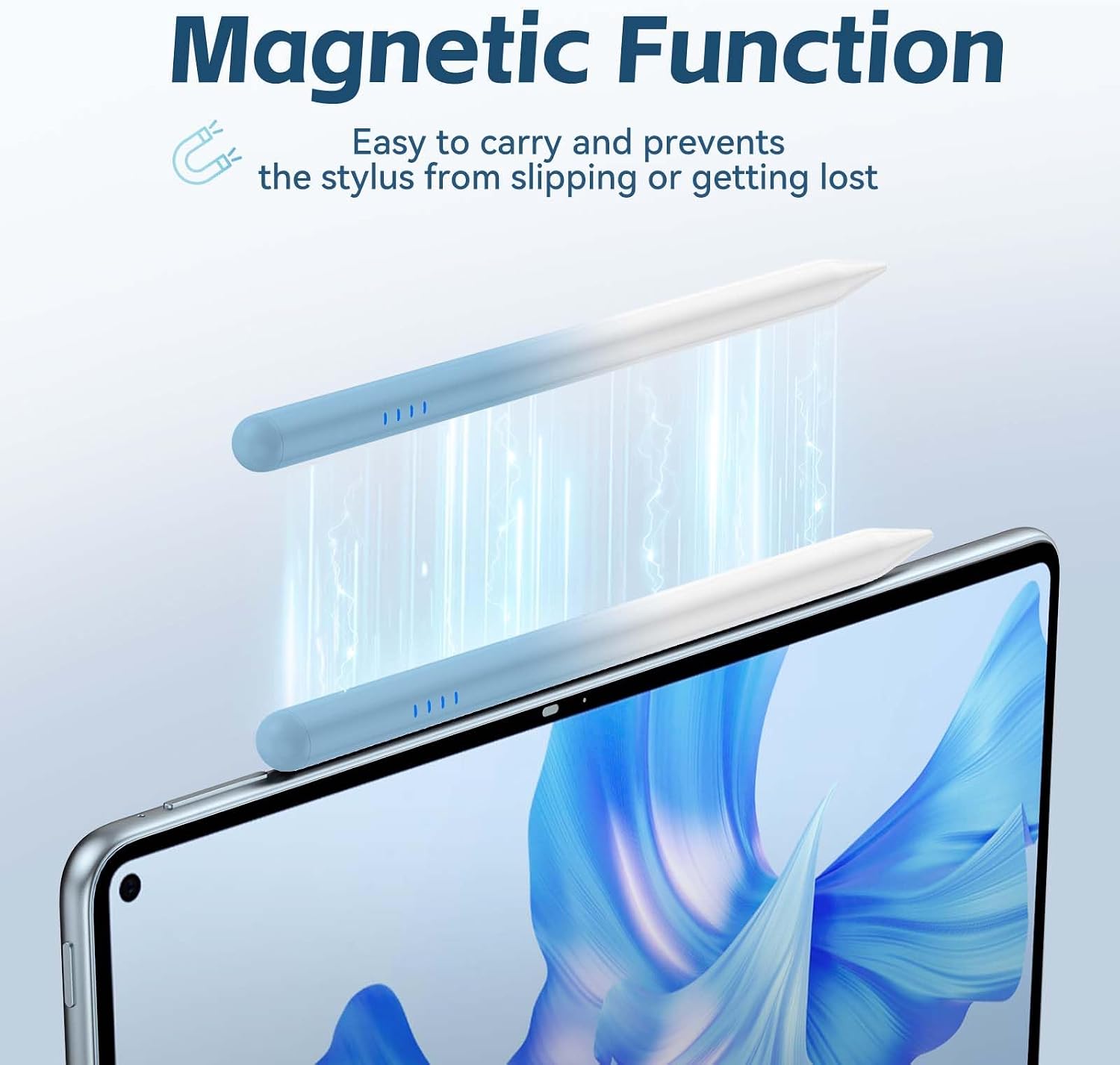
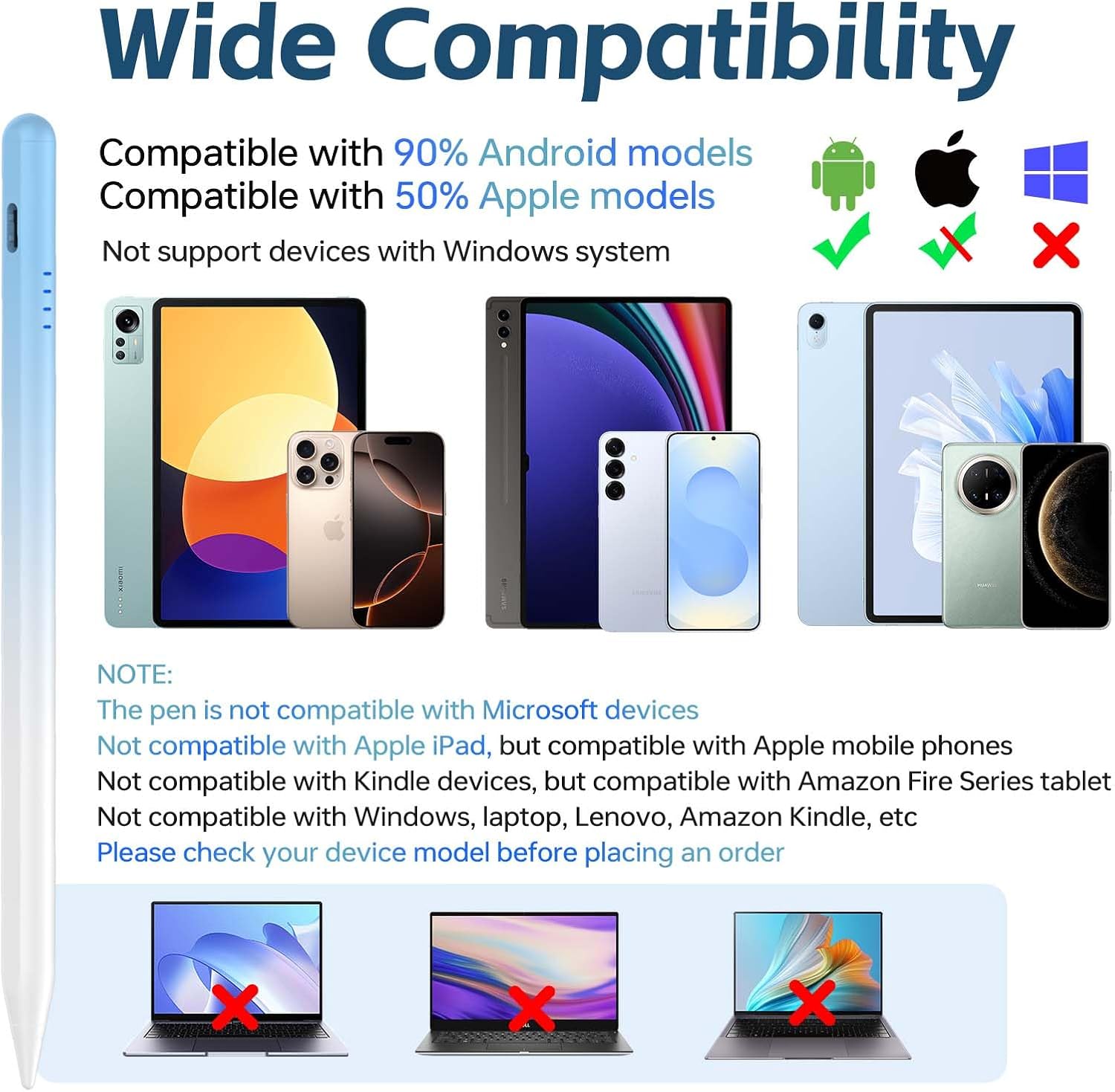
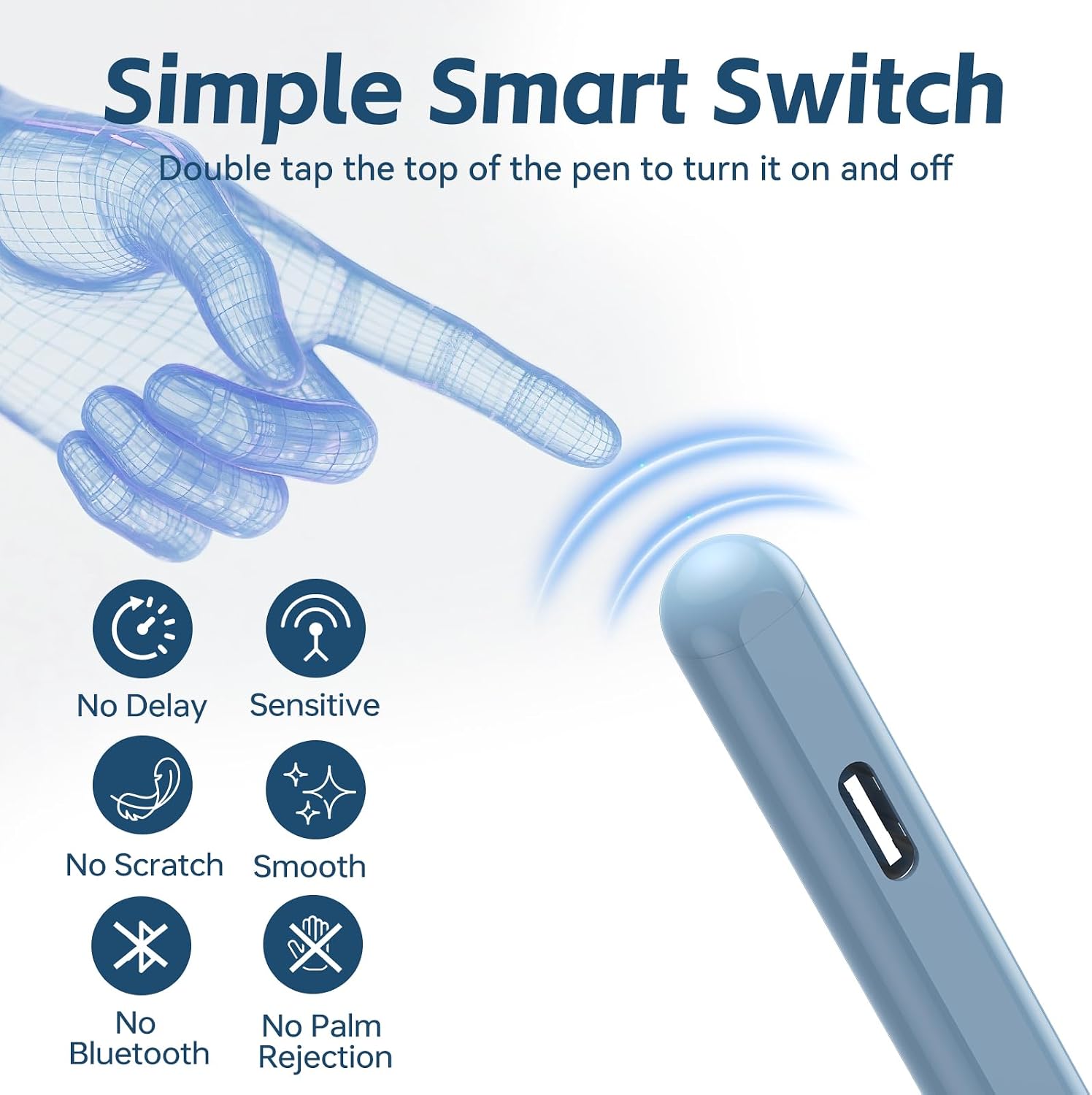
This Kenkor tablet pen is a magnetic, battery-powered stylus designed primarily for Android devices. It includes 4 replacement tips and a USB-C charging cable, with a simple double-tap to wake or turn on for immediate use. While marketed as compatible with a broad range of Android and smart devices, it’s specified as not compatible with iPads, Lenovo, Windows laptops, or Kindle devices. The pen’s magnetic body lets you snap it to the edge of a compatible tablet for convenient storage.
Who it’s for
If you own a Samsung Galaxy A9 or A9+ and want a responsive, battery-powered stylus that doesn’t rely on capacitive touch, this model could suit you. It also claims broad compatibility with many Android tablets and smartphones (including models from Samsung, OPPO, Huawei, Xiaomi and others), which makes it a candidate for households with mixed Android devices. Consider whether you value a dedicated pen with replaceable tips and a visible battery indicator.
How it performs
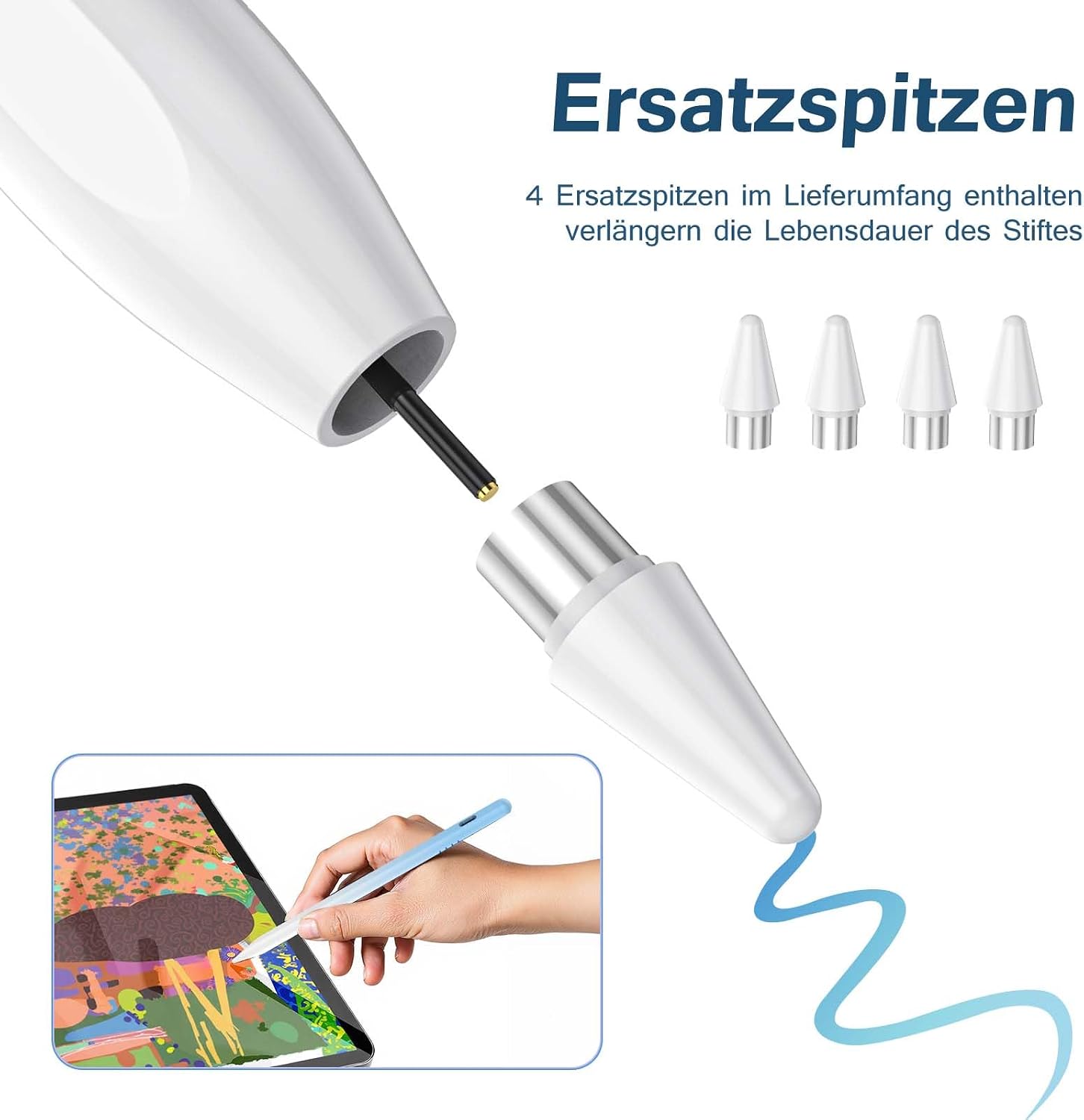
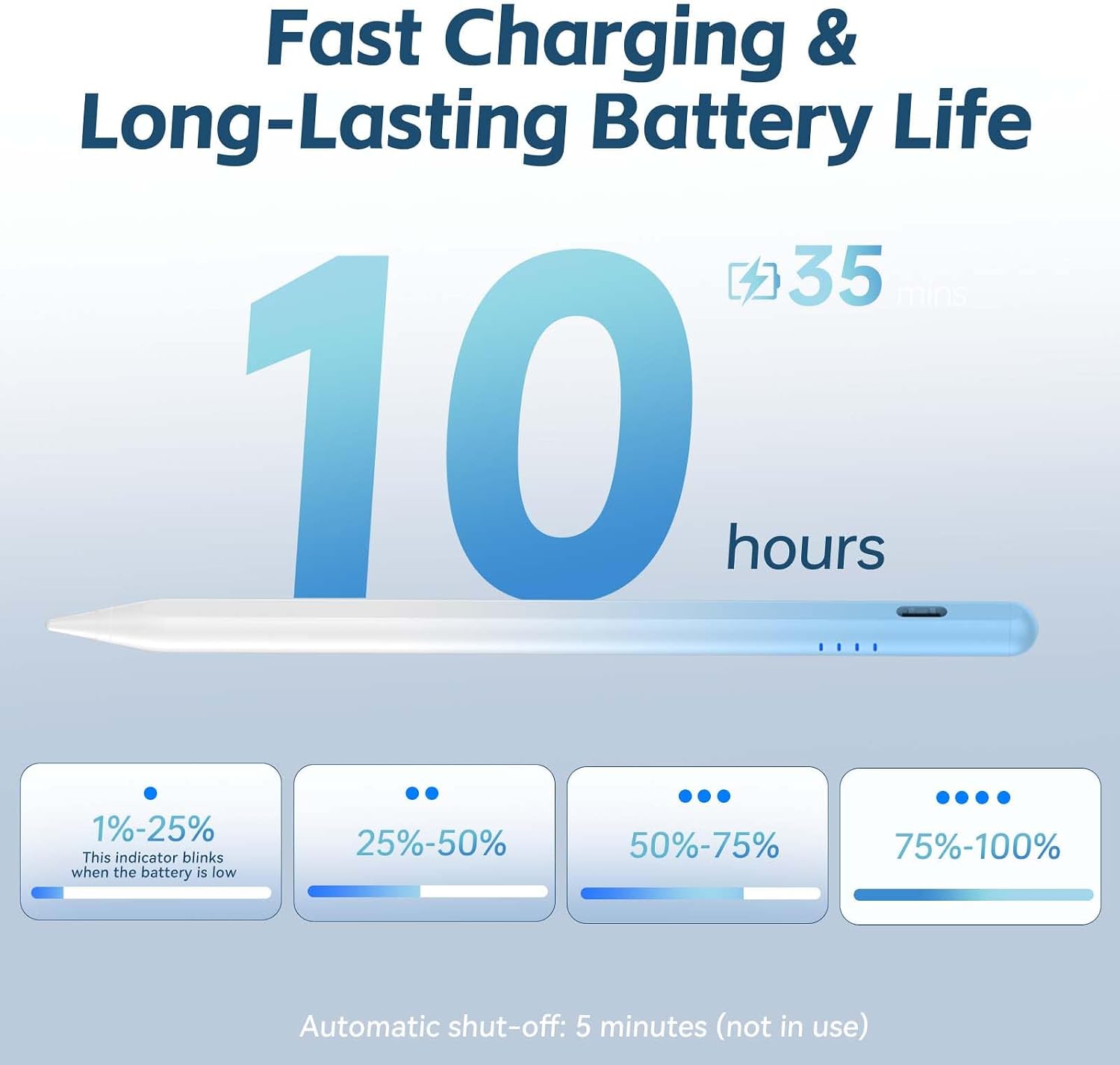
Battery life is a practical consideration here. The pen charges via USB-C and reportedly reaches full charge in about 35 minutes, with a claimed up to 10 hours of use and an auto-sleep feature after 5 minutes of inactivity to conserve power. A four-LED battery indicator keeps you informed about remaining power, which reduces the risk of running out mid-task. The inclusion of four replacement tips helps manage wear and extend the pen’s usable life. The magnetic attachment is convenient, though you’ll want to verify that your tablet supports magnetic storage on its body.
What stands out
On the paper, the combination of fast charging, a battery indicator, multiple tips, and magnetic attachment offers practical benefits for daily use. The double-tap activation is a straightforward interaction that avoids fiddly pairing. For light note-taking, sketching, or precise input on compatible devices, this pen aims to deliver a predictable, low-friction experience.
What may be less convincing
The description focuses on broad compatibility, yet it explicitly excludes iPads, Lenovo, Windows, and Kindle devices. If your primary device is outside the listed range, you may face limitations or reduced usefulness. The claim of 10 hours of use with a 35-minute charge is helpful, but real-world battery life can vary with palm rejection, tip pressure, and screen sensitivity. If your tablet isn’t among the supported devices, the value proposition drops significantly.
Before you buy
Check if your device supports a magnetic stylus attachment and whether USB-C charging is convenient for you. Confirm that your Galaxy A9/A9+ or other Android device is within the intended compatibility range. Consider how often you’ll use a stylus for handwriting or drawing and whether you’ll profit from an indicator that helps manage charging before crucial tasks.
Practical use case
Imagine sketching ideas quickly on a Samsung Galaxy A9 during a commute. The stylus snaps to the tablet edge when not in use, the battery indicator alerts you if you’re running low, and a quick double-tap turns it on without navigating menus. If you tend to misplace tools, the extra tips and magnetic storage are practical touches for daily wear and tear.
What to review before purchasing
- Confirm device compatibility with the pen’s stated broad Android support
- Check if your tablet has a magnetic edge for secure attachment
- Consider whether you’ll benefit from replaceable tips and quick-charge capabilities
- Be mindful of the exclusion of iPads and Windows devices
FAQ
- Is this stylus compatible with my specific Android tablet model? It is advertised for a wide range of Android devices, but exact compatibility can vary, you should verify your model against the product claims.
- How long does the battery last in real use? The manufacturer states up to 10 hours of use with a 35-minute full charge, subject to how you use it.
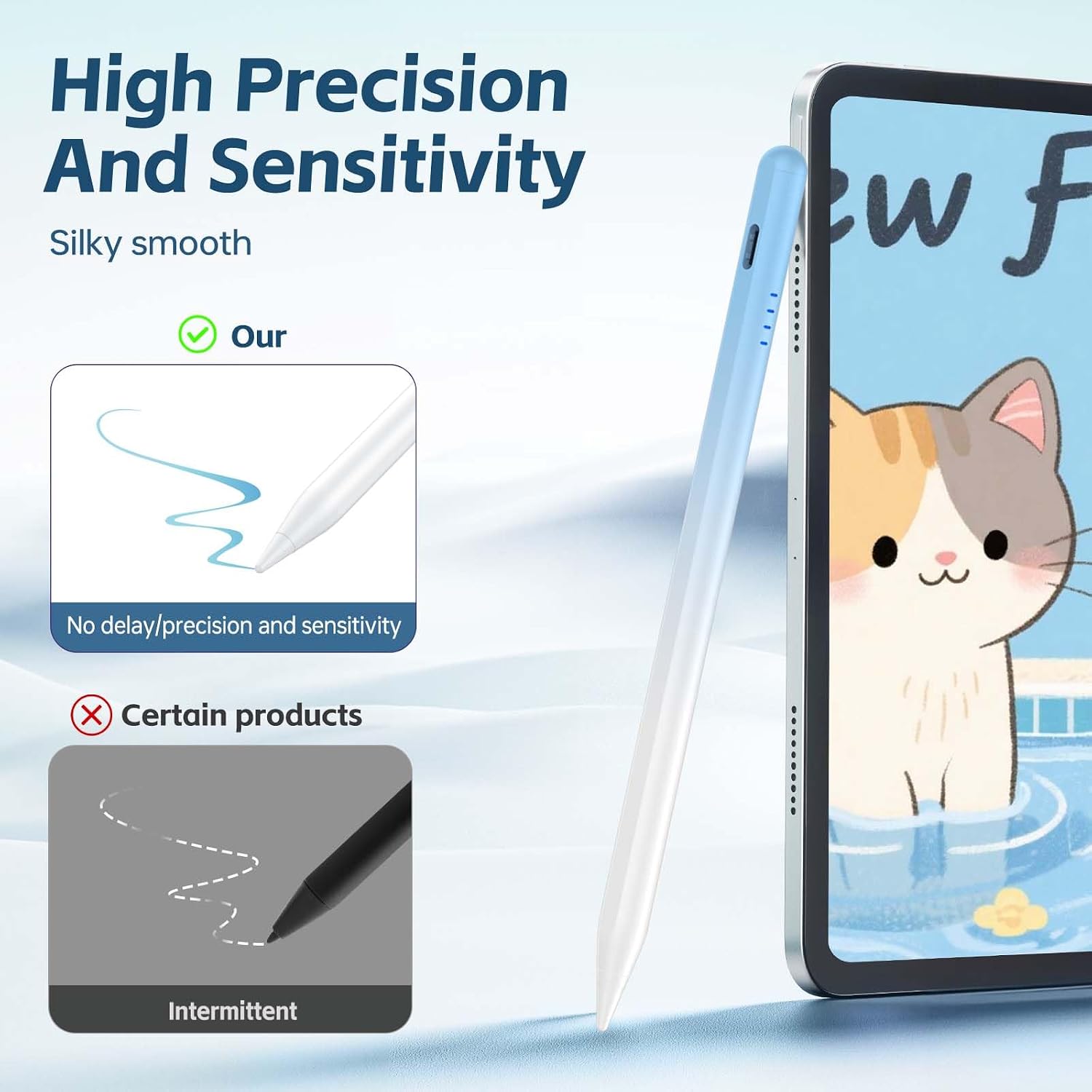
- Can I use this stylus for precise drawing on small screens? The pen includes replaceable tips and a magnet, which can aid precision and handling on supported devices, though actual performance depends on your device’s screen tech and palm rejection.
Is it worth it?
It suits buyers seeking a reasonably capable Android stylus with quick charging, battery feedback, and practical extras like replaceable tips and magnetic storage. If your primary device is within the listed Android ecosystem and you value straightforward operation over a high-end feature set, this could be a sensible, value-focused choice. If you rely on iPads, Windows laptops, or Kindle tablets, this model would not be the best fit and you might prefer alternatives tailored to those platforms.