

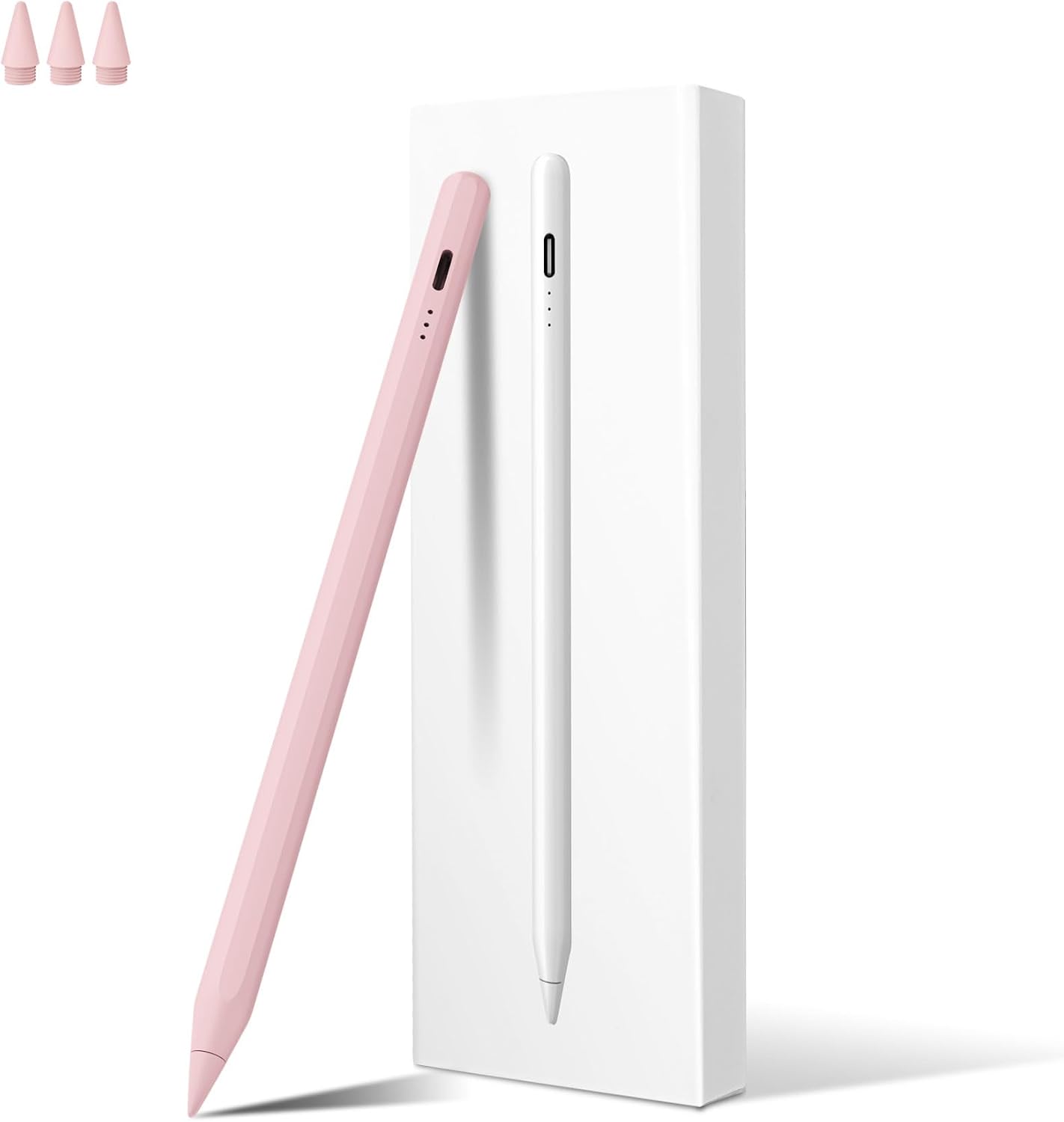
MEKO Stylus Pen for iPad 13 minutes fast charge
Product description
If you want a responsive stylus for note taking, sketching and everyday creative work, this MEKO stylus pen for iPad is built to keep you moving. The standout feature is the 13 minutes fast charging time, so you can top up quickly and get back to drawing, marking or annotating. You also get practical help for accuracy, including palm rejection and tilt sensitivity, for a smoother writing feel on compatible iPad models. 🎨
Using a stylus that matches your iPad’s compatibility makes a big difference, so it is worth checking the supported models before you buy. With a durable 1.5 mm tip, and fast response for fine control, this pen is a solid option for anyone who wants a capable alternative to a more premium stylus experience, without overcomplicating it. It includes USB Type C charging and an auto shutdown feature to help manage power use during longer sessions. ✍️
Key points
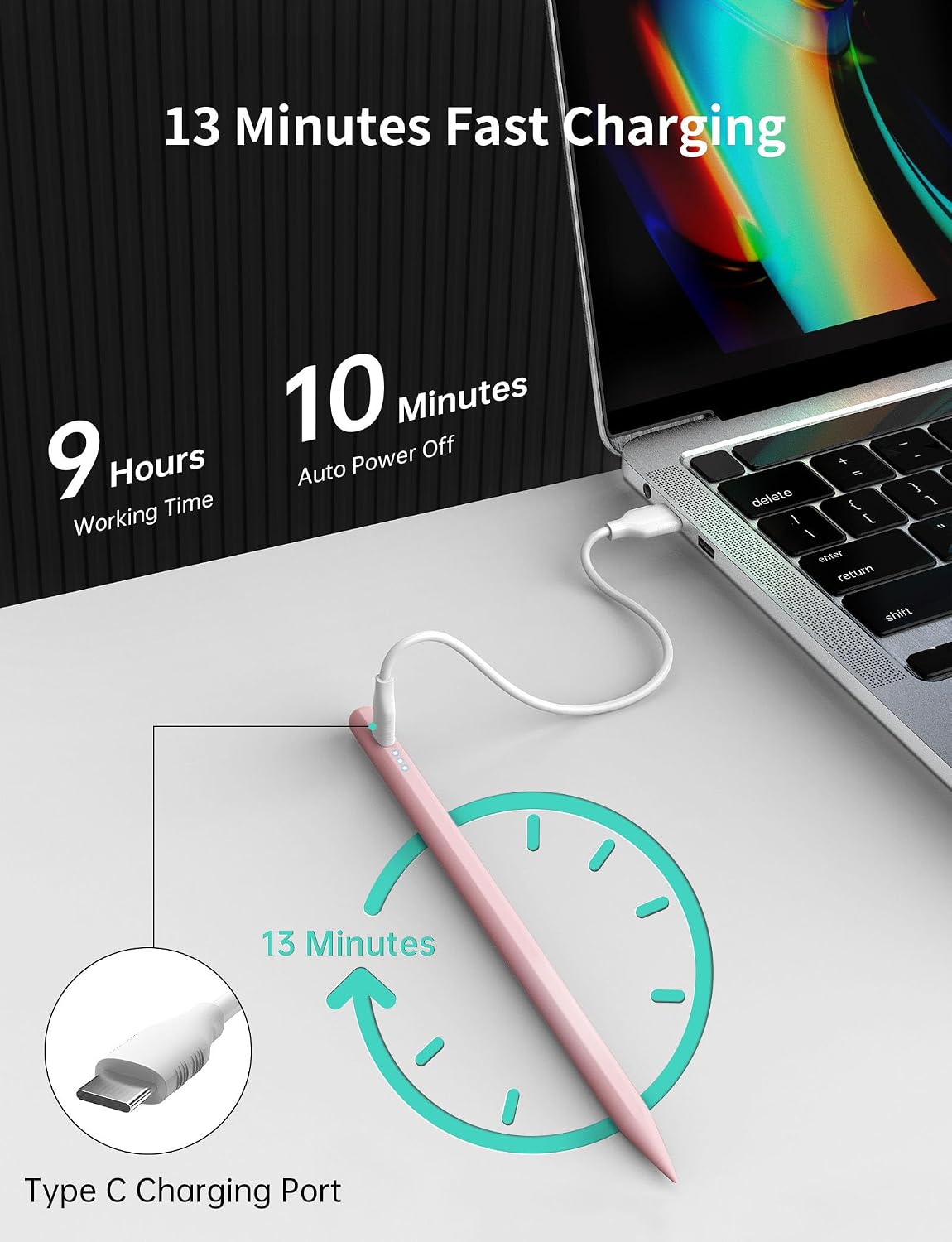
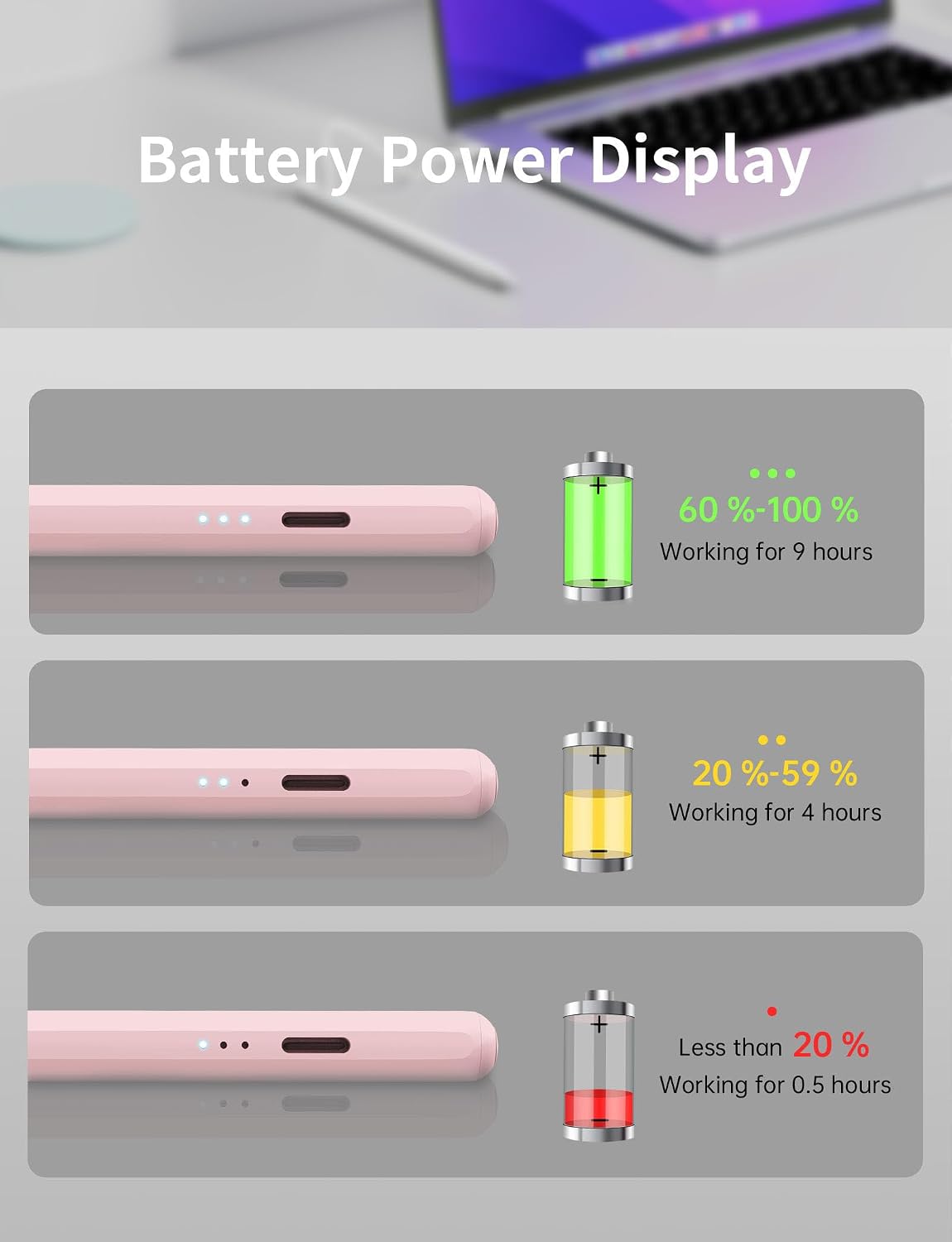
The MEKO stylus pens for iPad 2018 to 2025 bring together fast charging, clear battery guidance, and drawing features that reduce friction. The 13 minutes fast charging time is designed to get the pen ready again quickly, while the LED indicators show the battery level with reasonable accuracy so you can charge at the right moment. Once in use, automatic shutdown after 10 minutes of inactivity helps reduce unnecessary energy drain. During the last minute of the sleep mode, the indicator flashes, and it stops when the pen is picked up, which is a helpful touch for busy work cycles.
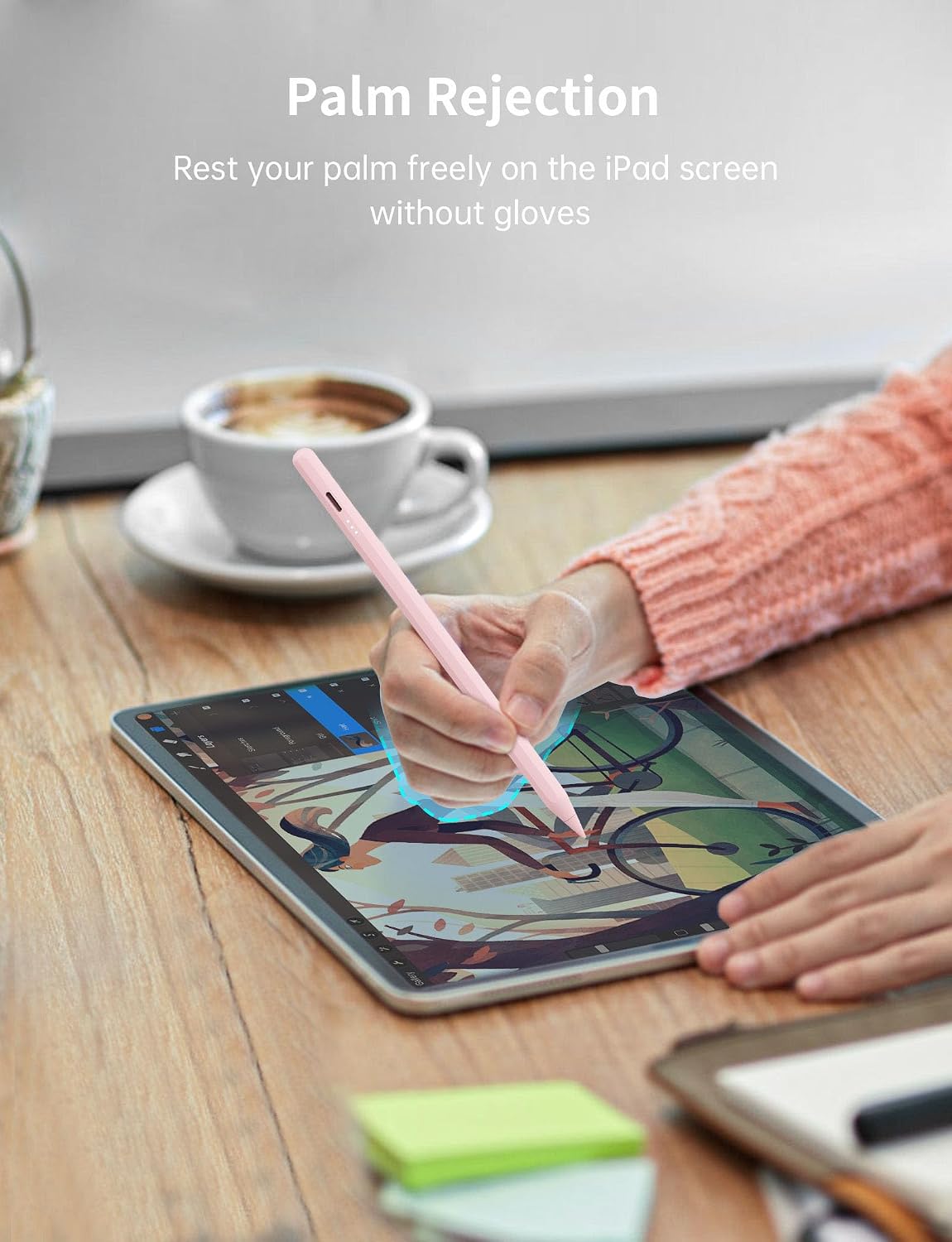
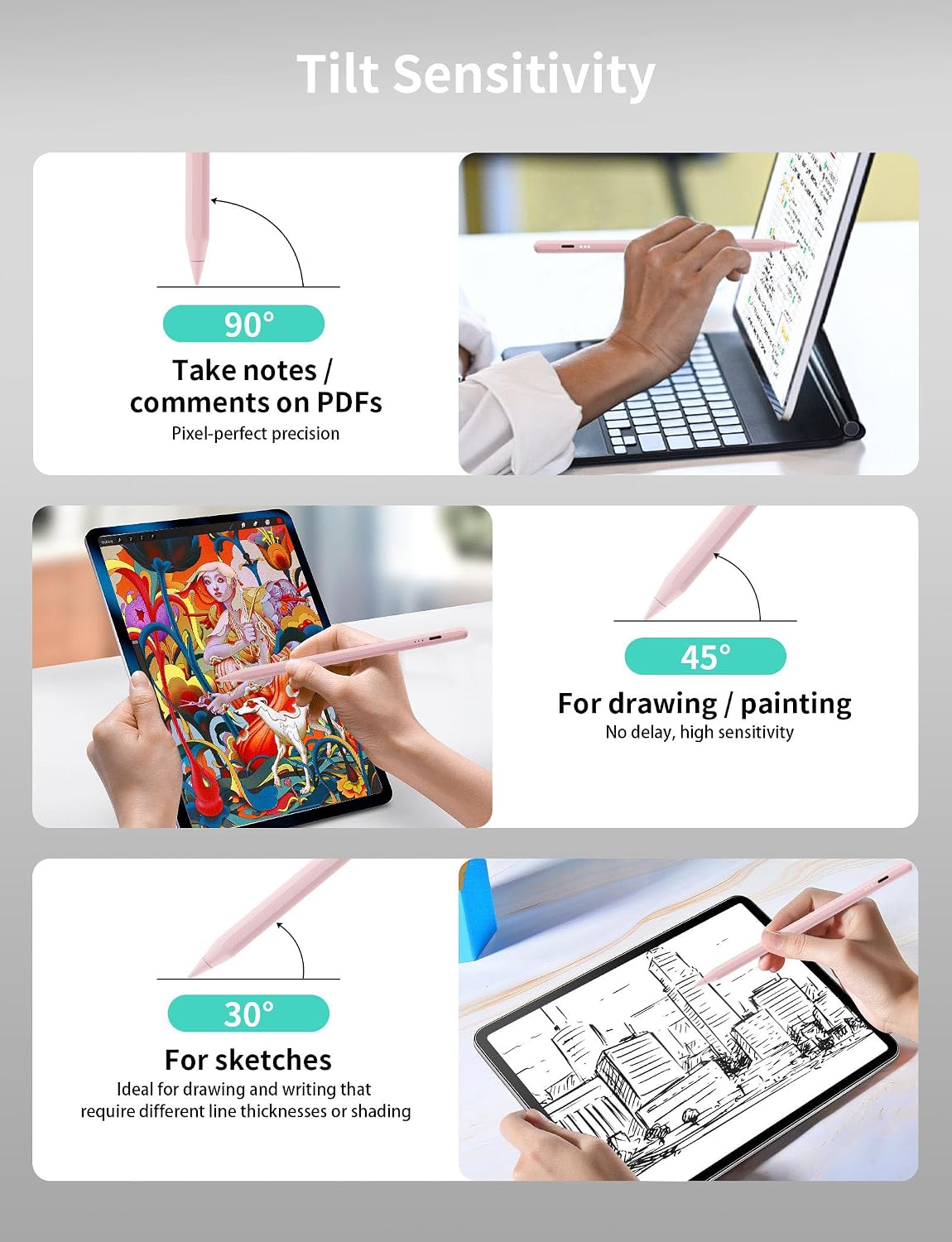
On the creative side, palm rejection and tilt sensitivity are the two features most people will notice straight away. Palm rejection means you can rest your hand on the iPad while writing or drawing without triggering unwanted marks or moving the page, making longer notes and more natural sketching easier. Tilt sensitivity detects subtle changes in angle, letting you produce lines of different thicknesses depending on how you hold the stylus. That combination supports everything from quick annotations to more detailed illustration work.
It also includes a practical setup, with USB Type C charging and a charging cable in the box, plus replacement tips for ongoing use. There is a helpful note to consider for screen protectors, since matte or paper feel options can accelerate wear on the pen tip. 🖊️
Tech specs
- Type: Stylus pen for iPad
- Size: 1.5 mm durable stylus tip
- Type: USB Type C charging
- Charging time: 13 minutes fast charging time
- Battery indicator: Three LED indicators
- Auto shutdown: After 10 minutes of inactivity
- Replacement tips: 3 replacement tips included
What to know
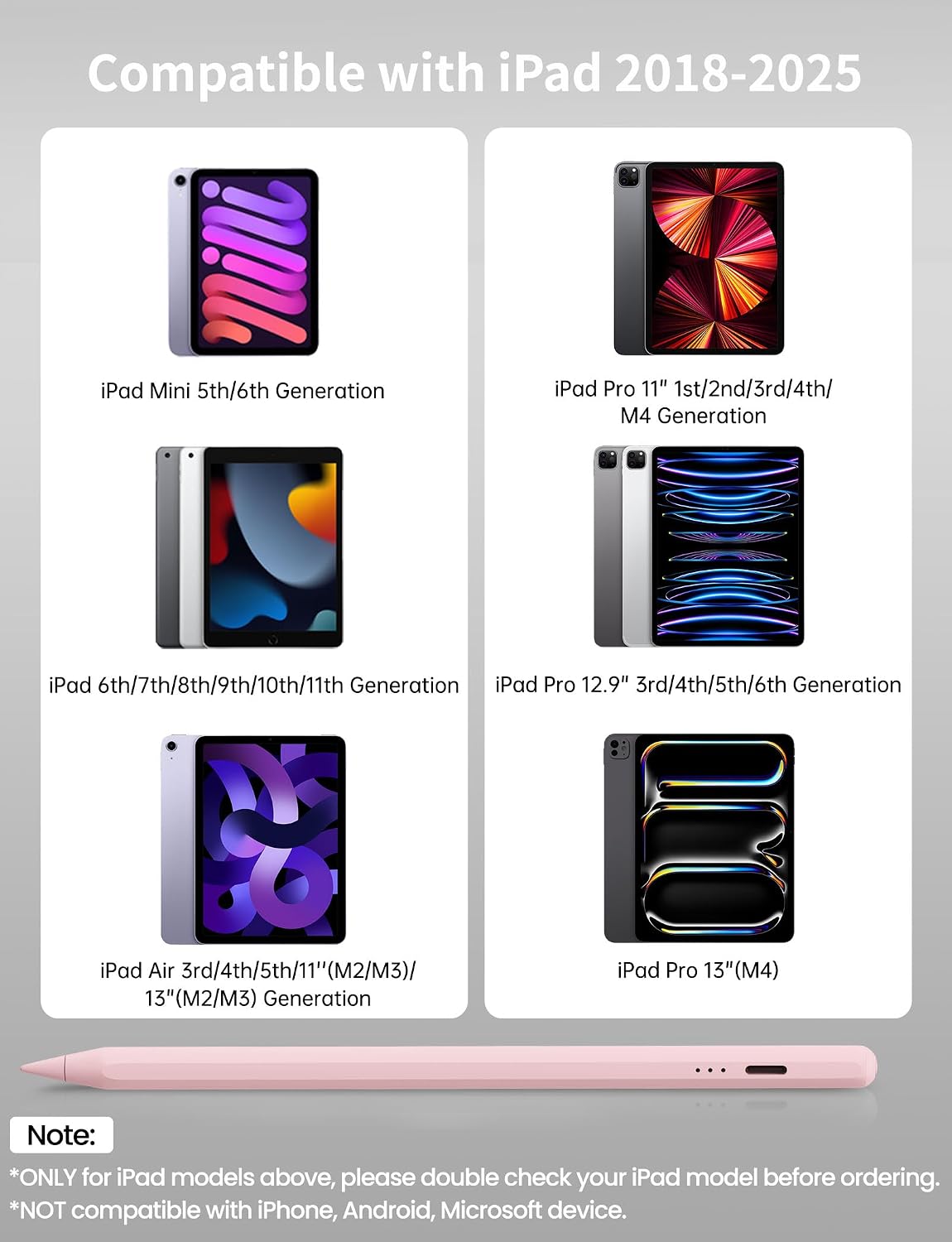
Compatibility matters here, and this pen is described as working with iPad models from the 2018 to 2025 range that support the Apple Pencil 2nd generation style compatibility. According to the provided details, it is ONLY compatible with specific iPad Pro 13 inch and 11 inch models, iPad Air 13 inch and 11 inch models, selected iPad 11th through 6th generation models, certain iPad Pro 11 inch and 12.9 inch generations, iPad mini 6th and 5th generation, and iPad Air variants that match the listed generations.
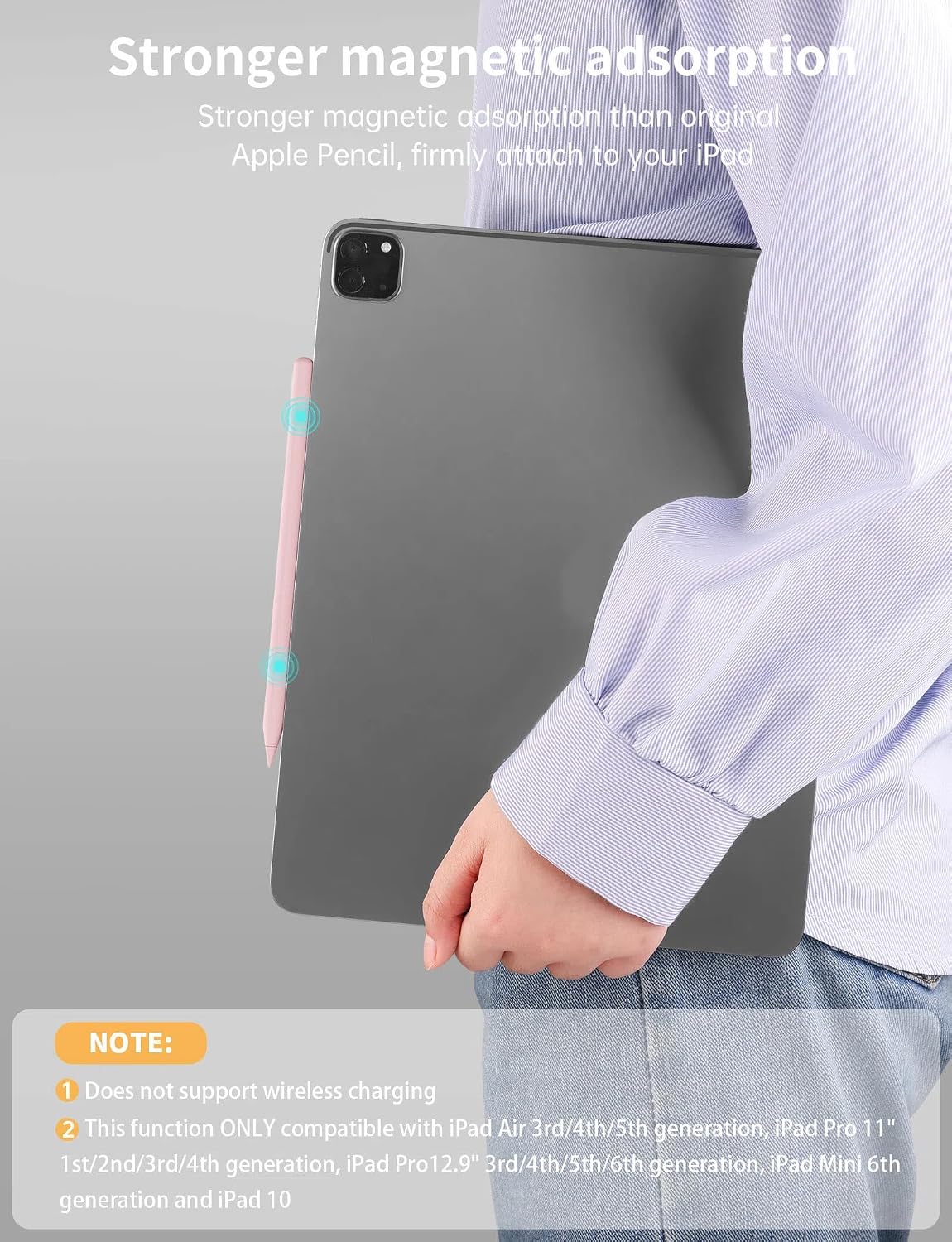
There is also an important magnetic adsorption note, where compatibility is limited to certain iPad sizes and ranges listed for the magnetic connection. If you rely on magnetic attachment for storage, make sure your tablet matches the exact list provided, including the 12.9 inch and 11 inch iPad Pro options and the named Air and mini models. Ten points of compatibility are usually where stylus purchases go wrong, so checking this up front can save time.
For performance, the tip is designed to help with precision and fast response, with the 1.5 mm tip described as durable for fine line control. The manufacturer also states it shows where the pen will touch down on your iPad display to deliver a near natural writing and drawing experience. If you use a screen protector, keep in mind the note that matte or paper feel protectors are not recommended because they can accelerate pen tip wear.
Bluetooth pairing can also be relevant if the pen does not work after turning it on. The provided guidance is to turn off Bluetooth in iPad settings and try again, or to disconnect and forget the Apple Pencil device entry via Bluetooth settings. That kind of troubleshooting step can be useful if you have previously paired a different stylus.
For who it’s for
It’s a good fit if you want a practical stylus for everyday writing, sketching and annotating on a compatible iPad from the listed 2018 to 2025 range. It also makes sense if you like the idea of palm rejection so you can rest your hand comfortably while you work, and tilt sensitivity so your line thickness can vary naturally with angle. You’ll like it if you prefer a pen that supports accurate placement with a durable tip and fast response, backed by replacement tips in the box. It might not suit you if your iPad model is not included in the compatibility list, especially if you need magnetic adsorption on a different device configuration.