

Stylus Pen for iPad 9th & 10th, USB‑C charging 🖊
Product description
This stylus pen offers fast Type-C charging and palm rejection for drawing, note-taking and general navigation on recent iPad models. It combines tilt sensitivity and a POM tip for natural strokes, making it useful for sketching, annotating documents or everyday tablet use.
Key Points
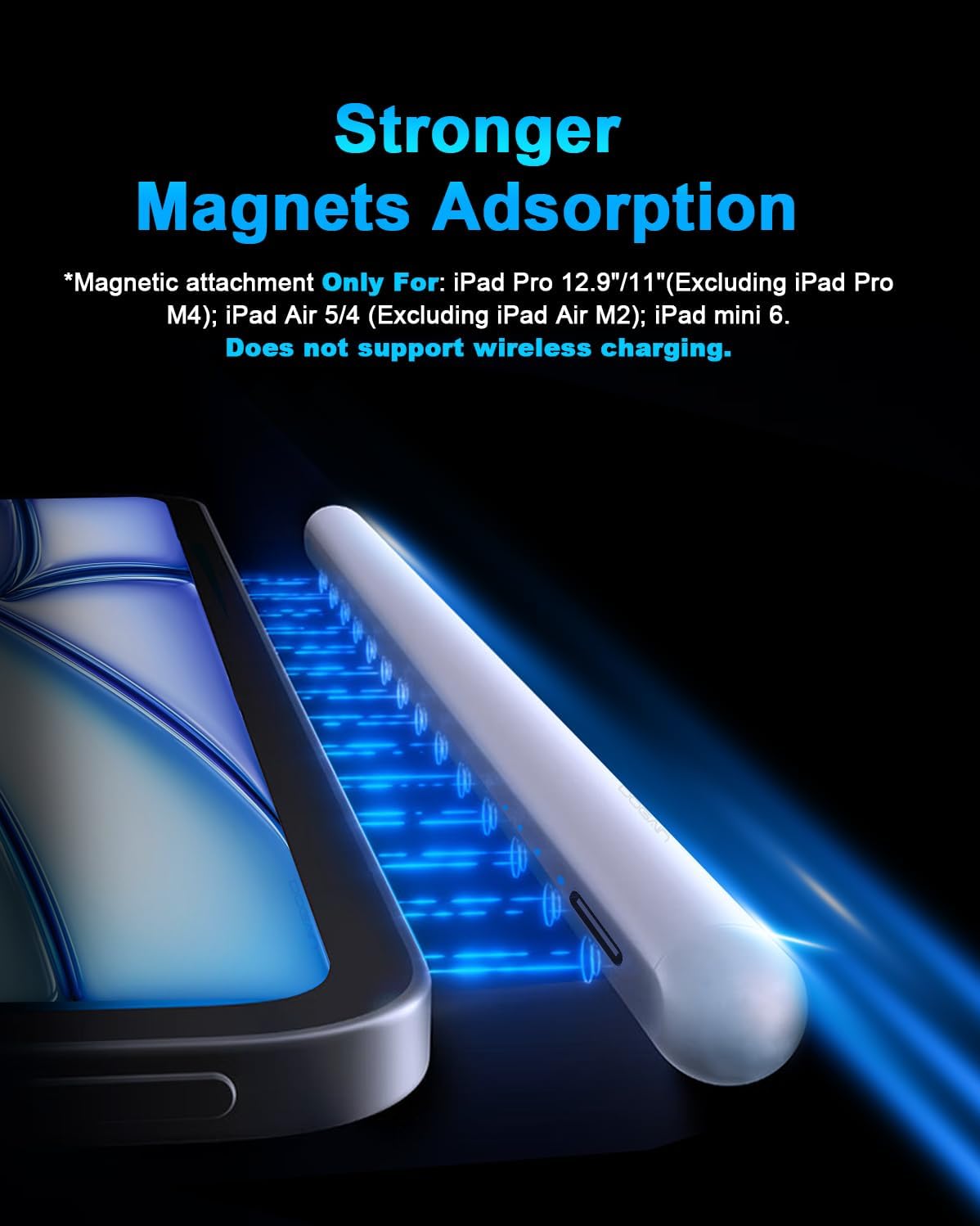
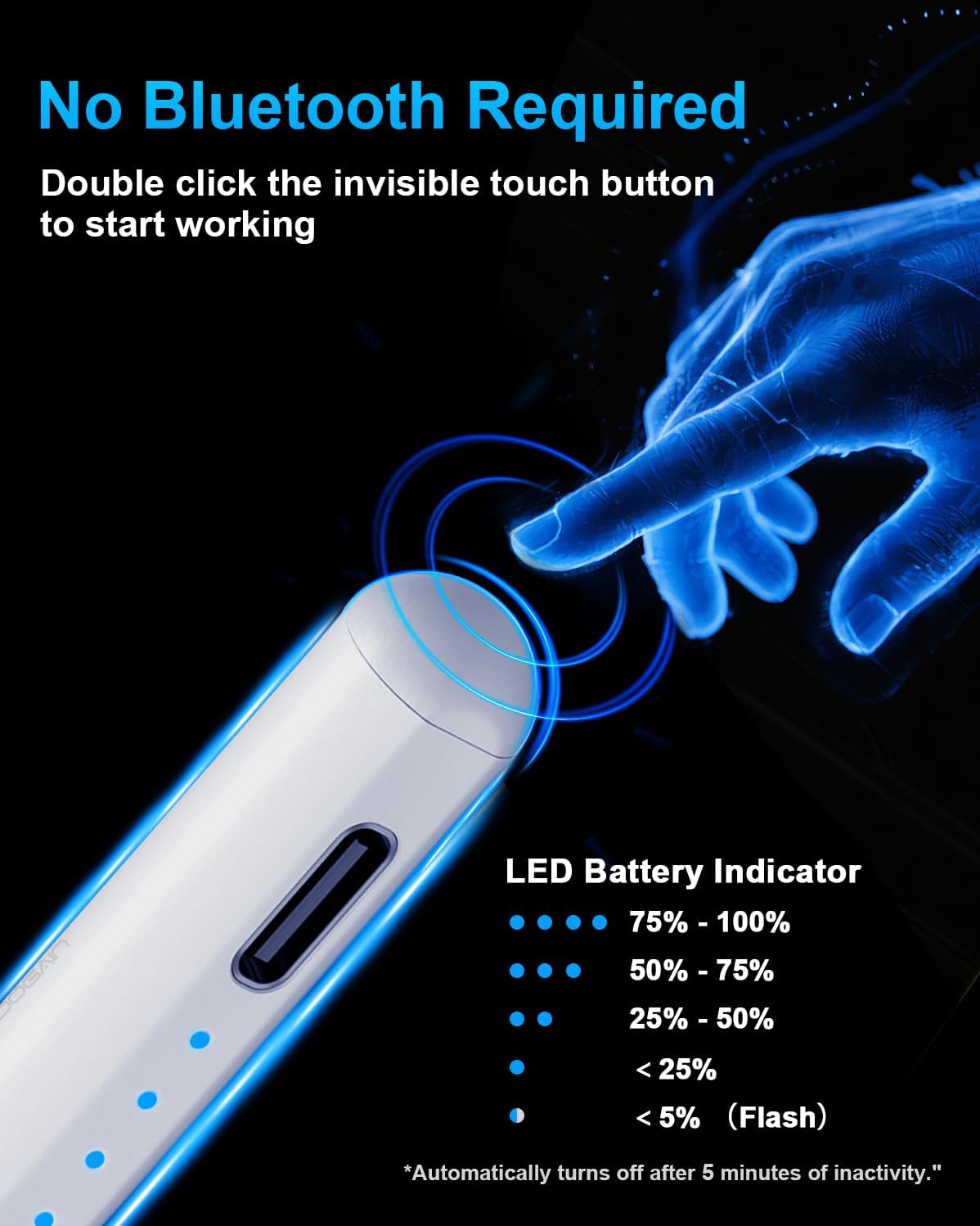
The pen switches on and off with a double-tap on the top, so there is no need for Bluetooth pairing to start using it. It has four LED power indicators that show battery level in 25% increments, which helps you plan recharging before long sessions. The magnetic clip on the front allows attachment to compatible iPad models for easier carrying and quick access. ✍️
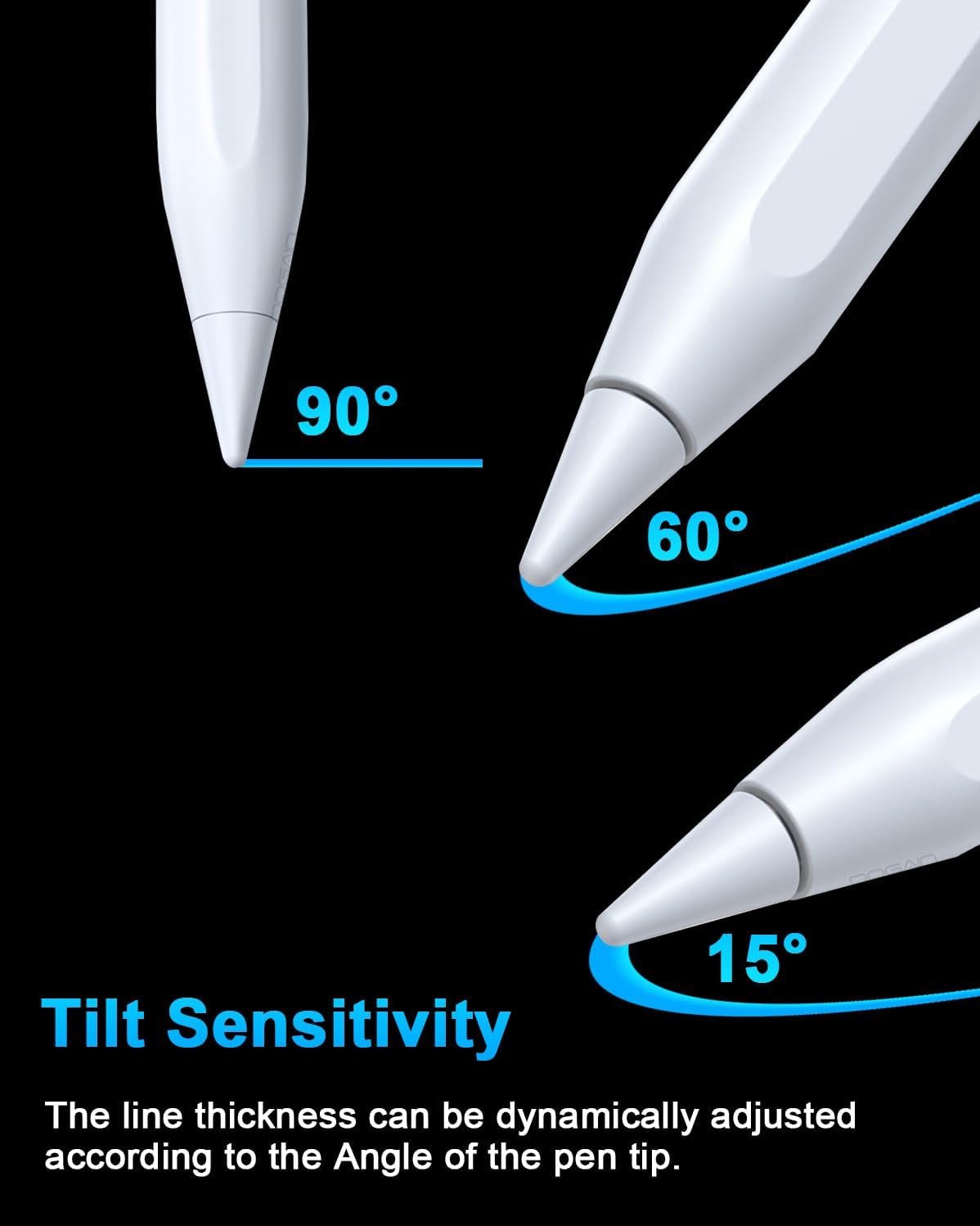
Tilt sensitivity reproduces variable line thickness when you angle the pen, giving a more pencil-like feel for illustrations and shading. Pressure sensing is not supported according to the manufacturer, so pressure-dependent brush effects in some apps will not be available. The tip is made of POM, a material chosen to balance responsiveness and wear resistance, and four replacement nibs are included to extend the accessory’s useful life. 🎨
Technical Specifications
- Name: Stylus Pen for iPad 9th&10th
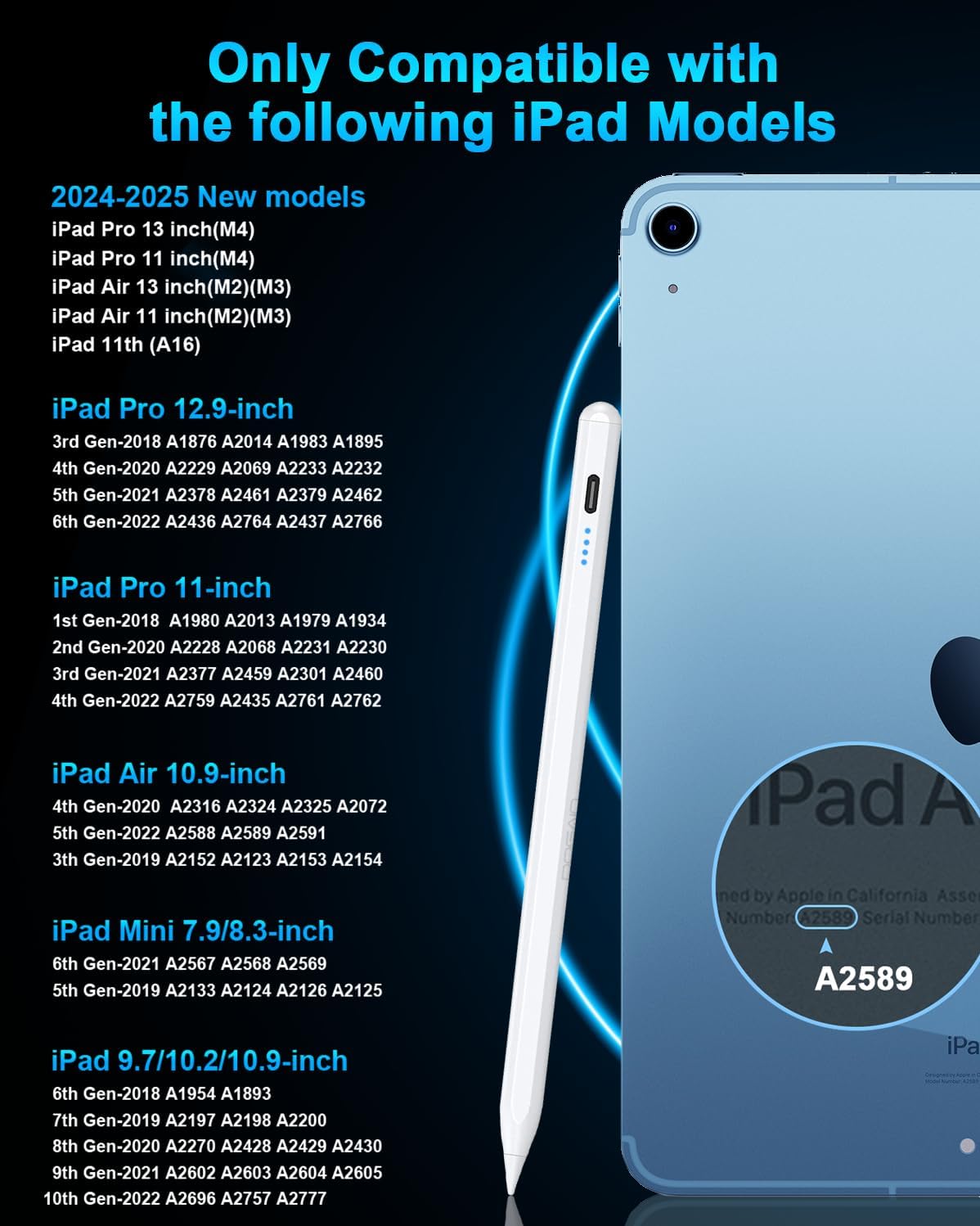
- Compatibility: iPad models from 2018 to 2025 including iPad 6/7/8/9/10/11(A16), iPad Air 3/4/5/M2/M3, iPad Mini 5/6, iPad Pro 11" (1/2/3/4/M4) and iPad Pro 12.9" (3/4/5), and iPad Pro 13" (M4).
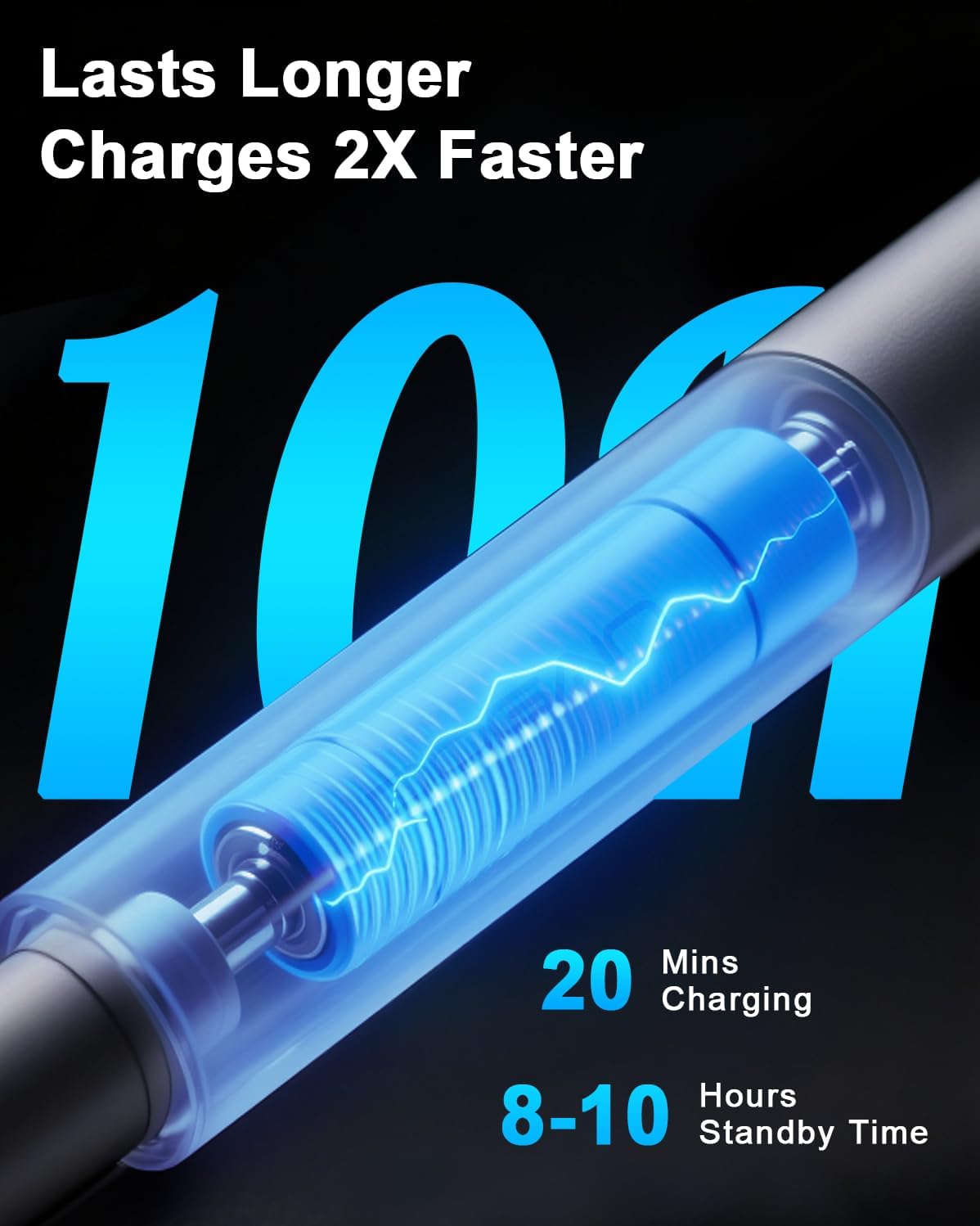
- Charging: Type-C charging, 20 minutes to full charge, approximately 8 hours of continuous use.
- Battery indicators: 4 power LEDs representing 25% increments.
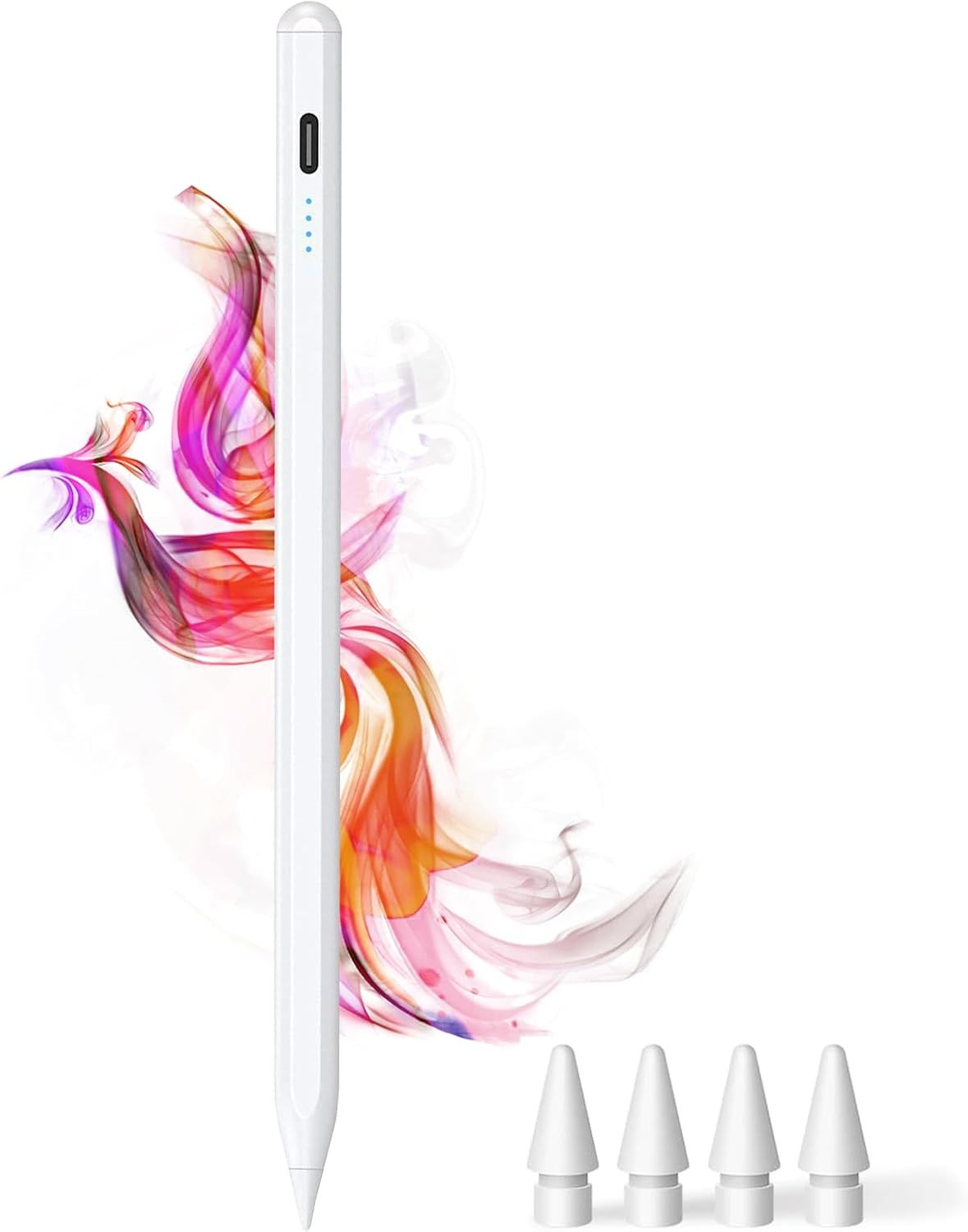
- Included accessories: 4 replacement POM nibs, Type-C cable, user manual, 12 months warranty.
Usage Recommendations
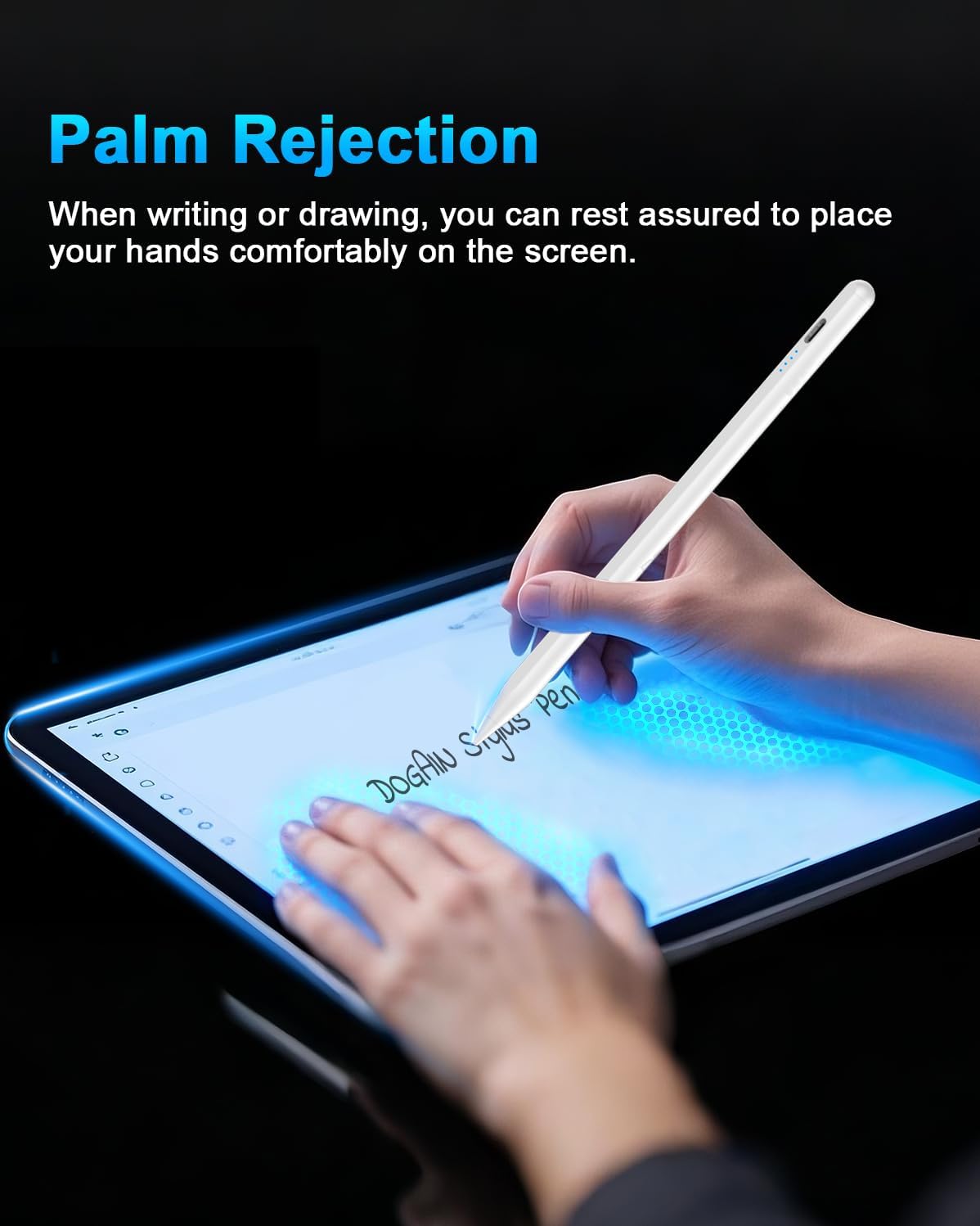
For drawing and note-taking, enable palm rejection in the iPad settings or within compatible apps to avoid unintended marks while resting your hand on the screen. The magnetic clip is handy with iPad Pro 11-inch, iPad Pro 12.9-inch and iPad Air 4/5 models that accept magnetic attachment, but compatibility varies by case or cover so test the hold in practice. The double-tap power switch makes short breaks easy, simply switch off between sessions to conserve battery.
Consider that tilt sensitivity works well for simulating angled strokes but pressure effects are not supported, so if your workflow relies heavily on pressure-sensitive brushes you may need an alternative. Also remember this pen only supports iPad models from 2018 onwards and is not compatible with phones or non-iPad tablets. ⚡