

USB C Docking Station Dual Monitor: 8-in-1 USB-C Hub with 2x HDMI, DP, VGA and 100W PD
Product description
What it is and what it solves
This USB C Docking Station is an 8‑in‑1 multiport hub designed to turn a compatible USB‑C or Thunderbolt 3/4 laptop into a multi‑display workstation. It targets users who want a simple, single‑cable solution to connect two external displays alongside essential peripherals, without needing a dedicated desktop GPU.
How it’s laid out
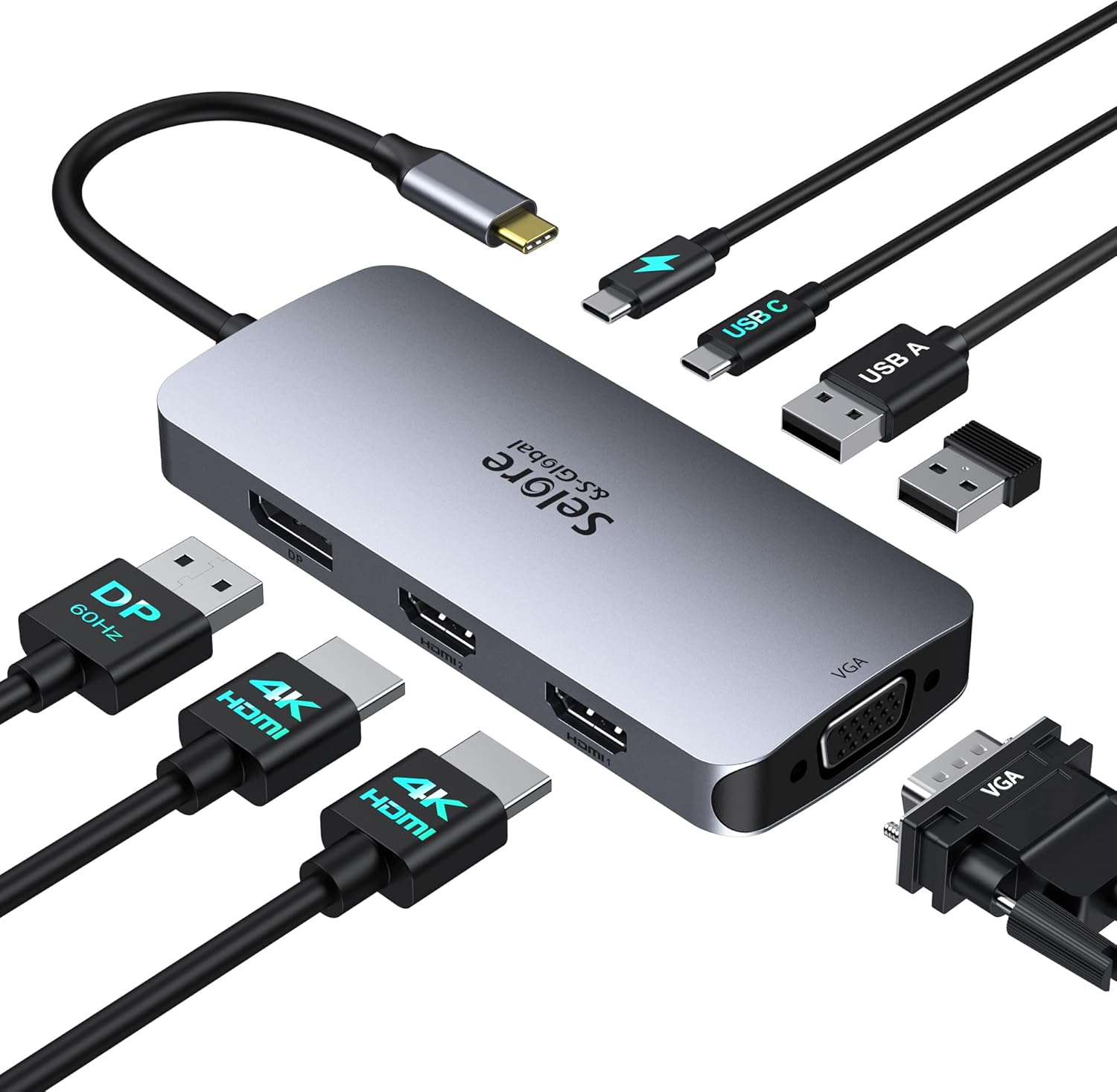
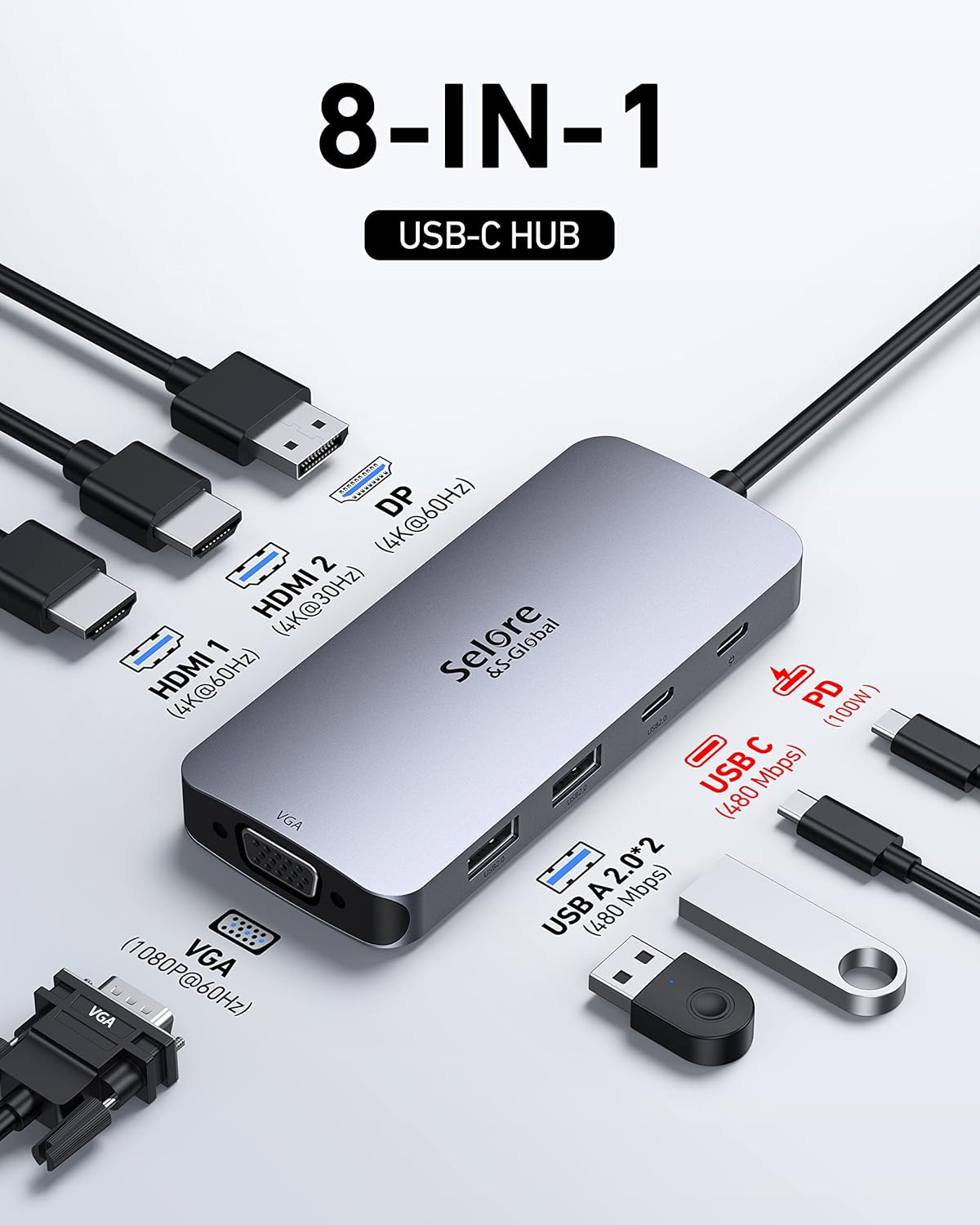
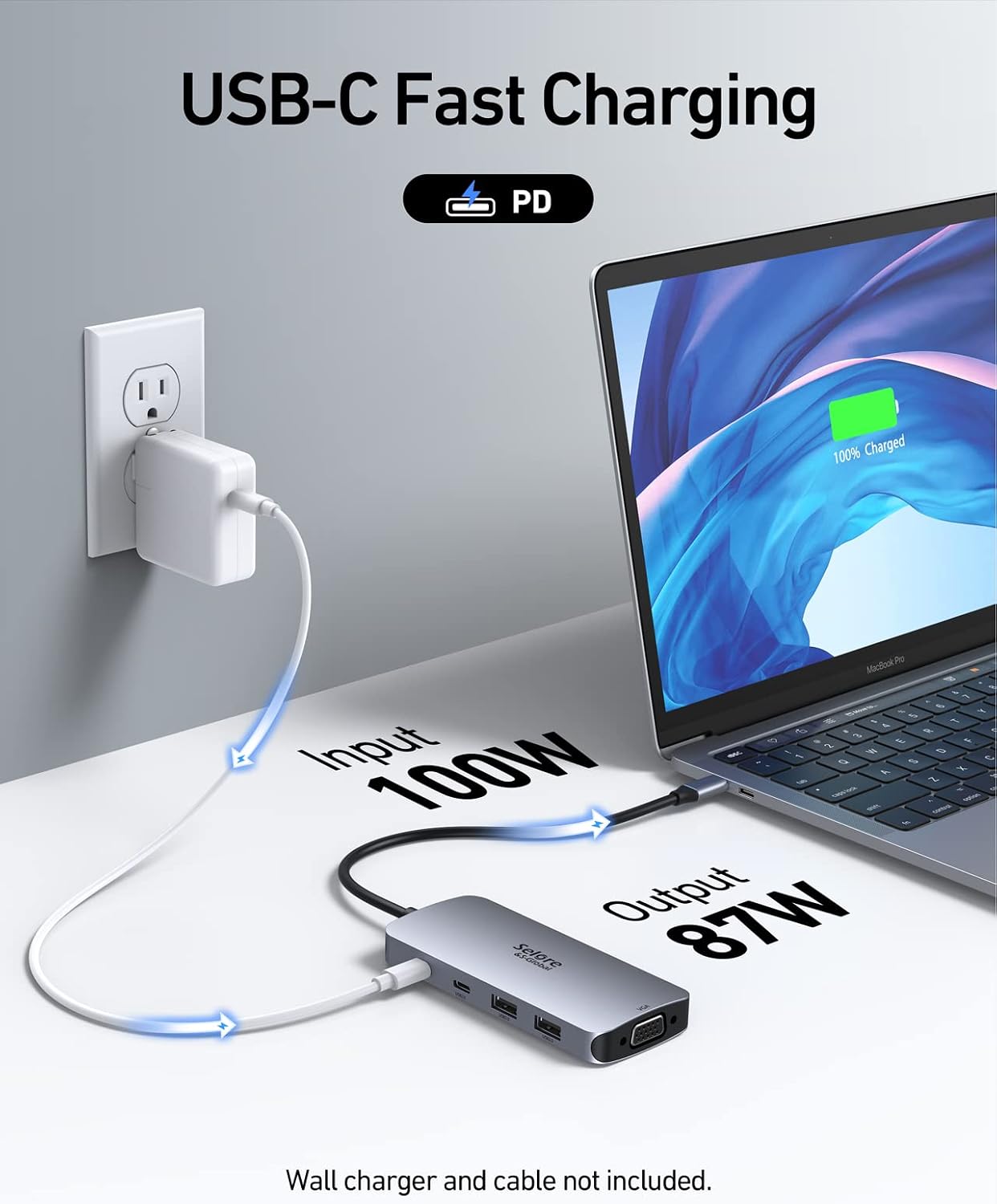
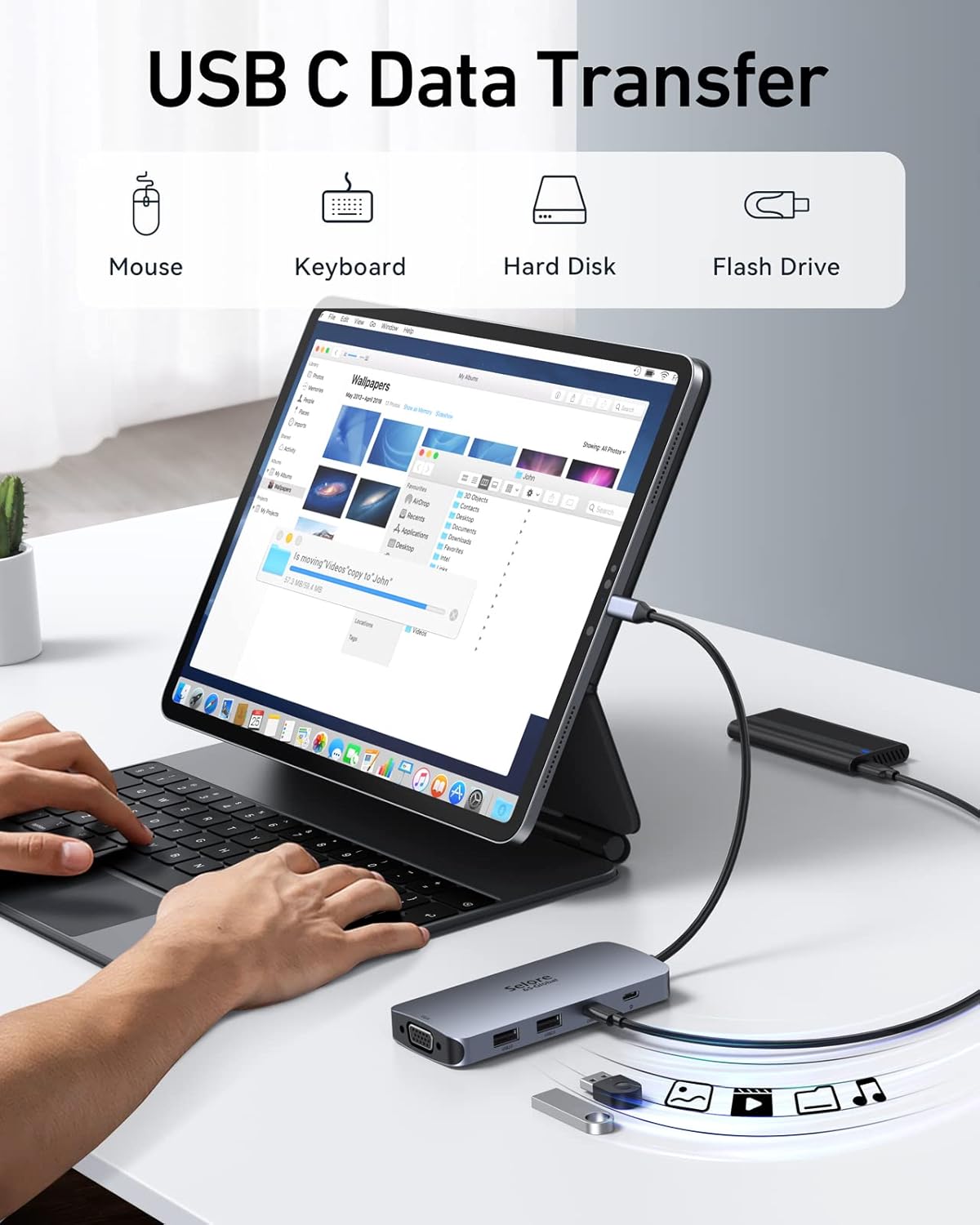
The dock offers dual HDMI outputs (one supporting up to 4K at 60Hz and the other up to 4K at 30Hz), plus a DisplayPort 4K@60Hz and a VGA port for broader compatibility. It includes a 100 W PD charging port so your laptop can charge while in use, two USB 2.0 ports for peripherals, and a USB‑C 2.0 data port. This configuration is intended to work with many mainstream laptops that support DisplayPort Alt Mode and Power Delivery.
Who it’s for
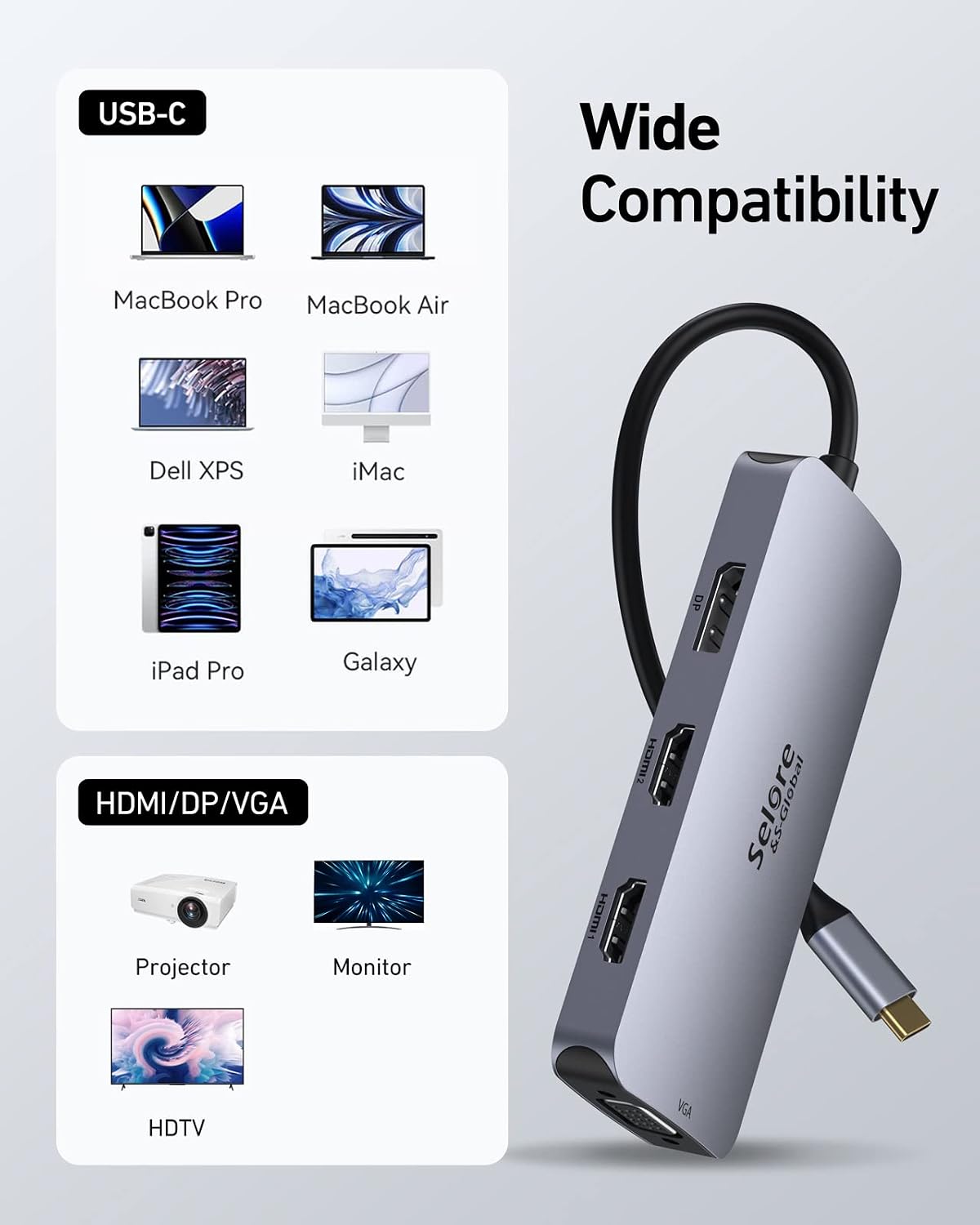
If you regularly work with spreadsheets, slides, or reference materials across multiple screens, and you want to keep a tidy desk without swapping cables, this dock aims to deliver. It’s commonly used with laptops from brands like Dell, HP, Lenovo and Surface devices, though you should confirm your model supports DP1.4 output and PD charging via the USB‑C port.
The positives you’ll notice
On paper, you get a compact, plug‑and‑play solution that covers video output from two HDMI ports, a DP option, and legacy VGA for older displays. The inclusion of a substantial 100 W PD port is practical for charging laptops during long tasks. The two USB 2.0 ports add basic peripheral support without swallowing many USB lanes. For users prioritising a clean setup with a single hub, this can be convenient.
Where it may fall short
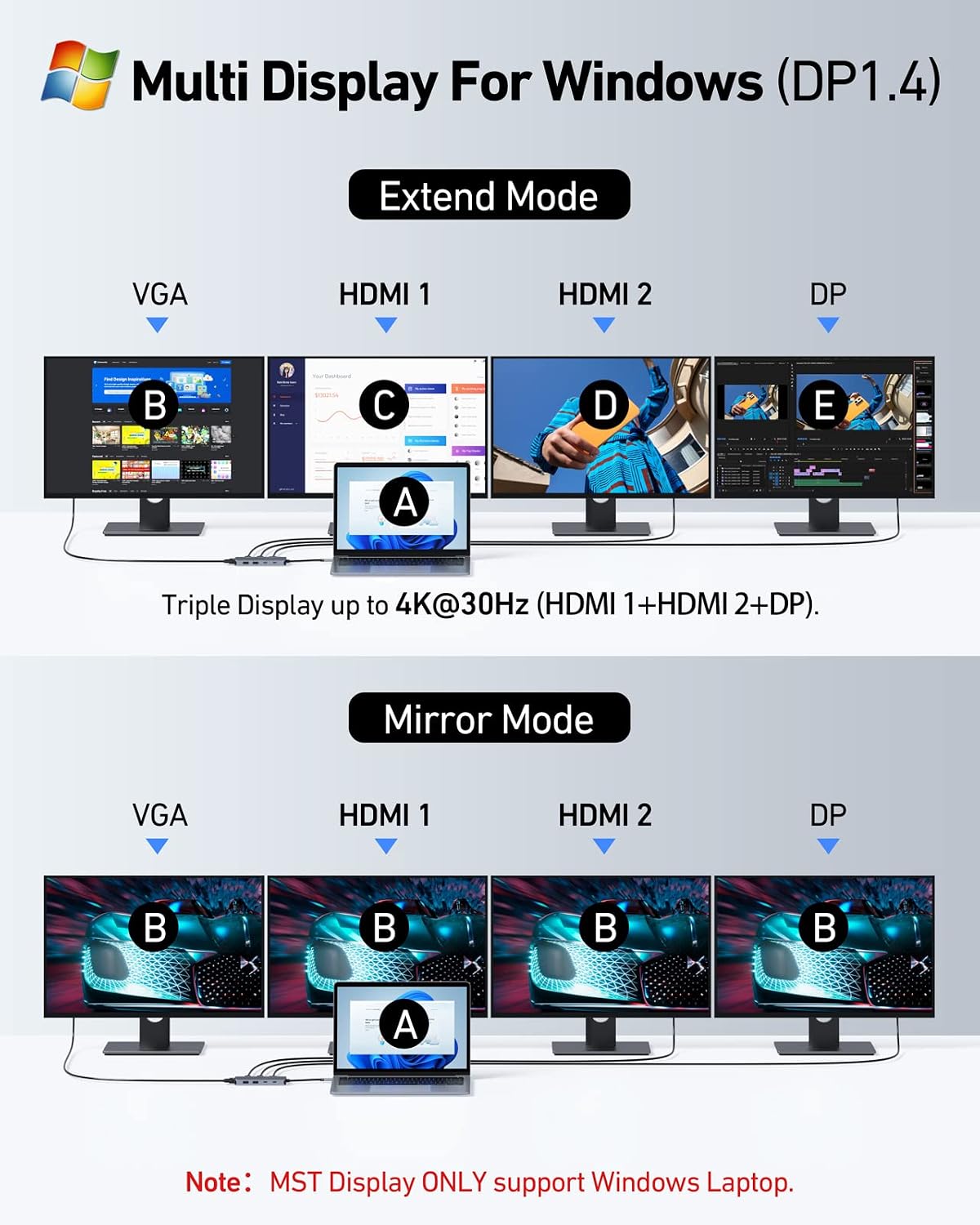
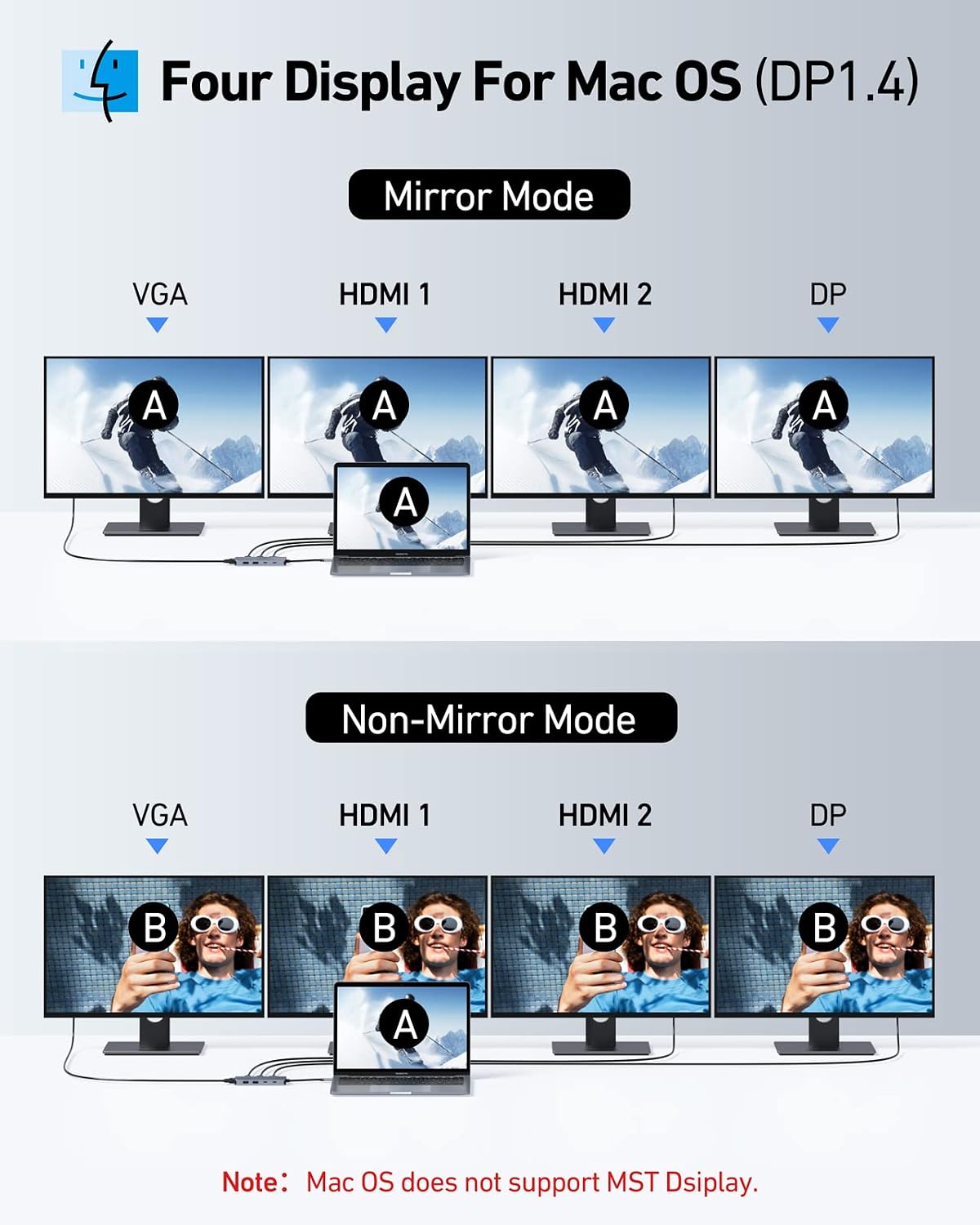
If you rely on multiple displays in full 4K across every screen, be aware that one HDMI output is limited to 4K@60Hz and the other to 4K@30Hz, which could affect smoothness in some scenarios. The VGA port reduces the maximum resolution across all outputs to 1080p when in use, so it’s not ideal for high‑resolution needs on every screen. There’s also a note that some MacBook setups may only mirror displays rather than extend when using certain configurations. These are important considerations if you require pristine, independent 4K across all displays.
How it fits into your setup
If your workflow involves switching between on‑screen references and a primary display for active work, this dock can consolidate inputs and reduce desk clutter. It’s better suited to office tasks, web development, productivity suites, and media consumption where ultra‑high refresh rates across all screens aren’t critical. Users who need true independent 4K across three or more displays might want to compare this against higher‑end multi‑monitor solutions.
What to check before buying
- Confirm your laptop’s USB‑C port supports DisplayPort Alt Mode and Power Delivery, check the PD wattage compatibility with your original charger.
- If you plan to use the VGA port, plan for a maximum of 1080p on all displays.
- Decide which displays you intend to connect (HDMI + HDMI, or include DP) to ensure the outputs align with your monitors’ inputs.
- Consider your preferred operating system behaviour: extended desktop vs mirror mode may vary by device.
- Look at the physical space on your desk and how the dock’s footprint matches your ergonomic setup.
Practical use case
Imagine a typical day: you connect your Windows laptop to the dock, drive two external 4K monitors via HDMI, keep a reference document on the DP monitor, and use the VGA display for a secondary, non‑interactive feed like a notes page. You charge the laptop at the same time, and your keyboard and mouse sit happily on the desk, with a couple of USB drives ready for quick transfers. It’s not about blazing speed, it’s about a tidy, sensible multi‑screen workflow.
Alternatives and when to choose this instead
If your priority is independent 4K across three or more screens with peak performance, you might compare this to higher‑end docking stations or multiport hubs that prioritise higher bandwidth or additional slots. If you mainly need a single external display or occasional mirroring, a simpler USB‑C hub could be a more cost‑effective option.
Is it worth it?
It makes sense if you value a compact, 8‑in‑1 setup that covers video, power, and basic peripheral needs in one unit, and you’re comfortable with the VGA trade‑off and potential mirror‑mode limitations on some laptops. For someone who wants clean cables and straightforward day‑to‑day use without chasing top‑tier 4K performance on every screen, this dock is a reasonable middle ground.
FAQ
- Does it support 4K on both HDMI outputs simultaneously? One HDMI port is 4K@60Hz and the other is 4K@30Hz.
- Will the 100 W PD port charge my laptop while using the dock? Yes, up to 100 W, subject to your laptop’s PD compatibility and the charger you use.
- Can I run three displays at 4K? It depends on the combination, with VGA engaged, overall resolution may drop to 1080p per display. For full independent 4K across three monitors, check your device capabilities and consider DP and HDMI outputs accordingly.
What matters most
If your use case is multi‑monitor productivity with sensible charging and reliable HDMI/DP outputs, this dock offers a practical, desk‑friendly solution. For users who prioritise absolute 4K performance on every screen or require VGA to sustain high resolution, you may want to explore alternatives or specific monitor arrangements.