

Acer USB‑C 9‑in‑1 Hub with 100W PD ⚡🖥
Product description
This compact USB-C multiport adapter brings essential ports to ultraportable laptops and tablets, expanding a single Thunderbolt 3 or 4 connection into a versatile workstation. It is useful for those who need 4K video output, wired networking and fast charging while working from home, at the office or on the go.
Key Points
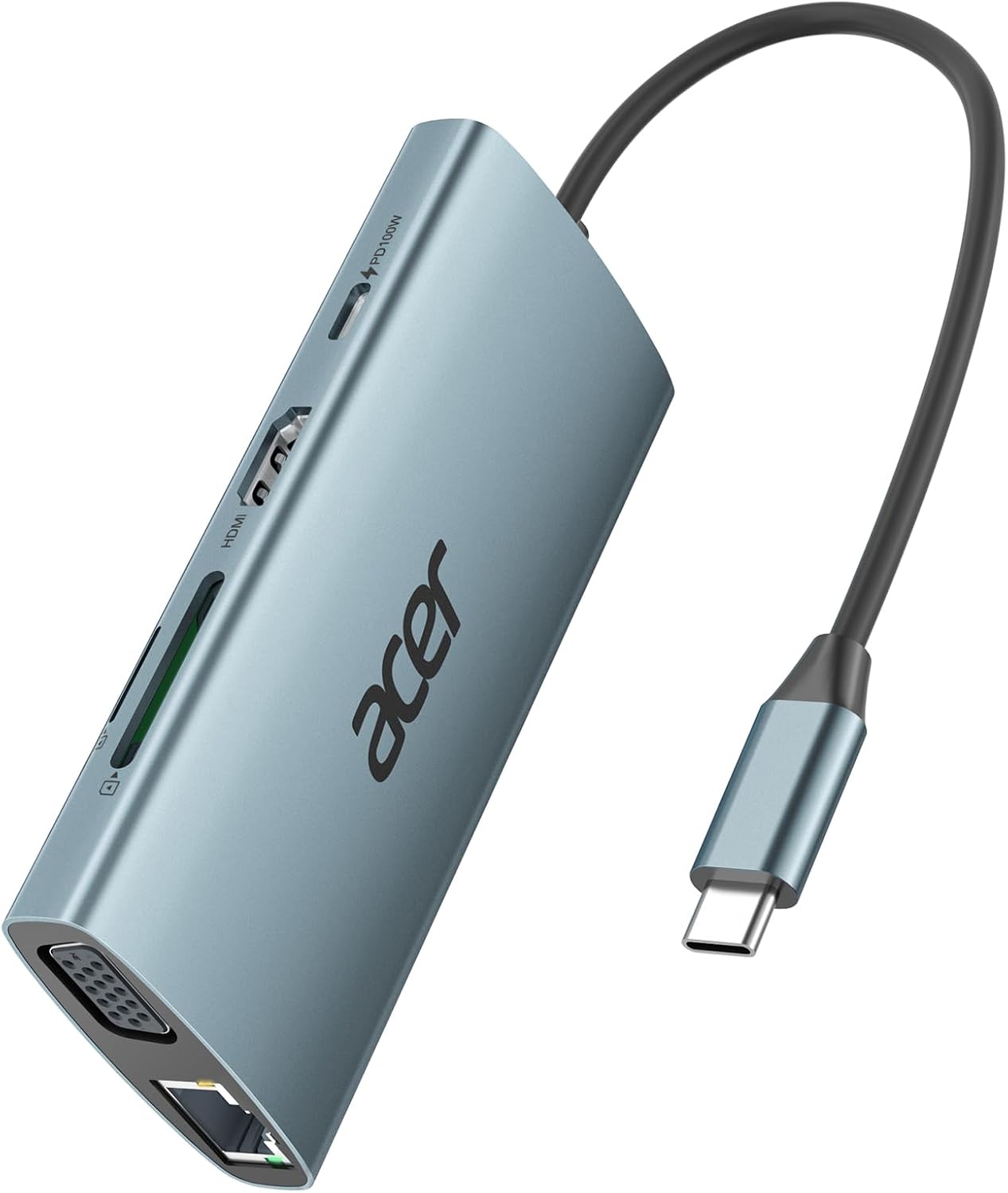
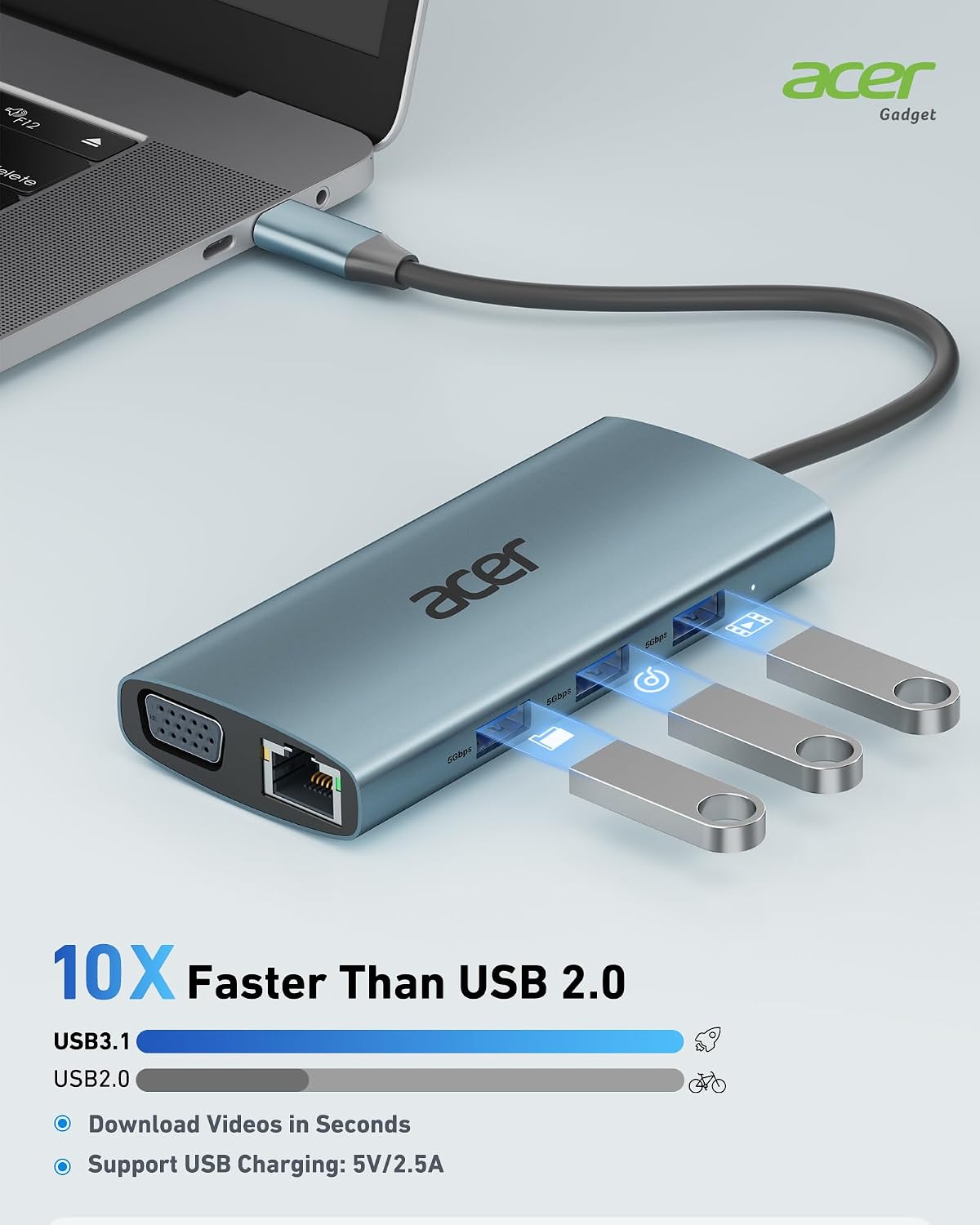
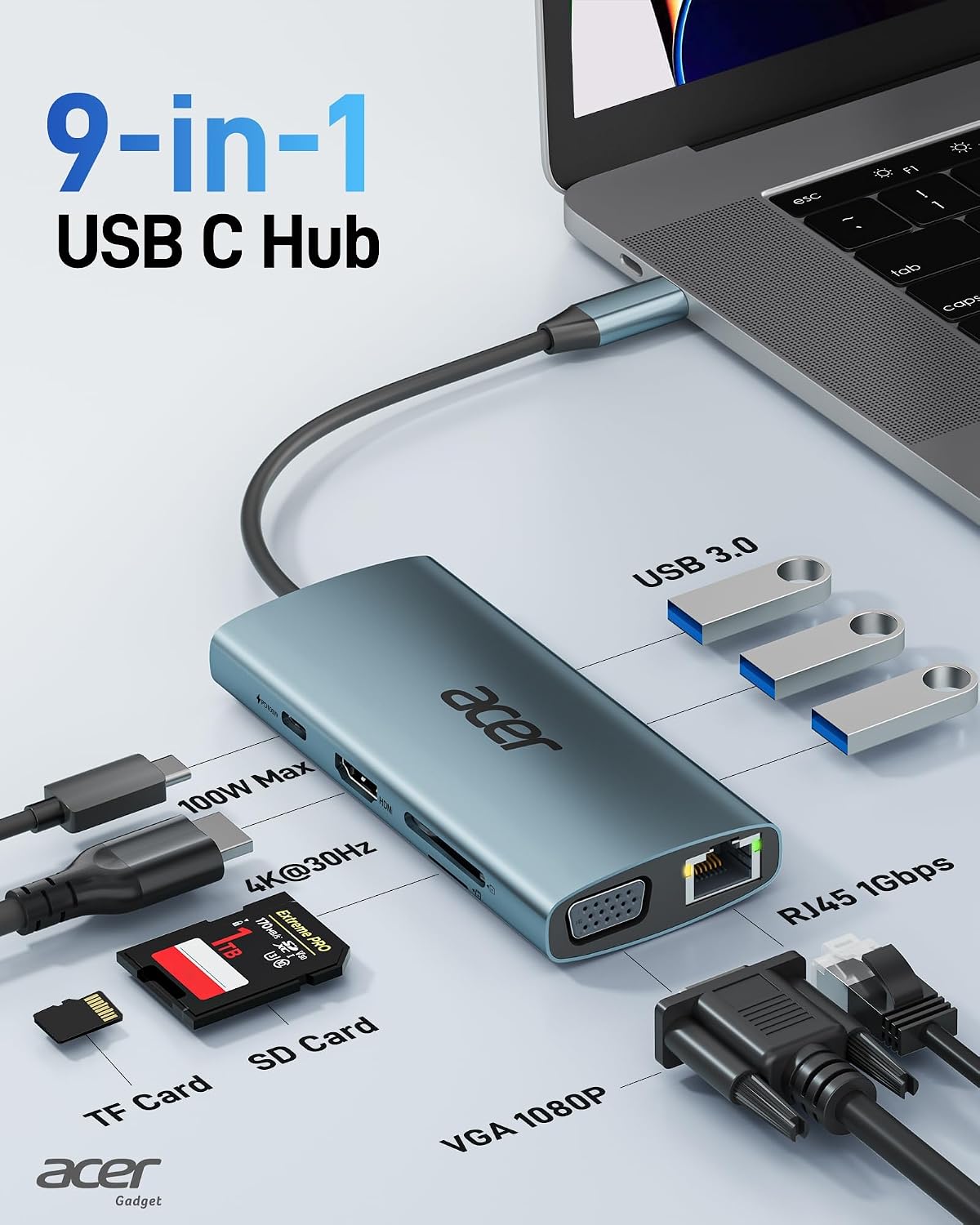
The hub provides a broad set of interfaces while keeping a slim aluminium body that improves heat dissipation and durability. It supports 4K output through HDMI for streaming or presentations, and includes a VGA option to connect older projectors and displays, so you can switch between modern and legacy screens. For stable internet connections, the built-in Gigabit Ethernet port supports up to 1Gbps when used with a Cat6 or better cable, which is handy for large file transfers and low-latency video calls. USB-A ports deliver USB 3.0 speeds for external drives and peripherals, while the SD and TF card slots read media for photographers and content creators. ⚡️📸
Technical Specifications
- Name: Acer USB-C Hub Docking Station 9-in-1
- HDMI output: 4K@30Hz according to the manufacturer.
- USB-A ports: 3 x USB 3.0, up to 5Gbps data transfer.
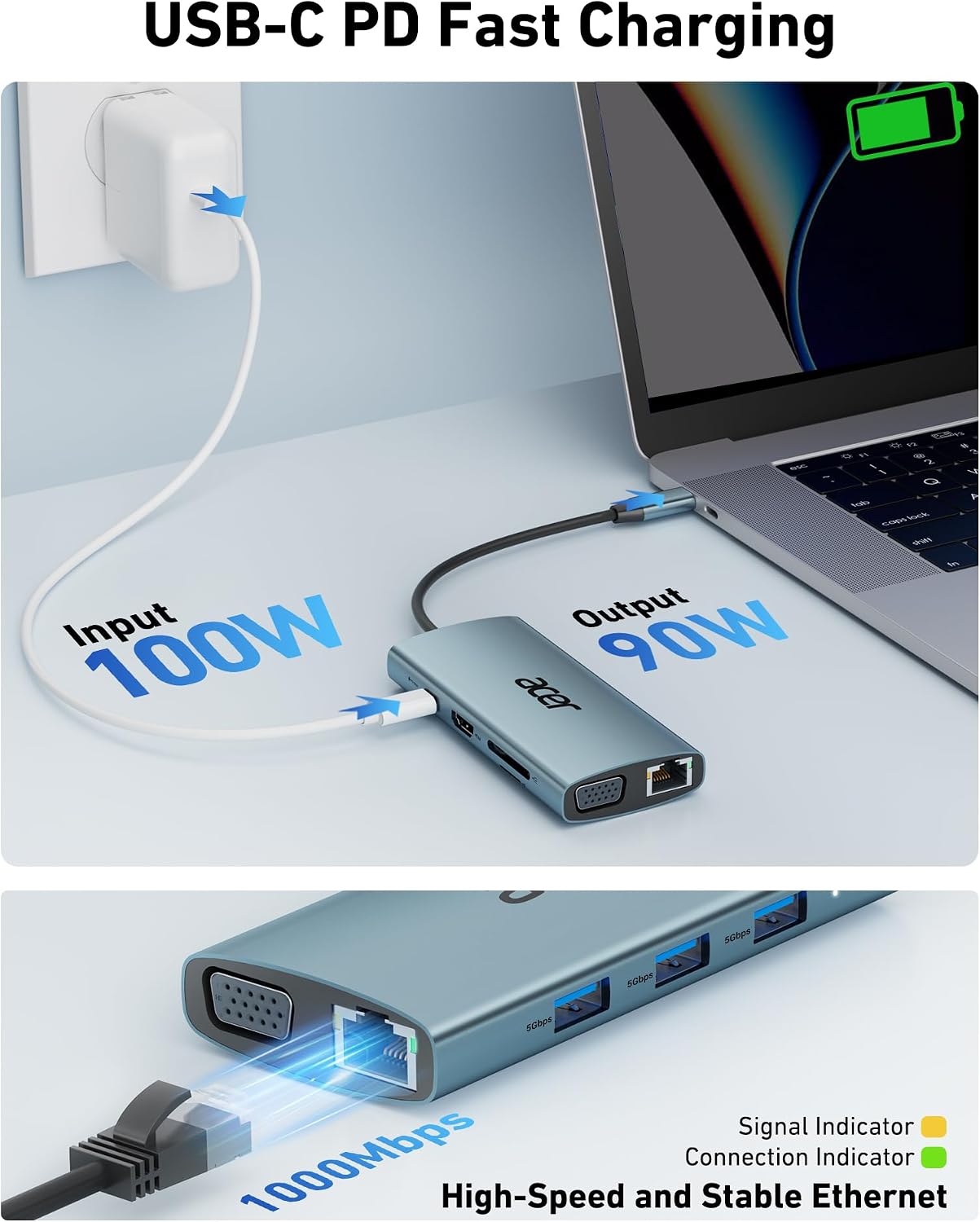
- Ethernet: 1 x 1000Mbps RJ45 port, requires Cat6 or higher for full throughput.
- Power Delivery: 1 x USB-C PD port, up to 100W charging input only.
Benefits
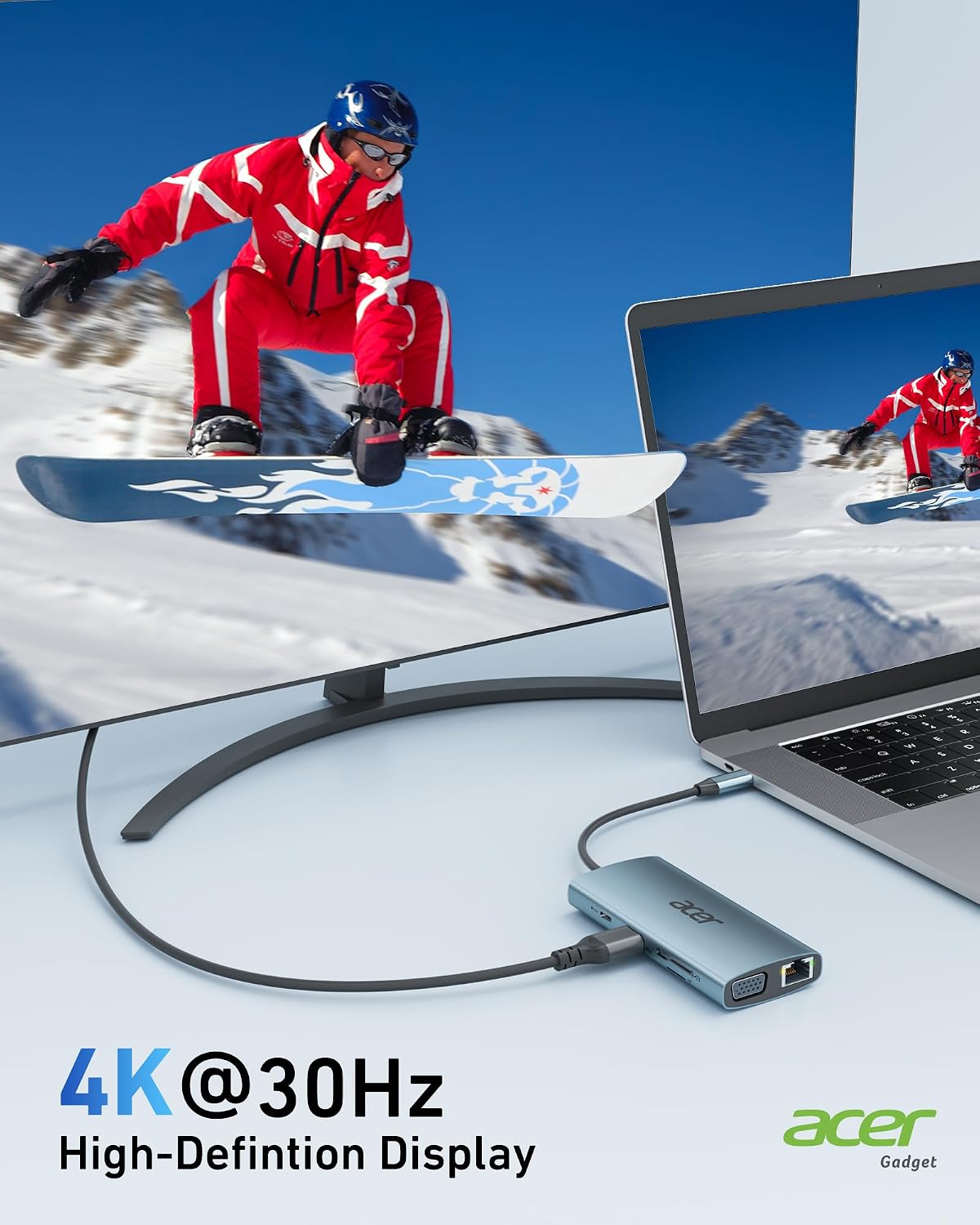
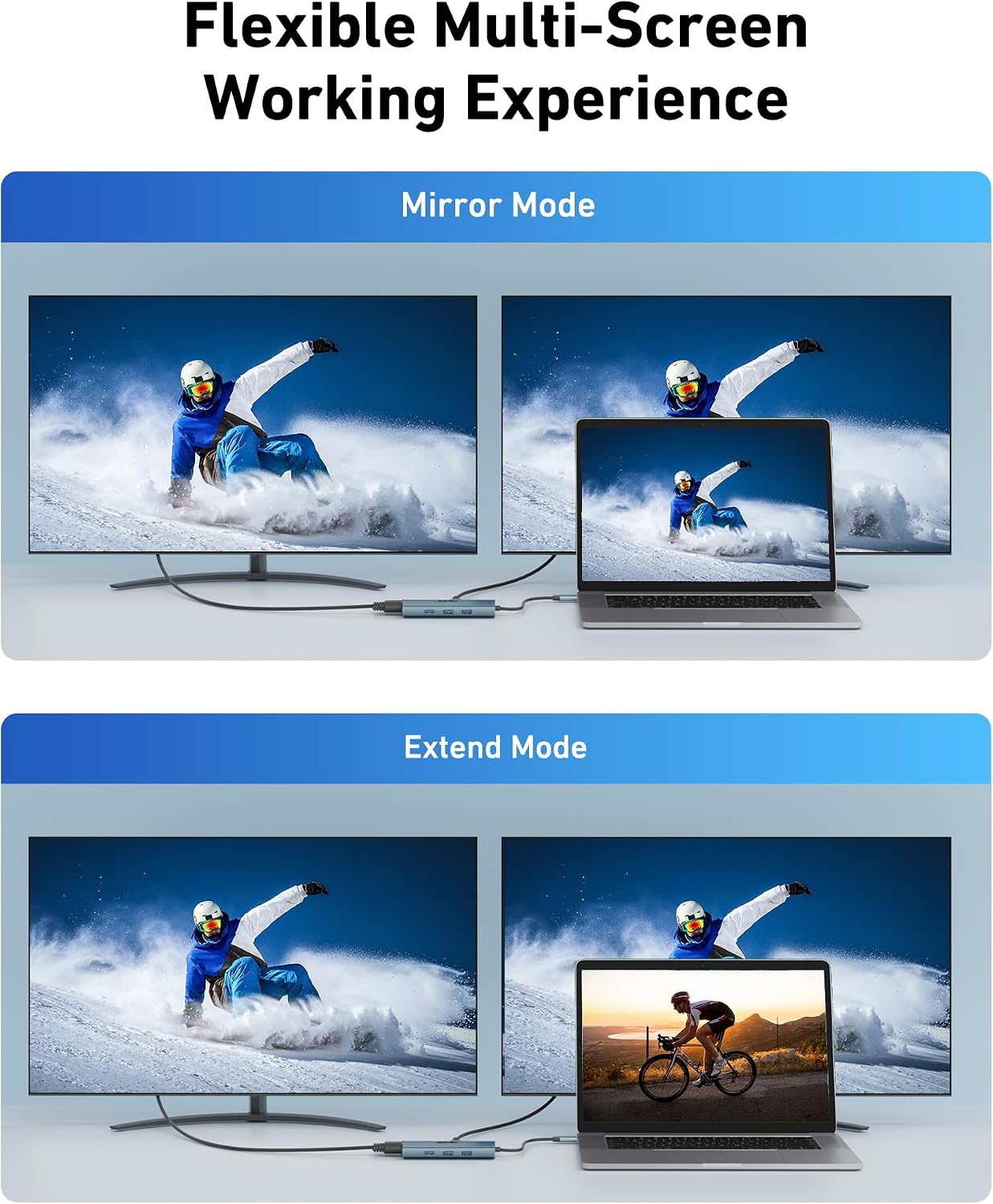
The presence of a 100W Power Delivery port means you can feed power to larger laptops while the hub handles peripherals, reducing cable clutter and the need for multiple chargers. The three USB-A ports allow simultaneous connection of keyboard, mouse and storage without using additional hubs. Video flexibility is a clear advantage since the hub supports both HDMI and VGA outputs, so presentations or multi-monitor setups are simpler to assemble. The aluminium finish gives the adapter a more premium feel and should help maintain stable performance during extended sessions.
Usage Recommendations
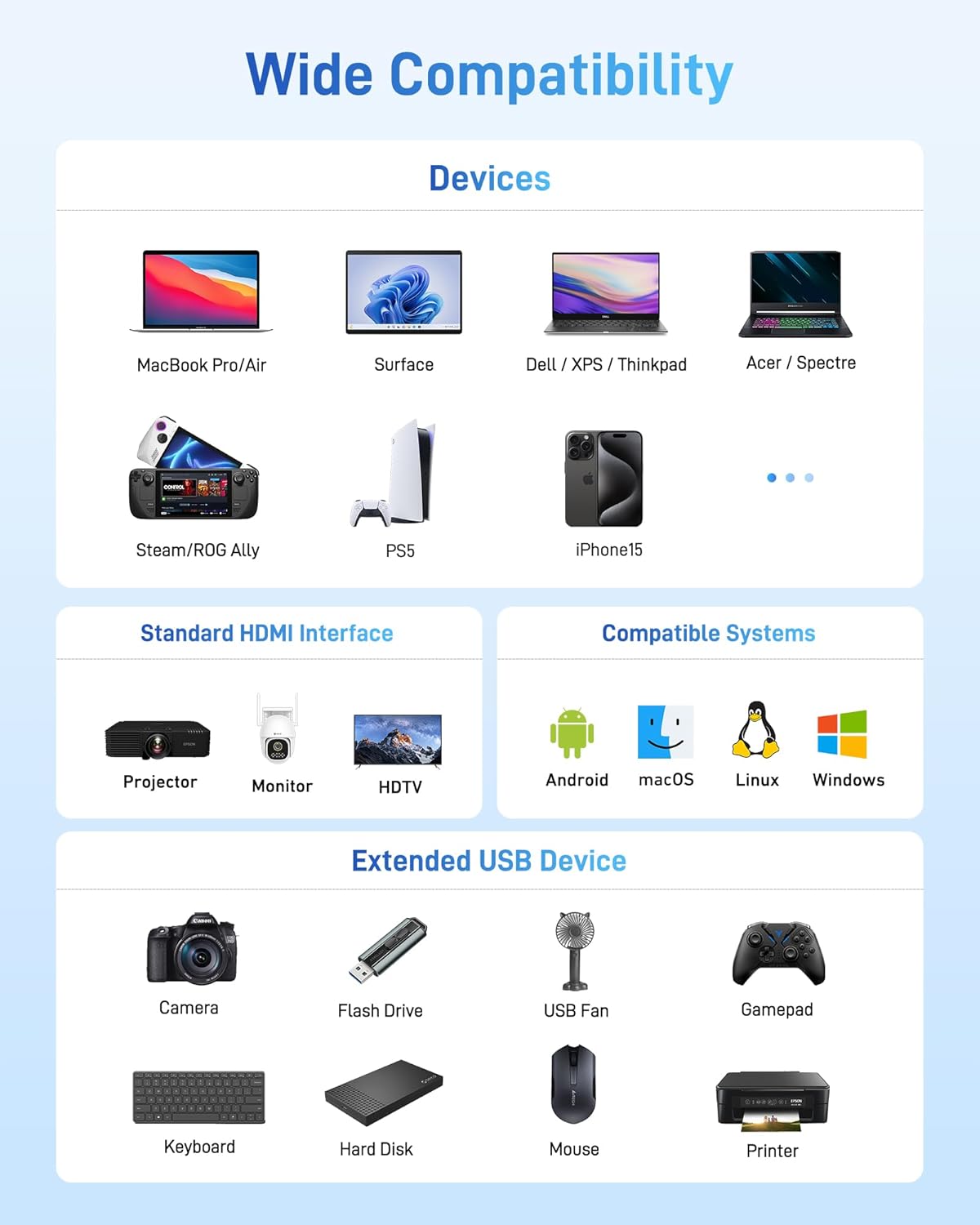
To get video output, connect a host device that supports USB-C DP Alt Mode, as video transmission depends on that feature. If you plan to use the Gigabit Ethernet speed you must use a Cat6 or higher cable. Note that the USB-C PD port supports charging input only and does not carry data, so plug in a dedicated charger to take advantage of the 100W rate. When connecting both HDMI and VGA, some limitations apply and mirrored output may occur rather than independent extended screens, according to the manufacturer. 🔌🖥️