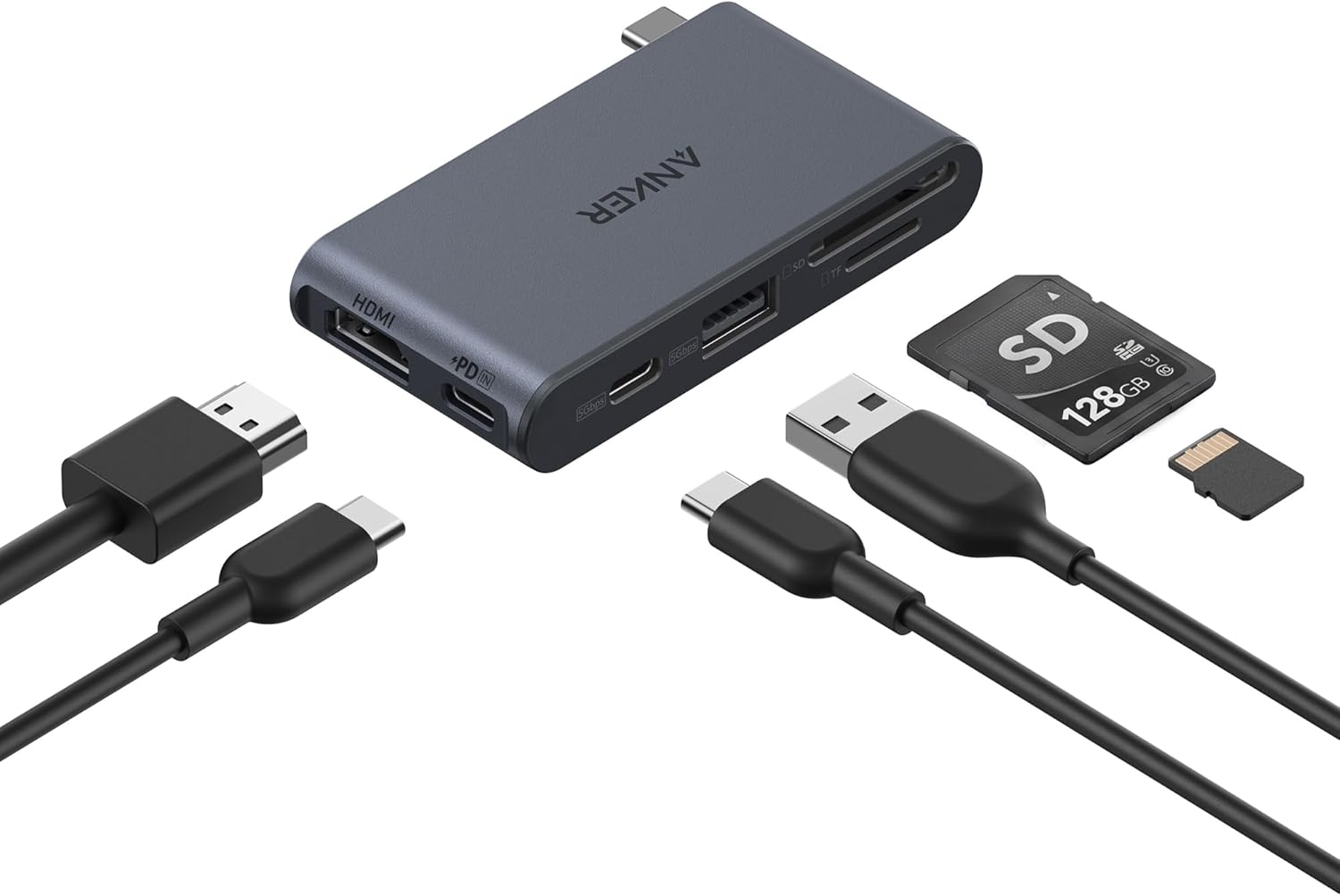
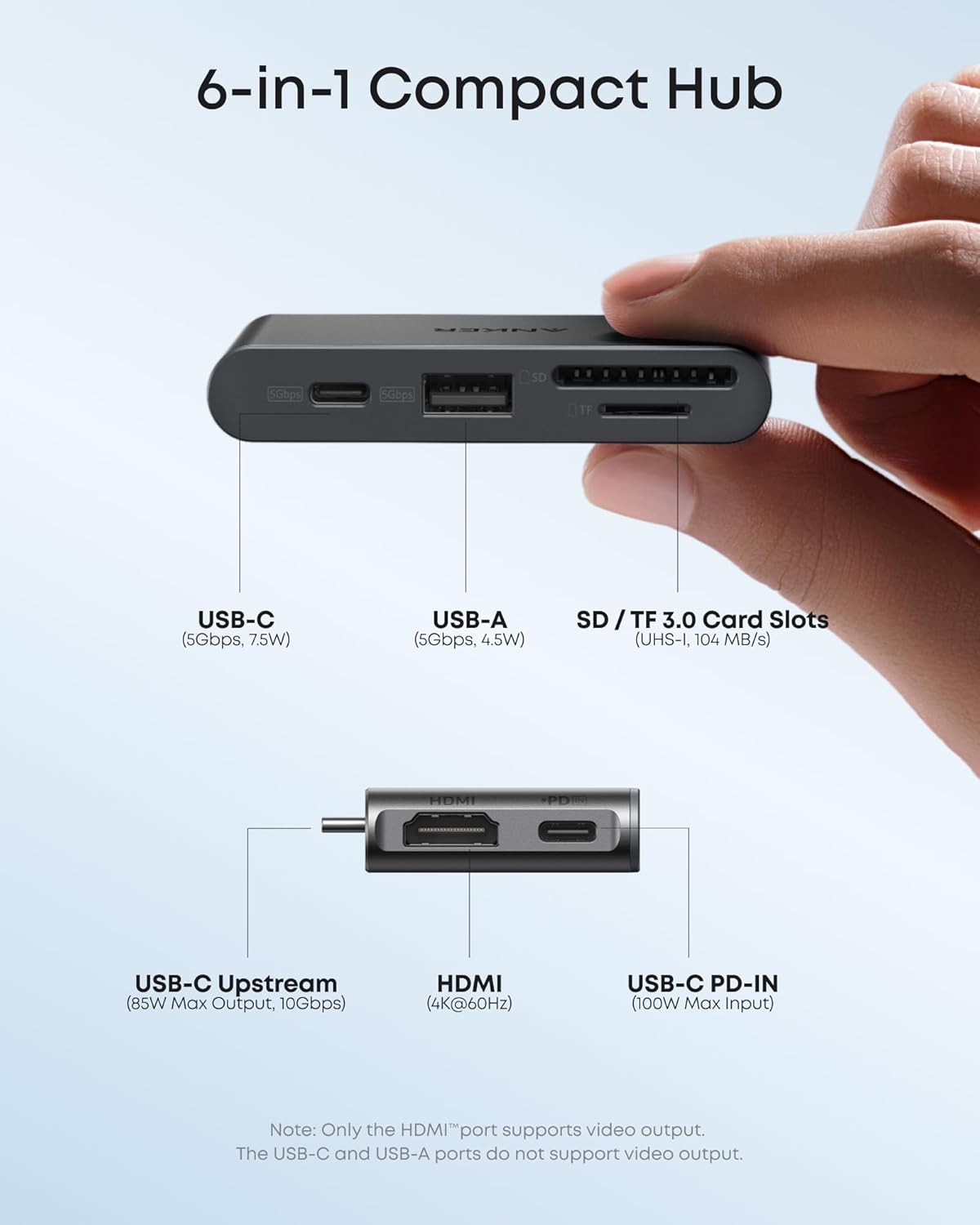
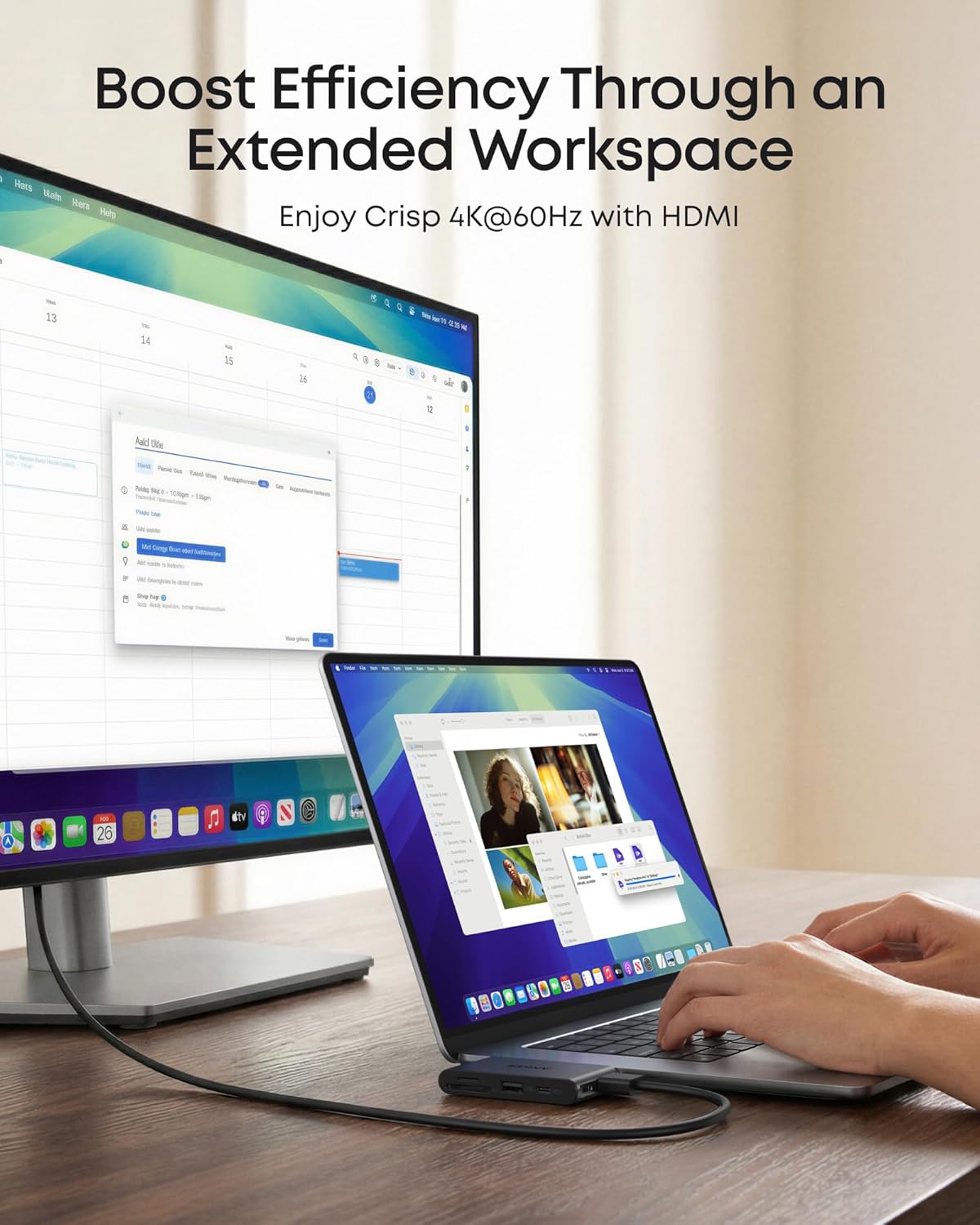
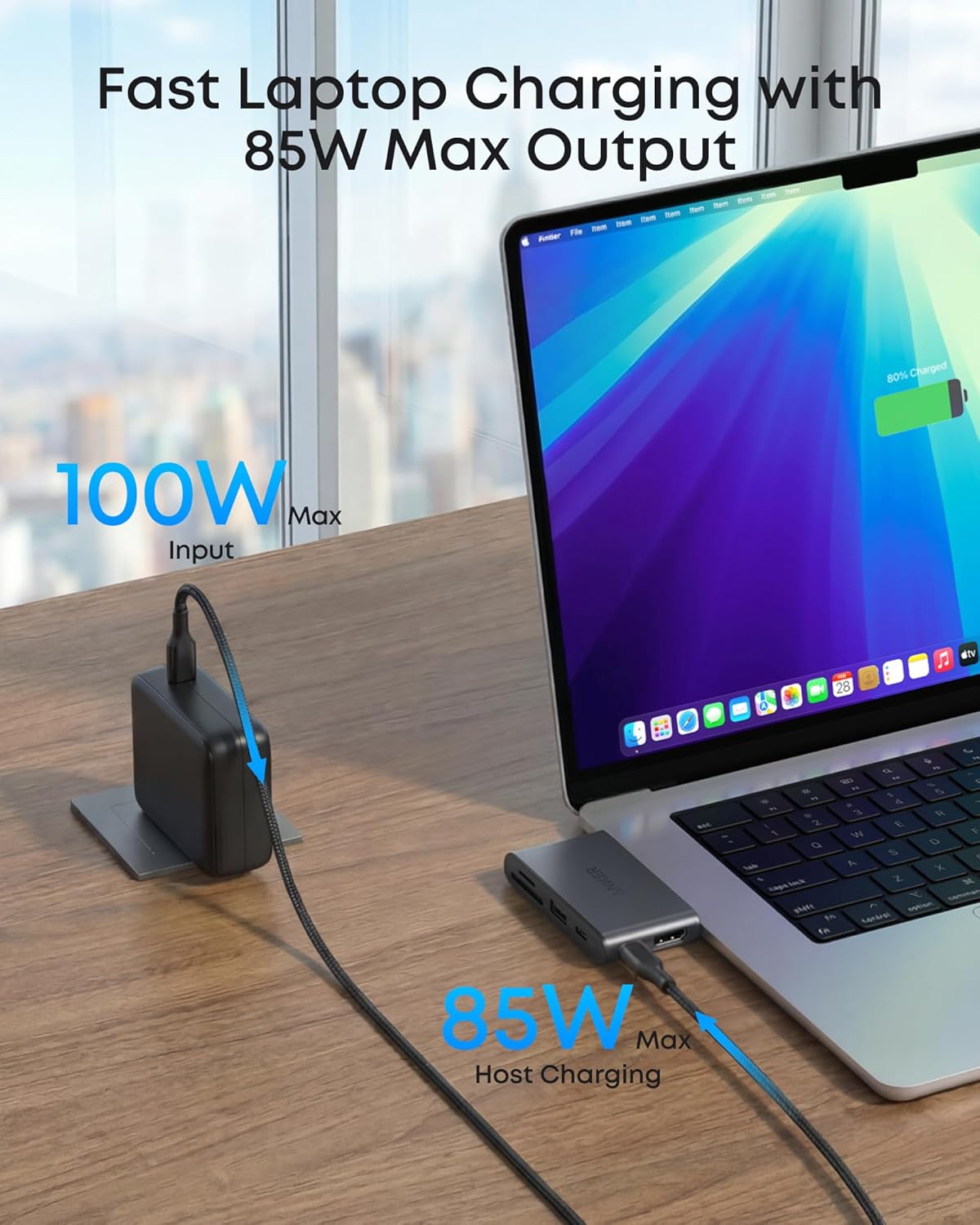
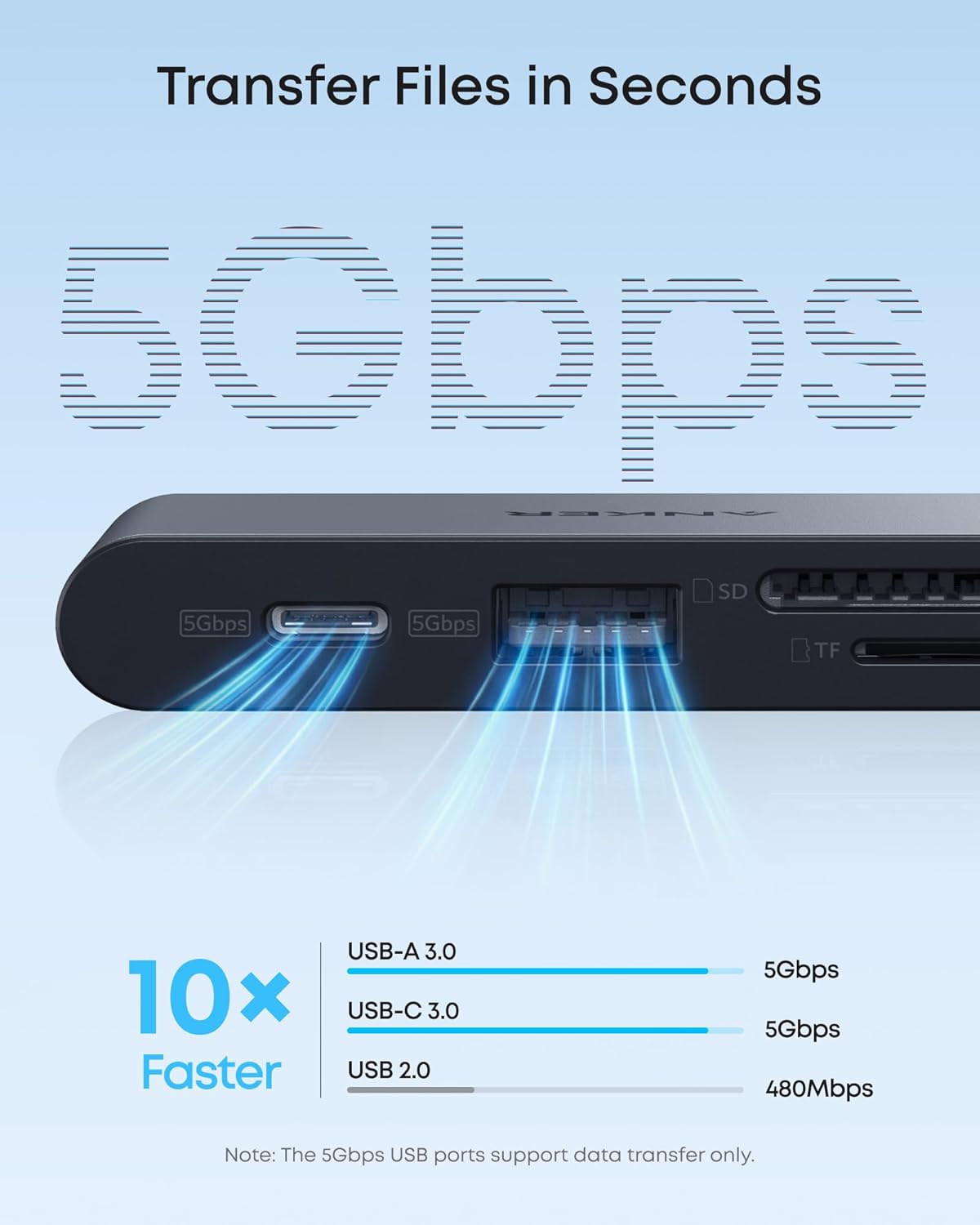
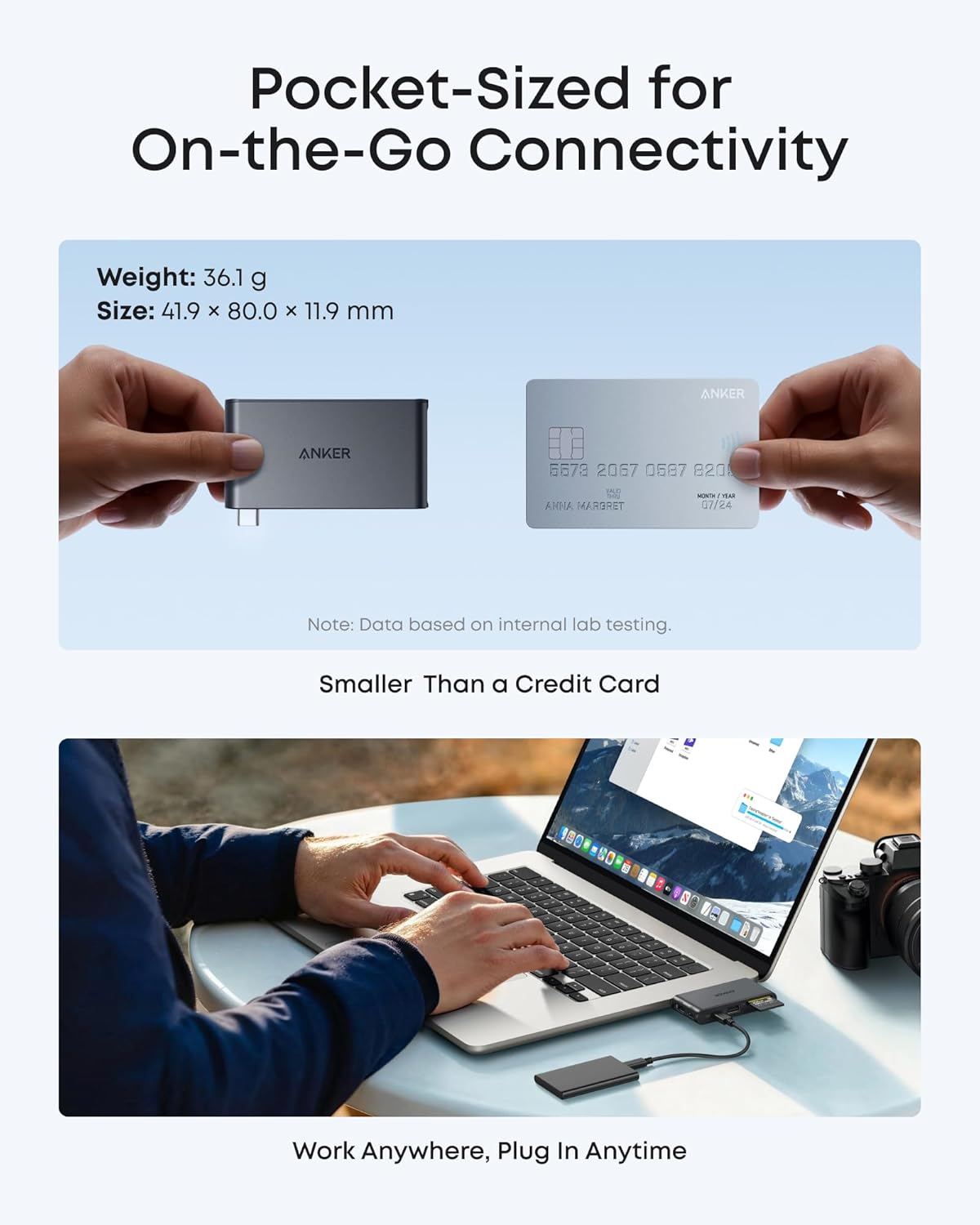
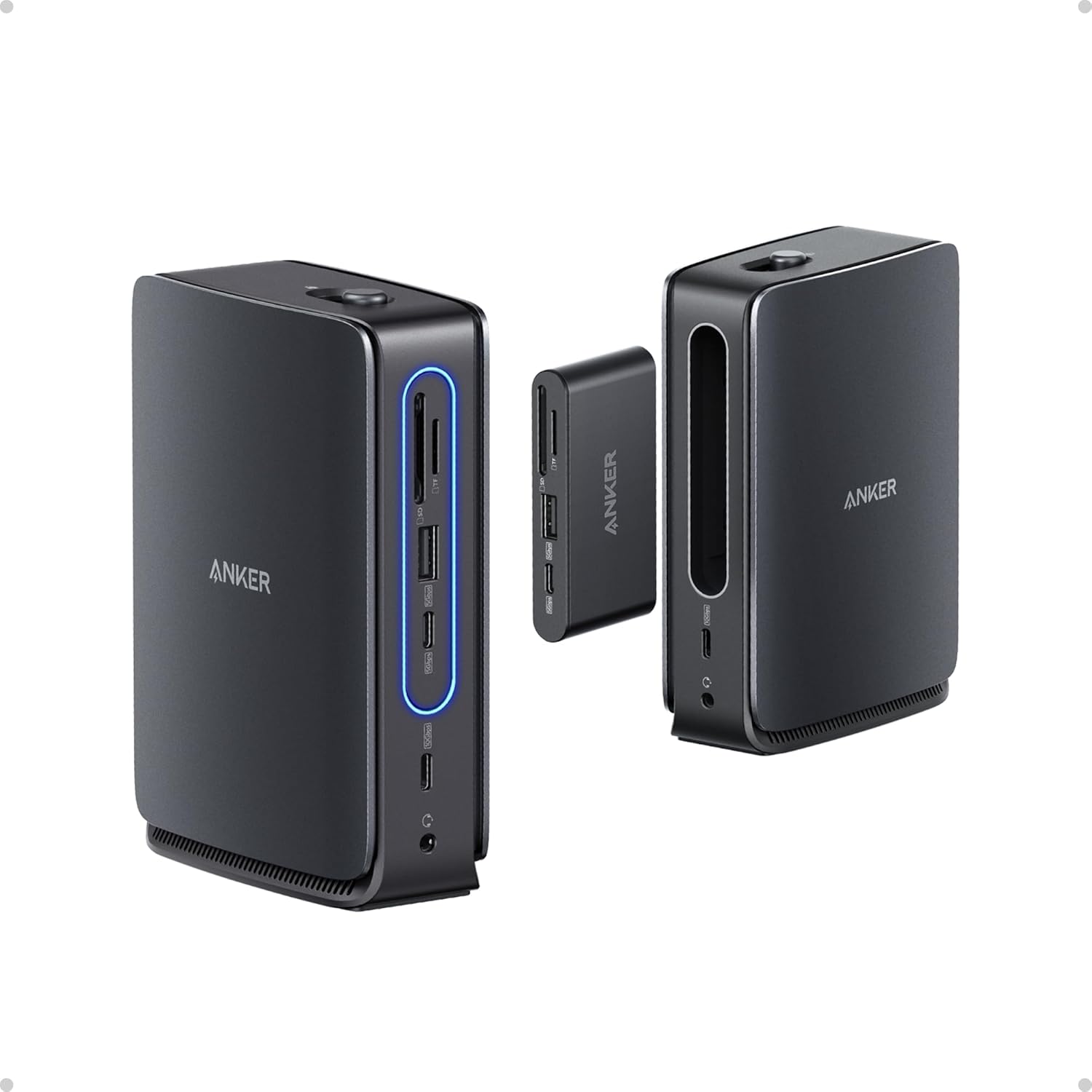
What it is and who it’s for\nThe Anker Nano USB-C Hub is a small, 6-in-1 expansion hub designed to add ports to a USB-C laptop or device. It targets users who want a compact, plug‑and‑play solution to connect a display, memory card, and peripherals without carrying multiple dongles. If you regularly work from a laptop and need to run a 4K external monitor, transfer files quickly, and recharge at the same time, this hub aims to deliver in a compact form.\n\n## What it includes and how it helps\nOn the hub you’ll find a USB-C upstream port with 10Gbps data speed, a USB-C PD-IN for high‑wattage charging, a USB-C data port (5Gbps), a USB-A data port (5Gbps), a 4K@60Hz HDMI output, and SD/TF card readers (UHS‑I, up to 104 MB/s). The setup is typically straightforward: you plug the hub into your laptop, connect an HDMI display for extended or mirror view, insert a memory card for quick transfers, and rely on the PD input to keep the laptop topped up during heavier tasks.\n\n## Why it stands out and where it might fall short\nOn the plus side, the 85W max host charging capability is useful for power‑hungry laptops, while the 4K HDMI output supports a sharp external display. The compact size makes it easy to carry in a bag or pocket. However, note that the USB‑C port itself isn’t a video output, so you’ll rely on the HDMI port for display work. If you primarily need video, a dedicated dock with a broader range of video options might be preferable.\n\n## What to consider before buying\nIf you prioritise speed, the 10Gbps upstream and 5Gbps USB-A/C ports provide solid everyday performance for data transfers and peripheral use. For people who work with SD cards, the UHS‑I read speeds are decent for casual editing, but professional workflows may want higher sustained speeds. The charger is not included, so you’ll need an appropriate 100W PD power supply to enable the 85W laptop charging feature.\n\n## Who this is for and who it isn’t ideal for\nIt makes sense for travellers or students who want a compact hub that covers the basics: display, card reader, and fast USB data. If your setup relies heavily on multiple high‑speed video outputs or requires built‑in power delivery from the hub without a separate adapter, this model may feel limited. If you already own a larger dock or don’t need 4K output, there are lighter or cheaper alternatives that could suit you better.\n\n## Practical use example\nImagine finishing a presentation on a MacBook, mirroring the screen to a 4K monitor, swapping photos from an SD card for edits, and charging the laptop at the same time — all without swapping cables. That’s the kind of day‑to‑day scenario this hub targets.\n\n## What to check before purchasing\n- Ensure you have a suitable 100W PD power supply for the 85W charging mode.\n- Confirm your primary display needs align with 4K@60Hz output via HDMI.\n- Consider your data transfer expectations with the 10Gbps upstream and 5Gbps ports to ensure they meet your file‑transfer workflow.\n\n## Final thoughts\nIf you’re after a compact, all‑in‑one solution for essential peripherals and 4K display output, the Anker Nano USB-C Hub offers a sensible balance of charging, data, and video in a pocket‑friendly package. It’s not perfect for users who need more video outputs or higher sustained card speeds, but for basic multitasking on the go, it represents a practical option.\n\n## Buying verdict