

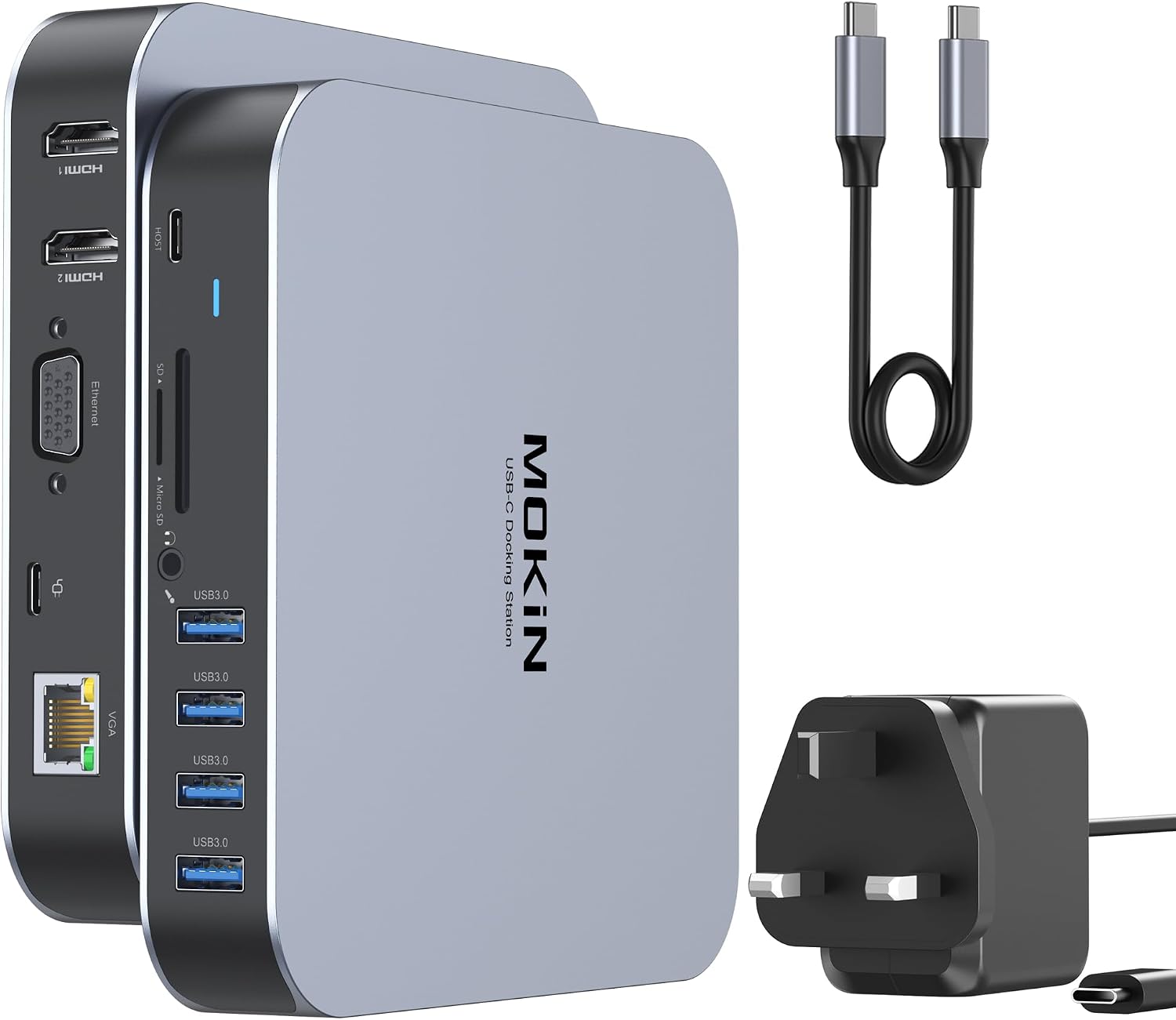
MOKiN Laptop Docking Station 7-in-1 for Dual HDMI
Product description
This USB C Docking Station Dual Monitor turns a single USB-C port into a compact multiport hub, extending a laptop’s connectivity for home and travel use while offering clearer desktop organisation. It is suited to Windows laptops that need extra displays and peripherals, and it supports plug-and-play setup for quick connection. 📎
Key Points
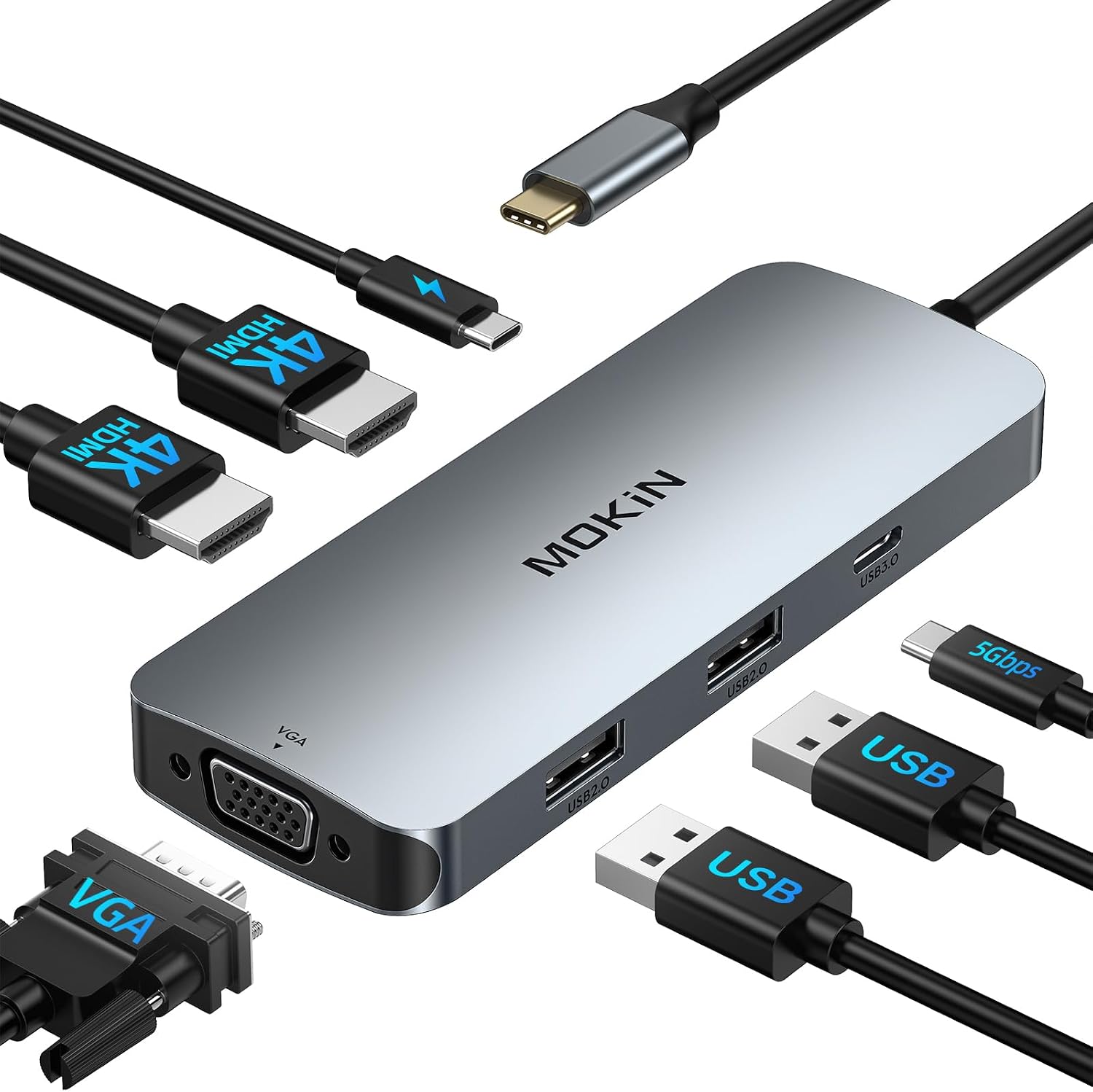
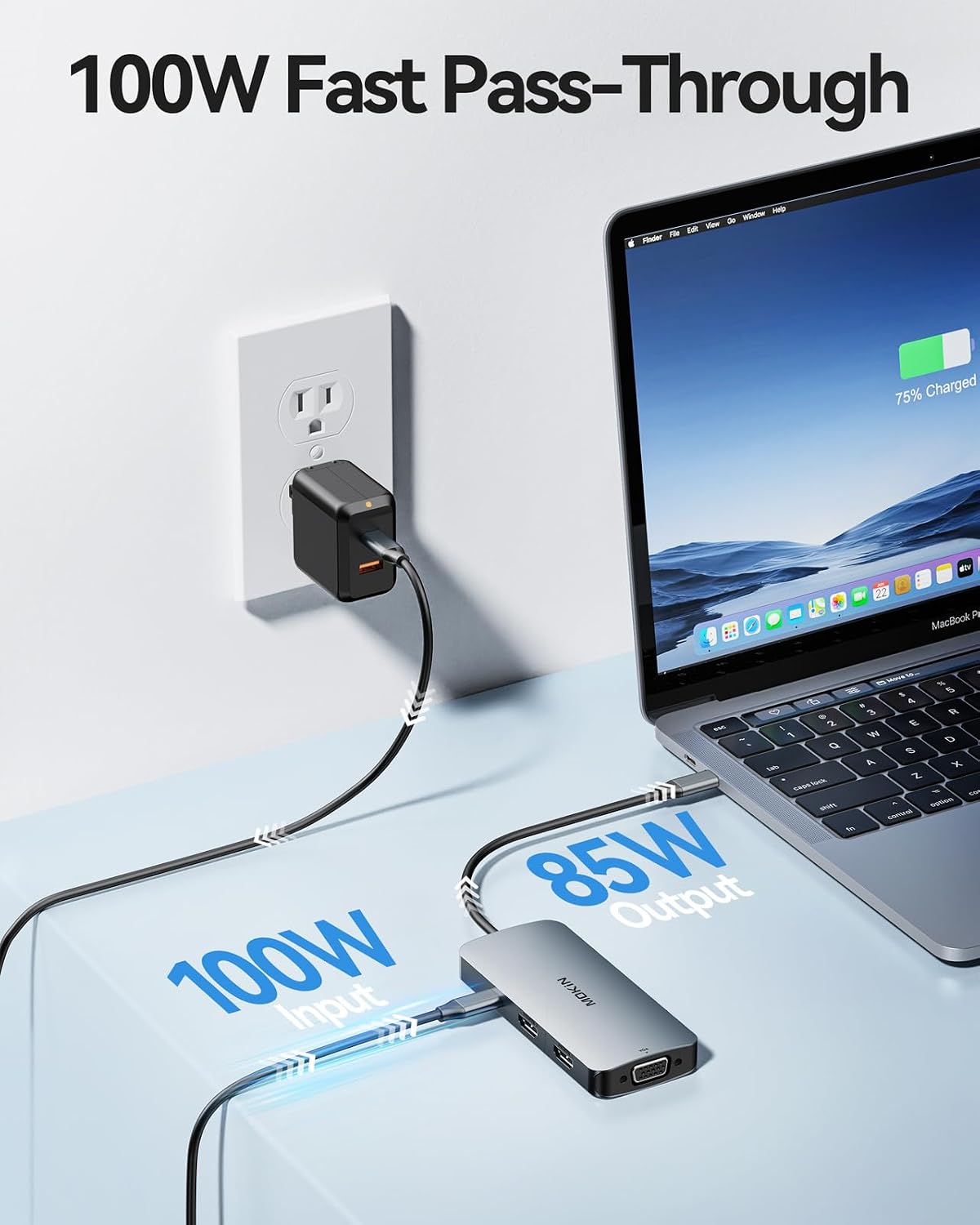
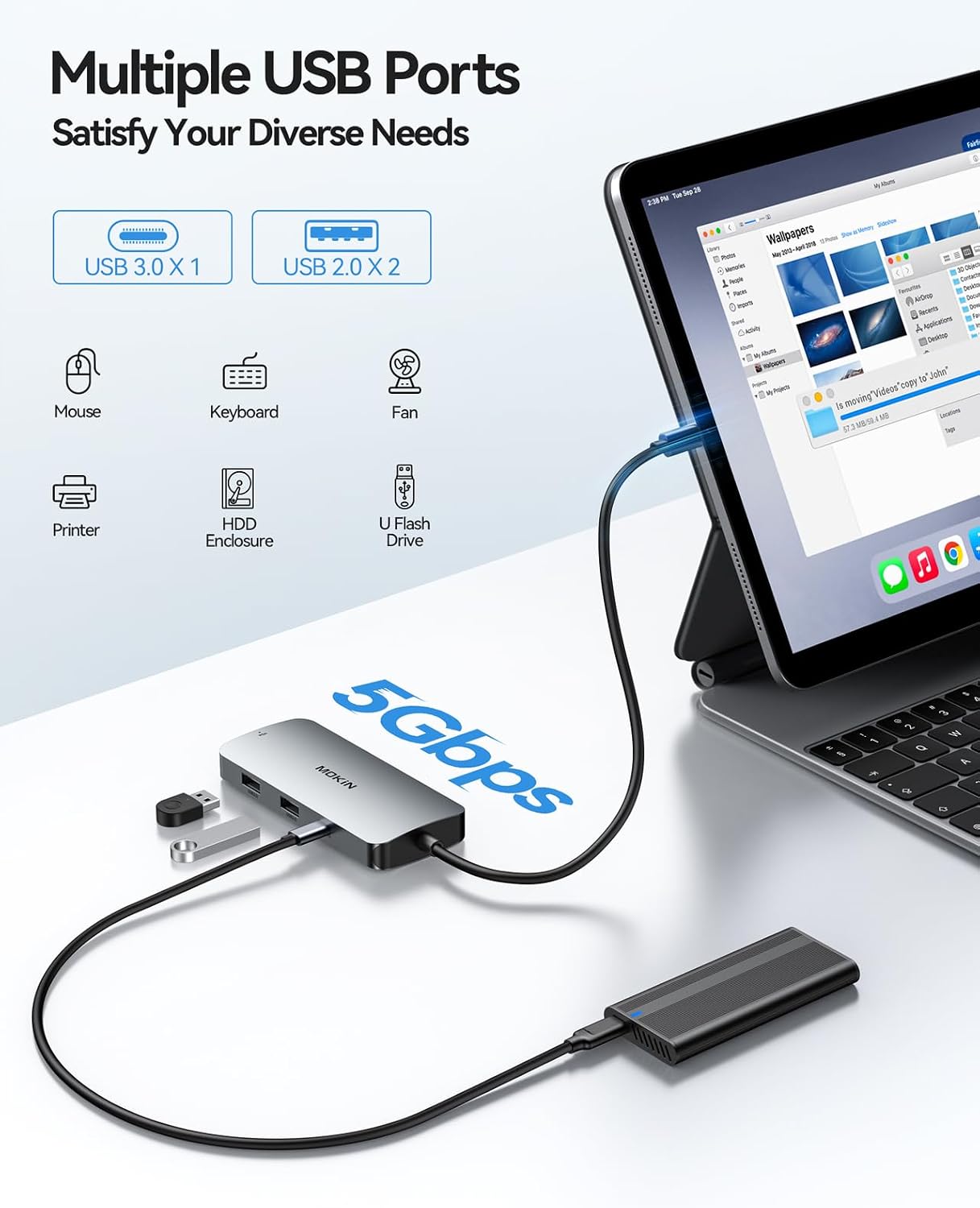
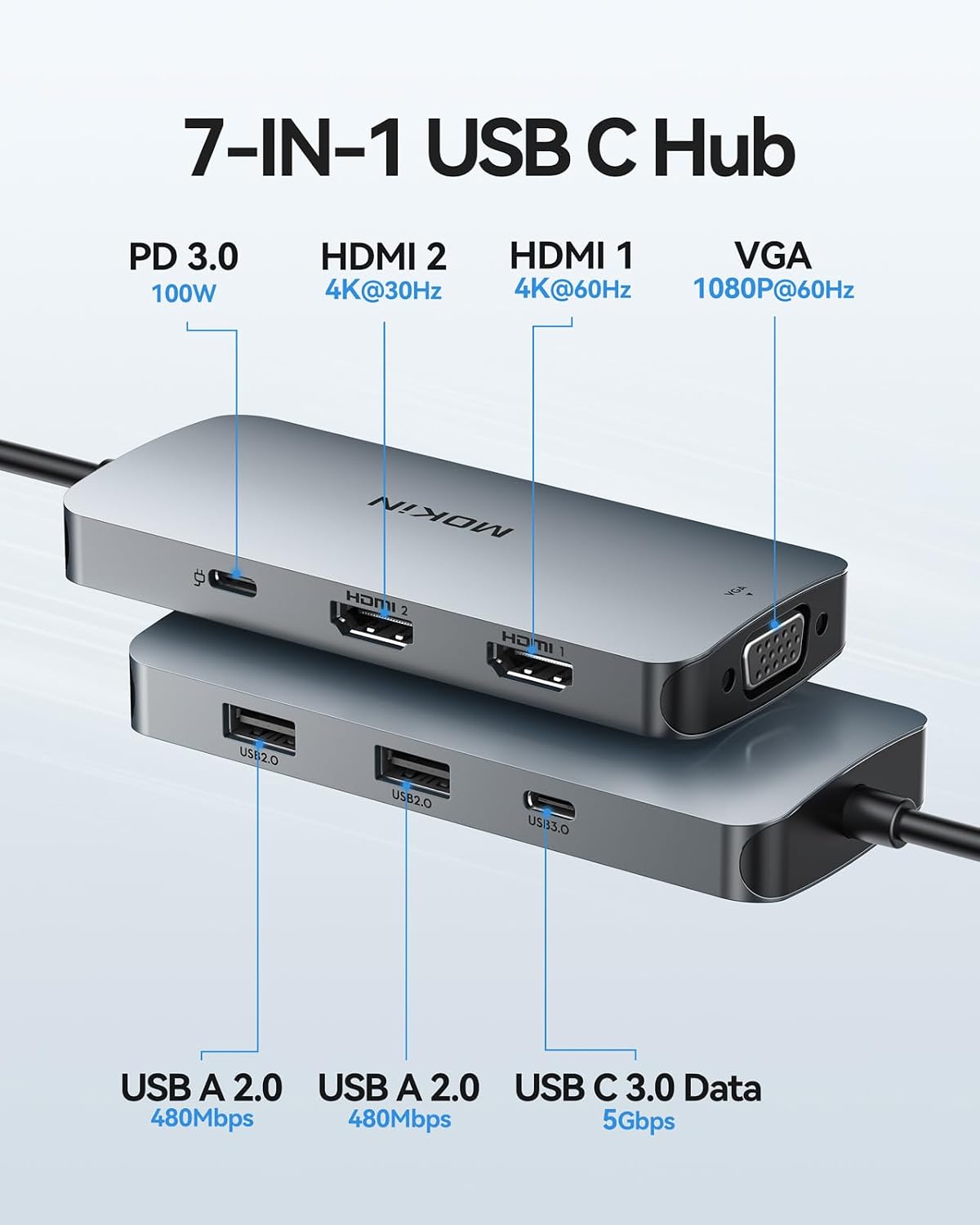
The dock provides two HDMI outputs plus a VGA port so you can link up to three external displays on compatible Windows systems. It includes Power Delivery to charge a connected laptop while other ports remain active, and two USB-A ports for keyboards, mice or storage drives. The aluminium shell gives a tougher feel that stands up to daily use and transport. Note that macOS only supports mirror mode for external displays due to system limitations, which may restrict multi-monitor setups on Apple devices.
Benefits
This adapter frees up time spent switching cables and simplifies multi-screen workflows for spreadsheets, presentations and light video editing. For those using multiple monitors it enables extended desktop layouts on Windows machines and reduces desk clutter. The availability of both HDMI and VGA outputs helps when working with older projectors or displays. For video playback and gaming, the dual HDMI arrangement can handle higher resolutions, although the precise refresh rate depends on the host device and cable quality. 🎬
Usage Recommendations
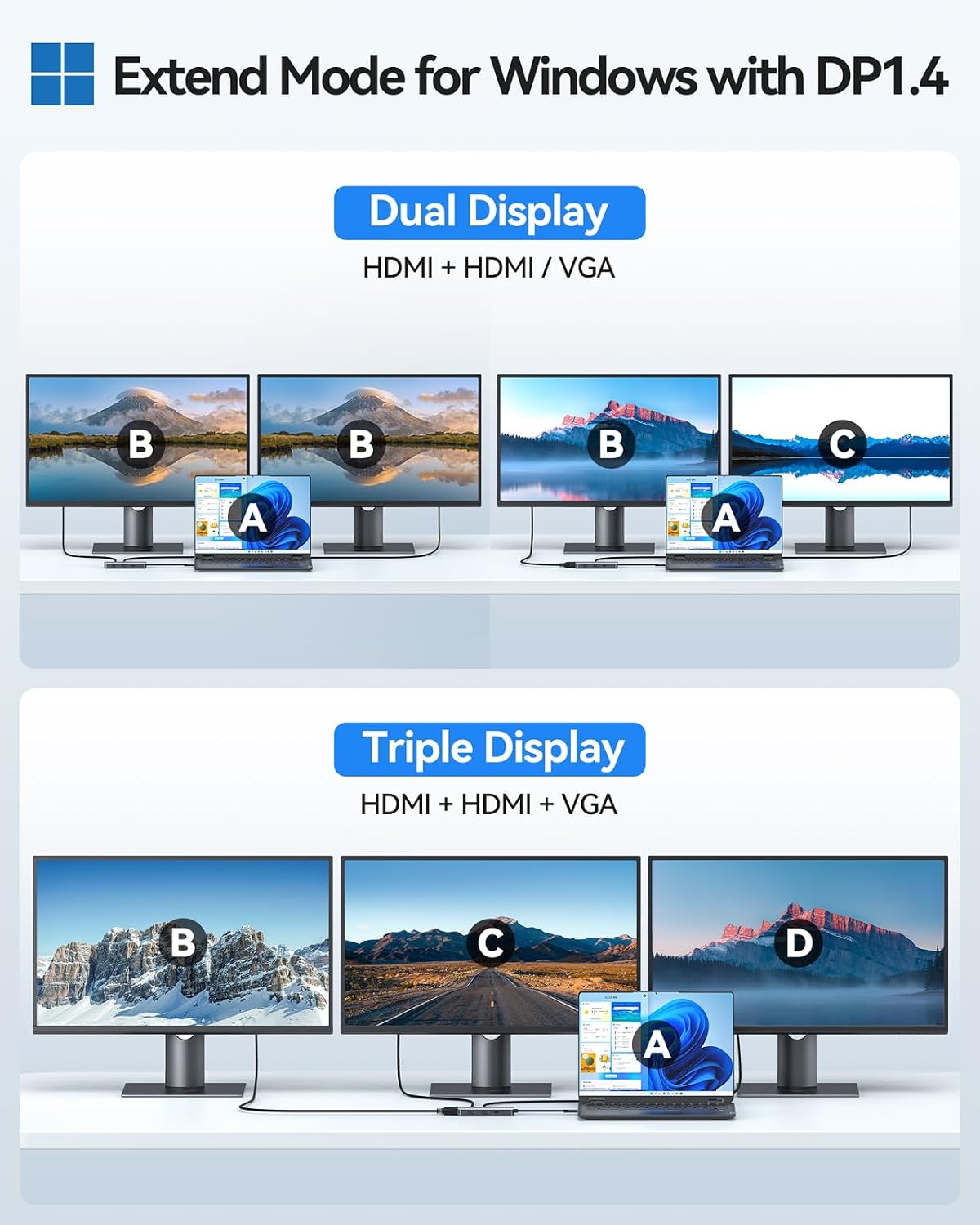
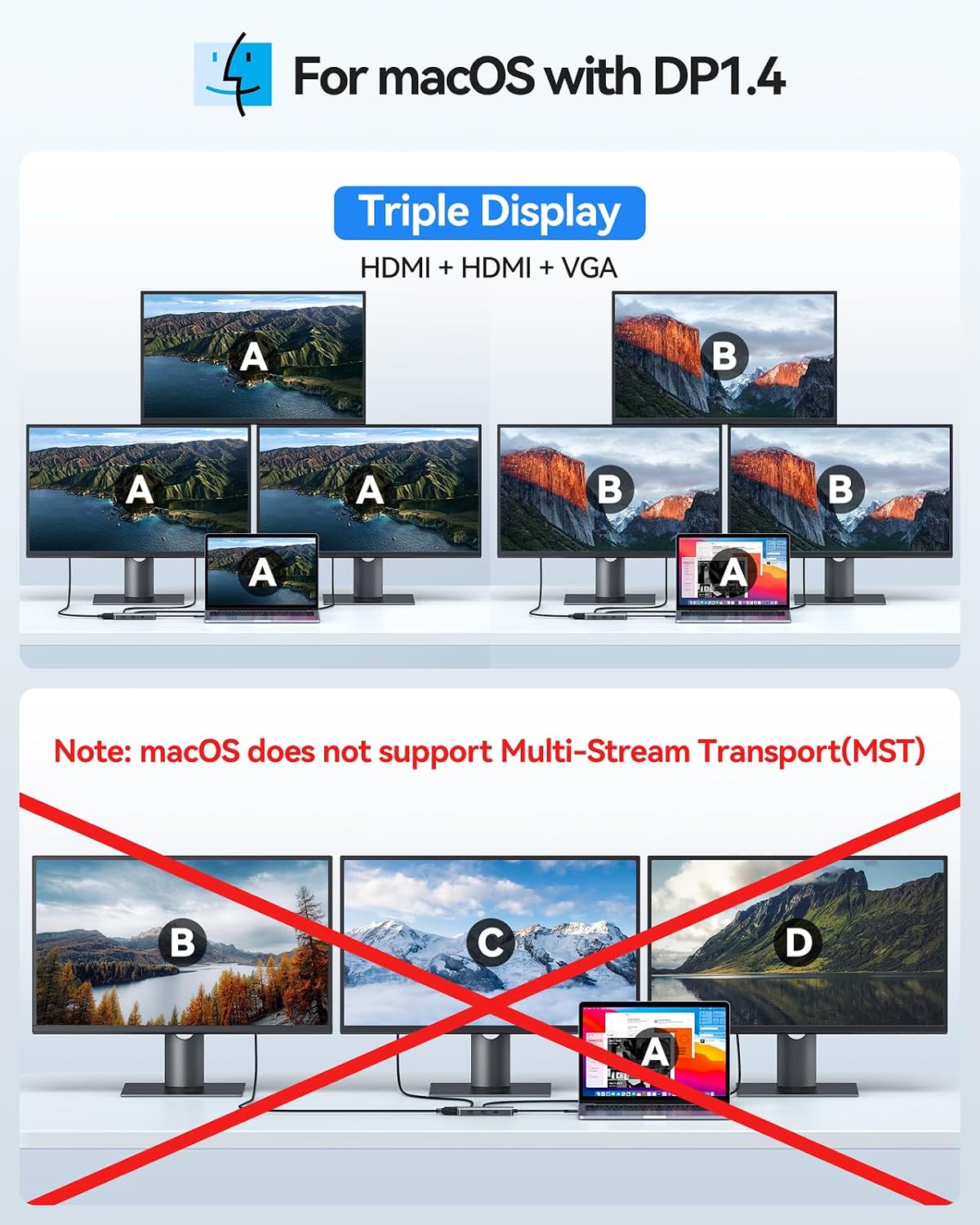
When connecting multiple monitors, use quality HDMI cables and verify the laptop’s USB-C port supports video output and sufficient power delivery. For triple display arrangements, ensure your Windows laptop supports MST for extended desktops. If you plan to use a MacBook, prepare to operate with mirror mode only, or consider an alternative solution for extended displays. Keep the aluminium adapter in a padded compartment when travelling to avoid scratches and to maintain the finish.
Technical Specifications
- Name: MOKiN Laptop Docking Station Dual Monitor
- Ports: 2 x HDMI, 1 x VGA, 2 x USB-A 2.0, 1 x USB-C data, 1 x USB-C PD (100W)
- Video output: up to 4K Ultra HD on HDMI, according to the manufacturer
- Compatibility: Windows laptops with USB-C video output, listed models include Dell XPS 13/15 and Lenovo Yoga series
- Material: aluminium shell for improved durability
- Modes supported: SST and MST on Windows, SST (mirror) only on macOS.
4K@60Hz capability can be a strong advantage for crisp visuals when the host laptop and cables support that throughput. Consider that the two USB-A ports are USB 2.0, so transfer speeds are modest for large file copies.