What this is and what it solves\nThe BENFEI USB C Hub 7 in 1 adds a broad range of I/O to a USB-C laptop or tablet from a single port. If you’ve ever run out of connections for a presentation, photo transfer, or external display, this compact hub aims to expand your workstation without turning your bag into a jumble. It’s particularly geared towards users who want a tidy, powered solution that can drive a 4K display, support quick file transfers, and still charge a laptop when needed.
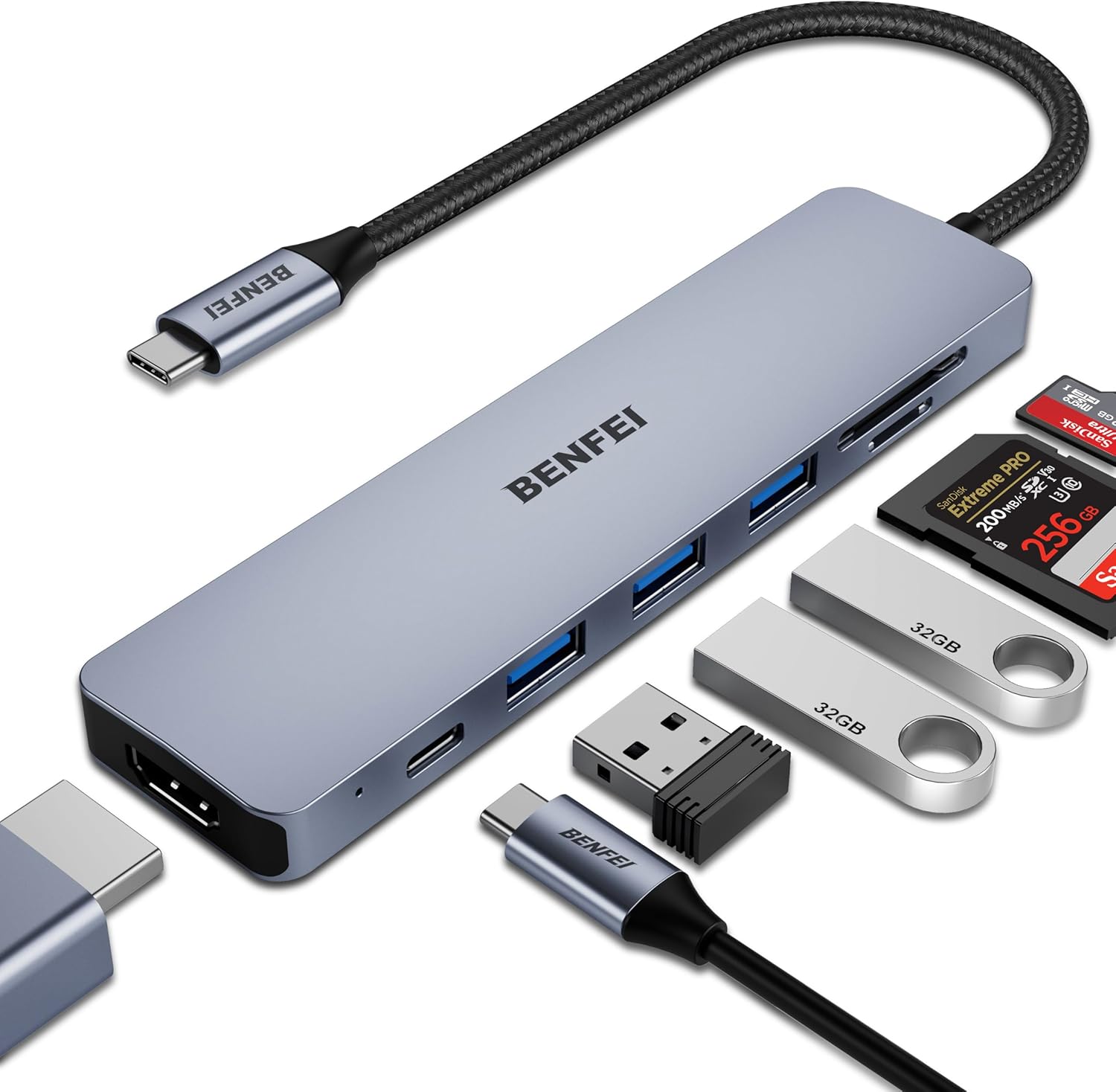
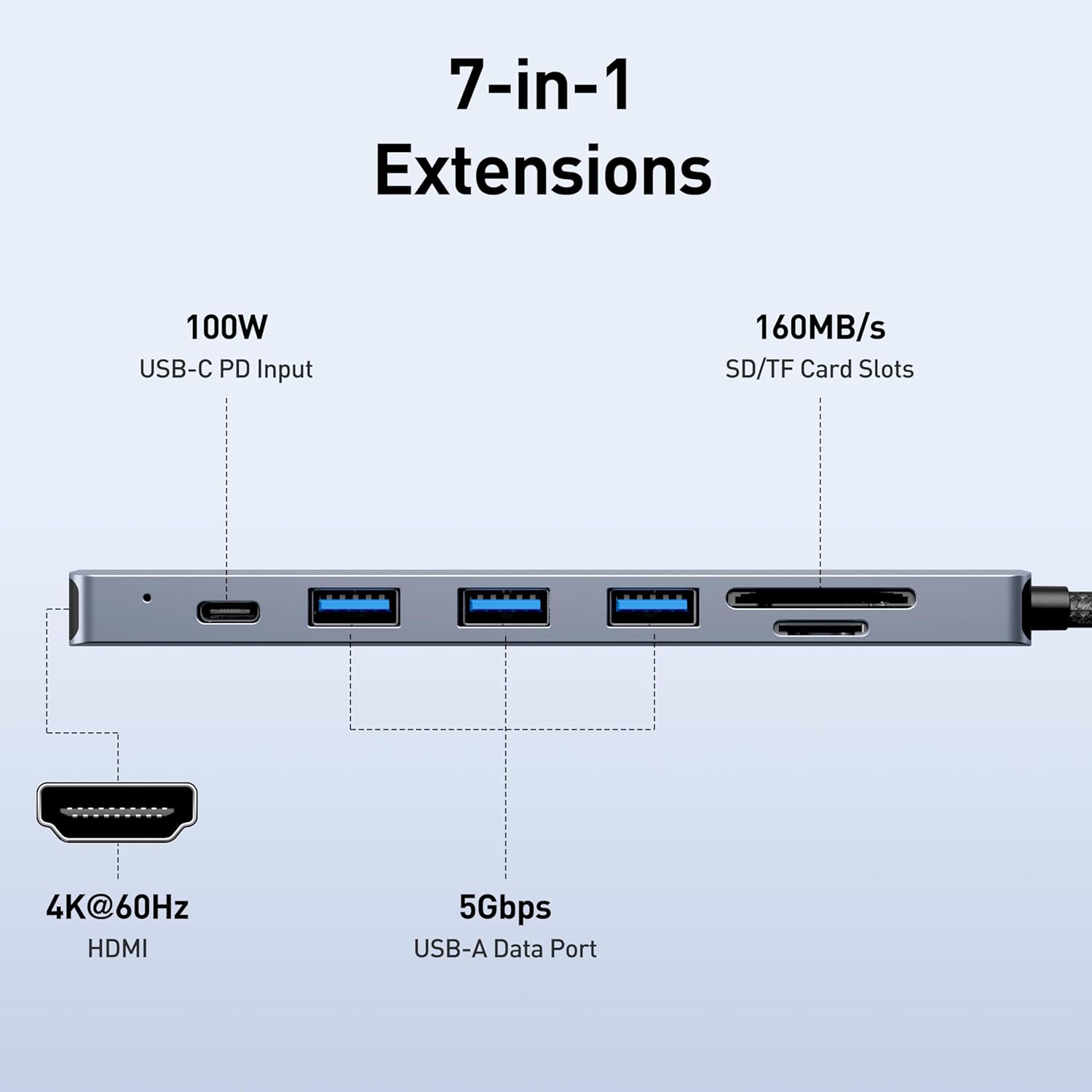
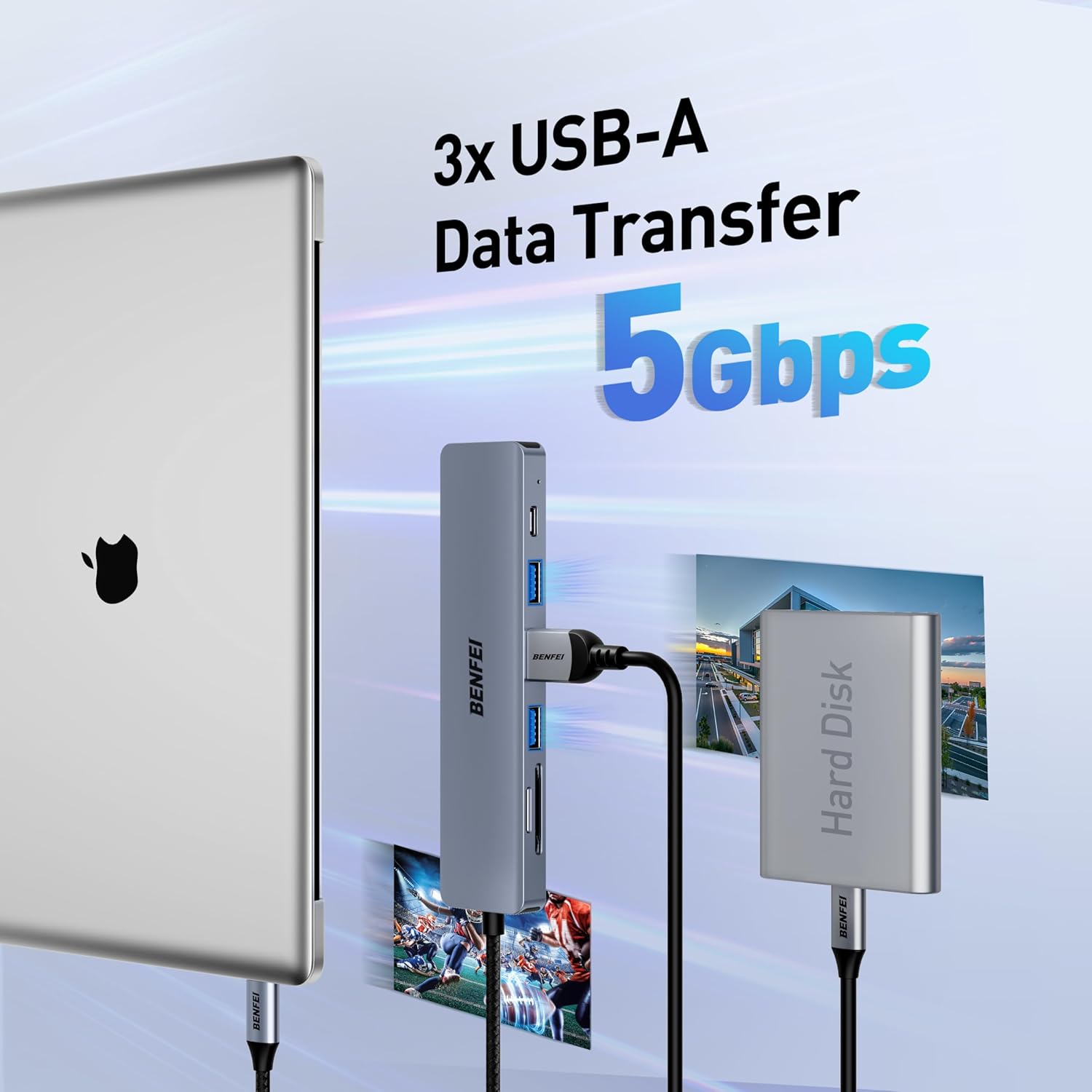
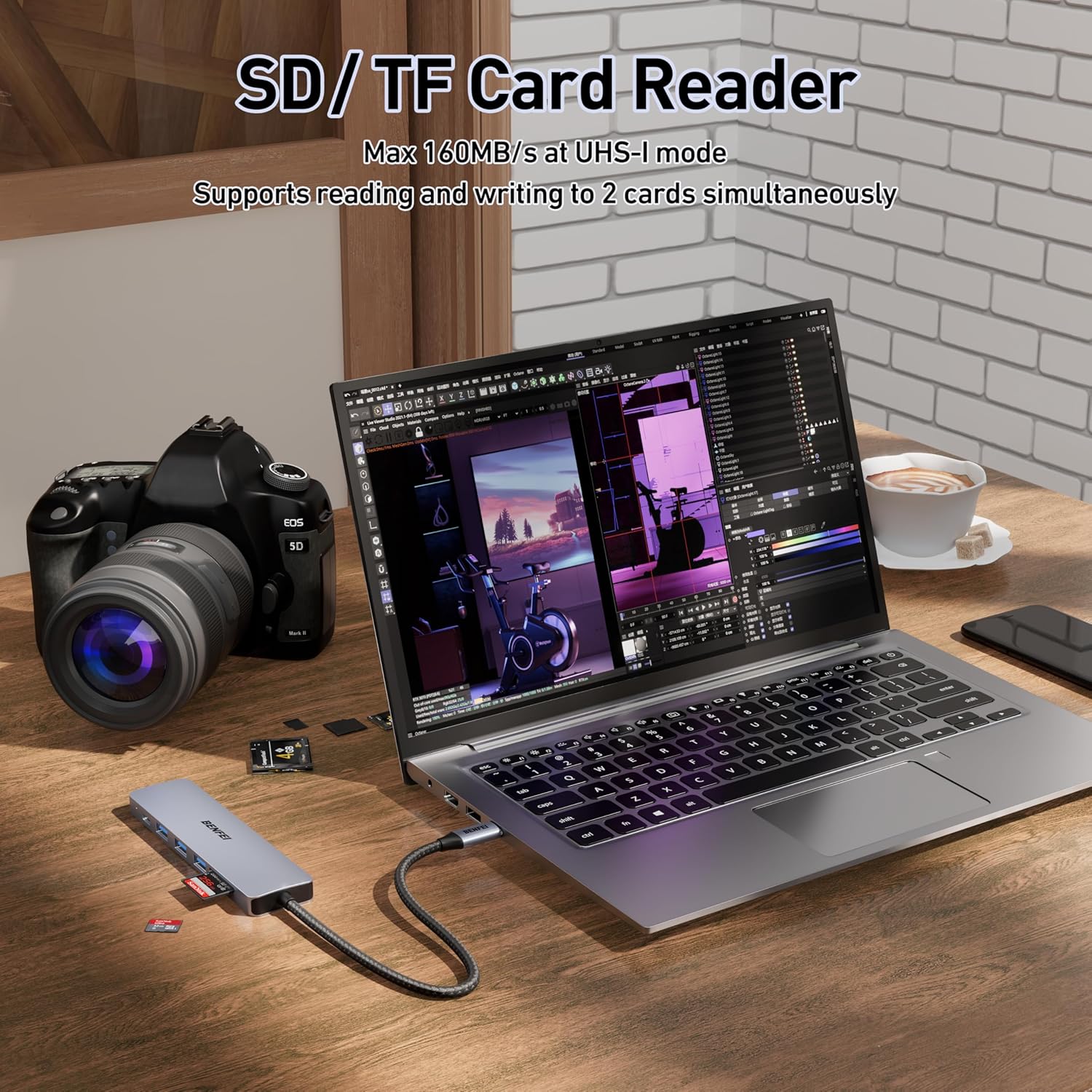
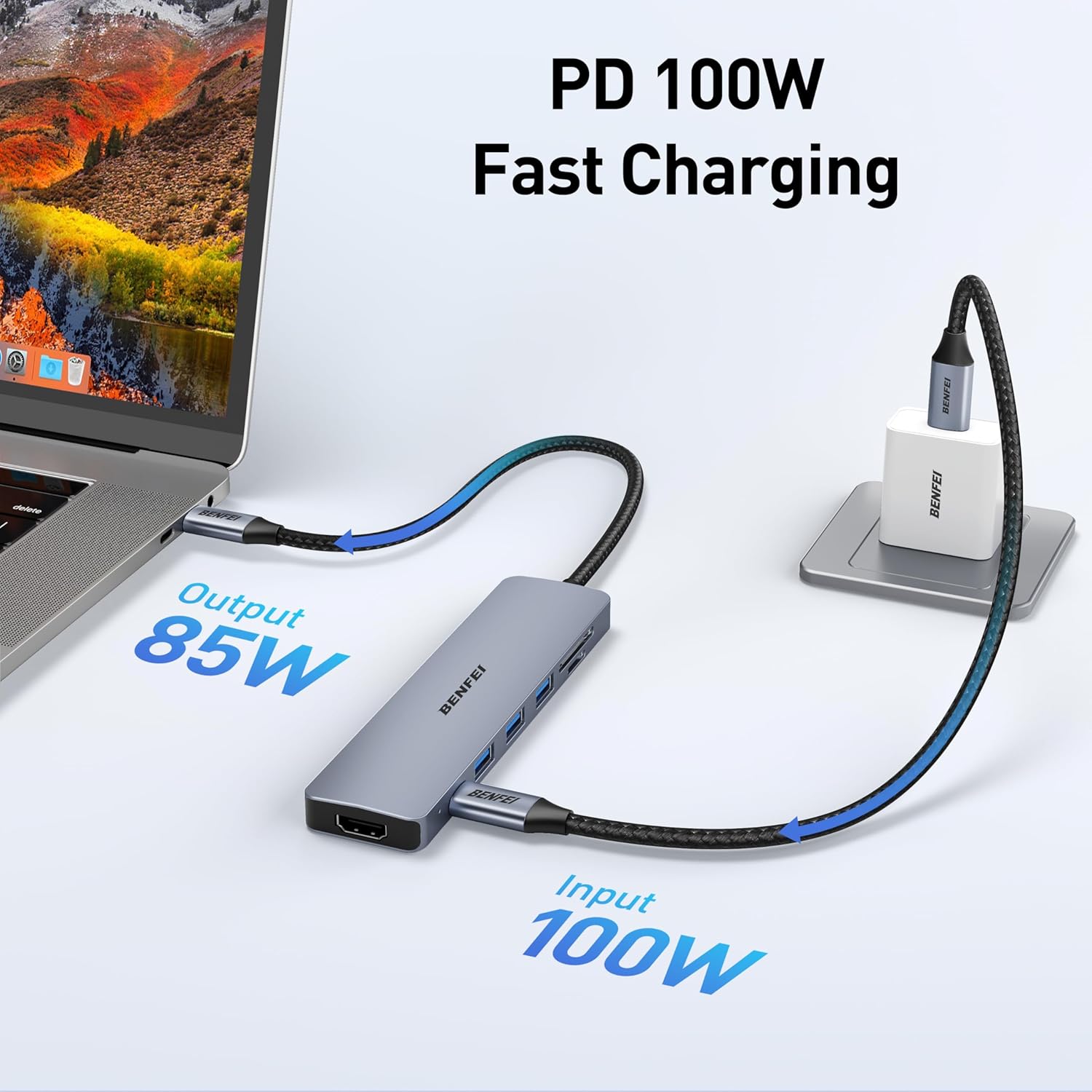
How it’s laid out and what you can plug in\nIt provides an HDMI output capable of 3840×2160 at 30Hz, three USB 3.0 ports for data transfer up to 5Gbps, a microSD and a full‑size SD reader, and a 60W Power Delivery port to recharge your connected laptop. The aluminium shell and nylon braided cable suggest durability and heat management, which helps when using the hub for longer sessions or on the move.
Performance and stability in practice\nOn paper, the three USB 3.0 ports should handle peripherals like mice, keyboards, USB drives, or a webcam. The 4K HDMI output offers a crisp external display option for presentations or extended desktops. The claim of a dedicated PD port up to 60W means charging is possible while the hub handles data, though real-world charging speeds can depend on the host and connected devices. A note worth keeping in mind: compatibility lists are broad, but some devices with newer USB-C implementations may behave differently or require patience during initial sync.
What stands out vs. what to watch\nThe strongest points are the 7‑in‑1 feature set in a compact package, the 4K HDMI output for compatible displays, and the built‑in 60W PD passthrough. For those who frequently transfer photos or documents, the SD/TF card readers offer convenient access without extra adapters. The aluminium casing helps with heat dissipation and gives a premium feel. However, if you rely heavily on power delivery to a device that draws more than 60W, you may notice the hub reaching its PD limit during intense workloads. It also isn’t the smallest option on the market, so very tight pockets might prefer lighter alternatives.
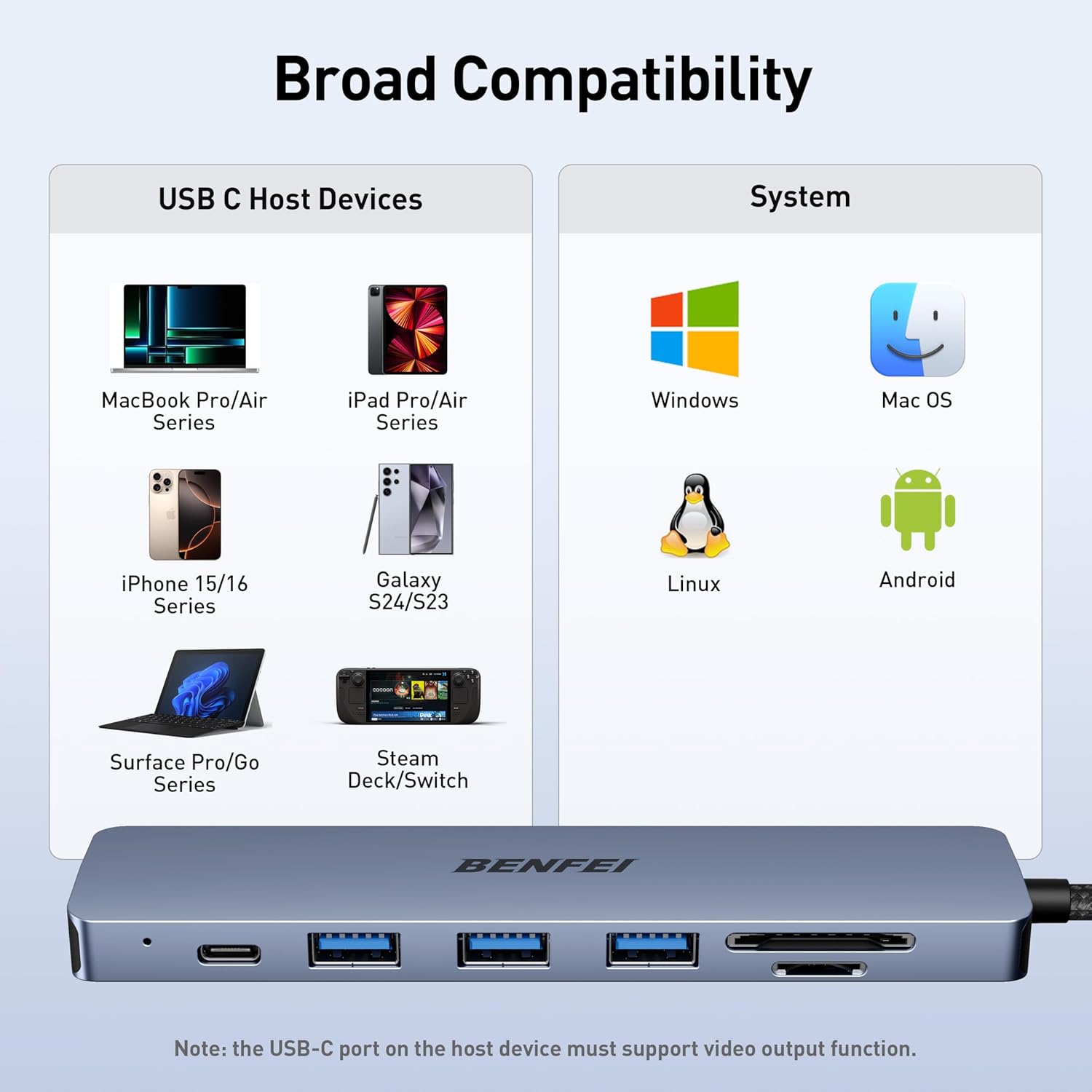
Who it’s for\nThis hub suits professionals who travel with a USB‑C laptop or certain Android devices that support USB‑C expansion. It’s a sensible fit for people needing a quick monitor extension, active file transfers, and the convenience of a ready-made charging path in one dongle. Students working from shared desks and remote workers setting up a temporary workstation are common use cases.
Who it isn’t ideal for\nIf you need more than 60W PD for charging a power‑hungry laptop, or you require 4K at 60Hz, this hub may fall short. Likewise, if your primary goal is to maximise the number of USB ports or you work mainly with devices that have stricter USB‑C compatibility rules, you might find alternatives offer different port configurations that better match your kit.
When it makes sense to buy\nConsider this hub when you want a single, practical expansion solution for a USB‑C laptop or tablet that can drive an external display, read memory cards, and keep charging in a compact form. It’s also a reasonable choice if you value a sturdy build and an all‑in‑one approach over swapping between multiple adapters.
What to check before you buy\nConfirm your device supports USB‑C with video output (DisplayPort Alternate Mode) and PD passthrough. Check that your display is comfortable with 4K at 30Hz or 1080p at higher refresh rates if that’s what you need. Ensure the SD/TF cards you plan to use are compatible and recognised by your operating system. Finally, review how your laptop’s charger interacts with PD while using multiple peripherals via the hub, as some setups may distribute power differently.
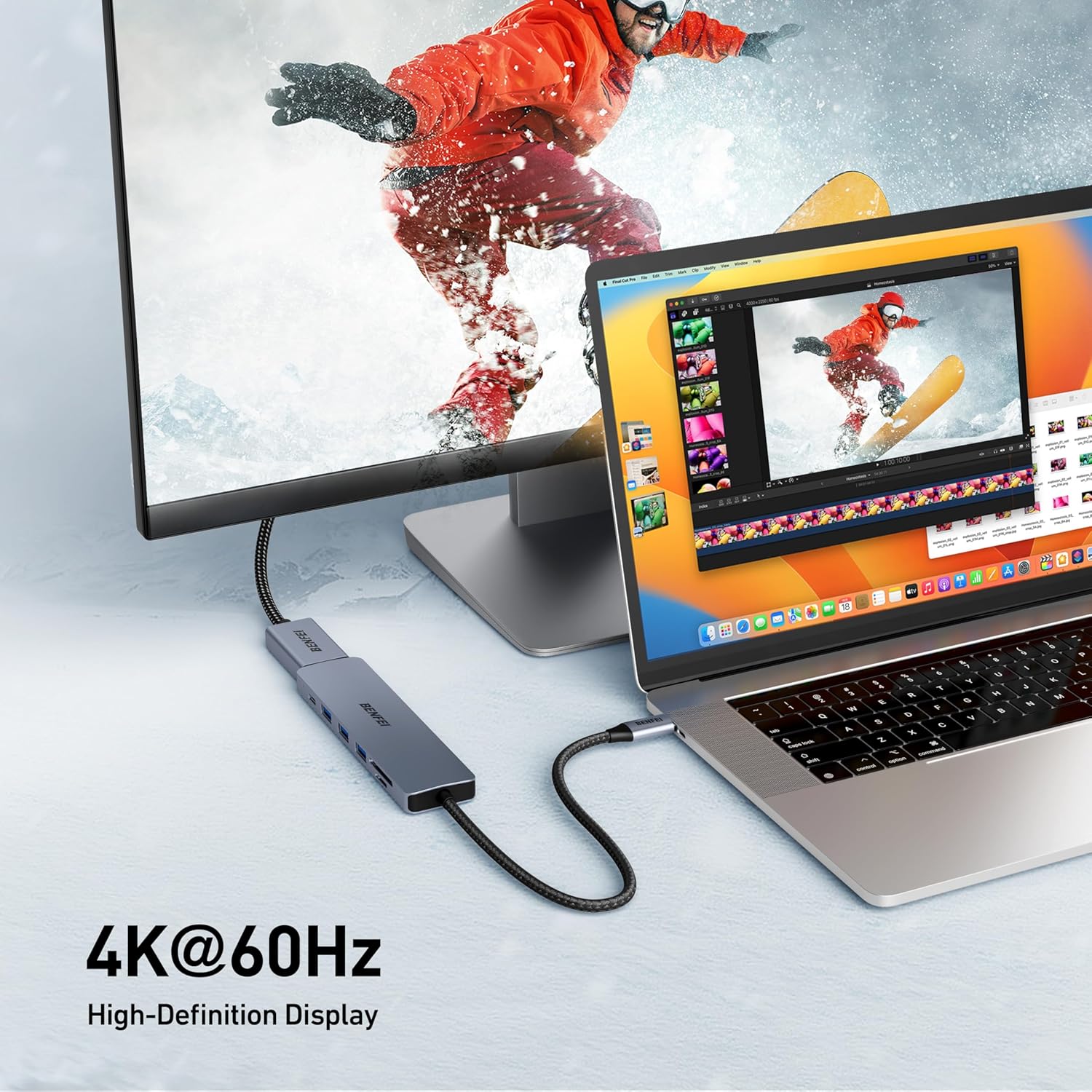
Practical usage example\nYou’re giving a presentation from a MacBook Pro that’s parked on a small table. You connect this hub to the laptop, attach a projector with HDMI, plug in a USB keyboard and a USB drive for slides and backups, and leave the 60W PD port connected to the charger. The screen mirrors or extends to the projector, and you can swap media from the card reader without hunting for extra adapters.
Decision point\nIs it worth it? This hub represents a pragmatic upgrade for users who want one compact dongle to cover display, data transfer, memory expansion, and charging in a familiar, durable shell. If your priorities include robust build quality and a straightforward, all‑in‑one solution, it’s worth considering. If you must push higher power delivery or 4K 60Hz, you may want to explore alternatives with different PD specifications or display capabilities.
FAQ (quick answers)\n- Will it work with my iMac or MacBook Pro? It is designed to be compatible with a range of MacBook Pro models and other USB‑C devices, but always verify the exact model and macOS compatibility it lists.
- Can I charge while using the HDMI output? Yes, the 60W PD port supports charging while the hub is in use, though the overall performance can depend on the host device and connected peripherals.
- How fast are the USB 3.0 ports? They support up to 5Gbps theoretical transfer speeds, suitable for external drives and common peripherals, but real-world speeds depend on the drive and cable quality.
- Does the 4K output run at 60Hz? The specified output is up to 3840×2160 at 30Hz, so you won’t reach 4K at 60Hz with this hub.