

ANYPLUS USB C Hub 4-port USB 3.0 hub for MacBook
Product description
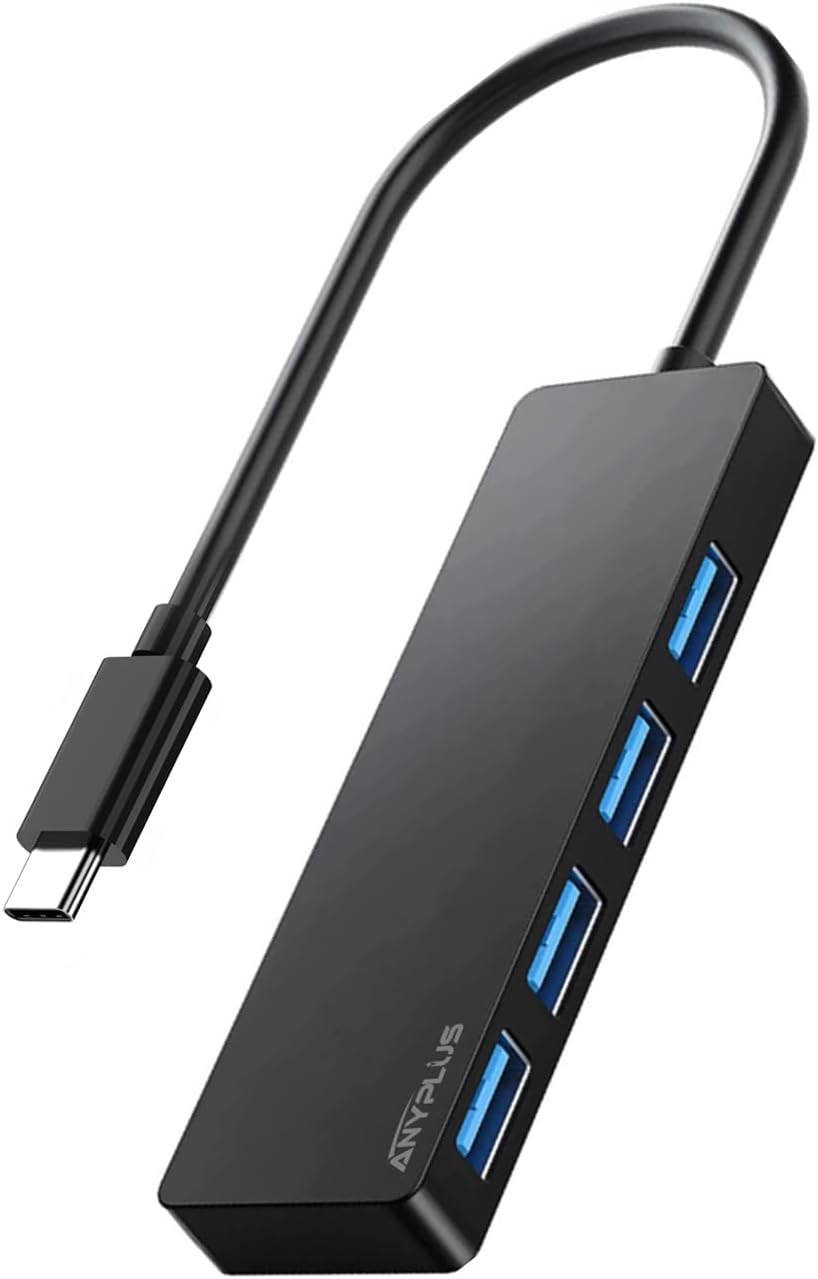
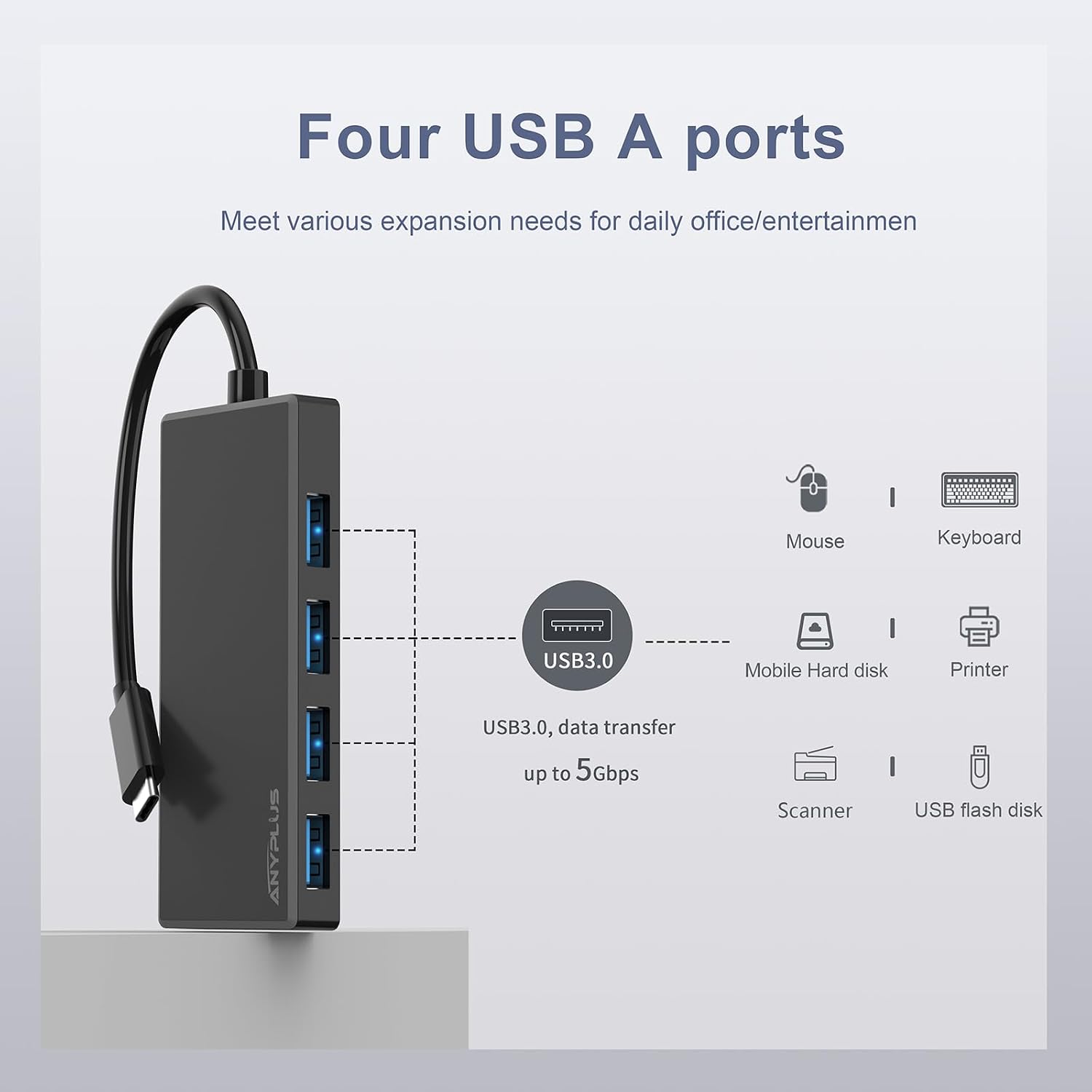
This compact USB-C hub expands a single Type-C port into four USB-A 3.0 sockets, helping to connect flash drives, external hard drives, keyboards and mice at once. It offers fast file transfers according to the manufacturer and is presented as a portable accessory for laptops such as MacBook, Surface and XPS for everyday productivity and on-the-go use.
Key Points
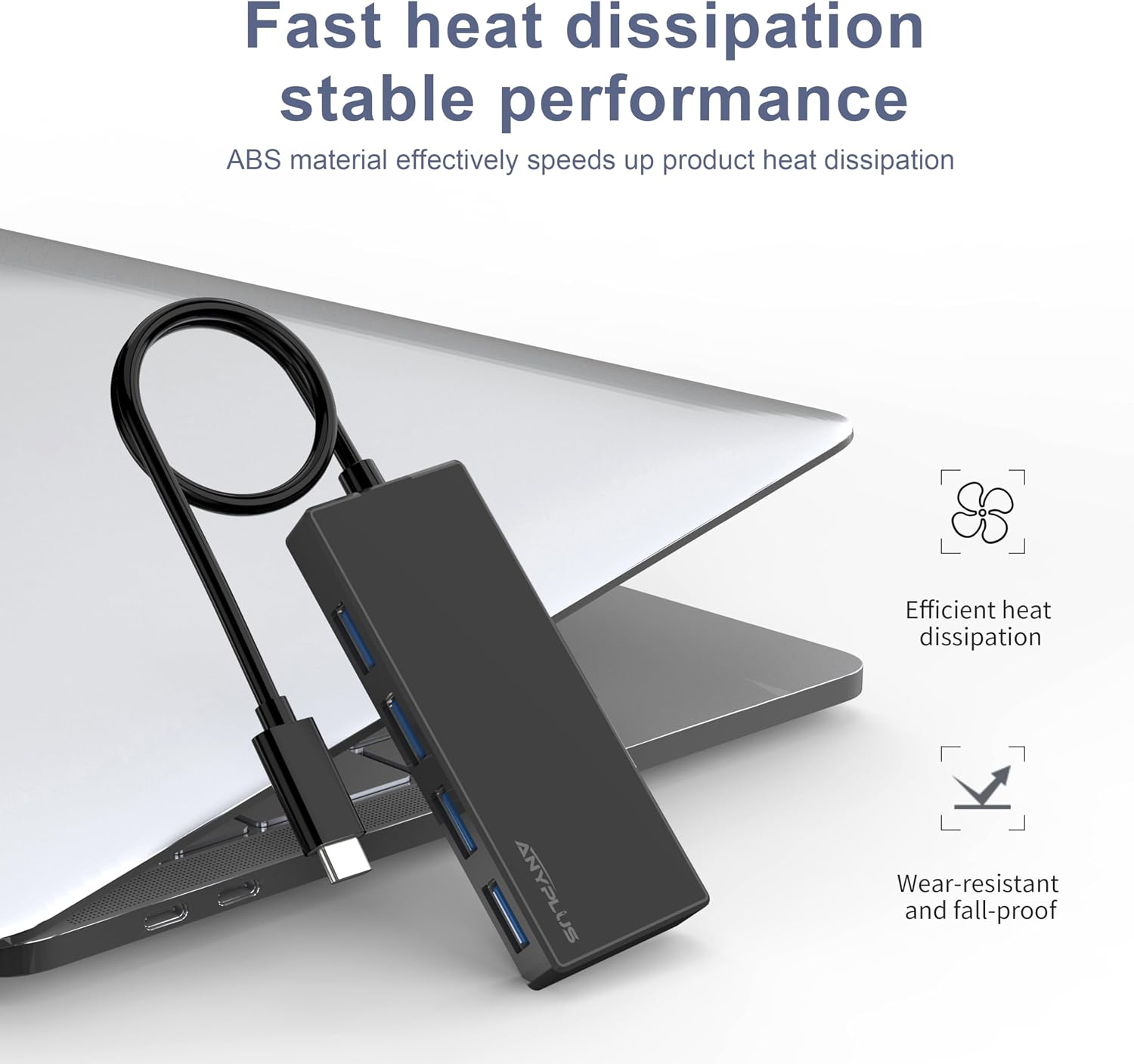
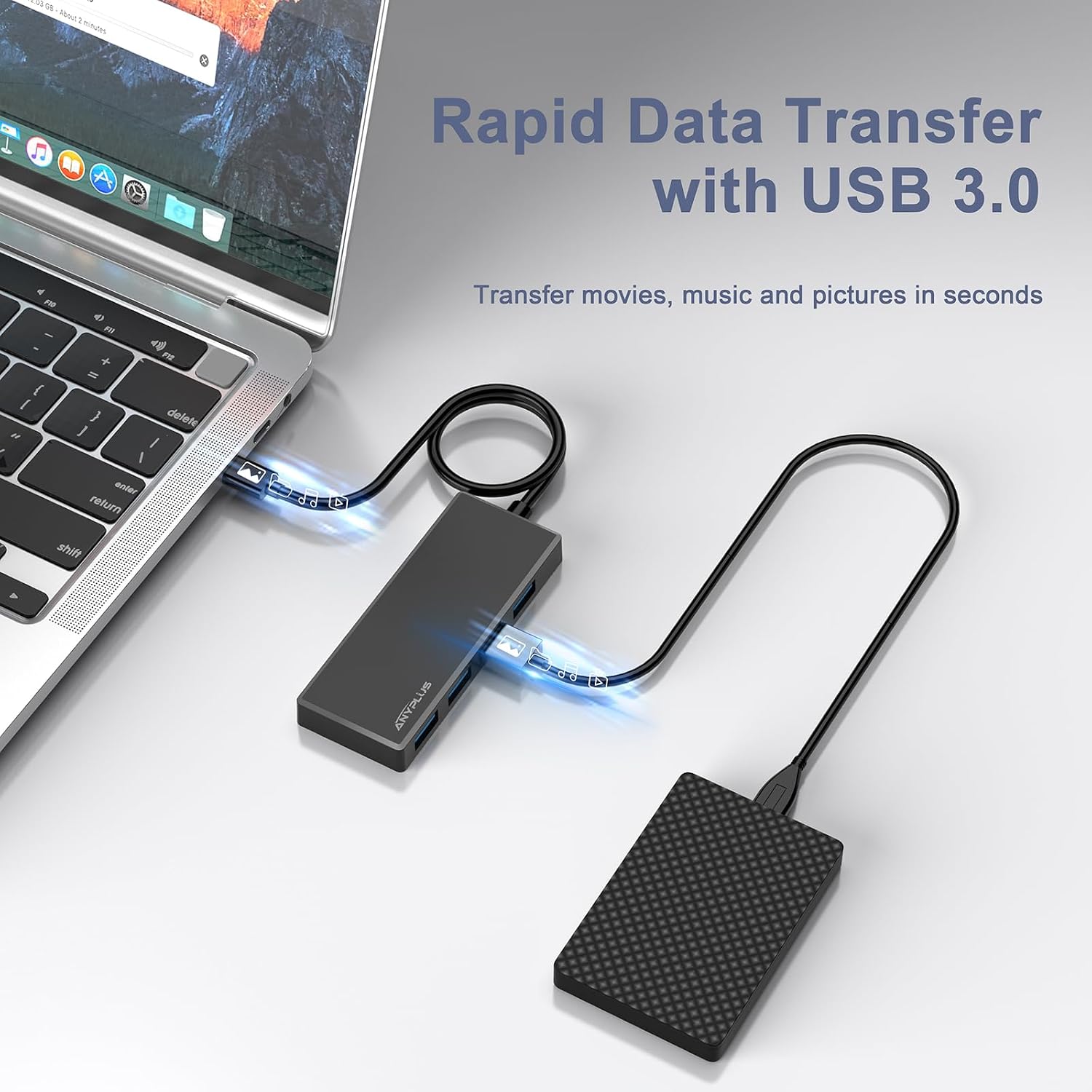
The hub supports high-speed data transfer at up to 5 Gbps, which makes moving large files noticeably quicker than older USB 2.0 ports. It is plug-and-play, so no drivers are required and setup is immediate when you connect it to a compatible USB-C port. The housing is designed to resist heat for longer durability, and the unit is light enough to slip into a laptop bag for travel. 📁

Consider that the maximum output current supported by the hub is 900 mA, according to the manufacturer, so it is not intended for charging smartphones or tablets from the hub itself. For power-hungry peripherals or charging needs it is better to use a dedicated power source alongside the hub.
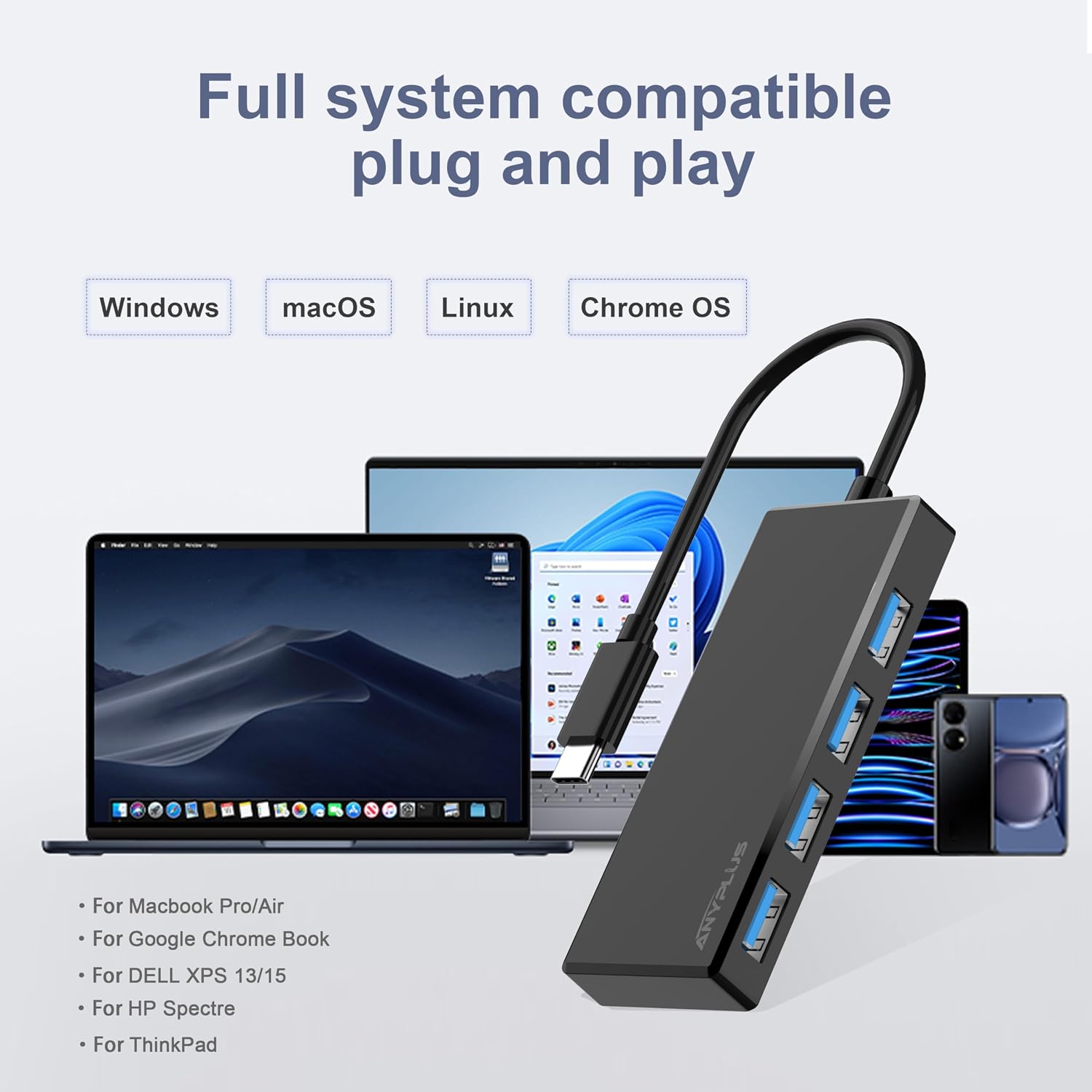
The hub is compatible with a broad range of devices, including MacBook Pro, iPad models, Surface Book, Dell XPS laptops and other Type-C enabled notebooks and tablets. It handles a variety of peripherals such as card readers, OTG adapters, and mobile HDDs. 🖱️
Technical Specifications
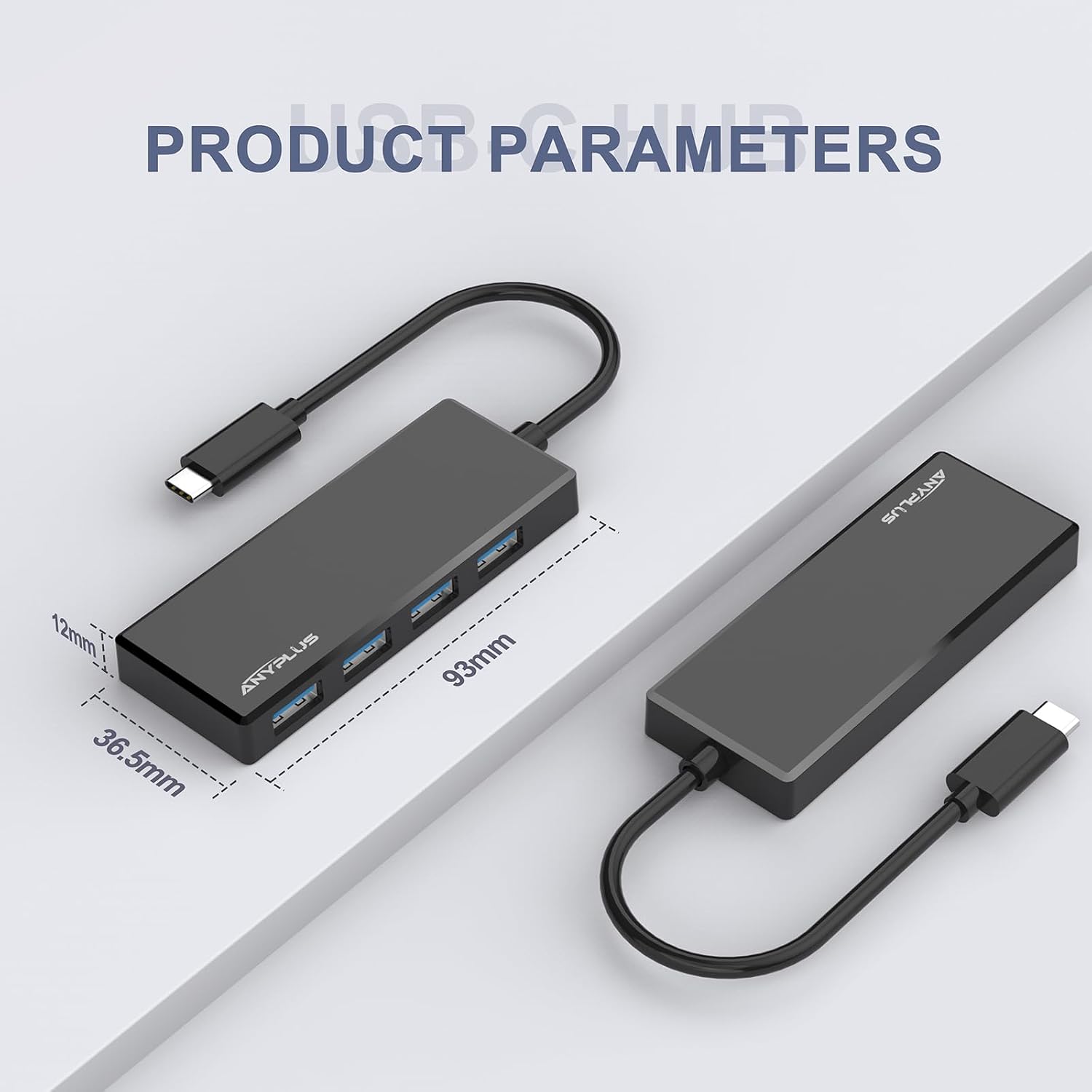
- Name: ANYPLUS USB C Hub, 4 Ports USB 3.0 Hub Splitter
- Ports: 4 x USB-A 3.0
- Data transfer rate: 5 Gbps
- Maximum output current: 900 mA
- Compatibility: USB-C laptops and tablets including MacBook, Surface, XPS
Usage Recommendations
Use the hub to expand connectivity on devices with a single Type-C port when you need to access multiple USB-A peripherals simultaneously. For data-heavy tasks connect external SSDs or HDDs directly and avoid plugging in high-draw devices that require more than the hub's 900 mA output. When transporting the hub keep it in a padded compartment to reduce risk of cable strain or connector wear. 🔌
If you frequently use multiple USB accessories while travelling this hub offers a straightforward and lightweight solution. For setups that require charging while transferring data, pair the hub with a separate powered USB hub or use the device’s native charging port to ensure stable power delivery.