

Styluslink 2-in-1 LED Pencil for iPad (2018–2025) — no Bluetooth required
Product description
If you’re after an Apple Pencil-style experience without the faff of Bluetooth pairing, this Styluslink 2-in-1 is built for that exact moment: press a button, start writing. It also leans into practical day-to-day features like an LED power display, USB-C fast charging and palm rejection, which matters more than most people think once you’ve got into long note-taking or sketching.
That said, it’s not perfect for everyone. It’s a universal, “no Bluetooth” design, so if you’re specifically chasing the most premium feel or advanced compatibility behaviours you might expect from higher-end pens, this may sit more in the sensible value bracket than the top tier.
Key takeaways (is it a sensible buy?)
This stylus focuses on quick start-up (no pairing), straightforward charging (USB-C) and screen comfort features (palm rejection). The dual-purpose idea also stands out: it’s described as a 2-in-1 design with an innovative silicone tip for touchscreens and a precise 1.5mm active stylus tip for iPad.
You’ll likely get the most from it if you want one pen for lots of everyday touchscreen use—notes, homework, light drawing and annotating—without getting pulled into settings menus. If you only use a stylus occasionally, you may still find it convenient thanks to the auto-sleep power saving and the LED indicator.
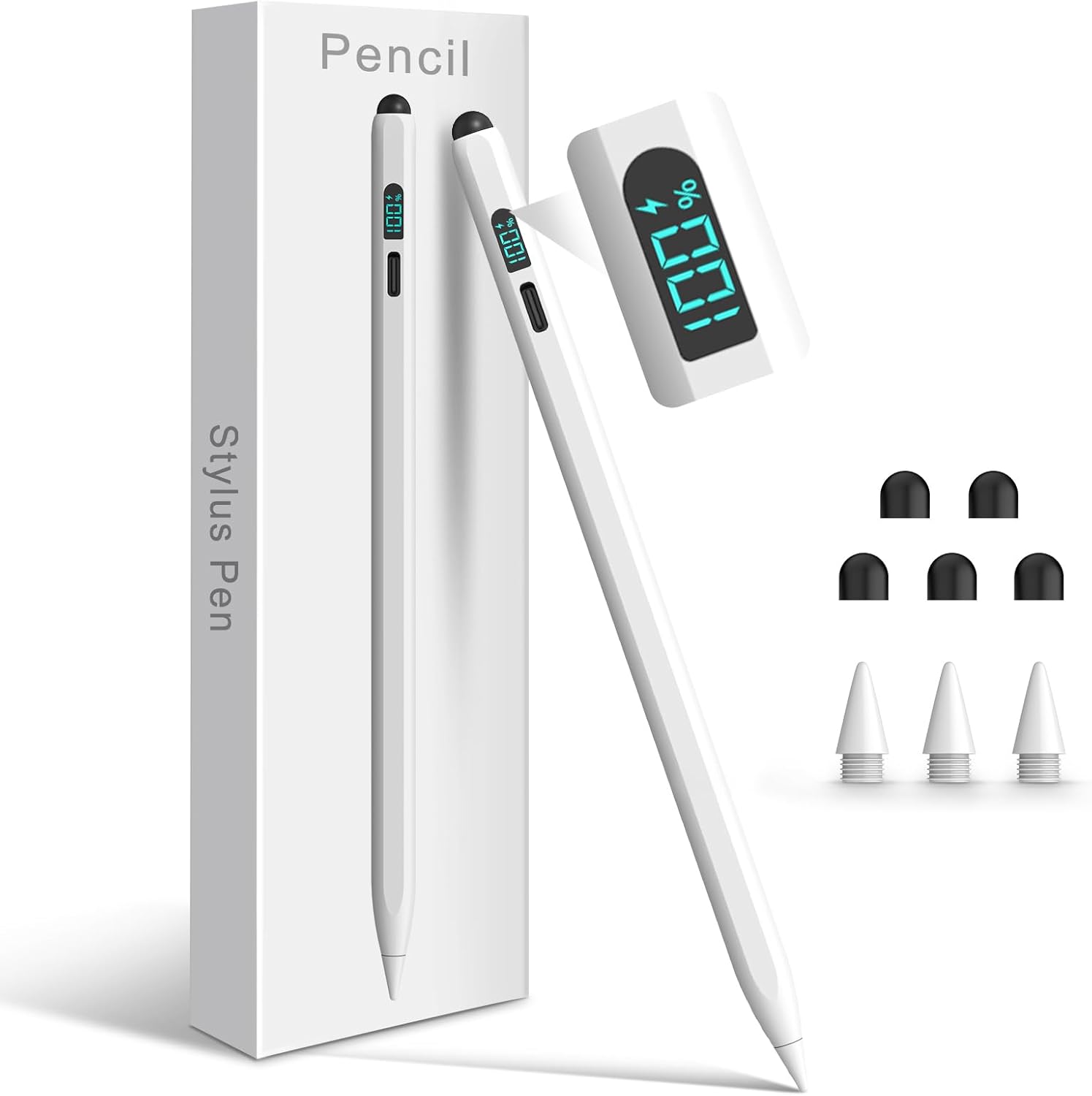
Worth noting: wireless charging isn’t supported, so you’re choosing between faster USB-C charging and the convenience of magnet-based charging.
The essentials (what it does, plainly)
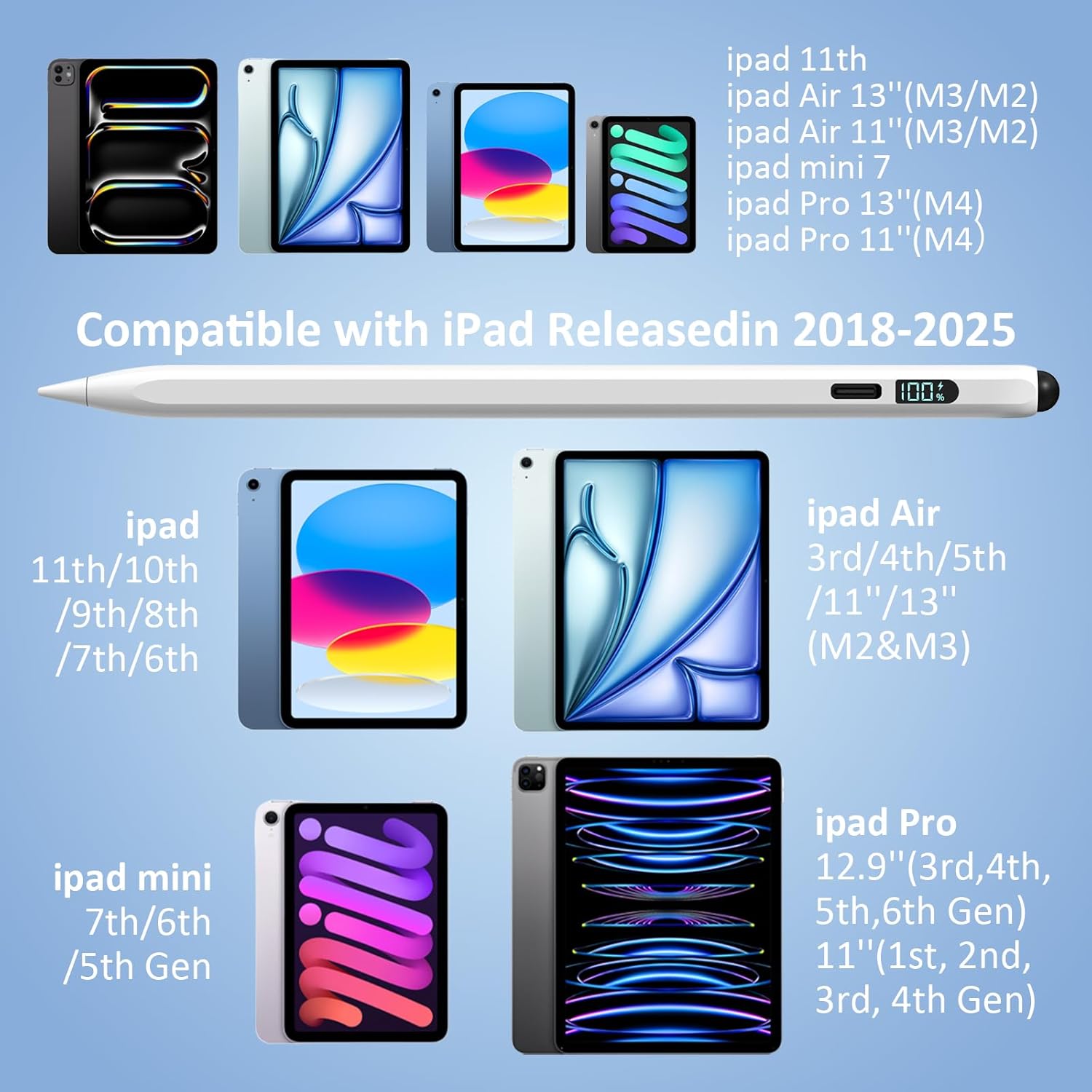
The Styluslink pen is designed to work with iPads from 2018 through 2025, covering a wide range of models listed in the product information (including iPad 6th/7th/8th/9th/10th/11th, iPad Air 3/4/5/M2/M3, iPad Pro 11/12.9/13, and iPad Mini 5/6/7).
On the “how it starts” side, it’s explicitly positioned as no Bluetooth required: you press the button on top to use it immediately. If it’s on but not working, the included guidance suggests disconnecting any previously paired Apple Pencil via Settings > Bluetooth > Apple Pencil > tap “i” > Forget This Device.
What stands out in everyday use
Two features are genuinely aimed at reducing friction.
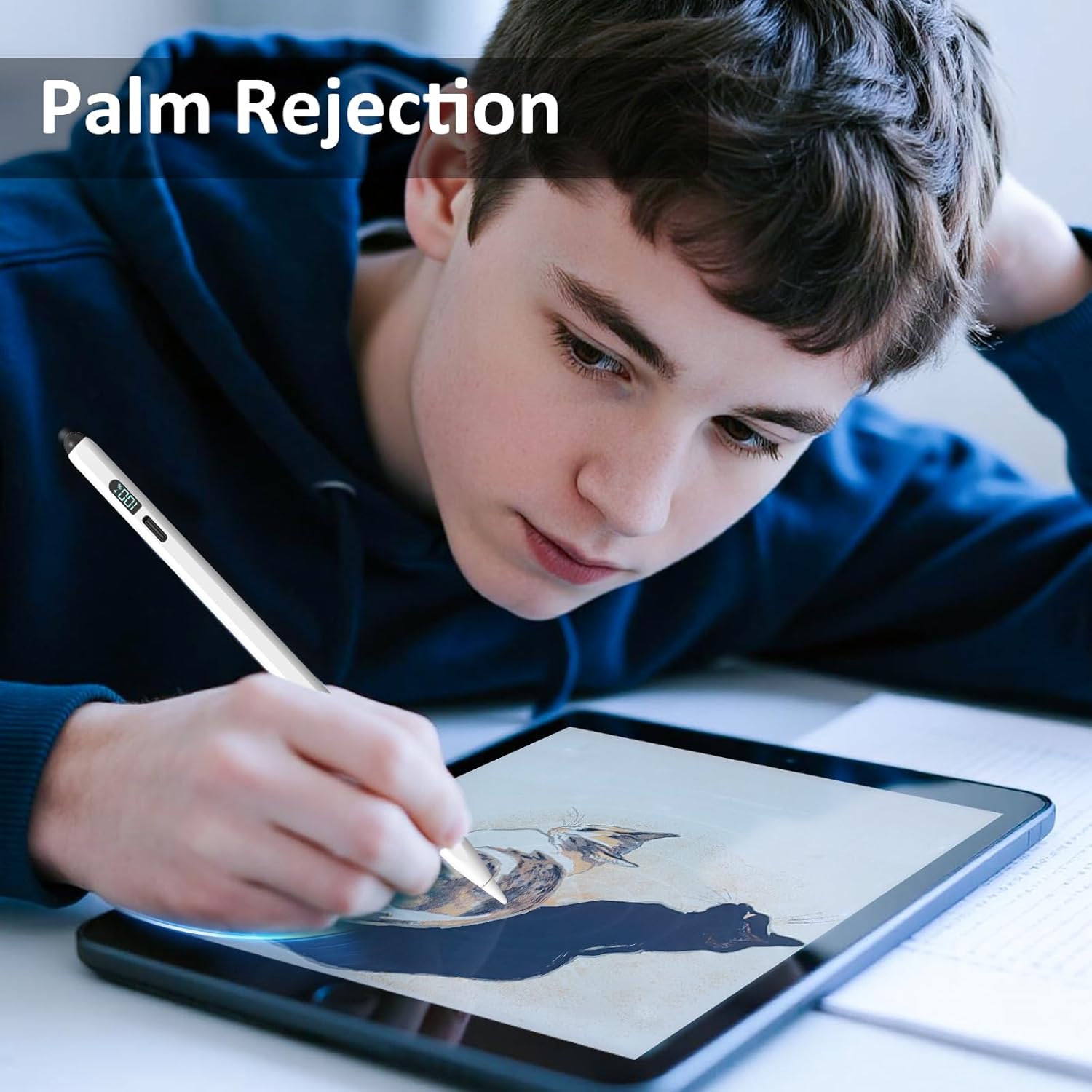
First, palm rejection technology is included, meaning you can rest your hand on the screen while writing or sketching without triggering accidental touches. That’s the sort of detail you notice straight away when you’re trying to write naturally.
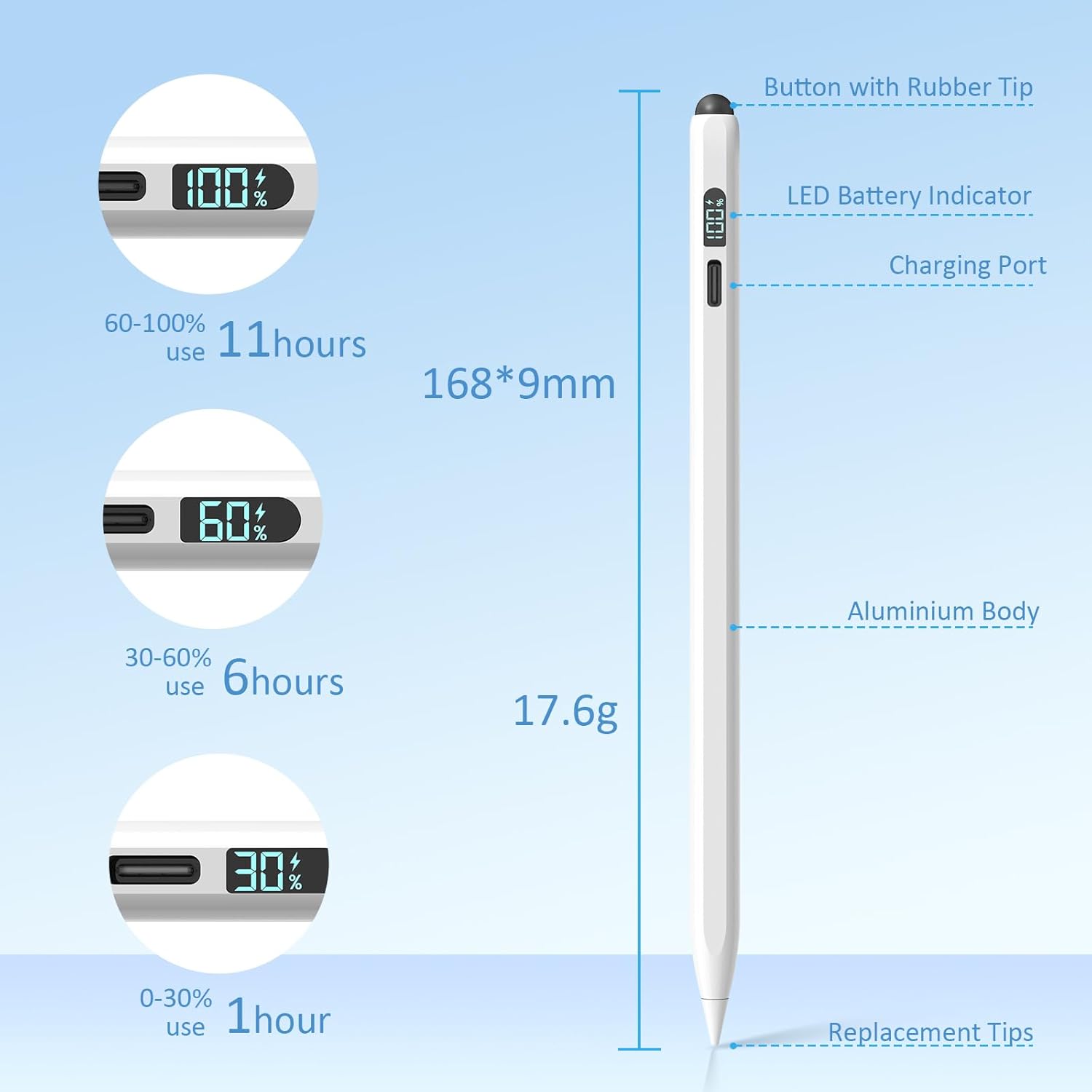
Second, the LED power display helps you keep track of battery status. Combined with auto-sleep, it’s built for longer work or study sessions—useful if you tend to pick up your tablet at different times of day and don’t want to guess whether the pen is ready.
For micro-experience: imagine sitting down to annotate a PDF for an assignment. You press the top button, rest your palm, then tilt the pen slightly to get a thinner or thicker line for highlighting and fine notes. That’s the workflow these features are meant to support.
Tech specs (the bits you’ll actually check)
- Type: 2-in-1 stylus pen for iPad and other touchscreens
- Active tip size: 1.5mm (active stylus tip)
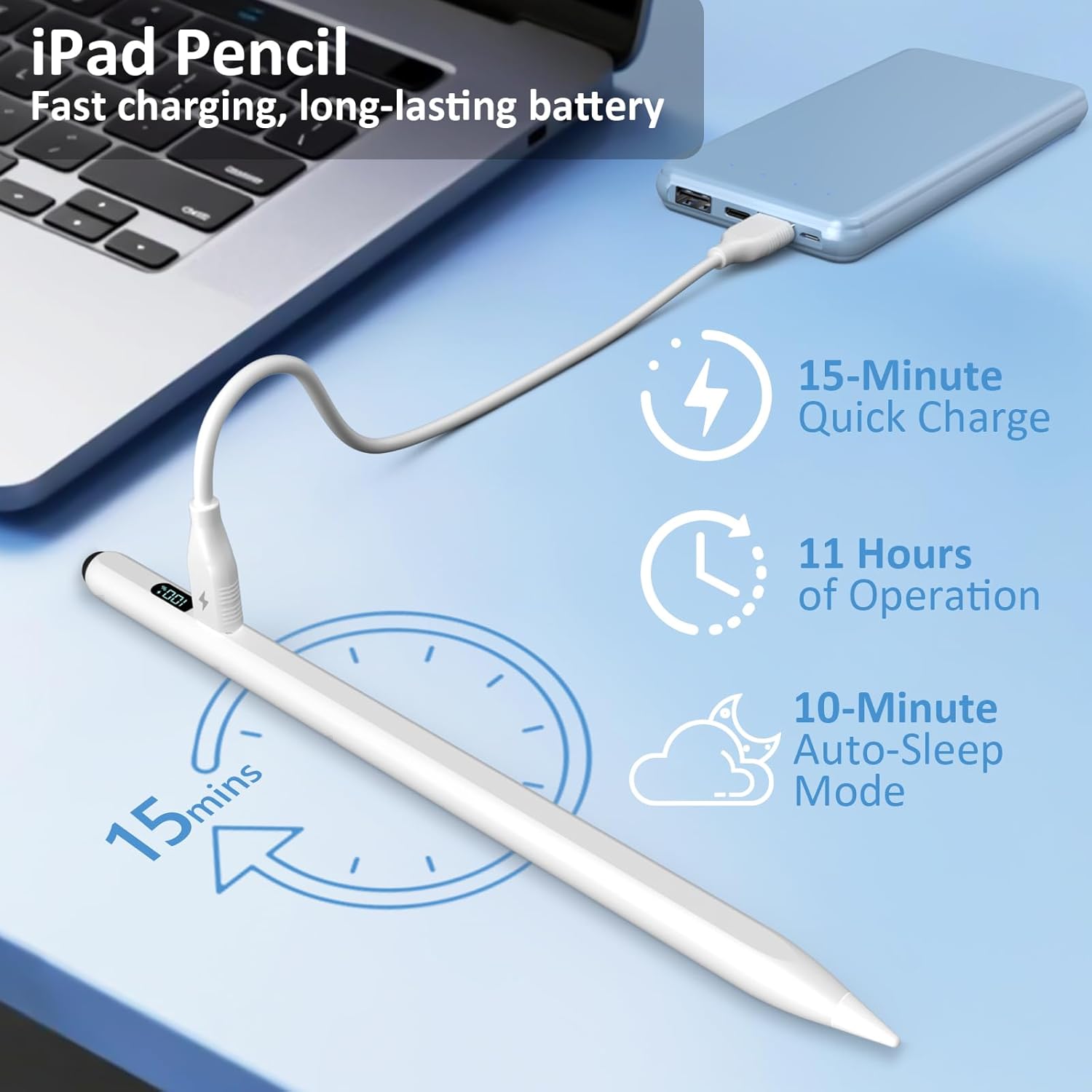
- Charging method: USB-C (fast charge)
- Fast charge time: fully powers in 15 minutes
- Continuous use claim: up to 11 hours of continuous use
- Power status: LED indicator for battery status
- Sleep mode: auto-sleep feature during inactivity
Who it suits (and where it may fall short)
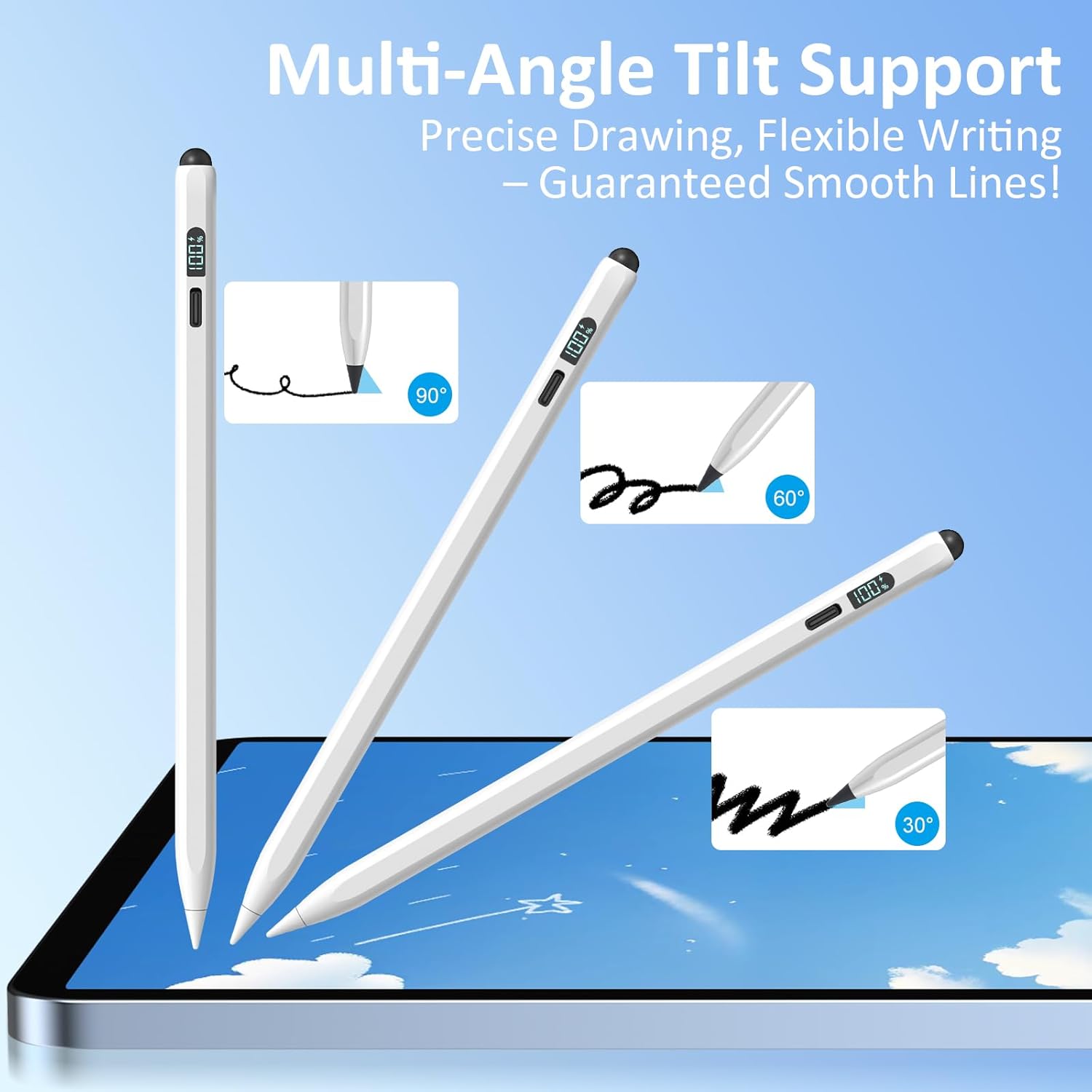
It makes sense if you want a simple, no-Bluetooth stylus that’s ready quickly and designed for pen-on-glass work. The tilt sensitivity is also a meaningful addition for sketching and design: the pen is described as adjusting line depth and thickness based on angle.
It might not be the best choice if you’re expecting features tied to Bluetooth pairing, or if you’re trying to match the most advanced behaviours from higher-end stylus systems. Also keep expectations grounded if you prefer wireless magnet charging, because wireless charging isn’t supported here.
Finally, the “works as both a touch screen pen and a capacitive pen” framing suggests flexibility across devices beyond iPad, but you should still treat the iPad experience as the core focus since the compatibility list is iPad-led.
Pros
- No Bluetooth pairing required, start with the top button
- LED battery indicator so you can check power status
- USB-C fast charging with an auto-sleep power saving feature
- Palm rejection helps reduce accidental touches
- Tilt sensitivity for more expressive line control
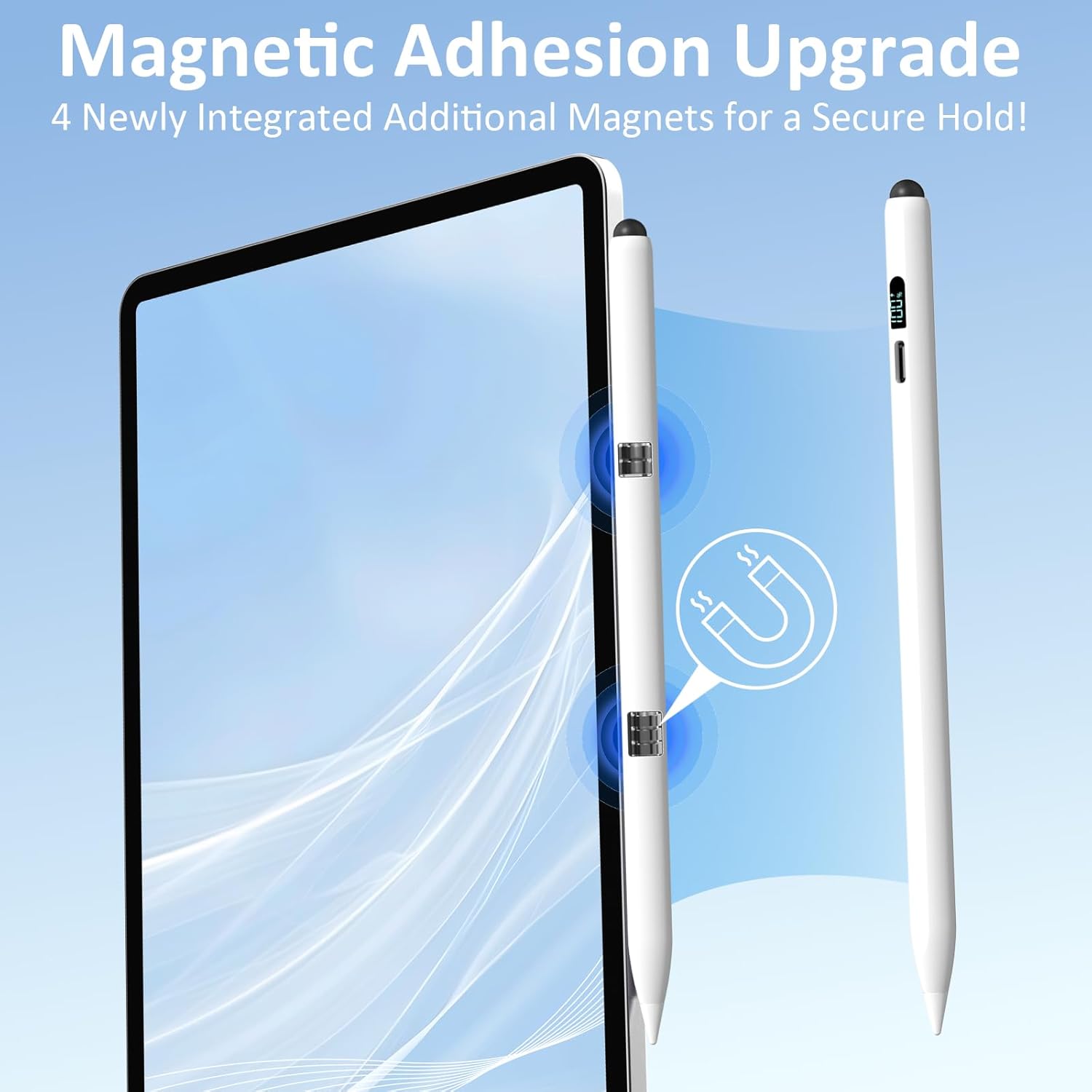
- Magnets included for secure attachment on the iPad
What to know before you buy
Check whether your iPad model is included in the 2018–2025 compatibility coverage listed in the product information. If you’ve previously used an Apple Pencil, the “forget the device” tip is worth keeping in mind—especially if you’ve had connection conflicts before.
Also, consider your charging habits. If you’re used to magnetic wireless charging, this one asks you to plug in with USB-C. That’s not a deal-breaker for many people, but it changes daily convenience.
Mini FAQ
Does it require Bluetooth pairing?
No. The pen is described as requiring no Bluetooth, you press the button on top to start using it.
How do I charge it?
It uses USB-C fast charging. The information states it can be fully powered in about 15 minutes.
Is palm rejection included?
Yes. The product notes palm rejection technology to help prevent accidental touches while writing or sketching.
Is wireless charging supported?
No, the note specifically says wireless charging is not supported.
Is it worth it?
Buy it if your priority is quick, low-hassle stylus use on supported iPads (2018–2025), especially for notes and light sketching where palm rejection and tilt sensitivity matter. It also suits you if you like seeing battery status via the LED display and you don’t mind charging over USB-C.
Skip it if you need wireless charging convenience, or if you’re chasing the most advanced “premium” stylus experience that depends on Bluetooth-driven behaviour. As always, double-check your iPad model against the compatibility range and, if you’ve used an Apple Pencil before, be ready to clear previous Bluetooth pairing to avoid the “on but not working” scenario.