


Stylus Pen for iPad (2018–2025)
Product description
The essentials
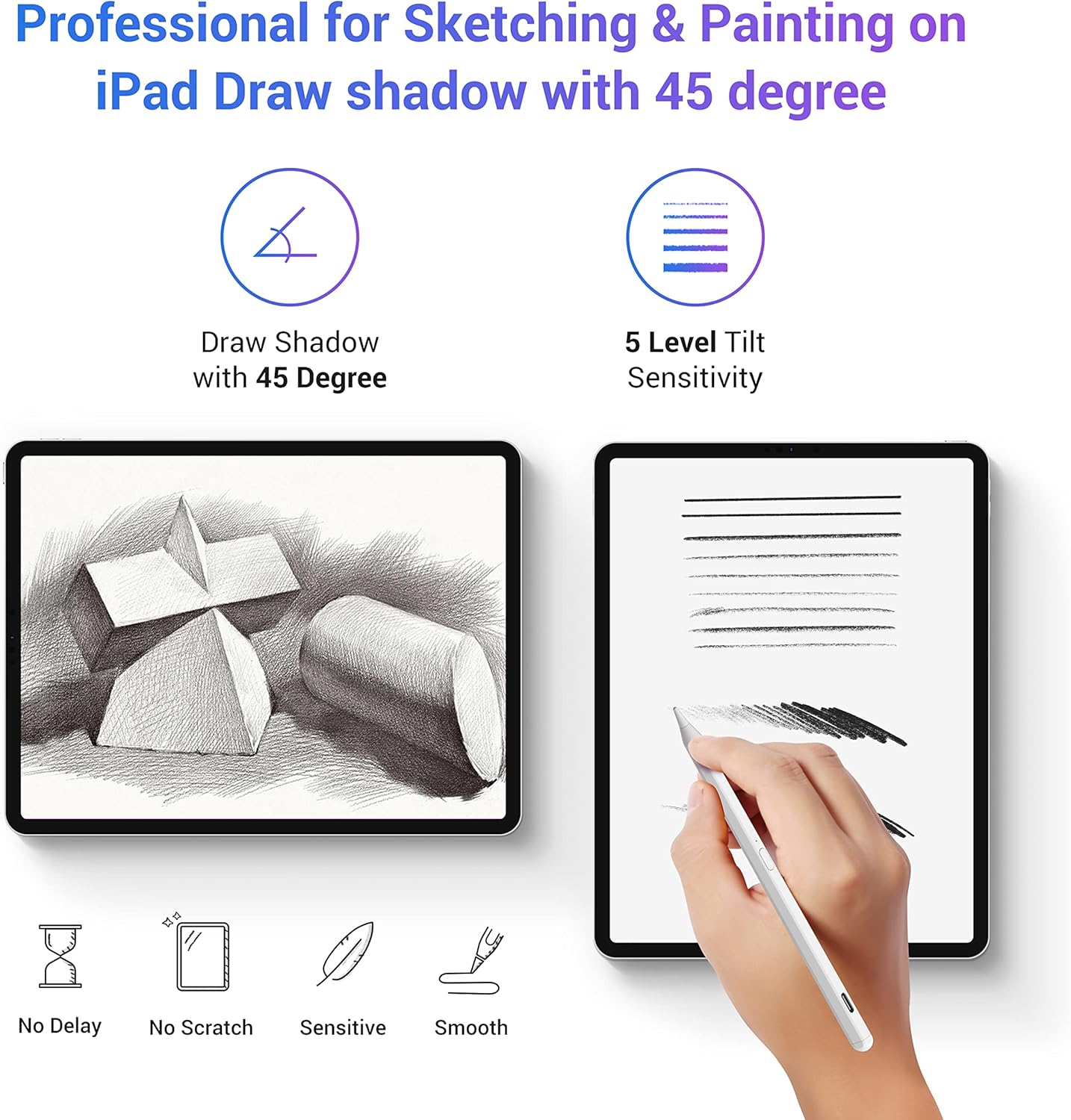
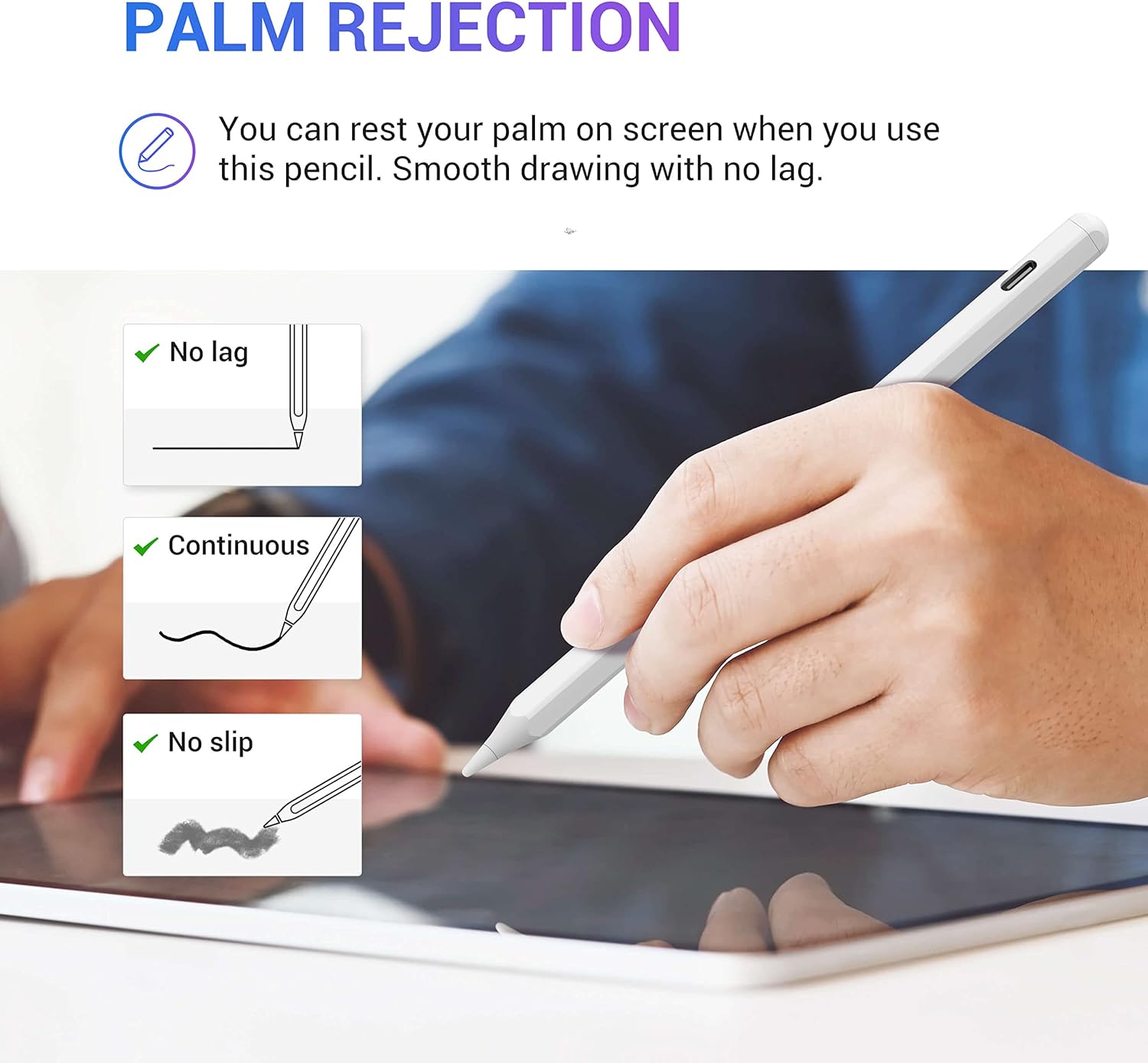
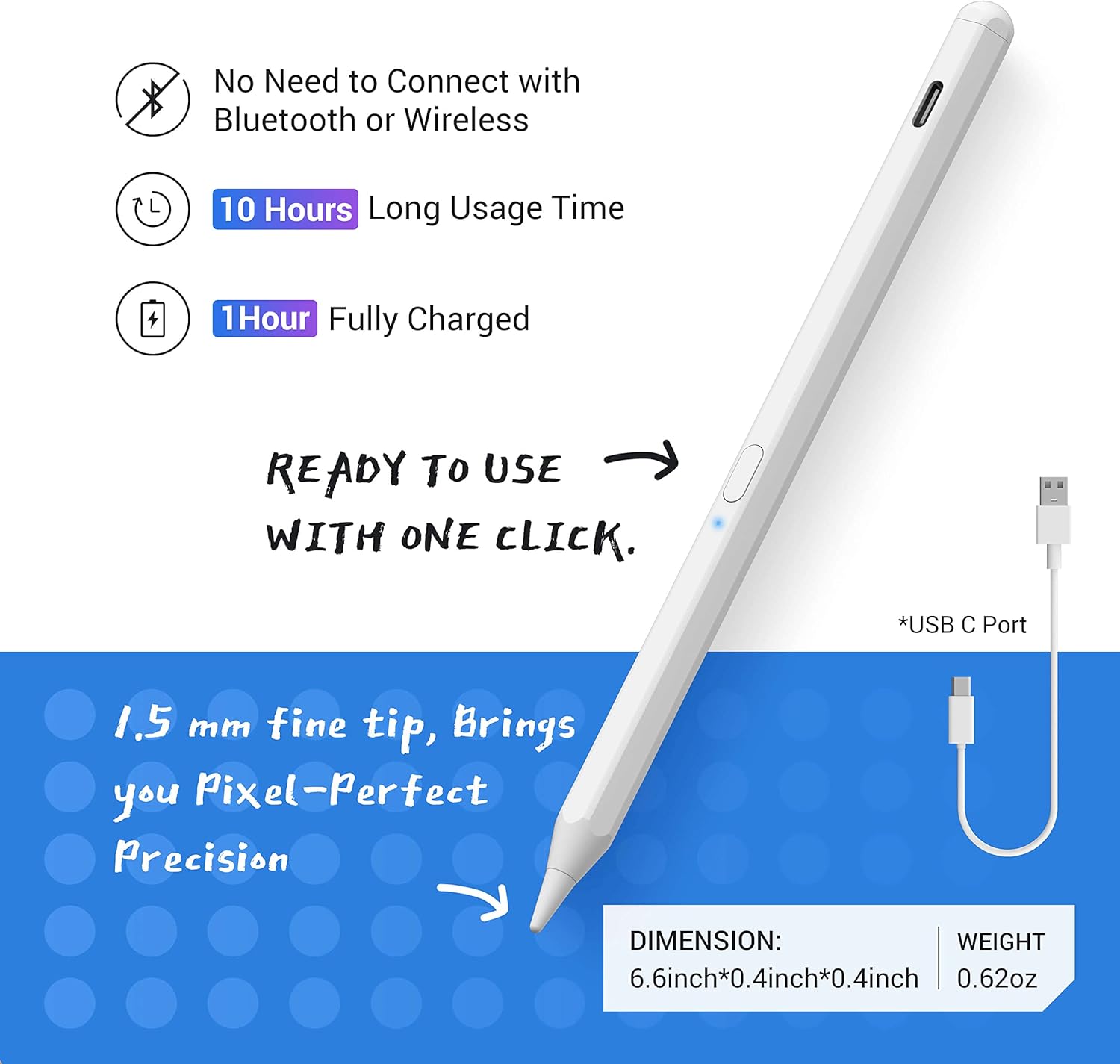
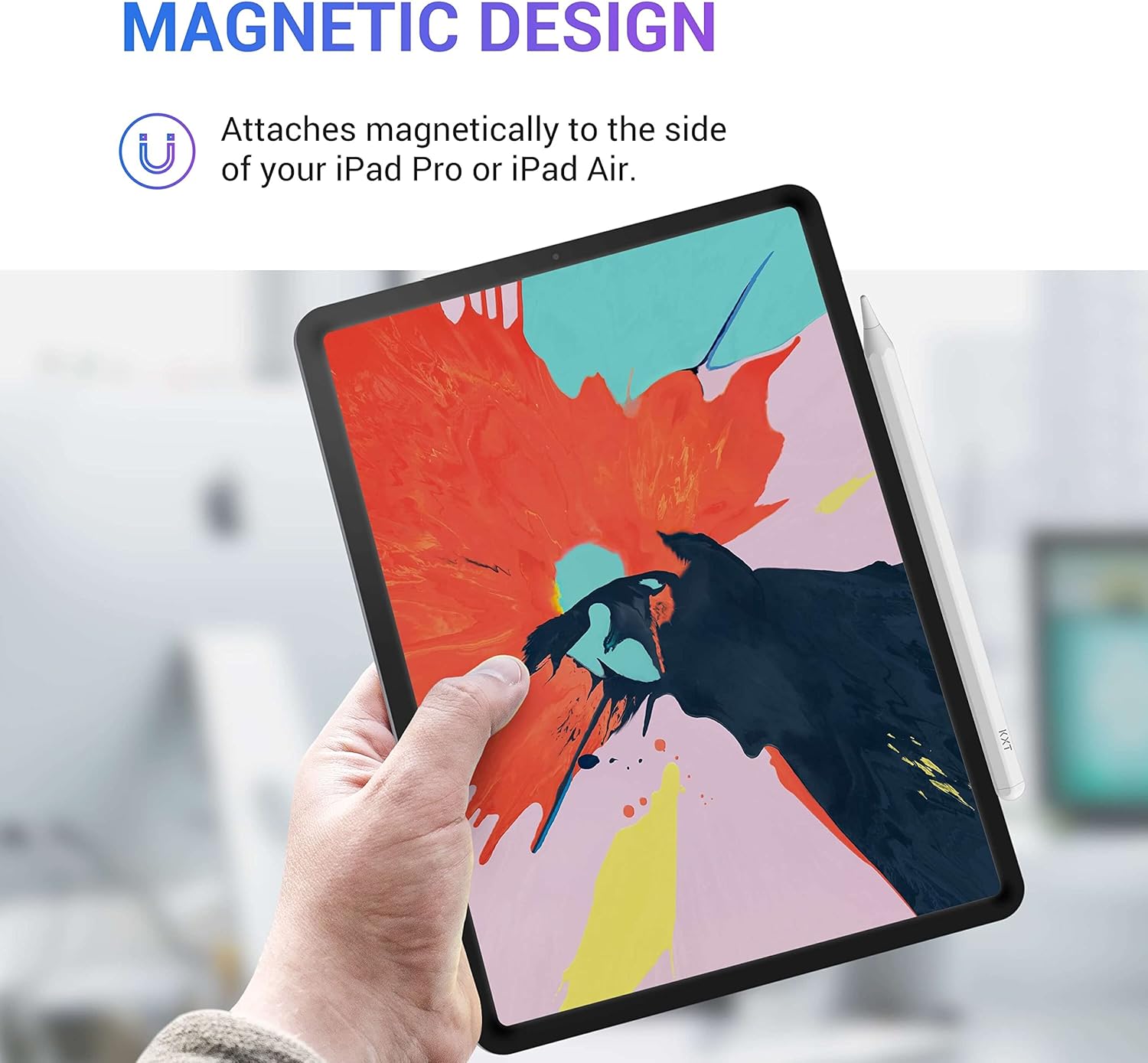
The Stylus Pen for iPad is designed to enhance drawing, writing and sketching on compatible Apple tablets. With tilt sensitivity, you can vary line weight and shading just as you would with a real pencil, bringing depth to your digital artwork. Palm rejection lets you rest your hand on the screen without triggering stray marks, so you can work comfortably for longer sessions. The 1.5 mm nib delivers precise, pixel-perfect accuracy with smooth response and virtually no lag, making it suitable for detailed illustrations and note taking alike. It attaches magnetically to iPad furniture and requires no Bluetooth pairing, keeping setup quick and straightforward for everyday use.
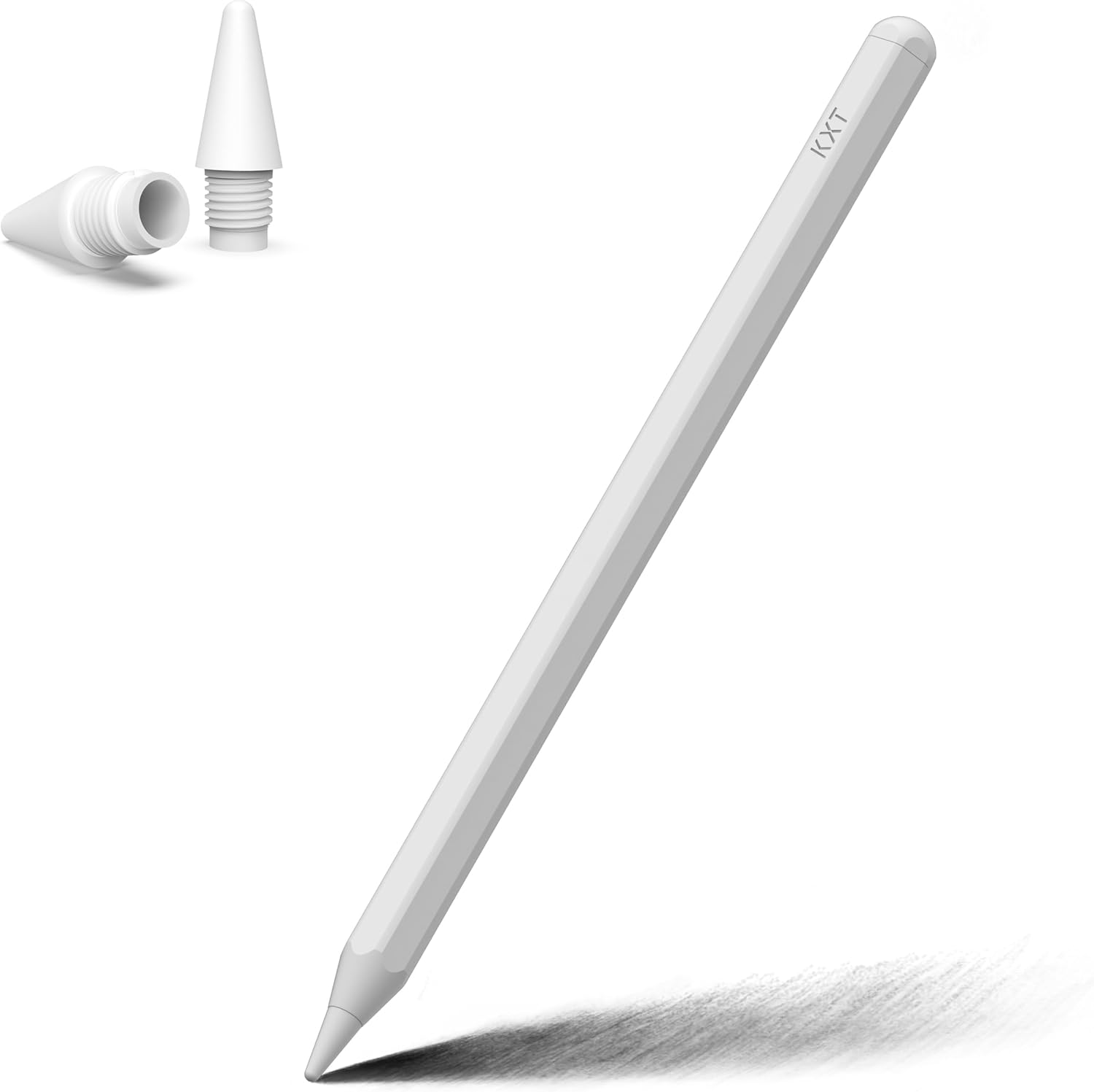
Used across a range of generations from iPad 9.7 and 10.2 to the latest Pro and Air models, this stylus pairs well with both writers and artists who value practical reliability over flashy gimmicks. Whether you’re capturing ideas on a commute or refining sketches in a studio, the pen offers a tactile experience closer to traditional tools while preserving the benefits of digital editing. The matte finish provides a comfortable grip, reducing fatigue during long sessions and helping you stay precise as ideas flow. If you appreciate a responsive, glove-free drawing experience, this stylus makes it easy to transition from rough drafts to refined final pieces. 😌✍️
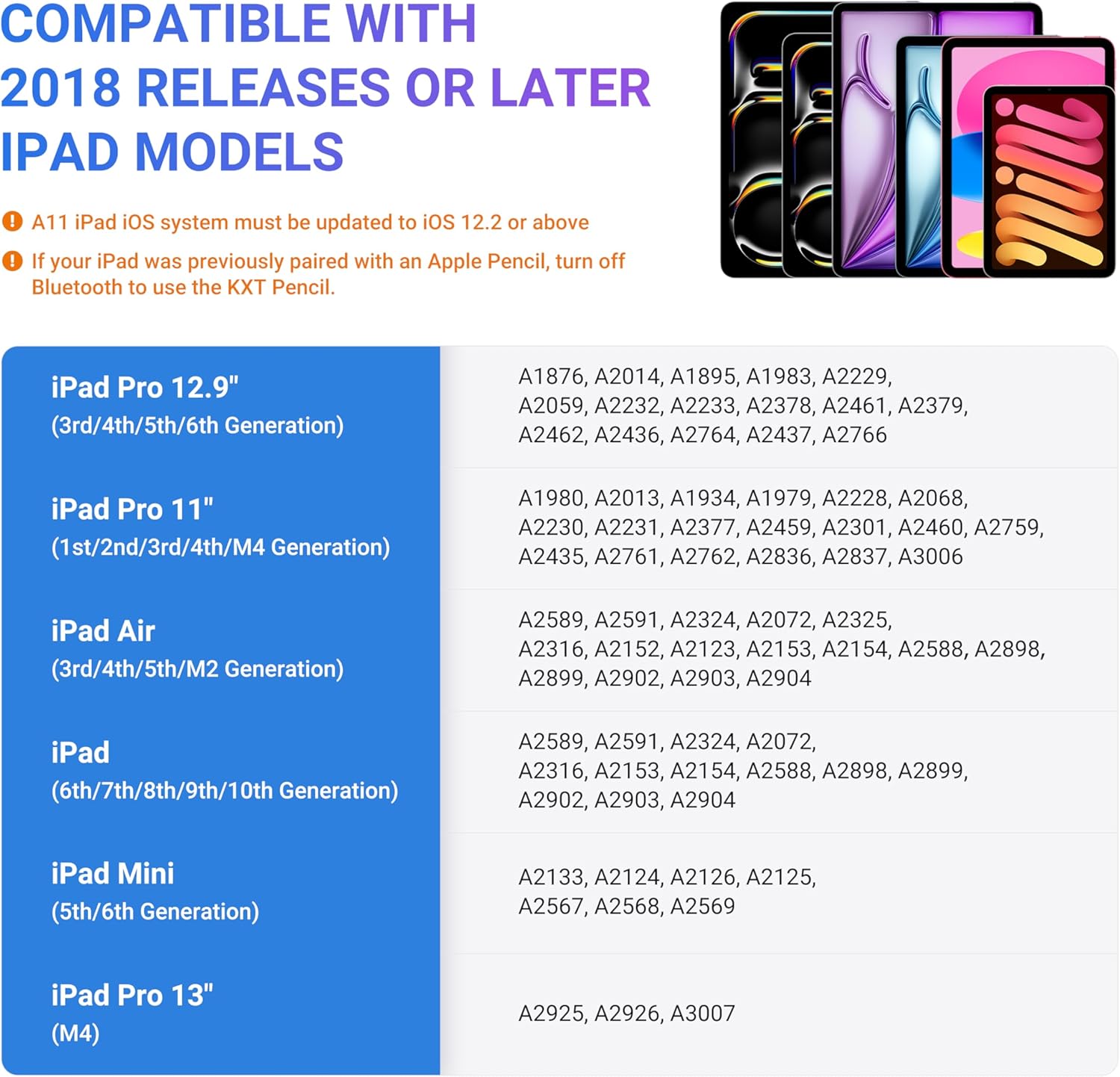
Note how the design emphasises simplicity: there’s no need to connect to Bluetooth or charge via cumbersome cables. The compatibility list covers a broad swath of iPad models released from 2018 onwards, including various iPad Pro generations, Air, Mini, and the standard iPad lines. This makes it a pragmatic addition for households with mixed devices or students who expect good value for money. In practice, you’ll likely find it a reliable companion for daily tasks, from quick doodles during a meeting to structured study notes late in the evening. 🗒️
If you’re seeking a straightforward tool that integrates smoothly into your existing iPad setup, this stylus focuses on core needs: reliable precision, comfortable handling and practical compatibility. It is well suited to artists testing ideas, professionals drafting ideas on the go, and hobbyists who want a more tactile writing experience without the overhead of dedicated graphics tablets. With its practical feature set and no-fuss operation, it stands up well to everyday creative work and classroom use alike.
In short, this stylus provides a dependable, intuitive drawing and writing experience that complements the iPad ecosystem, helping you capture ideas quickly and refine them with ease. 📱✏️