

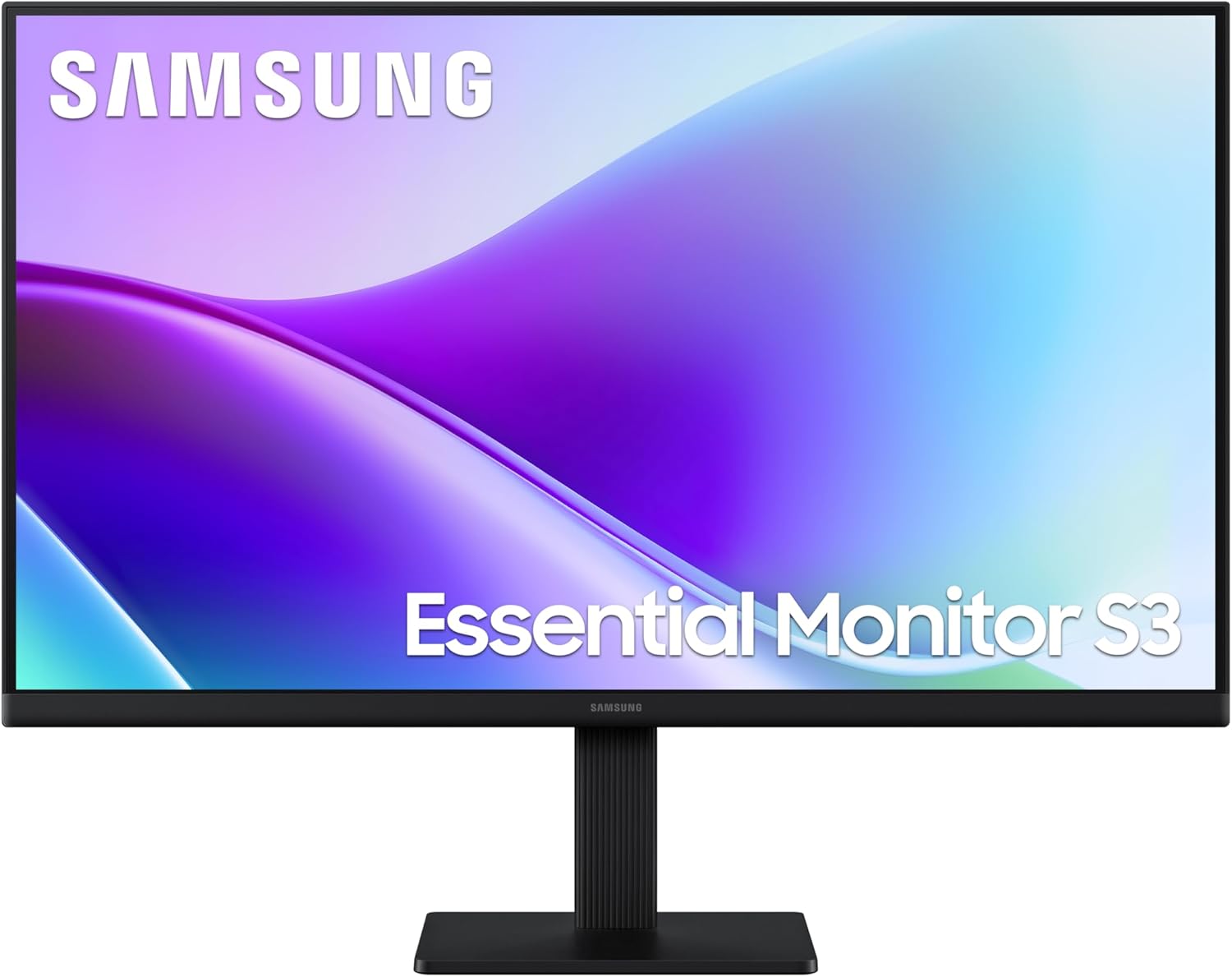
Samsung LS22D310EAUXXU 22" Full HD monitor with HDMI, VGA and Eye Saver Mode
Product description
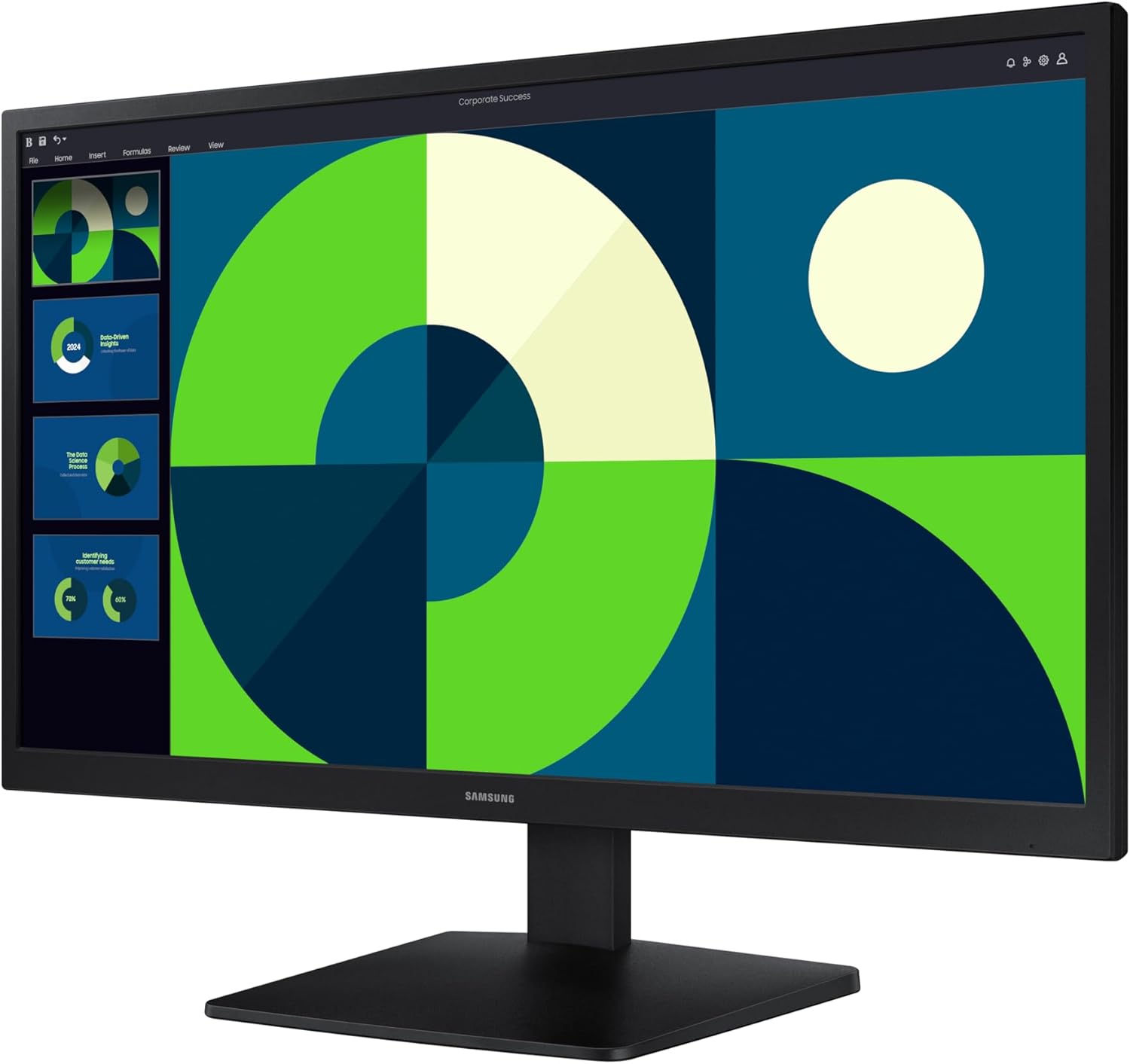
If you’re after a straightforward 22" Full HD monitor for everyday viewing and light gaming, the Samsung LS22D310EAUXXU is aimed squarely at that. It leans into practical connectivity (HDMI and VGA), simple setup, and comfort-minded features, rather than trying to be a specialist display.
In day-to-day use, a monitor like this makes sense when you want a clear 1920×1080p picture without paying for higher-end extras. The spec sheet also hints at smoother action thanks to a 75Hz refresh rate, plus a Game Mode for optimised settings.
Key takeaways
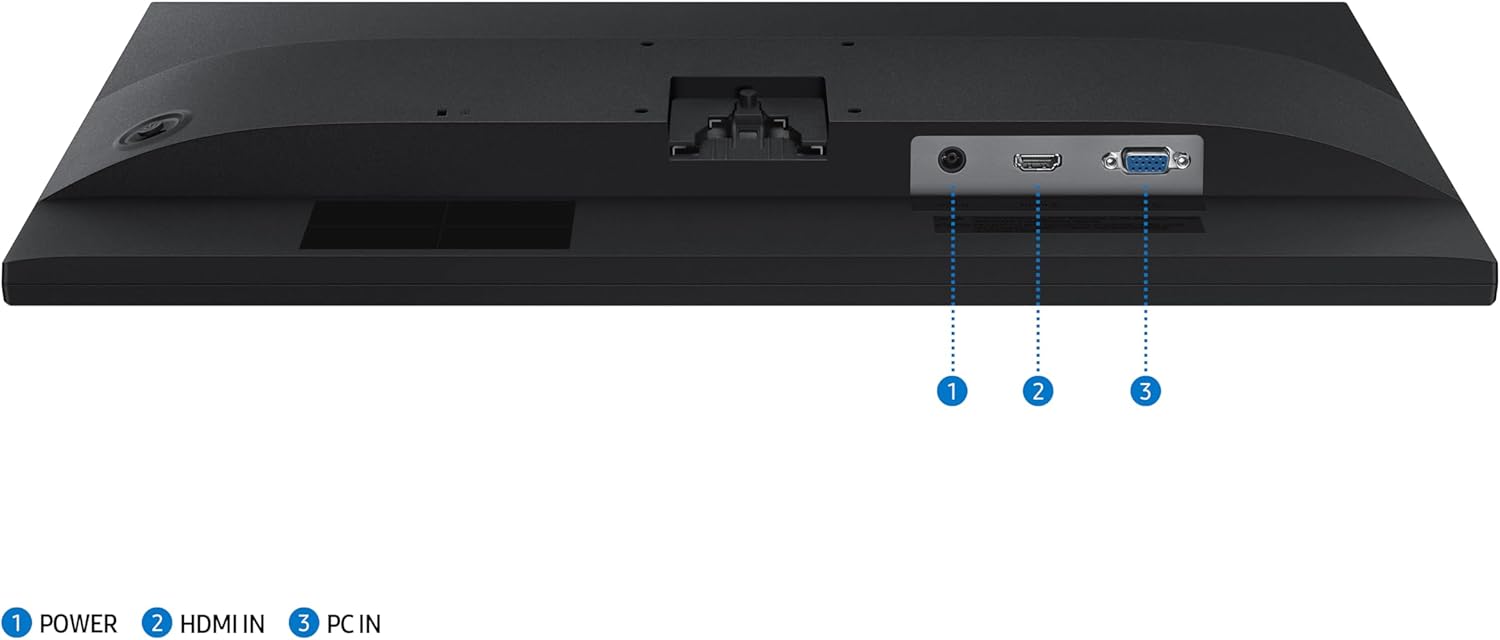
The headline points here are the 75Hz refresh rate for smoother scenes, Game Mode for gaming tweaks, and Eye Saver Mode with less screen flickering for longer stretches. You also get dual connectivity with both HDMI and VGA, which can be handy if you’re sharing a setup between devices or you’ve still got older hardware.
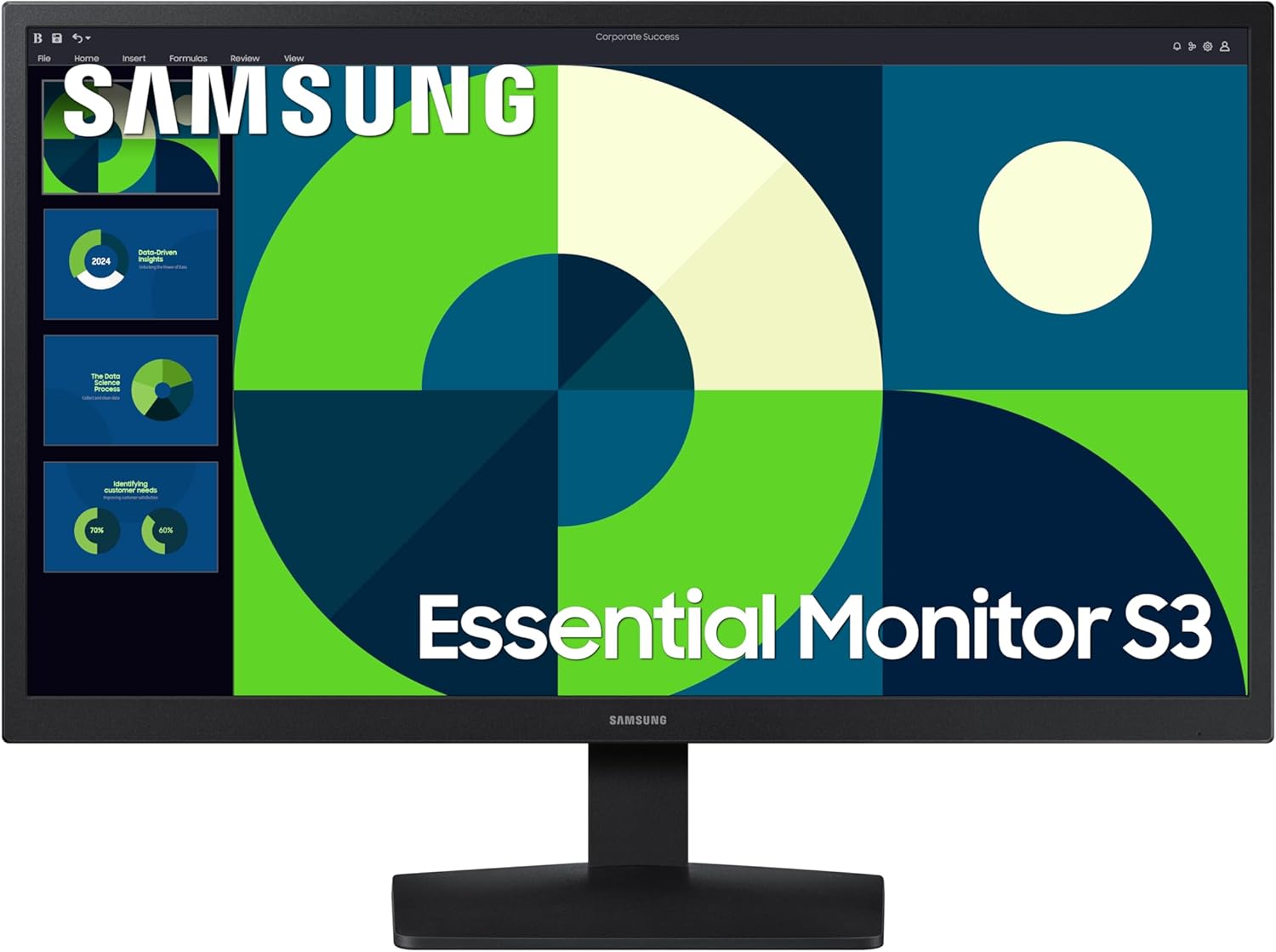
That said, it’s not marketed as a premium gaming monitor. It’s more “use it every day” than “chase the absolute fastest response” kind of purchase, so if your priority is serious competitive play at the very top end, you may find this sits more in the mid-to-entry bracket.
Where it shines for everyday use
This Samsung model is designed for typical home and office tasks: web browsing, document work, streaming entertainment, and casual gaming sessions. The 3000:1 contrast ratio is there to support sharper details and a more lively look across the screen.
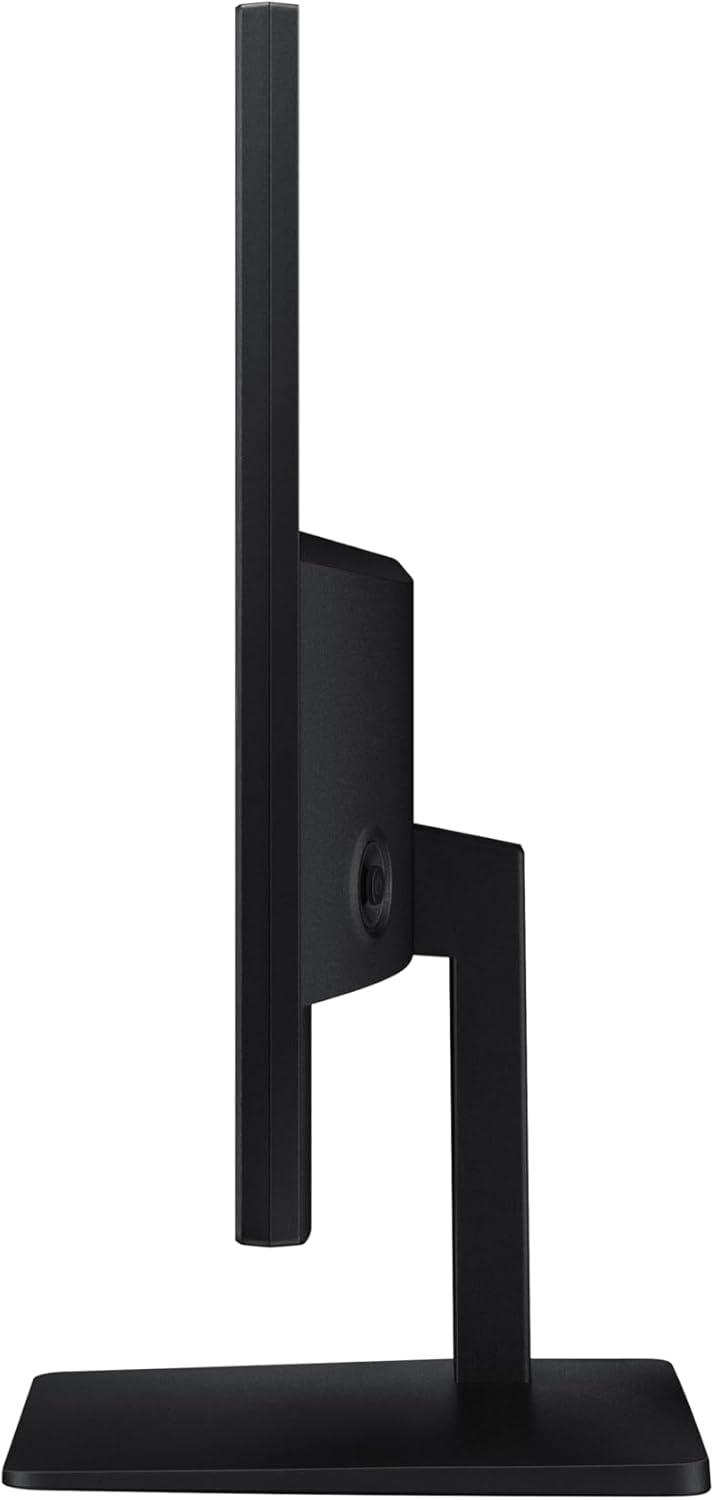
A small practical example: imagine plugging a laptop into HDMI for studying and switching to a desktop via VGA later without needing extra adapters. Dual connectivity is exactly the kind of convenience that saves time, especially if your desk setup evolves.
What matters most in gaming and entertainment
The 75Hz refresh rate is the feature you’ll feel first if you watch fast-moving content or play games more than occasionally. Over 60Hz-class panels, it can make motion look a bit smoother and reduce the sense of lag/ghosting, at least on paper.
Game Mode is also included, with the idea that your in-game settings get optimised rather than you having to do everything manually. It’s a sensible inclusion for a monitor that’s otherwise positioned as a general-purpose screen.
Comfort features to keep in mind
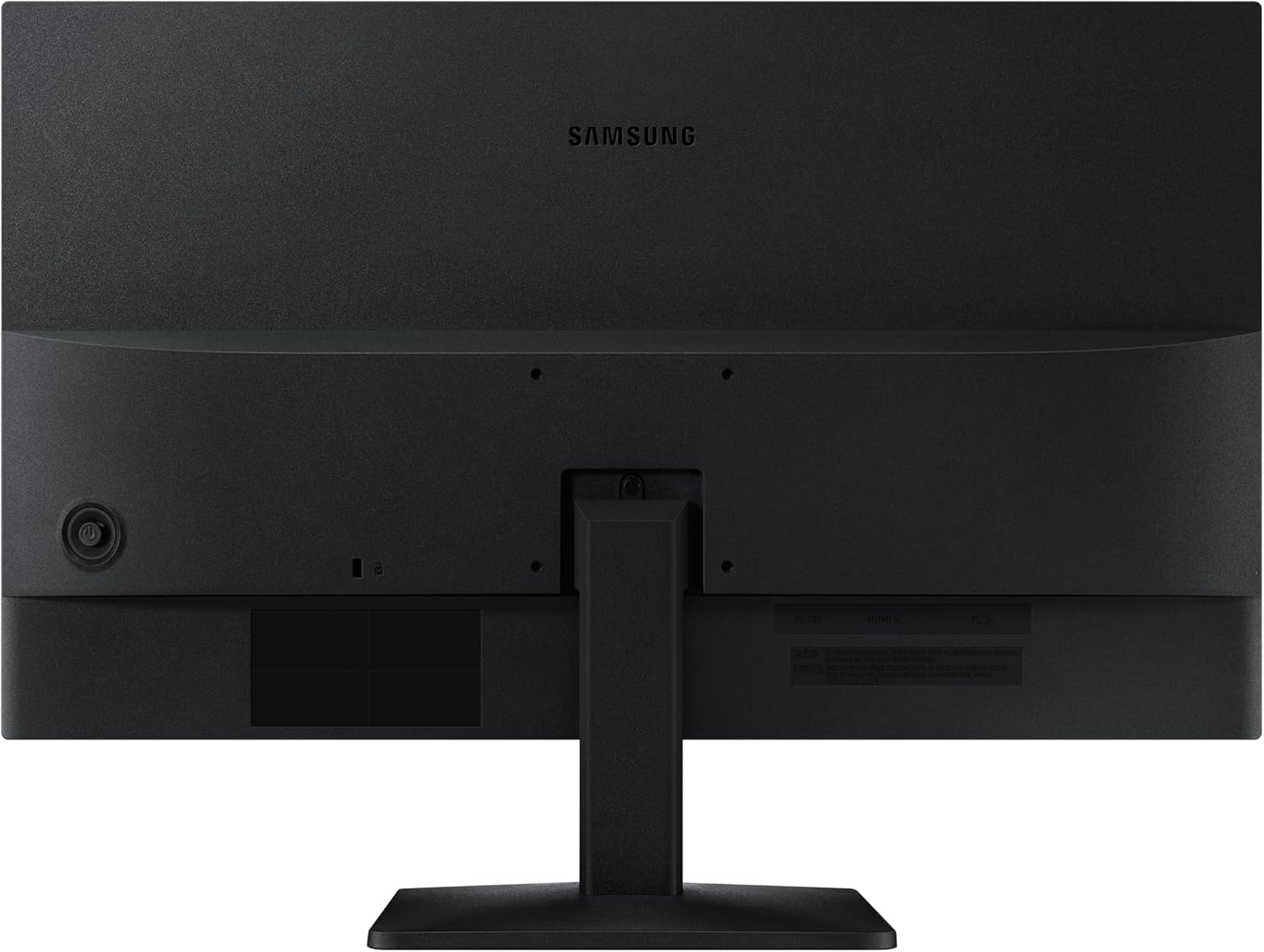
Eye Saver Mode & Less Screen Flickering are included to help protect your vision and stay comfortable during long sessions. It’s the sort of feature that’s easy to appreciate if you do late-night work, frequent study blocks, or long periods on the same screen.
Worth noting: comfort features won’t replace good habits like taking breaks and adjusting brightness sensibly, but they can take the edge off.
Tech overview
- Refresh rate: 75Hz
- Resolution: 1920×1080p (Full HD)
- Connectivity: HDMI and VGA
- Contrast ratio: 3000:1
- Includes: Eye Saver Mode, Less Screen Flickering, Game Mode
Is it for you? Buying verdict
It’s a good fit if you want a 22" Full HD monitor that covers both modern and older connections (HDMI + VGA), and you’re looking for smoother visuals with a 75Hz refresh rate. It also suits you if you care about comfort for longer sessions thanks to Eye Saver Mode and reduced screen flickering.
It might not be a great match if you’re shopping specifically for high-end competitive gaming performance, or if you want a monitor that’s heavily focused on advanced display technologies beyond the basics. In other words, it’s likely better viewed as a dependable all-rounder rather than a flagship.
Mini FAQ
How do the HDMI and VGA inputs help?
They make it easier to connect different devices to the same screen. If you use both a newer device (HDMI) and an older one (VGA), you won’t need to compromise as much.
Does Game Mode automatically change settings?
The description indicates it provides optimised game settings. In practice, that means you should expect a gaming-friendly configuration rather than a purely neutral picture mode.
Will Eye Saver Mode reduce eye strain?
It’s designed to protect your vision and improve comfort during long sessions, helped by less screen flickering. However, it’s still worth using sensible brightness and taking breaks.
What’s the benefit of 75Hz compared with 60Hz?
On paper, 75Hz should deliver smoother scenes for entertainment and can help with less lag and ghosting, which is most noticeable when content moves quickly.
Final verdict
Should you buy it? If you want a practical 22" Full HD monitor with HDMI + VGA, a 75Hz refresh rate for smoother motion, and comfort-focused features for extended use, the Samsung LS22D310EAUXXU is built around those needs. Just be a little realistic about positioning: it’s best seen as a value-minded everyday monitor with casual-gaming support, rather than something aimed at squeezing out top-tier competitive performance.