

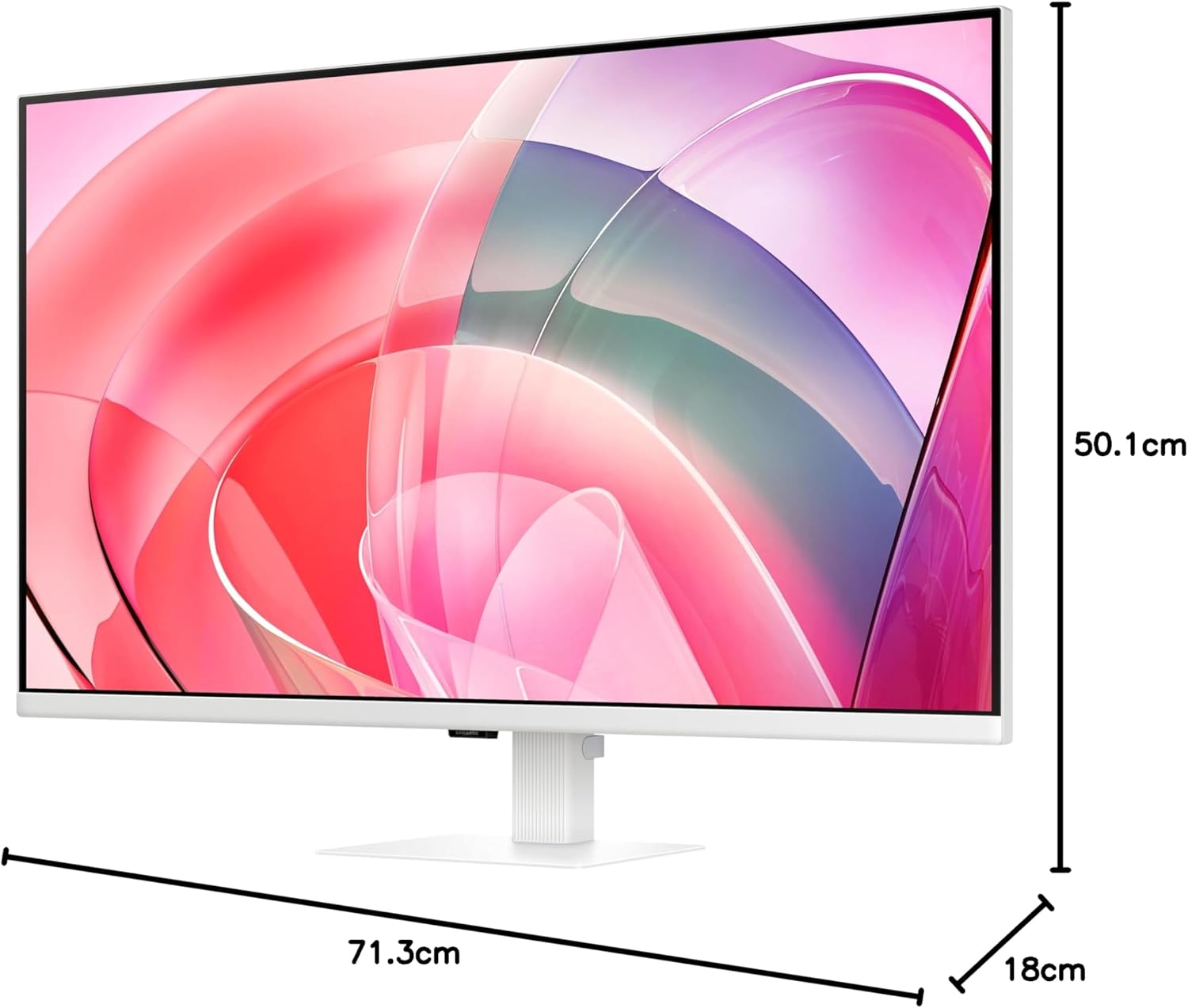
Samsung LS32D701EAUXXU 32-inch 4K monitor with HDMI, DisplayPort and USB
Reviews
Price
Product description
The essentials
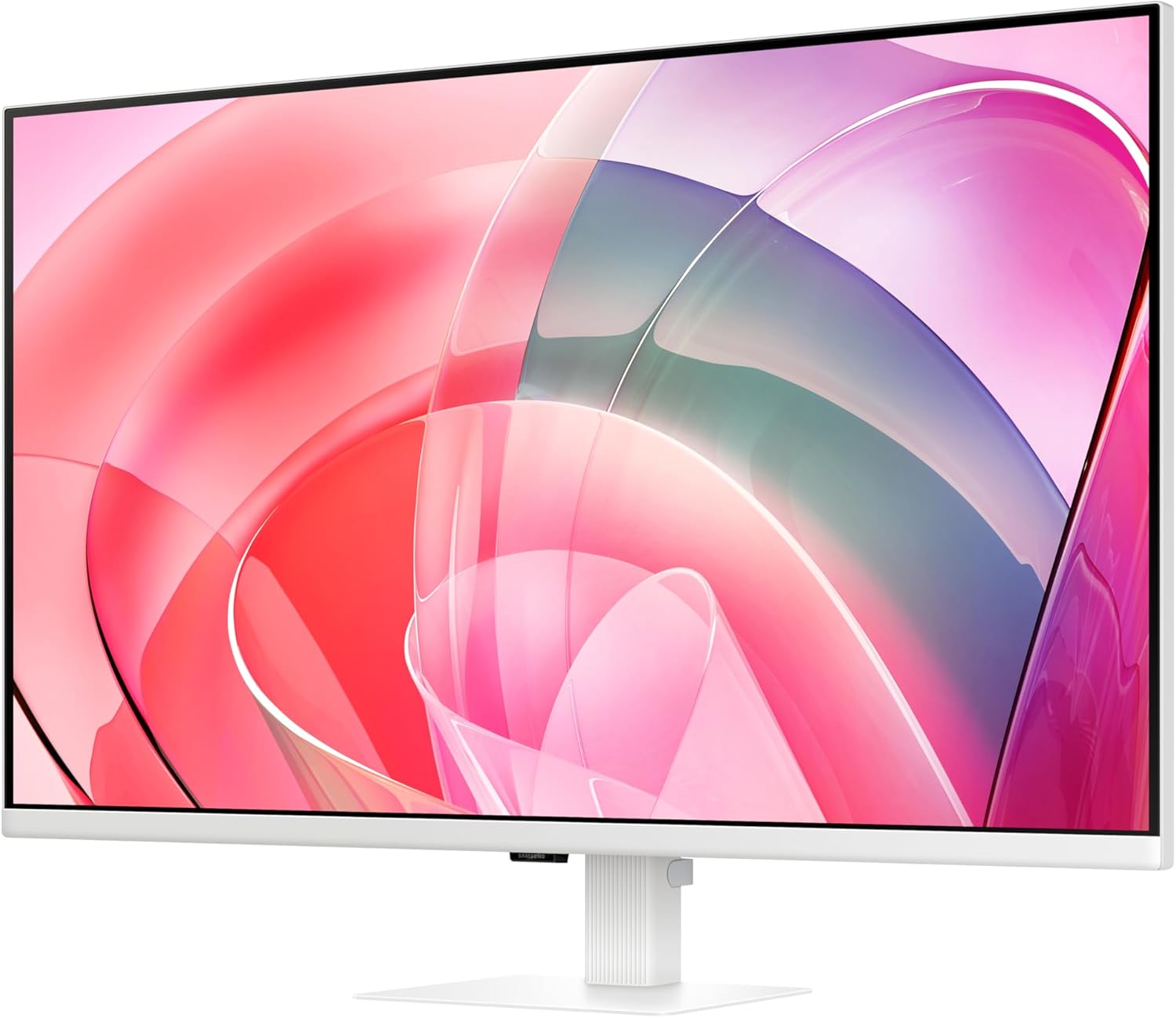
The Samsung LS32D701EAUXXU is a 32-inch 4K monitor built around the idea that you want crisp detail and reliable day-to-day comfort. On paper, the big draw is the UHD resolution (3840 x 2160) paired with HDR10 support, so it’s aimed at people who care about sharper text, clearer workspaces and richer-looking colour when the content supports it. It also includes HDMI and DisplayPort for hooking up peripherals without drama.
The other side of the story is eye comfort. Samsung mentions TUV certification for intelligent eye care, including an Eye Saver mode designed to reduce flickering and protect against excessive blue light. That’s the sort of feature you only notice properly after a few long sessions—when your eyes feel less “done” at the end of the day.
Key features that matter in real use
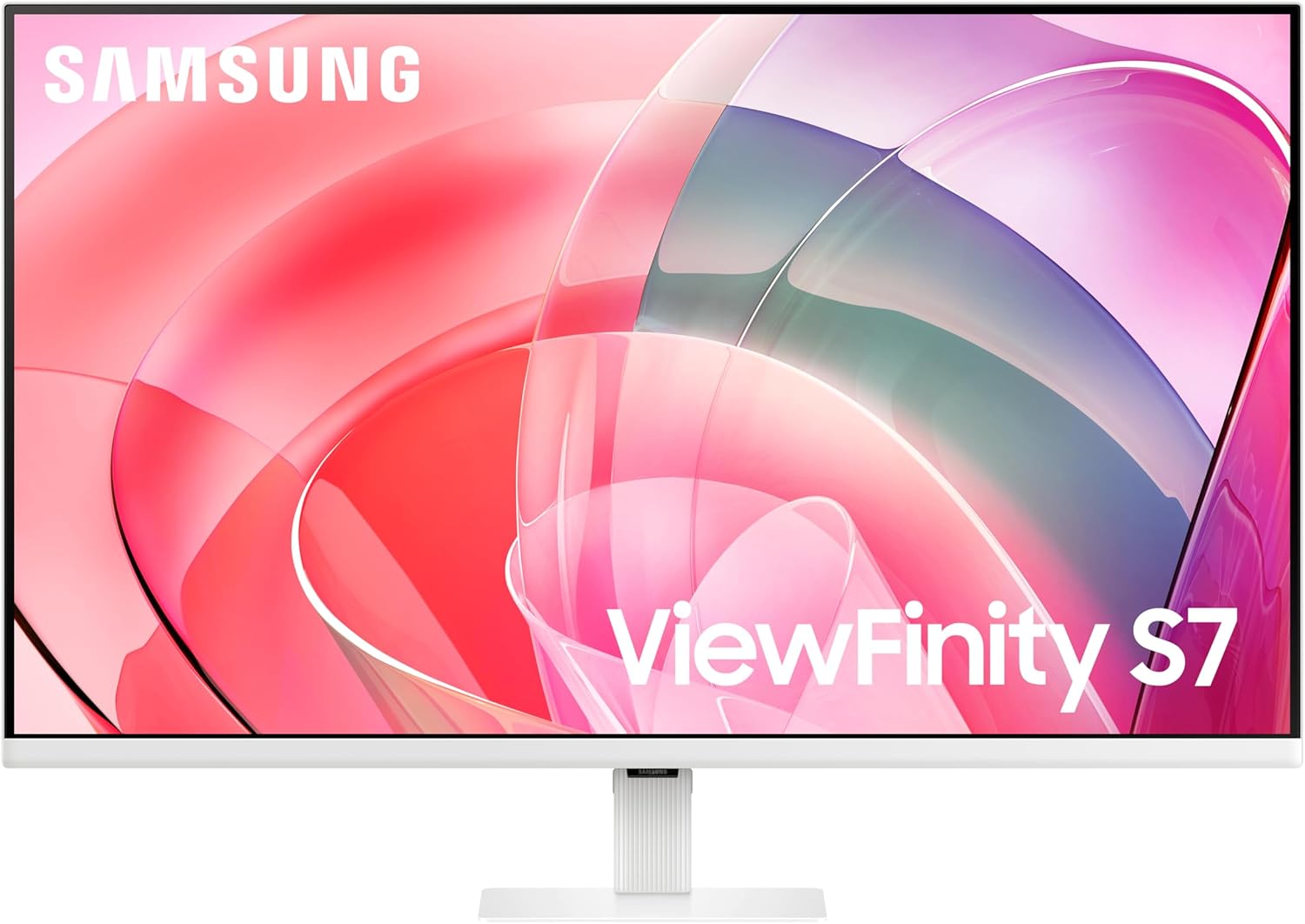
A 32-inch 4K screen can be brilliant for multitasking, because you get more space to spread windows out side by side. If you tend to work with documents, spreadsheets, or design-style workflows, the higher pixel density is exactly what helps smaller text stay readable. For media, HDR10 can add a bit more depth to colour and contrast, but it’s worth tempering expectations: HDR tends to look best when the source material is actually made for it.
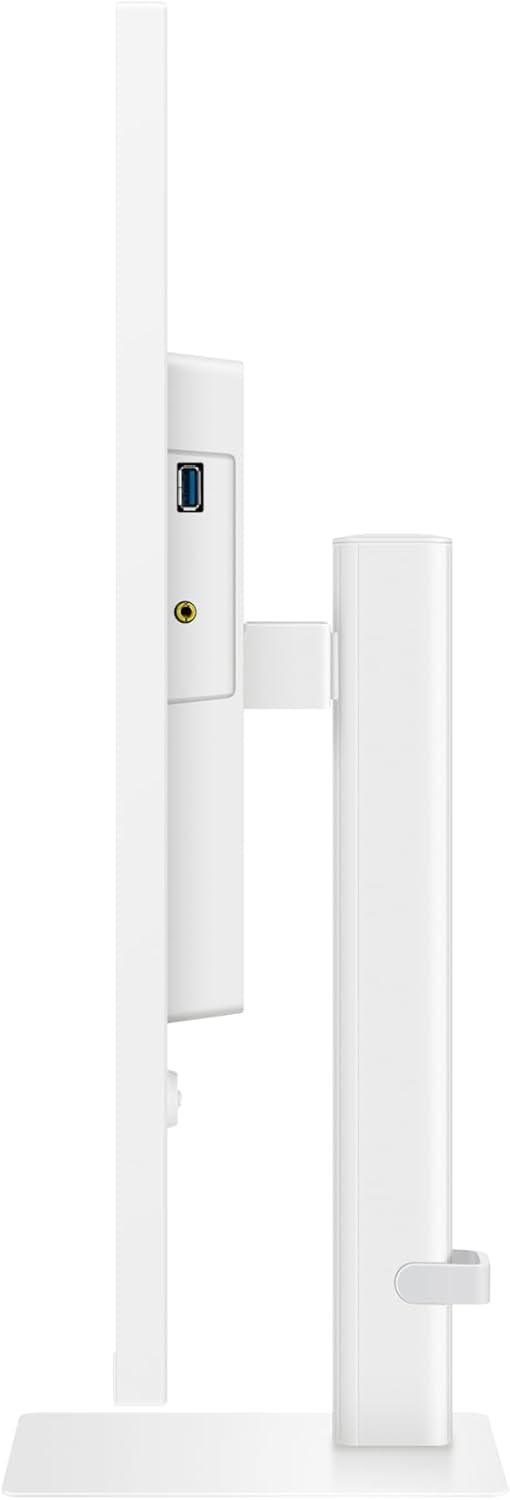
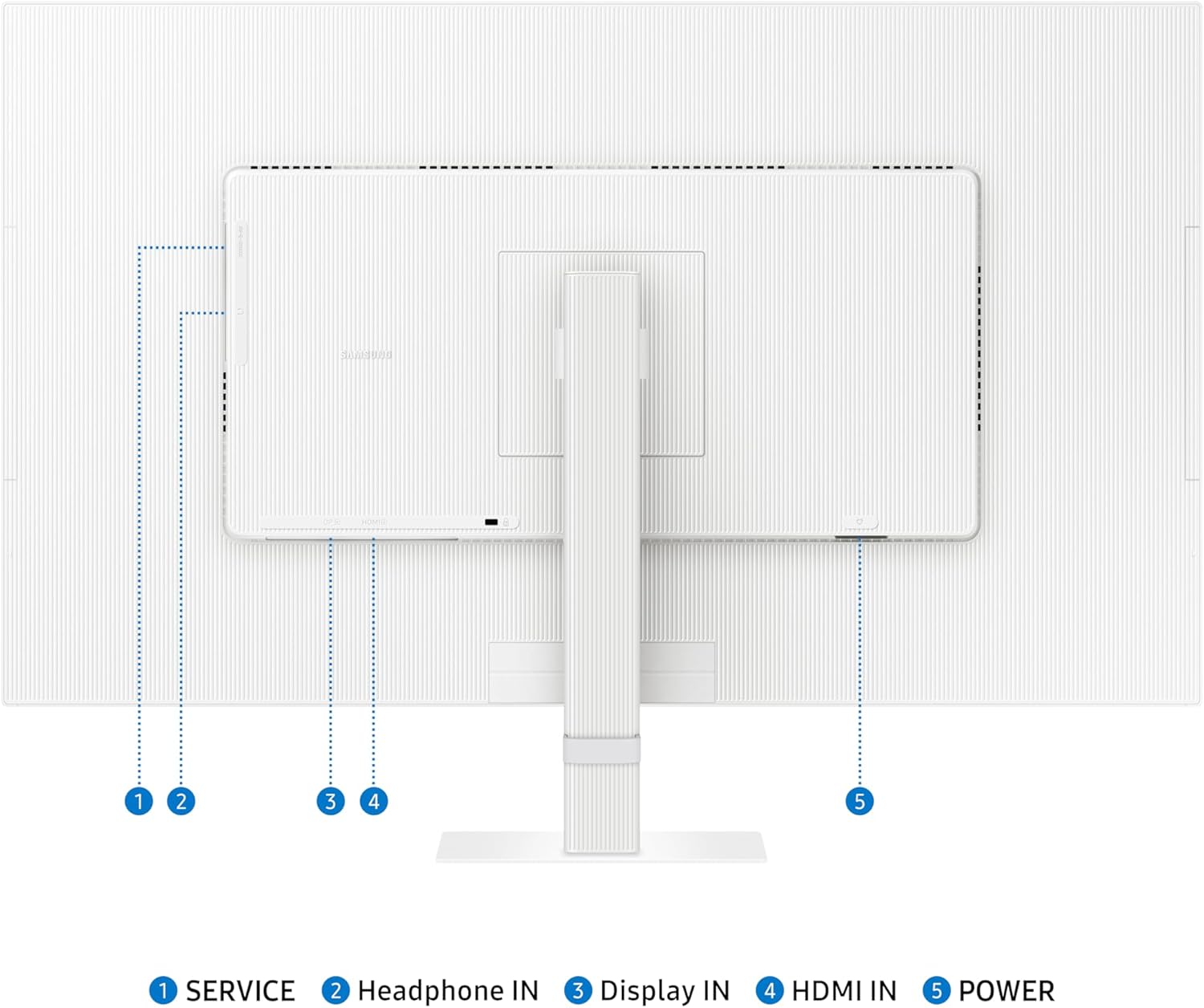
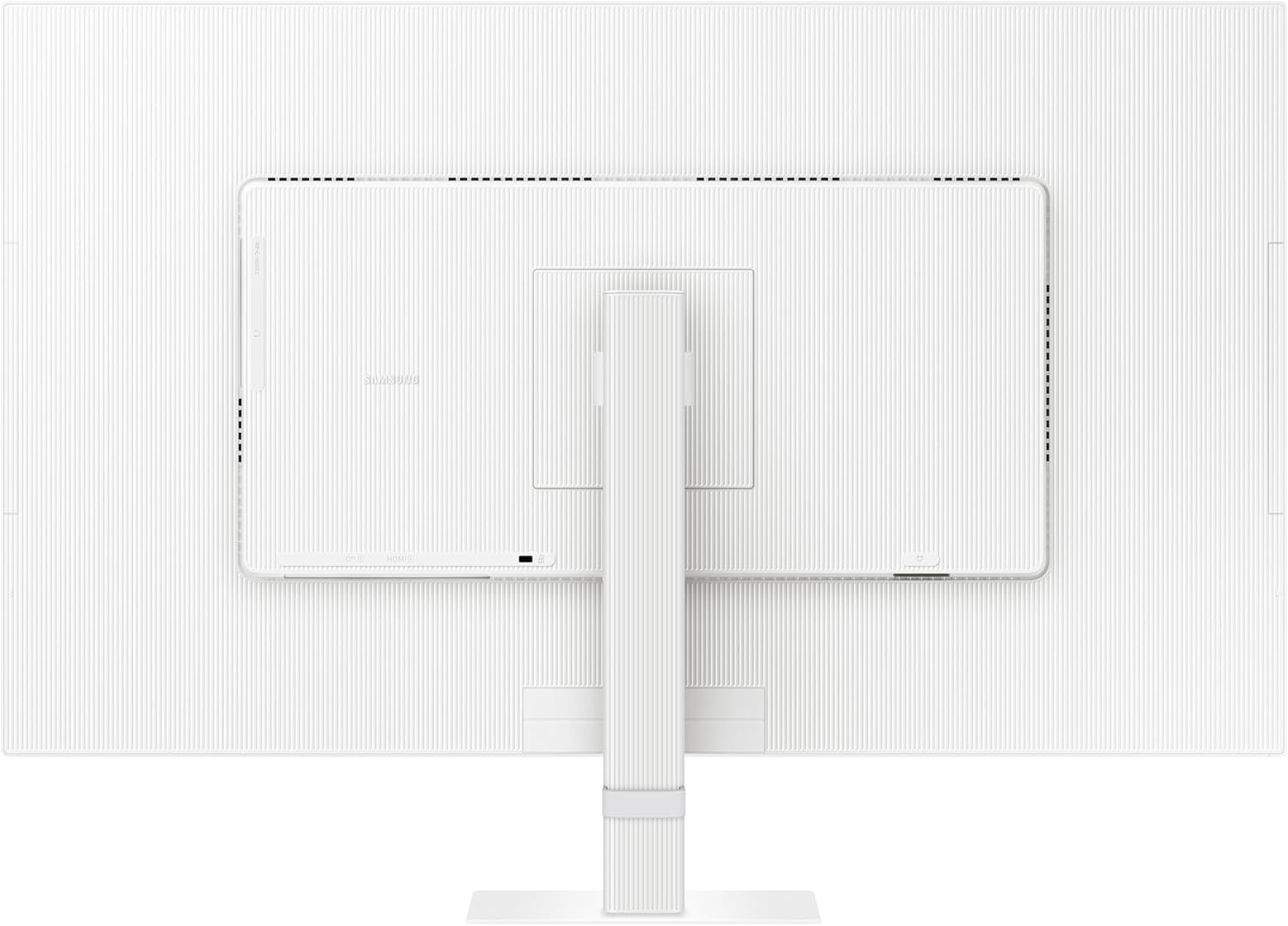
Connectivity is also a practical strength here. With both HDMI and DisplayPort listed, plus USB, this is set up for modern desks where you want to plug in a laptop for work and keep other devices connected too. The included easy-setup stand is described as tool-free, and the stand lets you push a button to adjust flexibility—handy if you often switch between viewing positions.
What stands out (and what to watch)
Where this monitor comes across strongest is the combination of 4K clarity and the “eye care” approach. If you spend hours at a time in front of a screen, features like reduced flicker and blue light protection can genuinely improve how comfortable things feel.
That said, there are a couple of sensible caveats. First, HDR10 is only as good as the content you watch or play—non-HDR material won’t magically become HDR. Second, the specification details provided don’t confirm things like refresh rate or response time, so if you’re shopping primarily for competitive gaming performance, you may want to double-check those figures elsewhere before committing.
Tech summary
The Samsung LS32D701EAUXXU is an UHD (3840 x 2160) 32-inch monitor offering HDR10 and 1.07 billion colours. It’s designed with HDMI and DisplayPort inputs for connecting peripherals, and includes USB for add-on connectivity. For screen comfort, it’s described as TUV-certified for intelligent eye care, with Eye Saver mode aimed at reducing flickering and limiting excessive blue light.
Who it suits (and who might want to look elsewhere)
It makes sense if you want a larger 4K screen for productivity and everyday entertainment, and you’re not only chasing spec-sheet numbers. You’ll likely appreciate the higher detail density for reading and working, and the eye-care features if you’re the type of person who can feel a bit of strain after long sessions.
It’s not the best match if your priority is first-class motion performance for fast competitive gaming, because the provided information doesn’t give enough detail to judge that properly. And if you mostly watch basic SDR content, HDR10 won’t be a major differentiator.
Getting the most from it
If you set up a typical desk, this kind of monitor really shines when you use it as your main “workspace canvas”. For example, you can keep a spreadsheet or project plan on the left, reference notes on the right, and run a communication app in a side window—4K space makes that easier than on a lower-resolution screen. If you’re connecting a laptop through HDMI or DisplayPort, it’s also a straightforward way to get consistent desktop layout without constantly scaling.
Is it worth it?
Worth considering if you’re buying a 32-inch 4K monitor for clear everyday work, side-by-side multitasking, and more comfortable viewing over longer stretches—especially thanks to the Eye Saver / flicker-reduction and blue-light protection claims.
You may want to skip it if you’re hunting for a performance-focused gaming monitor and you need confirmation on gaming-critical specs, or if HDR10 content availability in your routine is low.
Mini FAQ
Is HDR10 supported?
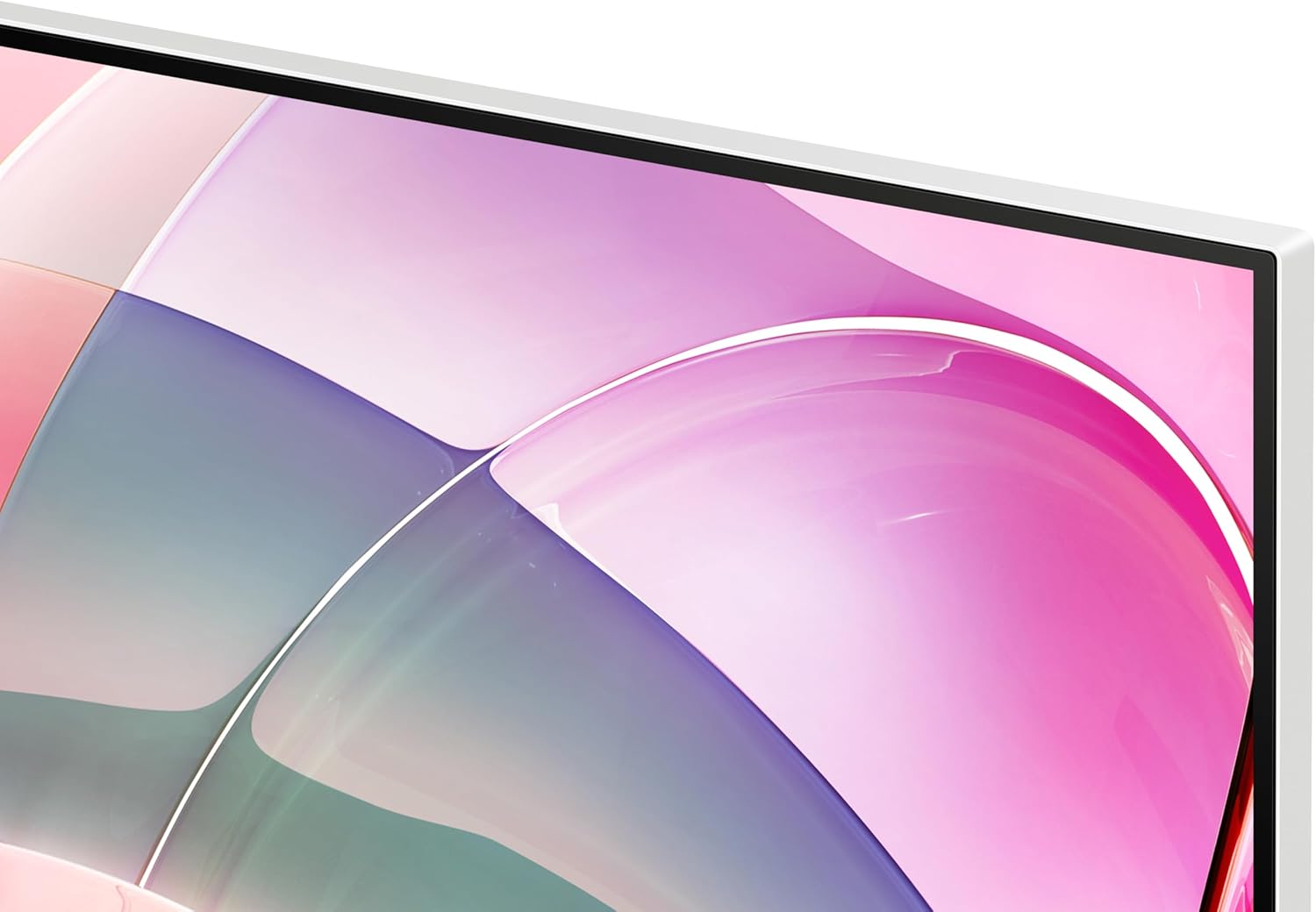
Yes, the listing states HDR10 support, with Samsung positioning it for more lifelike colour representation.
What connections does the Samsung LS32D701EAUXXU have?
It’s described with HDMI and DisplayPort, plus USB for peripheral connectivity.
Is it comfortable for long viewing sessions?
Samsung says it’s TUV-certified for intelligent eye care and includes Eye Saver mode aimed at reducing flicker and excessive blue light.
Does 4K help for productivity?
On a 32-inch display, UHD resolution is designed to make details and text sharper, which typically helps with readability when you’re working from a desk for hours.